brrr-cli
Health Warn
- No license — Repository has no license file
- Description — Repository has a description
- Active repo — Last push 0 days ago
- Community trust — 21 GitHub stars
Code Pass
- Code scan — Scanned 12 files during light audit, no dangerous patterns found
Permissions Pass
- Permissions — No dangerous permissions requested
This CLI tool integrates with AI agent CLIs (Claude Code, Codex, and Copilot) to send push notifications to your devices when a task finishes or requires user input. It configures local agent settings to trigger webhooks through the brrr.now service.
Security Assessment
Overall risk: Low. The codebase was scanned and contains no hardcoded secrets or dangerous patterns. The tool requests no excessive system permissions. However, it automatically modifies local configuration files (like `~/.claude/settings.json` and `~/.codex/config.toml`) to register its hooks. It also makes external network requests to send your specified webhook URL to the brrr.now API. While the code itself is safe, users should be aware that it interacts with local settings and transmits data externally based on the provided webhook ID.
Quality Assessment
The project is highly active, with its last push occurring today. It has earned 21 GitHub stars, indicating a modest but real level of community trust. The primary negative is the complete absence of a license file. This means that, strictly speaking, all rights are reserved by the author, which could present intellectual property concerns for business or enterprise use.
Verdict
Safe to use for personal productivity, but use with caution in commercial projects due to the missing license.
Notifications for agent CLIs using brrr.now 📳
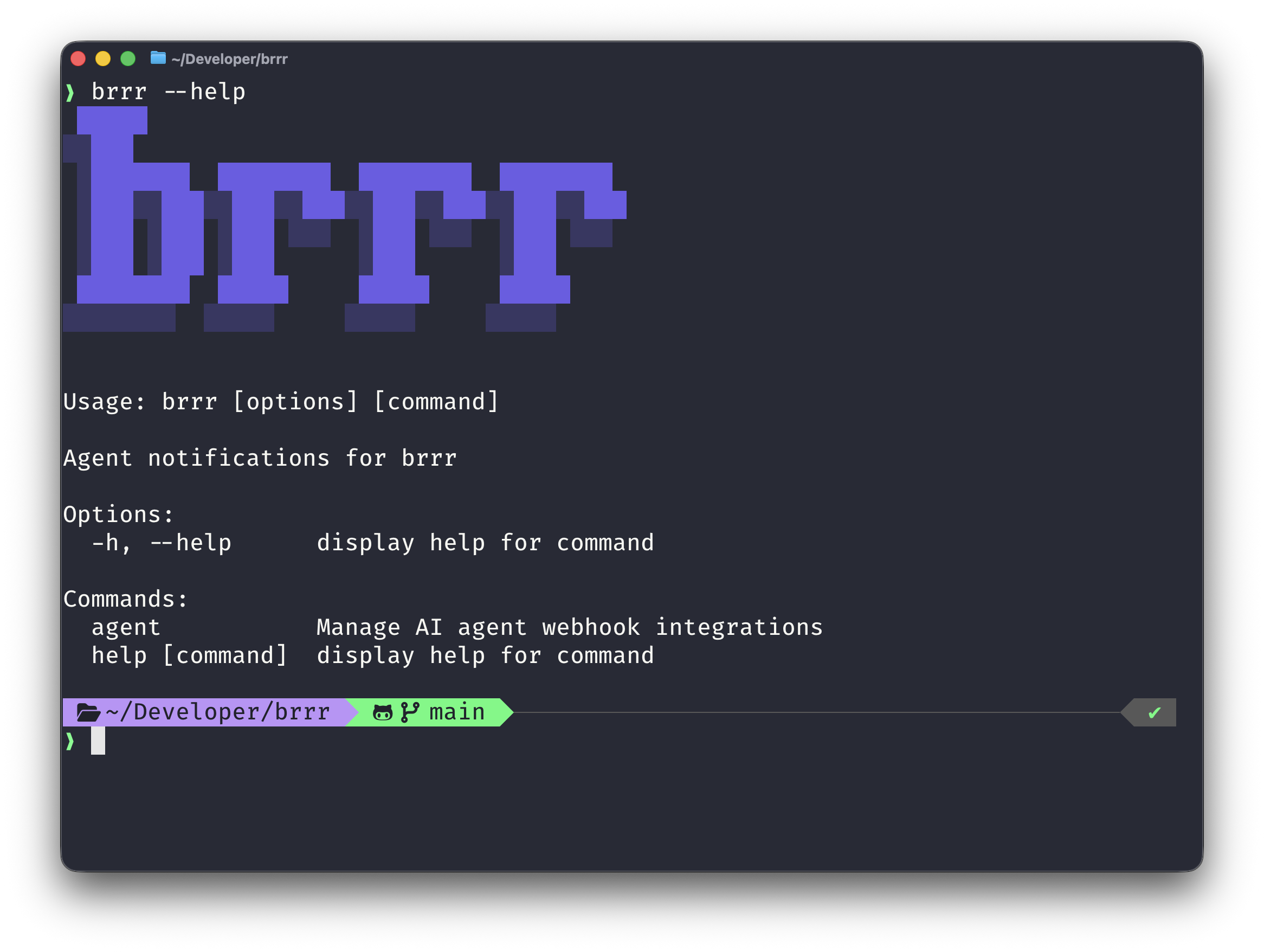
brrr-cli — notifications for agent CLIs using brrr.now
Easy peasy installation of Claude Code, Codex, and Copilot CLI hooks to send push notifications.
 █████
░░███
 ░███████  ████████  ████████  ████████
 ░███░░███░░███░░███░░███░░███░░███░░███
 ░███ ░███ ░███ ░░░  ░███ ░░░  ░███ ░░░
 ░███ ░███ ░███      ░███      ░███
 ████████  █████     █████     █████
░░░░░░░░  ░░░░░     ░░░░░     ░░░░░
✨ Why?
brrr installs webhook notifications for supported AI agent CLIs on macOS.
The goal is simple: when Claude, Codex, or Copilot finishes, or when Claude needs approval or your input, send a push through your brrr webhook.
It uses Claude's hooks, Codex' notify, and Copilot's hooks to detect the agent is done. The CLI automatically modifies ~/.claude/settings.json, ~/.codex/config.toml, and a repo-local Copilot hooks file at .github/hooks/brrr-copilot.json.
🚀 Getting Started
Install with Homebrew:
brew tap simonbs/brrr-cli https://github.com/simonbs/brrr-cli.git
brew install brrr
Then install agent integrations with your webhook:
brrr agent install all \
    --webhook 'https://api.brrr.now/v1/br_your_webhook_id' \
    --idle-seconds 300
For Copilot, run the install command from the repository where you use Copilot CLI. Copilot CLI loads hooks from the current working directory, so brrr writes Copilot support to .github/hooks/brrr-copilot.json in that repo.
If copilot is not installed, brrr agent install all skips the Copilot hook instead of failing.
The generated Copilot hook is portable across contributors: it calls brrr from PATH, and if brrr is not installed on a given machine, the hook exits successfully without doing anything.
For Copilot turn-end notifications, brrr sends the latest Copilot reply when it can recover it, and falls back to a generic "Copilot finished working in..." notification when it cannot.
You can find your webhook in the brrr app.
It's considered best-practice to put your webhook URL in ~/.zshrc or similar and have it injected into the command when it's invoked.
brrr agent install all --webhook '$BRRR_WEBHOOK_URL' --idle-seconds 300
🤖 Supported Agents
| Agent | Auto-Install | Config | Hooks |
|---|---|---|---|
| Claude Code | ✅ | ~/.claude/settings.json |
Stop, Notification(permission_prompt), and PreToolUse(AskUserQuestion). |
| Codex | ✅ | ~/.codex/config.toml |
notify |
| Copilot | ✅ | .github/hooks/brrr-copilot.json |
agentStop and errorOccurred |
🧭 Usage
| Command | Purpose |
|---|---|
brrr agent install <claude|codex|copilot|all> --webhook <value> --idle-seconds <seconds> |
Install or reinstall hooks using a https://api.brrr.now/v1/br_* webhook. |
brrr agent uninstall <claude|codex|copilot|all> |
Remove only brrr-managed hooks. |
brrr agent status |
Show which agents are present, installed, and where config lives. |
Install Hooks
Use brrr agent install to install or reinstall hooks for one agent or all supported agents.
brrr agent install <claude|codex|copilot|all> --webhook <value> --idle-seconds <seconds>
--webhook accepts the following forms:
| Value | Example |
|---|---|
| brrr webhook URL | https://api.brrr.now/v1/br_your_webhook_id |
| Environment variable | $BRRR_WEBHOOK_URL or ${BRRR_WEBHOOK_URL} |
Recommended usage:
| Approach | When to use it |
|---|---|
| Hardcoded URL | Fastest way to get started and verify everything works |
| Environment variable | Best practice for a persistent local setup |
Environment variables are resolved when the installed hook runs, not during install. Resolved values must also match https://api.brrr.now/v1/br_*.
Use single quotes when installing with an environment variable so your shell does not expand it too early:
brrr agent install all --webhook '$BRRR_WEBHOOK_URL' --idle-seconds 300
If you want the variable available in future shell sessions, add it to your shell config, for example:
export BRRR_WEBHOOK_URL='https://api.brrr.now/v1/br_your_webhook_id'
Only Notify When Idle
--idle-seconds is required.
We recommend starting with 300, which is a good default if you mainly want pushes when you step away from the machine.
Use 0 to send the notification immediately with no idle wait. Any value above 0 means brrr only sends the notification when the machine has been idle for at least that many seconds. In this case "idle" means no keyboard or mouse activity for that duration.
--idle-seconds must be a non-negative integer.
Check Installation Status
Use brrr agent status to see which supported agents are present, whether brrr has installed hooks for them, and which config files are being used.
brrr agent status
Example output:
Agent     Present Installed Idle    Config
claude    yes     yes       300s    ~/.claude/settings.json
codex     yes     yes       300s    ~/.codex/config.toml
copilot   yes     yes       300s    /path/to/repo/.github/hooks/brrr-copilot.json
Remove Hooks
Use brrr agent uninstall to remove only the hooks managed by brrr.
brrr agent uninstall <claude|codex|copilot|all>
Examples
$ brrr agent install claude --webhook '$BRRR_WEBHOOK_URL' --idle-seconds 300

$ brrr agent install codex --webhook 'https://api.brrr.now/v1/br_your_webhook_id' --idle-seconds 300

$ brrr agent install copilot --webhook '$BRRR_WEBHOOK_URL' --idle-seconds 300

$ brrr agent install all --webhook '$BRRR_WEBHOOK_URL' --idle-seconds 300

$ brrr agent status
Agent     Present Installed Idle    Config
claude    yes     yes       300s    ~/.claude/settings.json
codex     yes     yes       300s    ~/.codex/config.toml
copilot   yes     yes       300s    /path/to/repo/.github/hooks/brrr-copilot.json

$ brrr agent uninstall codex
Reviews (0)
Sign in to leave a review.
Leave a reviewNo results found