BoBe
Health Pass
- License — License: MIT
- Description — Repository has a description
- Active repo — Last push 0 days ago
- Community trust — 10 GitHub stars
Code Fail
- network request — Outbound network request in BoBeAgent/package-lock.json
- process.env — Environment variable access in BoBeAgent/src/auth.test.ts
- Hardcoded secret — Potential hardcoded credential in BoBeAgent/src/auth.test.ts
- Hardcoded secret — Potential hardcoded credential in BoBeAgent/src/channels.test.ts
Permissions Pass
- Permissions — No dangerous permissions requested
No AI report is available for this listing yet.
A local-first proactive AI companion for macOS
Website · Download · Guide · Contributing





BoBe is a companion who lives on your Mac. She sits on your desktop as a small
face, notices what you are working on, remembers what matters to you, works on
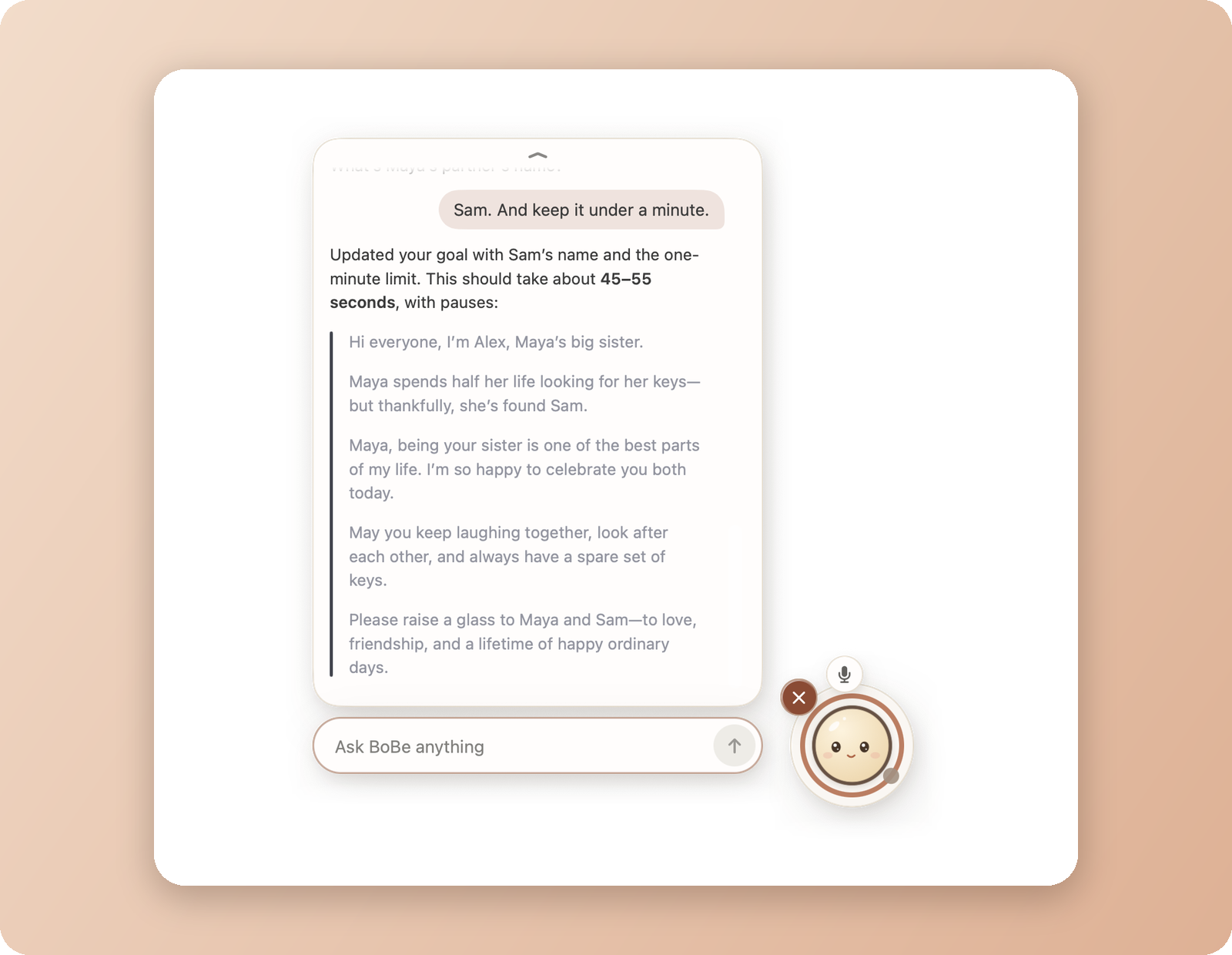
your goals, and speaks up when she can help. You can type or talk to her, and
she can do real work with files, a shell, Git and your own tools.
She is yours: one BoBe, one memory, one set of goals, kept on your machine.
Her thinking runs where you choose: OpenAI, Anthropic, DeepSeek, OpenRouter,
Rail Relay, GitHub Copilot, or a local model through Ollama.
What she does
- Notices your work by reading the text on your screen (optional); the
picture never leaves your Mac. - Remembers you in one memory document you can read and edit.
- Works on your goals, kept as Markdown files, with quiet progress every hour.
- Speaks first, politely: Quiet, Balanced or Proactive, with cooldowns.
- Talks and listens with speech on your own hardware; raw audio is never stored.
- Uses tools: files, search, shell, Git, MCP servers, skills and helper agents.
She also runs headless on a Mac or Linux machine, and the same BoBe can meet
you on an iPhone or in a small
ESP32 body (a prototype).
Install
Download BoBe.dmg from Releases,
drag BoBe to Applications and open it. You need an Apple Silicon Mac with
macOS 26 and a model: an API key, a Rail Relay token, a supported sign-in or
Ollama (guide).
To build from source (Xcode 27 and rustup; nothing is
installed globally):
git clone https://github.com/Sombrace/BoBe.git
cd BoBe
scripts/tasks/bootstrap-tools.sh
scripts/tasks/run.sh
Without the app, install the bobe command (command line guide)
and run:
bobe setup
bobe chat
Your data
Everything BoBe knows lives in ~/.bobe/ on the machine that runs her daemon,
with memory and goals in plain Markdown. A cloud model receives only the
context a request needs, and Settings → Privacy can delete her data. The
daemon listens only on 127.0.0.1 unless you turn on remote access, and her
tools run as your user account, which is not a sandbox. Report vulnerabilities
through SECURITY.md.
Documentation
| Using BoBe | Install, setup, everyday use, iPhone, troubleshooting |
| Command line | Headless operation, providers, remote access, backup, updates |
| Product | What BoBe is and is not |
| Architecture | Which part owns what |
| Speech | Speech engines and model licenses |
| Device pairing | How devices come to trust a daemon |
| ESP32 SDK | Building a physical body |
| Releasing | Building, signing and publishing a release |
| Contributing | Development setup and conventions |
License
The source code is MIT. The BoBe name, logo, character and
promotional media are not; see Trademarks. Speech models
have their own licenses (Speech).

Reviews (0)
Sign in to leave a review.
Leave a reviewNo results found