winsmux
Health Warn
- License — License: Apache-2.0
- Description — Repository has a description
- Active repo — Last push 0 days ago
- Low visibility — Only 5 GitHub stars
Code Fail
- rm -rf — Recursive force deletion command in .claude/hooks/lib/automode-detect.js
- fs module — File system access in .claude/hooks/lib/automode-detect.js
- child_process — Shell command execution capability in .claude/hooks/lib/openshell-detect.js
- execSync — Synchronous shell command execution in .claude/hooks/lib/openshell-detect.js
- fs.rmSync — Destructive file system operation in .claude/hooks/lib/openshell-detect.js
- fs module — File system access in .claude/hooks/lib/openshell-detect.js
- fs module — File system access in .claude/hooks/lib/permissions-validator.js
- fs module — File system access in .claude/hooks/lib/policy-compat.js
- fs module — File system access in .claude/hooks/lib/policy-drift.js
- child_process — Shell command execution capability in .claude/hooks/lib/sh-utils.js
- execSync — Synchronous shell command execution in .claude/hooks/lib/sh-utils.js
- fs.rmSync — Destructive file system operation in .claude/hooks/lib/sh-utils.js
- os.homedir — User home directory access in .claude/hooks/lib/sh-utils.js
- process.env — Environment variable access in .claude/hooks/lib/sh-utils.js
- fs module — File system access in .claude/hooks/lib/sh-utils.js
- child_process — Shell command execution capability in .claude/hooks/lint-on-save.js
- process.env — Environment variable access in .claude/hooks/lint-on-save.js
- fs module — File system access in .claude/hooks/sh-config-guard.js
- fs module — File system access in .claude/hooks/sh-data-boundary.js
Permissions Pass
- Permissions — No dangerous permissions requested
No AI report is available for this listing yet.
Native Windows terminal multiplexer with cross-pane AI agent communication — no WSL2 required.
winsmux
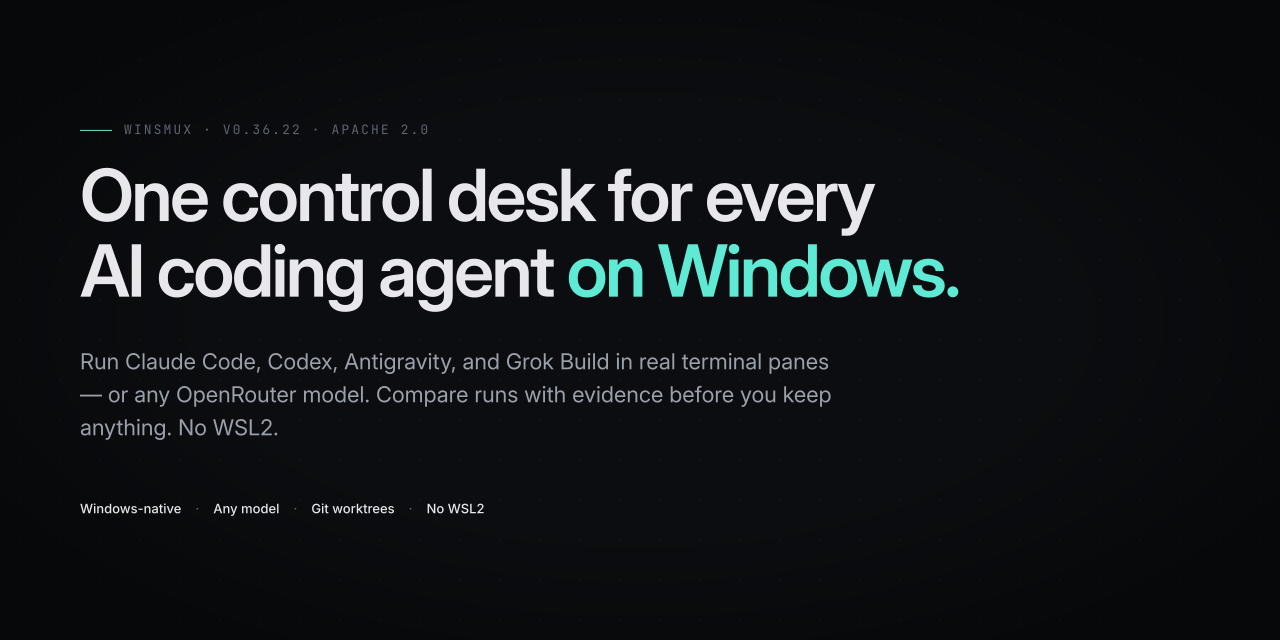
winsmux is one control desk for every AI coding agent on Windows — a single human-run cockpit for people who already run multiple coding CLIs and need to keep the work accountable.
Instead of hiding agents behind a black-box orchestrator, winsmux opens each worker in a real pane, keeps file changes isolated in git worktrees, lets you send or interrupt instructions, and compares completed runs with evidence such as changed-file overlap, review state, verification state, and checkpoints before you decide what to keep.
Use it when one Claude Code, Codex, Antigravity CLI, Grok Build, or legacy Gemini session is not enough, but you still want one human operator, local credentials, and a review trail.
For example: run the same task through two agents, watch both panes live, stop the one going off track, then compare the recorded evidence before accepting either result.
winsmux does not sign in to AI services for you. Each agent CLI keeps using its own official sign-in or API key setup.
Why It Exists
Most tools solve only one part of this workflow.
- Terminal multiplexers show panes, but they do not know which agent changed which files.
- IDE chat surfaces are good for one conversation, but they do not give you a control plane for several official CLIs.
- Agent frameworks can automate agents, but they often move the work into code or cloud services instead of keeping a human operator in the loop.
winsmux sits between those categories: it keeps the official CLI agents visible, separates their work into independent working directories, records the evidence, and leaves the final choice with you.
What It Does
- Starts a managed Windows Terminal workspace for multiple CLI agents.
- Lets an operator read, send, interrupt, and check pane health.
- Initializes six managed worker slots by default, with a worker backend
contract for local, Codex, Antigravity, Grok Build, hosted API models via OpenRouter,
and placeholder workers. The first generated slot is a Codex reviewer
slot; the remaining slots keep the selected worker backend. - Keeps worker agents in separate git worktrees when isolation is enabled.
- Compares recorded runs and highlights shared changed files before you choose a winner.
- Shows review, verification, architecture, checkpoint, and follow-up evidence for recorded runs.
- Captures structured end-of-run snapshots without storing raw terminal transcripts or private local paths.
- Searches recorded sessions in Agent Vault and restores a selected run by dragging it into a worker pane.
- Links Feed and notification state to worker panes, with a View menu toggle for the worker status strip.
- Stores selected credentials with Windows DPAPI instead of writing repository
.envfiles. - Records review and verification evidence for later audit.
When To Use It
Use winsmux when you want to run more than one coding agent on a Windows PC and still keep a single operator in control.
It is especially useful when you want to:
- Compare work from different agents or providers.
- Keep each worker's file changes separated.
- See live pane output instead of waiting for a final summary.
- Require review evidence before accepting changes.
- Preserve enough structured context to resume or compare runs later.
- Avoid tying the workflow to one model vendor.
If you only need a terminal multiplexer, see the runtime docs under core/docs.
Requirements
- Windows 10 or Windows 11
- PowerShell 7+
- Windows Terminal
- The official agent CLIs you want to run, such as Claude Code, Codex, Antigravity CLI, or Grok Build
Rust is only needed when you build the runtime from source. On Windows, source
builds also need Visual Studio Build Tools with the Desktop development with C++
workload; see Installation
for the install command and shell notes.
Get Started
For most users, start with the desktop app. Open the latest release, download the winsmux_..._x64-setup.exe asset, run it, open the installed winsmux app, and choose the project folder you want agents to work in. Use the Releases page when you need a specific older version.
Use the npm package only when you want a CLI-first, scripted, or headless setup.
That path starts with npm install -g winsmux, then winsmux install --profile full.
It starts a managed Windows Terminal workspace; it does not open the desktop app.
Keep the desktop first-run flow and the CLI setup flow separate so new users do
not run project initialization commands before they have opened the app.
See Quickstart for a guided first run.
See Installation for the recommended desktop installer path, CLI profiles, updates, and uninstall steps.
See Customization for launcher presets, worktree policy, slots, credentials, and desktop settings.
See Public Distribution Boundary for the v1.0.0 public distribution and redistribution boundary.
See External control plane API for the local named-pipe JSON-RPC contract used by external automation clients.
Main Commands
winsmux list
winsmux read worker-1 30
winsmux send worker-2 "Review the latest auth changes."
winsmux health-check
winsmux workers status
winsmux workers doctor
winsmux workers exec w1 --task-json tasks/api-worker-task.json --run-id api-demo-1 --json
winsmux workers sandbox baseline w2 --run-id demo-1 --json
winsmux workers broker baseline w2 --run-id demo-1 --endpoint https://broker.example.invalid/worker --json
winsmux workers broker token issue w2 --run-id demo-1 --ttl-seconds 900 --json
winsmux workers policy baseline w2 --run-id demo-1 --network broker-only --write workspace-artifacts --provider configured --json
winsmux review-pack <run_id> --json
winsmux compare runs <left_run_id> <right_run_id>
winsmux compare preflight <left_ref> <right_ref>
winsmux compare promote <run_id>
winsmux meta-plan --task "Plan this change" --json
winsmux meta-plan --task "Plan this change" --roles .winsmux/meta-plan-roles.yaml --review-rounds 2 --json
winsmux skills --json
| Command | Purpose |
|---|---|
winsmux init |
Create the default project config |
winsmux launch |
Run CLI checks and start the default managed Windows Terminal workspace; it does not open the desktop app |
winsmux launcher presets |
Show launcher presets and pair templates |
winsmux launcher lifecycle |
Choose the workspace lifecycle policy |
winsmux workers status |
Show backend, state, provider, model, and last command for worker slots |
winsmux workers doctor |
Diagnose worker config, hosted API metadata, Antigravity CLI, credentials, uv, and state paths |
winsmux workers exec |
Run hosted api_llm tasks or Antigravity CLI one-shot workers; missing API key env vars stop before network access |
winsmux workers logs |
Read the stored log for an api_llm or Antigravity worker run |
winsmux workers sandbox baseline |
Define the restricted-token and ACL baseline for a prepared isolated run |
winsmux workers broker baseline |
Define the single external broker node contract for a prepared isolated run |
winsmux workers broker token |
Issue or check short-lived broker run tokens without printing token values |
winsmux workers policy baseline |
Define enterprise execution policy outside prompts for a prepared isolated run |
winsmux review-pack |
Write a bounded reviewer packet with changed files, test results, risks, commands, and artifact refs |
winsmux compare runs |
Compare evidence and confidence between two recorded runs |
winsmux compare preflight |
Check two refs before merge or compare review |
winsmux compare promote |
Export a successful run as input for the next run |
winsmux meta-plan |
Draft a read-only multi-role planning packet before execution |
winsmux skills |
Print agent-readable command skill contracts |
winsmux read |
Read a pane before acting |
winsmux send |
Send text to a pane |
winsmux vault set |
Store a credential with Windows DPAPI |
winsmux vault inject |
Inject a stored credential into a target pane |
winsmux conflict-preflight remains available as a compatibility command behind winsmux compare preflight.
Legacy binary aliases psmux, pmux, and tmux are no longer shipped.
Use winsmux for scripts and docs. This does not remove tmux-compatible configuration, targets, or commands where documented.
Authentication Support
| Tool | Authentication mode | winsmux support |
|---|---|---|
| Claude Code | API key or documented enterprise auth | Officially supported |
| Claude Code | Pro / Max OAuth | This PC only, interactive use |
| Codex | API key | Officially supported |
| Codex | ChatGPT OAuth | This PC only, interactive use |
| Antigravity CLI | Official Antigravity CLI sign-in | This PC only, interactive use |
| Grok Build | Grok Build headless (local) | This PC only, interactive use |
| OpenRouter (hosted models) | API key via OPENROUTER_API_KEY |
Officially supported |
| Gemini | Gemini API key | Officially supported |
| Gemini | Gemini API in Vertex AI | Officially supported |
| Gemini | Google OAuth | Legacy / tier-limited, this PC only |
Google's published migration notice says Gemini CLI and Gemini Code Assist IDE extensions stopped serving requests for Gemini Code Assist for individuals, Google AI Pro, and Google AI Ultra on 2026-06-18. Affected users should use Antigravity CLI; Google AI Standard and Enterprise tiers are not treated as sunset by this winsmux policy.
See Authentication Support for the full policy.
See Provider and Model Support for hosted and future local LLM runtime policy.
See CLI comparison bakeoff for Claude Code, Codex, and Antigravity CLI evidence gates.
Security Notes
- Use
winsmux readto check the target pane output before sending instructions. - Keep one human operator responsible for final accept or reject decisions.
- Keep the managed worktree lifecycle enabled when agents edit files in parallel.
- Do not paste API keys into pane chat or issue comments.
- Use
winsmux vaultfor credentials that must be injected into a pane. - Treat compare results and release evidence as review inputs, not automatic approval.
Related Docs
- Operator model
- Documentation overview
- Quickstart
- Installation
- Customization
- Authentication support
- Provider and model support
- CLI comparison bakeoff
- External control plane API
- Troubleshooting
- Repository surface policy
- Runtime features
- Runtime configuration
- tmux compatibility
Developer and contributor rules are intentionally kept out of this README. Start from Repository surface policy if you are changing the repository itself.
License
Apache License 2.0.
Some runtime compatibility code keeps an upstream MIT notice under core/LICENSE.
See Third-party notices for the split.
Reviews (0)
Sign in to leave a review.
Leave a reviewNo results found