phonedock
Health Warn
- License — License: Apache-2.0
- Description — Repository has a description
- Active repo — Last push 0 days ago
- Low visibility — Only 5 GitHub stars
Code Warn
- process.env — Environment variable access in bin/phonedock.mjs
Permissions Pass
- Permissions — No dangerous permissions requested
No AI report is available for this listing yet.
Lets coding agents use Android emulators, iOS simulators and real phones. Mac app with an MCP server, a CLI and SDKs.
PhoneDock
Let your AI agent use a real phone.
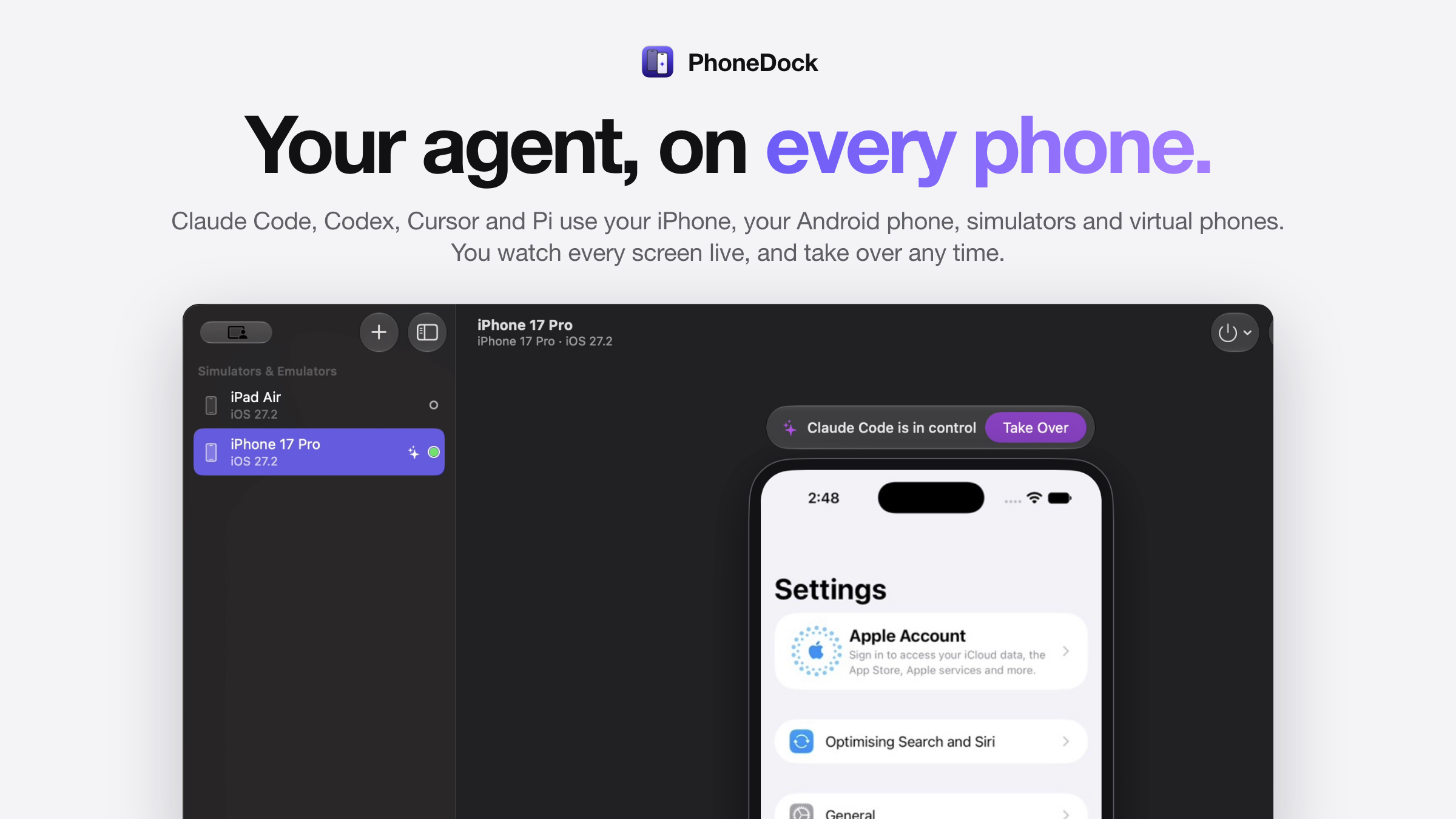
PhoneDock is a free, open-source Mac app that connects Claude Code, Codex, Cursor and Pi to iPhones, Android phones, simulators and emulators. Watch what your agent does live and take over whenever you want.
Get started
- Install PhoneDock. Download the
.dmgand drag PhoneDock into Applications. - Connect your agent. In PhoneDock, click Connect an Agent…, then Set Up next to your agent.
- Add a device. Plug in your phone or use Add Device to connect wirelessly or create a simulator or emulator. Start a new agent session and try: “Use PhoneDock to open Settings on my phone and tell me what’s on screen.”
What you need
| Device | Setup |
|---|---|
| iPhone on iOS 27 or later | Xcode and one-time pairing. USB or Wi-Fi. Nothing to install on the phone. |
| Android phone | Android SDK tools. USB debugging or wireless debugging. |
| iOS simulator | Xcode. Use a simulator build of your app, not the App Store version. |
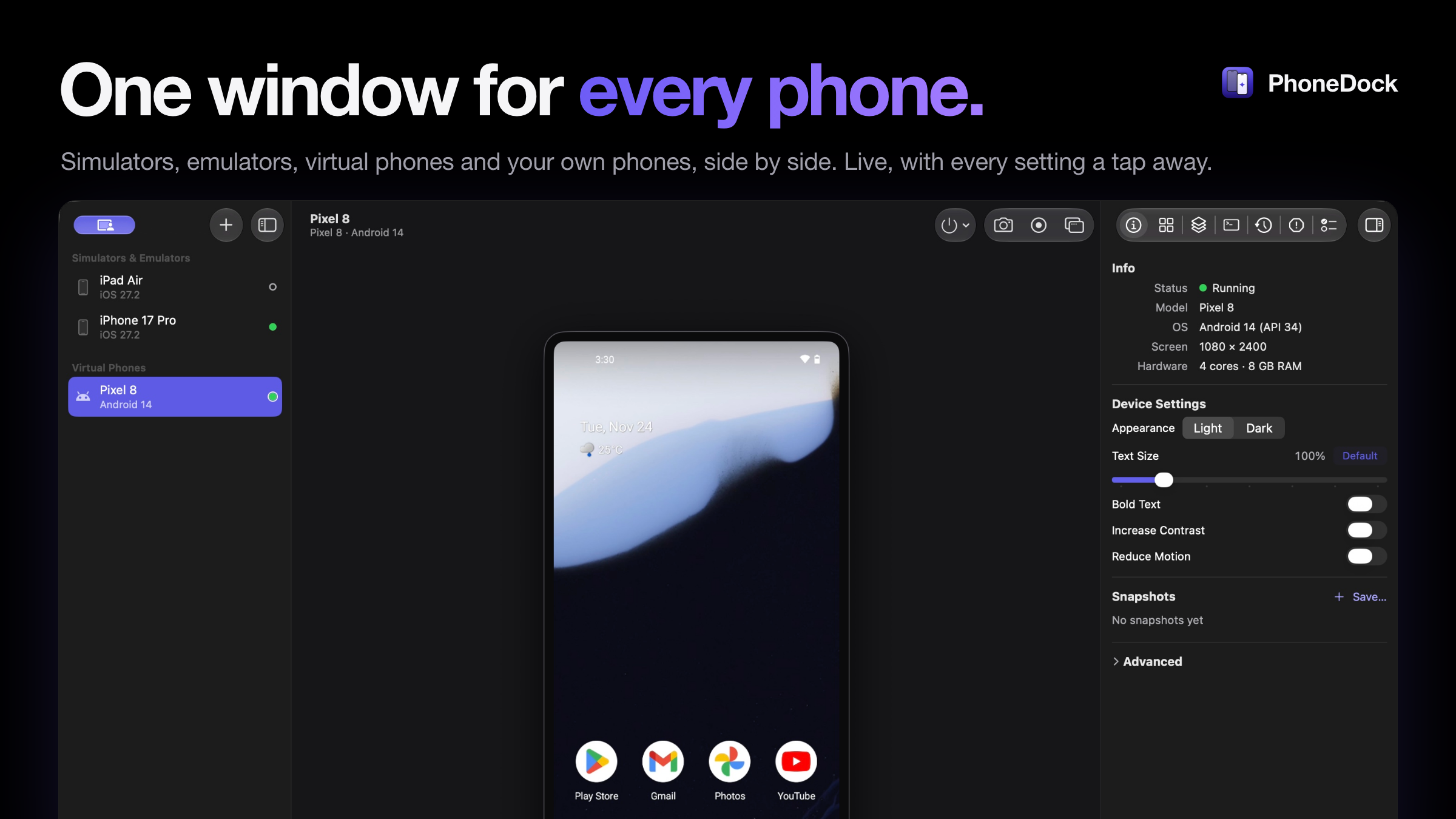
| Android emulator | Android SDK and an emulator image. Virtual phones are in beta. |
| iPhone on iOS 26 or earlier | Press Set Up Control once per start: PhoneDock builds WebDriverAgent and keeps it private to this Mac (beta). |
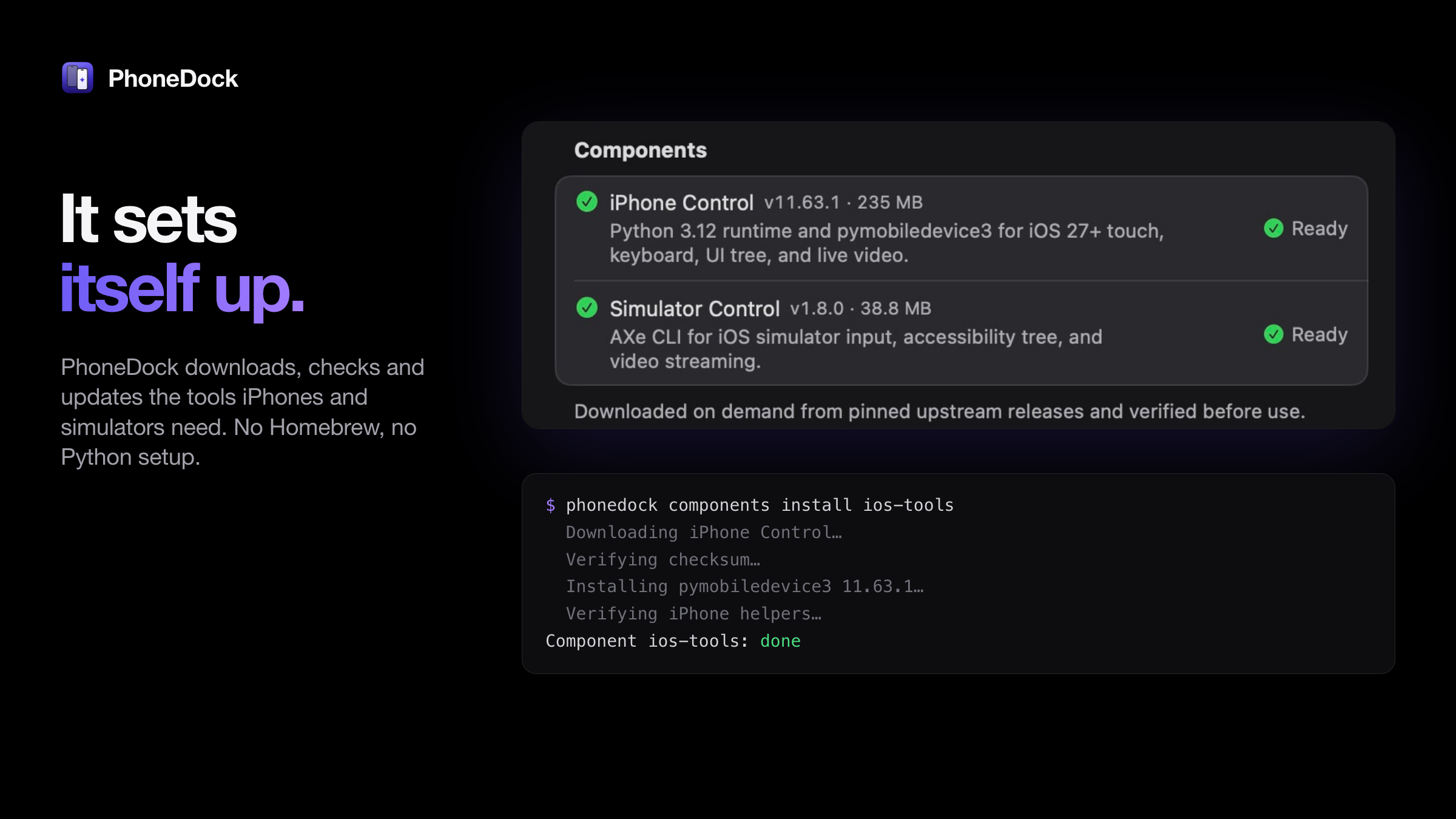
PhoneDock requires an Apple silicon Mac with macOS 15 or later. The first time you use iPhone control on iOS 27 or later, or need simulator controls, PhoneDock downloads the tools automatically. Keep the Mac online for first setup. On a supported iPhone, live video starts when the tools are ready. Check progress or retry in Settings → Advanced → Components.
What you can do
- Test an app on a real phone. Ask your agent to try a new flow, check what broke and capture screenshots for a bug report.
- Work in apps without a web version. Have your agent inspect a screen or collect information. You can see its taps and swipes as they happen.
- Take over for sensitive steps. When the agent asks you to sign in or use Face ID, take over and hand the device back when you’re done.
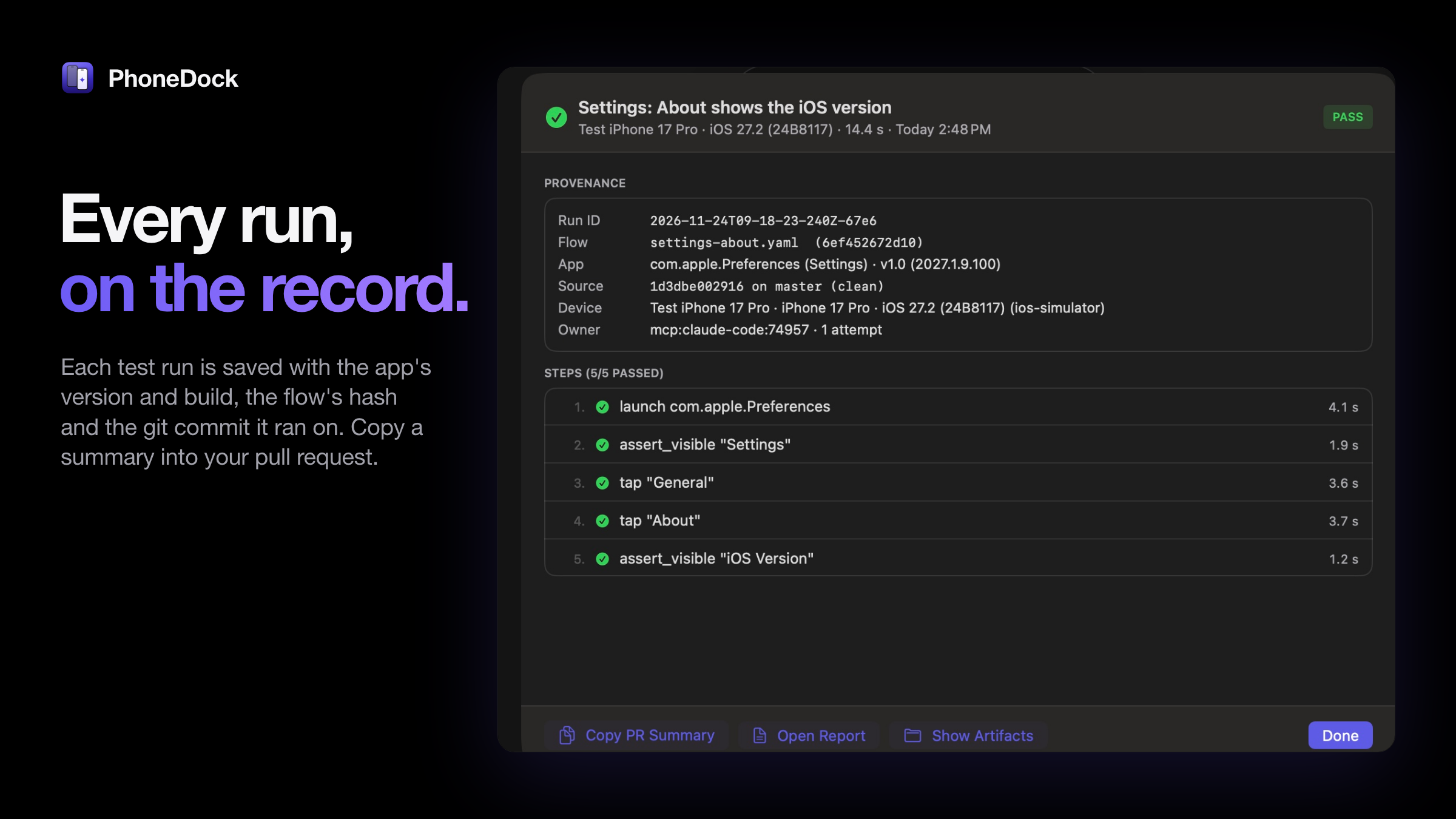
- Replay a test. Save a flow, run it again after a change and share the result from the Runs tab. Run tests in CI.
- Keep your Mac fast. Turn on idle sleep in Settings → General (15 minutes is a good start) to free memory on idle Android emulators automatically, and enable SimSlim (
phonedock simslim onor Settings → General → iOS Simulators) to trim unused simulator background daemons (measured ~63% less RAM and ~130 fewer processes on iOS 26.5, with automatic fallback to stock Xcode). - Bring your own proxy. Paste an HTTP or SOCKS5/SOCKS5H proxy in Settings → Proxies (or via CLI
phonedock proxy/ MCPdevice_proxy), test its exit IP and country on the spot, and attach it live to any Android phone, emulator, or virtual phone without restarting — with optional GPS sync (--sync-location) to the exit city. - Unattended passcode unlock. Save a device passcode in Inspector → Device Settings → Unattended Unlock (stored in macOS Keychain — never returned, logged, or visible to agents) so agents can wake and unlock locked Android phones/emulators (PIN, password, or swipe lock) and iOS 27+ iPhones (
unlock_device/phonedock unlock) and continue automation. Protected by a strict 1-failure circuit breaker that pauses auto-unlock if a passcode fails once; Face ID, Touch ID, purchases, and iOS 18–26 WDA devices still pause for human handoff. - Inspect Safari & WebViews + GPX routes. Read DOM elements, measure CSS selector bounding boxes and computed styles, or capture network requests in both Android WebViews and iOS Simulator Safari/WKWebViews (
inspect_webview/phonedock webview), simulate GPS coordinates or GPX route playback (phonedock location --gpx/ Inspector → Device Settings), and paste (⌘V) or pinch directly on the live Mac screen.
Privacy
PhoneDock has no telemetry. It can go online to check for updates, download files you request and set up device tools automatically. You can turn off automatic device-tool downloads. Your agent’s model provider can see screenshots your agent sends it.
Agent setup and tools · API and SDKs · Build from source · Apache 2.0 license
Reviews (0)
Sign in to leave a review.
Leave a reviewNo results found