zedra
Health Pass
- License — License: MIT
- Description — Repository has a description
- Active repo — Last push 0 days ago
- Community trust — 188 GitHub stars
Code Pass
- Code scan — Scanned 12 files during light audit, no dangerous patterns found
Permissions Pass
- Permissions — No dangerous permissions requested
This tool lets you remotely control your desktop development environment from a mobile device. It provides access to a full terminal, file browser, git, and AI coding agents through an encrypted peer-to-peer connection.
Security Assessment
The tool inherently handles sensitive data by providing full terminal and file system access to your desktop. It makes network requests to establish an end-to-end encrypted QUIC tunnel via LAN or a relay server. The light code scan found no dangerous patterns or hardcoded secrets. However, the installation method (`curl | sh`) automatically executes remote shell scripts on your machine, which is a standard but potentially risky practice if the remote domain is ever compromised. Overall risk is rated as Medium due to the high level of system access it requires and the external script execution.
Quality Assessment
The project is under active development with a recent push recorded today. It is properly licensed under the permissive MIT license. Community trust is currently in its early stages, reflected by a modest 11 GitHub stars. The author notes that the project is still rough around the edges and users should expect potential breaking changes.
Verdict
Use with caution: the code itself appears clean and the connection is securely encrypted, but the tool requires full system access and relies on piping remote shell scripts for installation.
Remote control for AI coding agents. Rust + GPUI + QUIC/UDP. Available on iOS/Android
Zedra
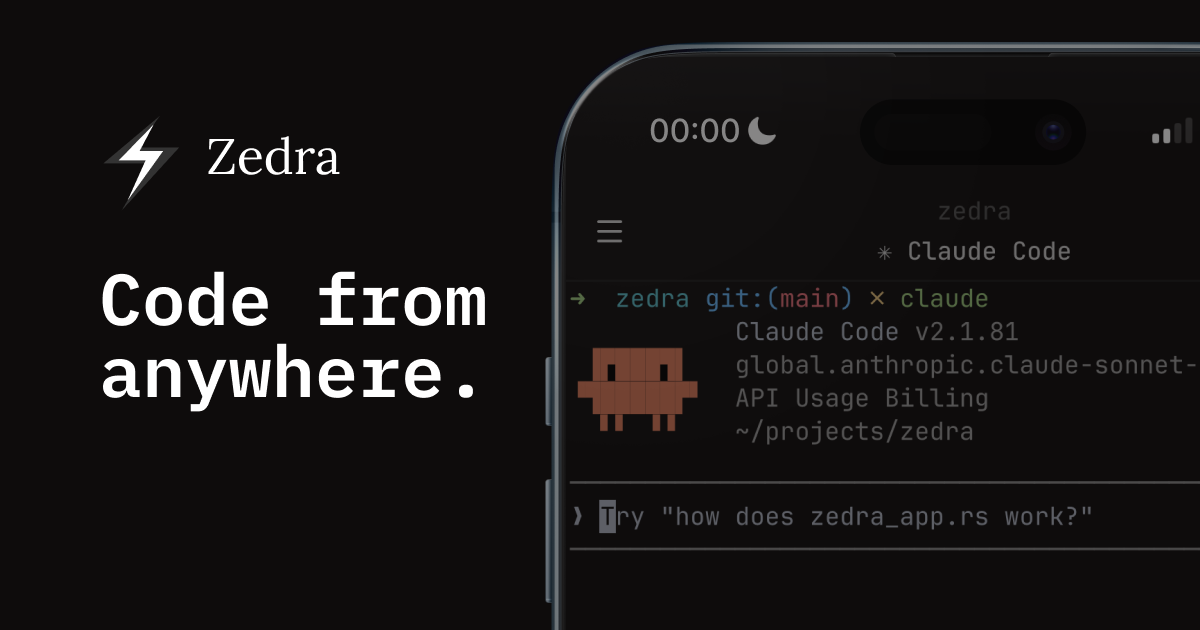
An experimental remote code editor on mobile with GPU-accelerated rendering powered by Zed's GPUI, P2P tunnel over QUIC/UDP by Iroh. Zedra focuses on providing mobile-first experience for developers to read code, view changes, and run AI agents over a secure, P2P tunnel.
Security Note
Zedra is early, but it provides the most secure approach with e2e encryption, direct connection, and zero-trust model in a near future. If you have any concern about security, email me at [email protected], I will support to bring Zedra to your workflow with trust.
Download App
- iOS — AppStore or TestFlight
- Android — now on Google Play
Desktop daemon
Note: Zedra uses direct P2P connections when possible, but may fallback to relays if blocked by Symmetric NAT or CGNAT (common in home networks). Works best on LANs and supported relay regions. For high latency issues, please reach out. Learn more: How NAT traversal works
MacOS/Linux
curl -fsSL zedra.dev/install.sh | sh
# Install agent hooks for notification
zedra setup
# Start daemon in working directory
zedra start --detach
Windows
irm https://zedra.dev/install.ps1 | iex
zedra start --detach
Claude Code
# Config Zedra skills, hooks for Claude
zedra setup claude
# In Claude Code, reload plugins and start Zedra
/zedra-start
Codex
# Config Zedra skills, hooks for Codex
zedra setup codex
# In Codex, reload plugins and start Zedra
$zedra-start
Scan the QR code with the Zedra app. That's it.
Uninstall
zedra uninstall
Stop running daemons, remove agent hooks, delete local state (~/.config/zedra, ~/.cache/zedra), and delete the binary. Add --yes to accept all.
How It Works
zedra startruns a lightweight daemon on your desktop- Phone and desktop discover each other automatically — direct P2P, relay fallback
- All traffic is encrypted end-to-end with TLS 1.3. No credentials leave your device
Status
Zedra is under active development. Core features are stable and in use — bugs, rough edges, and breaking changes should be expected. Feedback and issues are welcome on GitHub.
License
MIT © Tan Le
Reviews (0)
Sign in to leave a review.
Leave a reviewNo results found