termlnk
Health Warn
- License — License: NOASSERTION
- Description — Repository has a description
- Active repo — Last push 0 days ago
- Low visibility — Only 5 GitHub stars
Code Pass
- Code scan — Scanned 12 files during light audit, no dangerous patterns found
Permissions Pass
- Permissions — No dangerous permissions requested
No AI report is available for this listing yet.
Termlnk is a modern terminal reimagined with AI agents, SSH workflows, and a rich extension system.
Termlnk
A modern, extensible smart terminal for developers.
SSH & SFTP · AI Agent with MCP · 71 themes · Plugin ecosystem · Cross-platform.
English | 简体中文 | 繁體中文 | 日本語 | 한국어




- 🌈 Highlights
- 🚀 Quick Start
- 💻 Platform & Installation Notes
- 🌐 Web Edition (Self-Hosting)
- 🛠 Development
- 🌐 Internationalization
- 📸 Screenshots
- 🤝 Contributing
- 💬 Community
- 🙏 Acknowledgements
- 📄 License
🌈 Highlights
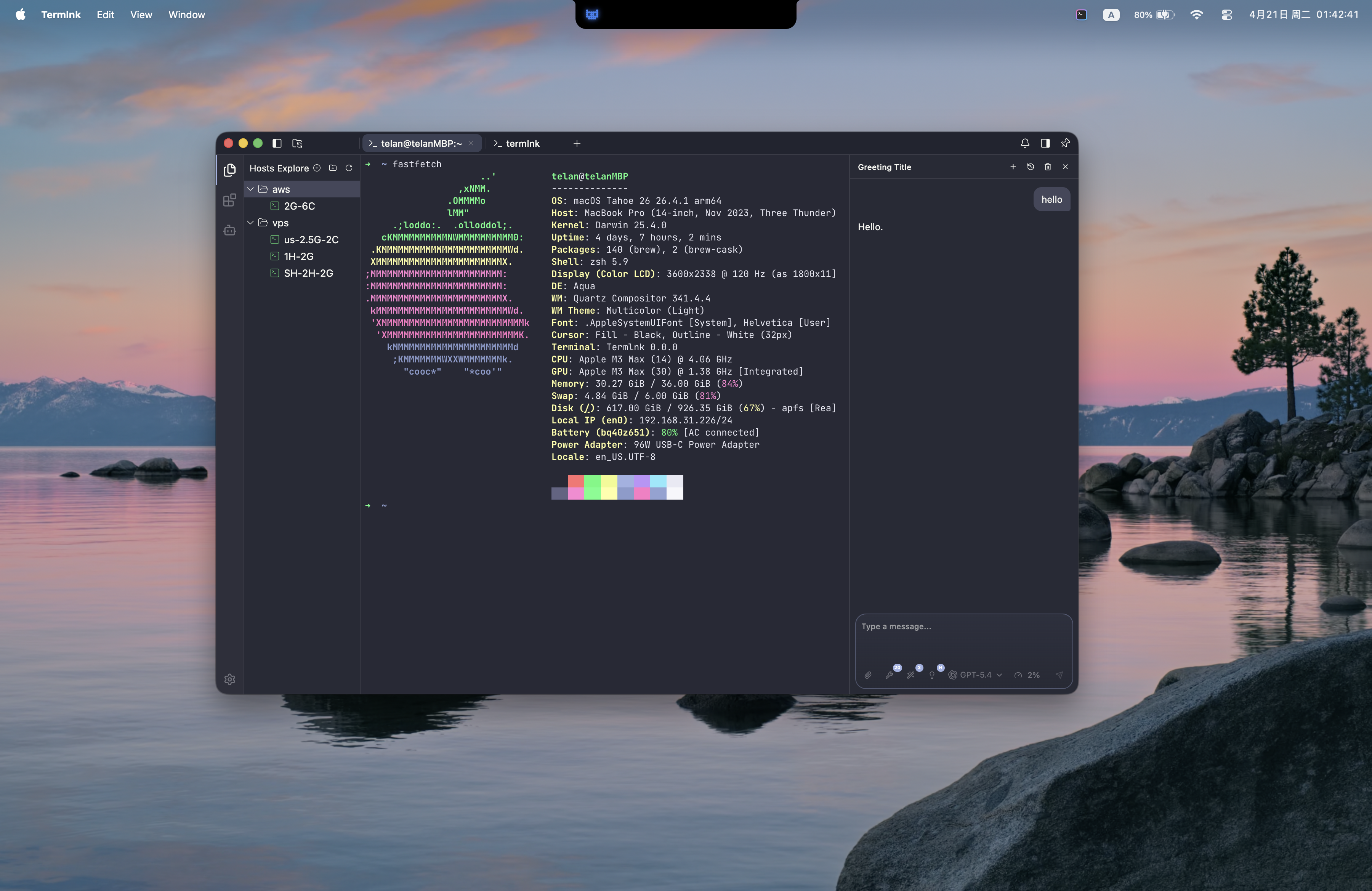
Termlnk packs a fast native terminal, a complete SSH/SFTP client, and a built-in AI agent into a single app — on your desktop, or self-hosted in any browser.
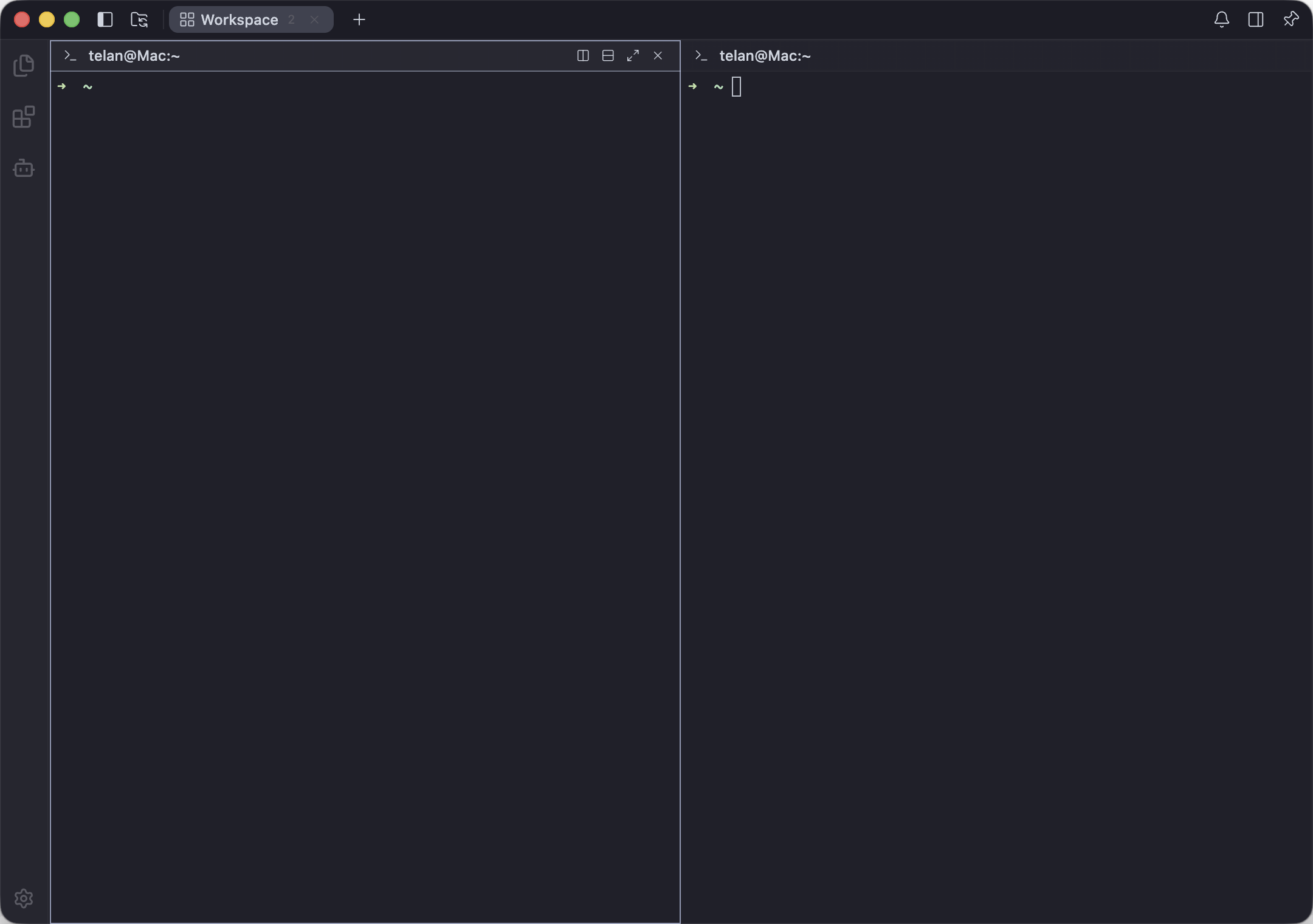
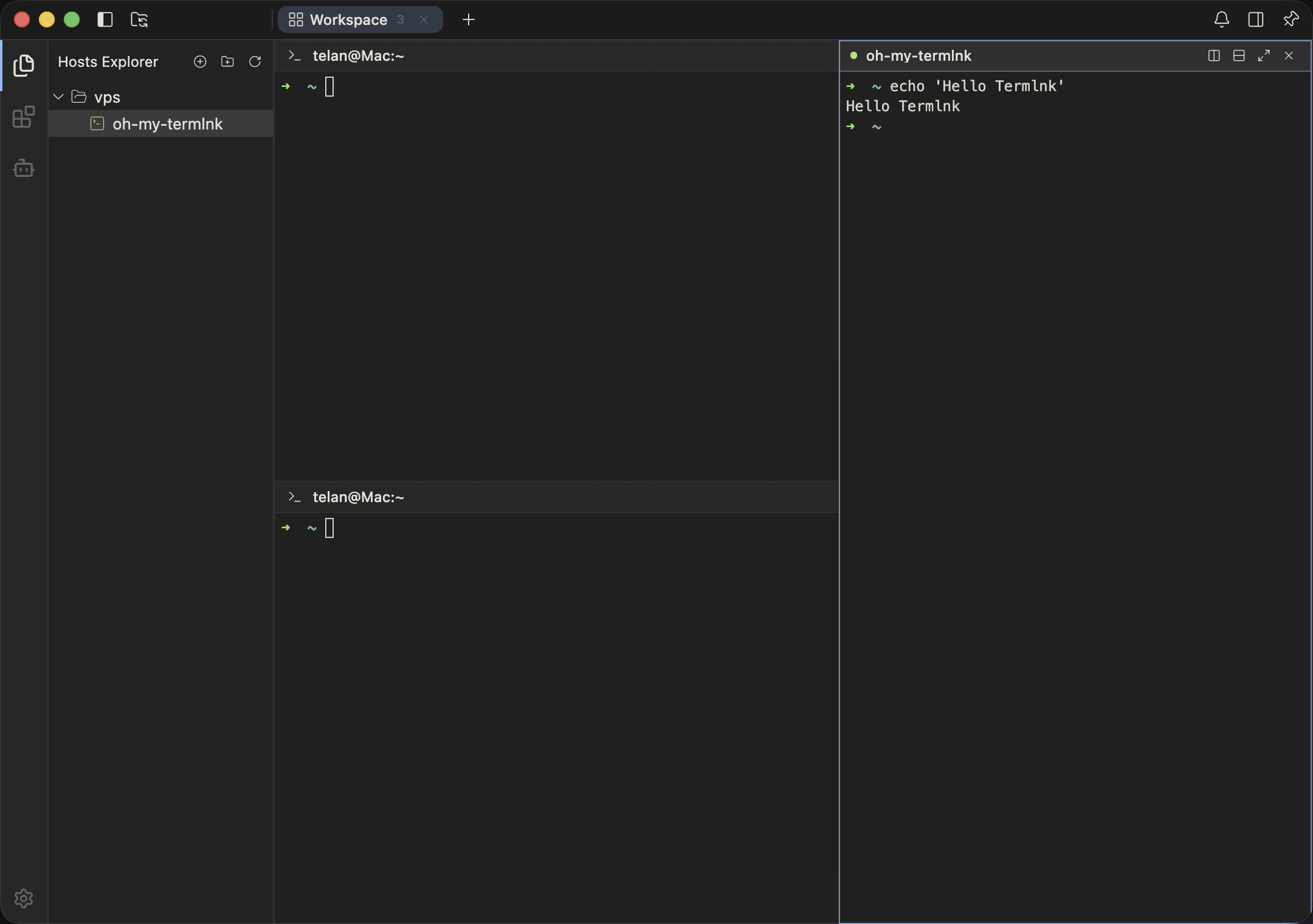
- 🖥 Terminal & sessions — local PTY and remote SSH in one workspace, with recursive split / magnify layouts, full xterm.js rendering (ligatures, true color, Sixel, image protocols), buffer search, hyperlinks, IME input, shell integration (OSC 633), and session restore.
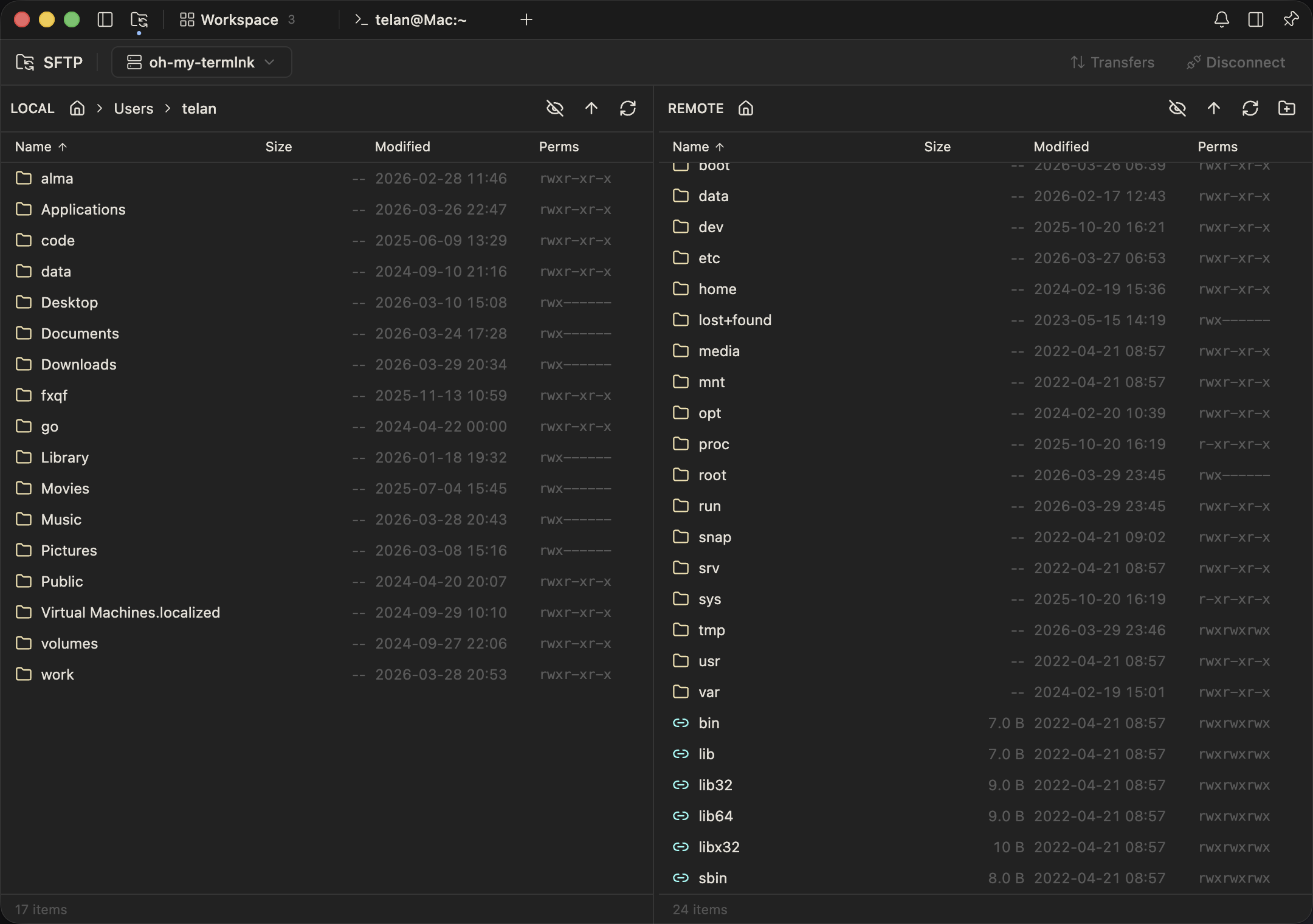
- 🔐 SSH & SFTP — a hierarchical host tree with password / key / agent auth,
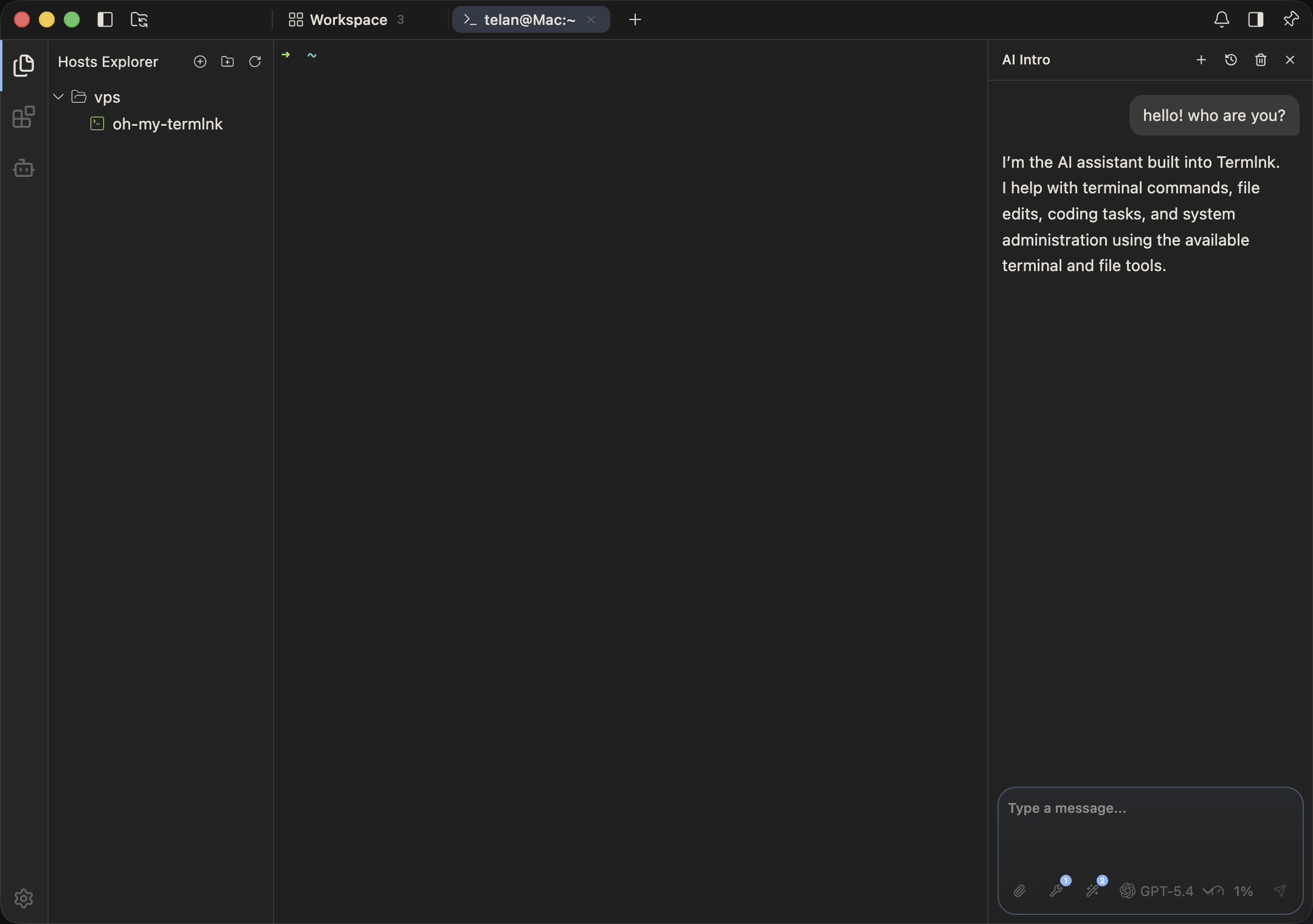
ProxyJumpchains, SOCKS5 and X11 forwarding, plus a dual-pane SFTP browser with transfer queue,trzsz/zmodem, and a permission editor. - 🤖 AI agent — multi-turn chat with MCP tool servers, swappable across OpenAI, Claude, Gemini, DeepSeek, Qwen or any OpenAI-compatible endpoint, plus an approval-gated
terminal_runtool and per-session skills. - 🧩 Extensions — VS Code-style contribution points (commands, menus, UI parts, settings) with a one-click marketplace, a stable TypeScript API, and React components injectable into any UI slot.
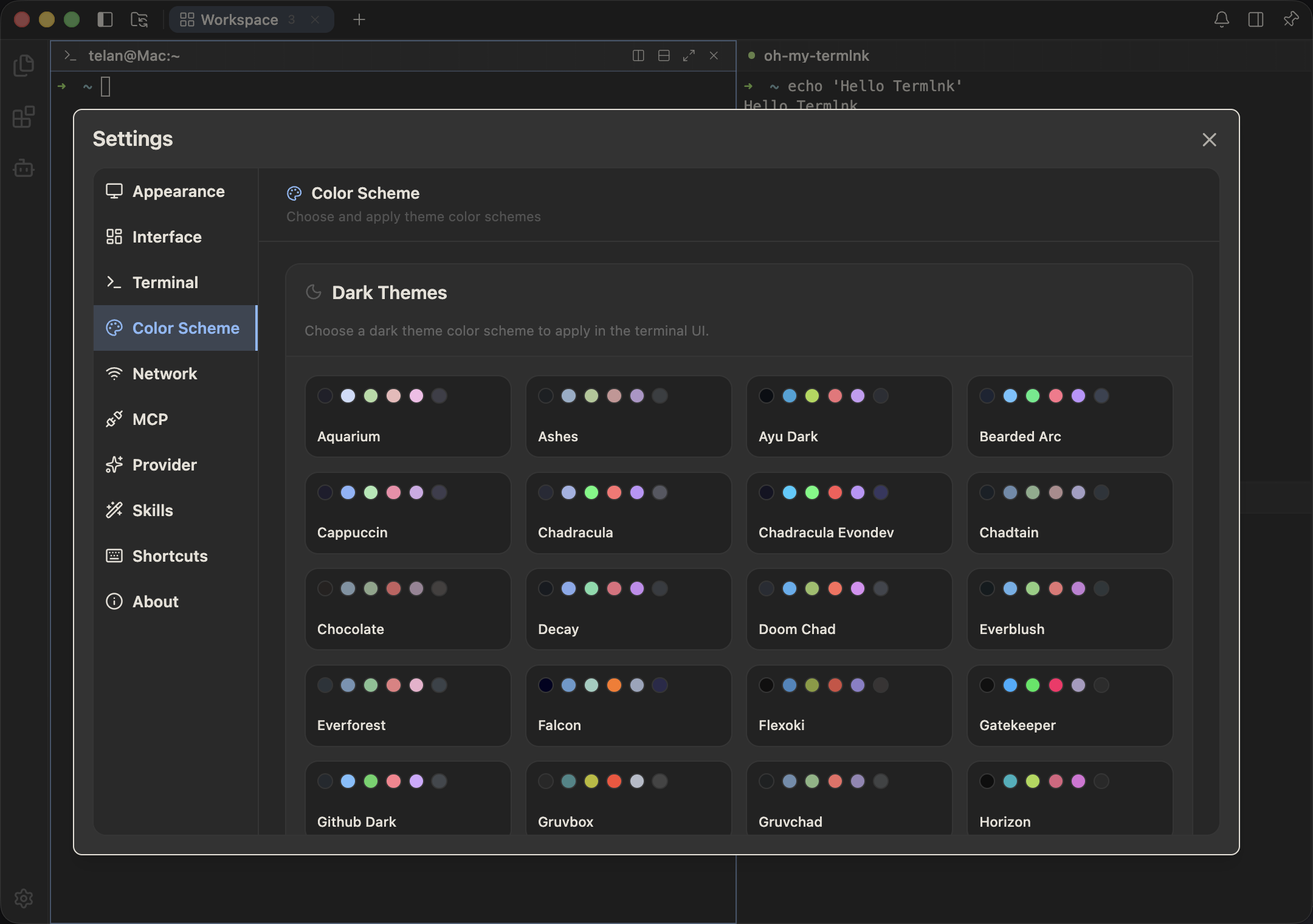
- 🎨 Theming & window — 71 built-in Base46 themes (56 dark, 15 light) with a live editor, plus configurable blur, opacity, fonts, and keybindings.
- 💻 Cross-platform & offline-first — a native app for macOS (Intel & Apple Silicon), Windows and Linux that runs fully offline.
- 🌐 Self-hostable web edition — the same terminals, SSH, AI agent and SFTP from any browser, via a one-command Docker deploy with built-in Caddy auto-HTTPS.
- 🏝 Dynamic Island (macOS) — a notch-aware status overlay for AI agent sessions, with sounds for start, completion, approvals and errors.
🚀 Quick Start
Build from source
git clone https://github.com/termlnk/termlnk.git
cd termlnk
pnpm install

cd apps/desktop
pnpm dev
Package installers
cd apps/desktop
pnpm make:mac      # macOS .dmg / .zip
pnpm make:win      # Windows .exe / .msi
pnpm make:linux    # Linux .AppImage / .deb / .rpm
Note: prebuilt binaries are not published yet. Releases will appear on the GitHub Releases page once they are available.
💻 Platform & Installation Notes
macOS builds are code-signed with a Developer ID certificate but not notarized, so Gatekeeper may still prompt on first launch. Windows and Linux builds are unsigned.
macOS: Gatekeeper warning on first launchOption 1 — Right-click Termlnk.app in Finder > Open > confirm.
Option 2 — System Settings > Privacy & Security > scroll to Security > click Open Anyway.
Option 3 — Run in Terminal:
xattr -cr /Applications/Termlnk.app
Option 1 — Click "More info" on the SmartScreen dialog, then "Run anyway".
Option 2 — Settings > Apps > Advanced app settings > set App Install Control to allow apps from anywhere.
🌐 Web Edition (Self-Hosting)
Beyond the desktop app, Termlnk ships termlnk-web — a self-hosted server twin that runs the exact same DI container, business plugins, and vault, with Electron IPC swapped for HTTP + WebSocket. Reach your terminals, hosts, AI agent, SFTP, and skills from any modern browser.
⚠ Run termlnk-web only on a machine you trust. It holds the vault master key and has the same execution power as the desktop's main process (direct SSH/SFTP, AI inference, local filesystem access). It is not a zero-knowledge public backend.
Prebuilt multi-arch images (amd64 / arm64) are published to GHCR — no need to clone the monorepo.
cd apps/web

# One-click: generate a strong master password, pull the image, start, health-check
./install.sh

# With automatic HTTPS (built-in Caddy + Let's Encrypt)
./install.sh --tls termlnk.example.com
Or deploy manually with Docker Compose:
cd apps/web
printf '%s' 'choose-a-strong-passphrase' > master_password.secret && chmod 600 master_password.secret
docker compose up -d
See the termlnk-web deployment guide for one-click & manual deployment, reverse-proxy (Caddy / nginx) configs, environment variables, data persistence, upgrades, and the security checklist.
🛠 Development
pnpm build          # Build all library packages
pnpm typecheck      # Run TypeScript type check
pnpm test           # Run all unit tests
pnpm coverage       # Run tests with coverage report
pnpm lint           # Lint the codebase
pnpm lint:fix       # Auto-fix lint issues (also injects license headers)
🌐 Internationalization
Termlnk ships with 5 languages out of the box:
| Language | Code |
|---|---|
| English | en-US |
| 简体中文 | zh-CN |
| 繁體中文 | zh-TW |
| 日本語 | ja-JP |
| 한국어 | ko-KR |
Help us add new languages by following the contribution guide.
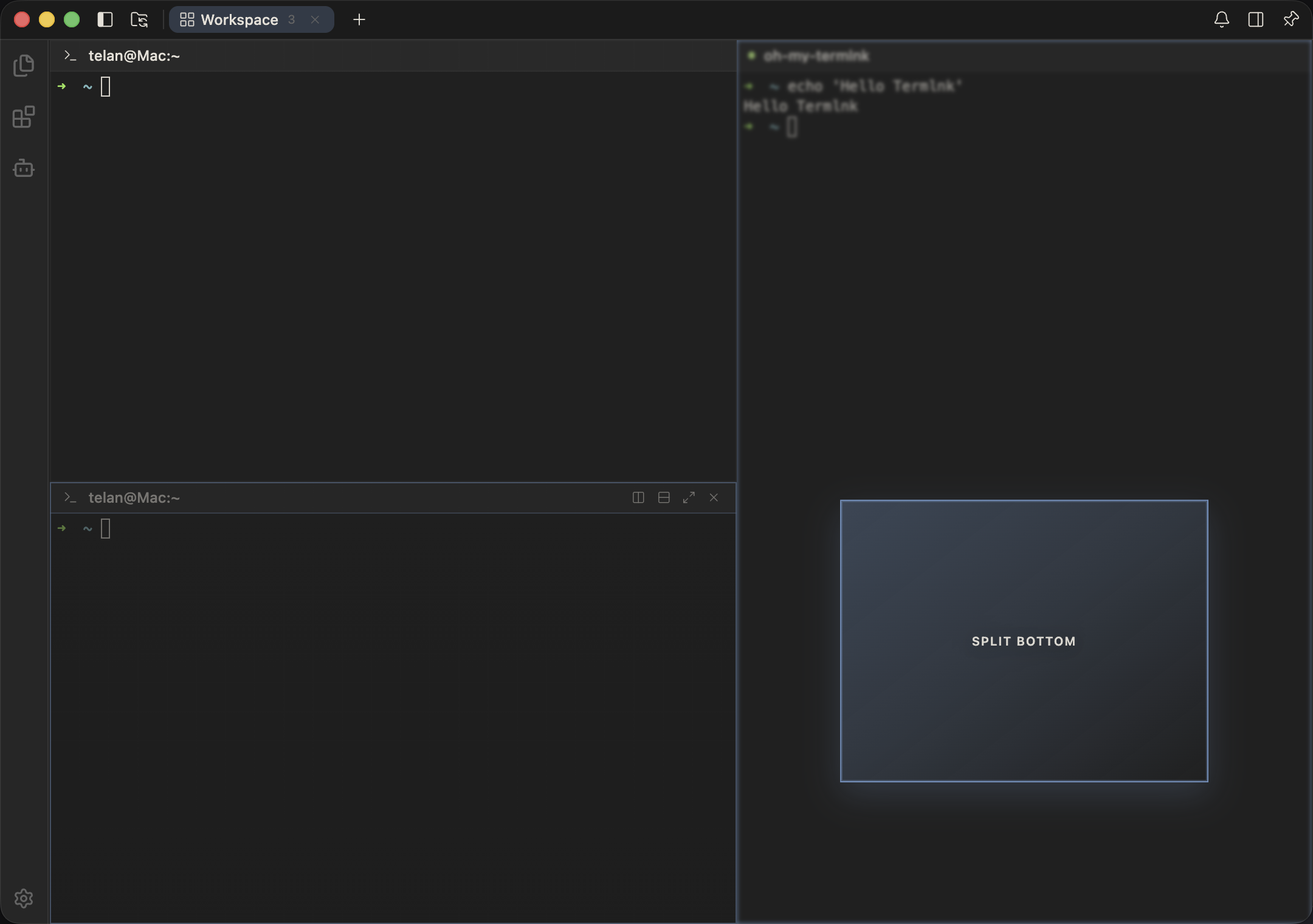
📸 Screenshots
 |
 |
 |
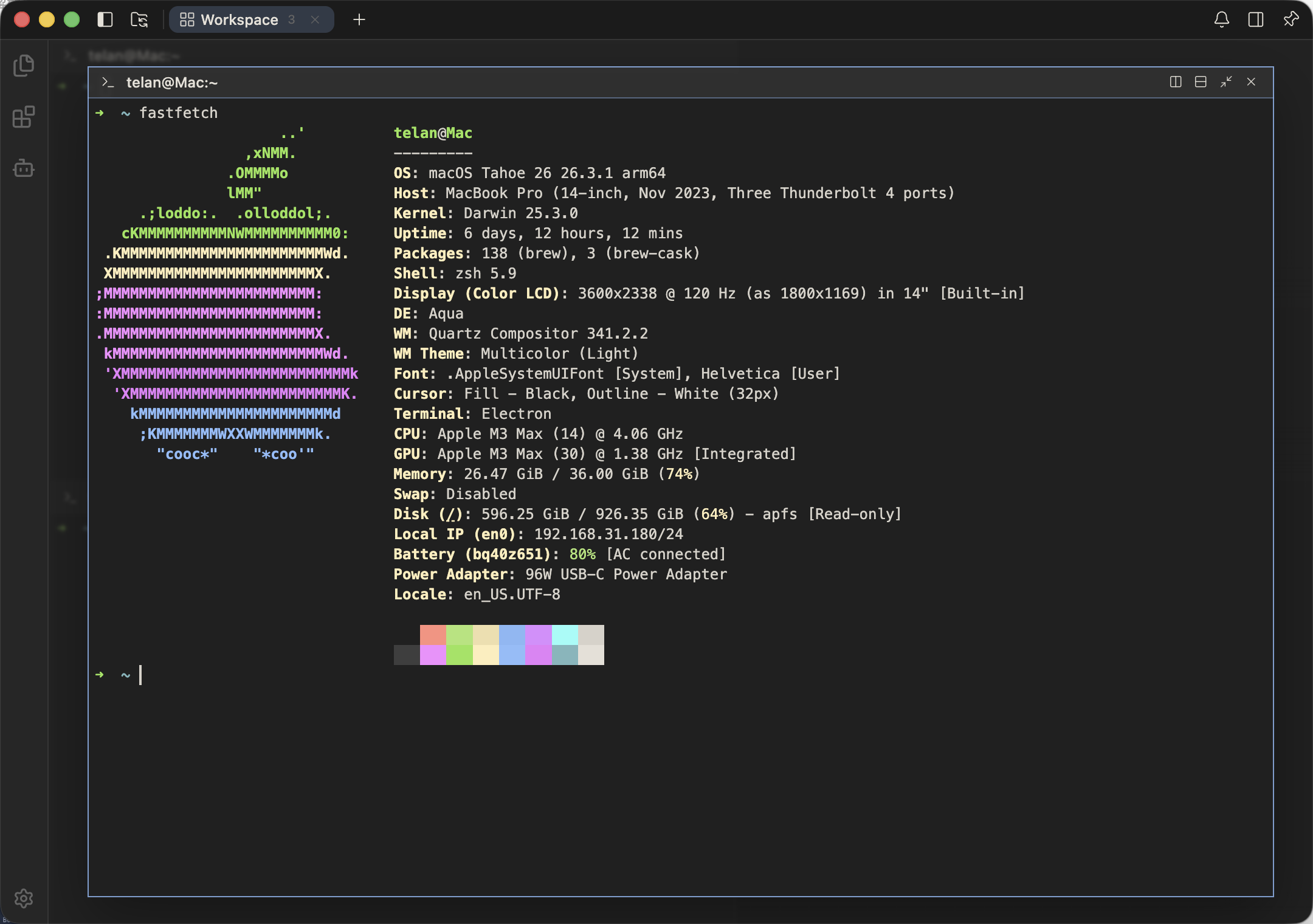 |
| Workspace | SSH split | Drag to split | Magnify pane |
 |
 |
 |
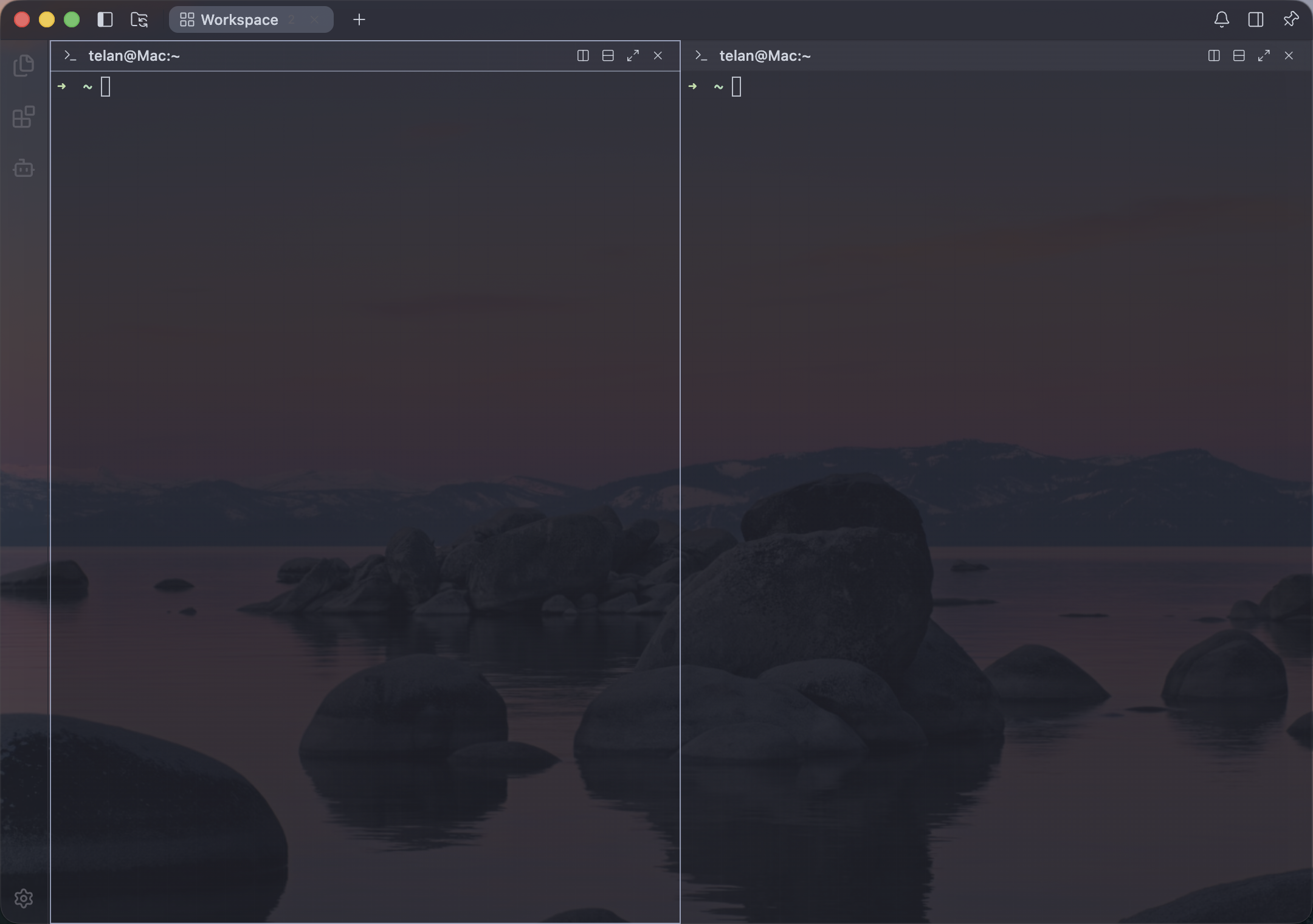 |
| AI Agent | SFTP browser | 71 themes | Transparent window |
🤝 Contributing
Contributions are welcome. Before submitting a pull request, please:
- Fork the repository and create a feature branch.
- Follow the project's code conventions and RxJS reactive programming style guide.
- Ensure
pnpm lintandpnpm testpass locally. - Submit a PR against
mainwith a Conventional Commit title (feat:,fix:,refactor:,chore:, ...).
💬 Community
- GitHub Discussions — ask questions, share ideas.
- GitHub Issues — report bugs and request features.
🙏 Acknowledgements
Termlnk stands on the shoulders of outstanding open-source projects and products. We are grateful to:
- Univer — Termlnk's overall architecture was deeply inspired by this excellent open-source project. Its clean, plugin-driven design shaped how we structured our DI, contribution-point, and command systems.
- Alma — The overall aesthetic and theme design of Termlnk draws inspiration from this beautiful product.
📄 License
Copyright © 2026-present Termlnk.
Licensed under the PolyForm Noncommercial License 1.0.0. Commercial use is not permitted. Forks and derivative works must also be open-source and non-commercial, and must be distributed under the same license.
The "Termlnk" name, logo and other Termlnk marks are trademarks of the Termlnk project. The source-code license does NOT grant any rights to the marks — see TRADEMARK.md for details.
Reviews (0)
Sign in to leave a review.
Leave a reviewNo results found