specgate
Health Warn
- License — License: Apache-2.0
- Description — Repository has a description
- Active repo — Last push 0 days ago
- Low visibility — Only 5 GitHub stars
Code Warn
- process.env — Environment variable access in .github/scripts/issue-labeler.mjs
- network request — Outbound network request in .github/scripts/issue-labeler.mjs
Permissions Pass
- Permissions — No dangerous permissions requested
No AI report is available for this listing yet.
Governed handoff and evidence verification for AI coding agents.

SpecGate
Give coding agents the right spec—and know what they delivered.
Approve one version, hand off clear context, and review the evidence that comes back.



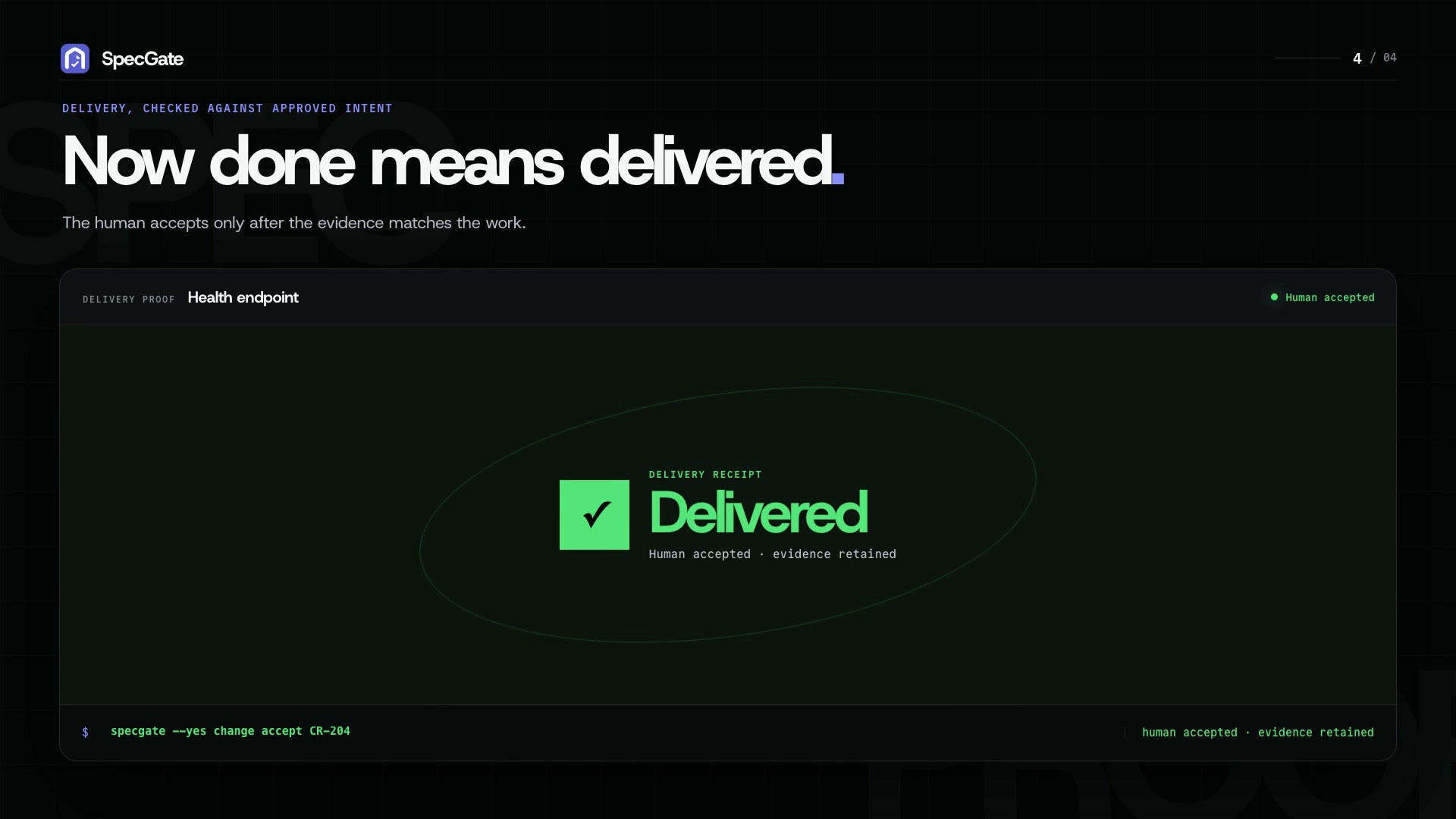
SpecGate is a local-first governance layer for AI-assisted software delivery.
It remembers exactly which version you approved, gives the coding agent a
focused Context Pack, and checks the returned evidence against your acceptance
criteria.
Keep writing specs where you already work—OpenSpec, Spec Kit, Superpowers,
Markdown, or another tool. SpecGate does not take over authoring. It manages the
handoff from approved intent to implementation and keeps the resulting evidence
and review history together.
Full mode: run it on a trusted machine or private network. The appliance
trusts its network by default and supports optional gateway credentials.
Direct Doc Registry access has no HTTP authentication layer.
Protect shared access with authentication and TLS or a private overlay — see
Trust and security.
Start with the CLI. Use the web UI to inspect artifacts, review work, manage
settings, or use governance chat. Review release notes before updating between
minor versions because APIs and interfaces can evolve.
Why SpecGate?
Spec-driven tools help generate strong plans and specs. The hard part comes
after: knowing which version was approved, whether an agent completed every
acceptance criterion, and whether delivery evidence still matches the spec after
changes.
SpecGate keeps a durable record of that handoff. It records the
approved artifact version, gives the coding agent a focused Context Pack, and
makes delivery reviewable against the original acceptance criteria.
Who SpecGate is for maps
solo-developer and team pain points to the mechanism that answers each.
Quickstart
You do not need Docker, a source checkout, Go, Node.js, Python, or a model API
key for the default Local CLI workflow.
curl -fsSL https://raw.githubusercontent.com/thanhtung2693/specgate/main/scripts/install-cli.sh | sh
specgate init
Using Claude Code? Install the plugin directly from this GitHub repository:
claude plugin marketplace add thanhtung2693/specgate
claude plugin install specgate@specgate
See IDE plugin installation
for Codex, Cursor, updates, and uninstall. Use one installation method per IDE.
Prefer agent-led setup? Install the specgate bootstrap from
skills.sh, then ask your
agent: “Set up SpecGate.” The bootstrap requests approval before installing
the CLI and hands the selected IDE integration to specgate plugins install,
so one installer owns the finished plugin.
Interactive specgate init starts with Local CLI: SQLite state on this
machine, no Docker, server, browser, or TCP service. It creates a local user
and workspace, then prints the matching IDE-plugin command. Choose Full appliance in
the prompt, or run specgate init --mode full, when you need the browser,
governance chat, Knowledge, integrations, or shared server-backed workspaces.
If you skipped IDE setup during init:
specgate plugins install --agent codex --project-local
specgate doctor
specgate plugins doctor --agent codex --project-local
specgate status
Restart selected IDEs after plugin install so new skills, hooks, and rules load.
Already using SpecGate? Run specgate update or rerun the installer.
Users on v0.1.4 can upgrade to v0.1.7 directly. Refresh CLI-managed IDE
files with the same plugin install command and scope, or update native plugins
through their IDE plugin manager. See the changelog for details.
Continue with the full quickstart.
How a work item moves through SpecGate
publish artifact
-> resolve governance
-> run readiness checks
-> approve the exact artifact version
-> hand a Context Pack to the coding agent
-> submit delivery evidence
-> review delivery against acceptance criteria
-> reconcile or complete
This workflow works without a server-side model, in both Local and Full mode.
Quick work items are available in both too; Local asks you to supply each
acceptance criterion with --ac.
Add a server-side model in Full mode when you want independent readiness
judgment, model-backed delivery review, governance chat, or the platform to
draft acceptance criteria for quick work instead of writing them yourself.
What you can do
- Versioned artifact publishing and approval.
- Context Packs for coding agents.
- Local resume packets keep each work item's scope, approved document index,
evidence gaps, and next action together. Fetch only the pinned documents
needed for the current task withspecgate work context <work-ref> --document <path> --role <role> --json. - Local users, shared workspaces, and per-project workspace binding.
- CLI-first workflow for humans and IDE agents.
- IDE plugin files for Codex, Claude Code, and Cursor.
- Automatic governance policy, readiness gates, delivery evidence, and delivery review.
- Deterministic check bindings for acceptance criteria with
@check:<name>. - Optional Local verification contracts pin reviewed check commands before
delivery reporting. Human acceptance references the exact reviewed delivery. specgate statsfor workflow signals — first-pass yield, rework depth, and
cycle time — from recorded runs, in both Local and Full mode.- Full mode adds workspace-scoped Knowledge and Git/tracker integrations.
SpecGate does not replace your authoring tool, issue tracker, coding IDE, pull
request review, or CI. It records the governed handoff and delivery review
across those systems.
Web UI (Full mode)
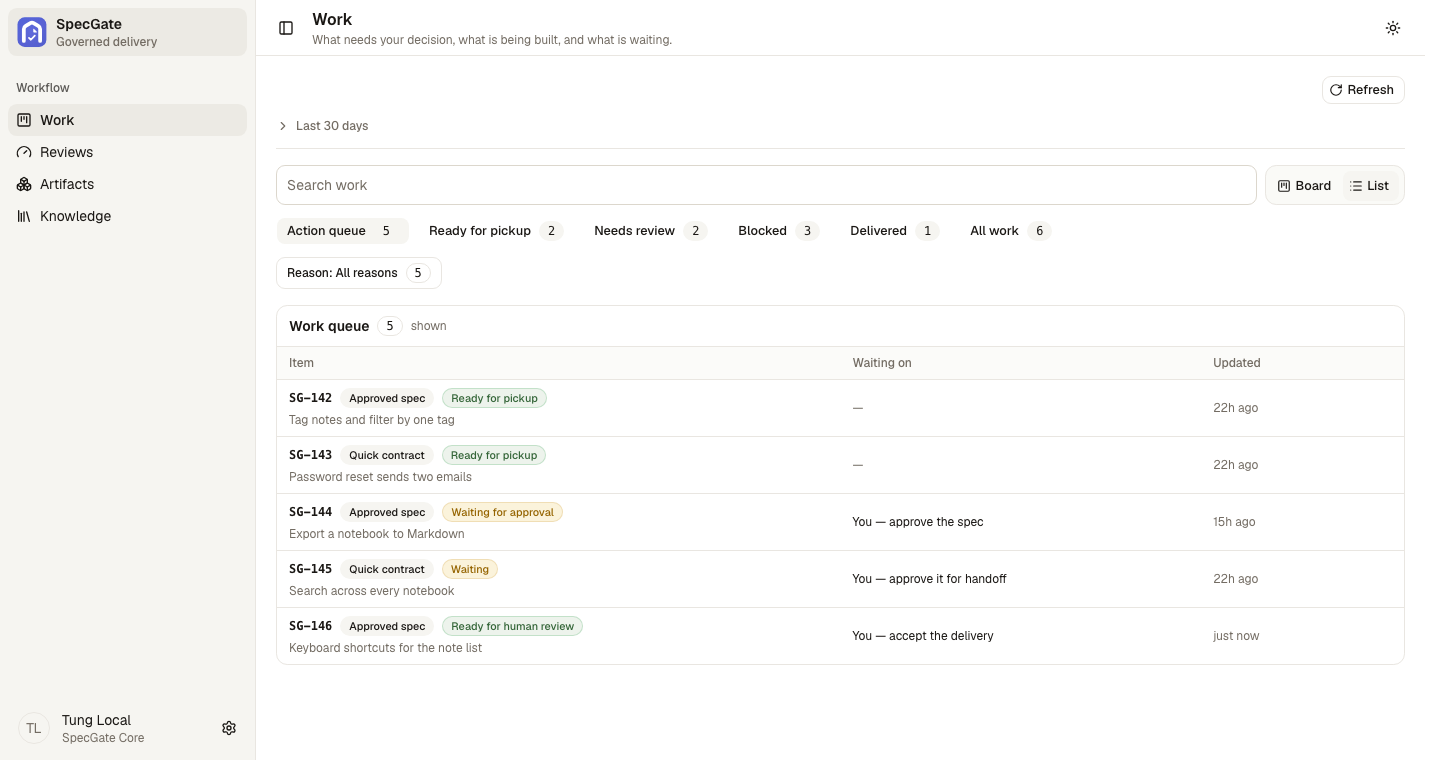
Most implementation work stays in your IDE. Open the web UI when you need to see
what is waiting on you: work whose scope you have not approved, finished work
waiting for you to accept it, what the agent was given, and what was checked.
Repository layout
| Module | Stack | Responsibility |
|---|---|---|
app/doc-registry |
Go | Artifacts, versions, policy, evidence, integrations, and REST |
app/agents |
Python / LangGraph | Governance-ops chat, model-judged gates, delivery review, and reconciliation |
app/ui |
Vite / React | Review, artifact inspection, governance chat, settings, and operations |
app/cli |
Go / Cobra | Human and coding-agent interface to SpecGate |
SpecGate expects a trusted network. Do not expose the general Doc Registry HTTP
surface or web UI directly to the public internet.
Documentation
- Documentation home
- Use SpecGate: User documentation,
Quickstart,
coding-agent workflow,
and CLI reference. - Contribute: Contributor documentation,
setup,
architecture, and
contracts. - Contributing
- Security
- Changelog
Roadmap
- Strengthen per-criterion delivery verification and make evidence gaps easier
to act on. - Improve approved-snapshot handoffs and durable acceptance records, with Local
mode as the default path.
Missing something? Open an issue.
License
Apache-2.0 - see LICENSE.
Reviews (0)
Sign in to leave a review.
Leave a reviewNo results found