openbee
Health Pass
- License — License: MIT
- Description — Repository has a description
- Active repo — Last push 0 days ago
- Community trust — 33 GitHub stars
Code Fail
- rm -rf — Recursive force deletion command in install.sh
Permissions Pass
- Permissions — No dangerous permissions requested
No AI report is available for this listing yet.
Use your AI agents anywhere, anytime: Claude Code, Codex, and Pi from Lark, DingTalk, WeCom, WeChat, Telegram, or the browser.

OpenBee — Build smarter AI teams.
OpenBee is an around-the-clock digital worker solution, dedicated to making AI Agents your 7×24 always-on assistant.
To learn more about the project, visit docs.theopenbee.com.




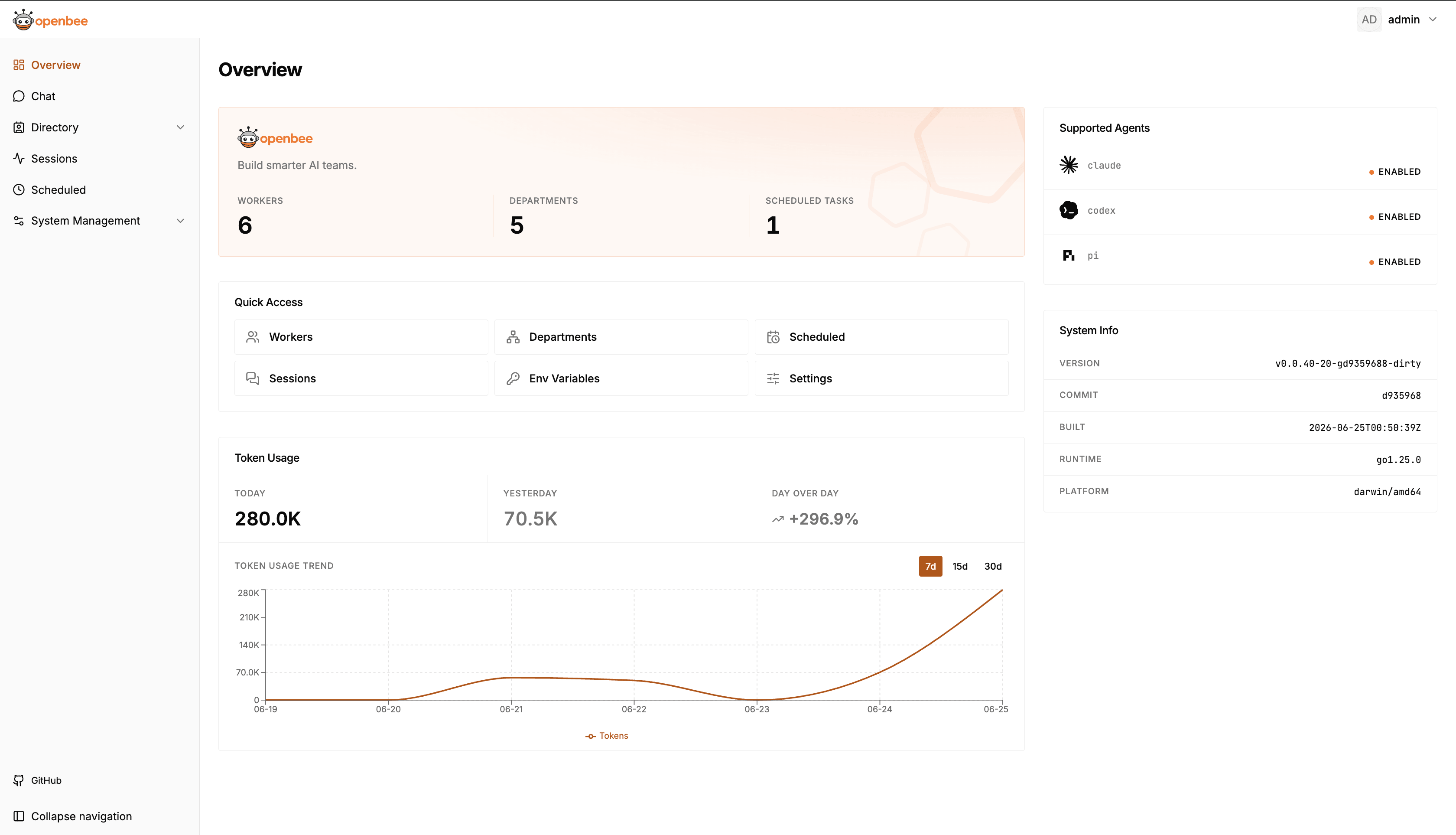
📸 Screenshots
🚀 Quick Start
Step 1: Install
📦 npm (Recommended)npm install -g @theopenbee/cli
The platform-specific binary is downloaded automatically. Supports Linux / macOS / Windows (amd64 & arm64).
🔧 One-click Scriptcurl -fsSL https://raw.githubusercontent.com/theopenbee/openbee/main/install.sh | bash
macOS (Homebrew):
brew install theopenbee/tap/openbee
Windows (Scoop):
scoop bucket add theopenbee https://github.com/theopenbee/scoop-bucket
scoop install theopenbee/openbee
Visit GitHub Releases, download the archive for your platform, extract it, and place the openbee executable in your PATH.
Step 2: Generate a config file
openbee config
The wizard will guide you through:
- Agent executable path
- Platform(s) to enable (Lark / DingTalk / WeCom / WeChat / Telegram / Linear) and their credentials
- Advanced options (can be skipped to use defaults)
The config file is written to config.yaml in the current directory by default. Use -o to specify a custom path:
openbee config -o /path/to/config.yaml
Step 3: Start the service
openbee server -d
Step 4: Start using
- Open the Web Console (default http://localhost:8080) to manage Workers and view task status
- Send messages directly in any configured platform (Lark / DingTalk / WeCom / WeChat / Telegram / Linear) to interact with OpenBee
🌟 Star History
🤝 Community
- 🐛 Bug reports / Feature requests → GitHub Issues
- 🤝 Contributing → Please read the Contributing Guide. You must agree to the Contributor License Agreement (CLA) before submitting.
Reviews (0)
Sign in to leave a review.
Leave a reviewNo results found