Veil
Health Pass
- License — License: GPL-3.0
- Description — Repository has a description
- Active repo — Last push 0 days ago
- Community trust — 11 GitHub stars
Code Warn
- Code scan incomplete — No supported source files were scanned during light audit
Permissions Pass
- Permissions — No dangerous permissions requested
No AI report is available for this listing yet.
A calm, private home screen for Android TV & Google TV. Big artwork, Continue Watching from Trakt, system-wide ad blocking, synced lyrics and a beat-reactive music visualizer. No ads, no tracking. Built with Claude Code.
Veil
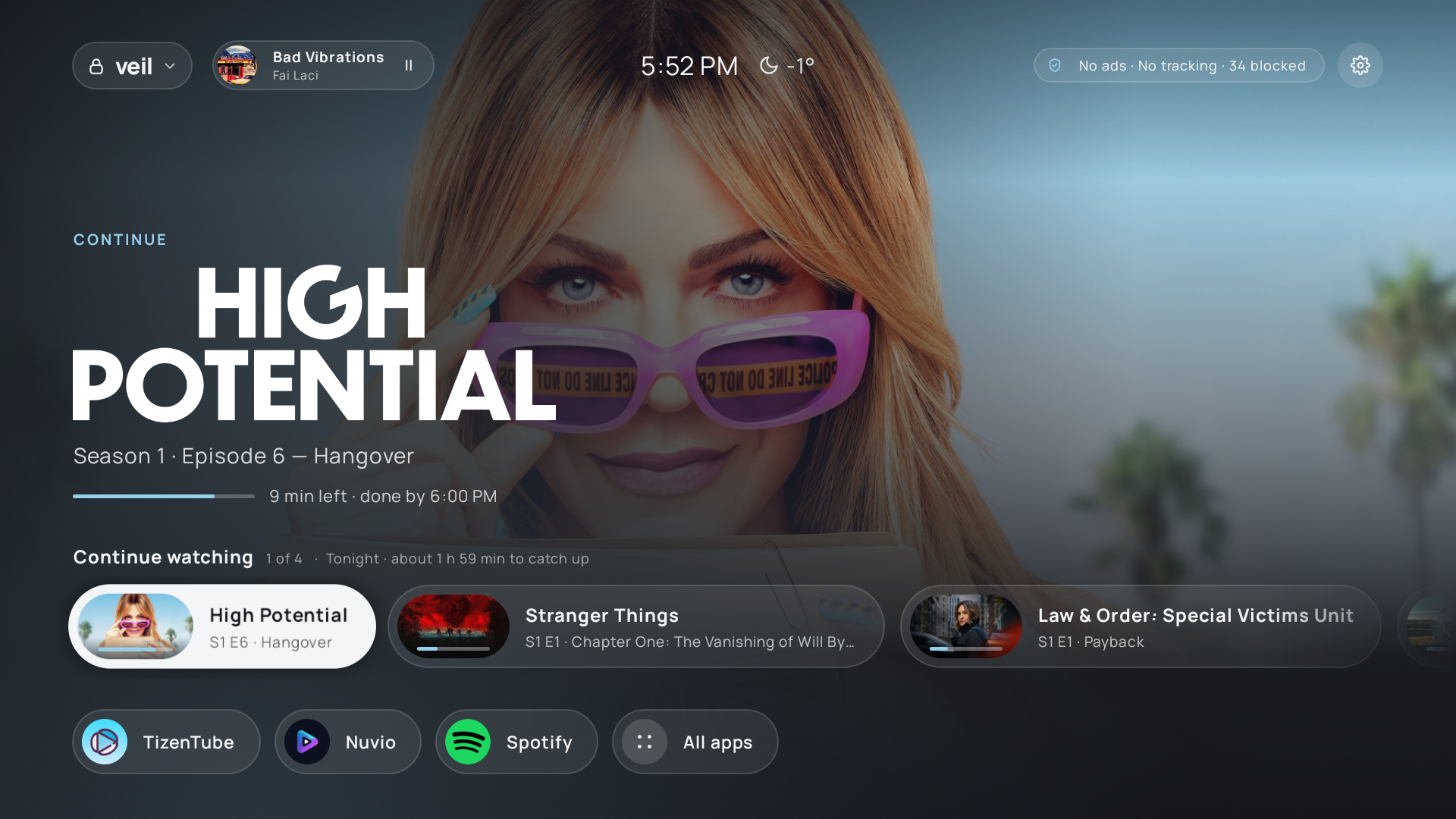
A calm, private home screen for Android TV. Veil replaces your TV's home screen with a clean, cinematic
one: big artwork, what you're watching, your apps, and nothing else. No ads, no "recommended for you",
no tracking.
 |
 |
 |
 |
 |
 |
 |
 |
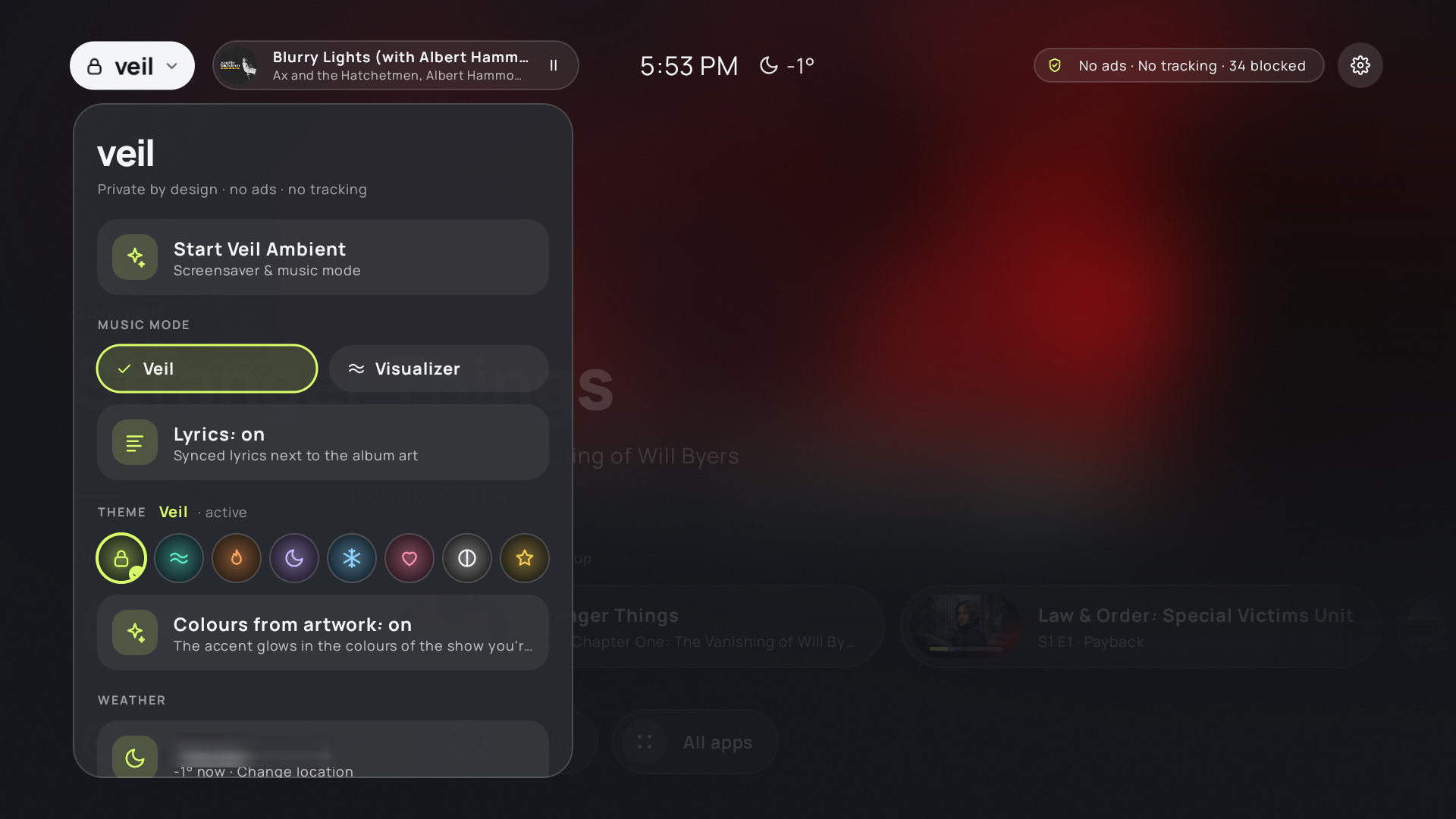
More in screenshots/.
Installing: Veil is built from source with your own API keys. The easiest way is to give this repo
to an AI coding agent (for example Claude Code) and ask it to followAGENT_INSTALL.md. It checks your TV, asks for your keys, backs up your settings,
and confirms before it changes anything.
What you get
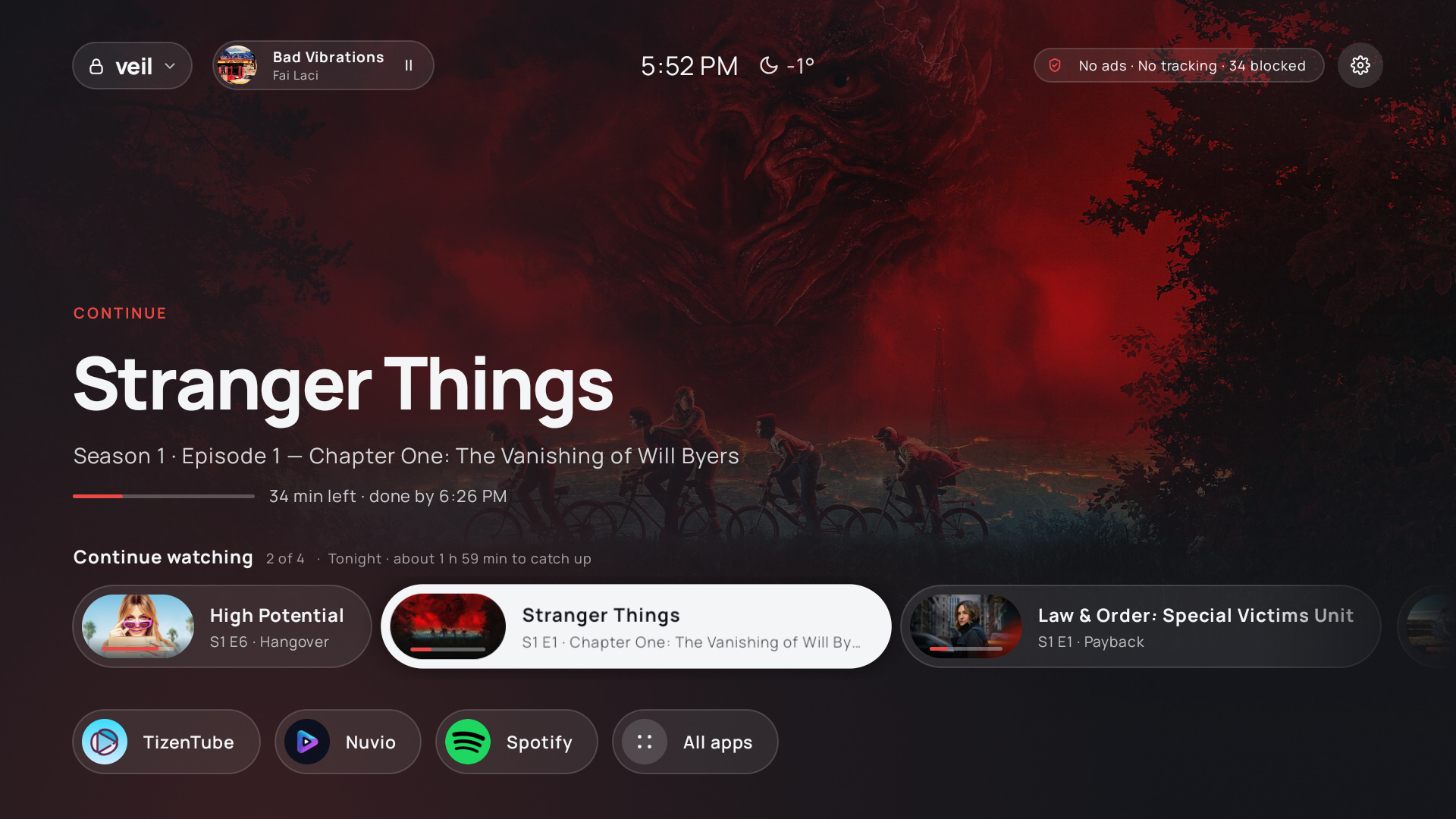
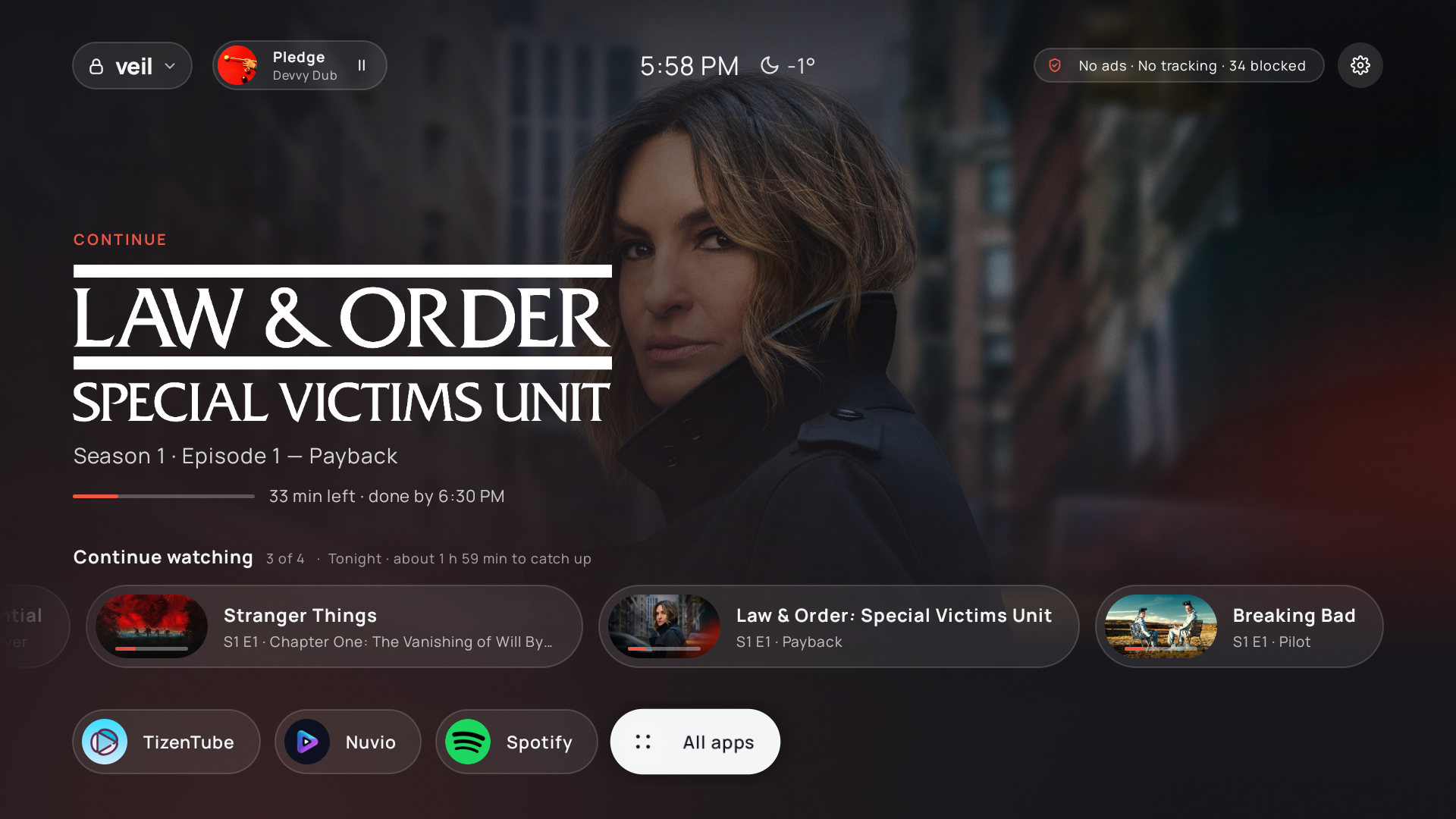
- Home: full-screen artwork of the show or film you're on, with its title logo and a slow pan and zoom.
The accent colour follows the artwork. Rows for Continue watching (from your Trakt account; opens the
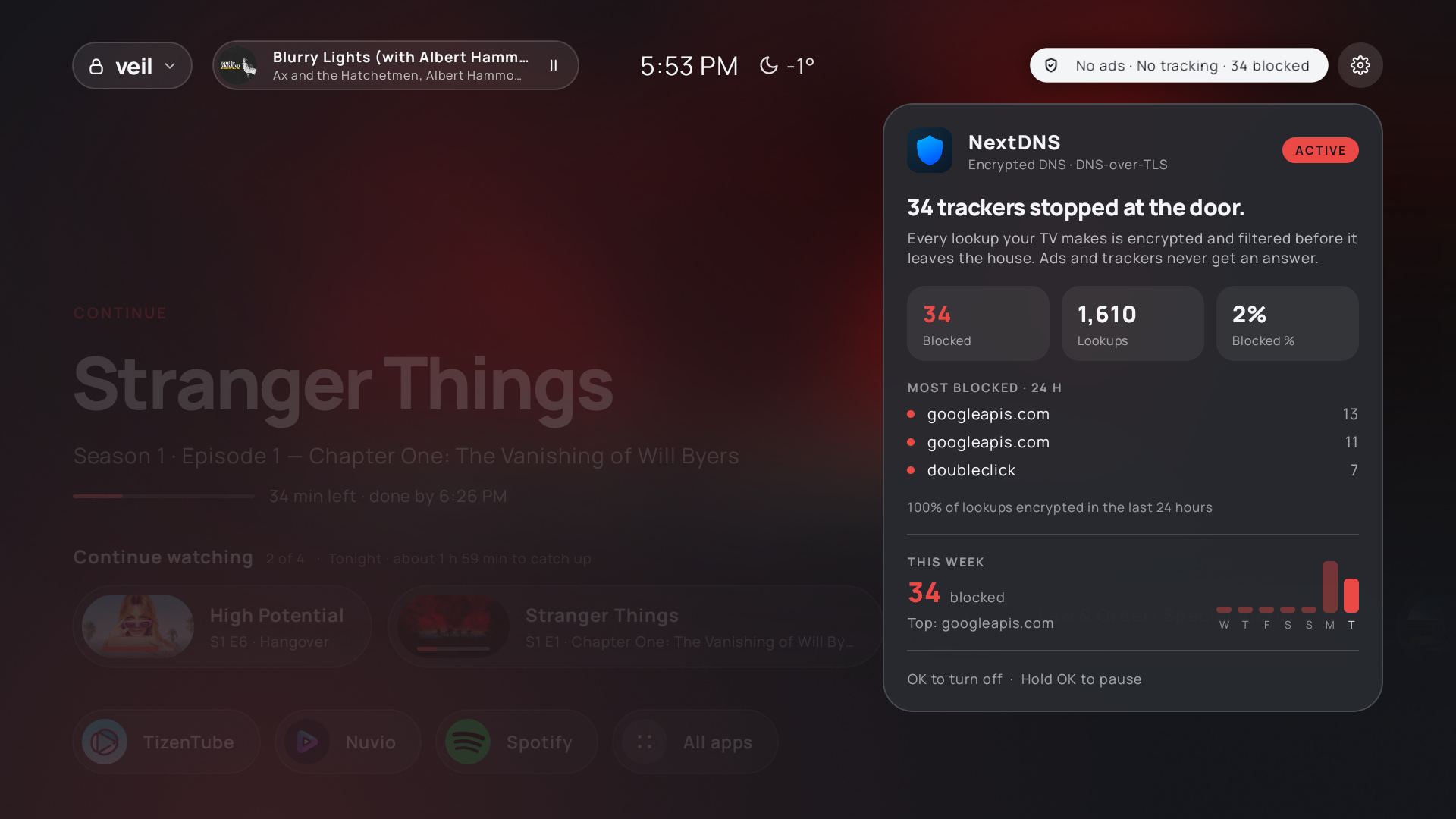
episode in Nuvio) and your apps (pin and reorder them). Clock and weather at the top. - Privacy pill: one switch for system-wide ad and tracker blocking via encrypted DNS (NextDNS if you
have it, otherwise AdGuard DNS), with "pause for 15 minutes / 1 hour" for sites that break. With NextDNS
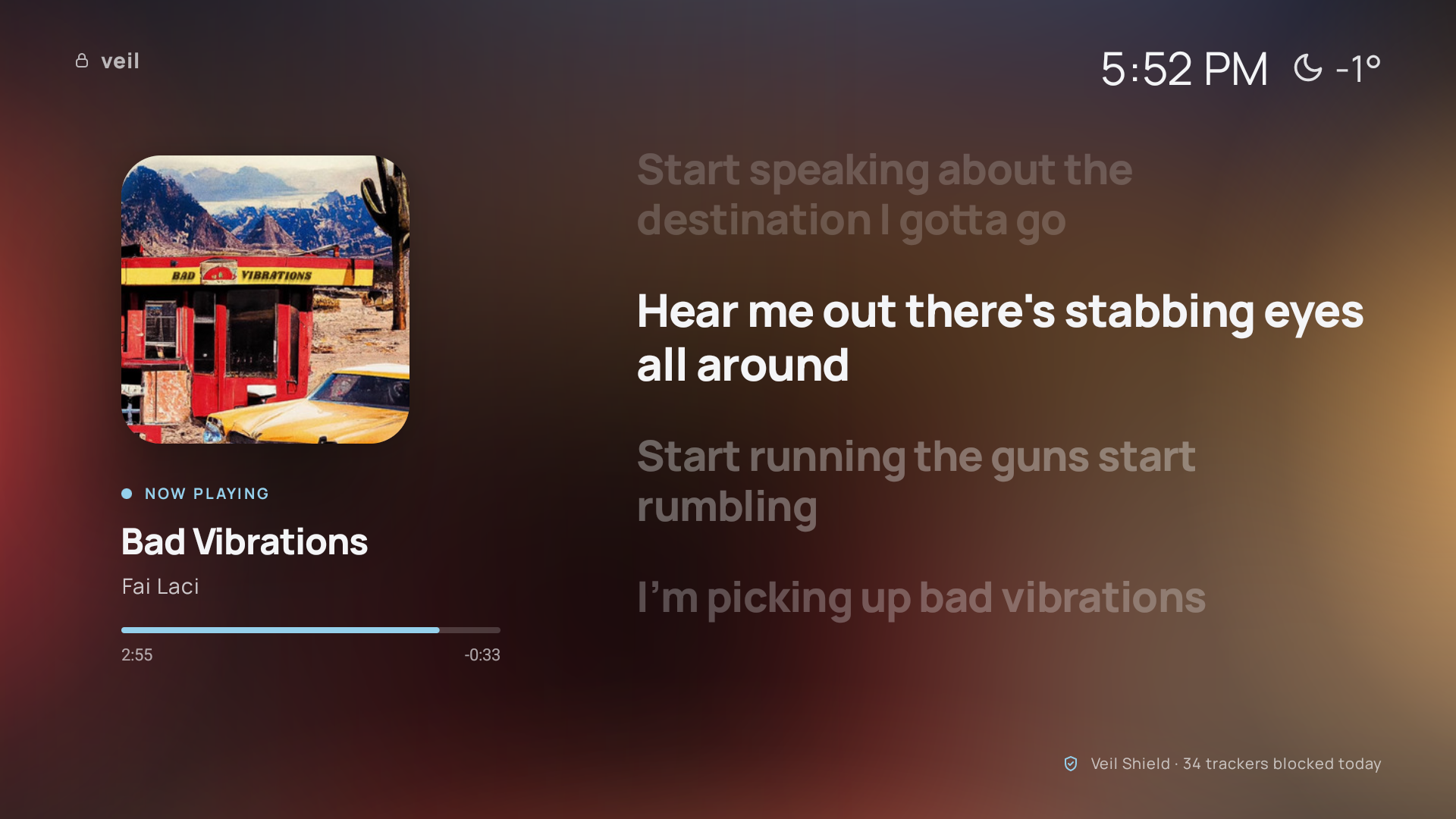
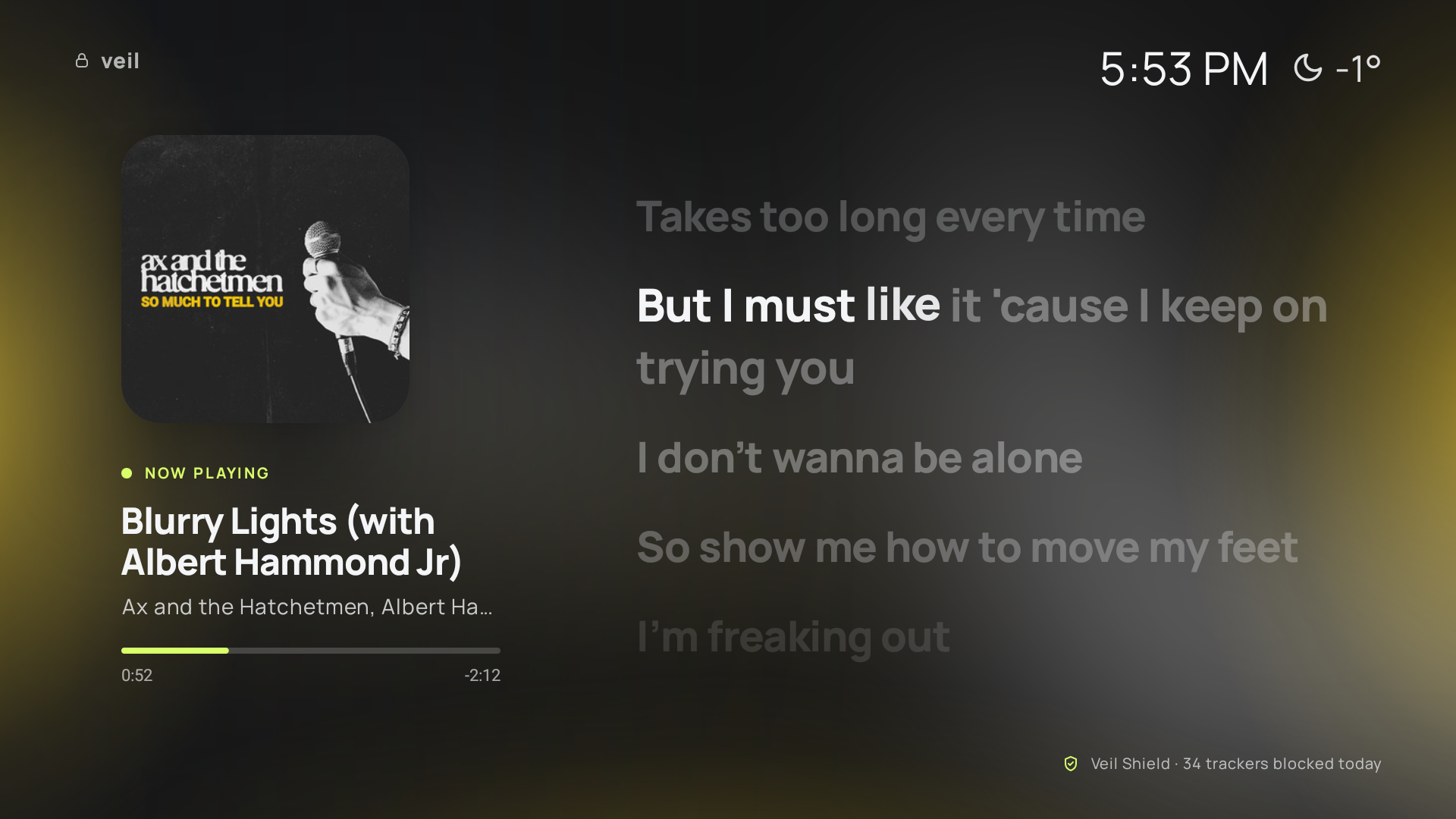
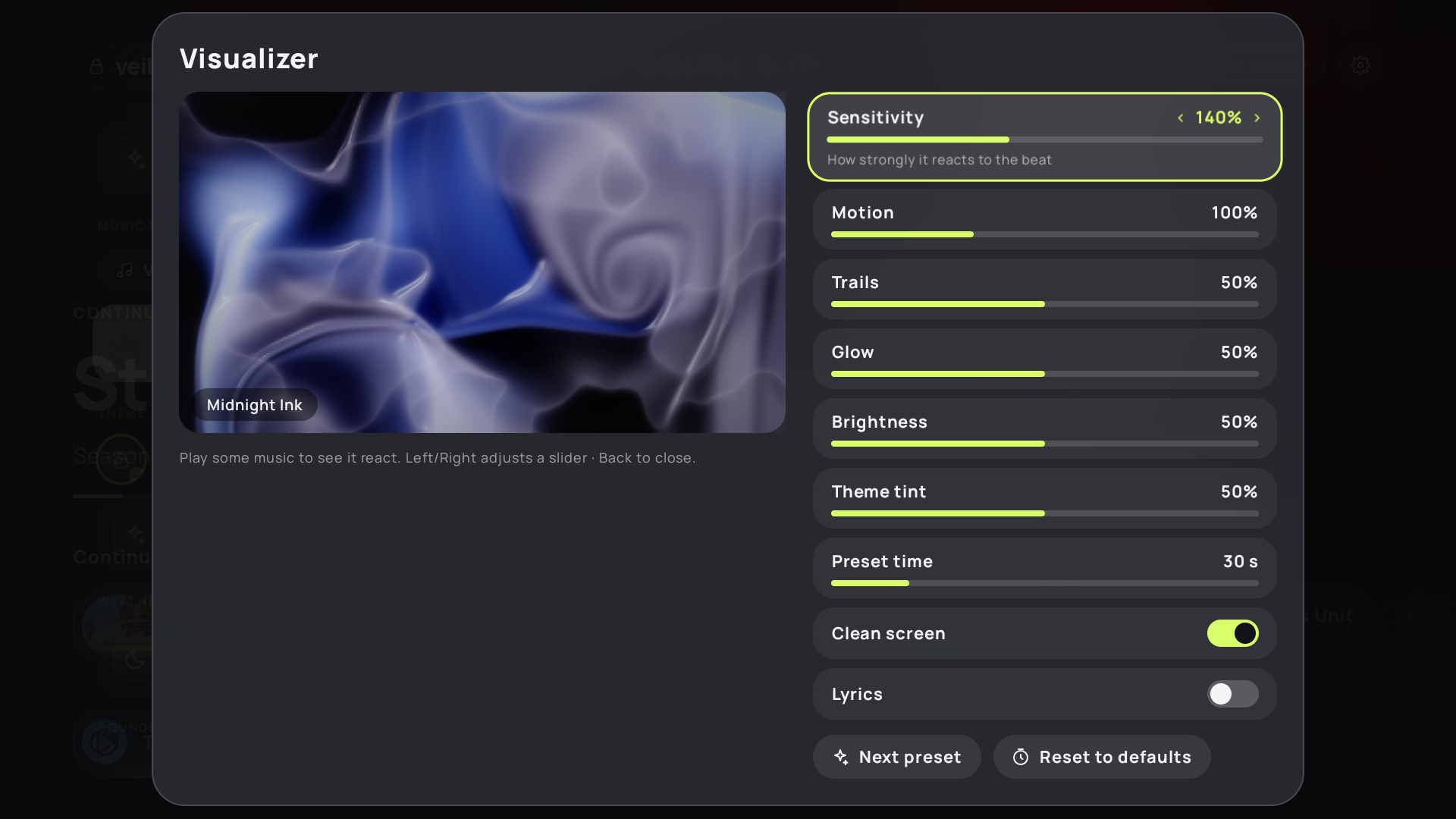
it also shows how many trackers it blocked. - Veil Ambient (screensaver): a slow slideshow of artwork. While music plays (Spotify etc.) it shows
the album art with synced lyrics (word by word when available), or a full-screen music visualizer
that picks out the kick, snare, hi-hats and vocals, locks onto the tempo and pulses on the beat. - Themes, colours taken from the artwork, glassy cards that catch the light, soft UI sounds, seasonal
touches (snow in December) and a wake-up intro when the TV turns on. - Made for weak TV hardware: everything heavy is pre-rendered, and it was profiled on a real device.
Requirements
- An Android TV or Google TV, Android 9 or newer, controllable over ADB (developer options).
- A computer (Windows, macOS or Linux) with JDK 17 and the Android SDK command-line tools. Gradle comes
with the repo (source/gradlew). - Your own free API keys (the repo contains none):
| Key | Needed for | Where |
|---|---|---|
| TMDB API key | Artwork and title logos (required) | themoviedb.org → Settings → API |
| Trakt client ID | Continue watching (optional) | trakt.tv/oauth/applications → New app |
| NextDNS profile + API key | NextDNS blocking and the blocked counter (optional) | my.nextdns.io |
Keys go in source/keys.properties (copy keys.properties.example), which git ignores. Your Trakt
account is never put into the app: you sign in on the TV with a code, like any TV app.
Permissions, and why
A TV can't ask for these with a pop-up, so they're granted over ADB (the install guide explains each one first).
| Permission | What it's used for | What it does not do |
|---|---|---|
| Home screen + Home-button helper (accessibility service) | Makes the remote's Home button open Veil | Sees only the Home key and which app is in front. It can't read the screen or other keys |
| Notification access | Reads "now playing" (song, artist, cover) from media apps | Ignores the contents of your notifications |
| Audio (RECORD_AUDIO) | The visualizer reads the TV's output loudness live | No microphone. Nothing is recorded, stored or sent |
| Secure settings (WRITE_SECURE_SETTINGS) | Turns the Private DNS blocking on and off; keeps the Home helper enabled | Nothing else |
| Internet | The services below | - |
Privacy
- No accounts, analytics, ads or Veil servers. Veil talks directly to these services over HTTPS:
- TMDB: titles of what you're watching, to get artwork.
- Trakt: reads your watch progress with your own login and, only when you ask, marks items watched
or removes them from Continue Watching (clears paused progress, hides the show from progress). - Open-Meteo: your chosen city, for the weather.
- LRCLIB: the song currently playing (title, artist, album, length), to get lyrics.
- NextDNS API: your blocked-tracker stats, if set up.
- Your Trakt login stays on the TV, in Veil's private storage (excluded from Android backups).
- DNS blocking is off until you turn it on. It uses Android's built-in Private DNS, so it covers every
app on the TV, and it can be paused or switched off at any time.
Undo
The install guide has the agent save your TV's current settings and write an undo script for your TV
first. Running it brings back your original home screen, screensaver, DNS and permissions. Veil itself can
then be removed with adb uninstall dev.veil.launcher. Nothing on the TV's system is removed or modified.
Building
cd source
cp keys.properties.example keys.properties   # then fill in your keys
./gradlew assembleRelease                    # → app/build/outputs/apk/release/app-release.apk
See AGENT_INSTALL.md for installing, permissions and performance notes.
Credits
- Built with Claude Code. Kotlin + Jetpack Compose for TV.
- Artwork and logos from TMDB. This product uses the TMDB API but is not
endorsed or certified by TMDB. - Watch progress from Trakt. Veil uses Trakt but is not endorsed or certified by Trakt.
- Lyrics from LRCLIB, weather from Open-Meteo (CC BY 4.0).
- Manrope font, under the SIL Open Font License 1.1
(licenses/OFL-Manrope.txt). - NextDNS, Trakt, TMDB, Spotify and Nuvio are trademarks of their owners. Veil isn't affiliated with any of them.
License
GPL-3.0. You're free to use, change and share Veil. If you share a modified version, it has to
be open source under the same license.
Reviews (0)
Sign in to leave a review.
Leave a reviewNo results found