bigtty
Health Warn
- License — License: MIT
- Description — Repository has a description
- Active repo — Last push 0 days ago
- Low visibility — Only 6 GitHub stars
Code Fail
- rm -rf — Recursive force deletion command in scripts/bundle.sh
- rm -rf — Recursive force deletion command in scripts/release.sh
Permissions Pass
- Permissions — No dangerous permissions requested
No AI report is available for this listing yet.
Native macOS client for herdr: Ghostty-rendered terminals, spaces sidebar, browser and file panes
bigtty
A native Mac home for your terminal agents.
Install · Features · Shortcuts · btty




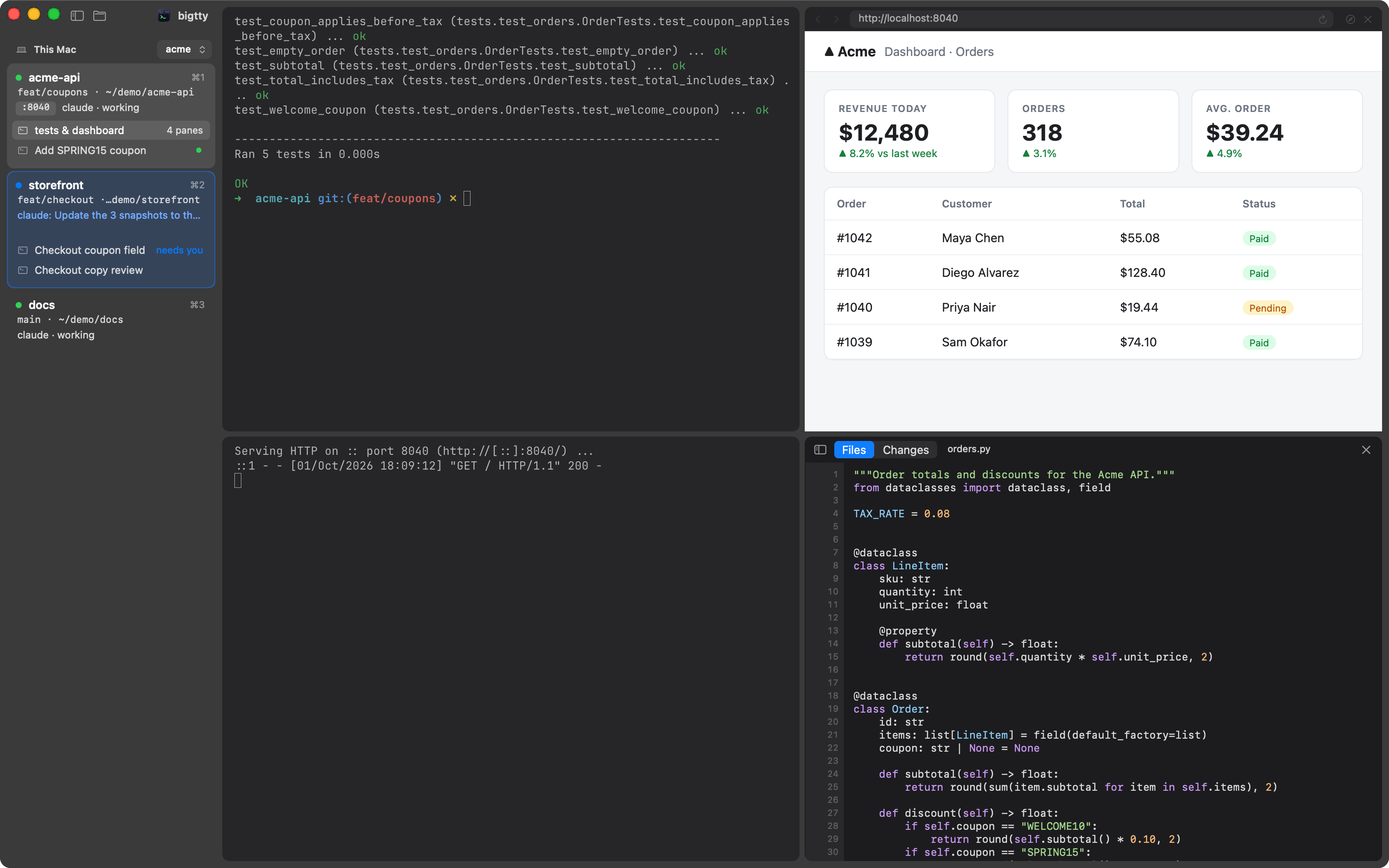
Claude Code, Codex and friends run in herdr because it
keeps them alive. bigtty gives that herd a proper Mac app: every space in a
sidebar, every agent's state at a glance, real Ghostty terminals, and a
browser and your code right next to the agent that needs them. Quit it and
nothing stops; herdr keeps running everything.
Know which agent needs you
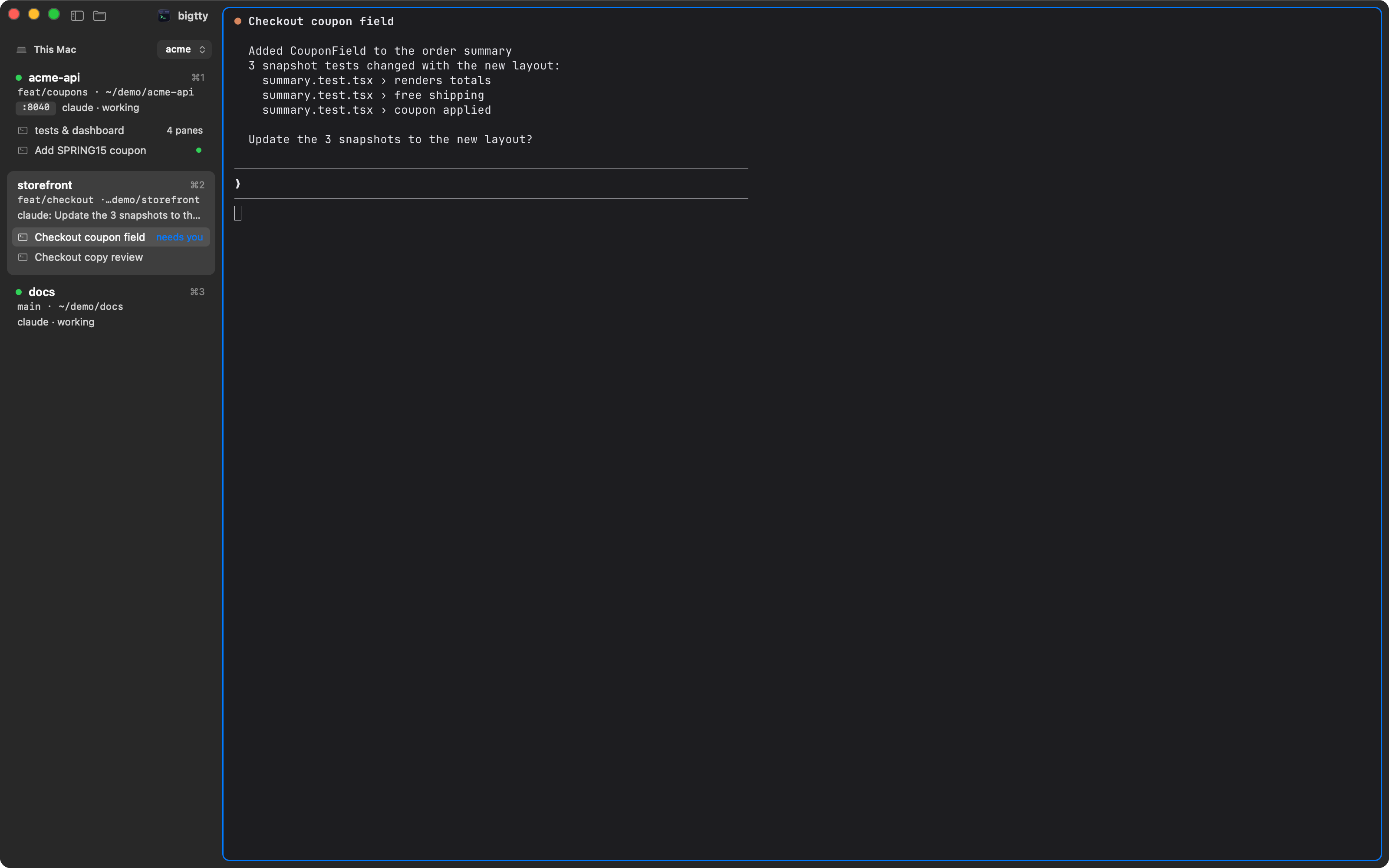
Each space shows its branch, ports, what its agents are doing and how long
it's been quiet. When one stops to ask something, its space quotes the
question, its pane gets a ring and a notification finds you. ⇧⌘U jumps
there.
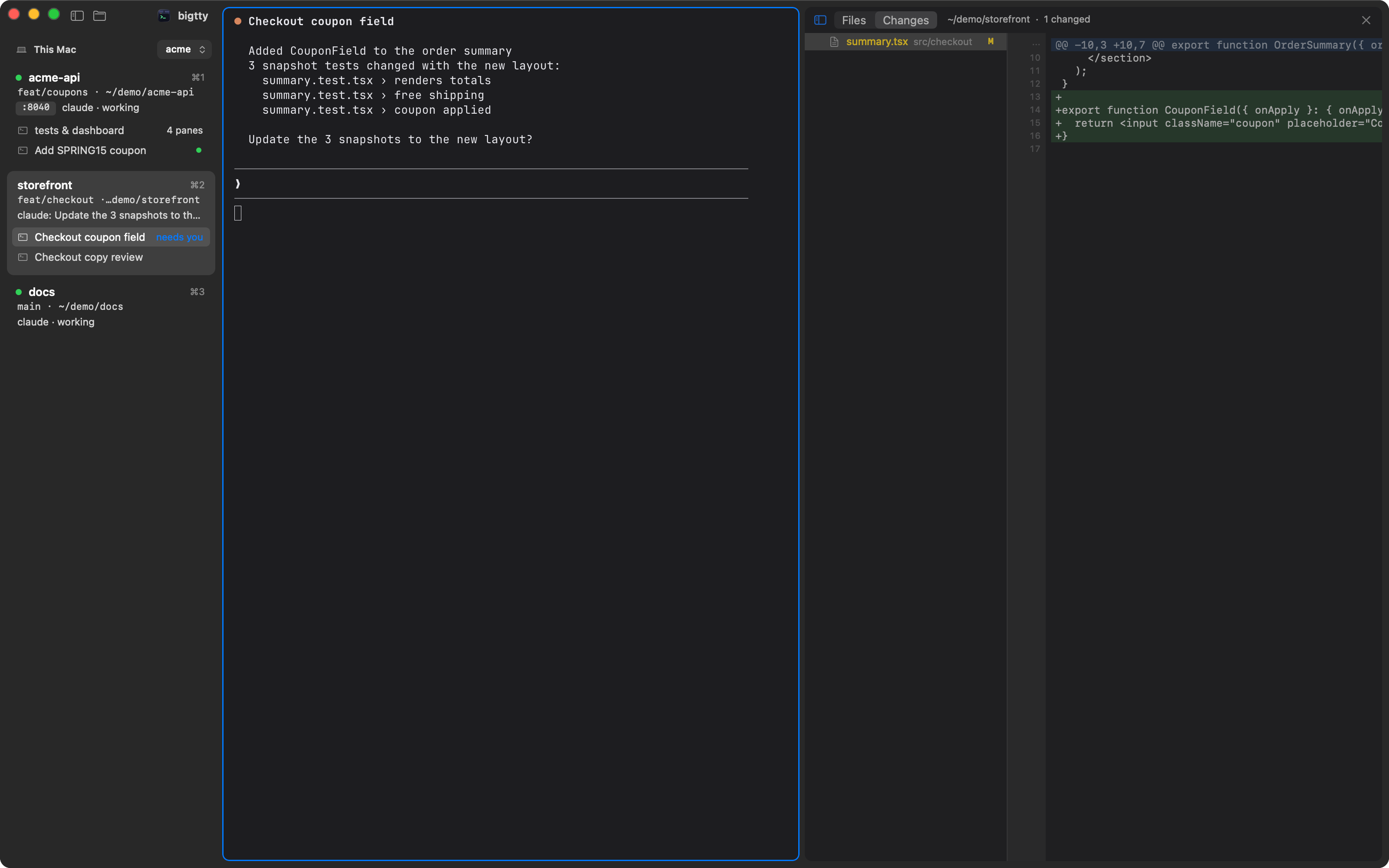
The diff next to the decision
⌘-click any path an agent prints and it opens right there, at the line.
⌥⌘G shows what changed, live, beside the agent asking whether to keep it.
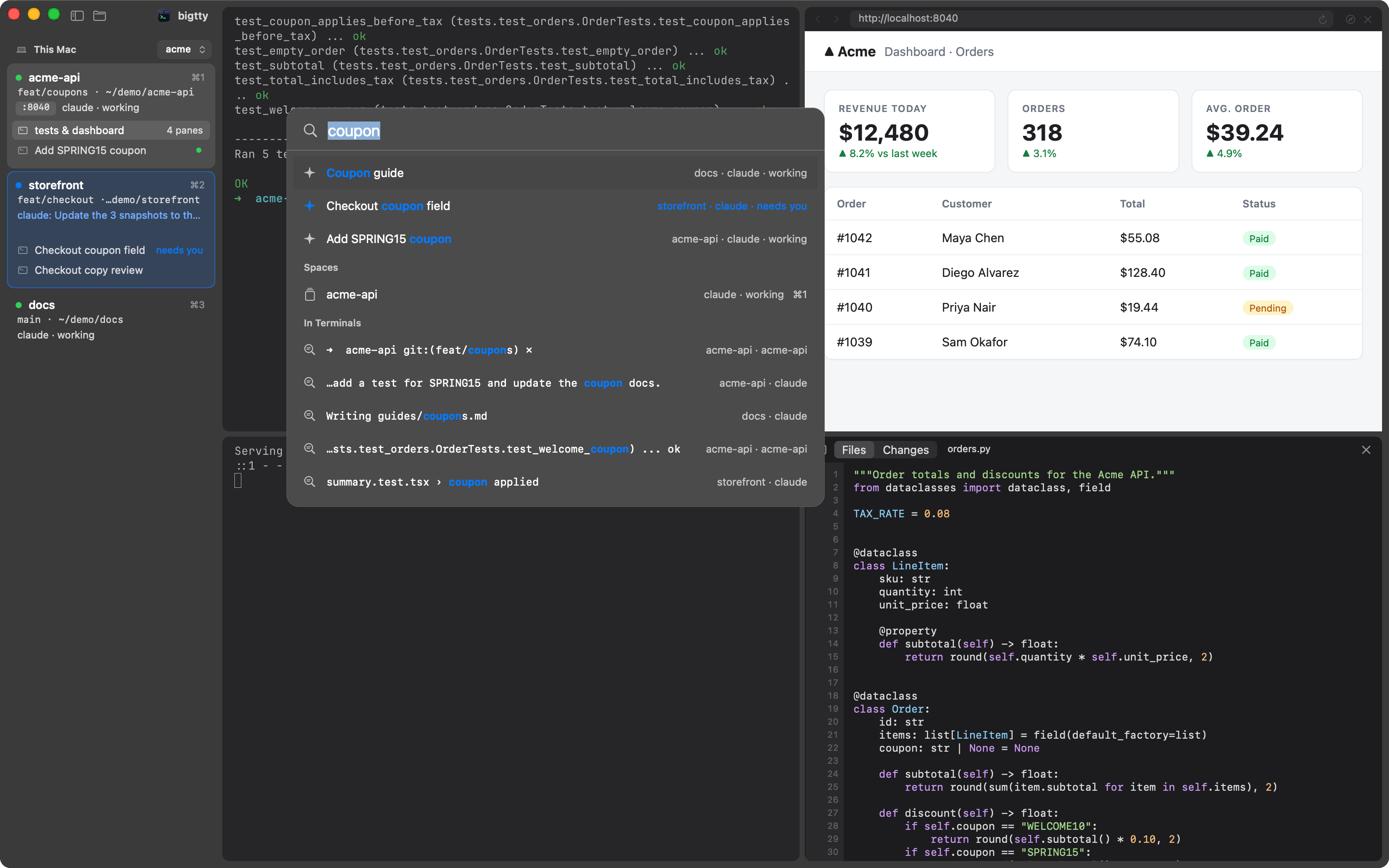
⌘K to anywhere
Fuzzy search over spaces, agents, panes and actions, and through everything
your terminals printed.
A browser in the layout
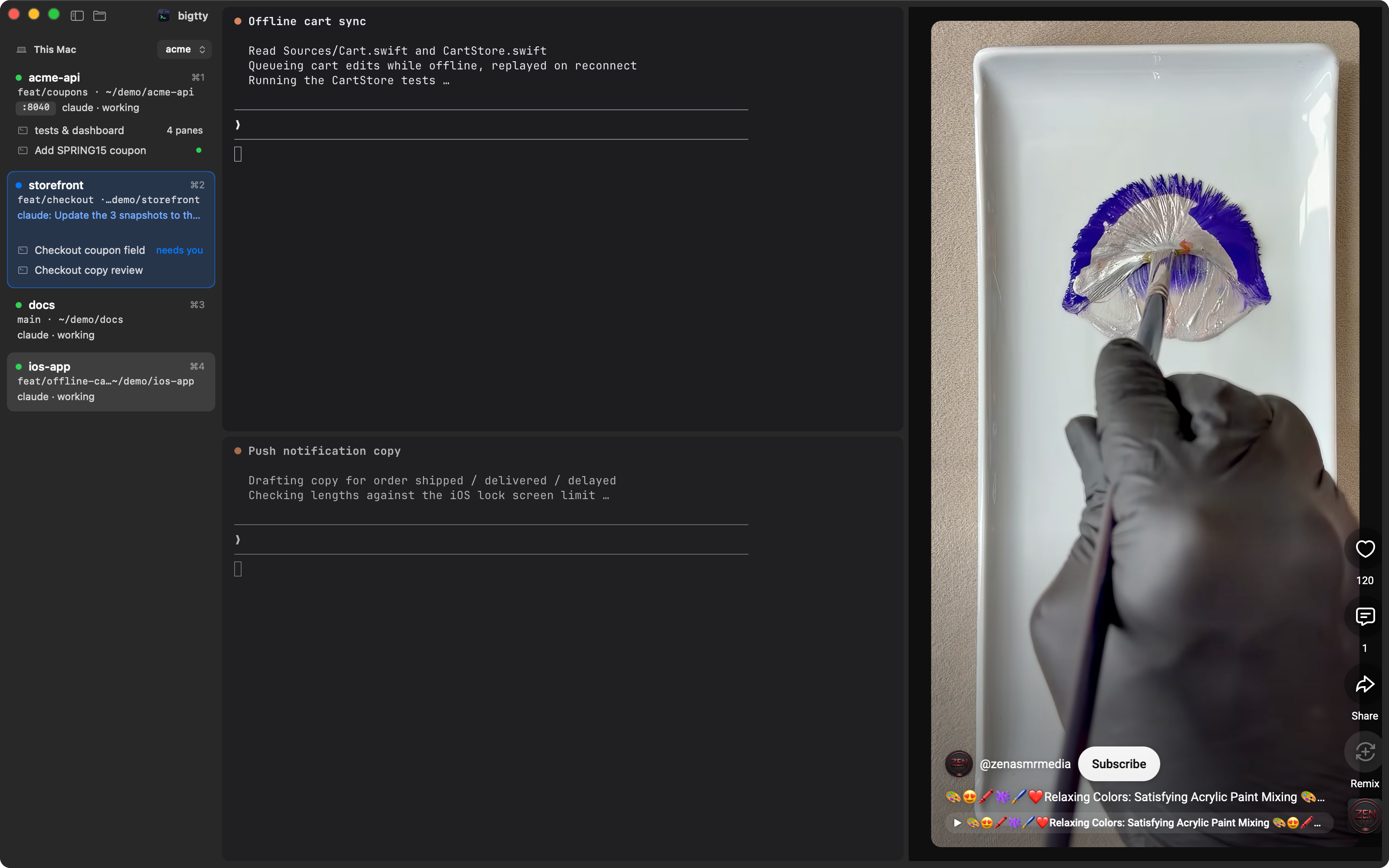
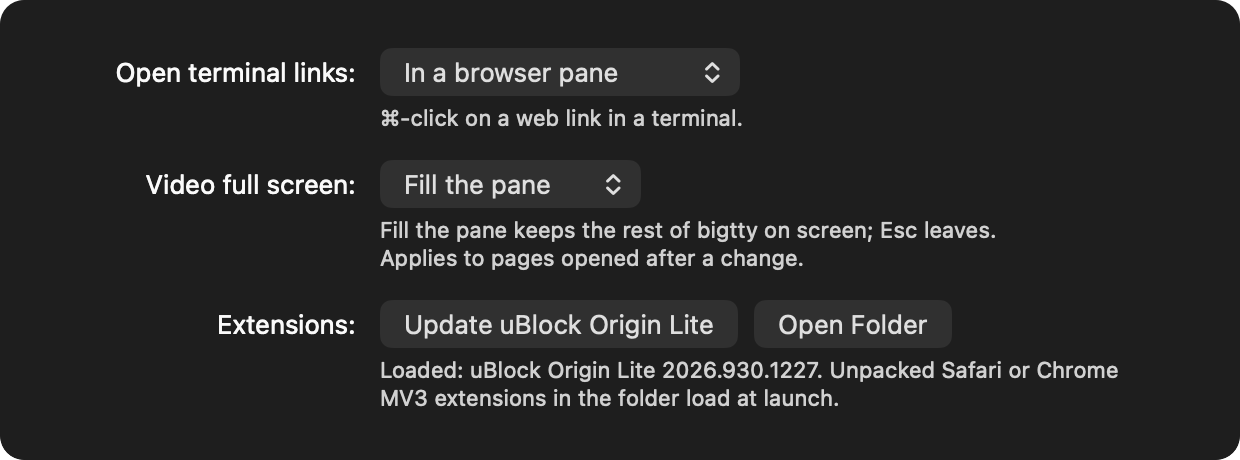
Browser panes split, zoom and move like terminals. Open localhost beside the
dev server, block ads with uBlock Origin Lite, let agents drive it withbtty browser, or keep a Short playing while the agents grind.
Keyboard first
 |
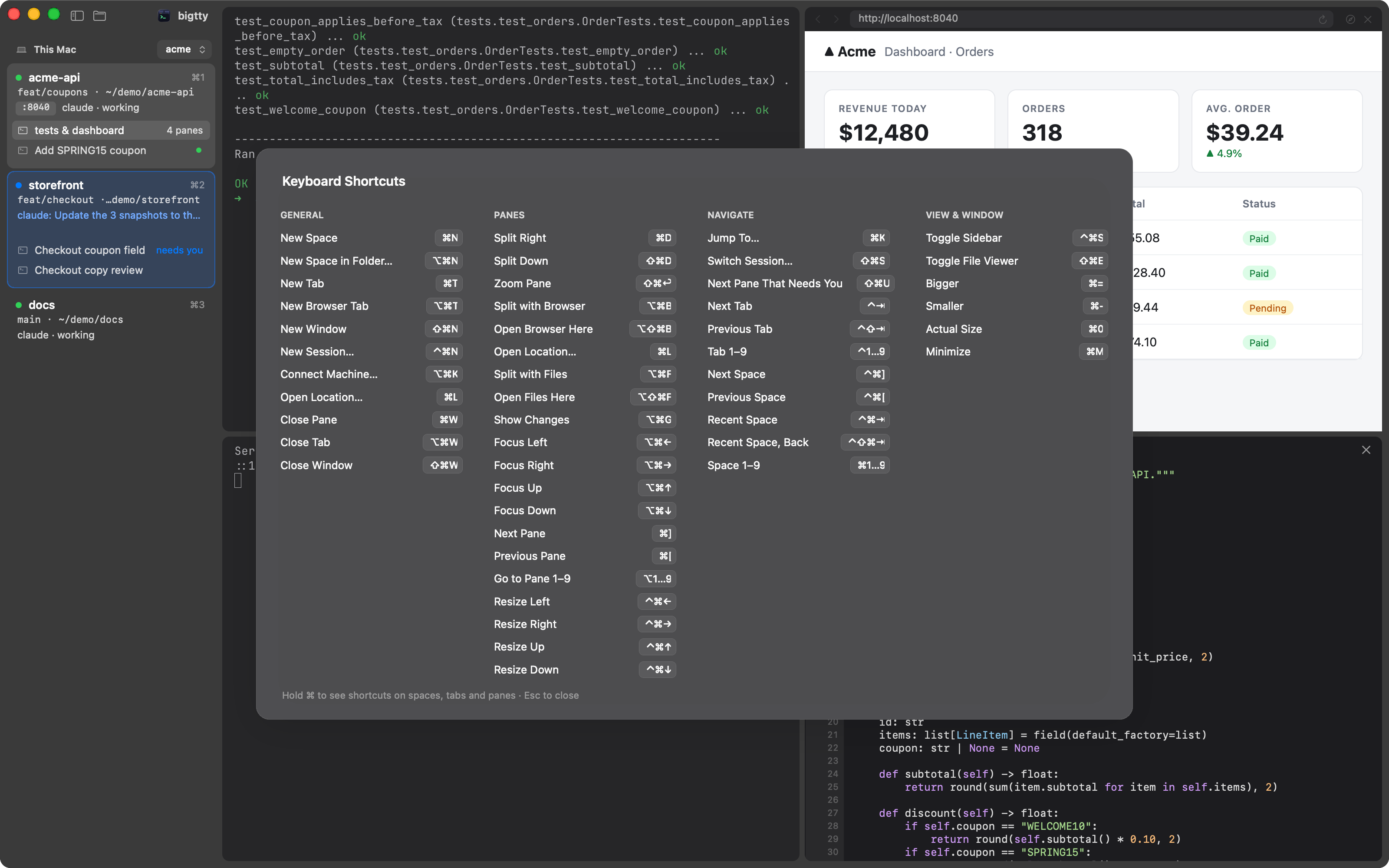 |
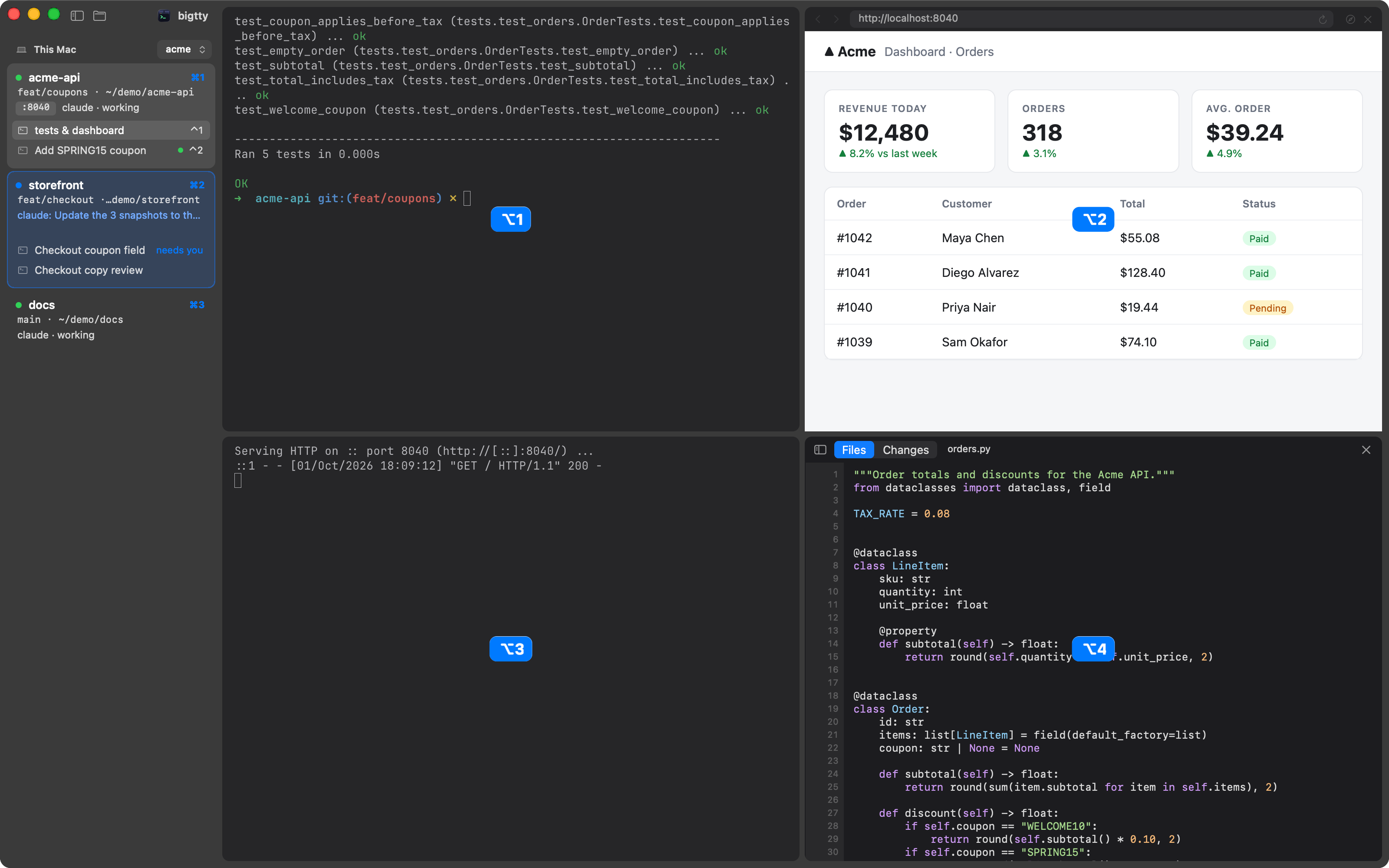
| Hold ⌘: every space, tab and pane shows its key. | ⌘/ lists them all. |
Made to fit your Mac
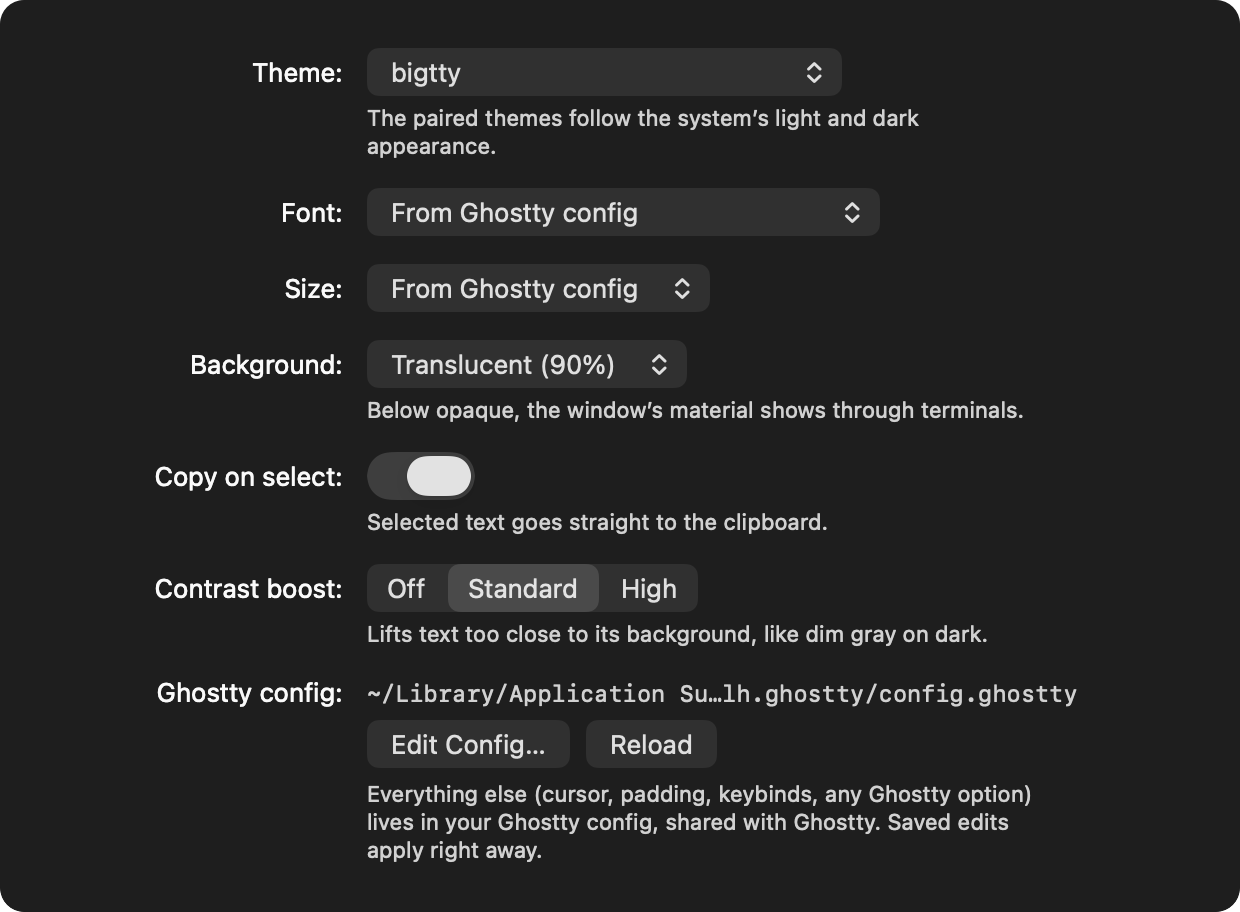
Your Ghostty config as is, hundreds of themes built in, translucency, fonts,
notification sounds, and SSH machines whose spaces sit right under yours.
 |
 |
Install
Needs macOS 14+ and herdr 0.9.2+. Universal
(Apple Silicon and Intel).
brew install --cask v1k45/tap/bigtty
That also puts btty on your PATH. Open bigtty and it finds herdr and
connects to your default session. To update:brew update && brew upgrade --cask bigtty.
Quick start
| ⌘N · ⌘T · ⌘D | New space · tab · split |
| ⌥⌘B · ⌥⌘F · ⌥⌘G | Browser · files · git changes beside you |
| ⌘K · ⇧⌘U | Jump anywhere · next agent that needs you |
| ⌘1–9 · ⌃⌘⇥ | Your spaces · back to the last one |
| ⌥⌘K · ⇧⌘S | Connect a machine · switch session |
Drag a pane by its top edge to rearrange. Everything else:
shortcuts.
Learn more
- Features in depth: terminals, spaces, attention, browser
panes and extensions, files, sessions, remote machines, how it works - btty: the command agents use to drive bigtty's browser and
open files - Building and development
Built on herdr, Ghostty via
libghostty-spm, and themes from
iTerm2-Color-Schemes.
MIT licensed.
Reviews (0)
Sign in to leave a review.
Leave a reviewNo results found