vaultite
Health Warn
- License — License: Apache-2.0
- Description — Repository has a description
- Active repo — Last push 0 days ago
- Low visibility — Only 5 GitHub stars
Code Fail
- fs.rmSync — Destructive file system operation in .agents/skills/verify-vaultite/vv.mjs
- process.env — Environment variable access in .agents/skills/verify-vaultite/vv.mjs
- network request — Outbound network request in .agents/skills/verify-vaultite/vv.mjs
- spawnSync — Synchronous process spawning in .github/windows/cmd.ts
- process.env — Environment variable access in .github/windows/cmd.ts
Permissions Pass
- Permissions — No dangerous permissions requested
No AI report is available for this listing yet.
Own your memories. A local knowledge base you and your AI write together, in plain Markdown files.

Vaultite
Own your memories. A local knowledge base you and your AI write together, in plain Markdown files.
Download
(Intel)
· Try it in your browser



What it is
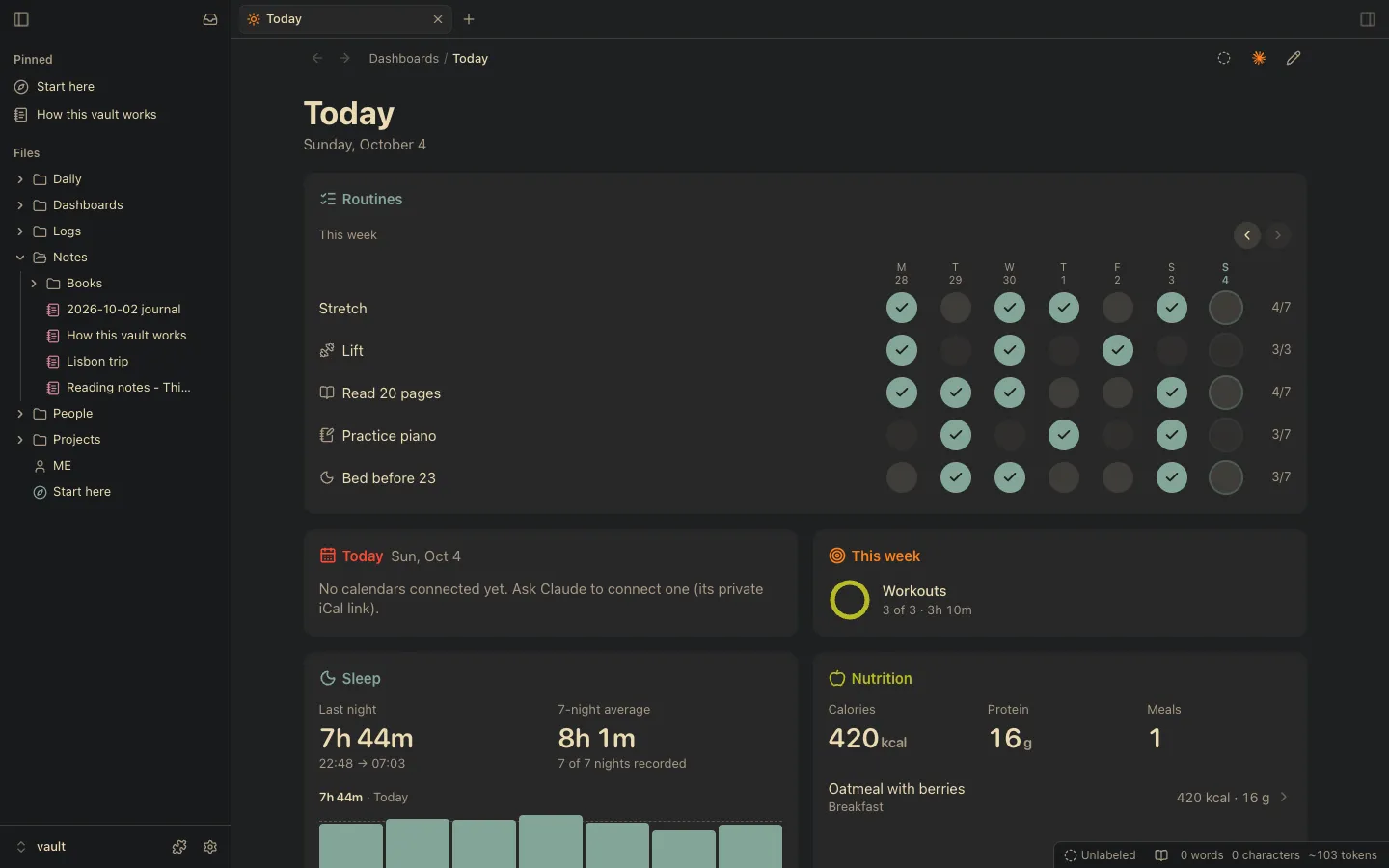
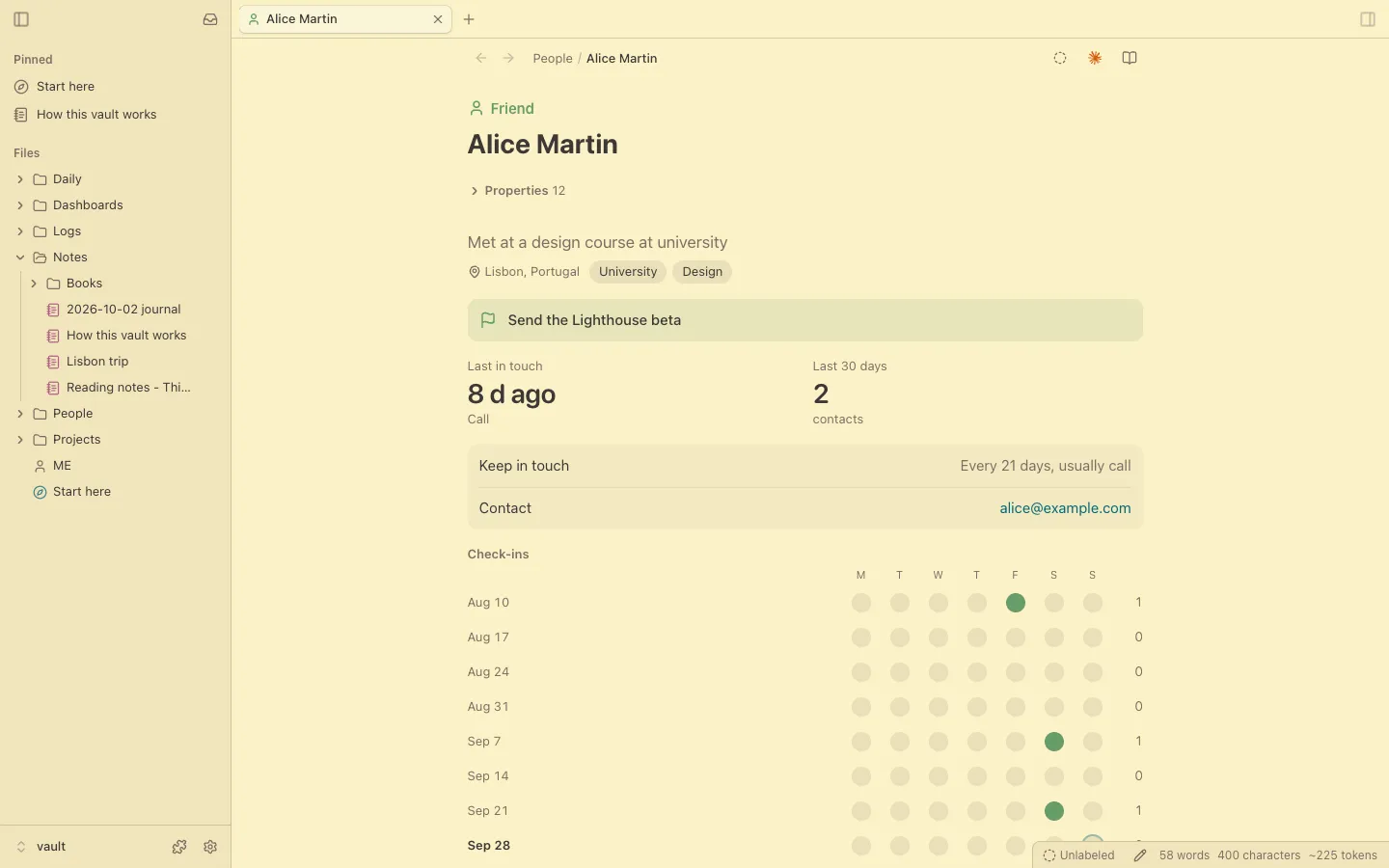
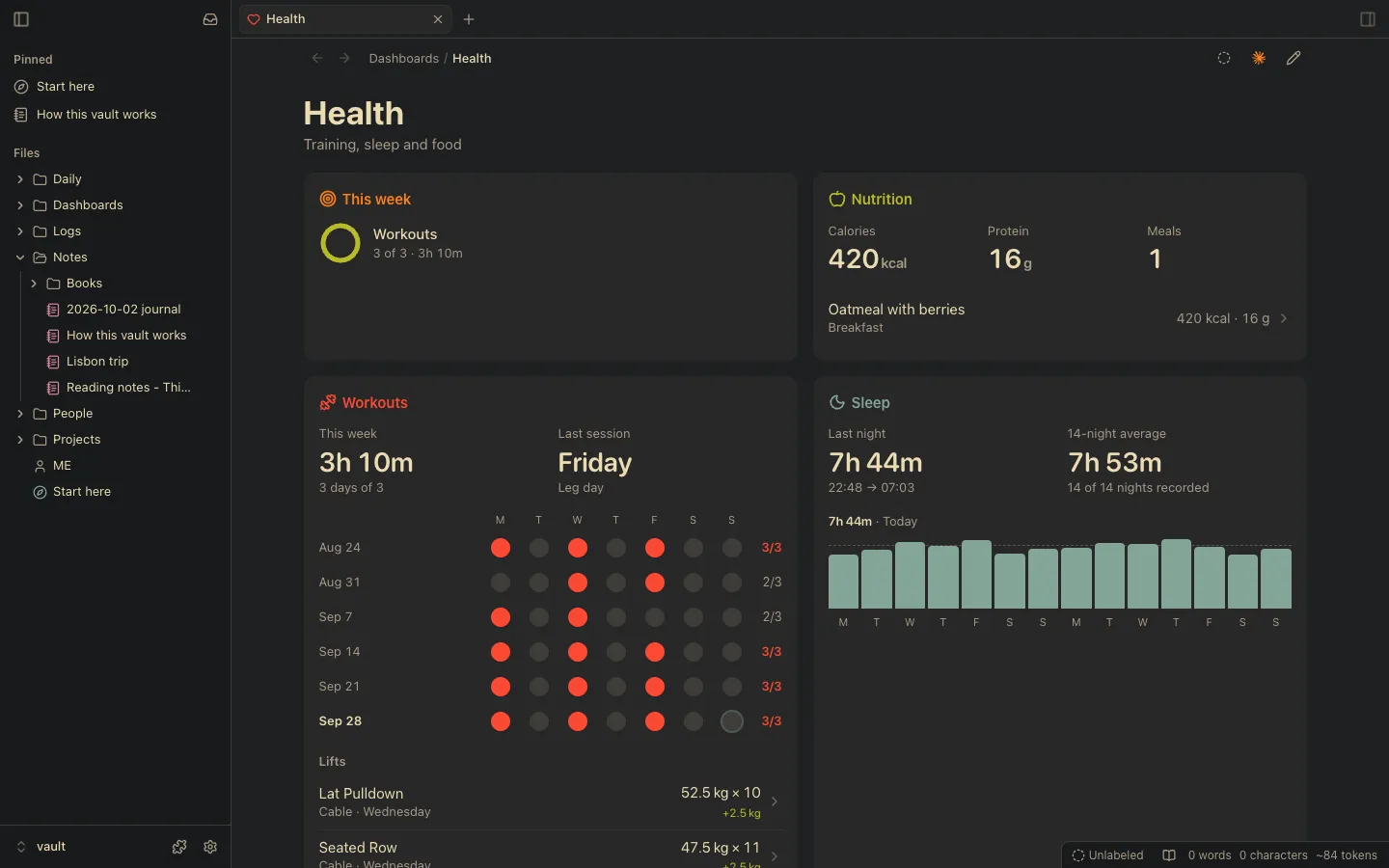
A second brain for you and your AI: a folder of Markdown files (your vault) you both write in, which Vaultite draws as
pages and a knowledge graph of what links to what.
- Plain files, no database. Open the vault in another Markdown app, grep it, sync it with iCloud or keep it in git.
- Your Obsidian vault, as is. Open it and its notes, links, properties and hotkeys carry over; with the Obsidian
plugins add-on (Plugins, Get), 105 of the 126 community plugins checked work: Dataview, Templater, Tasks, Excalidraw,
Kanban... - Made for agents. Claude Code, Codex and any MCP client share one set of operations (the
vauCLI, MCP, HTTP). - Everything is a plugin, even the file tree, hot-reloaded. People, logs and notes come with it, off until a bundle
or you turn them on. Write your own in the vault. - A full editor and workspace: live preview, tabs and splits, backlinks, graph and terminals for your agents, on the
Mac, Linux and the web. iPhone coming soon.
Get started
- Download Vaultite for Mac
(Intel; macOS 13 or later) and drag
it to Applications. On Windows, the installer (x64 or ARM64;
not signed yet, so Windows asks: More info, Run anyway). On Linux, the
AppImage or the .deb
(sudo apt install ./vaultite_*.debalso sets up Chromium's sandbox on Ubuntu 24.04+). - Make a vault, or open a folder of Markdown you already have: Vaultite changes none of it. Or try the playground,
a made-up vault, first. - Connect your AI in Settings, AI: Claude, ChatGPT, Muse or Grok Bot, on the web and your phone (they
reach Vaultite through Vaultite Cloud's relay or a tunnel of your own: SECURITY.md). Claude Code and
Codex in Vaultite's terminals already know the vault.
Then try "log a 30 minute run this morning" or "what did I tell you about Alice?". Layouts and packs add more: the Browser
layout (Settings, Appearance) makes it a web browser first; in Plugins' Get, Life OS for your days, people and health,
and Agents for your coding agents.
Agents outside Vaultite: claude mcp add vaultite -- vau mcp. Skills that teach any agent the vault's rules and how to
write a plugin: npx skills add Vaultite/vaultite, or in Claude Code /plugin marketplace add Vaultite/vaultite and/plugin install vaultite@vaultite.
Run from source
npm ci && npm run build                              # Node.js 23.6 or later
node bin/vau sandbox /tmp/vaultite-sandbox           # a made-up vault, dated as of today
VAULTITE_VAULT=/tmp/vaultite-sandbox npm start       # http://127.0.0.1:8793
No accounts: keep it on 127.0.0.1 or a private network like Tailscale (SECURITY.md). The desktop and
iPhone apps, tests and how to send a change: CONTRIBUTING.md. Your own plugin: vau plugin new <id>
(vault plugins).
Run it on a server
On a box at home or a VPS (Linux, a Mac or Windows), next to your agents. Open it from the desktop app (Connect to a server) or
a browser on your tailnet.
git clone https://github.com/Vaultite/vaultite && cd vaultite
npm ci && npm run build                          # on Linux, node-pty builds with build-essential and python3
node bin/vau service install --vault ~/Vault     # a systemd user unit (launchd on a Mac, a scheduled task on Windows), running now and at boot
tailscale serve --bg --https=8447 http://127.0.0.1:8793
Then add https://<machine>.<tailnet>.ts.net:8447 in the app.
License
Obsidian is a trademark of Dynalist Inc. Vaultite is not affiliated with or endorsed by it; the name is used only to
say what Vaultite is compatible with.
Reviews (0)
Sign in to leave a review.
Leave a reviewNo results found