maleficium
Health Warn
- License — License: Apache-2.0
- Description — Repository has a description
- Active repo — Last push 0 days ago
- Low visibility — Only 5 GitHub stars
Code Pass
- Code scan — Scanned 12 files during light audit, no dangerous patterns found
Permissions Pass
- Permissions — No dangerous permissions requested
No AI report is available for this listing yet.
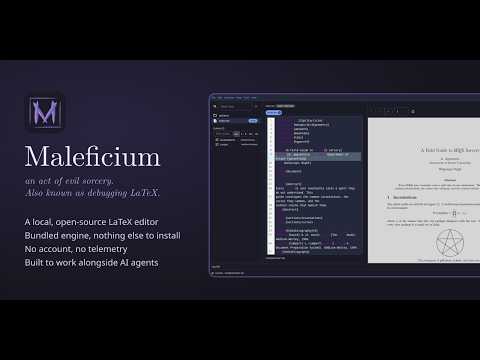
Maleficium (n.): an act of evil sorcery. Also known as debugging LaTeX. This makes the ritual easier.
Maleficium
maleficium (n.): an act of evil sorcery. Also known as debugging LaTeX. This makes the ritual easier.
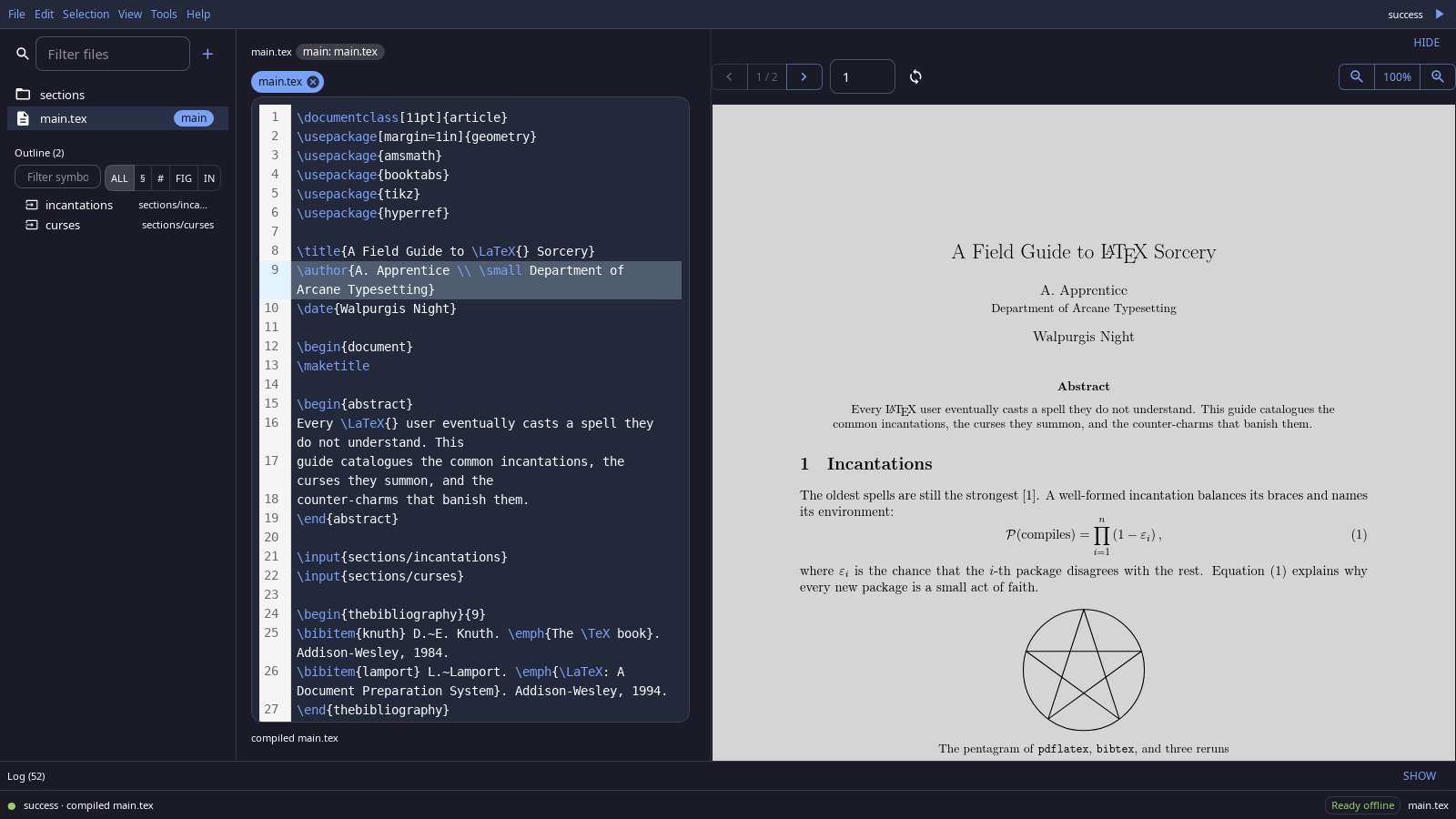
Maleficium is a LaTeX editor that runs entirely on your machine. Write on one side, read the PDF on the other, and click between them. It ships its own TeX engine, so there is nothing else to install.
Why Maleficium
It runs locally. There's no account, server, or cloud copy. Your projects stay in your own folders, and the app never writes its build files, history, or logs into them. The bundled Tectonic engine downloads its support files on the first compile; after that, everything works offline. That download is the only network traffic the app makes: no telemetry, no auto-updater.
It's open source, so you can make it yours. Maleficium is Apache 2.0 and built to be changed at the source: fork it and shape it to the way you work. Menus and the command palette are built from one command registry, so a new action shows up in both from a single entry. A template is just a folder, a color theme is a standard VS Code theme file, and the Rust core behind the editor is the same one its automation tools use. docs/CONTRIBUTING.md gets you from clone to running app. No fork needed for the everyday cases: save any project as a template, or import a folder as one, and it joins the gallery beside the CC0 built-ins.
It's built for working alongside AI agents. Every action the app takes is written to a structured JSONL event log that an agent can read. When another process recompiles your document, the preview reloads on its own. The app ships an MCP server, so an agent such as Claude Code can compile, search, replace, and jump through SyncTeX with the same core the editor uses (Use with an AI agent).
Features
- Compile with one key. Ctrl+R compiles with live progress. A pre-compile check lists missing packages, fonts, and tools before the engine trips over them.
- SyncTeX both ways. Double-click a line to find it in the PDF; click the PDF to jump back to the source.
- Find your way around. File tree, document outline, go to definition for labels, citations, and macros, and a quick file finder (Ctrl+P).
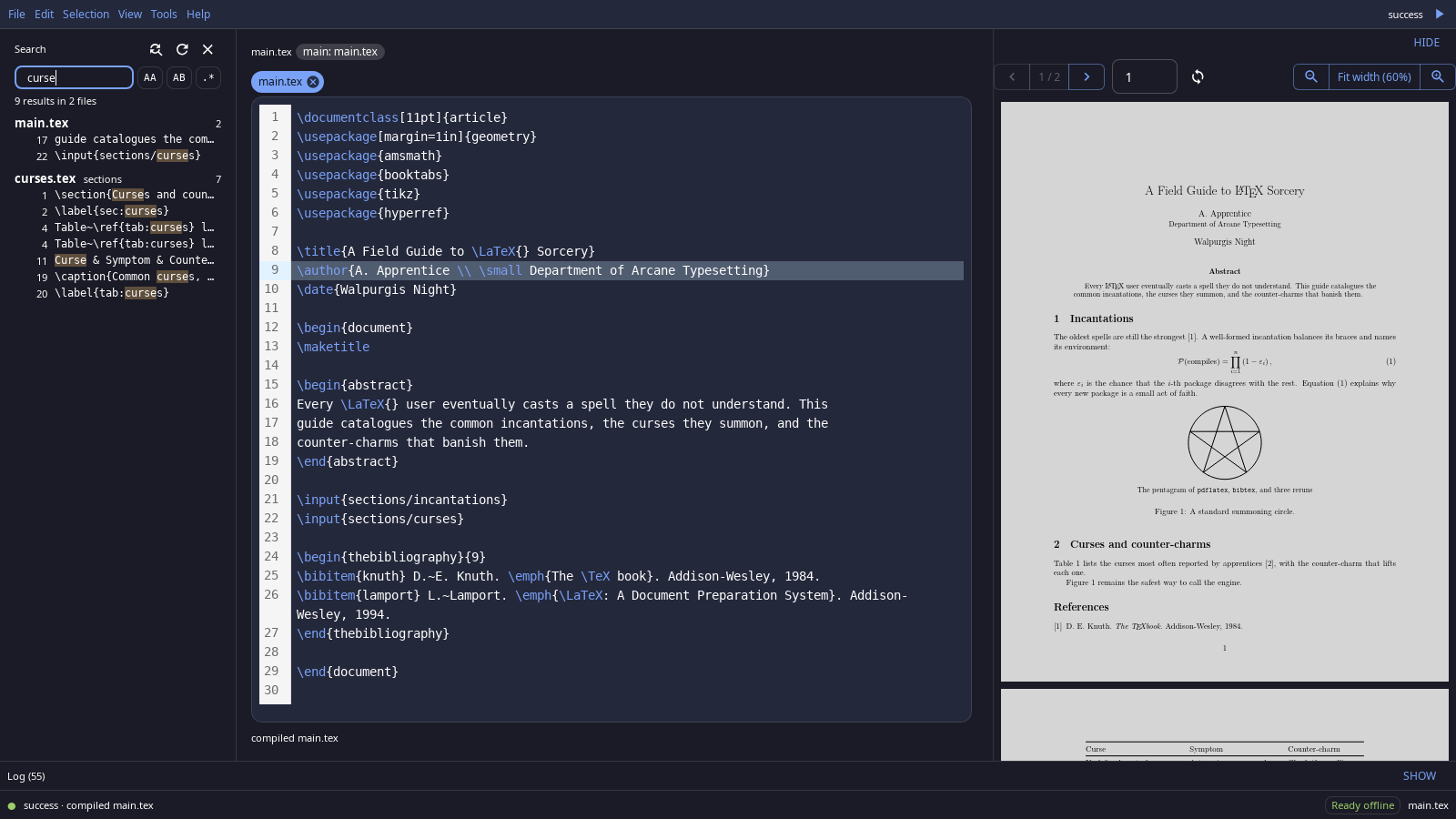
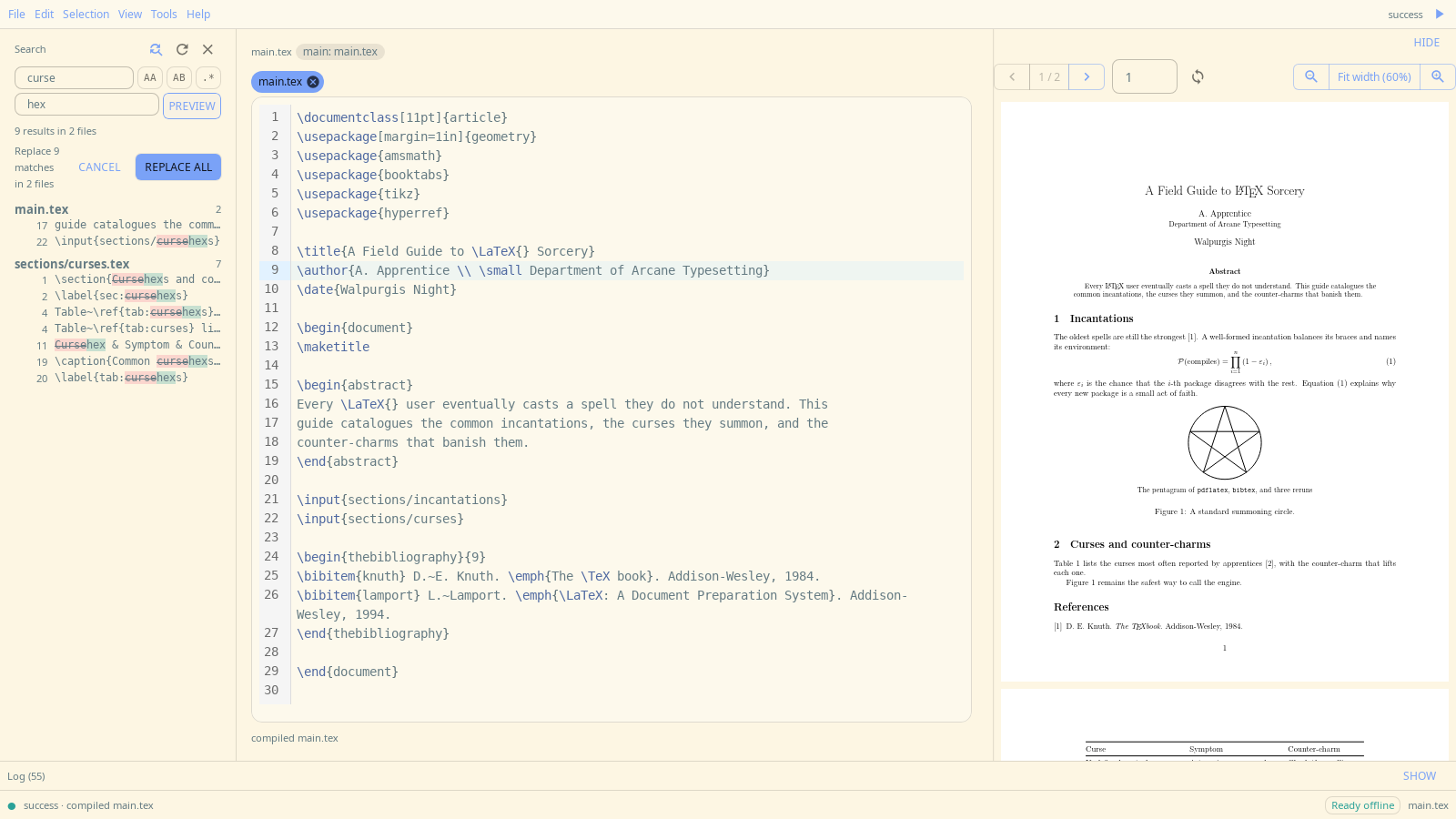
- Search and replace across the project. Every replacement is previewed before it is applied, and the whole replace undoes in one step.
- Revision history. Every save keeps a revision you can restore (Ctrl+H).
- Templates and themes. Nine built-in starter templates, from articles and books to beamer slides and a CV, plus 18 bundled VS Code themes, dark and light.
Install
Download from the latest release.
Linux (x86_64)
Debian / Ubuntu:
sudo apt install ./Maleficium_*_amd64.deb
Any other distribution, with the AppImage:
chmod +x Maleficium_*_amd64.AppImage
./Maleficium_*_amd64.AppImage
If the AppImage fails with a FUSE error, run it with APPIMAGE_EXTRACT_AND_RUN=1 set.
macOS (preview)
Download the .dmg for your Mac: aarch64 for Apple silicon, x64 for Intel. Open it and drag Maleficium to Applications.
The app is not signed with an Apple Developer ID yet, so macOS blocks it the first time. Open it once, then go to System Settings > Privacy & Security and click Open Anyway. If macOS says the app is damaged, clear the download quarantine flag and open it again:
xattr -dr com.apple.quarantine /Applications/Maleficium.app
Windows (preview)
Download Maleficium_*_x64-setup.exe and run it. The installer is not code-signed yet, so SmartScreen warns about an unrecognized app: click More info, then Run anyway.
From source
On Linux, Docker builds the .deb and AppImage with no toolchain on the host:
docker build --output type=local,dest=../maleficium-release .
To build on the host instead (Linux, macOS, or Windows), install the Node and Rust versions the repo pins, then run npm ci, sh scripts/fetch-sidecars.sh, and sh scripts/package.sh; packages land in out/. docs/BUILDING.md lists the system packages each OS needs.
Getting started
On first launch Maleficium opens a short welcome project. After that:
- File > Open Project (Ctrl+O) opens any folder of
.texfiles, or File > New Project from Template starts a new one. - Press Ctrl+R to compile. Maleficium finds the main file itself. To choose a different one, right-click a
.texfile in the tree and pick Set as Main File. - Press ? to see every keyboard shortcut.
Use with an AI agent
Maleficium includes a local MCP server that speaks over stdio. Start it with maleficium --mcp, the app binary with one flag. Linux packages also install it as maleficium-mcp; both run the same server. It needs no network beyond the engine's first-compile download, and nothing runs until your agent starts it.
Where the command lives:
| Install | Command |
|---|---|
.deb |
/usr/bin/maleficium --mcp (or /usr/bin/maleficium-mcp) |
| AppImage | /path/to/Maleficium_<version>_amd64.AppImage --mcp |
| macOS | /Applications/Maleficium.app/Contents/MacOS/maleficium --mcp |
| Windows | %LOCALAPPDATA%\Maleficium\Maleficium.exe --mcp (the default install folder) |
Point the AppImage entry at wherever you keep the file; its mount point changes on every run, so use the AppImage itself rather than a path inside it. The examples below use the .deb path; substitute yours.
Claude Code:
claude mcp add maleficium -- /usr/bin/maleficium --mcp
Claude Desktop (claude_desktop_config.json):
{
  "mcpServers": {
    "maleficium": { "command": "/usr/bin/maleficium", "args": ["--mcp"] }
  }
}
VS Code (.vscode/mcp.json in a workspace, or MCP: Add Server from the Command Palette):
{
  "servers": {
    "maleficium": { "type": "stdio", "command": "/usr/bin/maleficium", "args": ["--mcp"] }
  }
}
opencode (opencode.json, or opencode mcp add maleficium -- /usr/bin/maleficium --mcp):
{
  "mcp": {
    "servers": {
      "maleficium": { "type": "local", "command": ["/usr/bin/maleficium", "--mcp"] }
    }
  }
}
What the agent can do
The MCP server gives an agent the same core the editor uses: scoped access to a project folder, compile with structured diagnostics, reading (outline, search, references, SyncTeX jumps), cross-file replace with preview and undo, plus export and file operations. Agents write text with their own file tools; the server never puts build files, history, or logs inside the project.
Keep the app open while the agent works. When the agent compiles, the PDF preview in an open Maleficium window reloads by itself, so you watch the document change as the agent writes it.
Known limits
- macOS and Windows builds are previews: unsigned, and less tested than Linux.
- No automatic updates. Check the releases page for new versions.
- Until 1.0, settings and history may not carry over between versions.
- The engine is Tectonic only. Documents that need
biberor shell escape depend on tools outside the app, and the pre-compile check flags them.
Documentation
- Building from source, including how releases are cut
- Contributing: setup, checks, and house rules
- Test harnesses
- Built-in templates: origins and license
Contributing and license
Contributions are welcome; see docs/CONTRIBUTING.md. Release notes are in CHANGELOG.md.
Licensed under Apache 2.0 (LICENSE). The built-in templates are CC0, so documents you make from them carry no obligations (details). Bundled third-party themes and engine binaries are credited in NOTICE.
Reviews (0)
Sign in to leave a review.
Leave a reviewNo results found