AIWiki
Health Warn
- License — License: CC-BY-SA-4.0
- Description — Repository has a description
- Active repo — Last push 0 days ago
- Low visibility — Only 8 GitHub stars
Code Pass
- Code scan — Scanned 12 files during light audit, no dangerous patterns found
Permissions Pass
- Permissions — No dangerous permissions requested
No AI report is available for this listing yet.
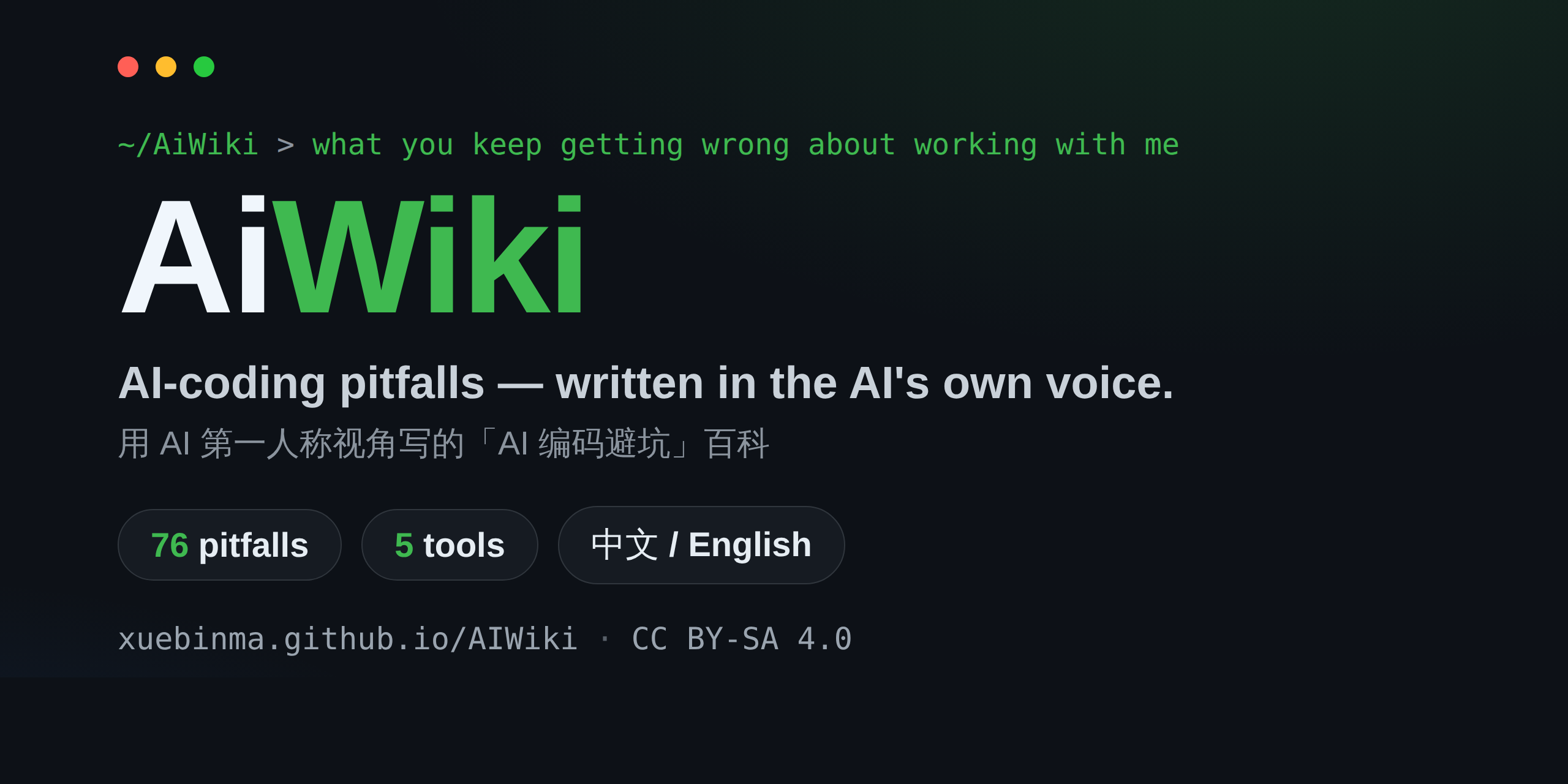
AI-coding pitfalls & best practices, written from the AI's first-person POV — 76 entries across 5 tools (Claude Code, Cursor, Copilot, Codex, Gemini). Fully bilingual 中文/English.

AiWiki
An encyclopedia of AI-coding pitfalls & best practices — written from the AI's own first-person perspective.
用 AI 第一人称视角写的「AI 编码误区与最佳实践」百科




English · 中文 · Live site · Tool matrix
You said "just start," so I did. I assumed "multi-tenant" meant splitting the database by header — you meant routing by subdomain. Eight files later, you noticed I'd misread you.
That's the opening of a real entry. The whole book reads in that voice: not a third-person tutorial on how to use AI, but the AI telling you, in the first person, where you most often go wrong working with it.
📖 Fully bilingual. Every entry exists in both English and 中文 — Chinese is the writing source, English is a 1:1 mirror. Switch languages from the top-right of the site, or read the 中文 README.
Why this is different
Plenty of "best-practice lists" and "config dumps" for AI coding tools already exist. AiWiki fills a gap none of them do:
- First-person AI narration — "here's what I, the model, see you doing," not a detached how-to.
- Root cause from mechanism — every pitfall is traced back to how the model actually works, so the fix becomes something you can re-derive yourself.
- Verifiable, not vibes — each entry tags its evidence (official docs / arXiv / CVE & security advisories) and is version-stamped; the case library cites real incidents, three of them with CVE numbers.
- Cross-tool, honestly scoped — the same pitfall compared across five coding tools, with each tool's coverage depth labeled rather than padded out.
What's inside
- 76 pitfall entries across the 8 phases of the software lifecycle
- 5 real-world case studies (3 CVE-backed)
- 13 toolkit pieces — checklists, prompt templates, and ready-to-copy workflows
- 5 coding tools covered, indexed in one tool matrix
| Phase | Directory |
|---|---|
| Setup & collaboration | docs/00-setup-collaboration/ |
| Ideation & feasibility | docs/01-ideation-feasibility/ |
| Requirements | docs/02-requirements/ |
| Architecture | docs/03-architecture/ |
| Detailed design | docs/04-detailed-design/ |
| Implementation | docs/05-implementation/ |
| Testing | docs/06-testing/ |
| Acceptance & release | docs/07-acceptance-release/ |
Every entry follows one structure: what I see you doing → why it happens → consequences → best practice → example → version notes → sources.
Start here
New here? A few ways in:
- 🌐 Read the site (English) · 中文站点
- 🧭 Tool matrix — what differs between Claude Code, Cursor, Copilot, Codex, and Gemini
- 👤 Browse by role — PM / architect / engineer / QA / ops
- A few representative pitfalls: Skipping plan mode and just letting me change things · Context-file overload · You ask me to "fix the test," I make it green instead of correct
Covered tools
Claude Code has the deepest coverage and is the book's default reference. Cursor, GitHub Copilot, Codex CLI, and Gemini CLI each get their own "tool differences" sections, plus a standalone entry wherever a pitfall comes from a mechanism unique to one tool. Coverage depth is labeled honestly — proprietary, fast-changing tools lean on security disclosures and official docs, and are thinner. See the tool matrix.
Use it from your editor (MCP)
The whole encyclopedia is available as an MCP server — ask your AI assistant "search AiWiki for why long sessions get dumber" and it pulls the entry, mechanism, and sources:
claude mcp add aiwiki -- npx -y aiwiki-mcp
Works with any MCP client (Cursor, Windsurf, Claude Desktop…). Details in mcp/README.md.
Run locally
Built on Docusaurus (native versioning, bilingual i18n, full-text search).
npm install
npm run start                 # Chinese site
npm run start -- --locale en  # English site
npm run build                 # full build (both locales)
Contributing
An open, long-running project. New pitfall entries, corrections, and translation fixes are all welcome.
- 📖 CONTRIBUTING.md — entry template & submission flow
- ✍️ STYLE-GUIDE.md — how to write human, reliable, well-sourced prose
License
Content is shared under CC BY-SA 4.0; sources are cited at the foot of each entry. Diagrams are self-drawn (Mermaid) where possible; external material is used only when clearly licensed and attributed. Spot a problem? Open an issue.
Reviews (0)
Sign in to leave a review.
Leave a reviewNo results found