PinkCollab
Health Warn
- License — License: MIT
- Description — Repository has a description
- Active repo — Last push 0 days ago
- Low visibility — Only 5 GitHub stars
Code Fail
- spawnSync — Synchronous process spawning in .github/actions/check-website/browsers.mjs
- process.env — Environment variable access in .github/actions/check-website/browsers.mjs
- exec() — Shell command execution in .github/actions/check-website/build-social-card.mjs
- spawnSync — Synchronous process spawning in .github/actions/check-website/build-social-card.mjs
- exec() — Shell command execution in .github/actions/check-website/check-site.mjs
Permissions Pass
- Permissions — No dangerous permissions requested
No AI report is available for this listing yet.
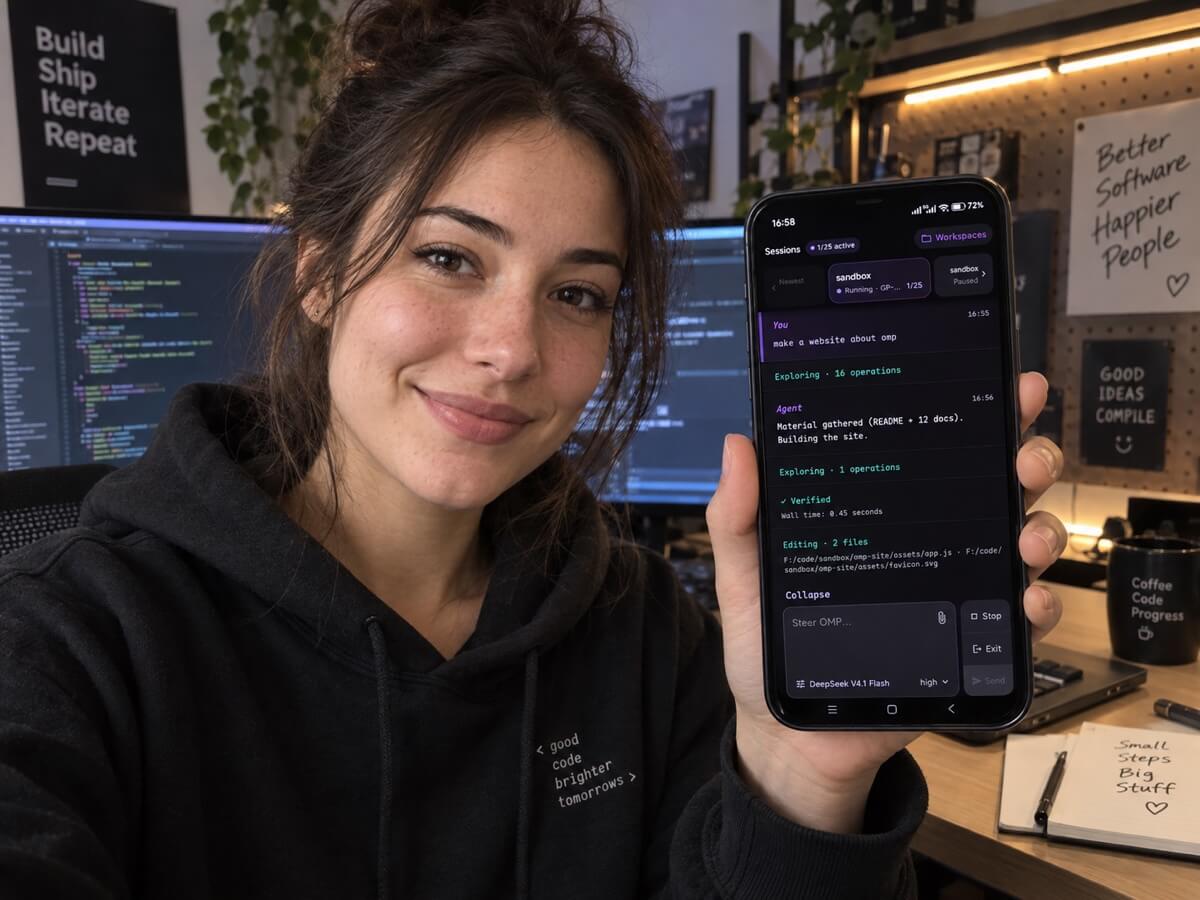
Android client for Oh My Pi (OMP). Start AI coding sessions on hosts, follow live progress, and respond from your phone app.

PinkCollab
PinkCollab, Android client for Oh My Pi (OMP).
OMP runs on your computer or server. Use the PinkCollab mobile app to start sessions and steer their progress.
flowchart TD
    subgraph phone [Phone]
        App[Android app]
    end
    subgraph host [Your computer / Server]
        direction LR
        Funnel[Tailscale Funnel]
        Gateway
        OMP[OMP process]
        Funnel -->|loopback HTTP| Gateway
        Gateway -->|NDJSON| OMP
    end
    Provider[Model provider]
    App -->|HTTPS / WSS| host
    host -->|provider API| Provider
Install
Install the app and Gateway from the same release.
- Host: Node.js 18+. Install Tailscale and allow Funnel for this node.
- Phone: install the release APK.
npm install -g pinkcollab@latest
Use
On the host, allow directories that already exist. On Windows, a path looks like C:\code. Repeat --workspace for each root you want to expose:
pinkcollab init --workspace /absolute/path/to/projects --workspace /another/root
pinkcollab funnel
pinkcollab serve
A later init fails once config.yaml exists. Add or remove roots by editing workspaces in config.yaml instead.
Leave that terminal open. In another terminal:
pinkcollab pair
Scan the QR in the app. Open Workspaces, choose one of the directories you allowed, create a session, and send a prompt.
In a session, the right-hand composer controls are Stop (interrupt the current turn), Exit (confirm before ending the runtime), and Send (submit the prompt).
The pairing code lasts five minutes and works once. If it expires, run pair again.
If Funnel is not allowed for this node, funnel stops. Enable the funnel attribute in the Tailscale admin console, then run it again.
Docs
- Architecture — components, lifecycles, and state ownership
- Protocol v2 — REST and WebSocket API contracts
- Deployment and networking — HTTPS access, pairing, background services, and Gateway CLI/configuration
- Development — contributor setup, builds, and validation
- Releases — maintainer guide to signing and publishing Android, Gateway, and npm releases
License
Reviews (0)
Sign in to leave a review.
Leave a reviewNo results found