aihappey-chat
Health Uyari
- No license — Repository has no license file
- Description — Repository has a description
- Active repo — Last push 0 days ago
- Low visibility — Only 5 GitHub stars
Code Gecti
- Code scan — Scanned 12 files during light audit, no dangerous patterns found
Permissions Gecti
- Permissions — No dangerous permissions requested
Bu listing icin henuz AI raporu yok.
Open-source browser AI runtime for models, Agents, Model Context Protocol servers, Skills, tools, real time voice, transcription, rich files and streaming UI.
aihappey-chat
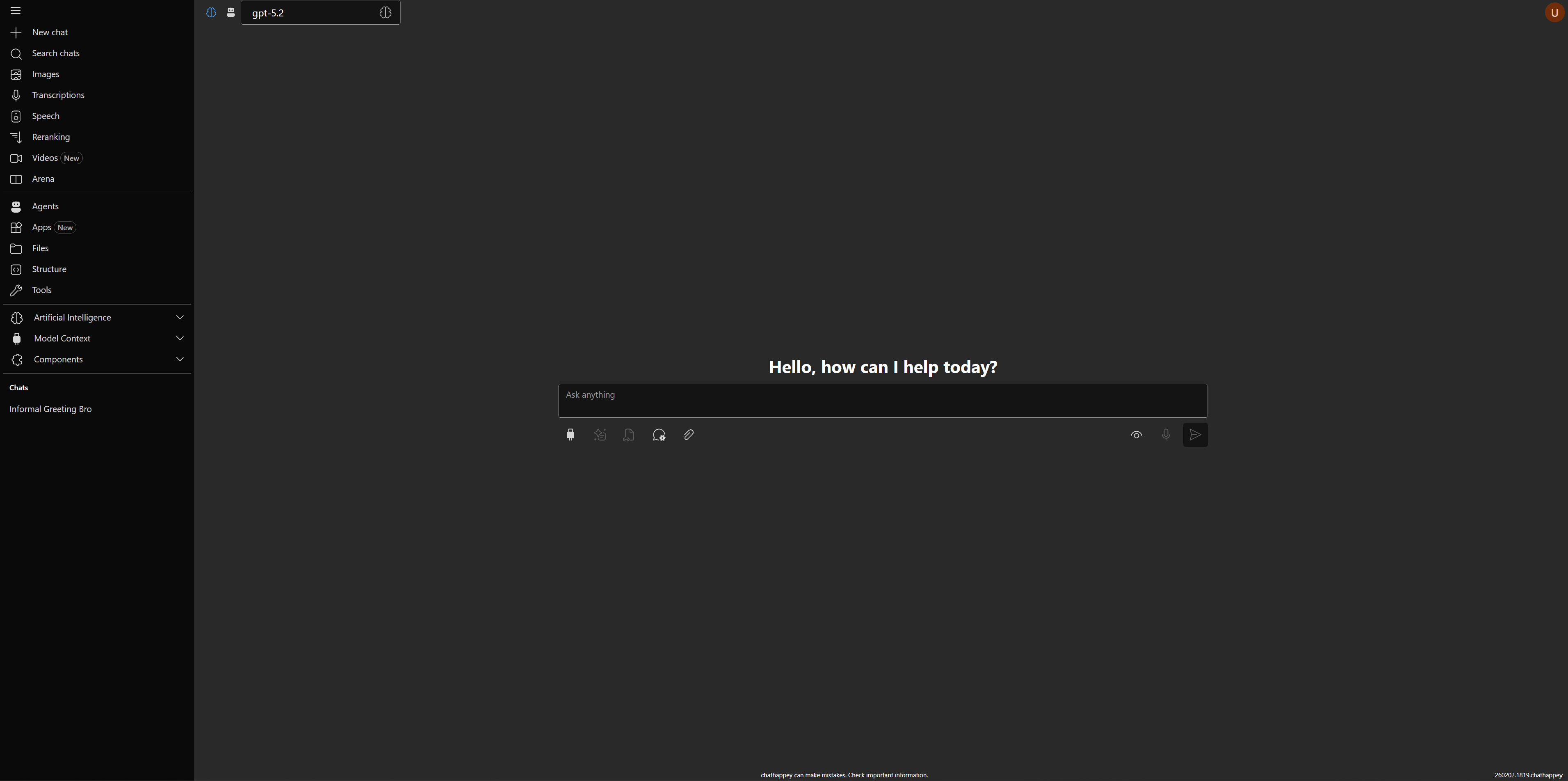
Open-source AI chat client with streaming, tools, MCP, and rich message rendering.
Open the live app · Watch Streaming UI demo · Storybook Chat · Storybook Themes
What this app is
aihappey-chat is an end-user AI chat client.
It helps you chat with models, switch providers, use tools/MCP, and work with rich outputs in one interface.
What you can do in this chat client
- Run normal chat conversations and see streamed replies in real time.
- Switch models and providers without leaving the same chat experience.
- Explore available models and compare options in the model explorer.
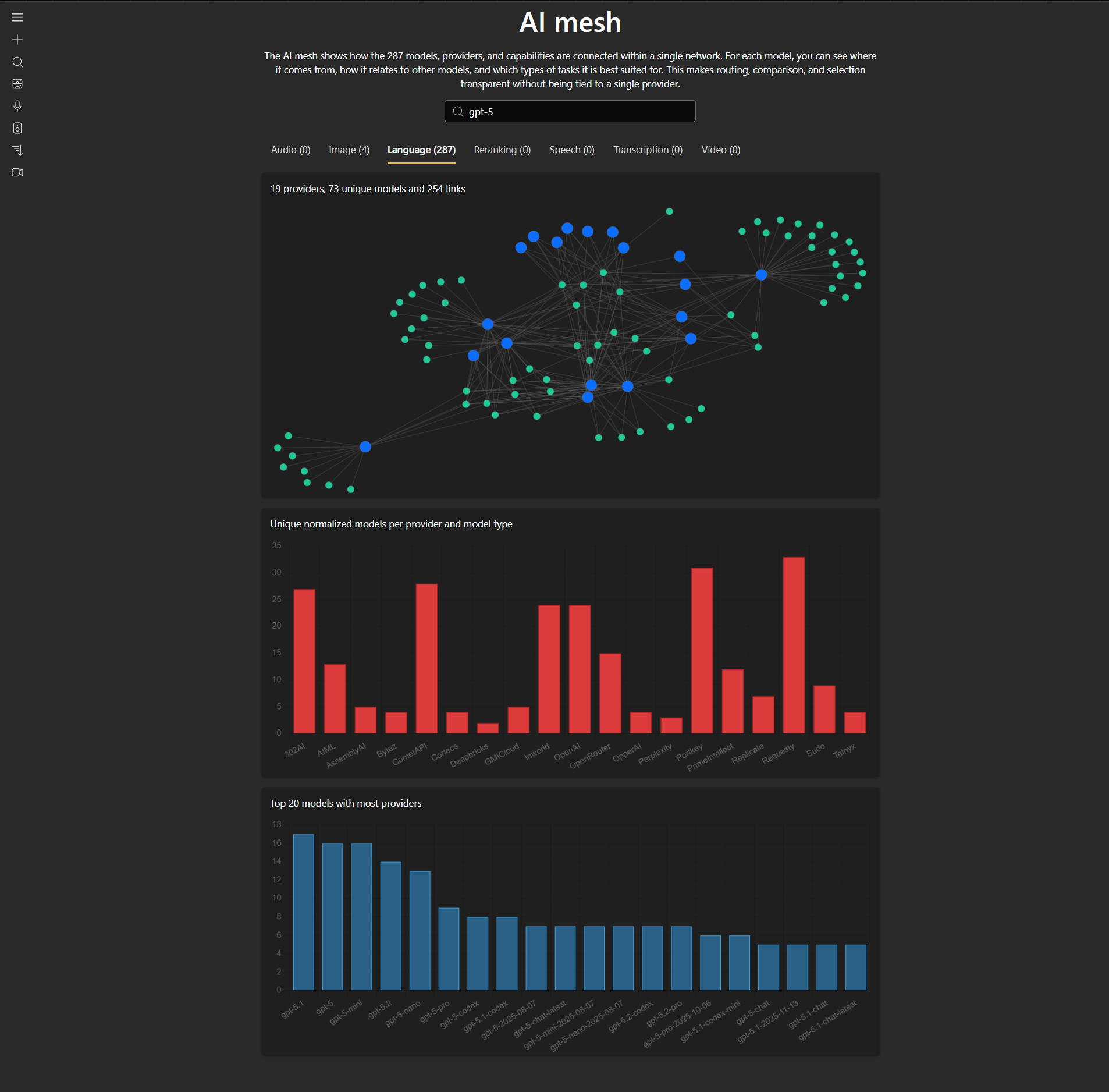
- Use the AI mesh view to understand provider/model relationships.
- Connect MCP servers and use MCP tools/resources during conversations.
- Use tool calling flows and inspect tool output directly in chat.
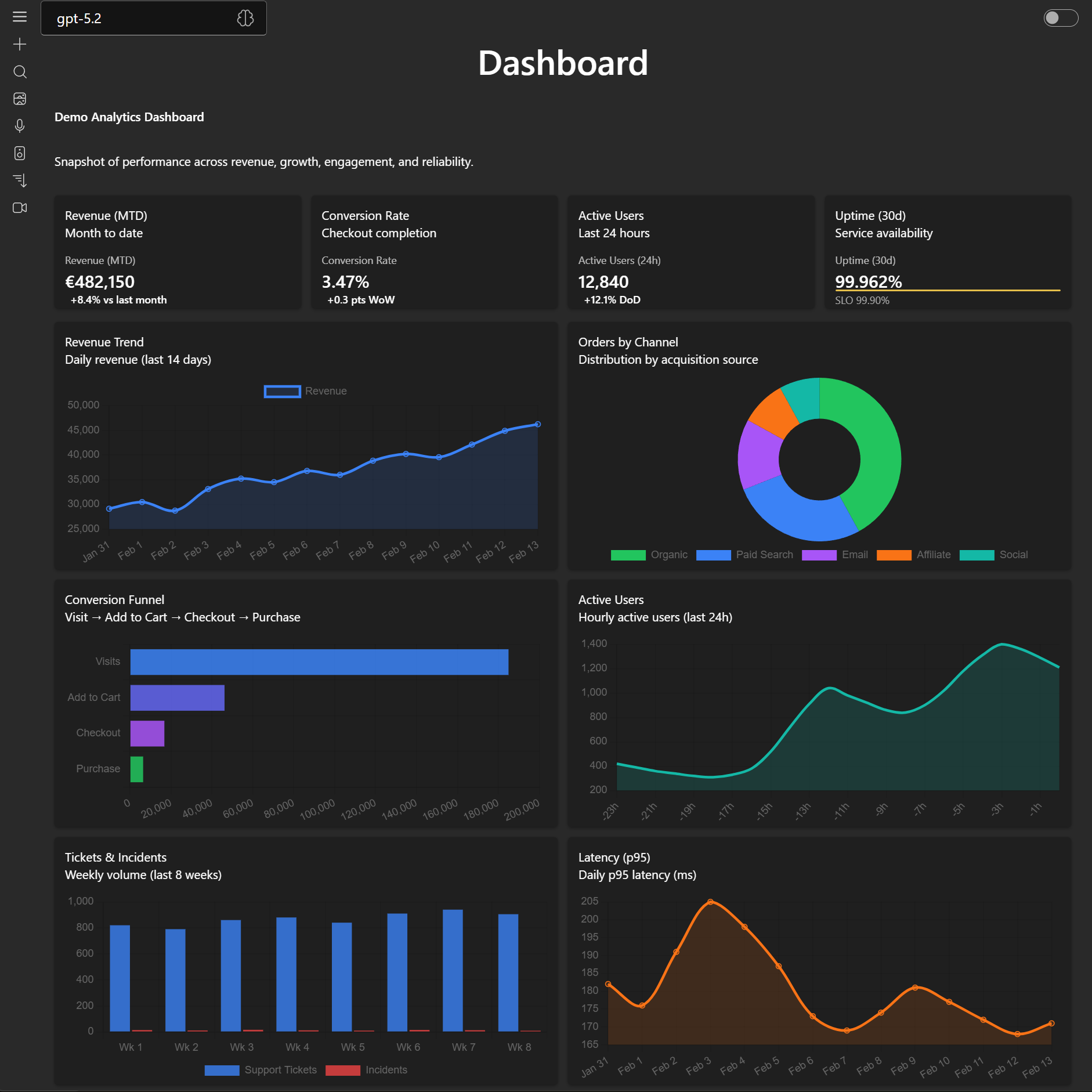
- Use Streaming UI apps/cards that appear during generation for dashboards, forms, and other structured outputs.
- Attach files and view rich message content (markdown, code, charts, PDFs, images, 3D).
- Use speech and transcription-related capabilities when enabled by your backend setup.
- Use reranking flows when you need document relevance scoring.
- Work with user settings and theme options (Fluent / Bootstrap).
Screenshots

- AI model explorer: browse/filter models by modality and capabilities.
- AI mesh: inspect how providers and models are connected.
- Streaming UI: see response parts and updates as they arrive.
Supported Providers
The provider list is sourced from PROVIDERS and catalog definitions in packages/aihappey-core/src/runtime/providers/catalog.




























































































Alphabetical ordered with links
302AI · Abliteration · AI21 · AIML · Alibaba · AmazonBedrock · Anthropic · APIpie · ARKLabs · ASIOne
AssemblyAI · AsyncAI · AtlasCloud · Audixa · Azure · Baseten · BergetAI · Bineric · Bria · BytePlus
Bytez · CanopyWave · Cerebras · Cirrascale · CloudRift · Cohere · CometAPI · ContextualAI · Cortecs · DeAPI
Decart · Deepbricks · Deepgram · DeepInfra · DeepL · DeepSeek · DigitalOcean · Echo · ElevenLabs · Euqai
EUrouter · Fireworks · Freepik · Friendli · Gladia · GMICloud · Google · GoogleTranslate · GooseAI · GreenPT
Groq · GTranslate · Helicone · HorayAI · Hyperbolic · Hyperstack · Inferencenet · Infomaniak · Inworld · IONOS
Jina · JSON2Video · KernelMemory · Kilo · KlingAI · LectoAI · Lingvanex · LLMGateway · MancerAI · MatterAI ·
MegaNova · MiniMax · Mistral · ModernMT · Moonshot · MurfAI · Nebius · Nextbit · NLPCloud · NousResearch
Novita · Nscale · NVIDIA · OpenAI · OpenRouter · OpperAI · OVHcloud · ParalonCloud · Parasail · Perplexity
Pollinations · Portkey · PrimeIntellect · PublicAI · Recraft · RegoloAI · RekaAI · RelaxAI · Replicate · Requesty
ResembleAI · Reve · Runpod · Runware · Runway · SambaNova · Sarvam · Scaleway · SEALION · Segmind
SiliconFlow · Speechify · Speechmatics · StabilityAI · StepFun · Sudo · SunoAPI · SUPA · Synexa · Telnyx
TencentHunyuan · Tinfoil · Together · TTSReader · Upstage · Verda · Vidu · VoyageAI · xAI · Zai
Getting started (optional, for local/self-hosted use)
Clone and install:
git clone https://github.com/achappey/aihappey-chat.git
cd aihappey-chat
npm install
Configure environment:
cd samples/chathappey
copy .env.example .env
Run the sample app:
npm run devIn a second terminal:
cd samples/chathappey
npm run serve
See samples/chathappey/.env.example for all available variables.
Backend compatibility
This repository is client-side only and expects compatible backends:
- Vercel AI SDK compatible streaming chat backend (
POST /api/chat) - Vercel AI SDK compatible streaming agent backend (optional)
- Backend for MCP sampling calls
- MCP server for chat functionality
Optional backends:
- Remote conversation storage backend
- Transcription backend
- Entra ID authentication backend
Configuration
Key .env variables:
CHAT_API_URL: chat backend endpoint (Vercel AI SDK compatible)AGENT_ENDPOINT: agent backend base URL (UI calls${AGENT_ENDPOINT}/api/chatin agent mode)CHAT_APP_MCP: MCP server URLMODELS_API_URL: model catalog endpointSAMPLING_API_URL: backend for MCP sampling calls (optional)CONVERSATIONS_API_URL: remote conversation storage backend (optional)TRANSCRIPTION_API: transcription backend (optional)
See samples/chathappey/.env.example for the complete list.
Developer notes
- Core chat integration is built around Vercel AI SDK primitives.
useChatis re-exported viapackages/aihappey-ai/src/index.ts.- Main wiring happens in
packages/aihappey-core/src/features/chat/engine/VercelChatInner.tsx.
Monorepo highlights:
packages/aihappey-core: runtime logic and rich contentpackages/aihappey-components: reusable UI componentspackages/aihappey-mcp: MCP clientsamples/chathappey: reference appsamples/bootstrap-sample: Bootstrap-flavored sample
Yorumlar (0)
Yorum birakmak icin giris yap.
Yorum birakSonuc bulunamadi