designmd
Health Pass
- License — License: MIT
- Description — Repository has a description
- Active repo — Last push 0 days ago
- Community trust — 73 GitHub stars
Code Warn
- Code scan incomplete — No supported source files were scanned during light audit
Permissions Pass
- Permissions — No dangerous permissions requested
No AI report is available for this listing yet.
Production-grade design context for AI coding workflows. Extract a real design system from any URL — colors, typography, spacing, breakpoints — as a portable DESIGN.md.

DesignMD
Production-grade design context for AI coding workflows.
Extract a real design system from any production URL — colors, typography, spacing, breakpoints, motion, interaction states — as a portable DESIGN.md (human-readable) or an agent-ready SKILL.md. Use it from the web, a CLI, or an MCP server your coding agent calls directly.


Quick start
npx @designmdcc/cli stripe.com > DESIGN.md          # human-readable spec
npx @designmdcc/cli stripe.com --skill > SKILL.md   # agent-ready skill
npx @designmdcc/cli stripe.com --both               # both, into ./designmd/
That's the whole flow. No account, no config, no API key. The command streams a measured spec for stripe.com to stdout; redirect it into a file and hand it to your AI coding agent. > names the output file — add --skill to generate a SKILL.md instead, or --both to get both from a single analysis.
For repeat use, install globally:
npm install -g @designmdcc/cli
dmd stripe.com > DESIGN.md
Requires Node 18+. Prefer it inside your agent? There's an MCP server too.
What it does
URL → Live browser measurement → Structured tokens → DESIGN.md → Your AI agent
DesignMD opens the URL in a headless browser, measures the real visual system — colors from computed styles, typography from the cascade, breakpoints from live @media rules, hover/focus states from the CSSOM — and synthesizes a portable specification.
The output is the kind of file a senior engineer would actually use to rebuild the brand. Drop it into Cursor, Claude Code, Windsurf, Aider, Copilot, or paste it into any LLM chat. The model gets ground truth instead of guesses.
DESIGN.md vs SKILL.md
Two outputs from the same measurement, for two readers:
DESIGN.md |
SKILL.md |
|
|---|---|---|
| Reader | a human — designer / engineer | an AI agent (Claude Code, Cursor, Codex) |
| Voice | narrative — the visual system, explained | rules — MUST / SHOULD, token-anchored |
| Shape | prose + token tables | component state matrices, WCAG 2.2 AA gates, Do / Don't, testable quality gates |
| Use | read it, understand the brand | drop it in; the agent follows it when building UI |
SKILL.md is the agent-facing companion — the same measured tokens rewritten as instructions an AI coding agent obeys. Generate it with --skill (CLI), the MCP server, or on the web at designmd.cc/skill.
Full example: examples/SKILL-stripe.md.
Terminal usage
dmd <url>                  # stream DESIGN.md to stdout
dmd <url> --skill          # generate SKILL.md (agent-ready) instead of DESIGN.md
dmd <url> --both           # write DESIGN.md + SKILL.md into ./designmd/
dmd <url> --out=PATH       # write to a file
dmd <url> --json           # extract tokens only (no LLM call — instant, no quota)
dmd <url> --force          # bypass cache, re-extract from live page
dmd <url> --quiet          # suppress progress messages on stderr
dmd --help
dmd --version
Common patterns
# Pipe into a project file
dmd stripe.com > ./design/stripe.md

# Send to clipboard
dmd https://linear.app | pbcopy

# Token-only extraction (machine-readable, free, instant)
dmd vercel.com --json | jq '.colors'

# Self-hosting / regional endpoint
DESIGNMD_API=https://my-designmd.internal dmd notion.so
stdout always carries the markdown (or JSON). Progress lines go to stderr, so pipes stay clean.
AI workflow integration
The generated DESIGN.md is purpose-built for LLM context windows. Drop it in once; reference it from your agent's rules file.
Claude Code
Add to your project's CLAUDE.md:
When building any UI in this project, read @DESIGN.md before generating code.
Use the colors, typography, and spacing from that file exactly — do not invent
brand values.
Cursor
Add to .cursor/rules (or .cursorrules):
Read DESIGN.md before writing UI code. Use its color palette, type scale,
and spacing values exactly. Every brand value should trace back to the file.
Windsurf · Aider · Cline · Continue
Same pattern — every modern coding agent supports a project-root rules file. Reference DESIGN.md from it.
Full integration guide: docs/ai-workflows.md.
MCP server
Connect DesignMD to Claude Code, Cursor, or any MCP client and pull a design system inline — while the agent builds.
Claude Code:
claude mcp add designmd -- npx -y @designmdcc/mcp
Cursor · Windsurf · Claude Desktop — add to your mcp.json:
{
  "mcpServers": {
    "designmd": {
      "command": "npx",
      "args": ["-y", "@designmdcc/mcp"]
    }
  }
}
Two tools:
designmd_extract(url, format)—design/skill/both, as markdown.designmd_tokens(url)— raw measured tokens as JSON (no LLM — fast and free).
Then just ask: "Extract stripe.com's design system as a SKILL.md and build a pricing page that follows it." More at designmd.cc/mcp.
Sample output
A snippet from examples/DESIGN-stripe.md:
## Color Palette & Roles

### Primary
- **Brand Indigo (#0a2540)** — Hero typography, primary footer surface
- **Stripe Purple (#635bff)** — Primary buttons, focus rings, link accents

### Surface
- **Pure White (#ffffff)** — Page background, card surface
- **Cool Mist (#f6f9fc)** — Secondary surface, alternating sections

### Typography
| Role    | Font      | Size | Weight | Line Height |
|---------|-----------|------|--------|-------------|
| Display | Sohne Var | 64px | 600    | 1.05        |
| H1      | Sohne Var | 40px | 600    | 1.15        |
| Body    | Sohne Var | 18px | 400    | 1.6         |
| Code    | Sohne Mono| 14px | 400    | 1.5         |

### Breakpoints (measured live)
- 480px · 600px · 768px · 880px · 1024px · 1200px · 1440px
Full file: DESIGN-stripe.md · Live page
More examples
Eight production sites, each measured live. Click a card for the full DESIGN.md.
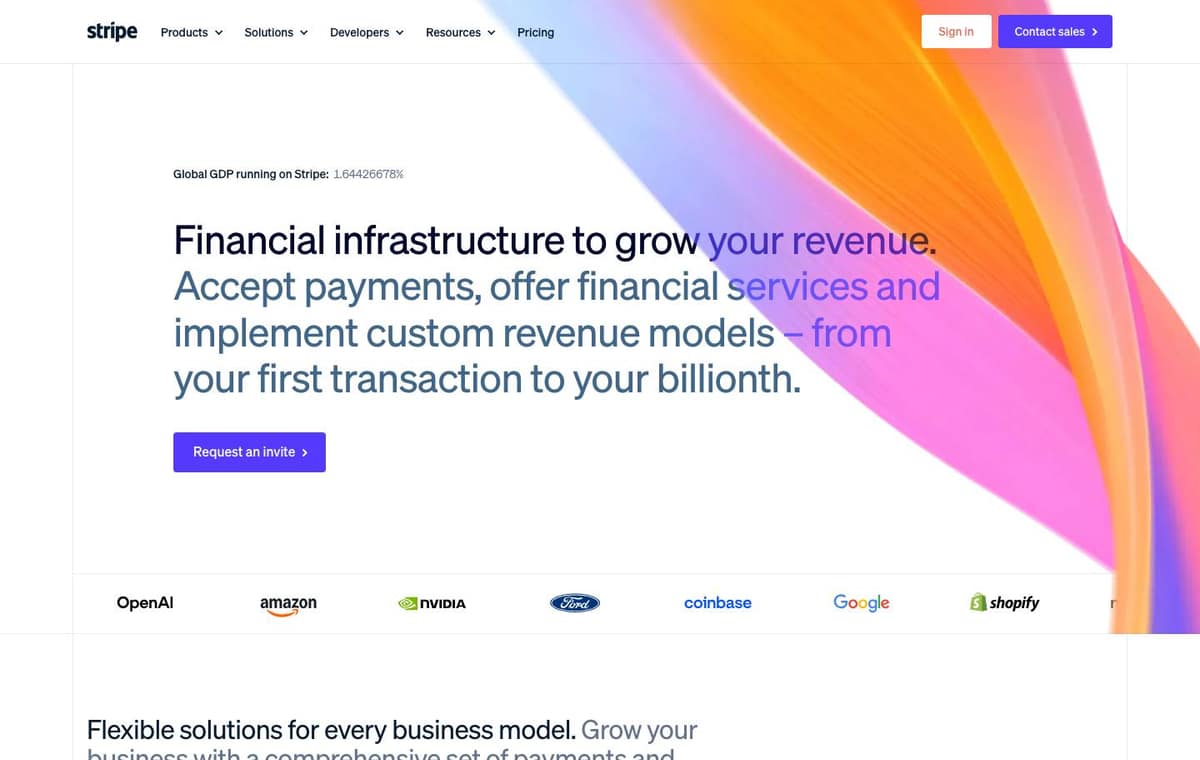 Stripe |
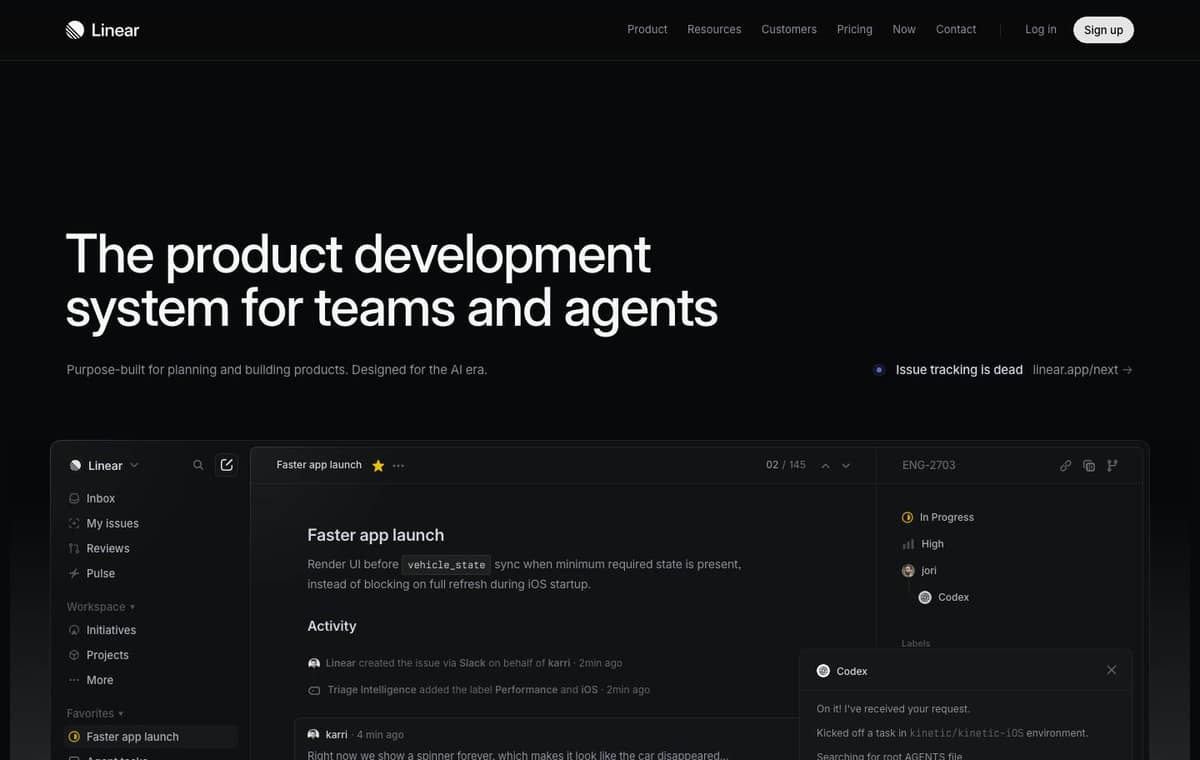 Linear |
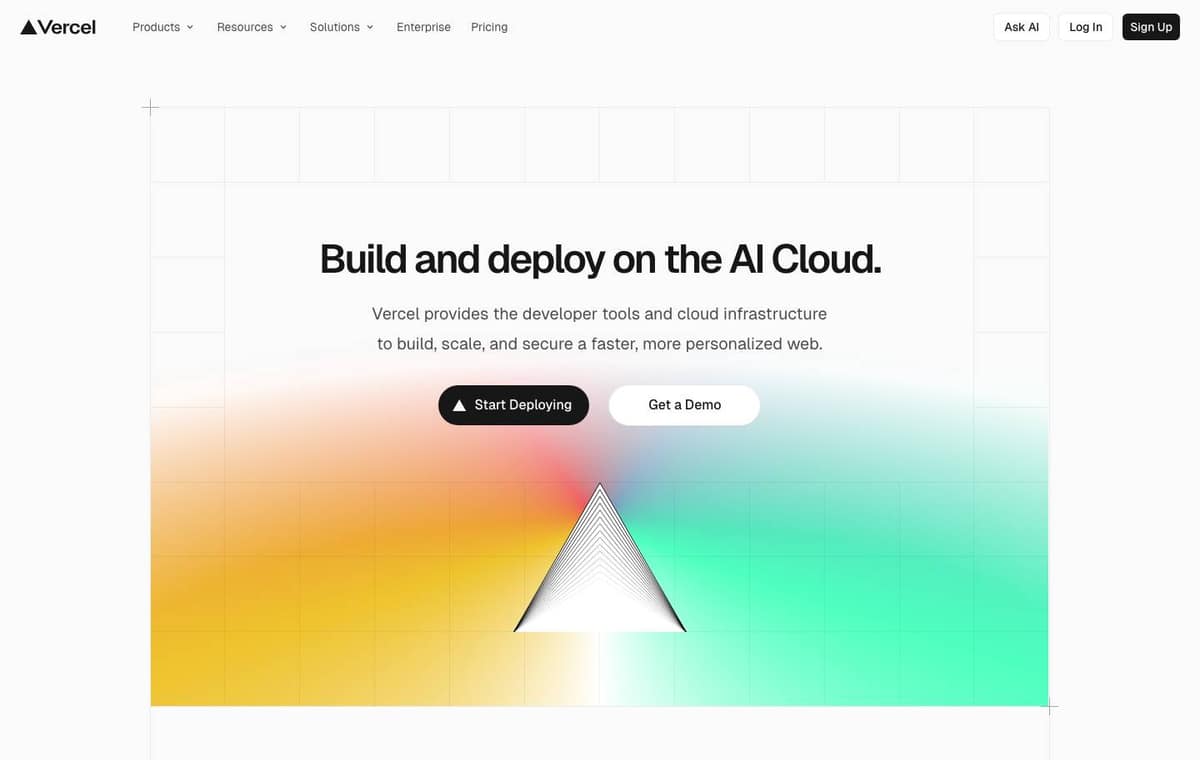 Vercel |
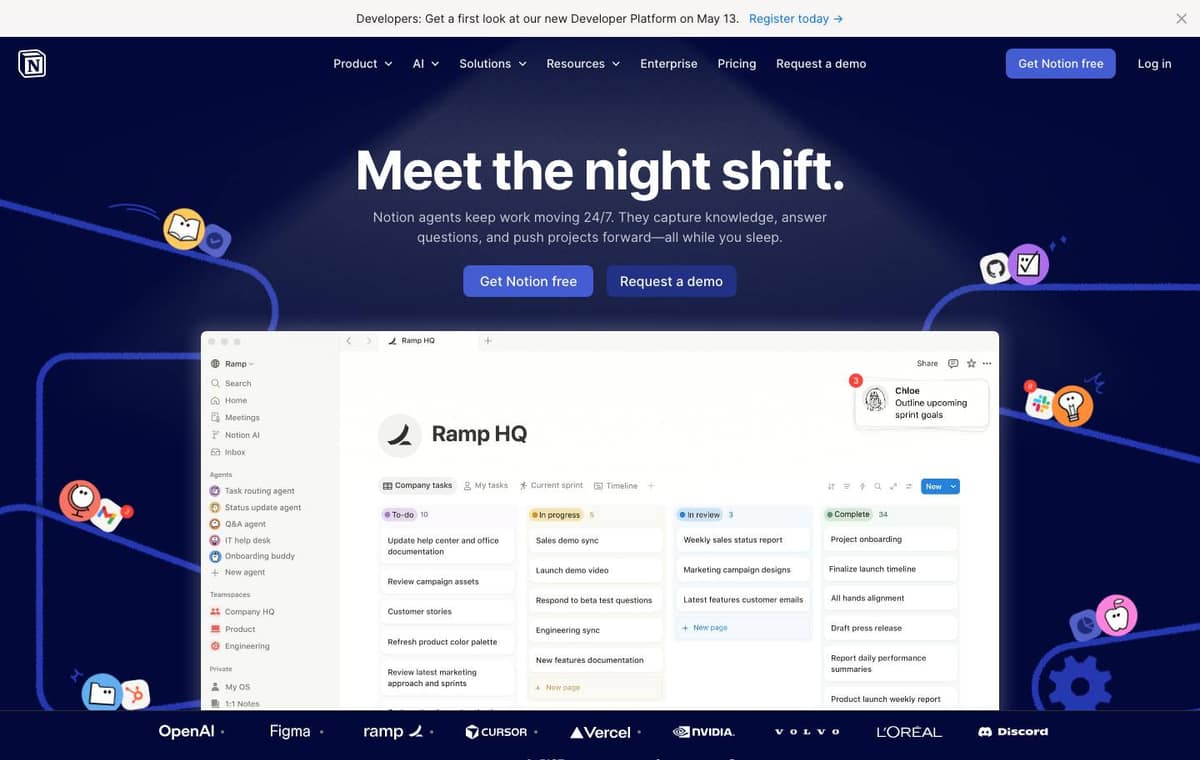 Notion |
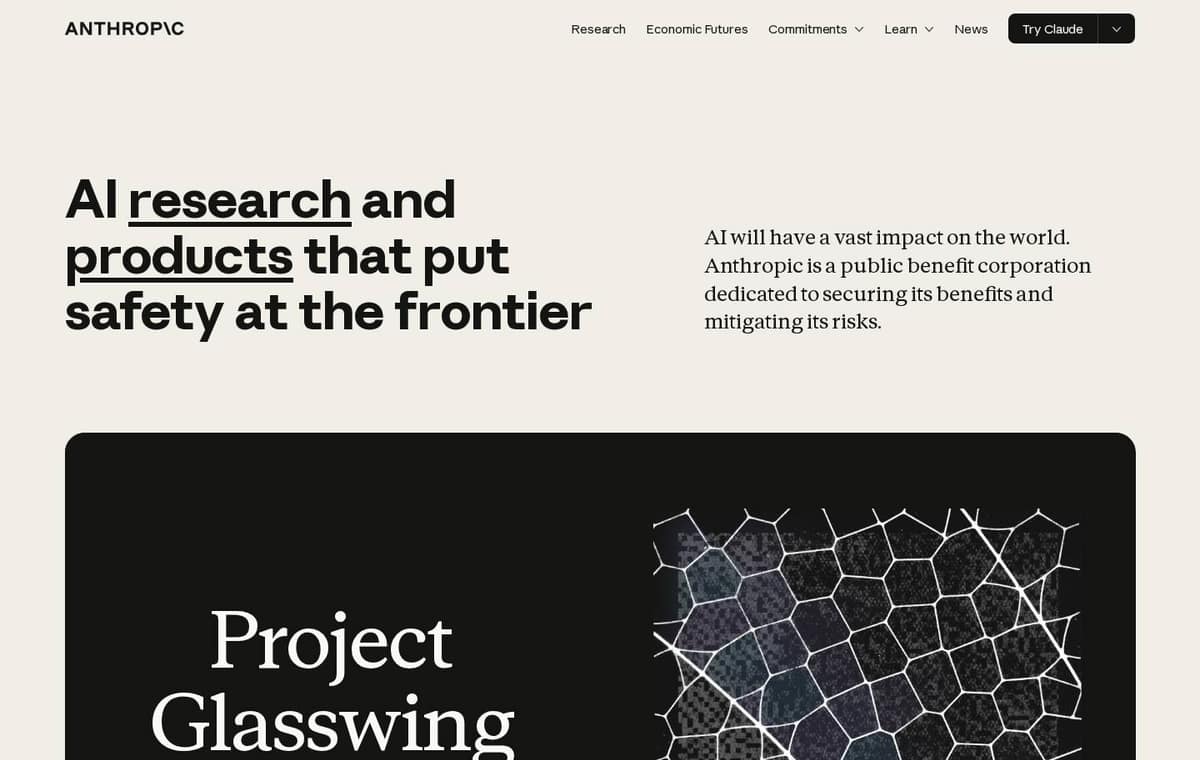 Anthropic |
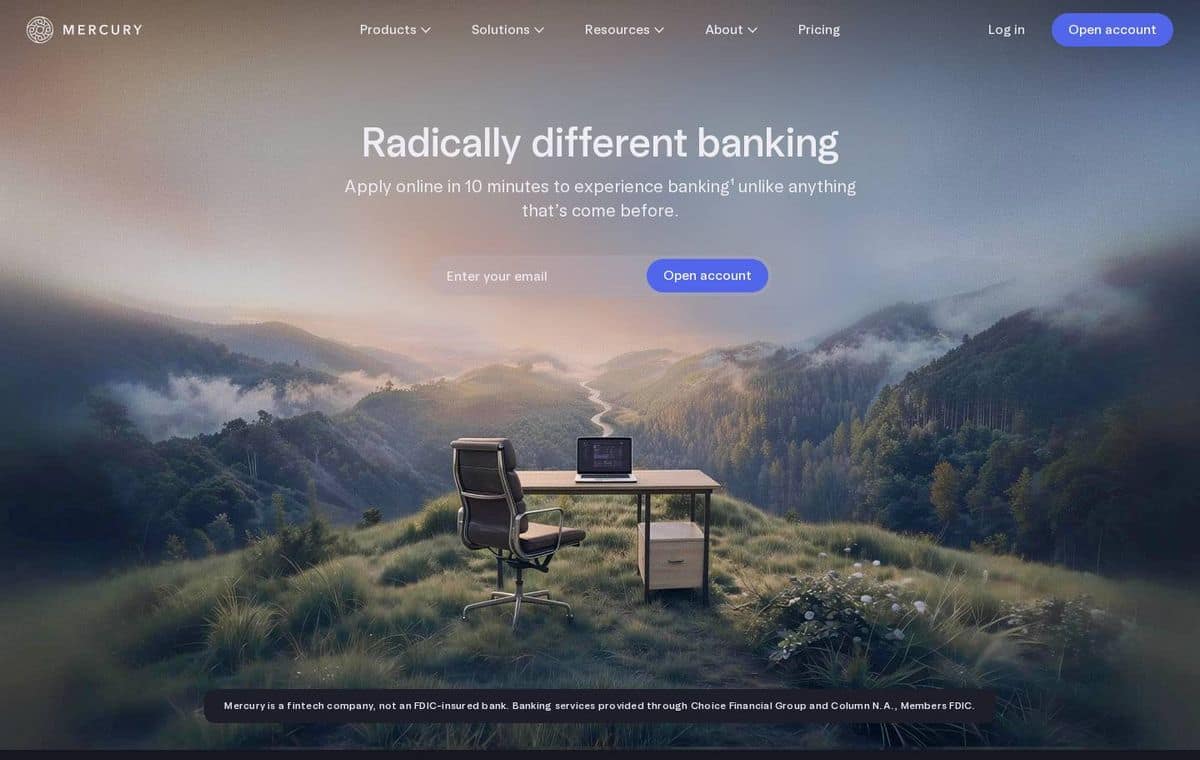 Mercury |
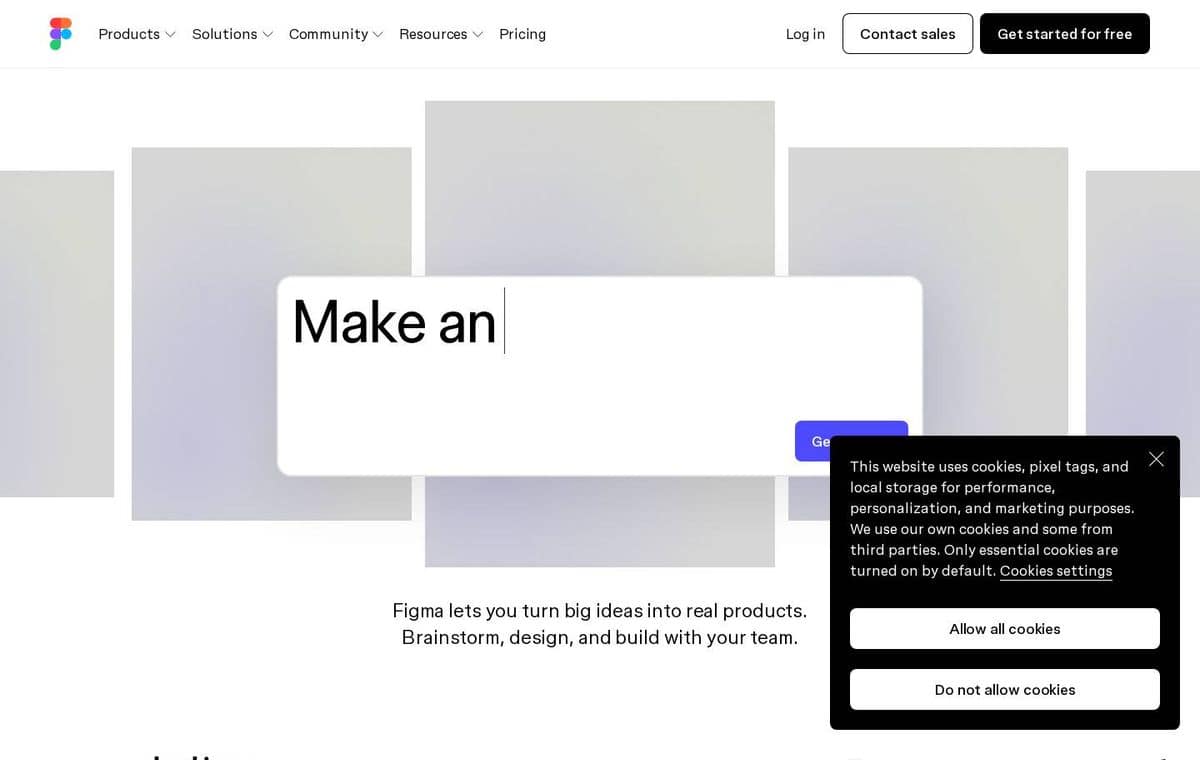 Figma |
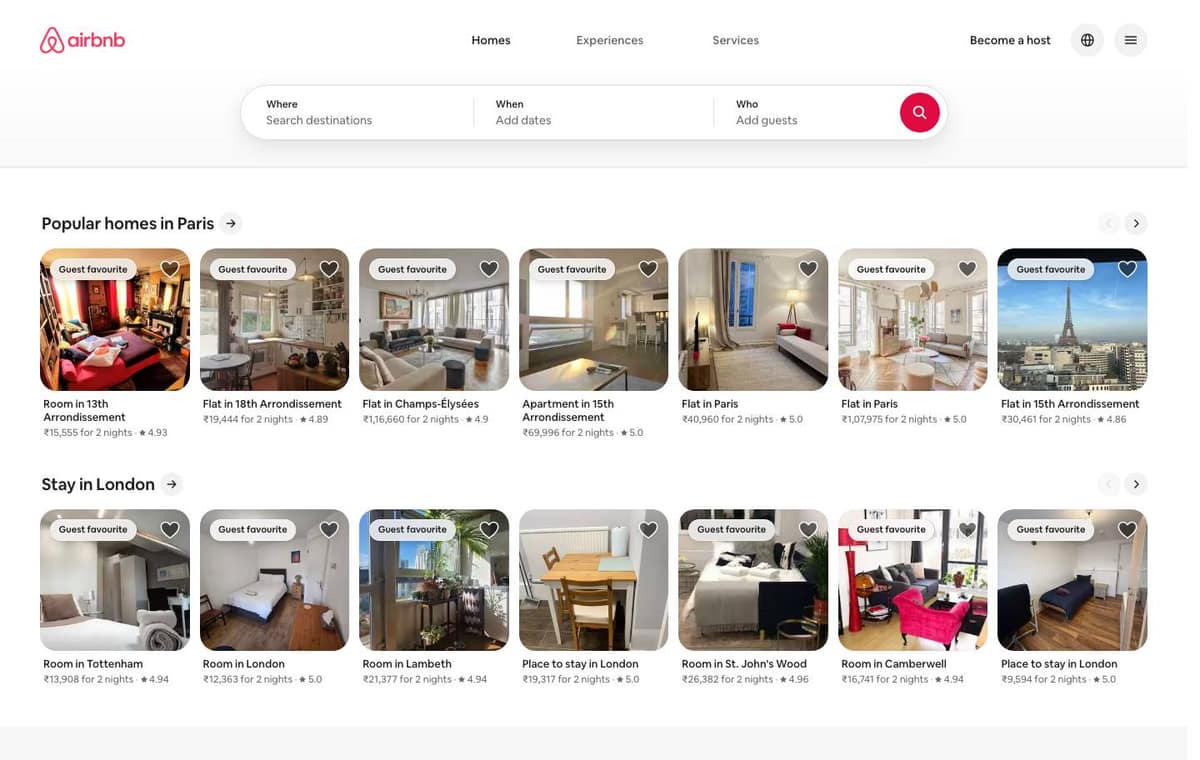 Airbnb |
A larger reference catalog — 56 measured sites across 13 categories — is live at designmd.cc/benchmarks.
Why DESIGN.md
| Approach | Failure mode |
|---|---|
| Agent guesses from prompt | Hallucinates plausible-looking but wrong colors, fonts, spacing |
| Designer hand-documents tokens | Stale within weeks; doesn't scale |
| Screenshot → vision model | Loses structural information; treats decorative pixels as design intent |
| Static design-system catalog | Hand-curated, biased to designer aesthetics, doesn't match a real brand |
DesignMD measures live, then formalizes the measurement as a markdown spec that survives the round-trip into an LLM context window. The file is portable, diff-able, and re-generable when the source site evolves.
Exit codes
The CLI uses distinct exit codes so scripts and agents can react correctly:
| Code | Meaning |
|---|---|
0 |
Success |
1 |
User error (bad URL, unsupported flag, refused extraction) |
2 |
Transient — try again (rate limit, server busy, timeout) |
3 |
Network error |
Rate limits
Anonymous use: 5 generations per day per IP-bucket. The --json flag does not count against this — it skips the LLM step entirely and returns the raw token extraction.
Per-user API keys with higher quotas will arrive alongside account auth.
Proprietary boundary
This repository is the public developer surface. It contains:
- Sample
DESIGN.mdoutputs from the live catalog (examples/) - FAQ and AI-coding-agent integration guide (
docs/) - UI screenshots (
screenshots/) - The CLI's published documentation (this README)
It does not contain:
- The extraction pipeline or browser instrumentation
- LLM prompts and synthesis logic
- Server source, rate-limiting, caching, or auth internals
- Schema definitions or operator tooling
For commercial licensing or production-access inquiries, reach out — adityaraj.info.
Environment
| Variable | Default | Purpose |
|---|---|---|
DESIGNMD_API |
https://designmd.cc |
Override the API base URL (self-hosting) |
Contributing
This is a curated developer surface, not a fully open-source project. We welcome:
- Bug reports on designmd.cc — open an issue here
- Benchmark suggestions — open an issue with a URL you want measured
- Documentation improvements in
docs/ - Better sample examples — PRs against
examples/welcome
For larger changes, open an issue first to discuss. See CONTRIBUTING.md.
License
MIT — covers the materials in this repository: the CLI source, sample DESIGN.md outputs, documentation, screenshots, and example thumbnails.
The MIT license does not extend to:
- The DesignMD production source code, automation, or infrastructure
- The token-extraction pipeline and prompts
- The DesignMD name, logo, and brand identity
Acknowledgments
Built by Aditya Raj. Thanks to the designers and engineers behind the modern web whose publicly accessible visual systems make benchmarking and design research possible.
Reviews (0)
Sign in to leave a review.
Leave a reviewNo results found