claude-code-essentials-vs-code
Health Gecti
- License — License: MIT
- Description — Repository has a description
- Active repo — Last push 0 days ago
- Community trust — 41 GitHub stars
Code Basarisiz
- rm -rf — Recursive force deletion command in templates/settings.json
Permissions Gecti
- Permissions — No dangerous permissions requested
Bu listing icin henuz AI raporu yok.
🚀 Claude Code & VS Code essentials — complete setup guide, extensions, slash commands, skills, and one-click install scripts for Windows.
# Claude Code and VS Code Essentials


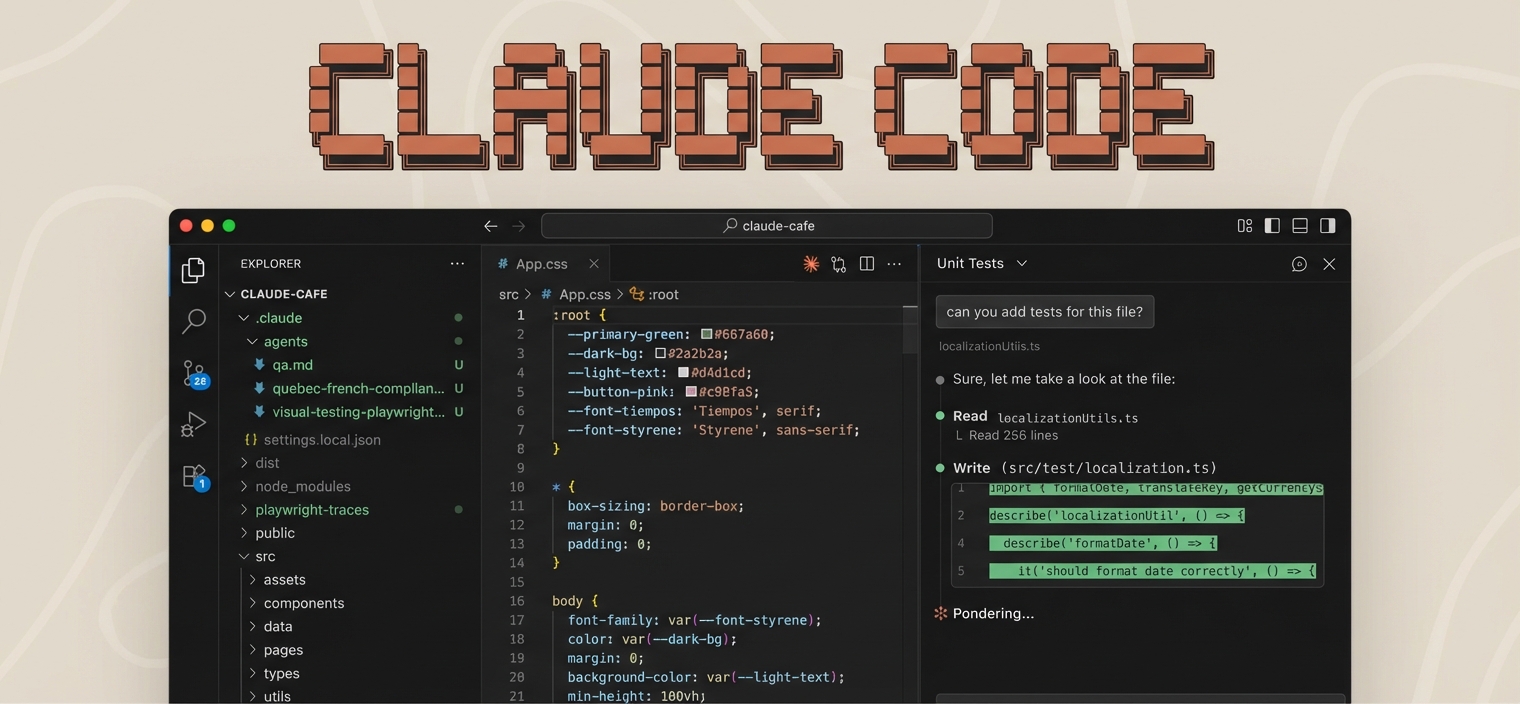
A complete guide for setting up a modern development environment with VS Code, Claude Code, and essential tools.
Perfect for AI/ML developers, web developers, and creators who want a professional setup fast.
Quick Start
Windows (PowerShell)
irm https://raw.githubusercontent.com/AgriciDaniel/claude-code-essentials-vs-code/main/scripts/setup.ps1 | iex
macOS / Linux (Bash)
curl -fsSL https://raw.githubusercontent.com/AgriciDaniel/claude-code-essentials-vs-code/main/scripts/setup.sh | bash
Or Clone and Run Locally
git clone https://github.com/AgriciDaniel/claude-code-essentials-vs-code.git
cd claude-code-essentials-vs-code

# Windows
.\scripts\setup.ps1

# macOS / Linux
chmod +x scripts/setup.sh && ./scripts/setup.sh
What's Included
| Guide | Description |
|---|---|
| Dev Setup Guide | Core tools, package managers, CLI utilities |
| VS Code Extensions | 26 essential extensions + settings |
| Claude Code Guide | Complete Claude Code features and usage |
| Claude Code Resources | Ready-to-use skills, commands, agents |
What Gets Installed
- 26 VS Code Extensions - Python, ESLint, Prettier, Tailwind, GitLens, Claude Code Official, Copilot, and more
- Claude Code CLI - Full installation with directory structure
- Example Commands and Skills - Ready-to-use templates
Top Claude Code Resources (2026)
Workflow Systems
| System | Stars | Description | Install |
|---|---|---|---|
| BMAD Method | 32.9k | 21 agents, 50+ workflows | npx bmad-method install |
| SuperClaude | 20.5k | 30 commands, 16 agents | pipx install superclaude |
| CCPM | 6.1k | GitHub-native project management | curl -sSL https://automaze.io/ccpm/install | bash |
MCP Servers (New Syntax)
# Official HTTP servers
claude mcp add --transport http github https://api.githubcopilot.com/mcp/
claude mcp add --transport http notion https://mcp.notion.com/mcp

# NPX-based servers
claude mcp add playwright -- npx @playwright/mcp@latest
claude mcp add memory -- npx -y @modelcontextprotocol/server-memory
Community Resources
| Resource | Description |
|---|---|
| awesome-claude-code | 16.9k stars - Curated everything list |
| wshobson/commands | 57 production-ready commands |
| claude-flow | 60+ agents with swarm coordination |
| SkillsMP.com | 71k+ skills marketplace |
See Claude Code Resources for the complete Top 30 ranked list with install commands.
Platform-Specific Scripts
| Script | Windows | macOS | Linux |
|---|---|---|---|
| Full setup | setup.ps1 |
setup.sh |
setup.sh |
| Extensions only | install-extensions.ps1 |
install-extensions.sh |
install-extensions.sh |
| Claude Code only | setup-claude-code.ps1 |
setup-claude-code.sh |
setup-claude-code.sh |
Prerequisites
Windows
macOS
# Install Homebrew (if not installed)
/bin/bash -c "$(curl -fsSL https://raw.githubusercontent.com/Homebrew/install/HEAD/install.sh)"

# Install Node.js and VS Code
brew install node
brew install --cask visual-studio-code
Linux (Ubuntu/Debian)
# Install Node.js
curl -fsSL https://deb.nodesource.com/setup_lts.x | sudo -E bash -
sudo apt install -y nodejs

# Install VS Code (Debian/Ubuntu/Mint — download .deb from https://code.visualstudio.com)
sudo apt install -y ./code_*.deb
# Snap alternative (not available on Linux Mint): sudo snap install code --classic
Guides Overview
Dev Setup Guide
Complete toolchain: Node.js, Python, Git, package managers, CLI tools, containers, AI/ML packages.
VS Code Extensions
26 curated extensions including the official Claude Code extension, with one-liner install.
Claude Code Guide
Everything about Claude Code: slash commands, skills, subagents, MCP servers, plugins, hooks.
Claude Code Resources
Ready-to-use templates: slash commands, skills, agents, and CLAUDE.md project template.
Keep Everything Updated
Windows
winget upgrade --all
npm update -g @anthropic-ai/claude-code
macOS
brew update && brew upgrade
npm update -g @anthropic-ai/claude-code
Linux
sudo apt update && sudo apt upgrade -y
npm update -g @anthropic-ai/claude-code
FAQ
Q: Do I need a paid Claude account?
A: Yes, Claude Code requires Claude Pro, Max, Teams, or API access.
Q: Which platforms are supported?
A: Windows, macOS, and Linux are all fully supported with dedicated scripts.
Q: What's the difference between Cline and Claude Code extension?
A: Cline is third-party. Claude Code (anthropic.claude-code) is Anthropic's official extension.
License
MIT License - Use freely for personal and commercial projects.
Support
If this helped you, consider starring this repo, forking and customizing, or sharing with other developers.
Made with love for the developer community
Author
Built by Agrici Daniel - AI Workflow Architect.
- Blog - Deep dives on AI marketing automation
- AI Marketing Hub - Free community, 2,800+ members
- YouTube - Tutorials and demos
- All open-source tools
Yorumlar (0)
Yorum birakmak icin giris yap.
Yorum birakSonuc bulunamadi