teamctl
Health Warn
- License — License: MIT
- Description — Repository has a description
- Active repo — Last push 0 days ago
- Low visibility — Only 5 GitHub stars
Code Fail
- rm -rf — Recursive force deletion command in .github/workflows/installer-smoke.yml
- rm -rf — Recursive force deletion command in .github/workflows/release.yml
Permissions Pass
- Permissions — No dangerous permissions requested
No AI report is available for this listing yet.
Run a team of AI agents like you'd run a team of people. Docker-compose for persistent agent teams.
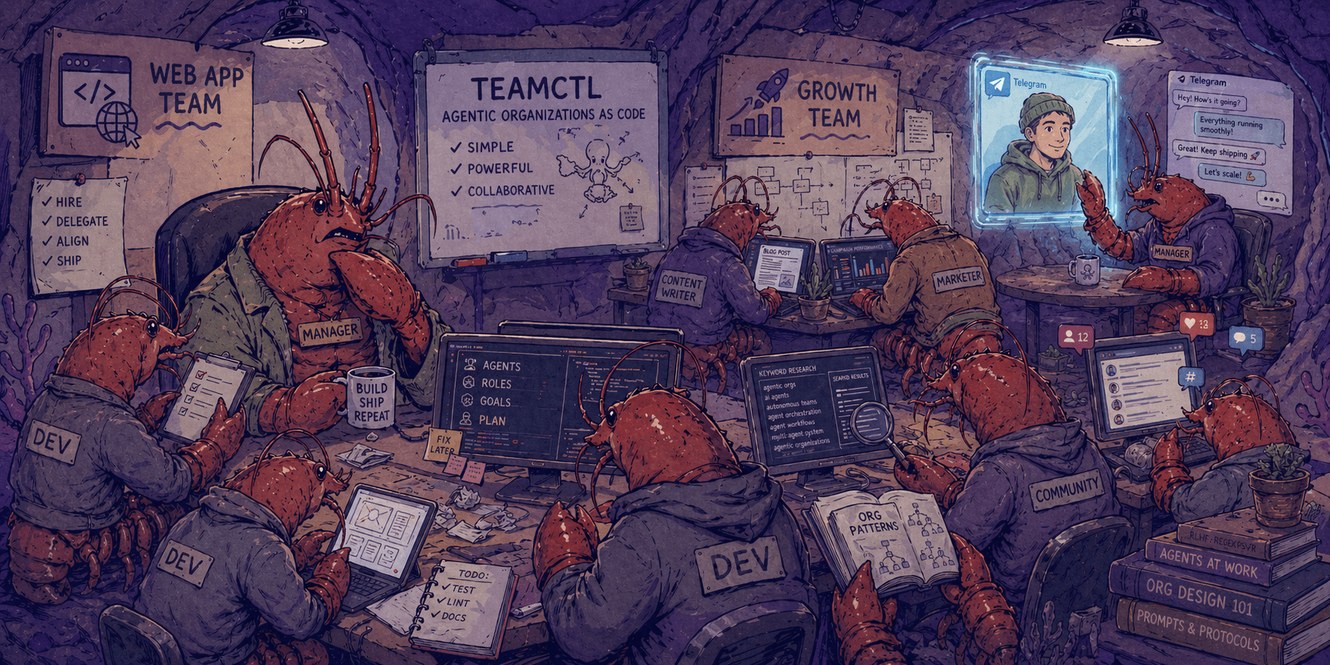
teamctl
Run real AI agent teams from one YAML. Each agent is a long-lived CLI process.
Long-running AI agents — Claude Code, Codex, or Gemini sessions — declared in a YAML file you write yourself, supervised on your machine. Each agent runs in its own tmux pane; they coordinate through a shared mailbox. If you've used docker-compose, the shape is similar — declarative, supervised, file under your version control. The manager pauses for you on anything that matters.
Interactive Setup (with Claude Code) - Recommended ⭐
claude plugin marketplace add https://github.com/Alireza29675/teamctl
claude plugin install teamctl@teamctl
# inside a Claude Code session:
/teamctl:init
# back in your shell:
teamctl ui
The plugin walks you through what kind of team you want, scaffolds a .team/ folder in your project, brings the agents up, and shows you everything in teamctl ui.
Manual setup 🔧
Install teamctl:
curl -fsSL https://teamctl.run/install | sh
Already running Claude Code? Run the installer through
bash -cto be prompted to install (or silently update) the teamctl plugin in the same step:bash -c "$(curl -fsSL https://teamctl.run/install)"The pipe form (
| sh) stays silent so CI workflows are unaffected.
Then bring up a team:
cd /to/your/project
teamctl init # initiates the .team/ folder in your project
teamctl bot setup # helps you connect 'managers' to Telegram bots
teamctl up # starts the team
teamctl ui # interactive team inspection
Learn more 🔍
- Documentation — guides, concepts, reference, ADRs
- Example teams — OSS maintainer, editorial room, indie studio, solo triage
- How teamctl compares — feature matrix vs neighboring tools
License
Reviews (0)
Sign in to leave a review.
Leave a reviewNo results found