openpets
Health Pass
- License — License: MIT
- Description — Repository has a description
- Active repo — Last push 0 days ago
- Community trust — 1166 GitHub stars
Code Pass
- Code scan — Scanned 12 files during light audit, no dangerous patterns found
Permissions Pass
- Permissions — No dangerous permissions requested
This tool provides a desktop pet application that reacts to the status of coding agents like Claude Code. It uses an MCP server to let the agent control the pet and display real-time coding progress as animated states.
Security Assessment
Overall risk: Low. The tool does not request dangerous permissions, and the codebase is free of hardcoded secrets. It reads environment variables, but this is standard and expected behavior for an Electron-style desktop application. It does not appear to access sensitive user data. Because the tool executes via `bunx` and is an unsigned desktop application, macOS and Windows will correctly flag it with a standard security warning on first launch. Users should be aware that bypassing operating system quarantine flags (as suggested in the README) always carries a minor risk and should only be done if you trust the publisher.
Quality Assessment
The project is active and healthy, with its last push occurring today. It uses the permissive MIT license and has a clear README with straightforward installation instructions. Community trust is currently low but growing, currently sitting at 16 GitHub stars. The codebase is written in TypeScript, making it easy to inspect and audit.
Verdict
Safe to use.
Local first, desktop companion platform with animated pets, plugin SDK and coding-agent integrations.
A desktop companion platform with pets, plugins, and optional local agent integrations.
OpenPets puts an animated companion on your desktop, then lets plugins turn it into a focus buddy, reminder system, tiny game, launcher, or coding-agent sidekick.
by Boring Dystopia Development



Read this in: English | 日本語 | 한국어 | 简体中文 | 繁體中文 | Português (Brasil) | Español (LatAm)
Download OpenPets
Download the latest OpenPets desktop release and launch it. A pet appears immediately; no agent setup required.
- Desktop pets: animated companions that idle, wander, react, and keep your workspace from feeling empty.
- Official plugins: focus timers, reminders, mood check-ins, mini games, launch shortcuts, hydration nudges, and virtual-pet stats.
- Plugin SDK v3: a sandboxed JavaScript/TypeScript runtime for building new pet abilities with permissions, quotas, storage, schedules, commands, panels, events, audio, notifications, and more.
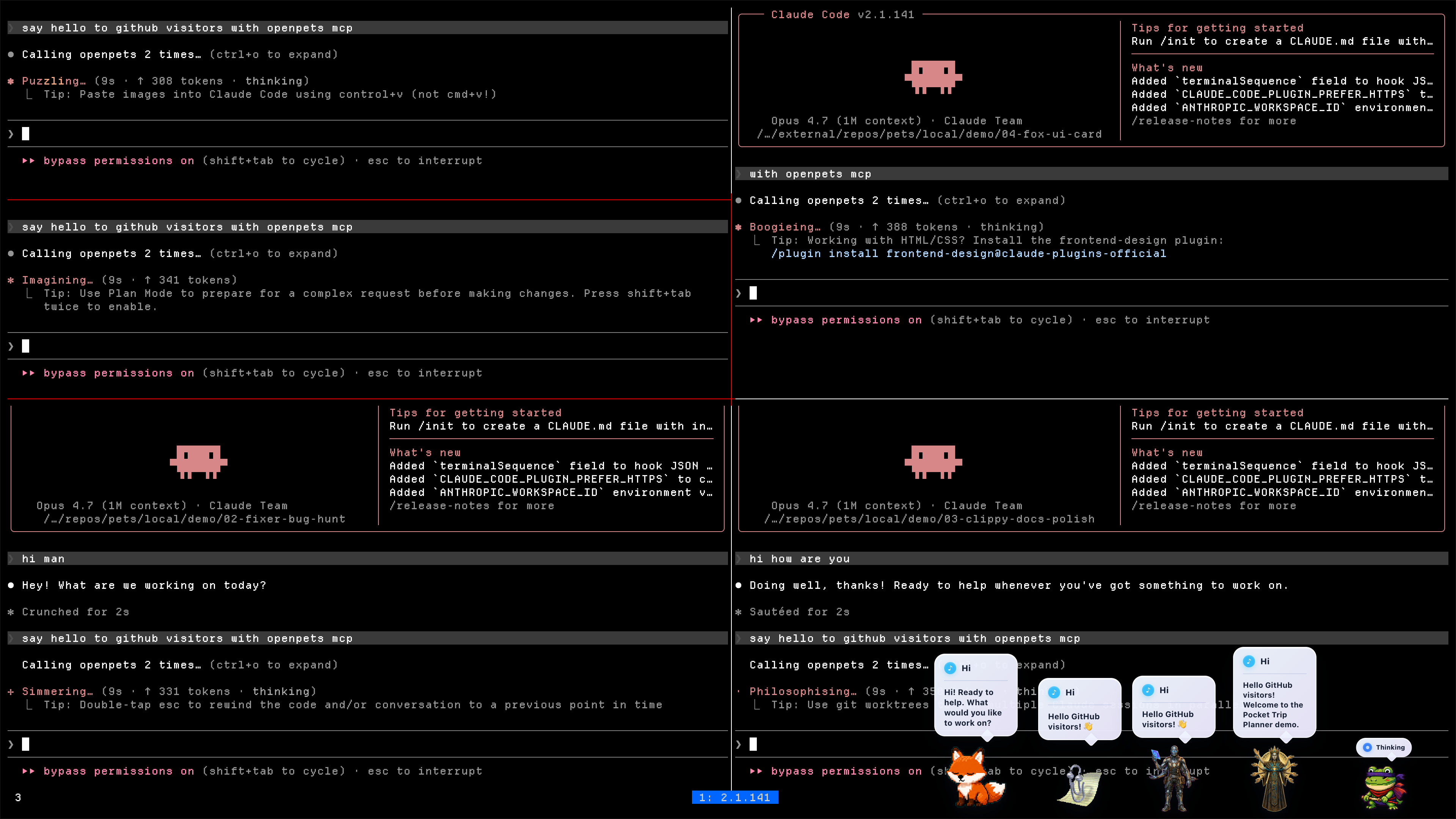
- Optional agent layer: Claude Code, OpenCode, Cursor, Pi, and MCP clients can drive local pet reactions without exposing prompts, code, paths, logs, or secrets in speech bubbles.
Star OpenPets
If OpenPets makes your coding setup or desktop workspace a little more fun, please give the repo a star.
For Users: Getting Started
You do not need to be a developer or connect any AI agents to enjoy OpenPets. The desktop app is fully functional out of the box with the official plugin lineup.
1. Install OpenPets Desktop
Download the package for your operating system from OpenPets Releases:
- macOS Apple Silicon:
OpenPets-*-mac-arm64.dmg - macOS Intel:
OpenPets-*-mac-x64.dmg - Windows:
OpenPets-*-win-x64-setup.exe - Linux:
OpenPets-*-linux-x86_64.AppImage
Note: Windows release installers are signed. macOS builds may still be unsigned and can trigger a security warning; if macOS blocks execution, remove the quarantine flag via terminal:
xattr -dr com.apple.quarantine /Applications/OpenPets.app
2. Manage and Customize Pets
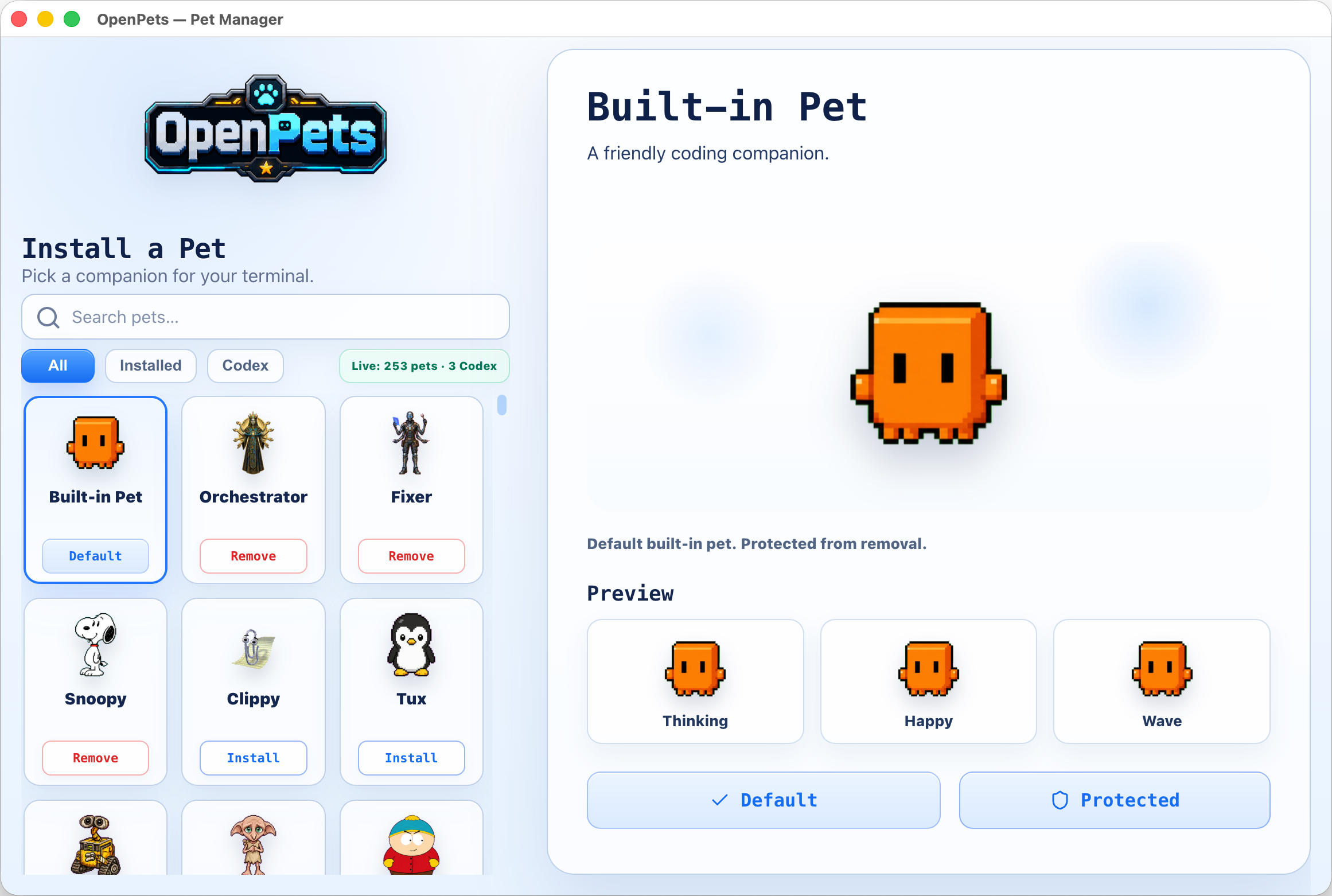
Browse installed pets, preview their animation frames, and configure which pet monitors each workspace or agent window from the built-in Pet Gallery.
3. Enable Official Plugins
OpenPets v3 ships with a modular Official Plugin Catalog. Enable or configure plugins via the desktop Control Center to add focus timers, reminders, and mini interactive games.
Shipped official lineup
- Day Routine: Tracks habits and reminds you to stretch or step away.
- Focus Buddy: Pomodoro-style focus timers to manage work cycles.
- Fortune Cookie: Cracks open randomized daily advice and wisdom.
- Launch Buddy: Allows registering shortcut commands to quickly open local folders, projects, or applications.
- Magic 8 Ball: Ask questions and receive playful, randomized answers from your pet.
- Mood Check-in: Periodically checks in on your mood to support emotional well-being.
- Reminders: Renders snoozeable, bell-alert notifications with custom audio tones.
- Virtual Pet: Turns your desktop companion into a Tamagotchi-style pet with hunger, affection, and energy levels tracked via a live status pin.
- Water Reminder: Keeps you hydrated with regular, customizable drinking prompts.
Plugin Platform & SDK v3
The OpenPets plugin system offers a secure, developer-friendly SDK (@open-pets/plugin-sdk) for creating custom companion behavior.
Security & Architecture
- Sandboxed Runtime: Each JS plugin runs inside a sandboxed BrowserWindow host environment.
- Host-Rendered UI: Plugins describe actions, HUDs, and notifications; the desktop host renders them. HTML/JS code cannot render raw HTML or execute arbitrary scripting inside a pet window.
- Permissions Model: Permissions must be declared in the manifest and approved by the user at install. Flagged sensitive APIs (like
voice:listen,clipboard, andpet:speak:dynamic) require explicit consent toggles. - SSRF & Private Host Guards: Network fetch requests are limited to developer-declared hostnames and guarded against local SSRF.
The SDK surface (ctx)
Plugins hook into the desktop environment via the ctx object, exposing:
ctx.pets/ctx.pet: Manage default and spawned pet instances: spawn, move, animate, and react.ctx.ui: Alerts, transient/pinned bubbles, custom menus, panels, and status HUDs. Pinned mini HUD bubbles support compact 2x2 grid layouts with progress bars, such as Virtual Pet stats.ctx.audio: Trigger host-managed alert tones or user-imported custom audio.ctx.schedule: Set precise timer hooks (once,every,daily,cron,at).ctx.ai/ctx.secrets: Hook into the user's host-configured AI provider (Anthropic, OpenAI, Ollama) without exposing API keys to the plugin source.ctx.storage: Simple JSON key-value store with change subscriptions.- Other APIs:
events,assets,bus,net(with streaming support),notify,voice(TTS & push-to-talk STT),auth(PKCE browser flow),files(secure picked OS dialogs),system,commands,status, andlog.
Developer Tools & Commands
Create, validate, and test plugins using the official CLI.
1. Scaffold a new plugin
Create a template from any of the official layouts (blank, reminder, ambient, ai-chat, tamagotchi, calendar):
npx @open-pets/cli plugin new "My Plugin" --template tamagotchi
2. Validate
Verify manifest layout, permissions, and configuration schemas before packing:
npx @open-pets/cli plugin validate ./my-plugin
3. Test harness
Write deterministic tests without launching the desktop app. Using @open-pets/plugin-sdk/testing's createTestHarness, you can mock the host, advance clocks, trigger actions, and verify reactions:
import { createTestHarness } from "@open-pets/plugin-sdk/testing";
import { register } from "./index.js";

const h = createTestHarness(register, { permissions: ["pet:speak", "schedule"] });
await h.start();
h.expectScheduled("decay");
await h.clock.advance("30m");
h.expectSpoke(/need attention/i);
Run plugin tests from your plugin project:
npm test
Advanced: Agent Integrations
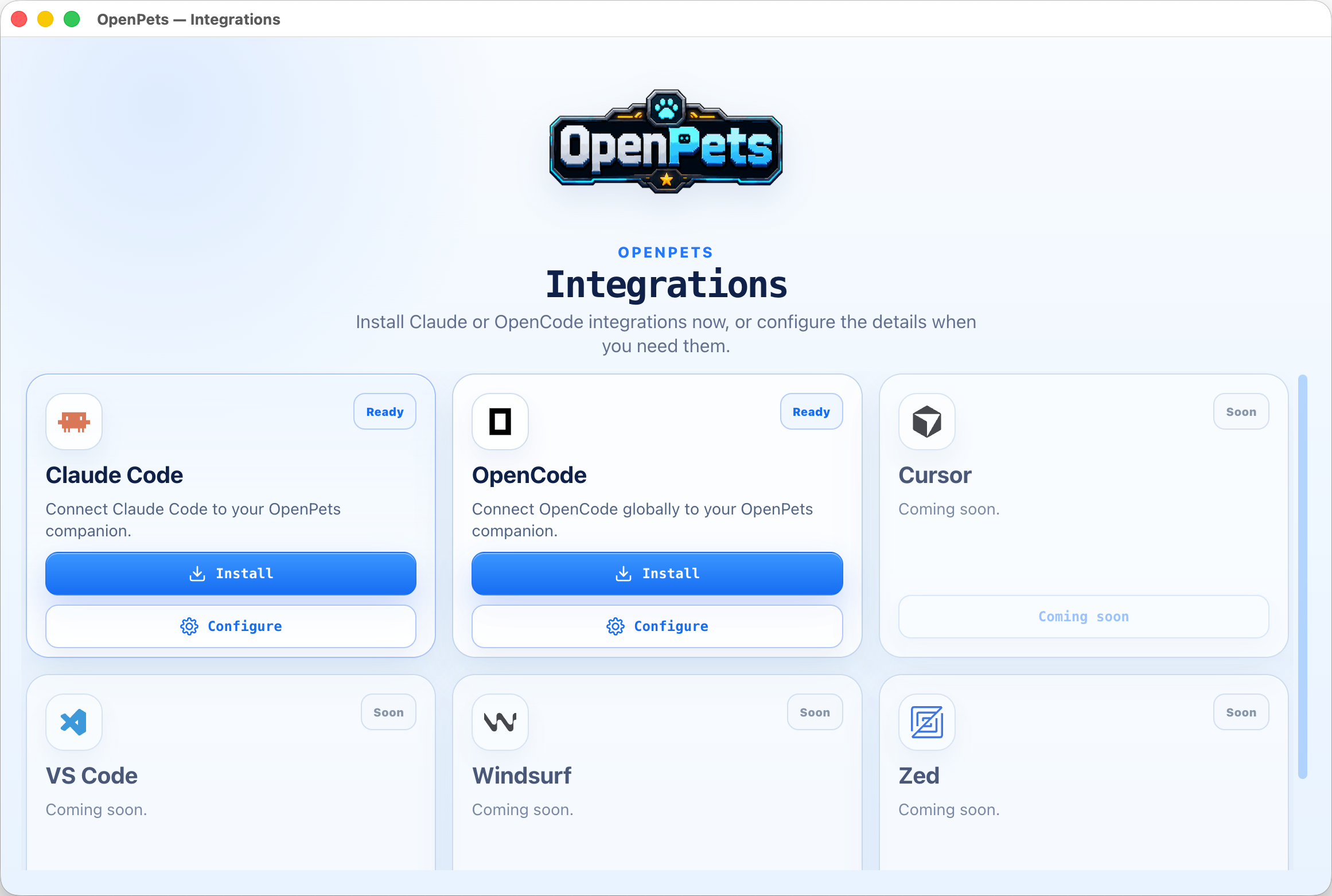
If you want your development agent to drive your desktop companion, OpenPets provides an optional local MCP (Model Context Protocol) integration layer.
How it works
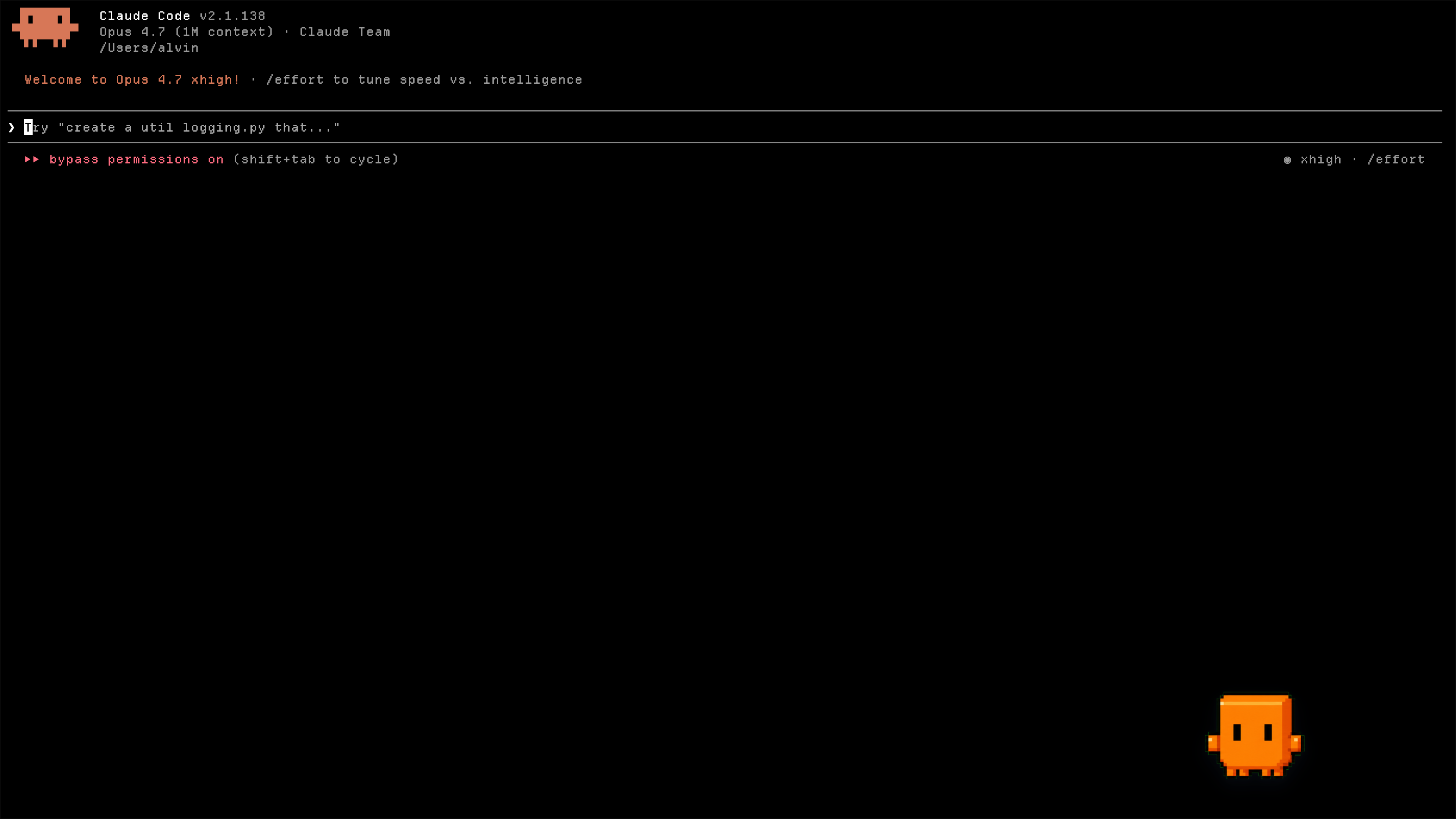
When you configure an agent, OpenPets exposes standard MCP tools. The agent can trigger animations, change status, and display text bubbles locally:
- Claude Code: Installs OpenPets MCP, memory instructions in
~/.claude/CLAUDE.md, and hooks in~/.claude/settings.json. - OpenCode: Installs OpenPets MCP, custom project instruction files, and the
@open-pets/opencodeautomatic hook plugin. - Cursor / Other MCP Clients: Register OpenPets as a standard stdio or TCP MCP server.
Diagnose your setup
Check whether the Claude hook and project Cursor MCP integrations are installed, need an update, or are broken, and whether the desktop app is reachable:
npx @open-pets/cli doctor
Pass --cwd <path> to inspect a different project's .cursor/mcp.json, or --json for machine-readable output. The command exits non-zero only when an integration is broken, so it is safe to run before reporting a bug.
MCP Server Configuration
To run OpenPets as an MCP tool, add the server to your agent's configuration:
{
  "mcpServers": {
    "openpets": {
      "type": "stdio",
      "command": "npx",
      "args": ["-y", "@open-pets/mcp@latest"]
    }
  }
}
Tip: To target a specific pet, pass the --pet <petId> argument.
Available MCP Tools
openpets_status: Retrieve target pet ID and check runtime connectivity.openpets_react: Set pet reaction animations (e.g.,thinking,editing,testing,success,error).openpets_say: Display a short speech bubble.
Local Privacy & Safety
- All automated reactions run on static local triggers (e.g., when a command runs or a file is written).
- Speech content is validated to prevent leaking sensitive variables, paths, secrets, or multiline code snippets.
- Real-time interaction requires a local discovery token write/read, protecting the IPC bridge from external network triggers.
Development Workspace
For contributing to the OpenPets codebase, testing changes, or building the desktop packages locally.
Prerequisites
- Node.js: version 20 or higher
- pnpm: version 11 or higher
- TypeScript: compiler support
Commands
Install project workspace dependencies:
pnpm install
Launch the Electron application in local developer mode:
pnpm dev:desktop
Launch with live official plugins loaded and monitored:
pnpm dev:desktop:plugins
Run workspace typechecking, code-conformance validations, and tests:
pnpm check
pnpm typecheck
pnpm test
Package the desktop application:
# Build & package into target OS directory
pnpm package:desktop:dir

# Build & package into final installer / setup archives
pnpm package:desktop
Workspace Structure
apps/desktop              Electron desktop application
packages/client           @open-pets/client (IPC helper library)
packages/mcp              @open-pets/mcp (Model Context Protocol stdio server)
packages/claude           @open-pets/claude (Claude integrations, memory, & hooks)
packages/opencode         @open-pets/opencode (OpenCode plugins & instruction configs)
packages/pi               @open-pets/pi (Pi CLI extension integration)
packages/agent-events     Shared sanitizers and events helper package
packages/cli              @open-pets/cli (User entry point CLI for configuration & scaffolding)
packages/sdk              @open-pets/plugin-sdk (Plugin SDK v3 declarations & testing harness)
packages/pet-format       @open-pets/pet-format (Pet manifest and schema types)
plugins/official          Official first-party plugin workspace (bundled with host catalog)
docs/                     Technical specifications and architecture documentation
Documentation
Explore detailed architectural and platform documentation inside the docs/ folder:
docs/architecture.md- The one-page mental model: runtime topology, package spine, end-to-end flows.docs/desktop.md- The Electron app: process model, tray-first UX, Control Center, security model.docs/agent-integrations.md- How Claude Code, MCP, OpenCode, Cursor, and Pi are configured.docs/plugins.md- Plugin platform SDK v3 manifest, permissions, and sandboxed runtime.docs/sdk.md- Public SDK v3 contract for plugin authors: capability namespaces, permission surface, test harness.docs/catalog.md- Pet and plugin catalog contracts: v3/v2, pagination, install artifacts.docs/development.md- Developer experience: monorepo layout, command surface, dev modes.docs/testing-and-validation.md- Quality gates: behavior tests, runtime checks, release validators.docs/release.md- Application packaging and release processes.
Ownership & Promise
OpenPets is developed and maintained by Boring Dystopia Development. No foundation, no investors, no hidden agenda — an open project with a named owner. The deal, stated plainly:
- The code is MIT, and stays MIT. Fork it, ship it, remix it, hatch your own pets.
- Local-first, forever. No accounts, no sign-ups, no central AI server. AI features run through connections you configure, with your keys, on your machine.
- The catalog is a convenience, not a leash. Pets and plugins are fetched from
openpets.dev, but the app is fully functional without it. - Users are not the business. OpenPets will never paywall core features, the plugin SDK, or agent integrations — and it will never sell you content you could make yourself for free.
If you want to support the project: star the repo, hatch a pet, share it with a friend.
Safety and Privacy
- Local-Only: OpenPets IPC works using a local socket/named pipe, secured with a per-run random security token.
- SSRF Safety: Plugin network connections are restricted to approved domains and blocked from local network/private IP access.
- Dynamic Content Sanitization: Any dynamic AI-speech text runs through strict local filters to redact paths, URLs, secrets, or multiline code snippets.
- Sensitive Permission Consent: Features accessing clipboard, microphone, or dynamic AI responses are off by default and require explicit user opt-in.
Code signing policy
OpenPets Windows release artifacts are built only by the project's GitHub Actions trusted-build workflow and signed through the configured SignPath release policy. The canonical public policy is openpets.dev/code-signing-policy.
- Maintainer, committer, reviewer, and signing approver: Alvin Unreal.
- Review: Changes to release workflows, signing configuration, or Windows packaging require maintainer review before release approval.
- Scope: SignPath signing is limited to official OpenPets open-source release artifacts.
- Signing ops: The SignPath GitHub workflow may pause on release-signing requests that need approver review; approvals must be completed in the SignPath dashboard before publishing proceeds.
- Privacy: See the Privacy & network behaviour policy.
Free code signing provided by SignPath.io, certificate by SignPath Foundation.
Reviews (0)
Sign in to leave a review.
Leave a reviewNo results found