salts-agent
Health Warn
- License — License: Apache-2.0
- Description — Repository has a description
- Active repo — Last push 0 days ago
- Low visibility — Only 9 GitHub stars
Code Warn
- process.env — Environment variable access in admin-cli/index.mjs
- network request — Outbound network request in admin-cli/index.mjs
Permissions Pass
- Permissions — No dangerous permissions requested
No AI report is available for this listing yet.
Personal AI agents on WhatsApp, Telegram and the web. Pay per use, no subscription. Runs on Cloudflare.

Salts
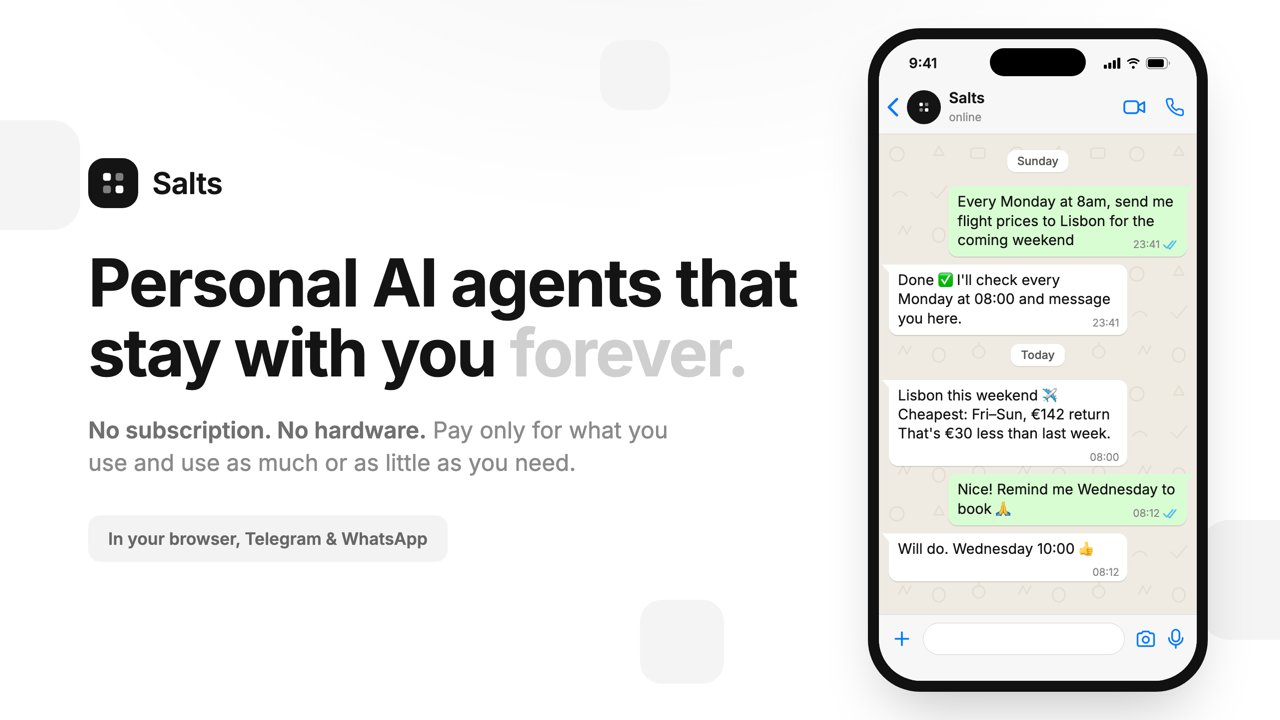
Personal AI agents that stay with you forever.
In your browser, on Telegram and on WhatsApp. $0 while idle, a few cents per reply.




salts.dev • Get an agent • User guide • API • Architecture • Self-host
What it is
Salts gives you an AI agent of your own. You message it like a friend, it remembers what
you tell it, and it messages you back when something is due. Each agent runs in the
cloud, costs nothing while nobody is talking to it, and bills you per message on your own
OpenRouter key: about $0.001 a reply on small models, up to $0.03 on the largest.
- Talk to it anywhere. Web chat, a Telegram bot, a WhatsApp number. Text, links,
photos and voice notes in; text and voice notes out. - It remembers and reminds. Memory across sessions, scheduled tasks, "every Monday
at 8am, send me…". - Every capability is a switch. Web search, reading links and PDFs, image input,
image generation, voice, spreadsheets, Notion, GitHub. Turn on what you need. - Bring your own tools. Connect any MCP server, or run local ones from your laptop
withsalts-tools. - Any model. Pick from the OpenRouter catalogue and switch per agent.
- Share it. Add it to a Telegram group and choose exactly who it answers.
- Fleets. Create agents for a whole community on one shared key, with a spend limit
per person. Members' conversations stay private to them. - An API. Every agent can be reached from your own code with an API key.
(playground) - You see every cent. Tokens and dollar cost on every reply, as it streams.
Quick start
Hosted: see what it does at salts.dev, then sign in at
app.salts.dev, add an OpenRouter key
(from openrouter.ai, or buy one with a crypto wallet in the
app), create an agent. Takes a few minutes; the
step-by-step guide walks through it.
Run it yourself:
git clone https://github.com/AlwaysHungrie/salts-agent && cd salts-agent

# terminal 1: the agent
cd agent && npm install && npm run dev               # http://localhost:8787

# terminal 2: default settings (once), then the web app
cd admin-cli && npm install && npm run init -- --dev
cd ../frontend && pnpm install && pnpm dev           # http://localhost:3000
Each agent needs its own OpenRouter key; there is no shared one. Sign-in uses Clerk.
docs/development.md covers the env files, deployment settings and
deploying to your own Cloudflare account, which also lifts the hosted usage limits.
How it works
Every agent and every chat session is a Cloudflare Durable Object with its own SQLite
database. An agent that nobody is messaging is asleep and costs nothing; a message wakes
it, it calls the model, replies, and goes back to sleep. Cloudflare's share is about
$0.00005 a message (measured); the rest is the
model, billed to your key at OpenRouter's price with no markup.
agent/         Cloudflare Worker + Durable Objects: the agent itself
frontend/      Next.js web app: chat, settings, capabilities, fleets, the user guide
landing-page/  Next.js site at salts.dev
admin-cli/     Owner dashboard: users, limits, deployment settings
salts-tools/   Laptop CLI: local services and MCP servers behind one tunnel
local-mcps/    MCP servers salts-tools runs
docs/architecture.md explains it from scratch: what each Durable
Object owns and how a message travels end to end.
Community
- Questions and ideas: Telegram
- Bugs: GitHub issues
- News: @saltsdotdev
Pull requests are welcome. Start with docs/development.md; new
behaviour lands with tests.
License
Reviews (0)
Sign in to leave a review.
Leave a reviewNo results found