docingest
Health Uyari
- License — License: MIT
- Description — Repository has a description
- Active repo — Last push 0 days ago
- Low visibility — Only 5 GitHub stars
Code Basarisiz
- process.env — Environment variable access in mcp-server/src/index.ts
- network request — Outbound network request in mcp-server/src/index.ts
- network request — Outbound network request in package.json
- fs.rmSync — Destructive file system operation in server/frontend-static-server.ts
- process.env — Environment variable access in server/frontend-static-server.ts
- process.env — Environment variable access in server/index.ts
Permissions Gecti
- Permissions — No dangerous permissions requested
This tool is an open-source engine that crawls documentation sites and converts them into clean markdown. It exposes this searchable context through a web UI, CLI, and an MCP server so coding agents can easily query up-to-date documentation.
Security Assessment
Overall risk: Medium. The tool does not request explicitly dangerous permissions, but it does perform outbound network requests to crawl external websites. It relies on environment variables to securely handle API keys and configurations (such as Firecrawl credentials), meaning you must be careful not to expose your local `.env` file. A notable security concern is the presence of a destructive file system operation (`fs.rmSync`) located in the frontend static server. While this is likely used for routine cache or temporary file cleanup, any function capable of permanently deleting files warrants a manual code review before deployment. No hardcoded secrets were detected.
Quality Assessment
The project is very new and currently has low visibility with only 5 GitHub stars, meaning it has not yet been extensively vetted by a large community. However, it is under active development (last pushed today) and is protected by a standard MIT license. The creator provides clear documentation and setup guides, but users should expect early-stage software with potential bugs, given the "Still early" status explicitly mentioned in the README.
Verdict
Use with caution: it has standard crawling and cleanup behaviors that require review, and it currently lacks widespread community validation.
Open-source engine for turning documentation sites into searchable, MCP-accessible context for humans and coding agents.
DocIngest
DocIngest is the open-source engine for turning documentation sites into searchable, MCP-accessible context for humans and coding agents.
It crawls docs, stores them as clean markdown, indexes them for search, and exposes the same corpus through a web UI, CLI, and MCP server. Use it to build a public docs index, self-host an internal corpus, or give coding agents fresher documentation context.
Quick Start • MCP + CLI • Screenshots • Setup Docs • Contributing
Status
What works today
- ✅ Index documentation sites from the web UI
- ✅ Browse and search indexed docs at
docingest.com - ✅ Open docs by domain, copy markdown, and download stored docs
- ✅ Re-index sources when upstream docs change
- ✅ Query docs from MCP-compatible coding tools
- ✅ Use the package as a lightweight CLI for quick lookup
Hosted corpus
- 📚 The live
maindeployment currently serves 1,512 latest documentation sites ondocingest.comas of April 24, 2026 - 🗂️ DocIngest stores versioned snapshots per domain, so one docs site can have multiple historical versions behind the scenes
- ℹ️ The Git repository does not commit the full hosted corpus; the deployed service holds the actual indexed docs data
Still early
- 🧪 Search/ranking works, but needs deeper tuning
- 🧪 Loading, empty, and success states need more polish
- 🧪 Version-aware storage exists, but the product UX around versions is still early
- ❌ Not yet a mature enterprise docs platform with permissions, collaboration, and admin workflows
Screenshots
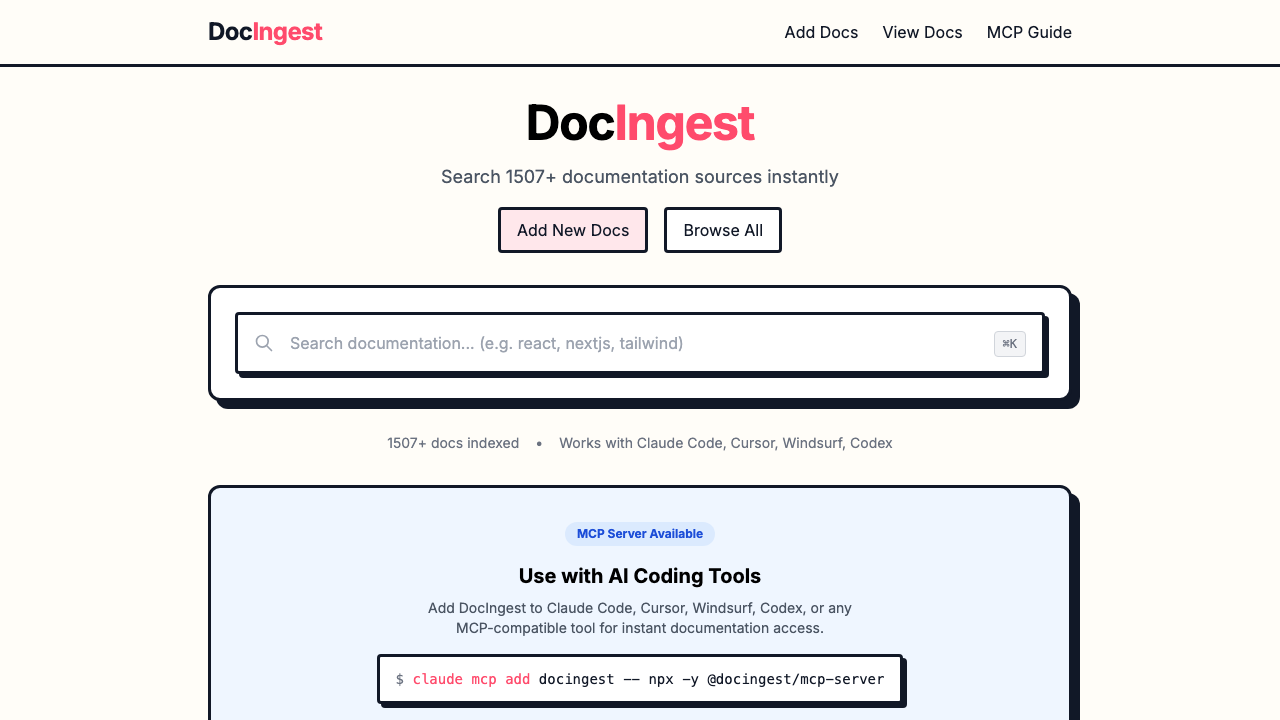
Homepage
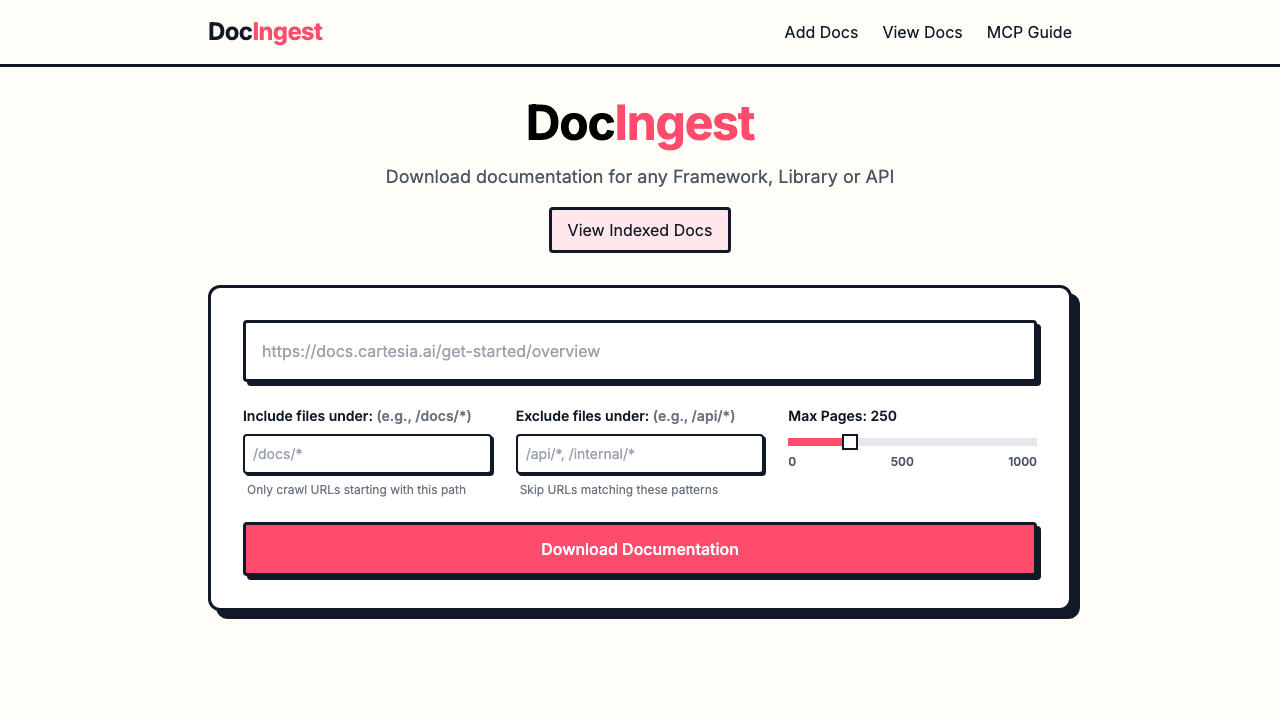
Index a docs site
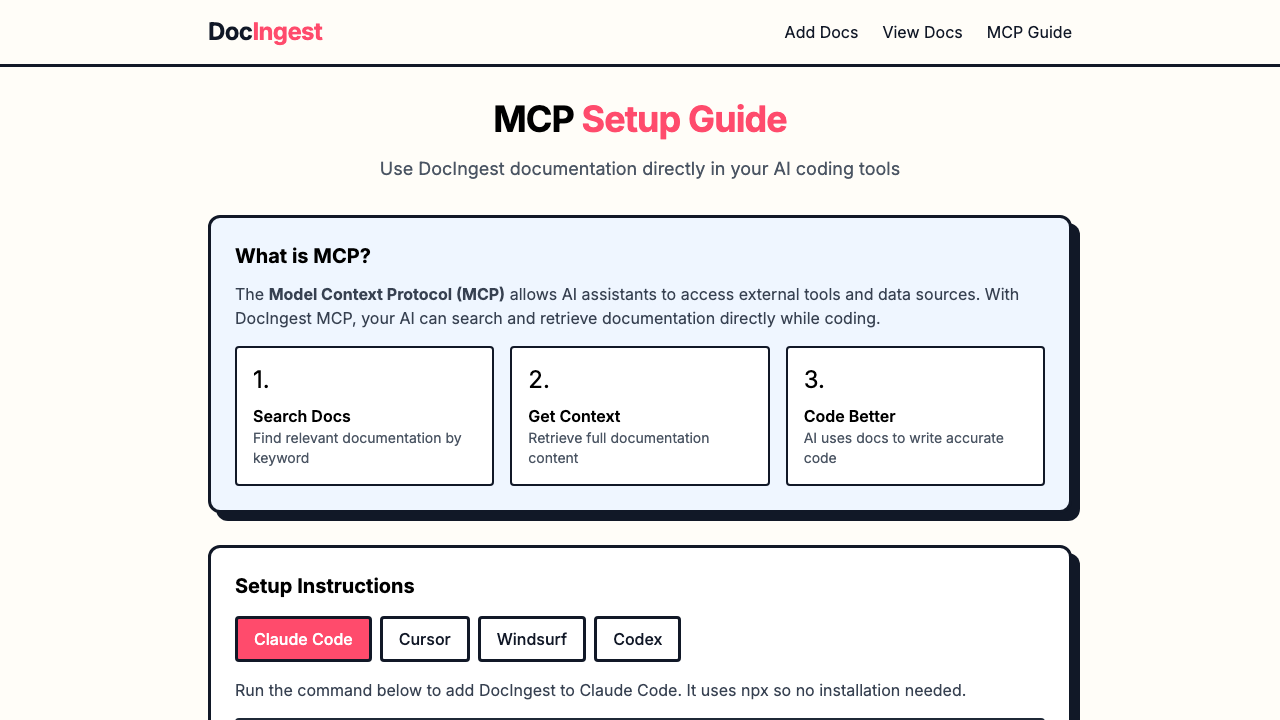
MCP setup guide
Quick Start
Prerequisites
- Node.js 18+ or Bun
- Firecrawl, hosted or self-hosted
- Redis for fast autocomplete/search
Redis is optional for tiny local tests, but recommended for anything serious.
Install
git clone https://github.com/Amal-David/docingest.git
cd docingest
npm install
cd server && npm install && cd ..
Configure
Create .env in the repo root:
CRAWL_PROVIDER=firecrawl
FIRECRAWL_API_KEY=fc-your-api-key-here
FIRECRAWL_API_URL=https://api.firecrawl.dev/v1
REACT_APP_API_URL=http://localhost:8001/api
REDIS_HOST=localhost
REDIS_PORT=6380
For local Docker with self-hosted Firecrawl:
CRAWL_PROVIDER=firecrawl
FIRECRAWL_API_URL=http://localhost:3002/v1
REACT_APP_API_URL=http://localhost:8001/api
REDIS_HOST=localhost
REDIS_PORT=6380
For setup details, use these guides:
Run
Choose the local services you want:
Run everything local:
docker compose --profile firecrawl --profile tools up -d
Run only Redis:
docker compose up -d redis
Run Redis and Firecrawl without the Redis UI:
docker compose --profile firecrawl up -d
Run Redis with the Redis UI:
docker compose --profile tools up -d
Run the app locally:
npm run dev
If port 8001 is already busy, use the alternate local API port:
npm run dev:local
Then open http://localhost:8000.
After indexing docs, build the Redis search index:
cd server
npm run build-index
MCP + CLI
Add DocIngest to Claude Code:
claude mcp add docingest -- npx -y @docingest/mcp-server
Use the same package as a CLI:
npx @docingest/mcp-server find react
npx @docingest/mcp-server read react.dev --topic hooks --max-tokens 5000
npx @docingest/mcp-server search "server components" --limit 5
MCP tools:
find-docsfinds a library or docs domainread-docsfetches focused documentation contentquery-docssearches across indexed docs
For editor-specific config, see the MCP server README.
Setup Docs
Use these when you need more than the happy path:
- Redis setup for local/self-hosted Redis, indexing, and verification
- Firecrawl setup for hosted or self-hosted crawling
- Docker run modes for all-in-one or partial local services
- Nginx setup for production reverse proxy configuration
- Performance notes for speedups and next optimization work
- Reference for storage, API, deployment shape, and repo details
Tech Stack
- React + TypeScript + Tailwind CSS
- Node.js + Express + TypeScript
- Firecrawl for crawling
- Redis for autocomplete, full-text search, and cached docs
- File-based markdown storage
Contributing
Contributions are welcome, especially around crawling quality, search/ranking, MCP ergonomics, docs UX, and self-hosting.
License
MIT
Yorumlar (0)
Yorum birakmak icin giris yap.
Yorum birakSonuc bulunamadi