explain-this
Health Warn
- License — License: MIT
- Description — Repository has a description
- Active repo — Last push 0 days ago
- Low visibility — Only 7 GitHub stars
Code Pass
- Code scan — Scanned 7 files during light audit, no dangerous patterns found
Permissions Pass
- Permissions — No dangerous permissions requested
No AI report is available for this listing yet.
An agentic skills framework for creating interactive HTML explainers for a topic, documents or codebase
Explain this 🔌💡
An Agent Skills package for creating distill-style interactive explainers - single self-contained index.html pages with a sticky two-column layout, hand-built Canvas figures, and conversational prose, like the articles at distill.pub. Zero dependencies, no build step.
The skills
- creating-explainers - the hub. Turns a paper, blog post, transcript, or research report into an explainer, or researches a topic from scratch, or both. Owns the template, figures, voice, and the staged workflow.
- explaining-codebases - explains a repository or set of source files: an onboarding overview of how a project is structured, or a deep-dive on how one mechanism works. Same output format, with code navigation and code-specific figures.
- fact-checking-explainers - a gate the other two pass before delivery. Every checkable claim must trace to a source (or, for code, the real implementation), or be corrected or cut. No incorrect claim ships.
Each skill triggers automatically when you describe the matching goal. You can also invoke fact-checking on its own.
Examples
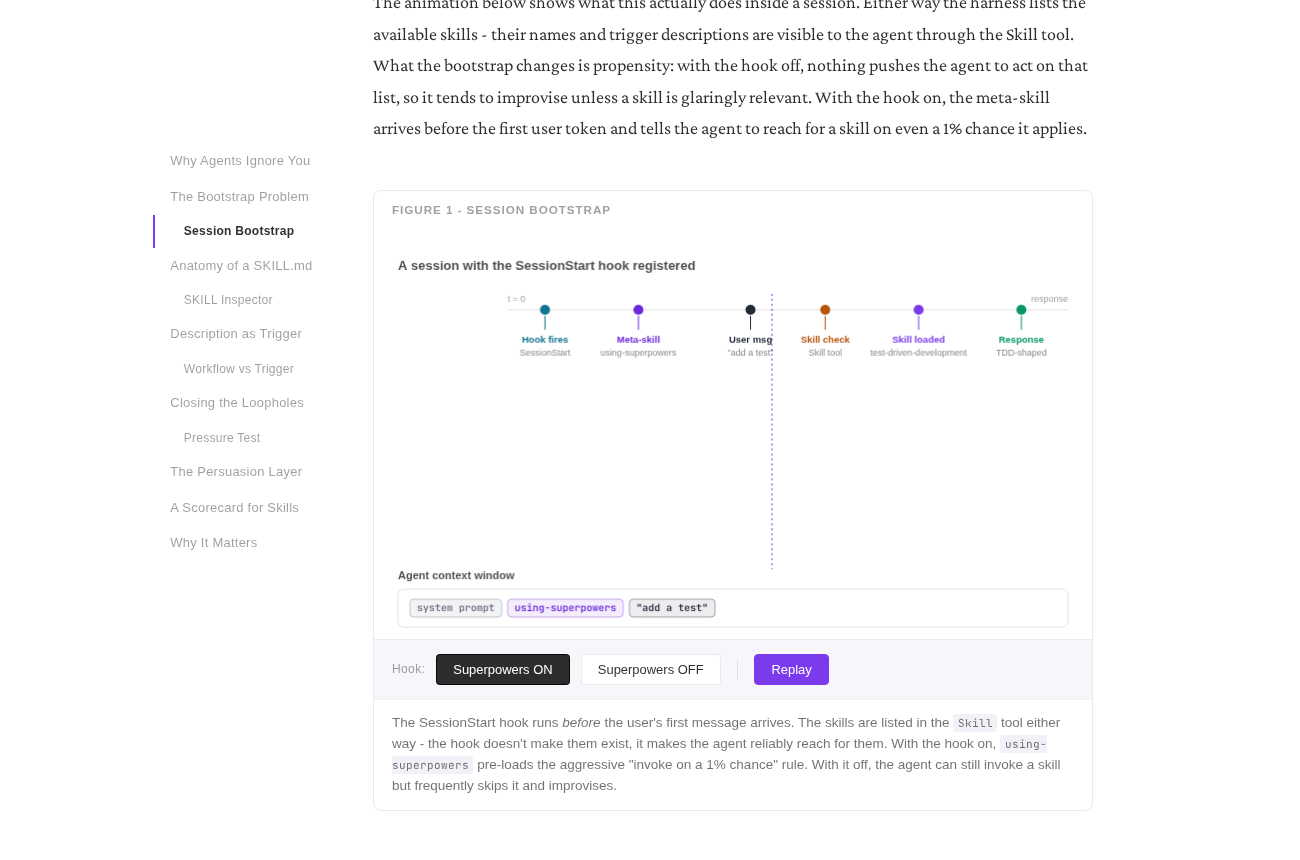
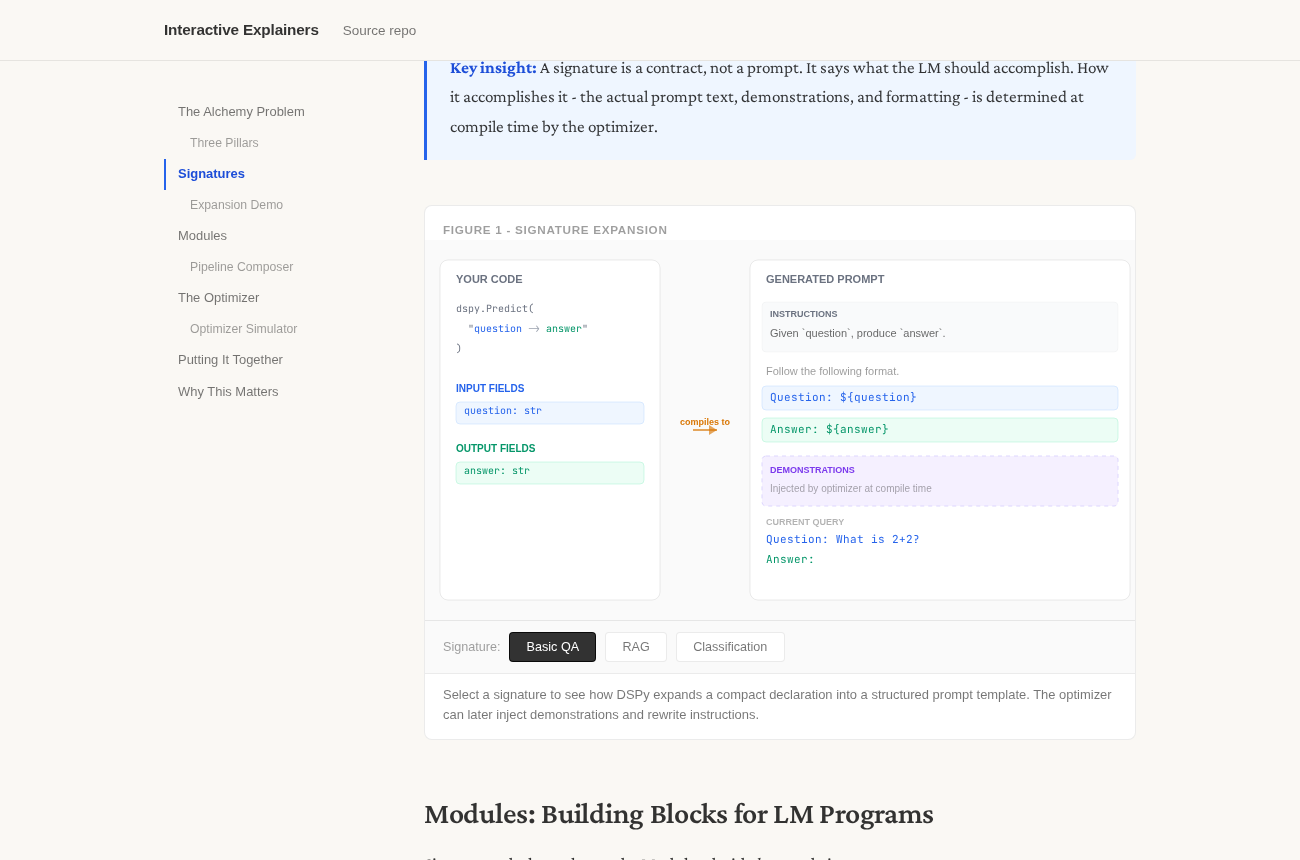
Two interactive explainers built with this skill set. Open them and play with the figures - they step, drag, and toggle right in the browser.
Superpowers: The Anatomy of an Agent Skill
DSPy: Programming - Not Prompting - Language Models
Requirements
No API keys, no build tools. The skills use your agent's own file and web tools: research intake needs web search/fetch to be available, and the output is a single self-contained index.html you open in a browser.
Installation
Claude Code
explain-this is a Claude Code plugin, so it installs through the plugin marketplace. Adding the marketplace and installing the plugin pulls in all three skills at once:
/plugin marketplace add analyticalmonk/explain-this
/plugin install explain-this@explain-this
The first command points Claude Code at this repo on GitHub; the second installs the explain-this plugin from it. The skills land in ~/.claude/skills/ and trigger automatically.
Prefer a local clone, or the repo is not published yet? Add the marketplace from a local path instead:
git clone https://github.com/analyticalmonk/explain-this.git
/plugin marketplace add ./explain-this
/plugin install explain-this@explain-this
Updating: Claude Code does not auto-update plugins yet. To pull a newer version, refresh the marketplace and reinstall:
/plugin marketplace update explain-this
/plugin install explain-this@explain-this
OpenAI Codex
This repo is also a Codex plugin package. The Codex manifest lives at .codex-plugin/plugin.json and points at the same three skill folders under skills/.
Add the marketplace and install the plugin from Codex CLI:
codex plugin marketplace add analyticalmonk/explain-this
codex plugin add explain-this@explain-this
The first command points Codex at this repo on GitHub; the second installs the explain-this plugin from that marketplace. Start a new thread after installing so Codex picks up the bundled skills. You can also browse installed and available plugins from the Codex TUI with /plugins.
Prefer a local clone, or the repo is not published yet? Clone or symlink this repo to ~/plugins/explain-this, then point a Codex marketplace entry at that plugin source. A minimal personal marketplace entry looks like this:
{
  "name": "personal",
  "interface": {
    "displayName": "Personal"
  },
  "plugins": [
    {
      "name": "explain-this",
      "source": {
        "source": "local",
        "path": "./plugins/explain-this"
      },
      "policy": {
        "installation": "AVAILABLE",
        "authentication": "ON_INSTALL"
      },
      "category": "Education"
    }
  ]
}
Put that in ~/.agents/plugins/marketplace.json, restart Codex, then open /plugins in Codex CLI or the Plugins view in the Codex app and install Explain This. Codex resolves ./plugins/explain-this relative to your home directory for the personal marketplace.
If you only want the skills without plugin installation, copy or symlink the folders into a Codex skill location such as $HOME/.agents/skills/:
mkdir -p "$HOME/.agents/skills"
cp -R skills/creating-explainers \
      skills/explaining-codebases \
      skills/fact-checking-explainers \
      "$HOME/.agents/skills/"
Codex can then invoke them explicitly with $creating-explainers, $explaining-codebases, or $fact-checking-explainers.
Any agent, via the skills.sh CLI
The repo follows the open Agent Skills layout (skills/<name>/SKILL.md), so the skills.sh CLI can install the skills into Claude Code, Codex, Cursor, OpenCode, OpenClaw, Gemini CLI, GitHub Copilot, and 60+ other agents with one command:
npx skills add analyticalmonk/explain-this --all
The CLI finds the three skills and asks which agents to install them for. Useful variants:
npx skills add analyticalmonk/explain-this --list                       # preview without installing
npx skills add analyticalmonk/explain-this --skill creating-explainers # install one skill
npx skills add analyticalmonk/explain-this --all -g                     # global instead of project
npx skills update                                                       # update installed skills later
OpenClaw
The three skills are published on ClawHub, OpenClaw's skill registry, so the simplest install is from your OpenClaw workspace directory:
npx clawhub install creating-explainers
npx clawhub install explaining-codebases
npx clawhub install fact-checking-explainers
Each skill lands in the workspace's skills/ folder. The clawhub CLI needs a recent Node (it declares Node 22+).
OpenClaw also reads the raw Agent Skills format, so two more paths work: install through skills.sh as above (pick OpenClaw when the CLI asks which agents to target), or copy the skill folders into a directory OpenClaw scans - ~/.openclaw/skills/ for all your agents, or your workspace's skills/ folder for one agent:
git clone https://github.com/analyticalmonk/explain-this.git
cp -R explain-this/skills/* ~/.openclaw/skills/
OpenClaw snapshots skills at session start, so start a new session after installing. The skills need no extra setup: no API keys, binaries, or environment variables, so there is no metadata.openclaw gating to configure.
Other agents that read Agent Skills
For a tool that reads SKILL.md skills but is not covered by skills.sh, install is manual: clone the repo and point your agent at the three skill folders, or copy them into whatever directory your agent loads skills from.
git clone https://github.com/analyticalmonk/explain-this.git
#   skills/creating-explainers/
#   skills/explaining-codebases/
#   skills/fact-checking-explainers/
Caveat worth knowing: these skills were authored and tested in Claude Code and Codex. Some references still mention Claude Code tool names (Read, Edit, Bash, WebSearch / WebFetch), so they may need light adaptation in other Agent-Skills-compatible tools.
Not supported
There is no install for environments without a skills mechanism: the web chat apps (claude.ai, ChatGPT, and Gemini in the browser) and the bare model APIs. They cannot load SKILL.md skills at all. The only way to use the workflow there is to paste a skill's contents into the conversation by hand, which is not really supported and loses the lazy-loaded references that keep the skills light.
Usage
Your agent picks the right skill up automatically when you say things like:
- "Make an interactive explainer about RLHF" (research intake)
- "Turn this paper into a distill-style article" (files intake)
- "Explain how this repo's scheduler works, as an interactive guide" (codebase)
Whichever path you take, the explainer is fact-checked before it is delivered: every claim is traced to its source or the real code, and anything unsupported is corrected or cut.
What's in this repo
.codex-plugin/
  plugin.json                       # Codex plugin manifest
.claude-plugin/
  plugin.json                       # Claude Code plugin manifest
  marketplace.json                  # marketplace entry for /plugin marketplace add
skills/
  creating-explainers/
    SKILL.md
    agents/openai.yaml              # Codex UI metadata
    assets/article-template.html    # complete HTML skeleton, copy and fill in {{PLACEHOLDERS}}
    references/                      # intake (files / research), figures, voice, template, palettes
  explaining-codebases/
    SKILL.md
    agents/openai.yaml
    references/                      # code intake, code-specific figure archetypes
  fact-checking-explainers/
    SKILL.md
    agents/openai.yaml
    references/verification-report-format.md
evals/
  evals.json                        # 5 reference prompts the skills are developed against
The references load lazily - your agent reads them only when relevant, so the skills don't burn context up front.
License
MIT - see LICENSE.
Reviews (0)
Sign in to leave a review.
Leave a reviewNo results found