claude-art-skill
Health Pass
- License — License: MIT
- Description — Repository has a description
- Active repo — Last push 0 days ago
- Community trust — 109 GitHub stars
Code Fail
- rm -rf — Recursive force deletion command in install.sh
- process.env — Environment variable access in skills/art/tools/generate-image.ts
- network request — Outbound network request in skills/art/tools/generate-image.ts
Permissions Pass
- Permissions — No dangerous permissions requested
No AI report is available for this listing yet.
Complete visual content system for Claude Code — 16 workflows, 2 AI models, aesthetic routing, and brand customization.
Art
Complete visual content system for Claude Code — 16 specialized workflows, 2 AI image models (Google Gemini), aesthetic routing, and brand customization.



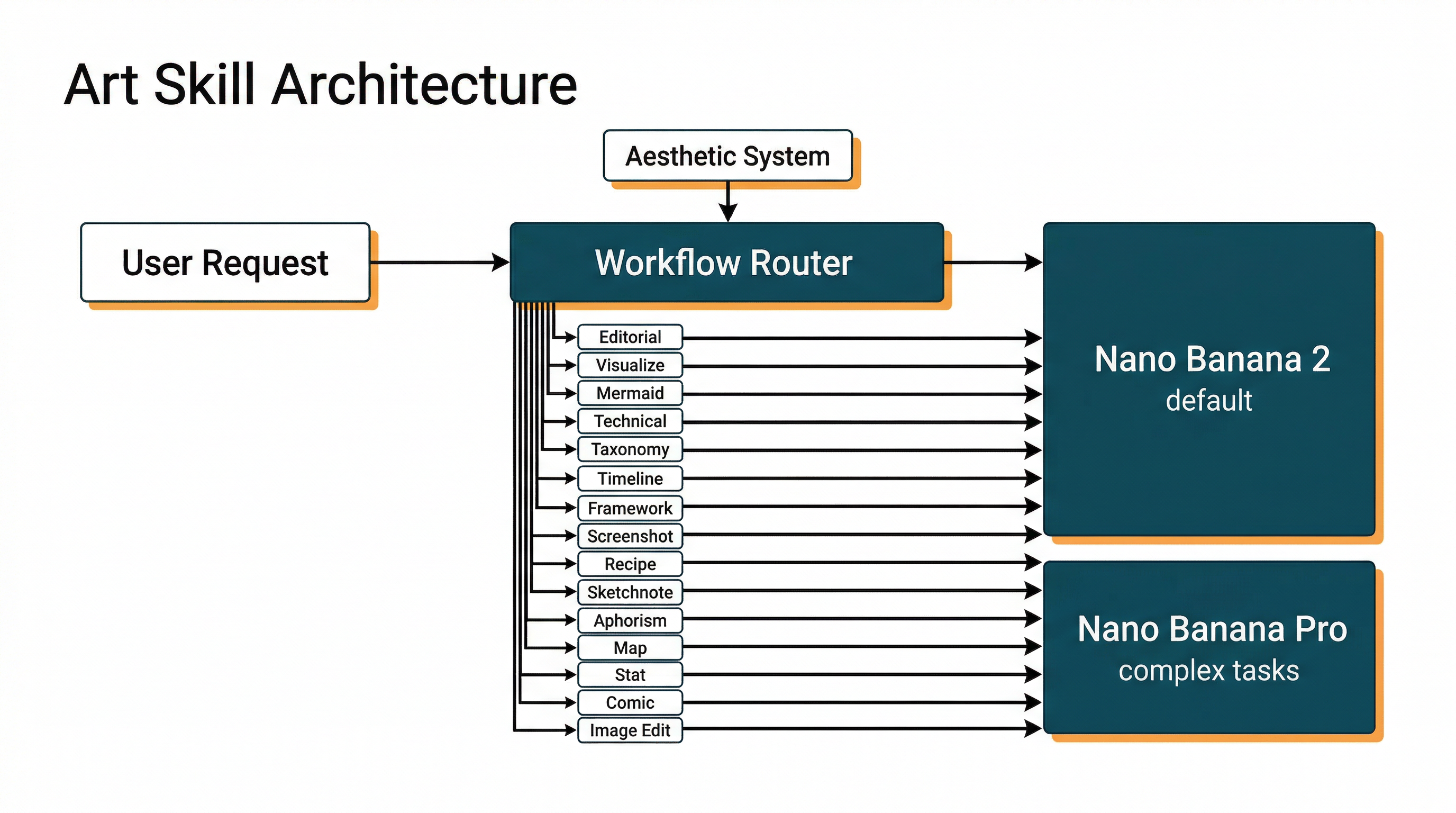
A Claude Code plugin for generating visual content — blog headers, diagrams, comparisons, stat cards, and more — from plain-language requests. The default model is Nano Banana 2 (gemini-3.1-flash-image-preview), combining Pro-level quality with Flash speed at ~50% lower cost.
Why
Visual content usually means switching tools, re-learning prompt tricks, and fighting to keep a consistent look across a set of images. Art keeps it inside Claude Code. It routes each request to the right workflow, loads a locked aesthetic so a batch of illustrations stays cohesive, and generates every image through a single tool.
Install
# In Claude Code:
/plugin marketplace add aplaceforallmystuff/marketplace
/plugin install claude-art-skill@jim-christian
git clone https://github.com/aplaceforallmystuff/claude-art-skill.git /tmp/claude-art-skill
cd /tmp/claude-art-skill && bash install.sh
cd ~/.claude/skills/art/tools && bun install
rm -rf /tmp/claude-art-skill
Use cases
- Use it when you need a blog header or editorial illustration for an article.
- Use it when you need a technical or architecture diagram of a system.
- Use it when you want a comparison visual (X vs Y) or a 2x2 framework matrix.
- Use it when you want a timeline, taxonomy, stat card, or quote card.
- Use it when you need a mermaid flowchart or sequence diagram.
- Use it when you want to edit or transform an existing image — for example, remove background clutter.
How it works
The skill inspects your request and routes it to one of 16 workflows. Before generating, it selects an aesthetic — a named brand, a content-type exception, a site-specific style guide, or the default — and reads that aesthetic file for its colors, line style, and locked Base Prompt Prefix, so related images stay consistent. It then generates the image with Nano Banana 2 by default.
Tell Claude Code what you want and it picks the workflow for you:
- "Create a blog header illustration about AI automation"
- "Make a technical diagram of this architecture"
- "Generate a comparison visual: React vs Vue"
- "Create a timeline of the project milestones"
- "Edit this image — remove the background clutter"
Available workflows
| Workflow | Trigger |
|---|---|
| Editorial illustration | Blog headers, article visuals |
| Visualize (orchestrator) | When unsure which format |
| Mermaid | Flowcharts, sequence diagrams |
| Technical diagrams | Architecture, system diagrams |
| Taxonomies | Classification grids |
| Timelines | Chronological progressions |
| Frameworks | 2x2 matrices, mental models |
| Comparisons | X vs Y, side-by-side |
| Annotated screenshots | Screenshot markup |
| Recipe cards | Step-by-step processes |
| Sketchnotes | Visual notes, meeting summaries |
| Aphorisms | Quote cards |
| Maps | Conceptual territory maps |
| Stats | Big number visuals |
| Comics | Sequential panels |
| Image editing | Modify existing images |
Models
| Model | Provider | Cost/Image | Best For |
|---|---|---|---|
| nano-banana-2 (default) | Google Gemini / OpenRouter | ~$0.067 | Fast iteration, most tasks, web search grounding |
| nano-banana-pro | Google Gemini / OpenRouter | ~$0.134 | Maximum reasoning, complex multi-turn editing |
Both models work with either the Google Gemini API directly or via OpenRouter. Note: --thinking and --grounded are Google-only features.
Nano Banana 2 Highlights
Nano Banana 2 (gemini-3.1-flash-image-preview) is the recommended default:
- Pro-level quality at Flash speed — roughly 50% cheaper than Nano Banana Pro
- Web search grounding — real-time web + image search for accurate logos, landmarks, brand identities
- Precision text rendering — accurate, legible text for mockups, cards, infographics
- In-image translation — localize text across languages
- Subject consistency — up to 5 characters and 14 objects with high fidelity
- 512px to 4K resolution — from fast cheap previews to production quality
- Configurable thinking —
minimal(default) orhighfor complex compositions - Extended aspect ratios — 1:4, 4:1, 1:8, 8:1, 2:3, 3:4, 4:5, 5:4 (in addition to standard ratios)
For more details, see the Gemini API image generation docs.
Example
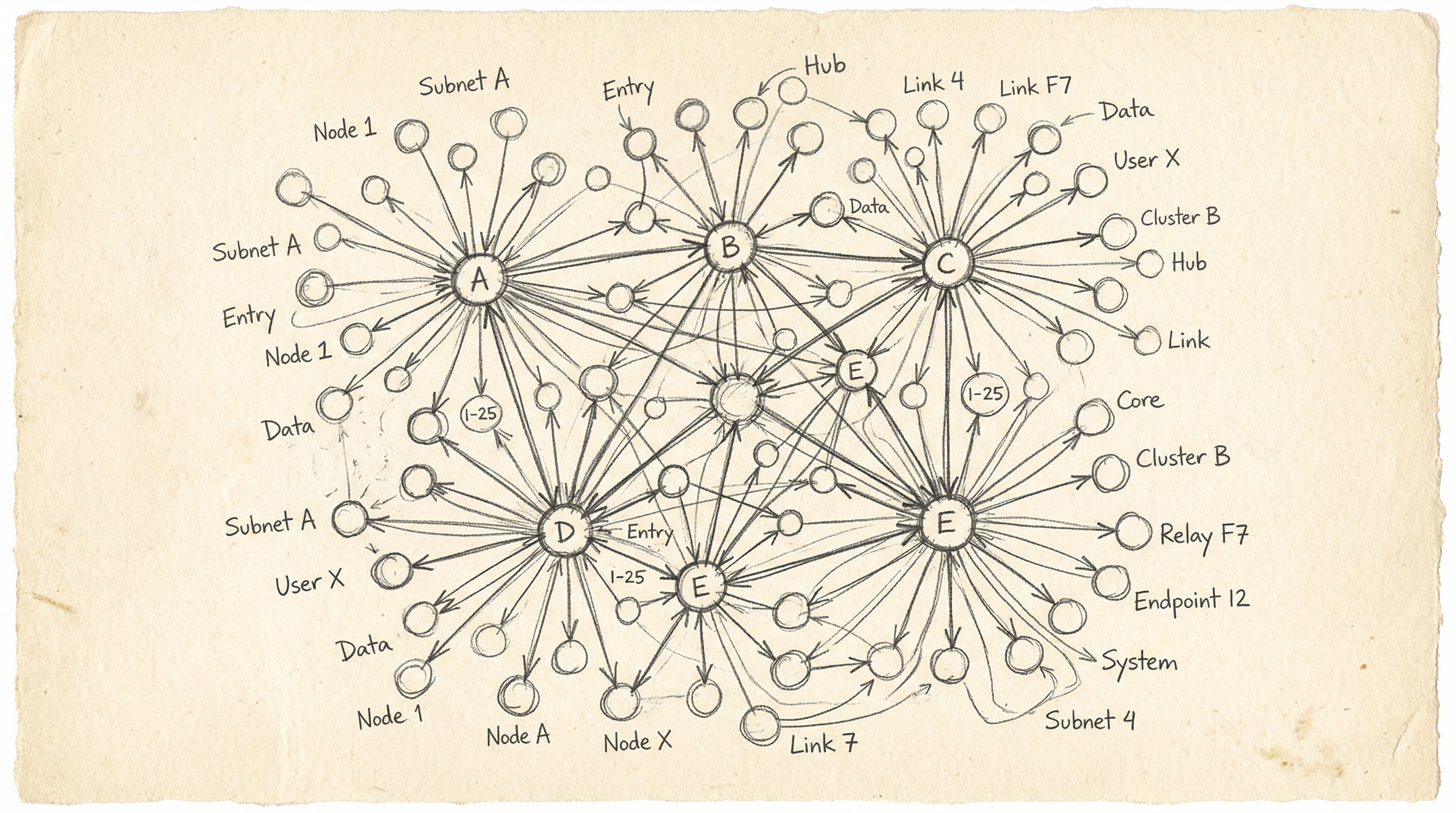
Generate a blog header at full resolution:
bun run ~/.claude/skills/art/tools/generate-image.ts \
  --prompt "Hand-drawn sketch of interconnected nodes on cream background" \
  --size 2K \
  --aspect-ratio 16:9 \
  --output /tmp/header.png
More CLI examples
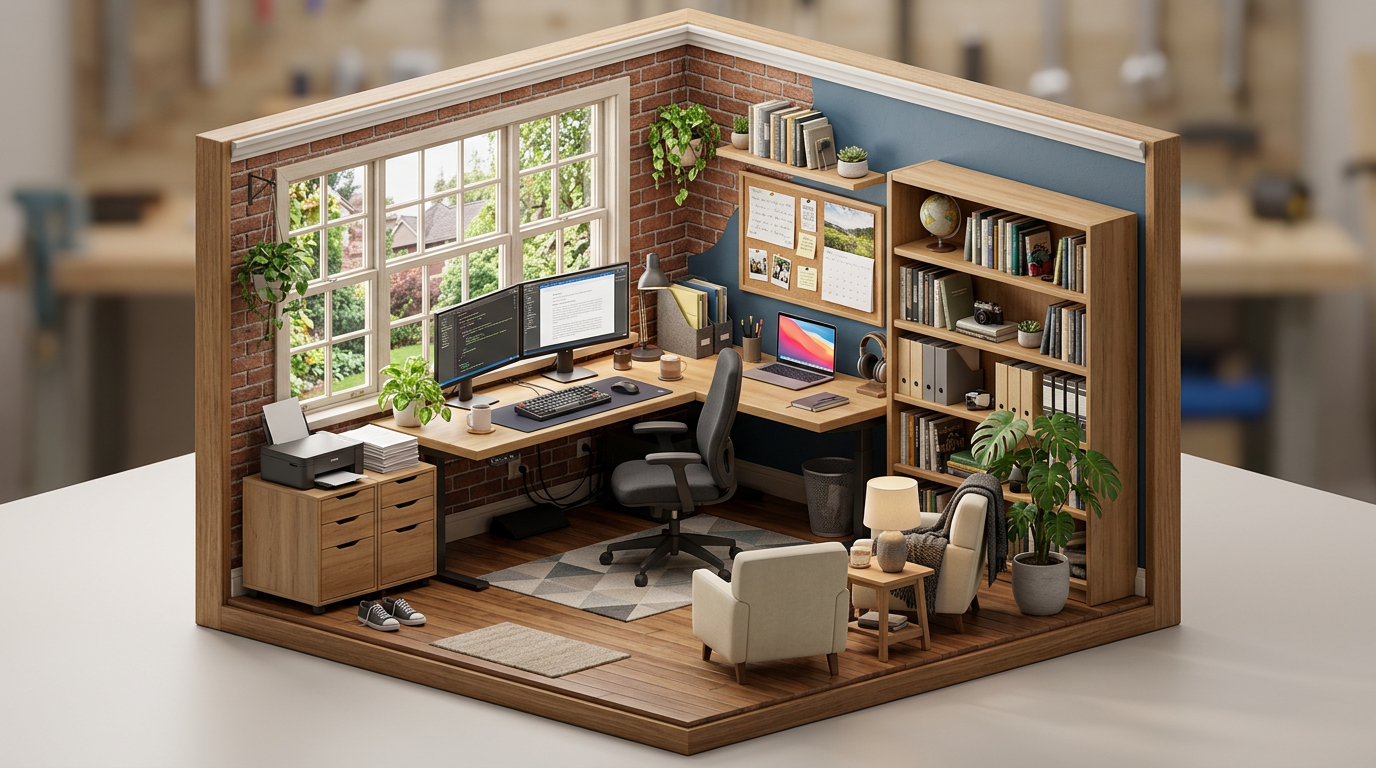
Quick preview at 512px (fast, cheap)
bun run ~/.claude/skills/art/tools/generate-image.ts \
  --prompt "Isometric diorama of a home office" \
  --size 512px \
  --output /tmp/preview.png
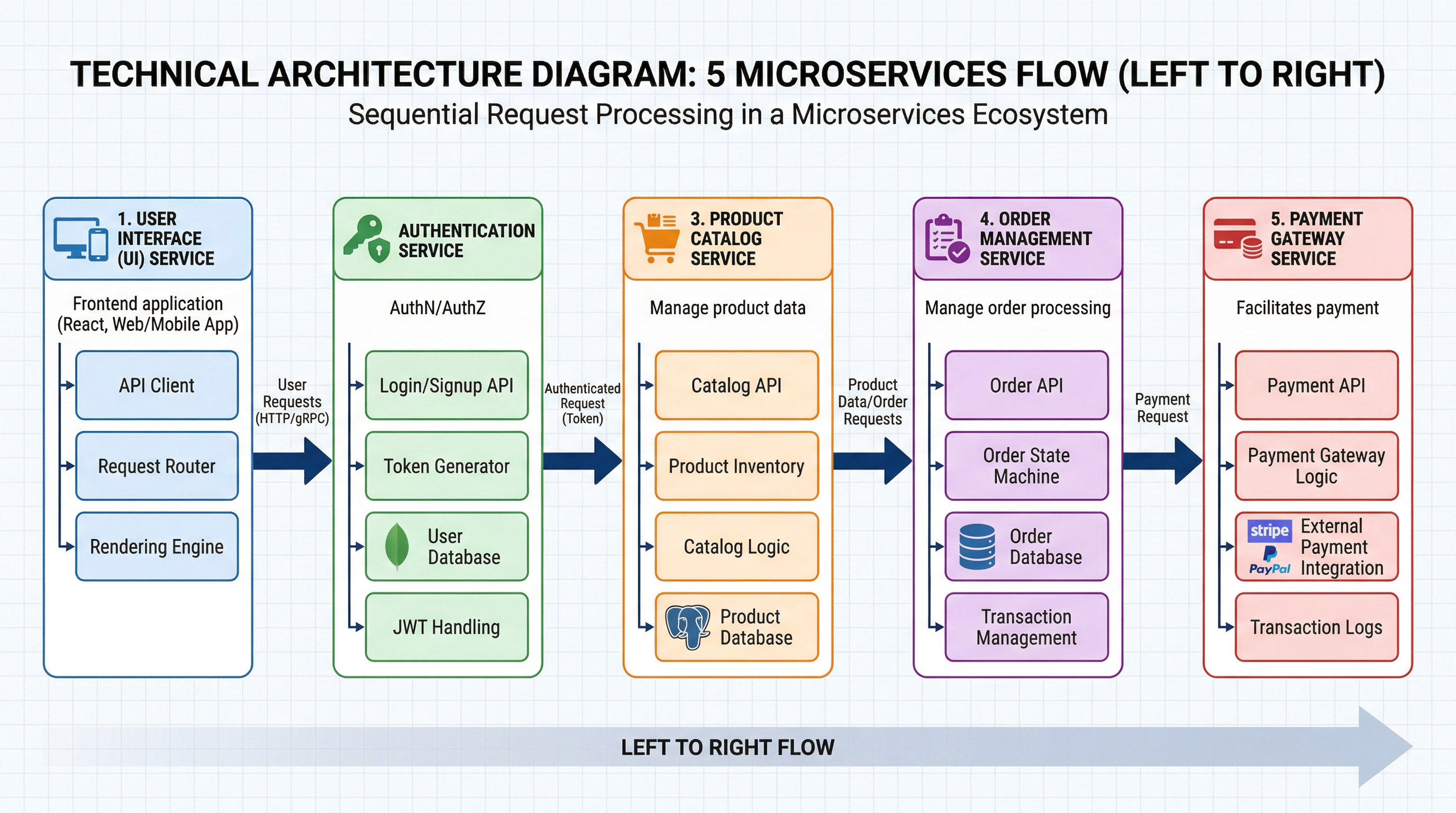
Using thinking for complex compositions
bun run ~/.claude/skills/art/tools/generate-image.ts \
  --prompt "Technical architecture diagram showing 5 microservices connected by arrows, labeled, LEFT TO RIGHT flow" \
  --thinking high \
  --size 2K \
  --aspect-ratio 16:9 \
  --output /tmp/architecture.png
Using Nano Banana Pro for multi-turn refinement
bun run ~/.claude/skills/art/tools/generate-image.ts \
  --model nano-banana-pro \
  --prompt "Product photo of a ceramic mug on marble surface, soft shadows" \
  --size 2K \
  --aspect-ratio 1:1 \
  --output /tmp/product.png

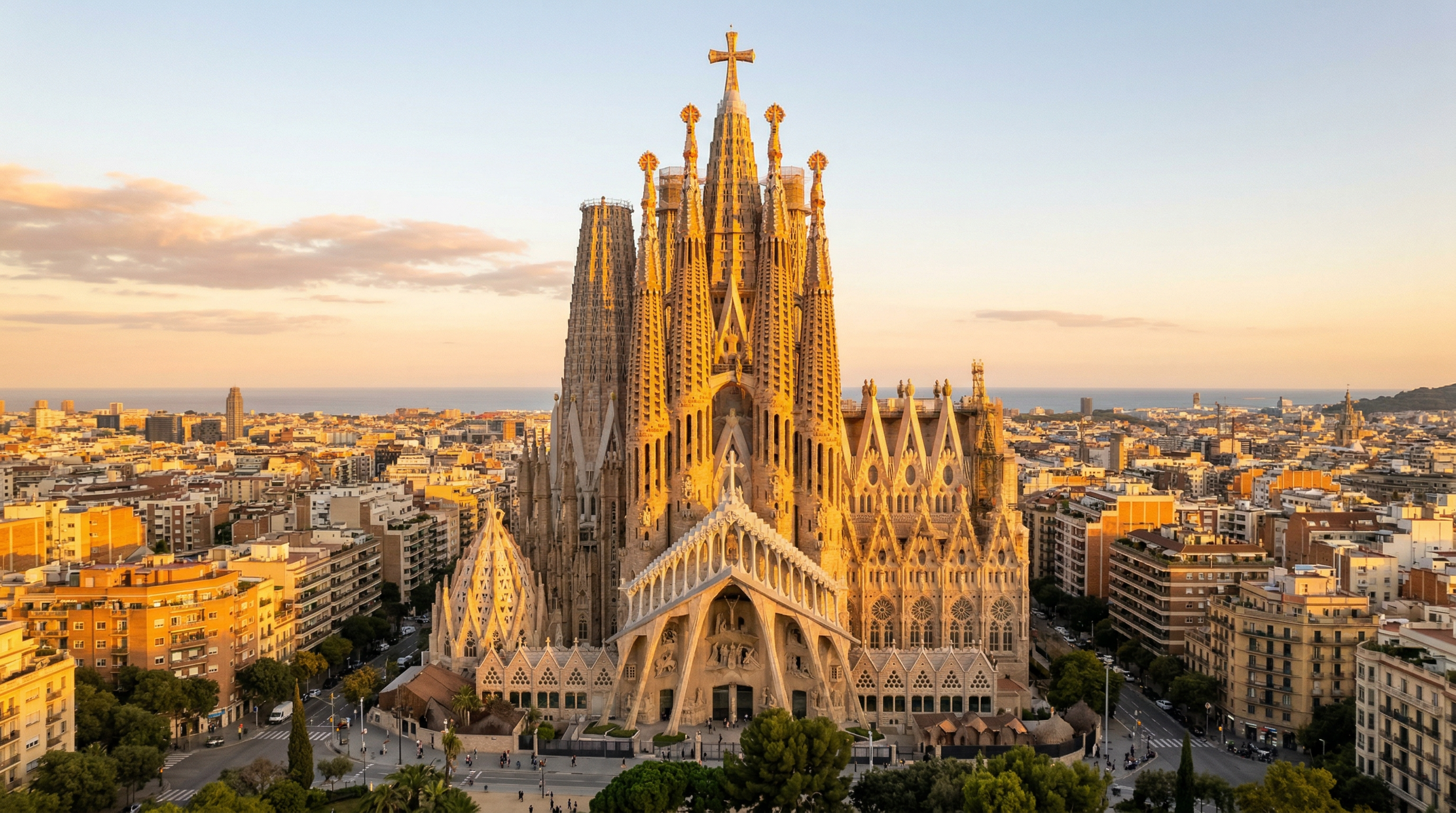
Web search grounded generation (accurate logos, landmarks, brands)
bun run ~/.claude/skills/art/tools/generate-image.ts \
  --prompt "The Sagrada Familia cathedral in Barcelona at golden hour, photorealistic" \
  --grounded \
  --size 2K \
  --output /tmp/sagrada.png
Other features
# Style transfer with a reference image
bun run ~/.claude/skills/art/tools/generate-image.ts \
  --prompt "Apply this visual style to a lighthouse at sunset" \
  --reference-image /path/to/style-ref.png \
  --size 2K --output /tmp/styled.png

# Generate 3 creative variations
bun run ~/.claude/skills/art/tools/generate-image.ts \
  --prompt "Abstract neural network" \
  --creative-variations 3 --output /tmp/art.png

# Background removal (requires REMOVEBG_API_KEY)
bun run ~/.claude/skills/art/tools/generate-image.ts \
  --prompt "Cartoon mascot character" \
  --remove-bg --output /tmp/mascot.png
All CLI options
--model          Model: nano-banana-2 (default), nano-banana-pro
--provider       API provider: google, openrouter (auto-detected from API keys)
--prompt         Image generation prompt (required)
--size           Resolution: 512px, 1K, 2K (default), 4K — 512px is NB2 only
--aspect-ratio   Aspect ratio (1:1, 16:9, 9:16, 4:3, 3:2, 21:9, and NB2 extended)
--output         Output file path (required)
--reference-image  Reference image for style transfer
--thinking       Thinking level: minimal, high (NB2 only)
--grounded       Enable web search grounding (NB2 only) — accurate logos, landmarks, brands
--transparent    Add transparency instructions to prompt
--remove-bg      Remove background after generation (requires REMOVEBG_API_KEY)
--creative-variations  Generate N creative variations
--help           Show help
Configuration
API Keys
Create ~/.claude/.env with the API keys for the models you want to use:
# Google Gemini API (direct)
GOOGLE_API_KEY=your-google-api-key

# OR OpenRouter (alternative provider)
OPENROUTER_KEY=your-openrouter-key

# Optional — for background removal
REMOVEBG_API_KEY=your-removebg-key
If both keys are present, Google is used by default. Use --provider openrouter to override.
Adding Your Own Brand Aesthetic
The skill ships with a warm hand-drawn sketch aesthetic as default. To add your own brand:
- Create a new file at
~/.claude/skills/art/aesthetics/your-brand.md - Define your brand colors, line style, composition rules, and mood
- Define a Base Prompt Prefix -- the consistency lock that ensures all your images look cohesive
- When generating, tell Claude which brand to use: "Create a header using my-brand aesthetic"
See skills/art/aesthetic.md for the default example format, and skills/art/aesthetics/README.md for the full specification of required sections.
Further Reading
- Gemini API image generation docs — full API reference for parameters, thinking config, aspect ratios, reference images, and multi-turn editing
- Nano Banana prompting guide — detailed prompt formulas, action verbs, mood vocabulary, and brand integration templates
Contributors
License
MIT — see LICENSE.
Reviews (0)
Sign in to leave a review.
Leave a reviewNo results found