cc-lens
skill
Fail
Health Warn
- No license — Repository has no license file
- Description — Repository has a description
- Active repo — Last push 0 days ago
- Community trust — 17 GitHub stars
Code Fail
- network request — Outbound network request in app/activity/page.tsx
- os.homedir — User home directory access in app/api/memory/route.ts
Permissions Pass
- Permissions — No dangerous permissions requested
No AI report is available for this listing yet.
A real-time monitoring dashboard for Claude Code
README.md
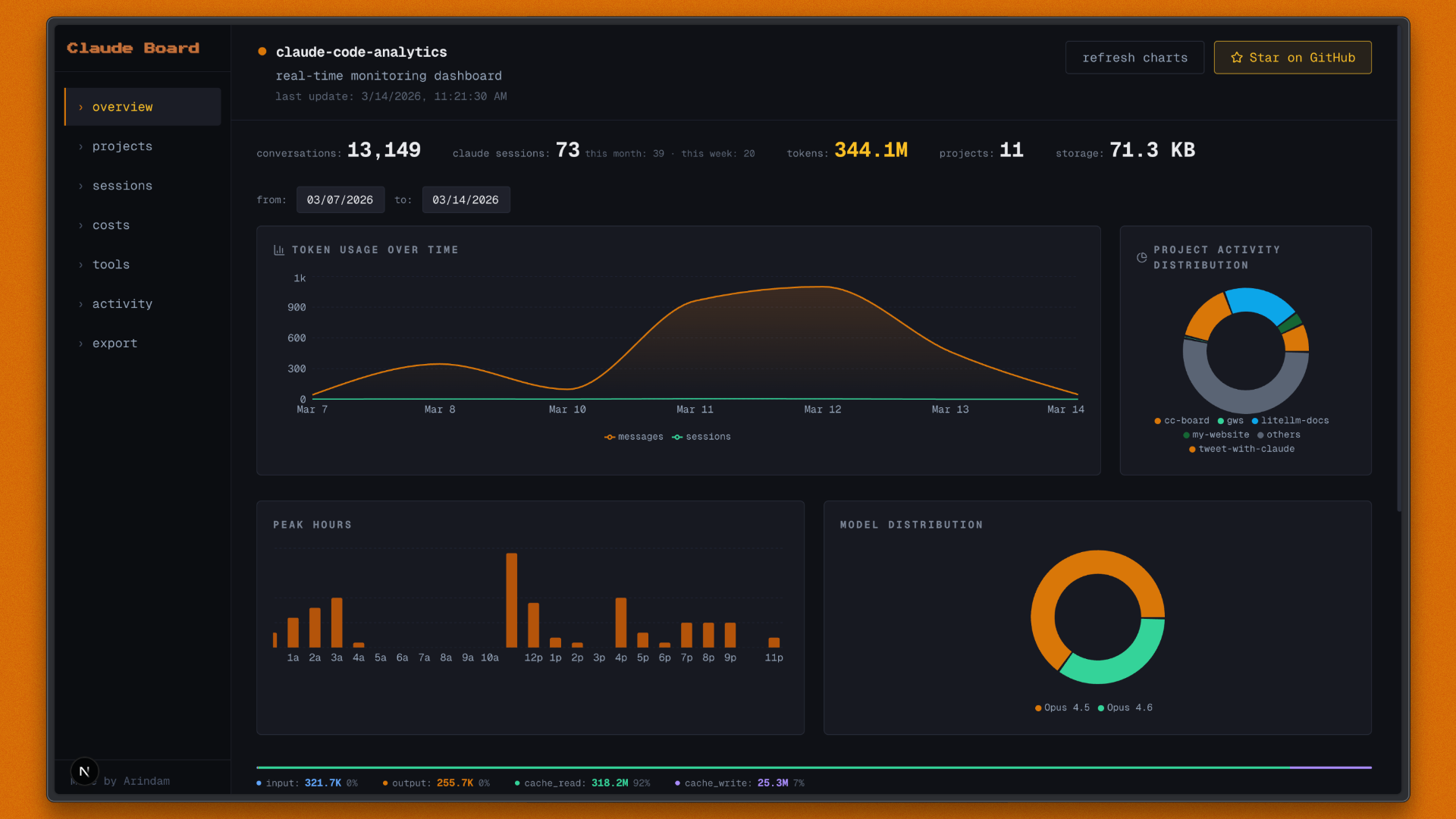
Claude Code Lens (cc-lens)
A real-time monitoring dashboard for Claude Code analytics. Reads directly from ~/.claude/, no cloud, no telemetry, just your local data.
Quick Start
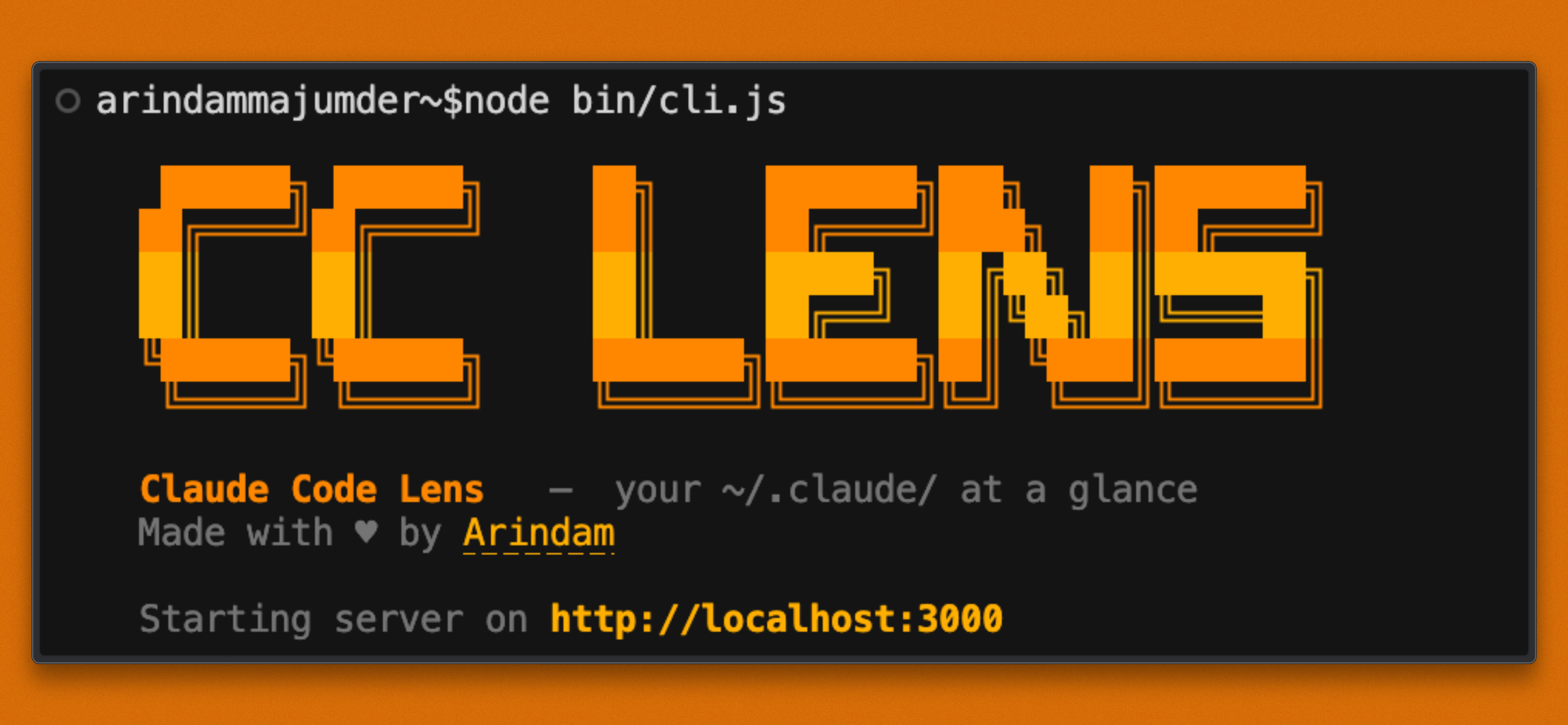
Run with a single command — no install needed:
npx cc-lens
That's it. The CLI finds a free port, starts the server, and opens the dashboard in your browser automatically.
Features
- Overview: Token usage over time, project activity distribution, peak hours heatmap, model breakdown donut, recent conversations
- Projects: Card grid with sessions, cost per session, most-used tools, languages, git branches; per-project detail page with cost chart
- Sessions: Sortable table with search and filters (compacted ⚡, agent 🤖, MCP 🔌, web 🔍, thinking 🧠); full session replay with per-turn token display, compaction events, token timeline chart
- Costs: Stacked area chart by model, cost by project bar chart, per-model breakdown table, cache efficiency panel, static pricing reference
- Tools: Tool ranking by category (file-io, shell, agent, web, planning, todo, skill, mcp), MCP server details, feature adoption table, CC version history, git branch chart
- Activity: GitHub-style heatmap, streaks, day-of-week patterns, 24h peak hours bar
- History: Searchable, paginated view of
~/.claude/history.jsonlcommand history with timestamps and project context - Memory: Browse and edit Claude Code memory files across all projects, filterable by type (user, feedback, project, reference, index), stale detection
- Todos: View todo lists from
~/.claude/todos/with status filters (pending, in_progress, completed) and priority badges - Plans: Read saved plan files from
~/.claude/plans/with inline markdown rendering - Settings: Inspect
~/.claude/settings.jsonincluding installed skills and plugins - Export: Download
.ccboard.jsonor.zipwith full JSONL; import with additive merge preview
Manual Setup
If you prefer to run it locally from source:
Prerequisites
- Node.js 18+
- Claude Code with local data in
~/.claude/
Run
npm install
npm run dev
Open http://localhost:3000 (or the port shown in the terminal).
Build
npm run build
npm start
Data Source
~/.claude/projects/<slug>/*.jsonl: Session JSONL (primary)~/.claude/stats-cache.json: Aggregated stats~/.claude/usage-data/session-meta/: Session metadata (fallback)~/.claude/history.jsonl: Command history~/.claude/todos/: Todo files~/.claude/plans/: Plan files~/.claude/memory/: Memory files (per-project)~/.claude/settings.json: Settings, skills, plugins
Data refreshes every 5 seconds while the dashboard is open.
Tech Stack
- Next.js 15 · React 19 · TypeScript
- Tailwind CSS · Recharts · SWR
Reviews (0)
Sign in to leave a review.
Leave a reviewNo results found