leaf
Health Warn
- License — License: AGPL-3.0
- Description — Repository has a description
- Active repo — Last push 0 days ago
- Low visibility — Only 6 GitHub stars
Code Warn
- process.env — Environment variable access in drizzle.config.ts
Permissions Pass
- Permissions — No dangerous permissions requested
No AI report is available for this listing yet.
The Notion-style workspace you can actually own. Blocks, nested pages, databases, real-time collaboration. Self-hosted, AGPL-3.0.
🍃 Leaf
The Notion-style workspace you can actually own
Blocks, nested pages, databases, real-time collaboration and instant search —
on your MySQL, in your cloud, under a licence that keeps it that way.





docker compose up
That is the whole install. Database, file storage and app on localhost:3000.
Why Leaf
Teams leave Notion for one of three reasons: the documents are not theirs, the
bill grows with headcount, or the data cannot live outside the vendor. Leaf
answers all three — without asking anyone to give up the editor they got used
to.
It is a real editor, not a markdown box.
Slash menu, drag handles, nested pages, tables, embeds, comments anchored to
blocks, version history. Paste straight from Notion or Google Docs and the
formatting survives.
Your Notion comes with you.
Drop in an export zip and it becomes a page tree — images, internal links,
callouts and CSV databases converted. Or connect your account and import by
link, a page at a time or the whole workspace.
It keeps working when the network does not.
The open document lives in your browser and stays editable with no connection,
syncing on its own when the network returns. Not a spinner, not a read-only
cache: you keep typing.
Nothing phones home.
No telemetry, no licence server, no feature gated behind a plan. Every
integration — AI, Unsplash, Notion, SSO, semantic search — stays off until you
give it a key, and off costs nothing.
Search that answers before you finish typing
Full-text across every document you can see, filtered by permission on the
server, with the matching line shown in the result. Ctrl+K from anywhere.
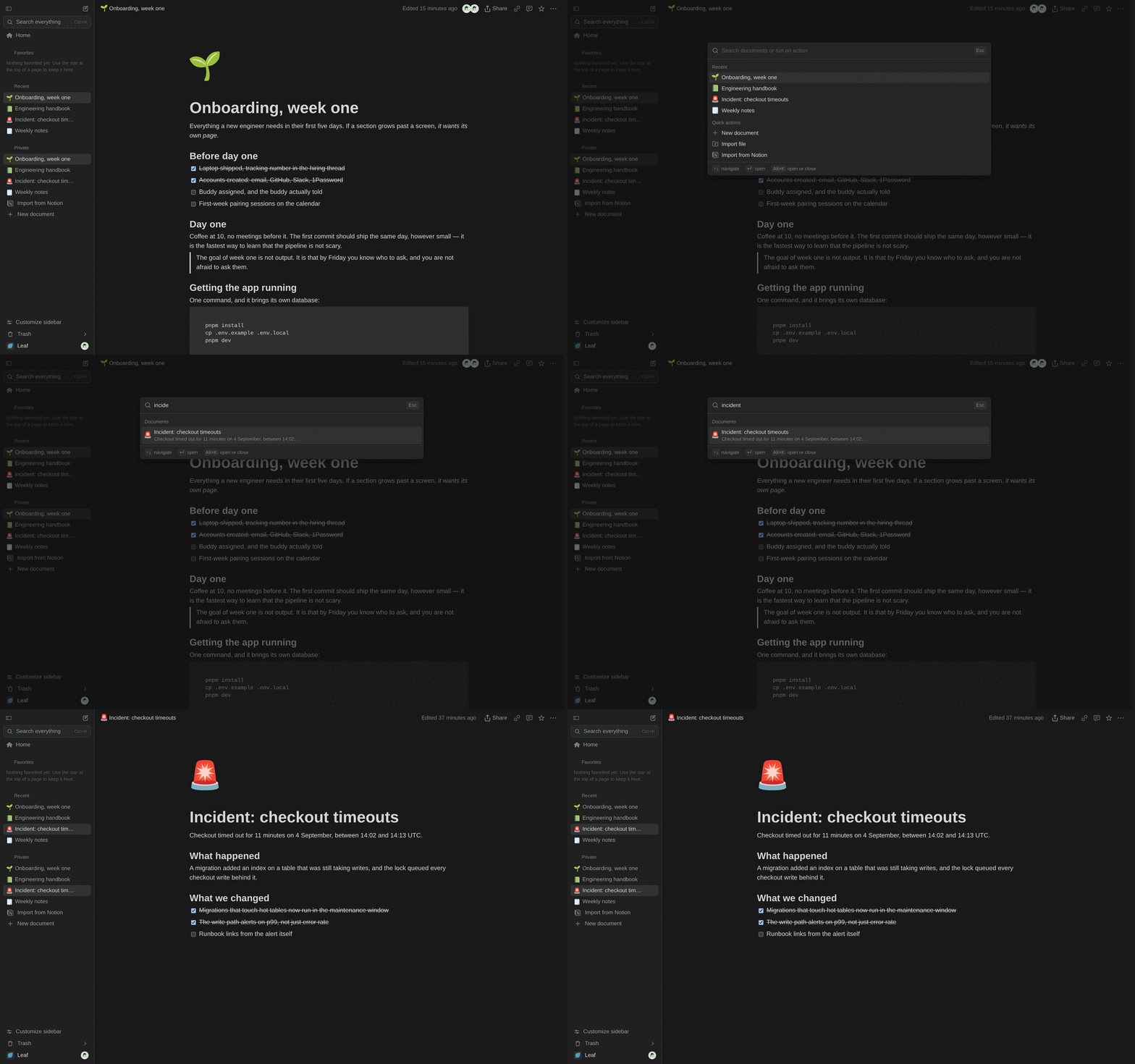
With an OPENAI_API_KEY set, semantic search joins in and the palette blends
both rankings. Without one, it stays fast and literal.
What you get
| Editor | Blocks, slash menu, markdown shortcuts, tables, code, callouts, images, and embeds from Figma, YouTube, Loom, Miro, Google Docs and more |
| Structure | Unlimited nested pages, a tree sidebar, breadcrumbs, favourites, drag to move, cascading trash with undo |
| Databases | Rows as pages, typed properties, filtering, sorting and saved views |
| Collaboration | Live cursors, presence, comment threads on blocks, resolve and reopen, version history with restore |
| Teams | Organisations, teamspaces open or closed, per-document roles, external guests, revocable public links |
| Offline | Editable with no connection, an outbox that drains on reconnect, installable on desktop, Android and iPhone |
| AI | Write, continue, summarise, improve, translate — your key, your provider, never leaving your server |
| MCP | A built-in Model Context Protocol server, so Claude and Cursor read and write your workspace under exactly your permissions |
| Import / export | Notion zips, Notion by OAuth, markdown in; markdown and HTML out |
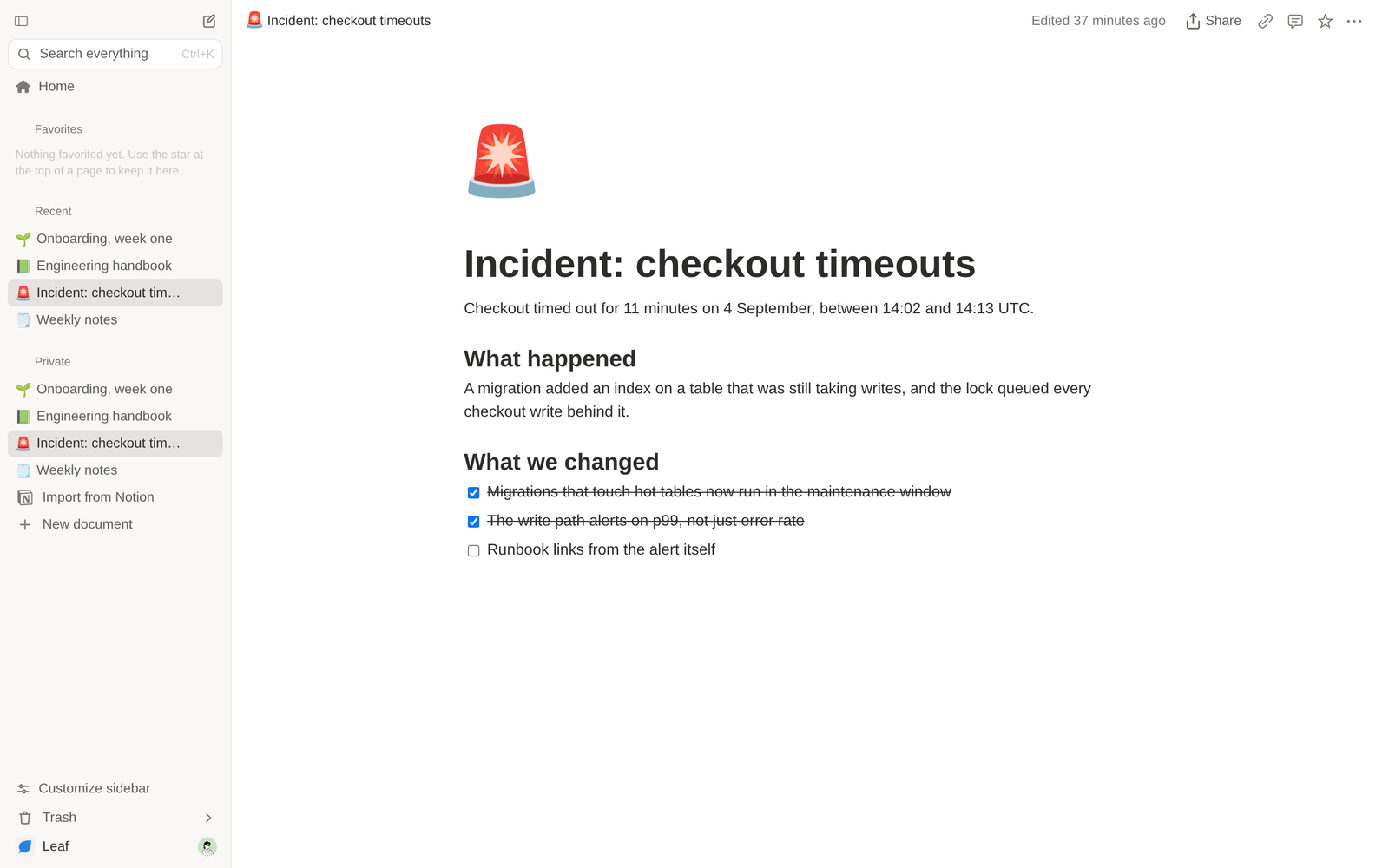
Two themes, two languages (English and Portuguese), AA contrast verified in
both.
Getting started
Try it — nothing to configure:
git clone https://github.com/arvoreeducacao/leaf
cd leaf
docker compose up
Open http://localhost:3000, create an account at /signup, and you are in.
Develop on it:
pnpm install
cp .env.example .env.local   # point DATABASE_URL at a MySQL 8 of your own
pnpm dev
Run it for your team — docs/self-hosting.md has
every environment variable and the two processes to run. The short version:
MySQL 8, an S3-compatible bucket, and the app.
Under the hood
| Layer | Technology |
|---|---|
| Framework | Next.js 16 (App Router) · React 19 · TypeScript |
| Editor | BlockNote on ProseMirror/Yjs |
| Styling | Tailwind CSS v4 · shadcn/ui · Lucide |
| Database | Drizzle ORM · MySQL 8 / Aurora MySQL |
| Auth | better-auth — email and password, optional Google, optional company SSO over OAuth2/OIDC |
| Files | Any S3-compatible store |
| Real-time | A y-websocket server of its own |
| Offline | Yjs in IndexedDB, plus a module service worker |
Deeper reading, for the curious and for anyone operating it:
- Self-hosting — every environment variable, the
database, running the tests - How offline works — the three independent layers, and
why the Yjs state had to become a table - AI in the editor — providers, keys, and why the key never
reaches the browser - The MCP server — the OAuth 2.1 flow, the scopes, every tool
Contributing
Leaf is built for Árvore and used there every day,
which is what drives the roadmap. Contributions are welcome and reviews happen
when there is time — CONTRIBUTING.md is honest about what
that means, and has the house rules and the DCO sign-off.
Found a security problem? Please do not open an issue —
SECURITY.md has the private channels. Everyone taking part
follows the code of conduct.
Licence
AGPL-3.0. Run it, study it, change it, share it.
The one obligation: if you run a modified Leaf as a network service, the people
using it are entitled to your modified source. PointNEXT_PUBLIC_LEAF_SOURCE_URL at your fork and the account menu does that for
you.
Copyright © 2026 Árvore Educação
Reviews (0)
Sign in to leave a review.
Leave a reviewNo results found