sairo
Health Warn
- License — License: Apache-2.0
- Description — Repository has a description
- Active repo — Last push 0 days ago
- Low visibility — Only 7 GitHub stars
Code Pass
- Code scan — Scanned 12 files during light audit, no dangerous patterns found
Permissions Pass
- Permissions — No dangerous permissions requested
No AI report is available for this listing yet.
Self-hosted S3 storage browser with cost intelligence, optimization recommendations, and AI-powered analytics. Works with AWS, MinIO, R2, Wasabi, and any S3-compatible endpoint.
Sairo





A self-hosted, S3-compatible object storage browser. Browse, search, and manage any S3-compatible storage from your browser. Built for petabyte scale.
Works with AWS S3, MinIO, Ceph, Wasabi, Cloudflare R2, Backblaze B2, Leaseweb, NetApp StorageGRID, and any S3-compatible endpoint.
Demo

Screenshots
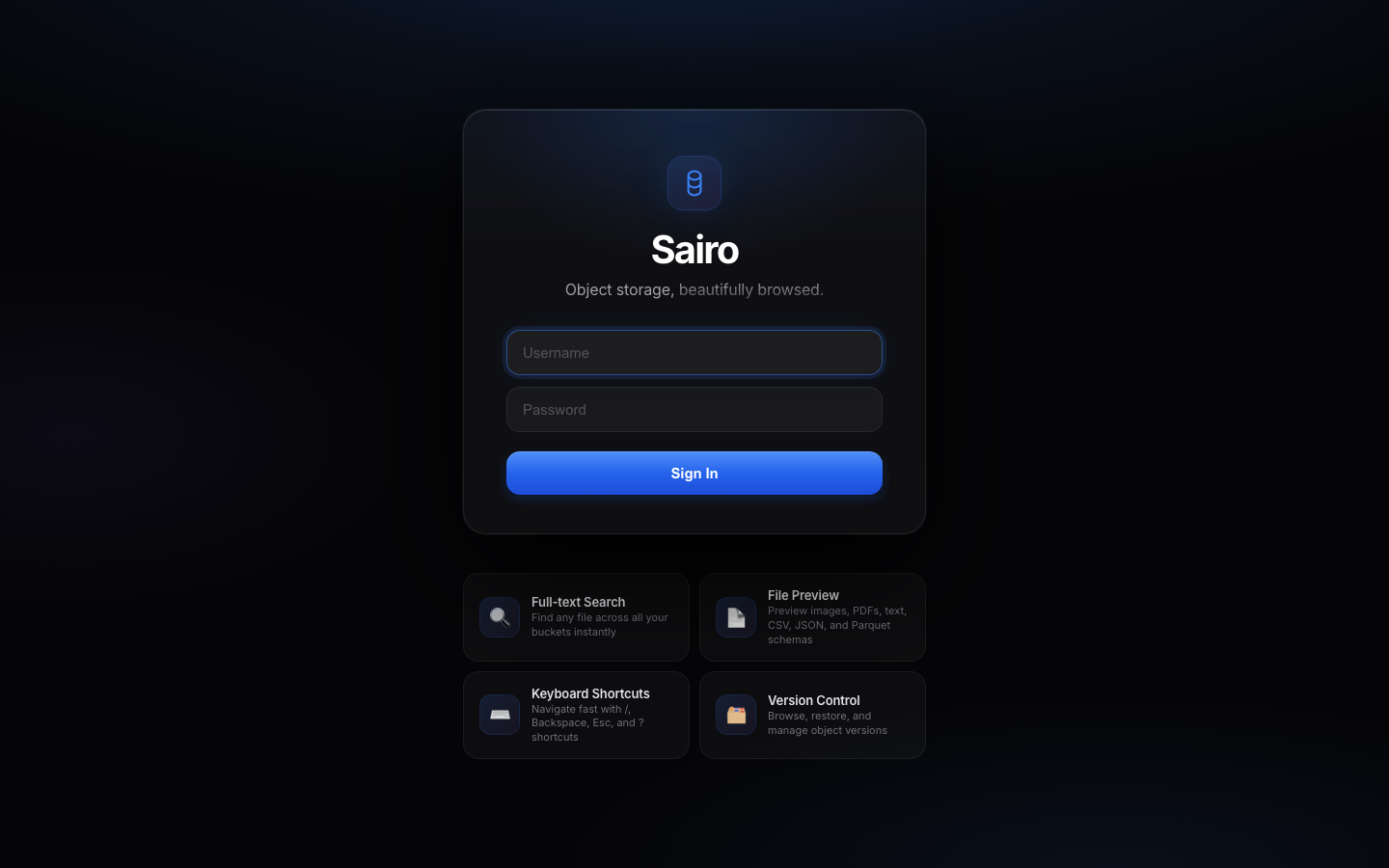
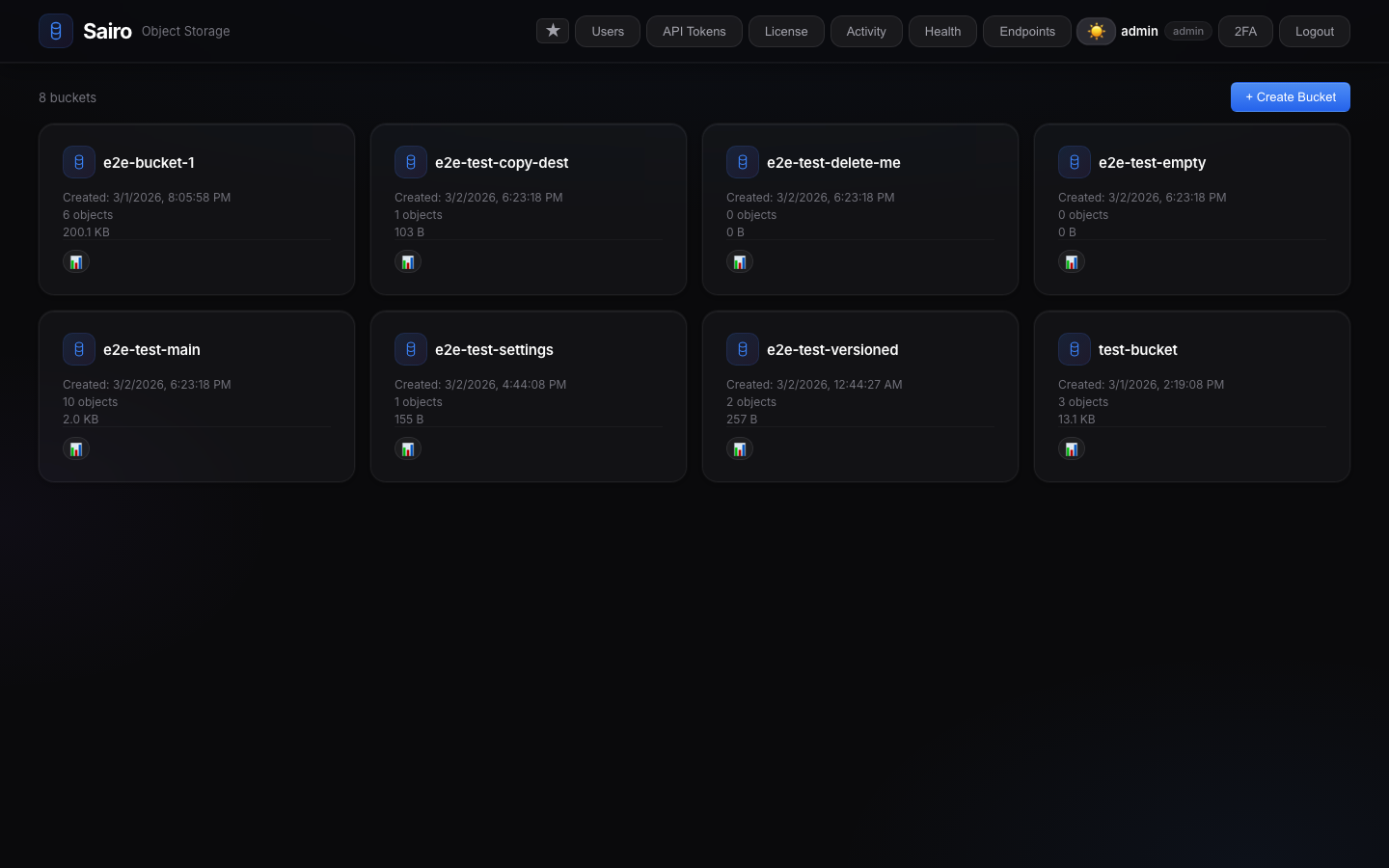 |
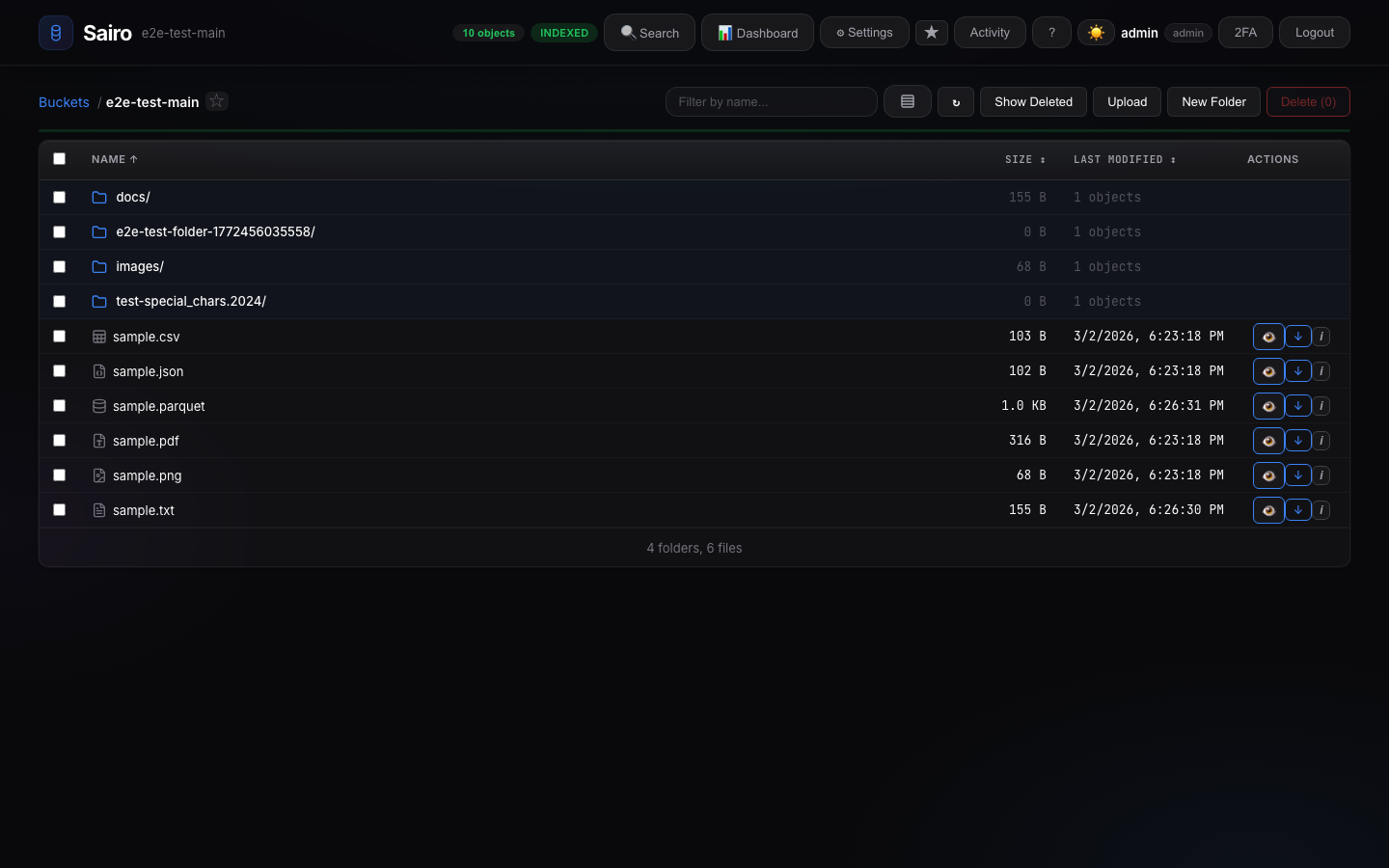 |
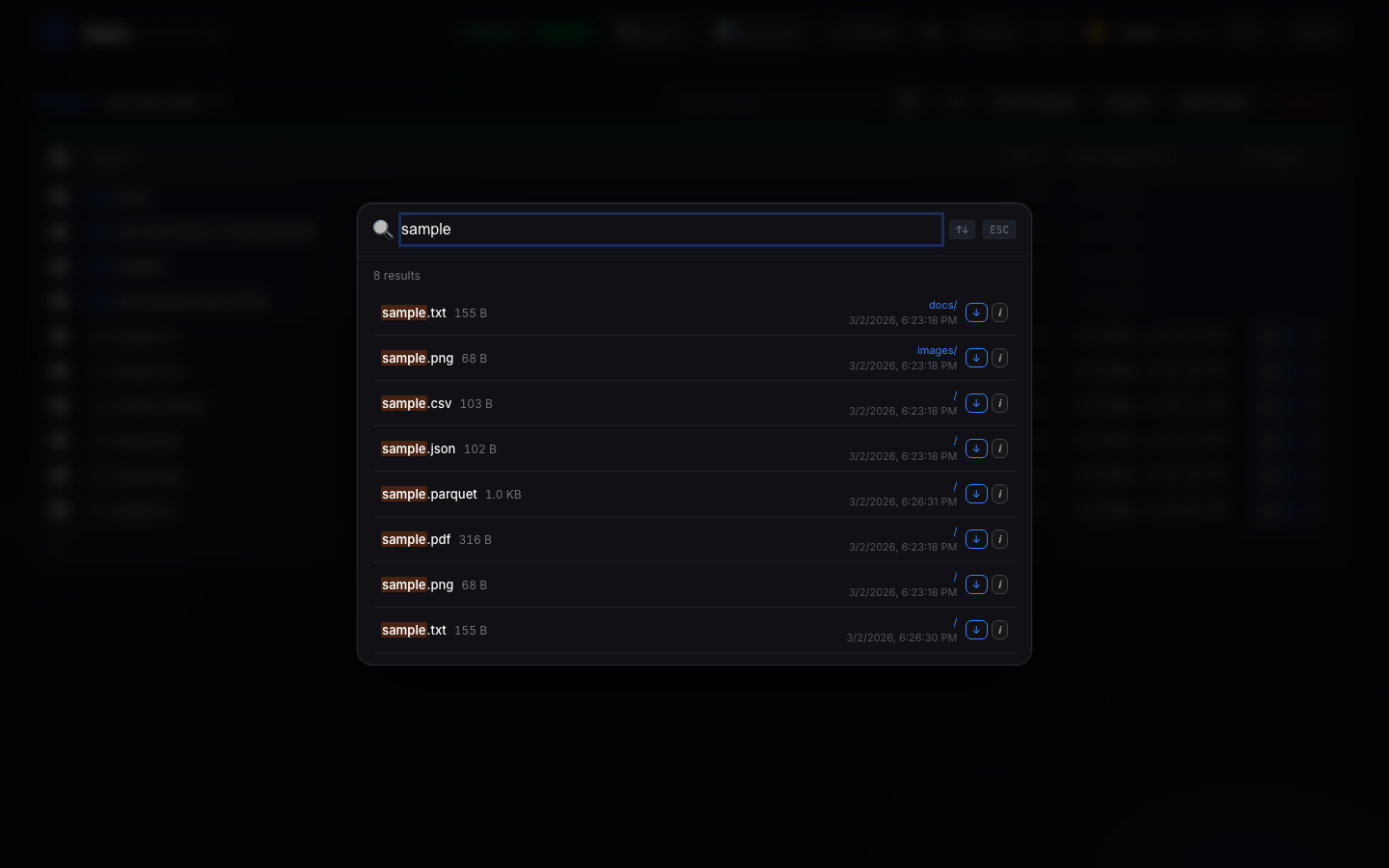 |
 |
 |
 |
Features
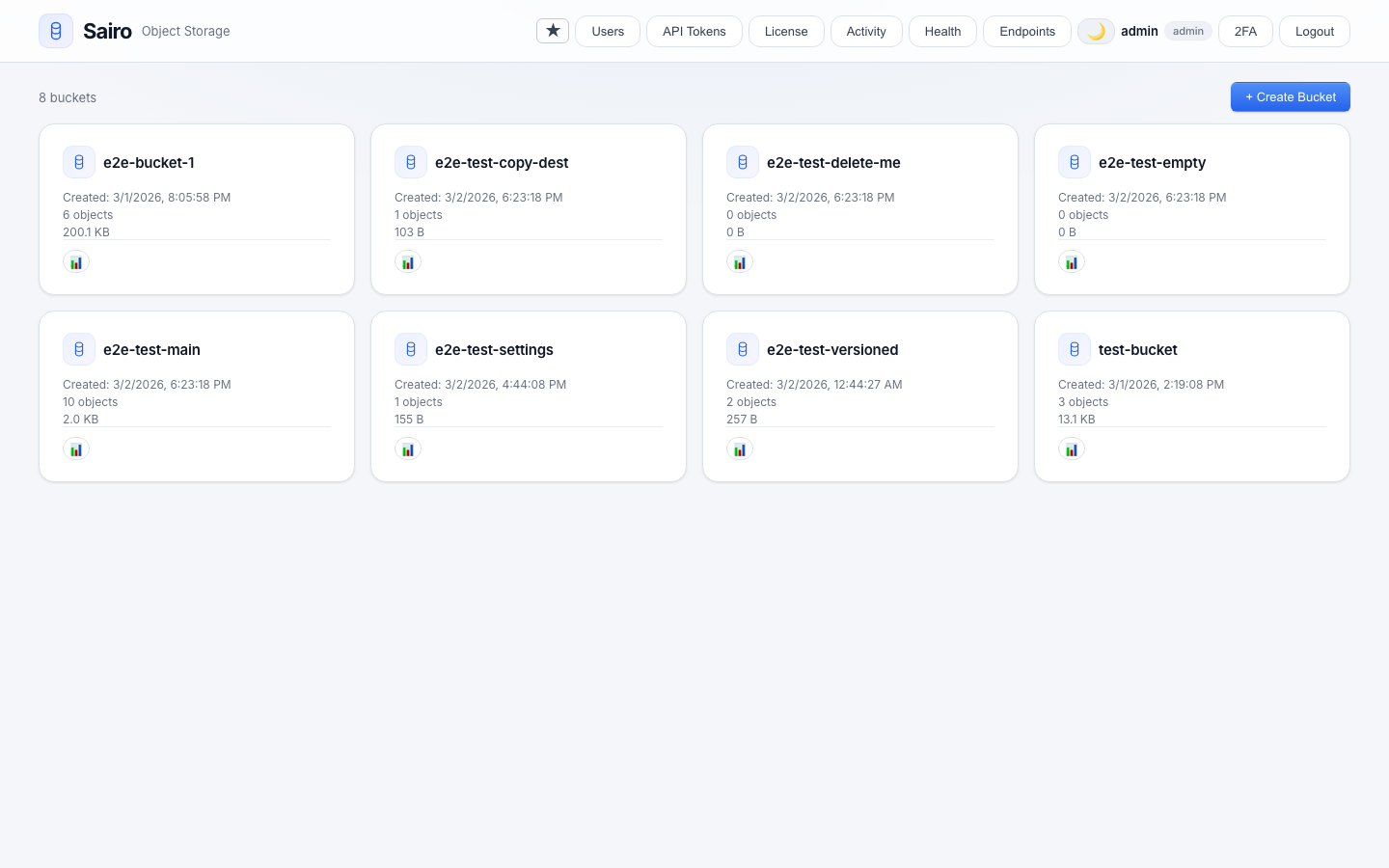
- Object Browser — Navigate buckets and prefixes with virtual scrolling for 100K+ objects
- Instant Search — SQLite-indexed search across all objects by filename
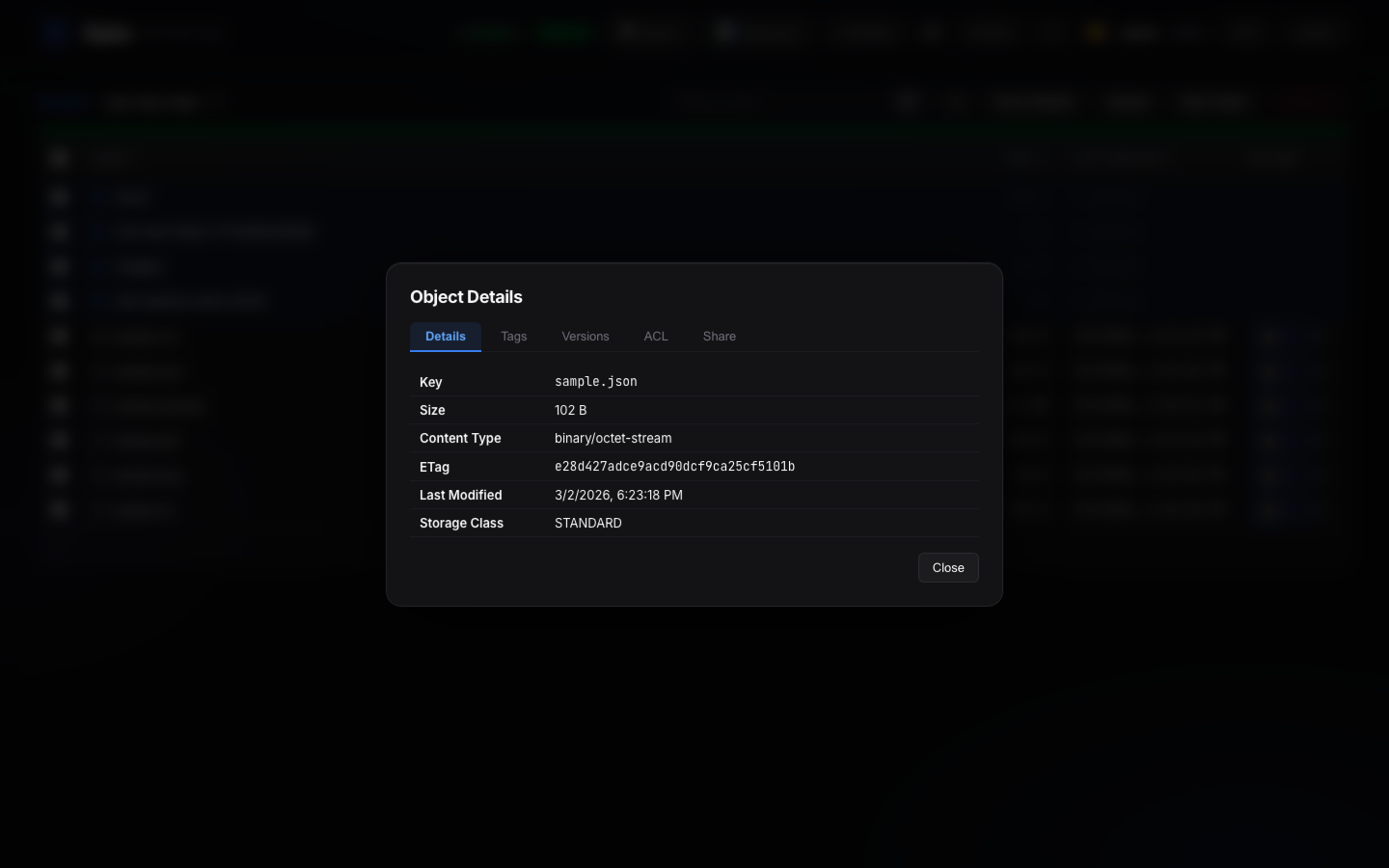
- File Preview — Images, text, CSV, JSON, PDF, Parquet/ORC/Avro schemas, and binary hex
- Upload & Download — Multipart upload with progress tracking, drag-and-drop support
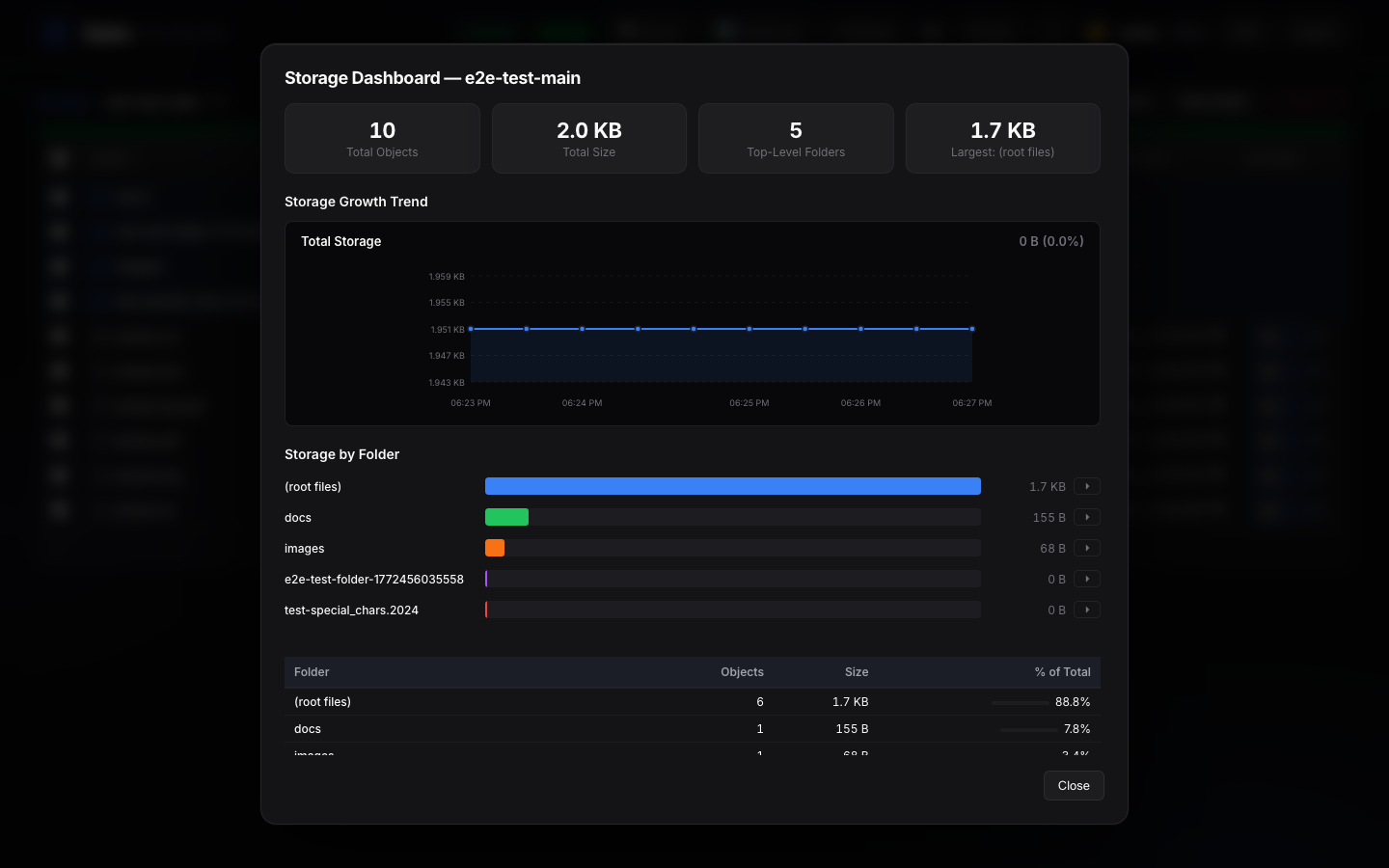
- Storage Dashboard — Visual breakdown by prefix with growth trend charts and cost estimates
- Cost Intelligence — Per-folder cost breakdown with provider comparison. AWS pricing fetched live; others from community data
- Version Management — Browse, restore, delete, and purge individual object versions
- Version Scanner — Background scan reveals hidden delete markers and ghost objects
- Bucket Management — Versioning, lifecycle rules, CORS, ACLs, policies, tagging, object lock
- Object Operations — Copy, move, rename, delete (files and folders, bulk)
- Share Links — Password-protected share links with configurable expiration
- Multi-Endpoint — Connect multiple S3 backends and manage all from one dashboard
- Audit Log — Full activity trail with filtering by action, user, and bucket
- User Management — Role-based access control (admin / viewer) with per-bucket permissions
- Two-Factor Auth — TOTP-based 2FA with QR setup and recovery codes
- OAuth & LDAP — Google, GitHub OAuth and LDAP authentication
- AI-Powered Analysis (MCP) — Connect Claude, Cursor, or any MCP client to ask natural language questions about your storage. 26 tools for analytics, cost optimization, pipeline health, and more
- Petabyte-Scale Performance — Folder listings in 0.05ms on 500K+ objects. Pre-computed prefix hierarchies, 64MB SQLite page cache, 256MB memory-mapped I/O, async FTS rebuilds
- Dark Mode — Full dark/light theme with system preference detection
- Keyboard Shortcuts — 30+ shortcuts for power users
- Single Container — No dependencies. No microservices. Just
docker runand go.
Quick Start
Docker
docker run -d --name sairo -p 8000:8000 \
  -e S3_ENDPOINT=https://your-s3-endpoint.com \
  -e S3_ACCESS_KEY=your-access-key \
  -e S3_SECRET_KEY=your-secret-key \
  -e ADMIN_PASS=choose-a-strong-password \
  -e JWT_SECRET=$(openssl rand -hex 32) \
  -v sairo-data:/data \
  stephenjr002/sairo
Then open http://localhost:8000 and log in with admin / your chosen password.
Docker Compose
cp .env.example .env
# Edit .env with your S3 credentials
docker compose up -d
Helm
helm install sairo oci://registry-1.docker.io/stephenjr002/sairo-helm \
  --namespace sairo \
  --create-namespace \
  --set s3.endpoint=https://your-s3-endpoint.com \
  --set s3.accessKey=your-access-key \
  --set s3.secretKey=your-secret-key \
  --set auth.adminPass=choose-a-strong-password \
  --set auth.jwtSecret=$(openssl rand -hex 32)
AI Storage Intelligence (MCP)
Sairo includes an optional MCP (Model Context Protocol) server that lets AI assistants analyze your storage infrastructure. Deploy it as a sidecar alongside Sairo.
# Uncomment sairo-mcp in docker-compose.yml, then:
docker compose up -d
Connect Claude Desktop, Cursor, or any MCP-compatible client and ask:
- "What buckets do I have?" — Lists all buckets with sizes and status
- "What's eating all the space?" — Storage breakdown by folder with percentages
- "How much is this costing me?" — Cost estimates across AWS, R2, B2, Wasabi, Leaseweb
- "Find all parquet files" — Full-text search across millions of objects
- "Are there any duplicates?" — Finds redundant files with estimated savings
- "Is my data pipeline still running?" — Freshness check per folder
- "Run a full storage audit" — 7-step analysis with actionable recommendations
26 tools, 4 guided workflows, zero configuration. The AI picks the right tools automatically.
Performance
Benchmarked on production data (557K objects, 167 TB, NetApp StorageGRID):
| Operation | Speed |
|---|---|
| Folder listing | 0.05ms (pre-computed prefix hierarchy) |
| Object count | 1.5ms on 557K objects |
| Full-text search | 22ms, 200 results on 139K objects |
| Storage breakdown | 310ms on 557K objects |
| Crawl throughput | 16 parallel prefix workers, 10K batch inserts |
Scaling: Tested up to 2M objects per bucket. Designed for petabyte scale with instant folder navigation at any dataset size.
Environment Variables
| Variable | Default | Description |
|---|---|---|
S3_ENDPOINT |
(required) | S3-compatible endpoint URL |
S3_ACCESS_KEY |
(required) | S3 access key |
S3_SECRET_KEY |
(required) | S3 secret key |
S3_REGION |
(empty) | S3 region (if required by provider) |
AUTH_MODE |
local |
Auth mode: local (username/password) or s3 (S3 access key/secret key) |
ADMIN_USER |
admin |
Default admin username (first run only) |
ADMIN_PASS |
(auto-generated) | Default admin password (first run only) |
JWT_SECRET |
(auto-generated) | Secret for signing JWT tokens. Set for persistent sessions |
SESSION_HOURS |
24 |
Login session duration in hours |
SECURE_COOKIE |
true |
Set to false for HTTP (non-HTTPS) deployments |
RECRAWL_INTERVAL |
120 |
Seconds between automatic re-index cycles |
DB_DIR |
/data |
Directory for SQLite databases |
Tech Stack
| Layer | Technology |
|---|---|
| Frontend | React 18, Vite, @tanstack/react-virtual |
| Backend | Python 3.12, FastAPI, Uvicorn |
| S3 Client | boto3 with S3v4 signatures |
| Auth | PyJWT, passlib (bcrypt), pyotp (TOTP), slowapi |
| Database | SQLite (WAL mode, FTS5, 64MB cache, 256MB mmap) per bucket |
| Encryption | Fernet (cryptography) |
| AI / MCP | FastMCP, 26 tools, Streamable HTTP + stdio transports |
| CLI | Go 1.24, Cobra, system keyring integration |
| Container | Multi-stage Docker (node:20 + python:3.12) |
Pricing Data Sources
Cost estimates in the Storage Dashboard use a hybrid approach:
| Provider | Source | Update Method |
|---|---|---|
| AWS S3 | AWS Bulk Pricing API | Live fetch, cached daily |
| All others | s3compare.io (CC BY 4.0) + provider docs | Static defaults, admin-overridable |
Why not all live? Only AWS exposes a pricing API. Cloudflare R2, Backblaze B2, Wasabi, Leaseweb, and other S3-compatible providers do not have programmatic pricing endpoints. Their prices are published on marketing pages and change infrequently (<1x/year).
Community help wanted: If you know of a provider that now offers a pricing API, or if any of the static prices are outdated, please open an issue or submit a PR updating backend/pricing.py. We want cost estimates to be accurate and will integrate better data sources as they become available.
Supported providers: AWS S3, Cloudflare R2, Backblaze B2, Wasabi, Leaseweb, DigitalOcean Spaces, Hetzner, Scaleway, OVHcloud, iDrive e2, Storj, MinIO, Ceph.
Reviews (0)
Sign in to leave a review.
Leave a reviewNo results found