pomelu
Health Warn
- License — License: Apache-2.0
- Description — Repository has a description
- Active repo — Last push 0 days ago
- Low visibility — Only 5 GitHub stars
Code Pass
- Code scan — Scanned 12 files during light audit, no dangerous patterns found
Permissions Pass
- Permissions — No dangerous permissions requested
No AI report is available for this listing yet.
Pomelu: open-source Android & iOS app for Hermes Agent (Nous Research). Chat with your self-hosted AI agent on phone, foldable and tablet: voice, files, approvals, Bot Screen.
Pomelu: the Hermes Agent app for Android and iOS
Open-source mobile client for Hermes Agent by Nous Research.
Chat with your self-hosted AI agent from your iPhone, iPad, Android phone, foldable or tablet.

Pomelu needs a running Hermes Agent 0.21.5 or newer. Install Hermes Agent before you install the app.




Website ·
Watch the film ·
Features ·
Get the app ·
Connect to Hermes ·
Build from source ·
FAQ ·
Contribute
Pomelu is a free, open-source app for
Hermes Agent, the self-hosted AI
agent by Nous Research. Hermes runs on your own Mac, PC, home server or
cloud machine; Pomelu connects to its gateway and puts every Hermes bot in
your pocket. There is no Pomelu account and no tracking. Your chats go between
your phone and your own agent; optional push passes a relay that cannot read
them.
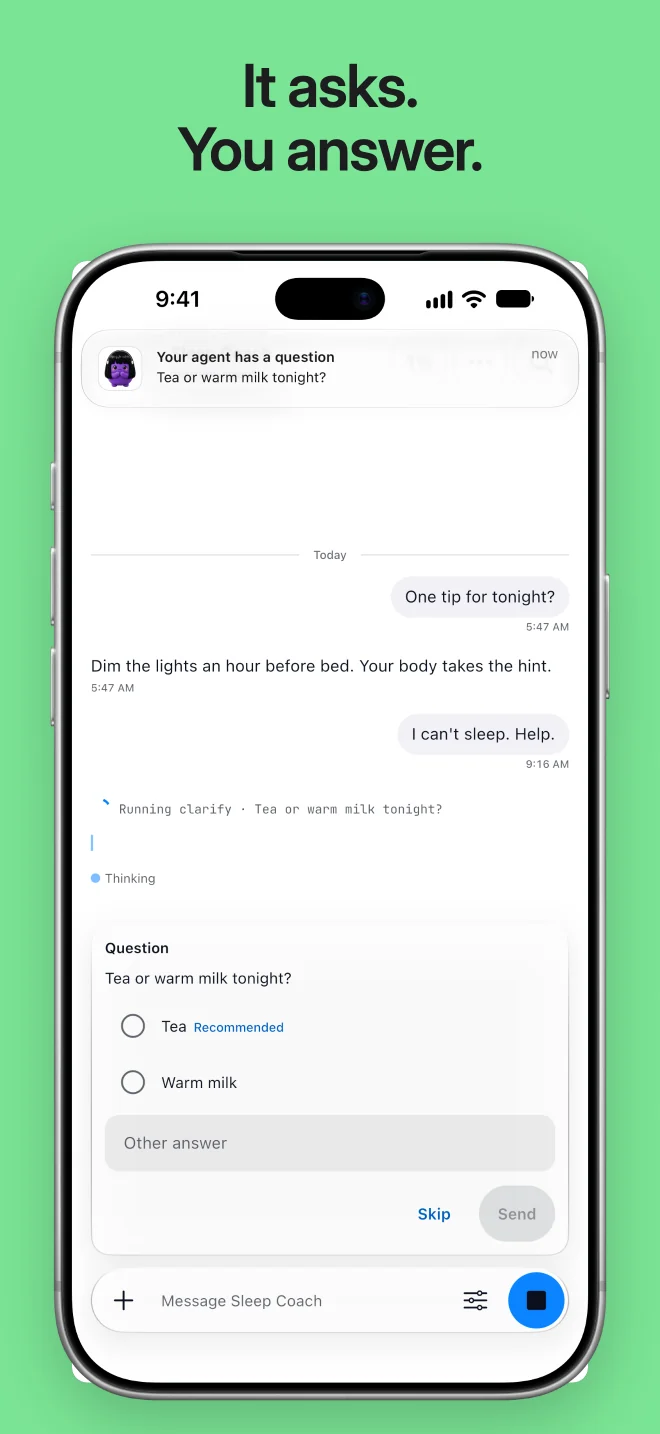
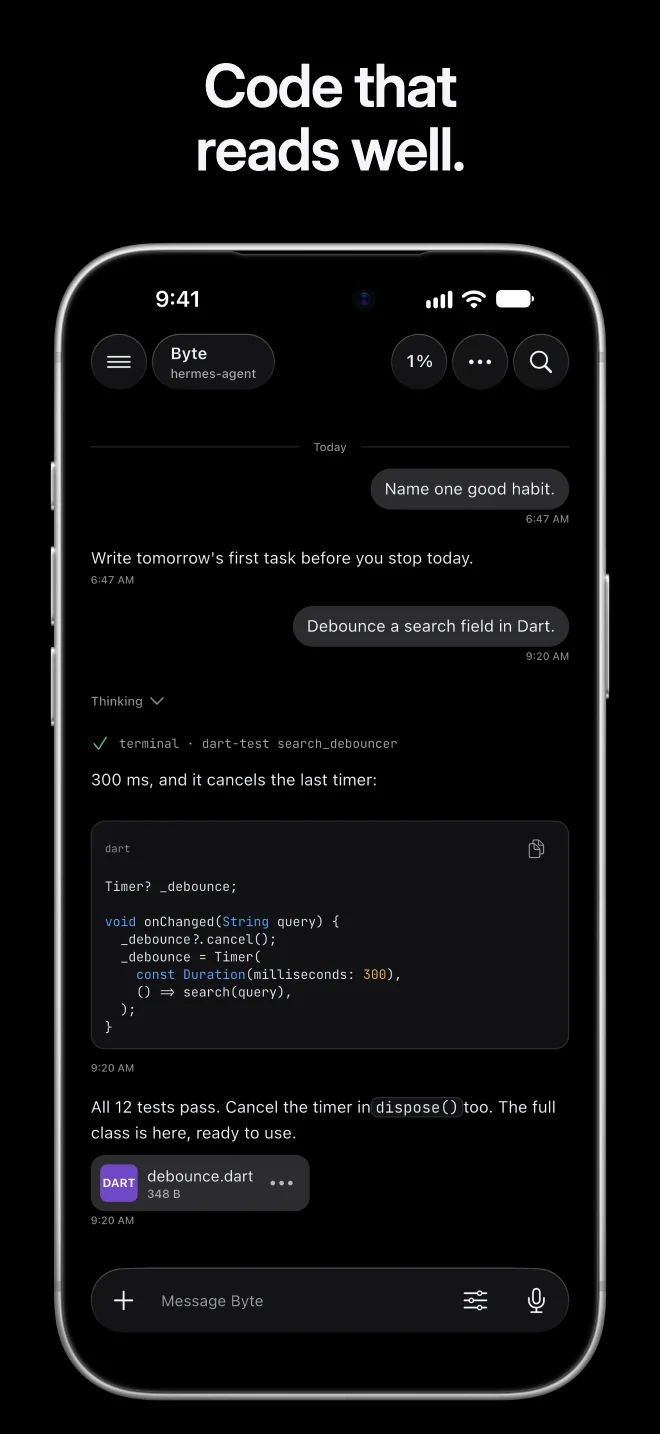
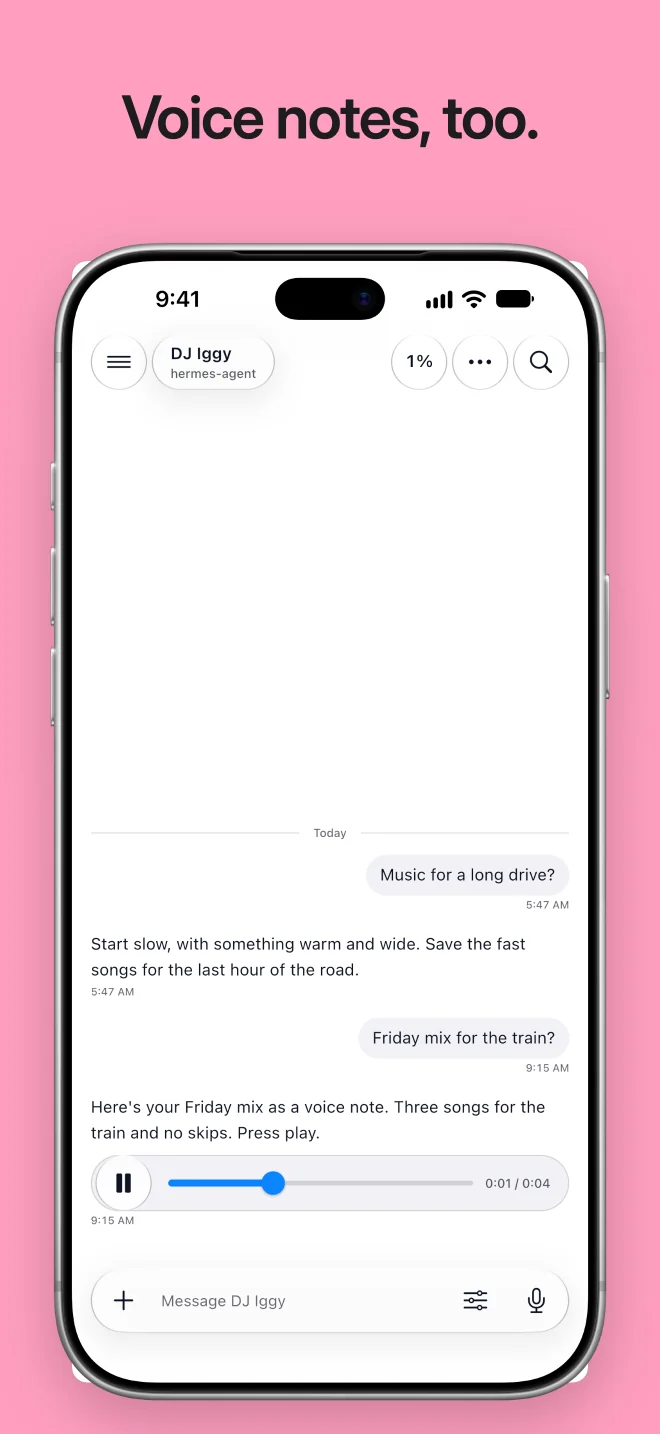
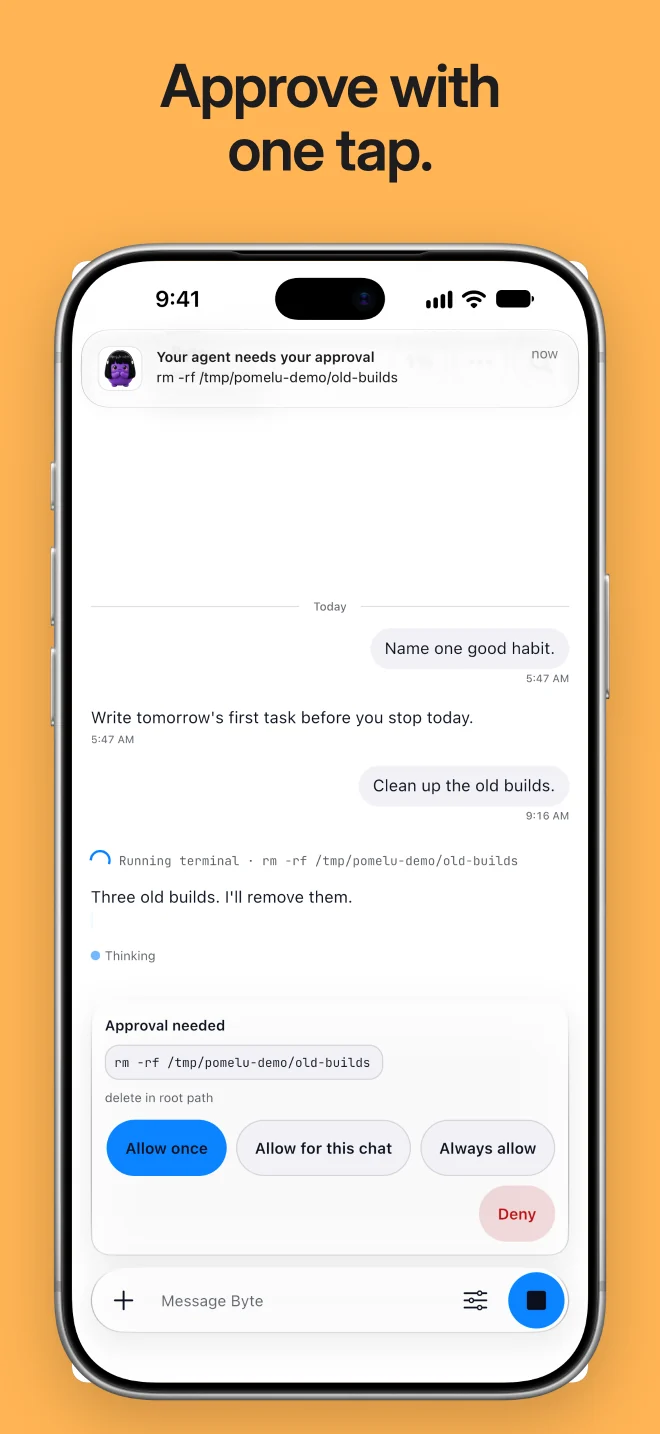
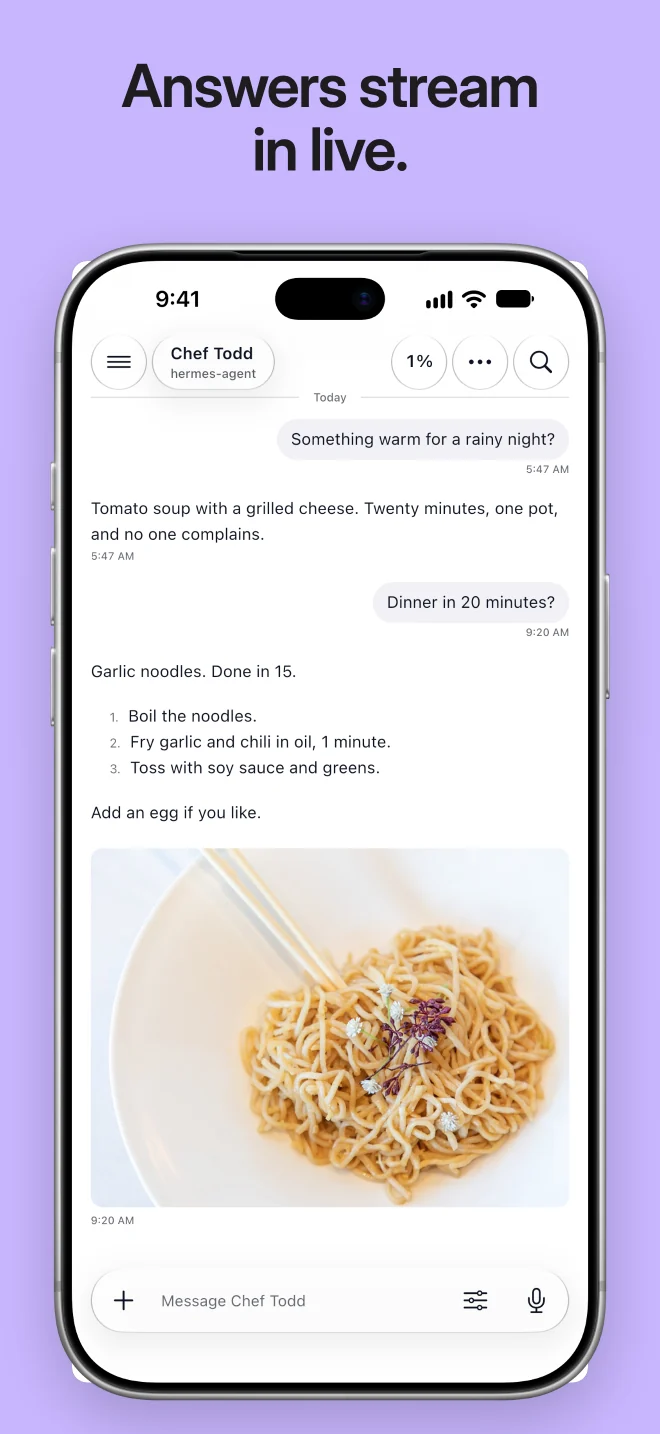
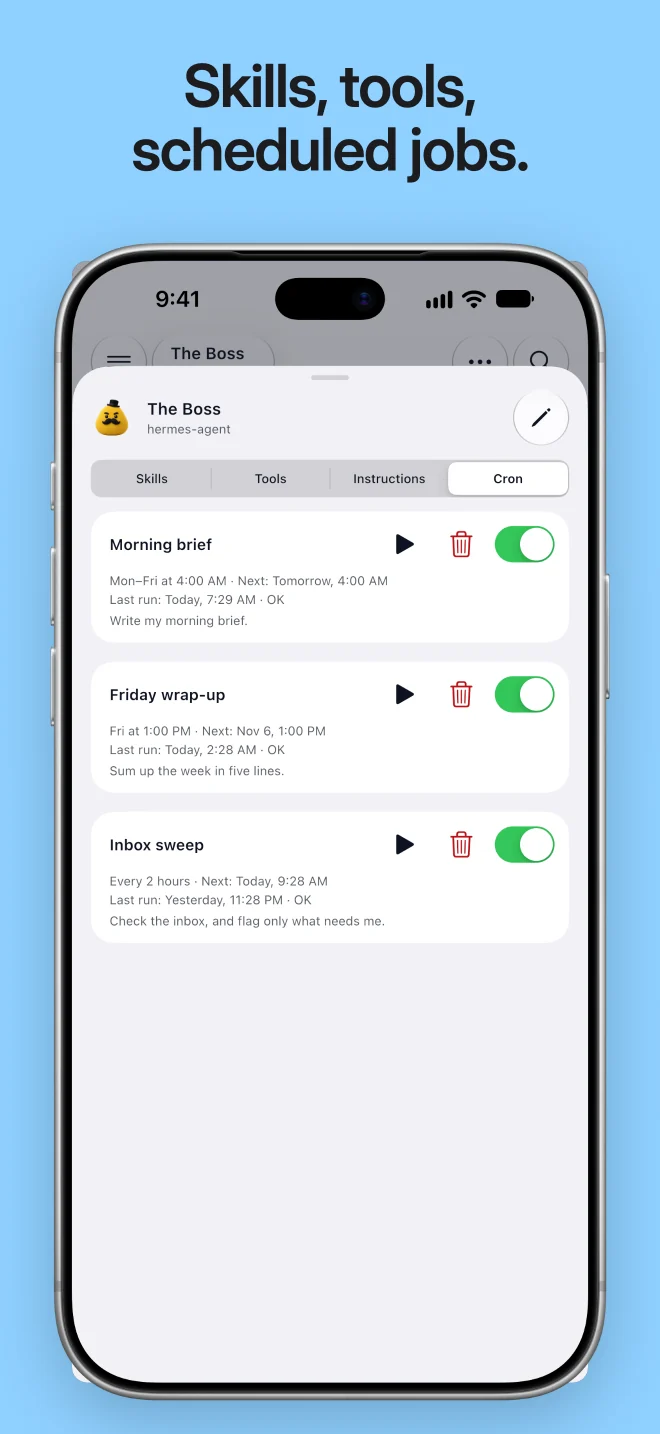
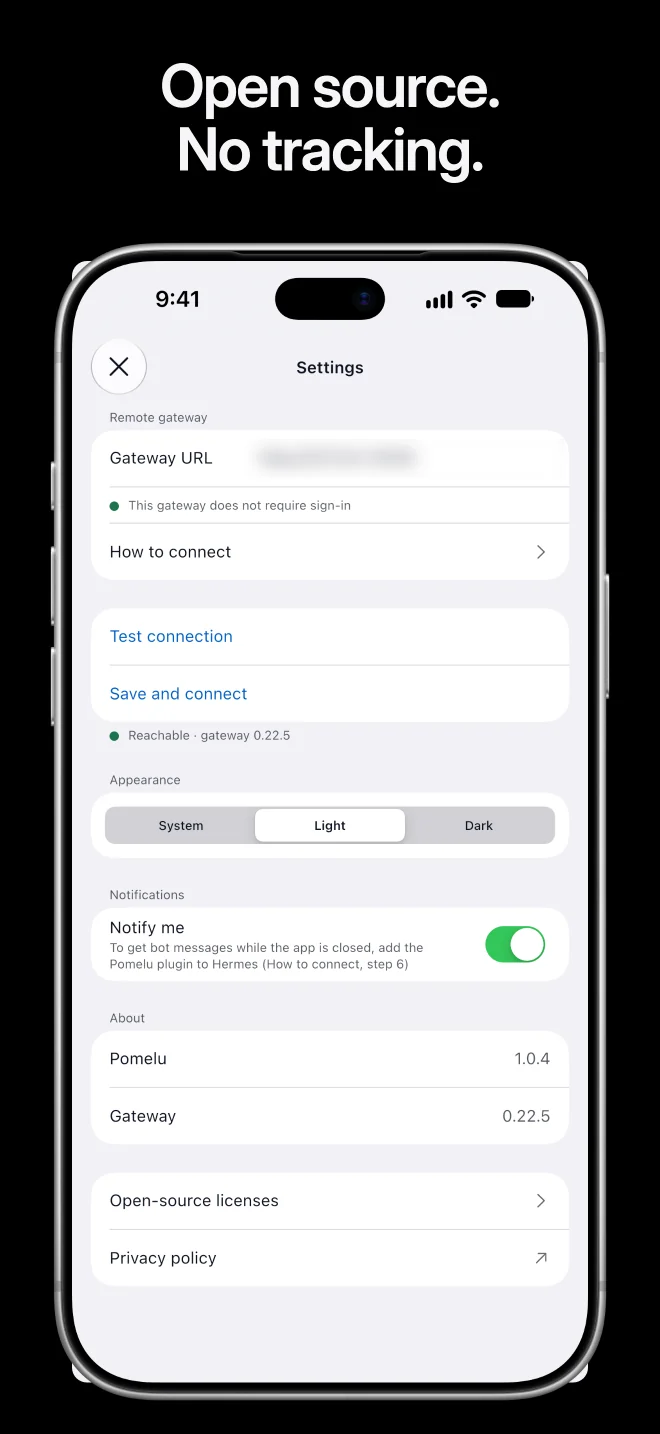
Watch the film
https://github.com/user-attachments/assets/d6deabe6-0c50-4f96-8567-aca11d544ada
Two short vertical cutshttps://github.com/user-attachments/assets/936a13ac-f90e-48a5-9f6e-bdb6ef3d886a
https://github.com/user-attachments/assets/37da4dae-1f24-4ed4-ac13-465b4d80dafe
Real app, real Hermes Agent, demo bots. iPhone Duo 3D model by Pikkme Studio (CC BY 4.0). Music: Dirty Thinkin' (Mixkit).
Features
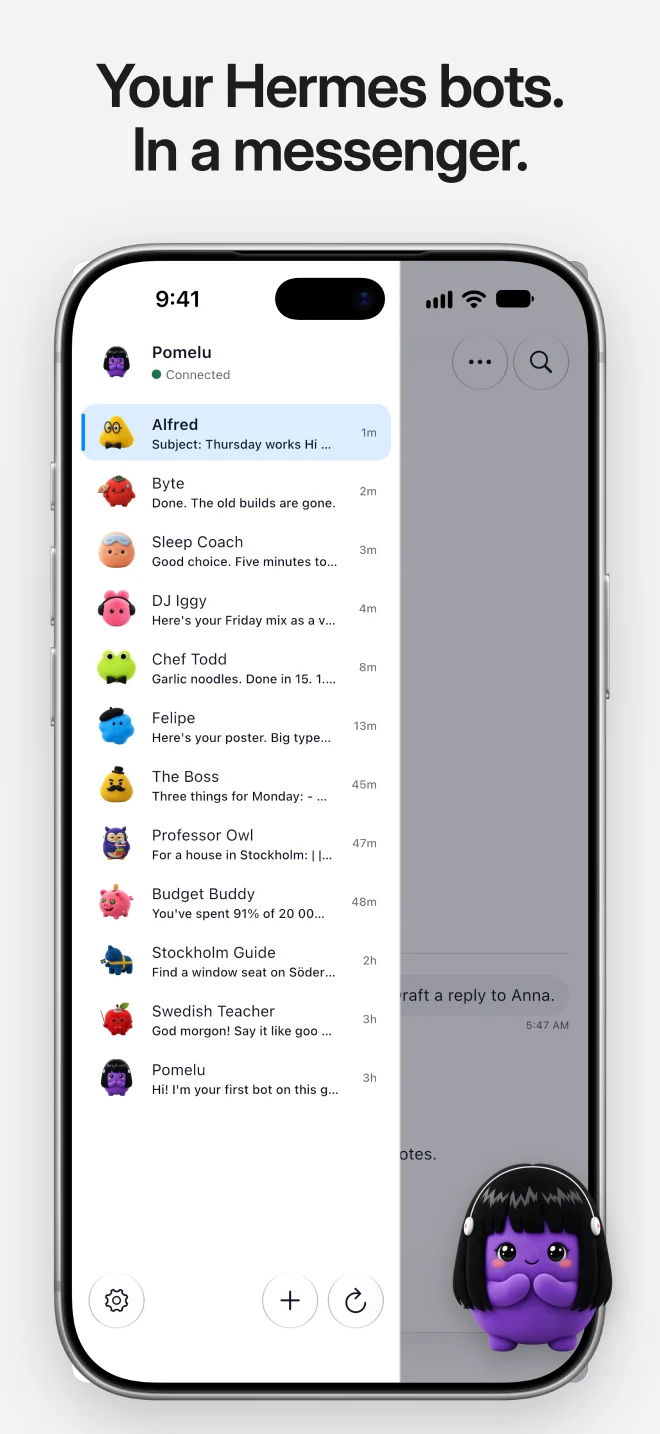
- One chat per bot, like a messenger. Every Hermes profile is a bot in
the side menu; a new conversation starts in the same chat. - Live answers in Markdown with code, tables, tool activity and the
agent's plan while a task runs. Stop a turn at any time. - Answer the agent: questions, approvals and secret input show up as
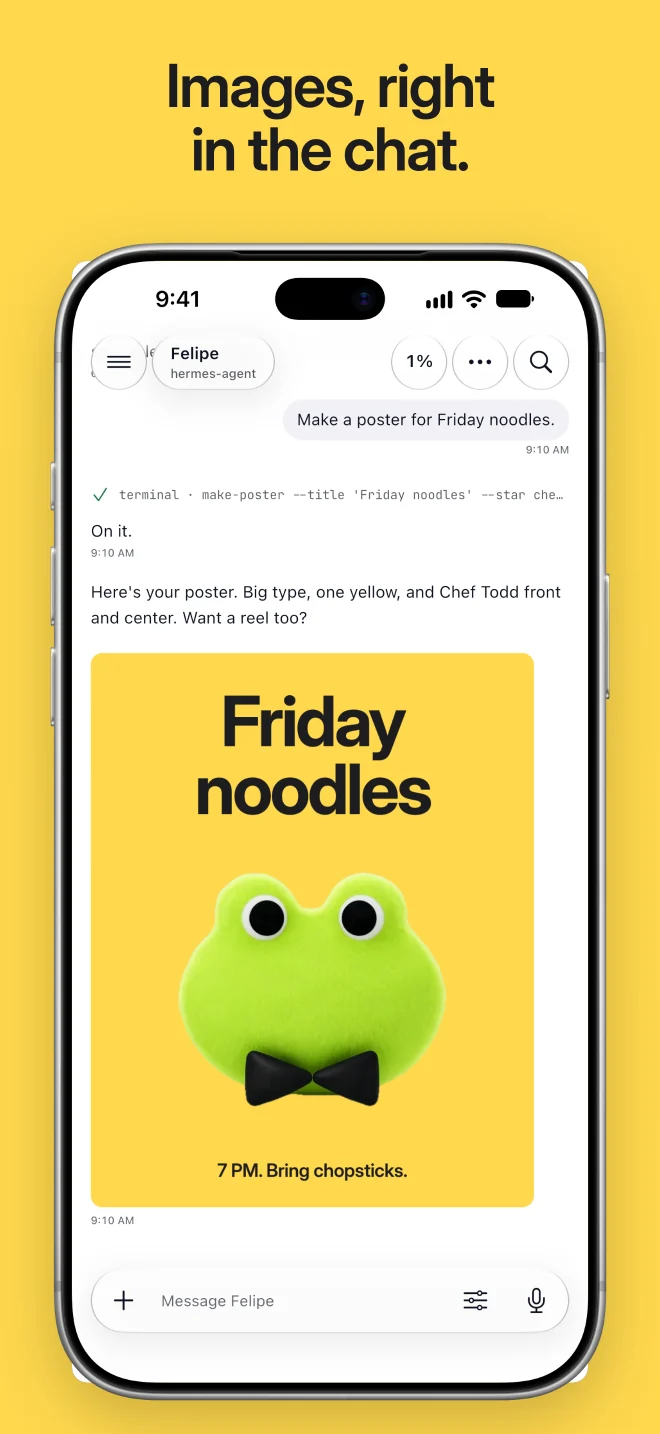
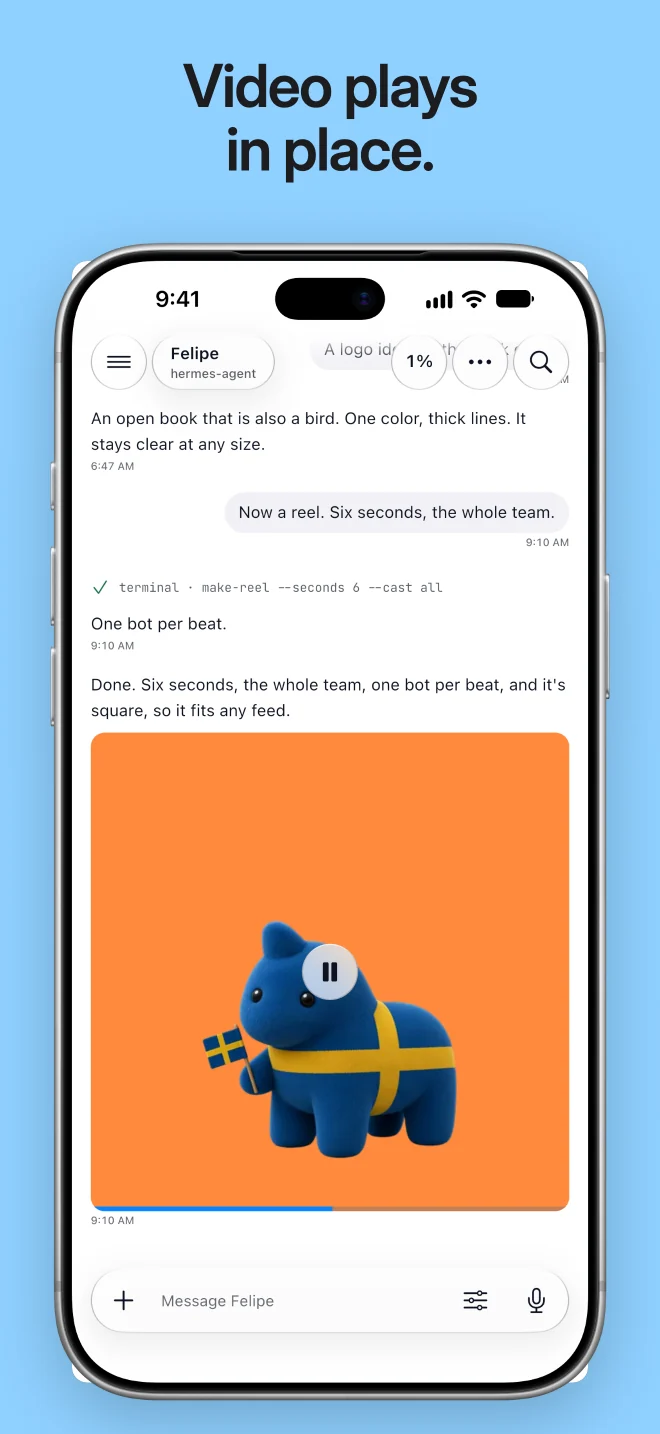
cards in the chat and as notifications. - Voice, photos, video and files both ways, plus a place from a map.
Replies can be read aloud in the bot's own voice. - Share from any app into a bot. Your bots sit in the share sheet and
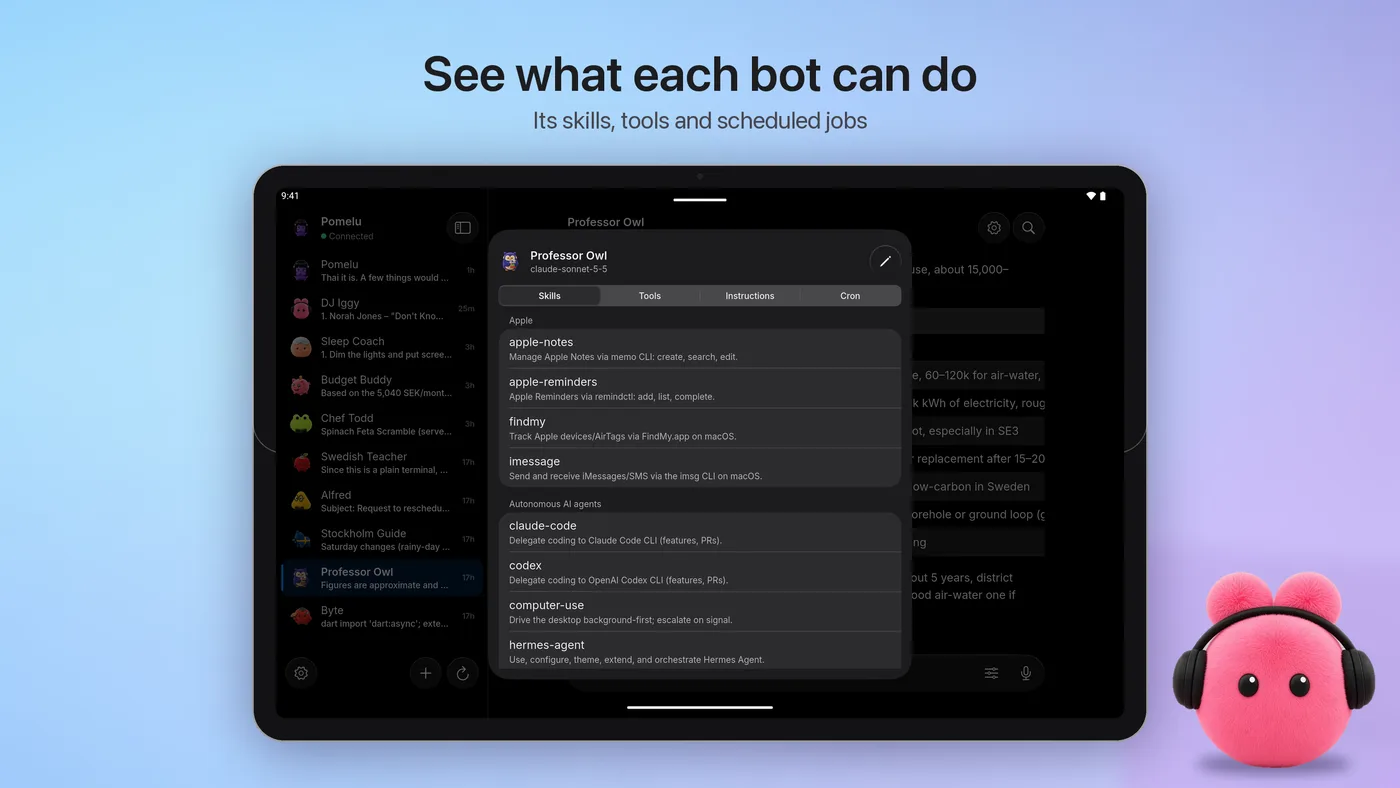
in the app icon's menu. - Bot details: skills, tools, instructions,
SOUL.md(editable) and
scheduled cron jobs (pause, resume, run now, delete). Create, rename and
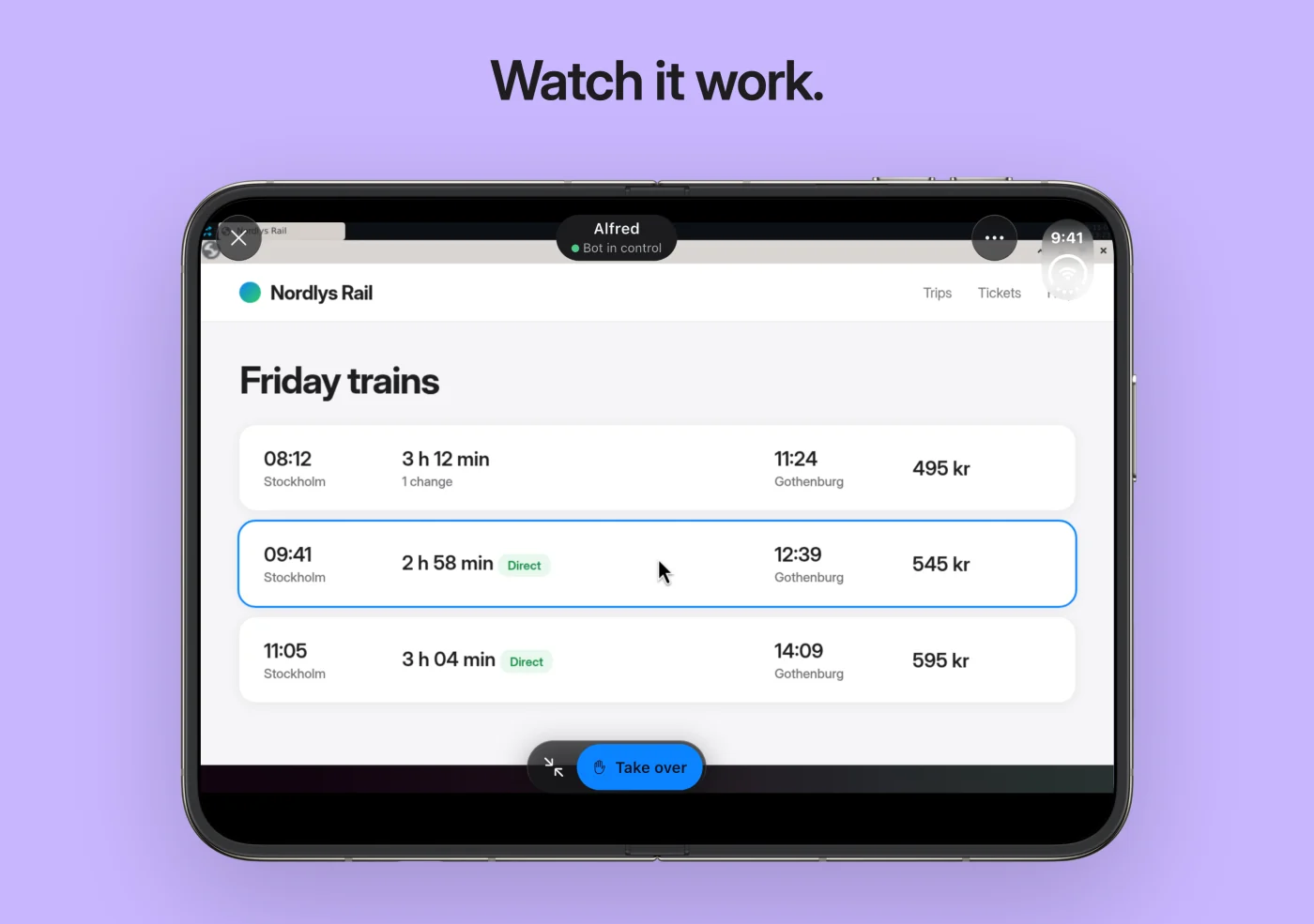
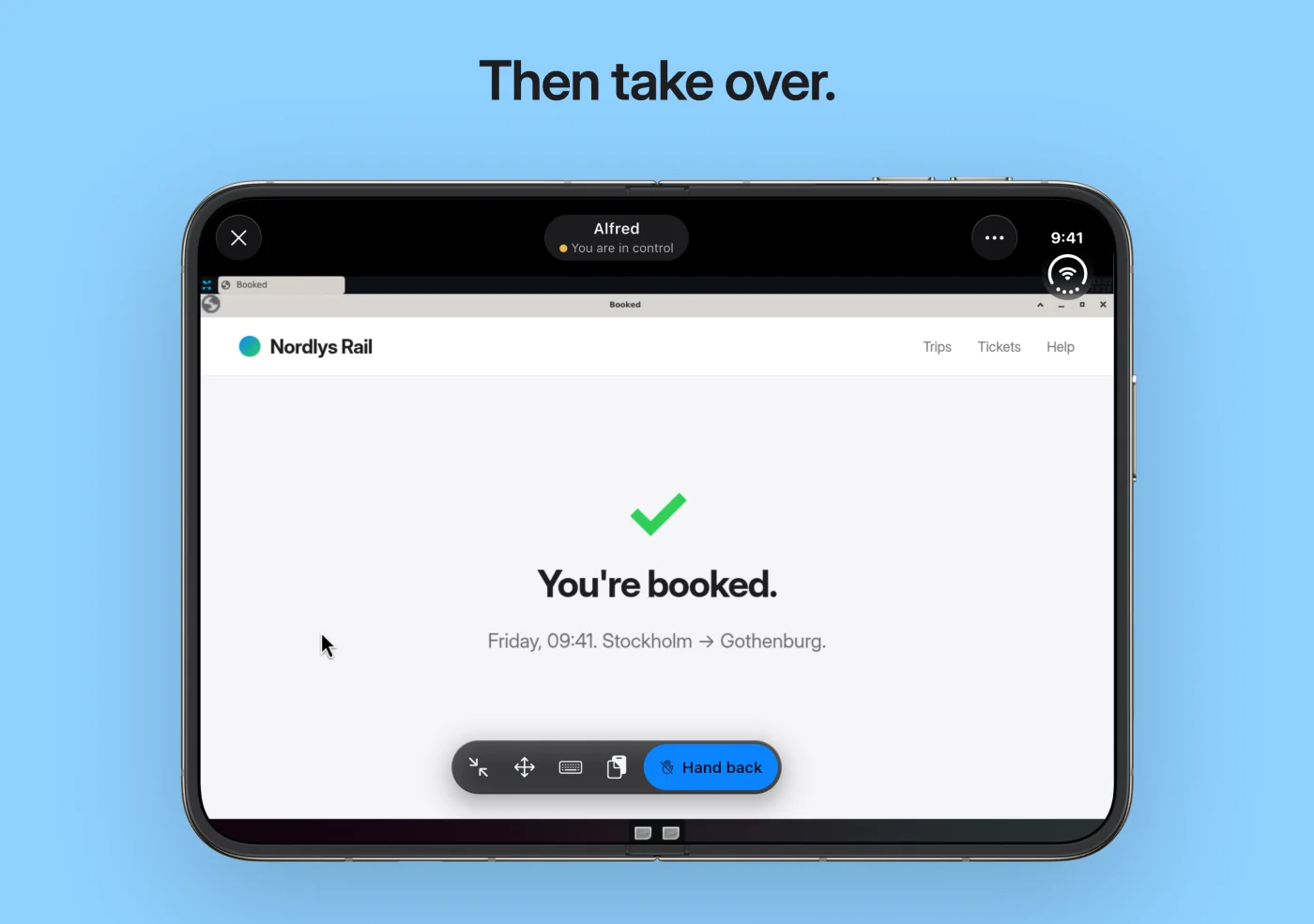
delete bots like Hermes Desktop. - Bot Screen: watch a bot work on its own Linux desktop, take over with
touch, keyboard, paste and drag and drop, then hand it back. Needs a Linux
gateway host with Bot Screen
set up. - Notifications for replies and questions. On Android the app can stay
connected in the background. - Private by design: no analytics, no ads, no tracking. The sign-in is
kept in the Android Keystore or the iOS Keychain. - Liquid Glass design (iOS 27 style), light and dark mode, Dynamic
Type, VoiceOver and TalkBack.
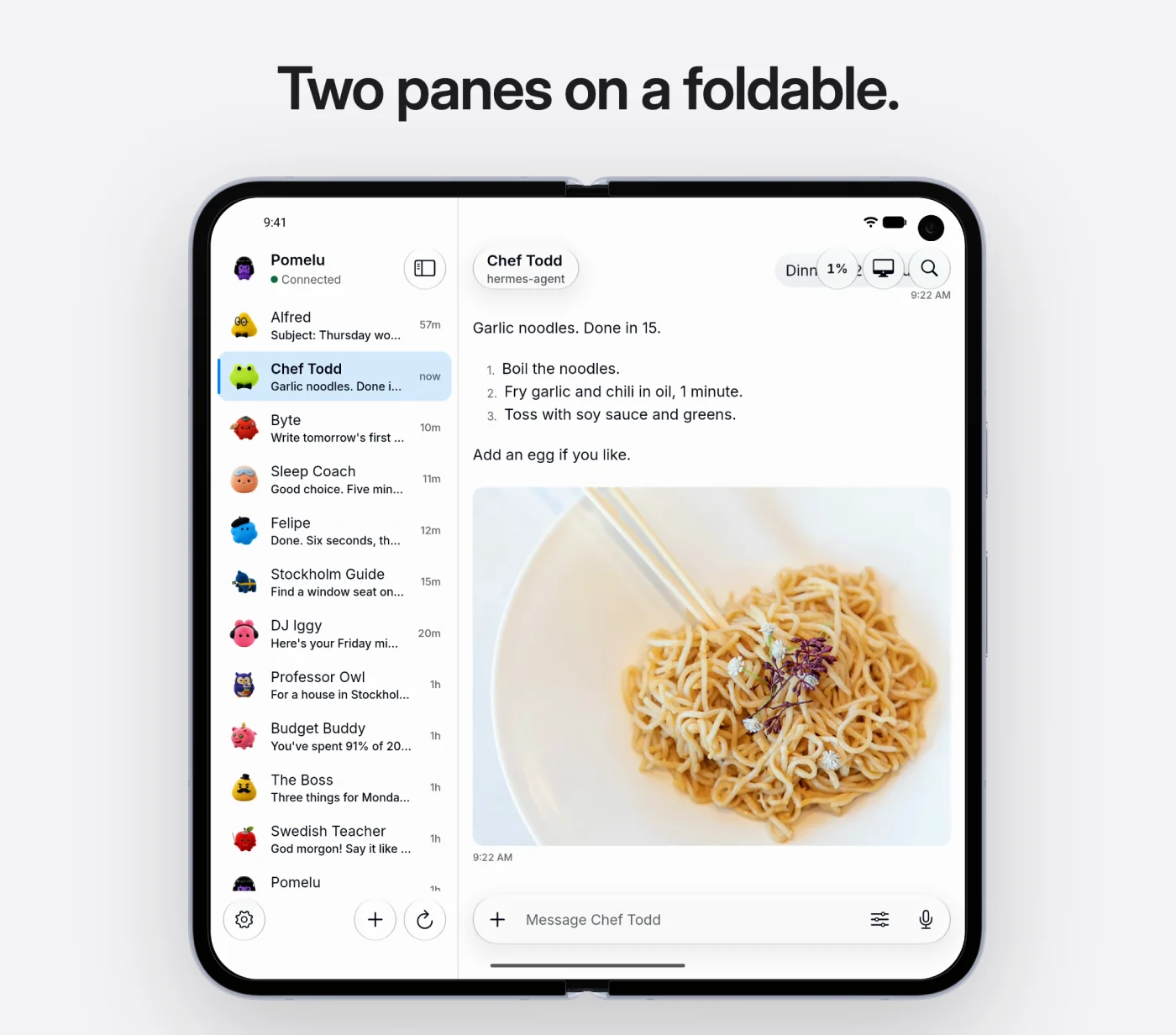
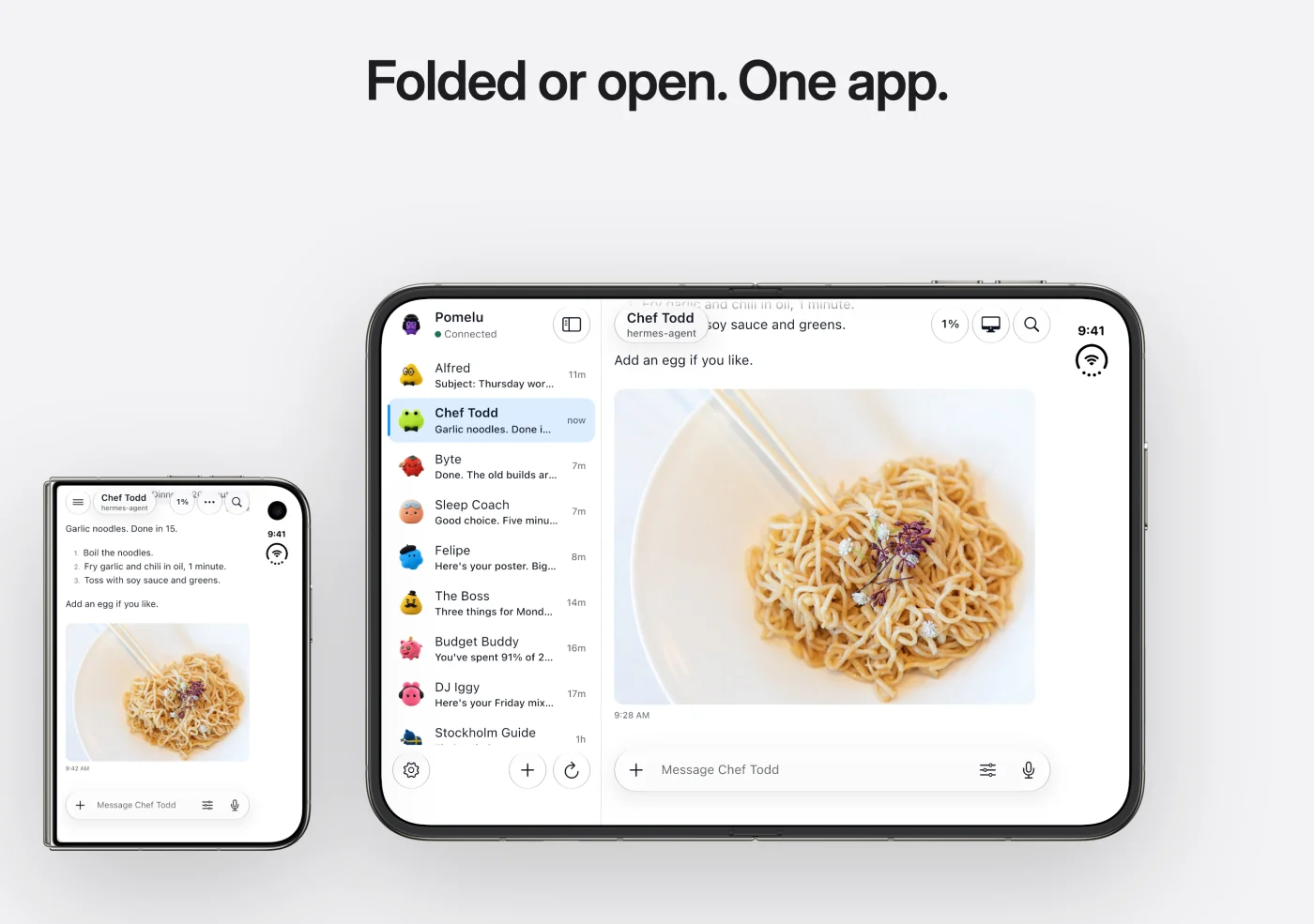
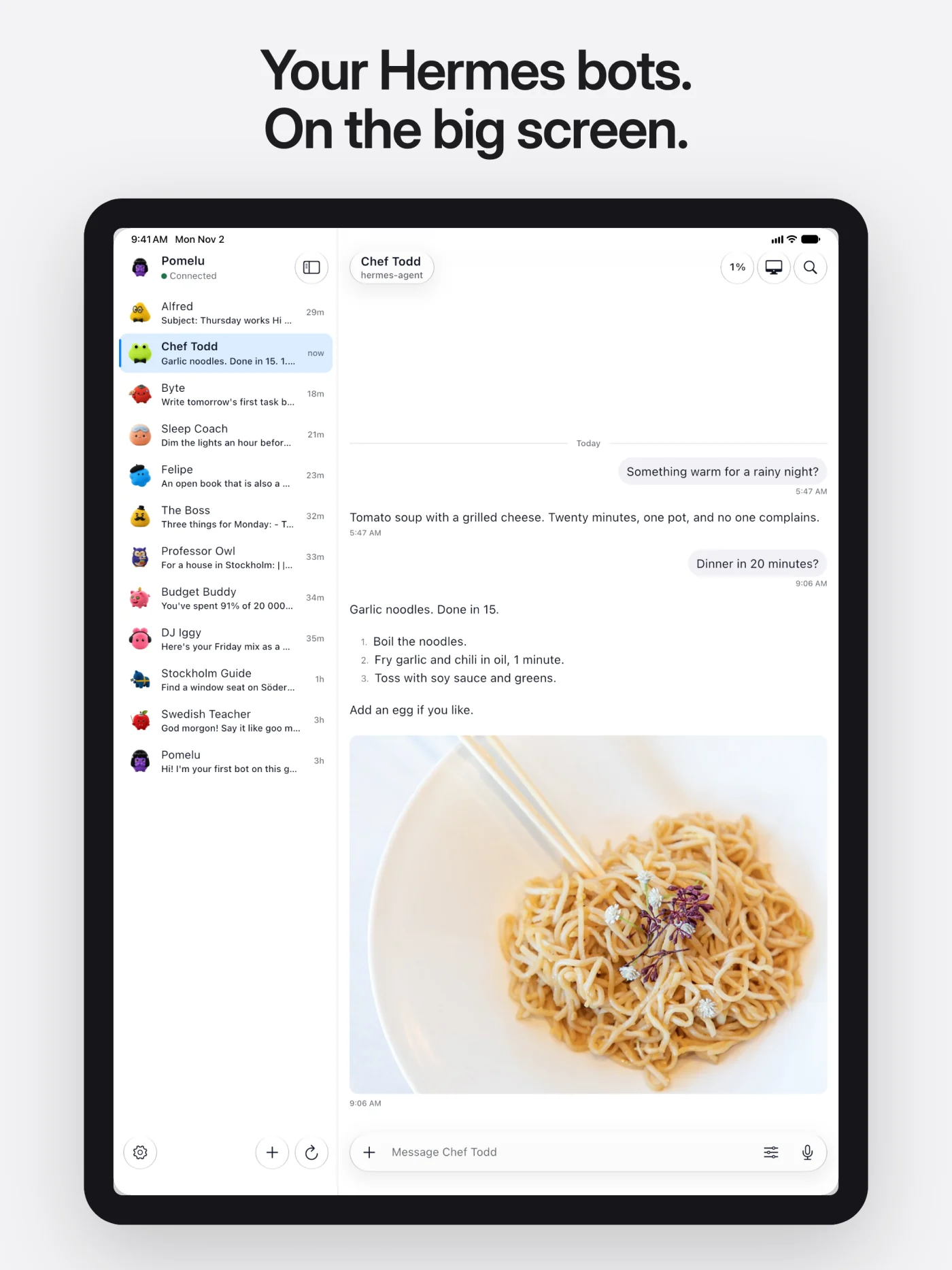
Made for foldables and tablets
Galaxy Z Fold, Pixel Fold, iPhone Duo, iPad and Android tablets get a side
pane with your bots next to the chat, a reading-width column, hardware
keyboard shortcuts and right-click.
Bot Screen
Watch a bot work on its own Linux desktop, live in the app. When it needs you, tap
Take over, do your part, and hand it back.
Get the app
| Platform | How |
|---|---|
| Android 10+ (phones, foldables, tablets) | Get it on Google Play |
| Android, from GitHub | Download the signed APK (arm64-v8a for most phones, universal for the rest; SHA-256 sums on the release page), or add it to Obtainium to follow the GitHub releases |
| iPhone and iPad (iOS 15+) | Coming soon to the App Store. Until then, build it from source. |
The GitHub APK has a different signature from the Google Play build, so
Android will not update one over the other. To switch, uninstall the one you
have and sign in again. More at royan.se/pomelu.
Connect to your Hermes Agent
You need Hermes Agent
0.21.5 or newer on your own computer or server.
Set a username and password for the gateway in
~/.hermes/.env(make
the secret withopenssl rand -base64 32):HERMES_DASHBOARD_BASIC_AUTH_USERNAME=me HERMES_DASHBOARD_BASIC_AUTH_PASSWORD=a-strong-password HERMES_DASHBOARD_BASIC_AUTH_SECRET=paste-the-secret-hereStart the gateway and keep it running:
hermes dashboard --host 0.0.0.0 --no-openIn Pomelu, open Settings, enter the address (for example
http://192.168.1.20:9119on the same Wi-Fi), sign in, then tap
Test connection and Save and connect.So that your bots can start a conversation, also while the app is closed
(like on Telegram), use Pomelu 1.0.3 or newer and Hermes 0.22 or newer, and
install the
Pomelu plugin on the
same computer, then restart Hermes:hermes plugins install ateymoori/pomelu-hermes-plugin --enable hermes pomelu setup
Away from home, use a private network such as Tailscale
or put the gateway behind HTTPS. The same guide is in the app under
Settings → "How to connect".
Build from source
Requirements: Flutter 3.47
(stable), the Android SDK (API 29+), and Xcode for iOS.
git clone https://github.com/ateymoori/pomelu.git
cd pomelu
flutter pub get
dart run build_runner build -d   # freezed, json, riverpod
flutter gen-l10n
flutter analyze && dart analyze && flutter test
flutter run
- Android: without
android/key.propertiesthe release build is
debug-signed, which is fine for your own phone. - iOS: Swift Package Manager only (no CocoaPods). Set your own team and
bundle id in Xcode; the share extension needs an App Group with the same
prefix.
A fork that you publish needs its own name, icon and app id: see
TRADEMARKS.md.
How it works
Pomelu is a pure client. It speaks JSON-RPC over WebSocket to the Hermes
gateway (/api/ws) and uses the dashboard's REST routes for bots, skills and
cron jobs. It has no agent logic of its own.
| Doc | What it covers |
|---|---|
| Architecture | Layers, Riverpod providers, the gateway SDK, platform code, chat, sharing, notifications |
| Protocol | The parts of the Hermes gateway protocol that the app uses |
| Design | Liquid Glass, design tokens, widgets, foldables and tablets, accessibility |
| Testing | Unit, widget and Maestro end-to-end tests, a local backend |
Built with Flutter, Riverpod,
go_router, freezed, dio, gpt_markdown, flutter_map and
noVNC.
FAQ
Is Pomelu made by Nous Research?
No. Pomelu is an unofficial, community-made client by Royan AB. It is not
affiliated with or endorsed by Nous Research.
Do I need an account or a cloud service?
No. Pomelu talks to the Hermes Agent gateway that you run; optional push passes
a relay that cannot read it. Royan AB collects no data (privacy policy).
Which AI models does it support?
All the models your Hermes Agent uses (for example Claude, GPT, Gemini,
Llama or a local model). Pomelu shows what the agent sends.
Can I use it away from home?
Yes, through a private network such as Tailscale, or with the gateway behind
HTTPS.
Can my bots start a conversation, like on Telegram?
Yes, with Pomelu 1.0.3 or newer and the
Pomelu plugin for Hermes: a reminder or a scheduled job made in Pomelu then comes to the
bot's chat, and the phone rings by push, also while the app is closed. The
message is sealed on your Hermes with a key only your phone has; the Pomelu
push relay that hands it to Apple or Google cannot read it.
Is it free?
Yes. The app is free, with no ads and no in-app purchases, and the code is
open source under Apache 2.0.
Contributing
Bug reports and pull requests are welcome. Read
CONTRIBUTING.md before you start; new features start as an issue.
Security problems: SECURITY.md.
License
The code is licensed under the Apache License 2.0. The name
"Pomelu", the logo, the mascot, the bot characters, the promo films and the
store art are not covered: see TRADEMARKS.md and NOTICE.
Made by Royan AB in Sweden ·
royan.se/pomelu. "Hermes Agent" and
"Nous Research" belong to Nous Research.
⭐ Like Pomelu? Give it a star
If Pomelu is helpful to you, please star this repo.
It is free and it helps other Hermes Agent users find the app.

Reviews (0)
Sign in to leave a review.
Leave a reviewNo results found