AIO
Health Warn
- License — License: Apache-2.0
- Description — Repository has a description
- Active repo — Last push 0 days ago
- Low visibility — Only 8 GitHub stars
Code Fail
- rm -rf — Recursive force deletion command in .github/workflows/ci.yml
- rm -rf — Recursive force deletion command in .github/workflows/release.yml
Permissions Pass
- Permissions — No dangerous permissions requested
No AI report is available for this listing yet.
A powerful, lightweight, cross-platform AI workspace supporting local GGUFs and multi-provider APIs.

AIO (All-In-One AI)
A lightweight, cross-platform AI workspace for everyday chat and coding agents.



English | 简体中文
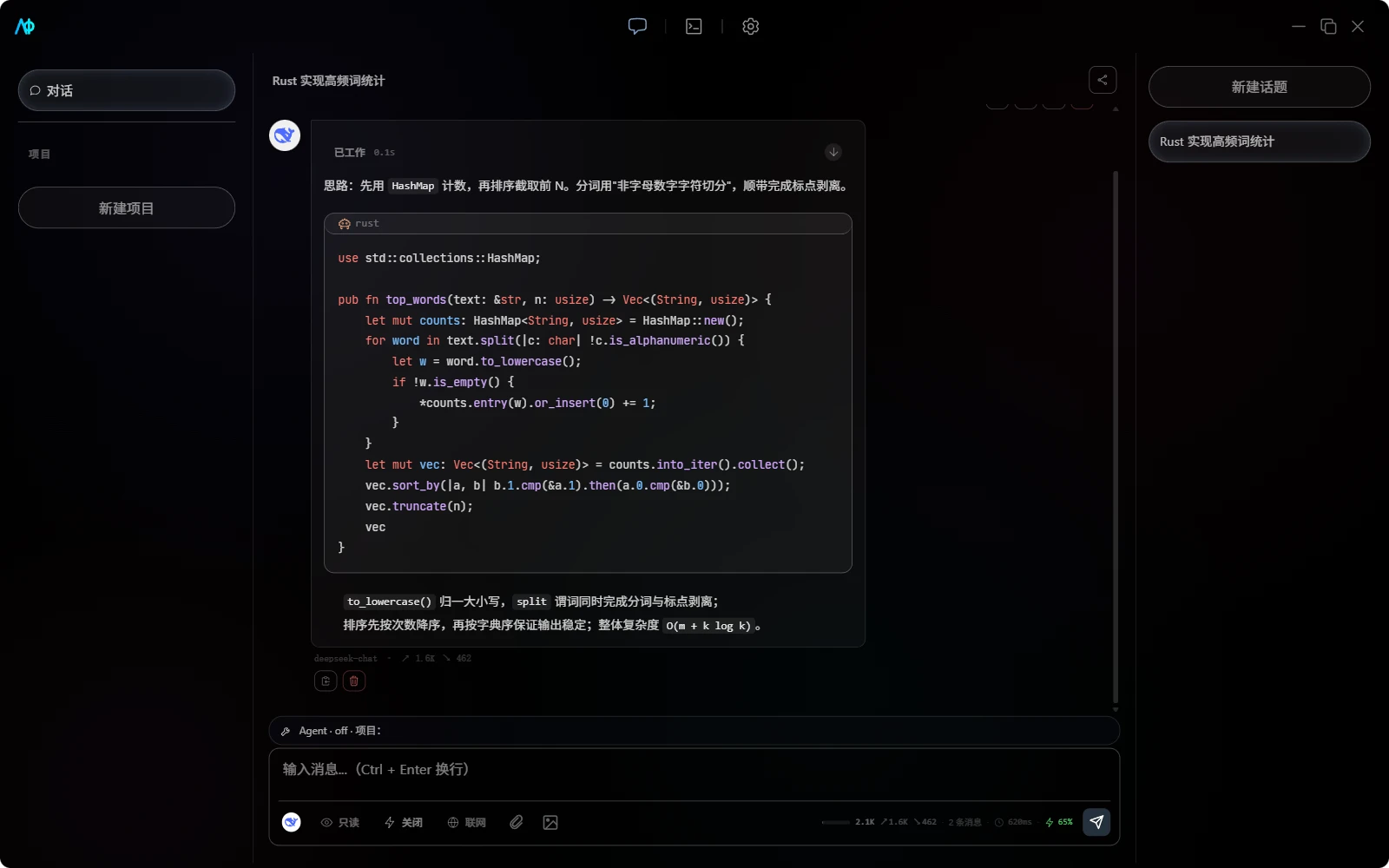
Core Features
1. Multi-Provider Chat
- Multiple providers: Google, Anthropic, Ollama, and OpenAI-compatible API.
- Flexible model management: Enable models per provider, assign dedicated models for different assistants and sub-agents.
- Full chat experience: Streaming output, reasoning content, context compression, auto-titling, and message branching.
- Project memory: Per-project facts plus RAG retrieval over history and code, with local embedding and rerank models.
2. Local LLM Inference
- llama.cpp powered: Select and run local GGUF models directly.
- Bring your own engine: AIO detects llama.cpp on your machine and links to the official builds when missing — the engine binary is neither bundled nor auto-downloaded.
- Model market: Search and download GGUF models from HuggingFace or ModelScope, with hardware-aware picks.
- Unified experience: Local and remote models share the same assistant, thread, and model selector.
[!NOTE]
The vLLM plugin is registered in the Rust backend, but the settings UI currently only exposes llama.cpp. Regular users should use GGUF models.
3. Coding Agent
- Five agent modes: Read-only, Workspace edit, Full permission, Plan, and Machine full trust — switch by task risk level; the powerful tiers ask for an explicit risk confirmation on entry.
- Project-level tools: File, Shell, Git, LSP, web search, MCP, and Skills all collaborate within the current directory.
- Sub-agent collaboration: Built-in specialist roles (exploration, implementation, architecture, diagnostics, review, documentation, testing) plus custom profiles, streaming in real time and isolated in git worktrees.
- Security approval: Dangerous commands, file modifications, and MCP tool calls follow project permission rules.
4. CLI Agent Workbench
- One GUI for CLI coding agents: Drive Claude Code, Codex, OpenCode, Oh My Pi, Gemini CLI, Qwen Code, goose, and DSH inside AIO (Agent Client Protocol plus native drivers for Claude Code and Codex).
- Native rendering: Reasoning, tool calls, file diffs, and approval requests render like AIO's own agent mode; sessions persist per workspace and resume across restarts.
- The tool's own config stays the source of truth: Credentials live in the OS keychain; frequent settings get structured forms; raw config files are edited with format validation and backups.
5. Files & Extensions
- Common file parsing: Support for images, PDF, DOCX, PPTX, and various text formats.
- MCP ecosystem: Supports stdio, HTTP, Streamable HTTP, Catalog, Tools, Resources, and Prompts.
- Skill management: Install from the marketplace or import NPX Skills; enable globally or per-project.
6. Productivity
- Quick actions: Command palette, customizable shortcuts, and slash commands like
/review,/fix,/btw. - Session sharing: Export as screenshot, Markdown, JSON, or PDF.
- Usage statistics: Token summaries, model distribution, and usage heatmaps.
- Feedback & diagnostics: Copy an environment snapshot, open pre-filled GitHub issues, or export a diagnostics zip — no API keys, no conversation content.
- Auto-updates: Cross-platform updates via GitHub Releases.
Tech Stack
| Layer | Technology |
|---|---|
| Frontend | SolidJS 1.9, TypeScript, Tailwind CSS, Vite |
| Desktop | Tauri 2.11 |
| Backend | Rust, Tokio, Reqwest |
| Storage | SQLite, JSON config, system credential store |
| Local Engine | llama.cpp; vLLM backend plugin |
Getting Started
Download Release
Visit GitHub Releases and download the package for your system. Releases cover Windows, Ubuntu 22.04, and Apple Silicon macOS (the last Intel macOS build is v0.8.0).
[!NOTE]
Prereleases (for examplev1.0.0-alpha) are published on the same Releases page and are never offered through the in-app updater — download them manually if you want to test early builds.
After installation, open Settings -> Provider Settings:
- Configure a remote provider, or select a GGUF model under "Local Inference Engine";
- Enable the model and return to the chat page;
- Select a model and start your first conversation.
Want AI to help with code? Create a project, bind a local directory, then switch to a workspace-edit, full-permission, or plan mode. Prefer to keep your own CLI agent? Open the Harness workbench and connect it.
Build from Source
Requires Node.js 20, Rust stable, your platform's Tauri 2 system dependencies, and aio-models-data alongside this repository:
parent/
├── AIO/
└── aio-models-data/
git clone https://github.com/Atom112/aio-models-data.git
git clone https://github.com/Atom112/AIO.git
cd AIO
npm ci
npm run tauri dev
Pre-build check:
npm run build
cd src-tauri
cargo check
[!TIP]
Linux dependencies, release builds, and model directory details are documented in the development environment guide.
Documentation
| What you want to know | Start here |
|---|---|
| Installation, first-time setup, and your first chat | Getting Started |
| Providers and local models | Providers and Models |
| Assistants, projects, agents, and sub-agents | Chat and Agent |
| Driving CLI coding agents (Claude Code, Codex, ...) | Harness Workbench |
| MCP, Skills, and tool permissions | MCP and Skills |
| Theme, updates, and shortcuts | App Settings and Shortcuts |
| Architecture and extension development | Development Guide |
| Connection, engine, or build issues | Troubleshooting |
For the full index, see the AIO Documentation Center. For version history, see CHANGELOG.md.
📝 Feedback & Community
| Channel | What it's for |
|---|---|
| 🐛 Issue Forms | Structured bug reports / feature requests / alpha experience feedback |
| 💬 Discussions | Questions, ideas, and open discussion (Q&A + feature ideas) |
| In-app feedback | Settings → App → "Feedback & Support" — copy your environment snapshot, open a pre-filled issue, or export a diagnostics zip |
| 中文用户交流群(QQ 群) | 群号 1130943633 — 中文交流与反馈,不方便上 GitHub 时走这里 |
The in-app "environment snapshot" and diagnostic zip contain no API keys and no conversation content — you paste/upload them to GitHub yourself; nothing leaves your machine automatically.
Contributing
Contributions are welcome! See the contributing guide for the process (issues / branches / commits / PRs) and AGENTS.md for coding standards — the same rules apply to humans and AI agents. Report vulnerabilities privately per SECURITY.md.
- Run
npm run verifyand the relevant tests before opening a Pull Request; - Docs are a bilingual mirror (
docs/zh/↔docs/en/) — behavior changes must update both sides; - Commit messages follow Conventional Commits.
If AIO helps you, a star would mean a lot.
Reviews (0)
Sign in to leave a review.
Leave a reviewNo results found