lean-browser-use
Health Warn
- License — License: MIT
- Description — Repository has a description
- Active repo — Last push 0 days ago
- Low visibility — Only 5 GitHub stars
Code Fail
- fs.rmSync — Destructive file system operation in hooks/common.mjs
- os.homedir — User home directory access in hooks/common.mjs
- process.env — Environment variable access in hooks/common.mjs
Permissions Pass
- Permissions — No dangerous permissions requested
No AI report is available for this listing yet.
Cut browser use cost by about 25% in Claude Code: fresh runner subagent, bulk reads, three guards and a token meter. One npx command
lean-browser-use



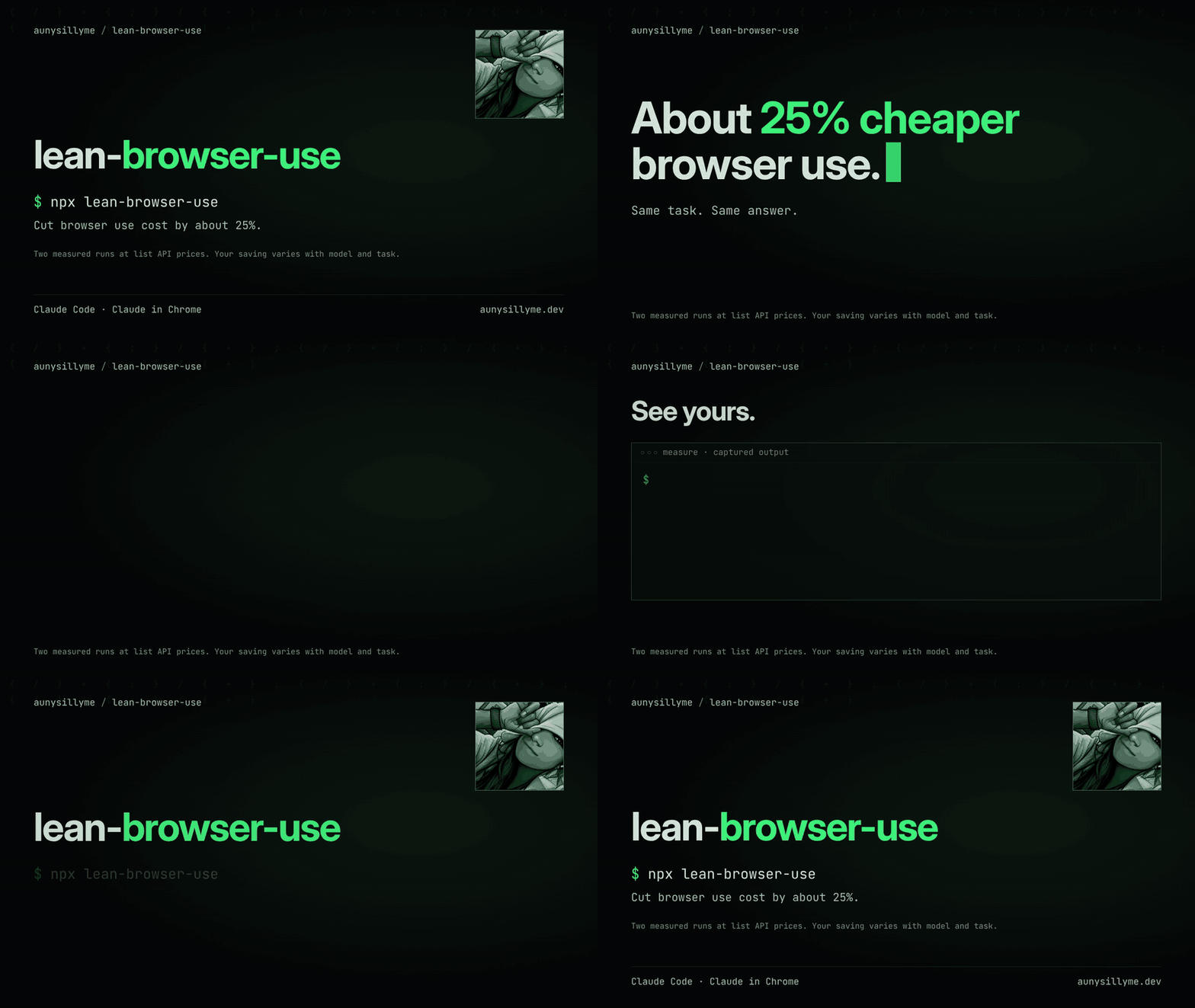
Cut browser use cost by about 25% in Claude Code: run page work in a fresh runner, send it in bulk, and see your own saving.
For Claude Code users who run browser work in their sessions.
You get a skill, a runner agent (a fresh subagent that does the browser work), three hooks and a token meter (the measure command that counts tokens per step).
Next: start a fresh Claude Code session and ask it to use the lean-browser-use skill.
Bulk means many steps and reads sent in one call; a packet is the brief that carries those steps.
A guard is a small hook that blocks a wasteful or unsafe step.
In two measured runs the same browser task cost 3% and 25% less than in a plain session, about 14% less together (list API prices).
A browser step re-reads about 3x fewer tokens in the runner; the whole run reads a few percent more tokens, but the runner uses a cheaper model, so the bill falls: see the benchmark.
npx lean-browser-use
npx runs the package without a permanent install.
Undo it with npx lean-browser-use --uninstall. Preview the install with npx lean-browser-use --dry.
What it does
| Part | What you get |
|---|---|
| Method skill | A route table for public pages, repeated reads, forms, and logged-in work. |
| Subagent runner | Browser execution in a fresh context, with named fields and an evidence handoff. |
| Packet briefs | Paste-ready scope, code, permissions, stop conditions, and cleanup checks. |
| Pick guard | A session-bound browser choice before page actions. |
| Retry guard | A stop on repeated waits, reloads, and fruitless reads. |
| Batch nudge | A reminder to combine predictable actions. |
| Optional page reader | Compile extraction once, then run it as code. |
| Optional search companion | Find links through your SearXNG instance (a self-hosted search engine), then read selected pages. |
| Token meter | Compare main and runner browser context in your local transcripts. |
| Installer and doctor | Managed files, preserved settings, health checks, and hash-aware removal. |
The installer has 0 runtime dependencies. Package measurements include the reproduction commands and measurement dates.
The installer manages the package files and hooks in your Claude config, works offline, and leaves optional tool installation to you.
What it saves
| Measurement | Plain session | Skill and runner | Change / token ratio |
|---|---|---|---|
| Run 1 cost | $0.5975 | $0.5787 | -3.15% |
| Run 2 cost | $0.5779 | $0.4319 | -25.26% |
| Per browser step (median tokens) | 188,487 | 59,725 | 3.16 |
| All browser steps | 1,506,374 | 725,151 | 2.08 |
| Everything the run read | 2,657,290 | 2,846,792 | 0.93 |
Savings vary with model, task and session size; measure your own transcripts.
Read the benchmark and how to reproduce it, then measure your own transcripts.
After you install
- Start a fresh Claude Code session and ask it to use the
lean-browser-useskill. - Run
npx lean-browser-use doctorto check files, hooks, and available companion tools. - Try: "Use lean-browser-use to read the title from https://example.com, save the evidence, verify it, and report cleanup."
For logged-in work, choose your Chrome profile by name when asked. The runner receives that browser's deviceId (the id Claude in Chrome gives each connected browser) and a named tab.
The subagent runner runs the same packets on its own; a cheap helper is another option.
See installation and activation for target directories and optional companions.
Cleanup: nothing keeps running
Follow the cleanup steps: the runner saves evidence, closes run-owned tabs and panes, stops its shell tasks, removes scratch, checks what remains and runs leased-process cleanup. Main then closes its remaining job tabs, stops its background tasks and servers, runs doctor, verifies the runner's evidence and removes the handoff scratch.
The stop gate blocks once to request closure of run-owned tabs; use npx lean-browser-use keep --reason "<why>" to hold a tab for the user and say what stays open and why.
Every process the runner starts goes through npx lean-browser-use spawn, which records a lease. The runner's last command is:
npx --yes lean-browser-use cleanup --apply
It ends only leased automation processes, children first, with SIGTERM and a 3 second wait before SIGKILL for the same process. Registered hooks repeat the cleanup when a runner stops, a turn ends or the session ends, and doctor reports any leftover.
Your normal Chrome windows, your profile and any process without a lease are never touched. Add --apply yourself only after the dry run lists what you expect. See cleanup.
Part of a set
| Package | What it gives |
|---|---|
| lean-browser-use | Cut browser use cost by about 25% in Claude Code: fresh runner subagent, bulk reads, three guards and a token meter. One npx command |
| lean-computer-use | Background Mac computer control for AI agents: desk tools, a fresh runner subagent, retry guards and a transcript token meter, installed with one command |
Measure your own saving
npx lean-browser-use measure
The table compares main and runner groups: steps, median, p90, total input-context tokens, and reread share.
The summary includes a main-to-runner median ratio when enough steps are present and a count of skipped lines.
It measures context volume and reports counts without exposing message text or tool inputs.
See how the meter counts to choose a transcript directory, filter dates, or request JSON.
Common questions
How do I install browser-use tools for Claude Code?
Run npx lean-browser-use, then start a fresh Claude Code session and invoke the skill.
The installer copies the method, runner, briefs, and guards into your selected Claude config directory.
Can a subagent run browser work on its own?
Yes: the subagent runner handles the full browser route with the same packets.
Run npx lean-browser-use doctor to inspect the tools your machine provides, then follow the route table.
How do I install into just this project?
Run npx lean-browser-use --project to target the current project's .claude directory.
Check it with npx lean-browser-use doctor --claude-dir ./.claude.
How do I add the page reader and search?
Run npx lean-browser-use --with-reader to copy both companions.
The reader and search companions use tools you install separately; see their setup guides: reader and search.
How do I check browser hooks after installing?
Run npx lean-browser-use doctor; hook behavior on your Claude Code version is confirmed there.
For payload examples and stop rules, read the guards guide.
Uninstall
npx lean-browser-use uninstall
Preview with npx lean-browser-use uninstall --dry.
Removal uses install-time hashes: edited files stay and are listed, while owned hook registrations are removed from settings.
Use --claude-dir to target the same directory as the install; follow printed manual steps for hooks pasted by hand.
Read next
- Install and manage: every flag, target path, health check, and removal behavior.
- How the method works: prepare, route, batch, verify, and clean up.
- Guards: selection, retry bounds, batching, and fail-open checks.
- Cleanup: leases, the cleanup command, hooks, and what is never touched.
- Page reader: compile a public extraction and reuse it as code.
- Search: find URLs with the optional SearXNG companion.
- Benchmark: the paired run, exact counts, and how far to trust the ballpark.
- Measure: count local browser context and read the comparison.
- Provenance: public names, upstream ideas, and evidence boundaries.
For agents: llms.txt maps the docs; AGENTS.md defines repository work. Use npx lean-browser-use doctor for a headless check.
Contributing
Bring a reproducible browser failure, a tool-family fixture, a reader spec, or a docs fix.
CONTRIBUTING.md gives the checks and review expectations.
Credits
- trycua/cua, MIT: the sibling's background native-app driver.
- Jev research client / typesafe-sdk and its source, MIT: index-choice and packet techniques.
- browser-use/jev-ultrafast, MIT: packet ideas.
- Crawl4AI, Apache-2.0: reader fetching and text extraction.
- SearXNG, AGPL-3.0: the search container referenced by the companion.
- rtk, Apache-2.0: shell-output compression techniques.
- fetchapi.co: the compile-once idea, reimplemented here from scratch; idea credit only.
- Anthropic's Claude in Chrome: the logged-in browser integration, under Anthropic's service terms.
- Keep a Changelog, MIT, and Contributor Covenant, CC-BY-4.0: repository conventions.
Credits describe each upstream contribution; see CREDITS.md.
License
MIT. Copyright Auny LLC and contributors.
Reviews (0)
Sign in to leave a review.
Leave a reviewNo results found