facts
Health Uyari
- No license — Repository has no license file
- Description — Repository has a description
- Active repo — Last push 0 days ago
- Community trust — 11 GitHub stars
Code Basarisiz
- rm -rf — Recursive force deletion command in install.sh
- child_process — Shell command execution capability in npm/install.js
- execSync — Synchronous shell command execution in npm/install.js
- fs.rmSync — Destructive file system operation in npm/install.js
- fs module — File system access in npm/install.js
Permissions Gecti
- Permissions — No dangerous permissions requested
This agent reads your project specifications and automatically verifies them using shell commands. It manages a lifecycle moving facts from rough drafts to fully implemented, code-verified statuses.
Security Assessment
The overall risk is High. The installation script (`install.sh`) contains an `rm -rf` recursive force deletion command, which is a significant red flag. Furthermore, the Node.js installer (`npm/install.js`) uses `child_process` and `execSync` to execute synchronous shell commands on your system, alongside `fs.rmSync` to perform destructive file system operations. The tool claims to execute shell commands as part of its core functionality to verify project facts, meaning it inherently runs arbitrary code or scripts. No hardcoded secrets were detected, and the application itself does not explicitly request dangerous overarching permissions, but the install scripts pose a severe risk.
Quality Assessment
The project is highly active, with its last push occurring today. It has generated a modest amount of community trust with 11 GitHub stars. However, there is a critical metadata discrepancy: the README advertises an MIT license, but the repository actually lacks a formal license file, which impacts legal usage rights. The tool is packaged as a lean Rust binary with minimal dependencies, but the installation wrappers are poorly secured.
Verdict
Use with caution—the core Rust tool is intriguing and active, but the installation scripts contain highly destructive file system and shell execution capabilities that require a thorough manual code review before running.
It's just facts

Read your entire project spec in 30 seconds. Verify it in one command.


Your project has 48 facts, 31 of them implemented: code-backed, verified by command. 12 are specs your agent is working through. 5 are rough drafts you'll refine later. You know all of this because you ran facts check.
# auth
- users authenticate via OAuth2 @implemented
- sessions expire after 24 hours @implemented
- failed logins rate-limited to 5 per minute @spec
- label: bcrypt password hashing with cost factor 12
  command: grep -q 'bcrypt.*12' src/auth.ts

# data
- all timestamps stored in UTC @implemented
- soft deletes only, no rows dropped @spec
- PII encrypted at rest @draft

# api
- REST with versioned endpoints @implemented
- rate limiting on all public routes @spec
- structured error responses with error codes @spec
That's a .facts file, where each line is one atomic claim about your project. Tags track where each fact is in its lifecycle: @draft (rough idea), @spec (precise, ready to build), @implemented (true, code-backed). Your agent manages the transitions. The format is a flat list of claims: short enough to read in full, structured enough to manage, and when a fact has a shell command, the machine verifies it so the agent doesn't have to.
Install
Give your agent the facts skill:
npx skills add av/facts
Then ask it to Init facts. It detects your stack, creates a .facts file with initial project truths, and sets up the full workflow.
curl -fsSL https://av.codes/facts.sh | sh
npm install -g @avcodes/facts        # or npm
pip install facts-cli                 # or pip
It's a single Rust binary with two dependencies, running on Linux, macOS, and Windows.
Then scaffold your project:
cd your-project
facts init
facts check
Agent skills
Four skills ship with every install. Your agent uses them to manage the full lifecycle without you directing every step.
| Skill | What it does |
|---|---|
| facts | Core operations: read the spec, check it, add and edit facts |
| facts-discover | Scan the codebase, classify every fact by lifecycle stage, add missing truths |
| facts-refine | Pick up @draft facts, sharpen them into precise @spec facts with you |
| facts-implement | Pick up @spec facts, build them in code, verify, tag @implemented |
The workflow is a loop: you write rough ideas as @draft. The agent refines them into specs. Then it implements them, runs facts check, and tags what it built. You see the progress in the fact sheet, right there in the spec itself.
@draft → @spec → @implemented
Every fact moves through this pipeline. At any point you can run facts check and know exactly where your project stands: what's done, what's in progress, and what's still just an idea.
How it works
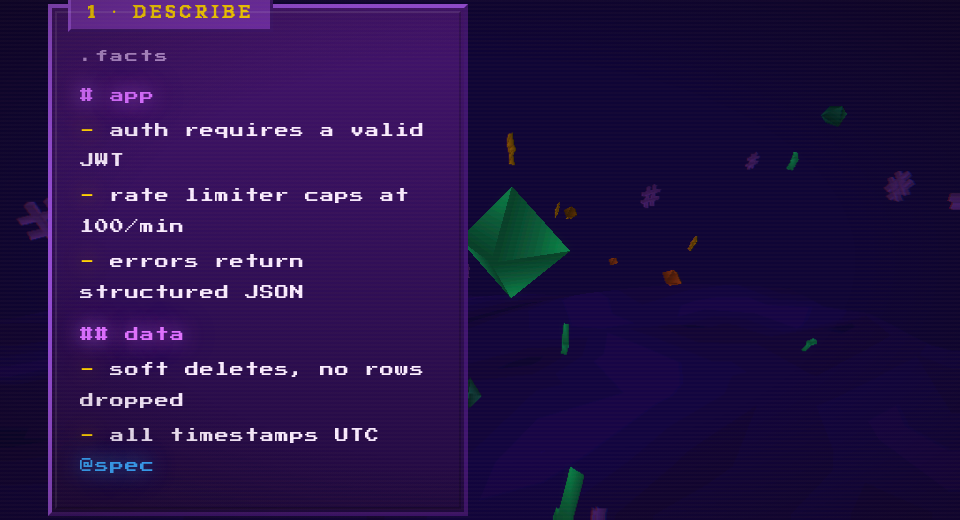
Describe what should be true by writing claims as plain strings, one fact per line. Use # headings to organize by domain, tag each fact with its lifecycle stage, and for facts the machine can verify, add a command that exits 0 when the claim holds.
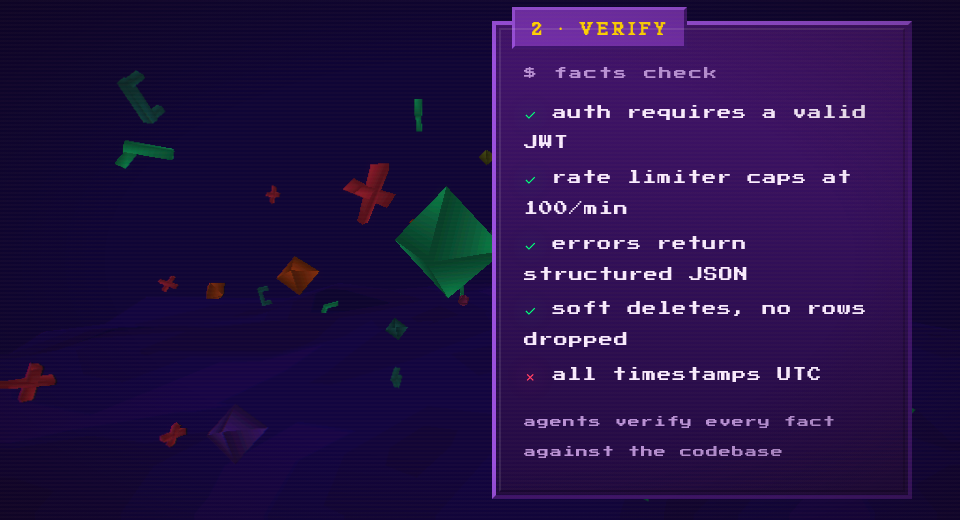
Verify your facts with facts check, which lints all files, runs every command, and groups results by status: green pass, red fail, yellow manual. Facts without commands are verified by the agent against the codebase. It exits 0 when everything passes, non-zero when anything fails. Plug it into CI or let your agent run it after every change.
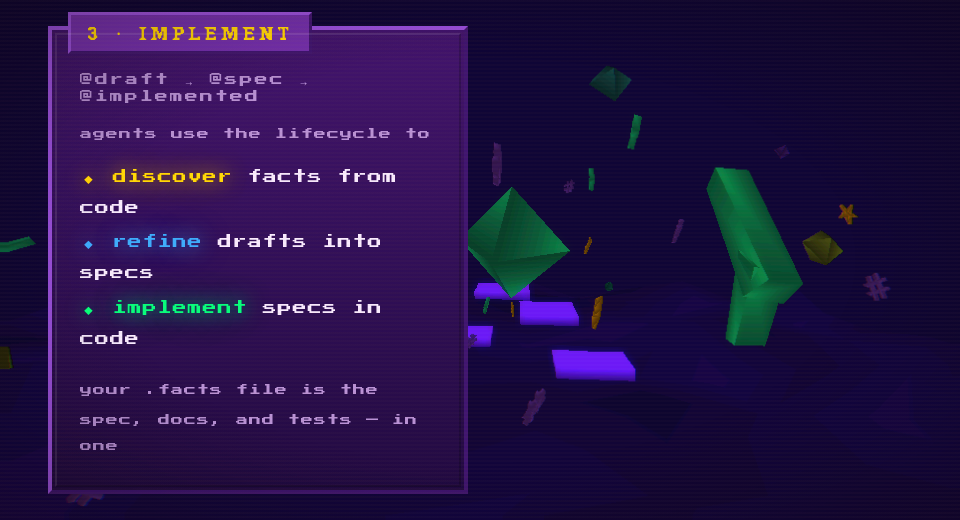
Implement against the spec: your agent reads the fact sheet to understand the project, picks up @spec facts, builds them, and runs facts check to verify its own work. When a fact passes, it tags @implemented, and the spec updates itself as the project evolves.
The format
A .facts file is valid Markdown and valid YAML per section.
# section
- a plain string fact @tag
- label: a fact with a check command
  command: test -f src/main.rs
  tags: [core, mvp]
| Key | Required | Purpose |
|---|---|---|
label |
yes | The claim |
command |
no | Shell command, exit 0 = true |
tags |
no | Freeform tokens for filtering |
id |
no | Override the auto-generated ID |
Tags filter with boolean expressions: --tags "core and not blocked". Three well-known tags (@draft, @spec, @implemented) drive the lifecycle, but any tag works.
Sections use Markdown headings. Nesting creates hierarchy addressable by path (api/auth). Created when you add to them, removed when empty.
IDs are short hashes of the label, stable as long as the label doesn't change.
Commands
facts                                    # list all facts (default)
facts check                              # verify everything
facts check --tags "mvp and not blocked" # filter by tag expression
facts add "claim" --section api          # add a fact
facts edit <id> --add-tag spec           # modify a fact
facts remove <id>                        # remove a fact
facts get <id>                           # look up a single fact
facts move <id> --section new/path       # relocate a fact
facts list --section api/auth            # filter by section
facts lint                               # validate structure
facts fmt                                # normalize all files
facts init                               # scaffold + install skills
facts uninit                             # remove facts from project
Dogfooding
This repo uses a .facts file to describe itself: 224 facts, 154 verified by command, none failing.
$ facts check
...
154 passed, 0 failed, 70 manual
Clone the repo, install facts, and run facts check to see it work on itself.
License
MIT
Yorumlar (0)
Yorum birakmak icin giris yap.
Yorum birakSonuc bulunamadi