Flovart
Health Gecti
- License — License: MIT
- Description — Repository has a description
- Active repo — Last push 0 days ago
- Community trust — 139 GitHub stars
Code Uyari
- fs module — File system access in .agents/skills/flovart/scripts/add-provider.js
- fs module — File system access in .agents/skills/flovart/scripts/batch-generate.js
- fs module — File system access in .agents/skills/flovart/scripts/export-canvas-data.js
- fs module — File system access in .agents/skills/flovart/scripts/export-to-ffmpeg.js
- process.env — Environment variable access in .agents/skills/flovart/scripts/flovart-cli.mjs
- process.env — Environment variable access in .agents/skills/flovart/scripts/import-from-libtv.js
- process.env — Environment variable access in .agents/skills/flovart/scripts/import-from-runninghub.js
- network request — Outbound network request in .agents/skills/flovart/scripts/import-from-runninghub.js
Permissions Gecti
- Permissions — No dangerous permissions requested
Bu listing icin henuz AI raporu yok.
Open-source agent-native visual production workspace where humans and coding agents edit the same live canvas — local-first, BYOK image/video models.
Iris
AI creative agents, inside the tools you already use.
Open-source, local-first creative layer for professional editors — starting with DaVinci Resolve Studio 21.1.
Keep your edit in the host, let your Agent understand the context, and let Iris handle generation, references and durable candidates.
Formerly Flovart. Iris is the public product and repository name. The legacy flovart CLI,
Skill/package paths and internal compatibility identifiers remain temporarily so existing Agent workflows do not break.
English · 简体中文
Try live demo · Download preview · Get started · Compatibility


README views · third-party counter, not unique visitors
See Iris in action
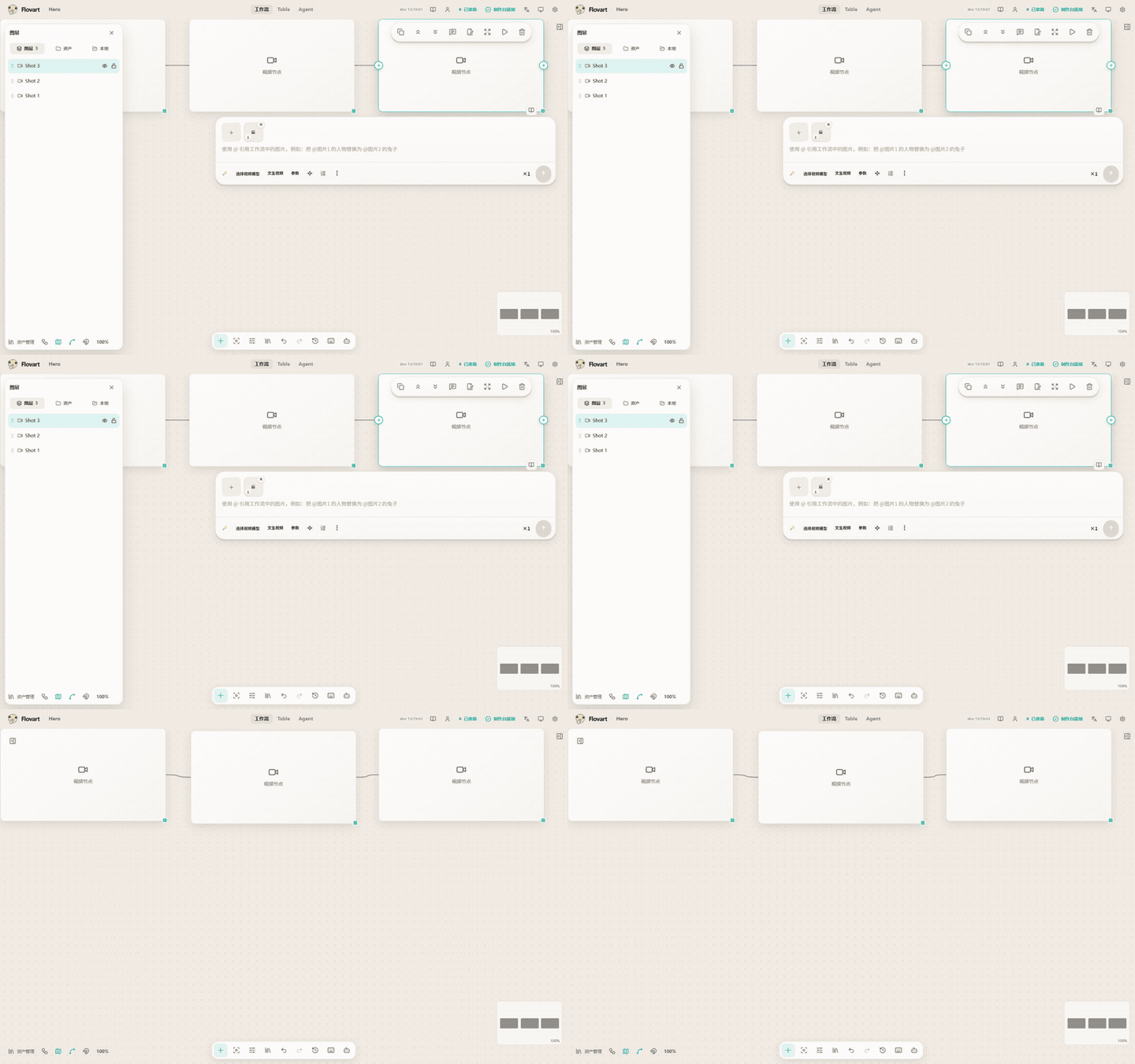
The current recorded Agent/Workflow surface — natural language becomes nodes and edges.
Nothing in this clip is done by hand: the agent (WorkBuddy codebuddy) drove the visible Workflow through the typed
CLI surface, creating three nodes and two connections live, with no source edits. No generation step was run, so no
paid model service was called. The Resolve-native MCP → candidate → Media Pool Hero remains an External Gate and is deliberately not presented here as finished. Reproduction record: DEMO_RECORDING.md.
What Iris can already do
These are real recordings from the current build, not mockups. The Resolve-native MCP → candidate → Media Pool flow is still an External Gate, so the top of the README shows only capabilities we can prove today.
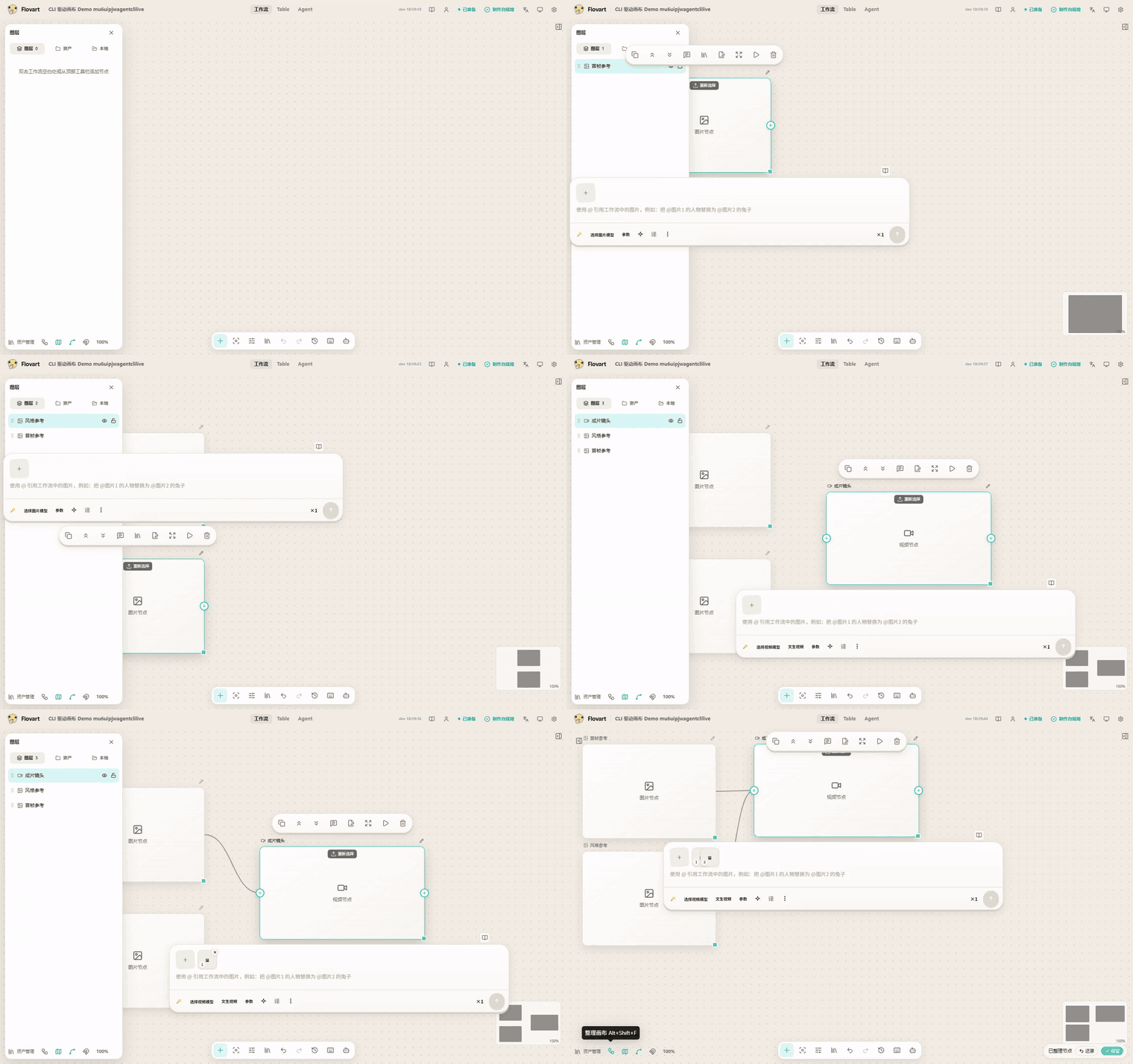
Agent → live Workflow. Typed operations update the same visible project — no screen scraping. |
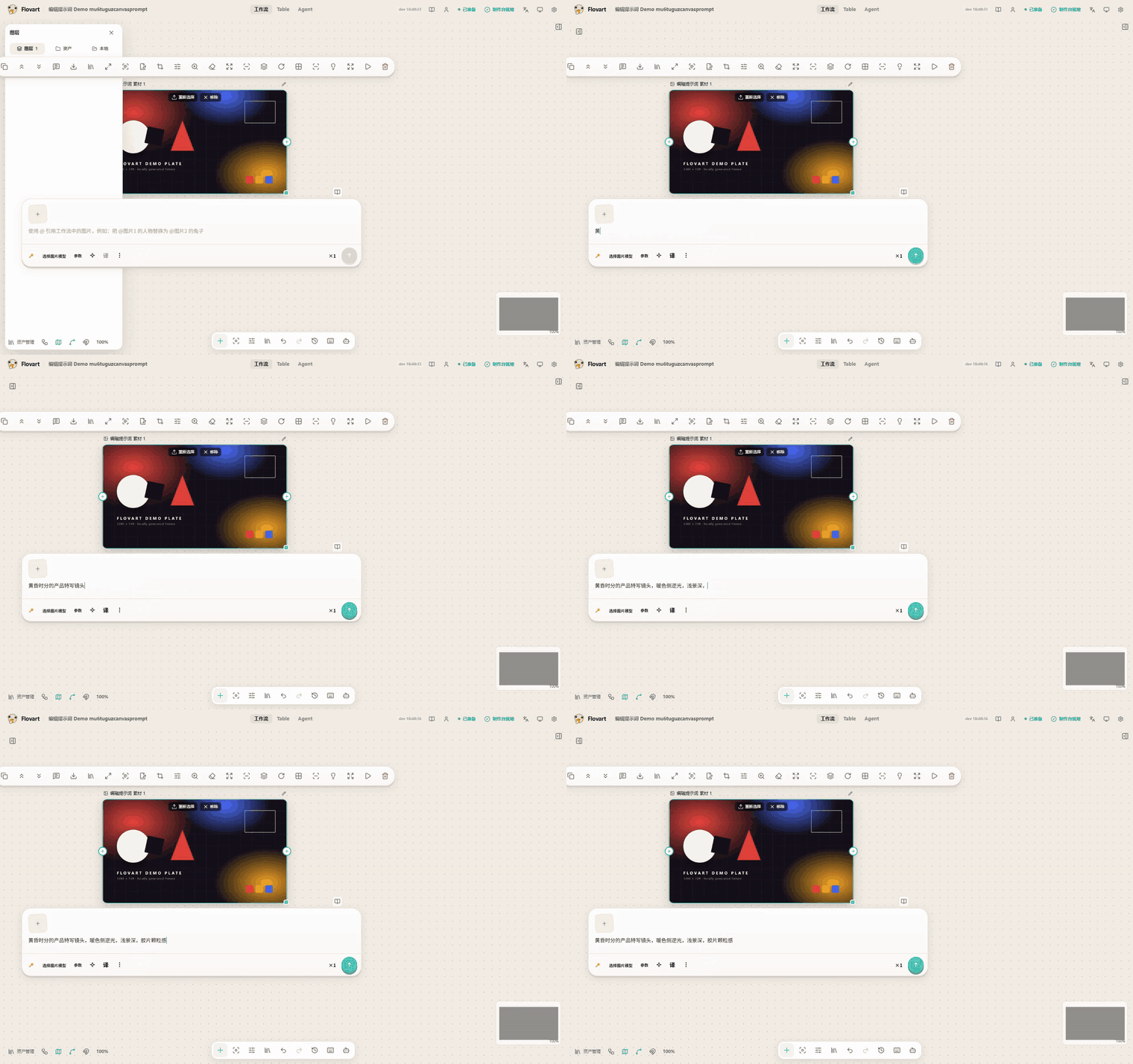
Prompt in place. Human and Agent work converge on the same editable surface. |
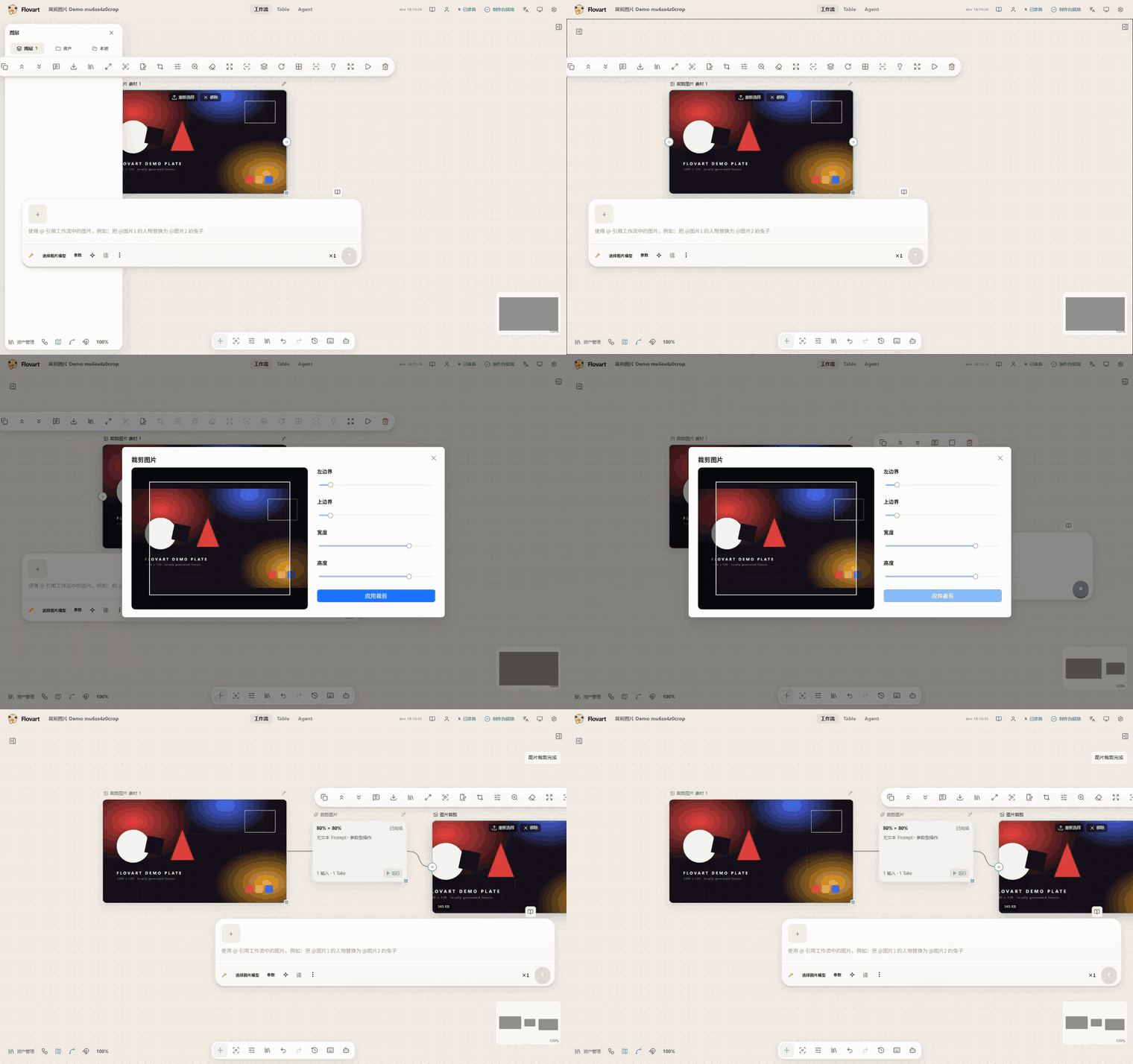
Image operations. Local edits produce explicit, reusable results. |
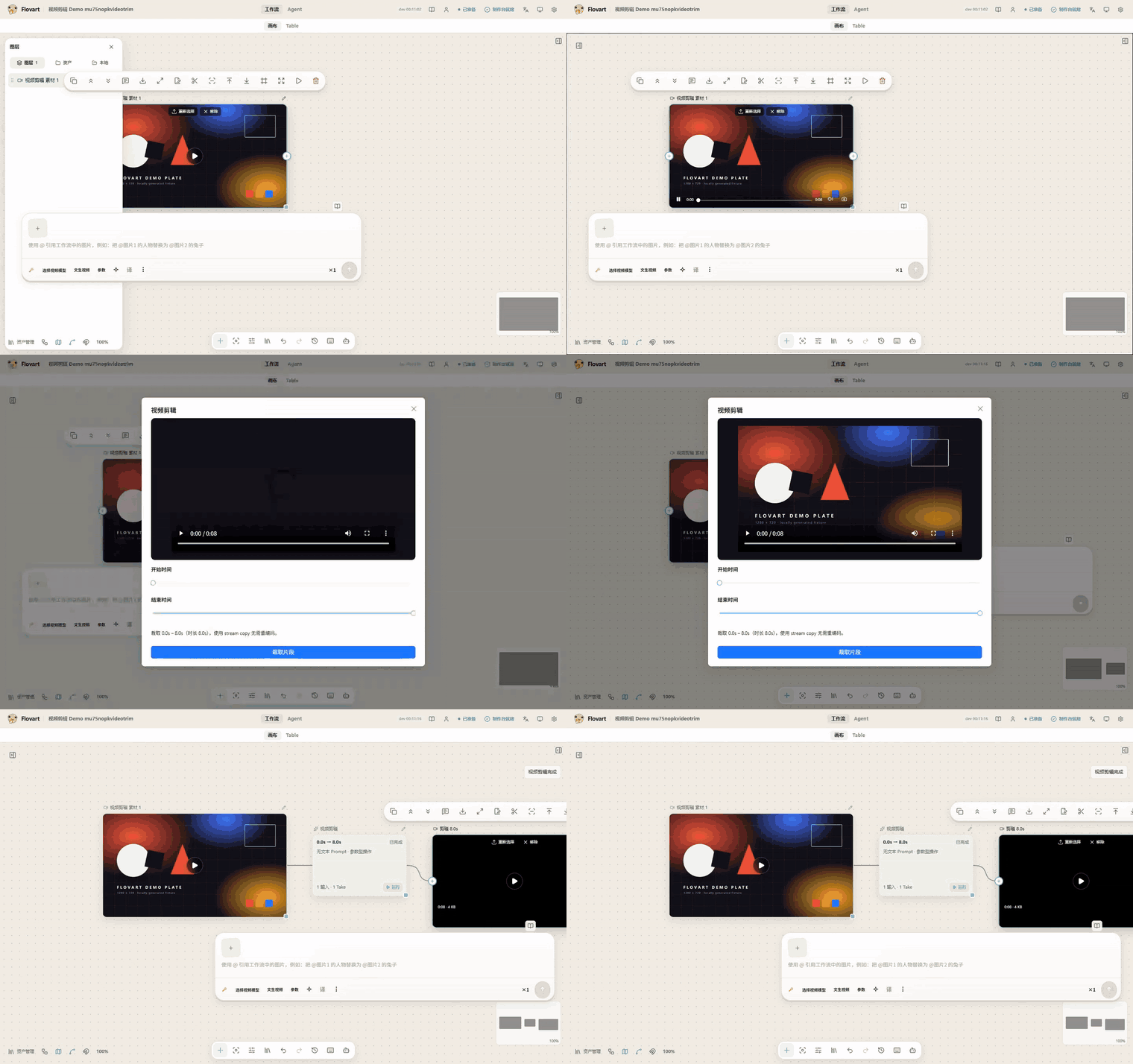
Video operations. Trim and other media tools run locally in the current workspace. |
More real operation GIFs are in the full feature tour.
Jump to: Quick start · Feature tour · Why Iris? · Core capabilities · Bring your own models · Compatibility · Architecture · Local-first and security · Roadmap · Contributing
Quick start
For creators
- Download a preview build from GitHub Releases.
- Open Iris and add an AI service in Settings.
- Create or open a Workflow, add references, and start creating.
The Releases page may contain test or preview artifacts; it is not a claim that every host or provider is Stable.
For coding-agent users
Run from a source checkout while the versioned CLI package remains a release gate:
git clone https://github.com/avabbbb/Iris.git
cd Iris
npm install
npm run flovart:cli -- start --source --web --open
npm run flovart:cli -- status --json
Then ask your local agent: “Open Iris and work on this Workflow.”
Your agent learns Iris through the Agent Integration Skill at .agents/skills/flovart/ (mirrored for Claude under .claude/skills/flovart/ and bundled for WorkBuddy under integrations/workbuddy/flovart/skills/flovart/). On a source checkout the harness auto-discovers it; the packaged CLI also ships it so flovart ensure can register it. This is a thin adapter — it teaches the agent the 5 operations below; it is not a Production Skill / Marketplace feature.
The normal agent loop is status, workflow.inspect, workflow.selection.get, workflow.apply and workflow.node.run. Connection setup and diagnostics use ensure and doctor; development-only browser checks are covered in the Getting Started guide.
Feature tour
Every clip below is a real recording of the running app — one operation, start to finish, with no composited frames and no mockups. Each is cut to the action.
Agent-native, not screen-scraping. These are operations on the same Workflow an agent drives. The hero above and the CLI capture under Architecture are agent-driven end to end, with no human input; the tour below is that same surface driven by hand, because that is the path a new user follows first. Node creation, connections, selection, viewport, node moves and resizes, and the node tools are all exposed to agents as typed operations — with revision and idempotency boundaries rather than coordinates on a screen.
Video and audio tools run ffmpeg.wasm in the browser; their core is pre-warmed before the recorded action, so the clip shows the operation rather than the one-off ~30MB wasm download — clip length is therefore not the wait time on a first run. Registration, method and limits: DEMO_RECORDING.md.
Canvas
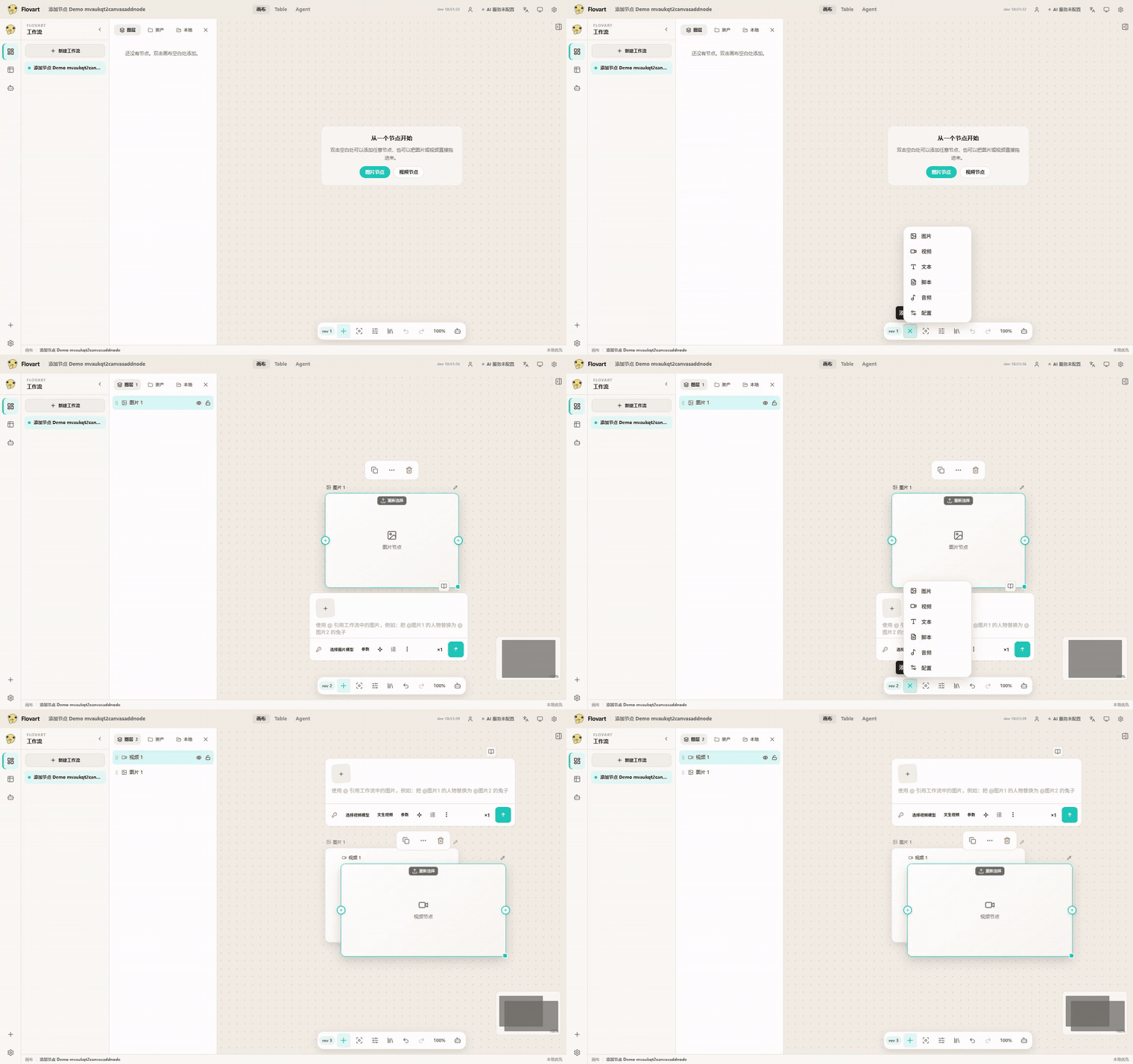
Add nodes. The toolbar's add menu covers image, video, text, script, audio and config. |
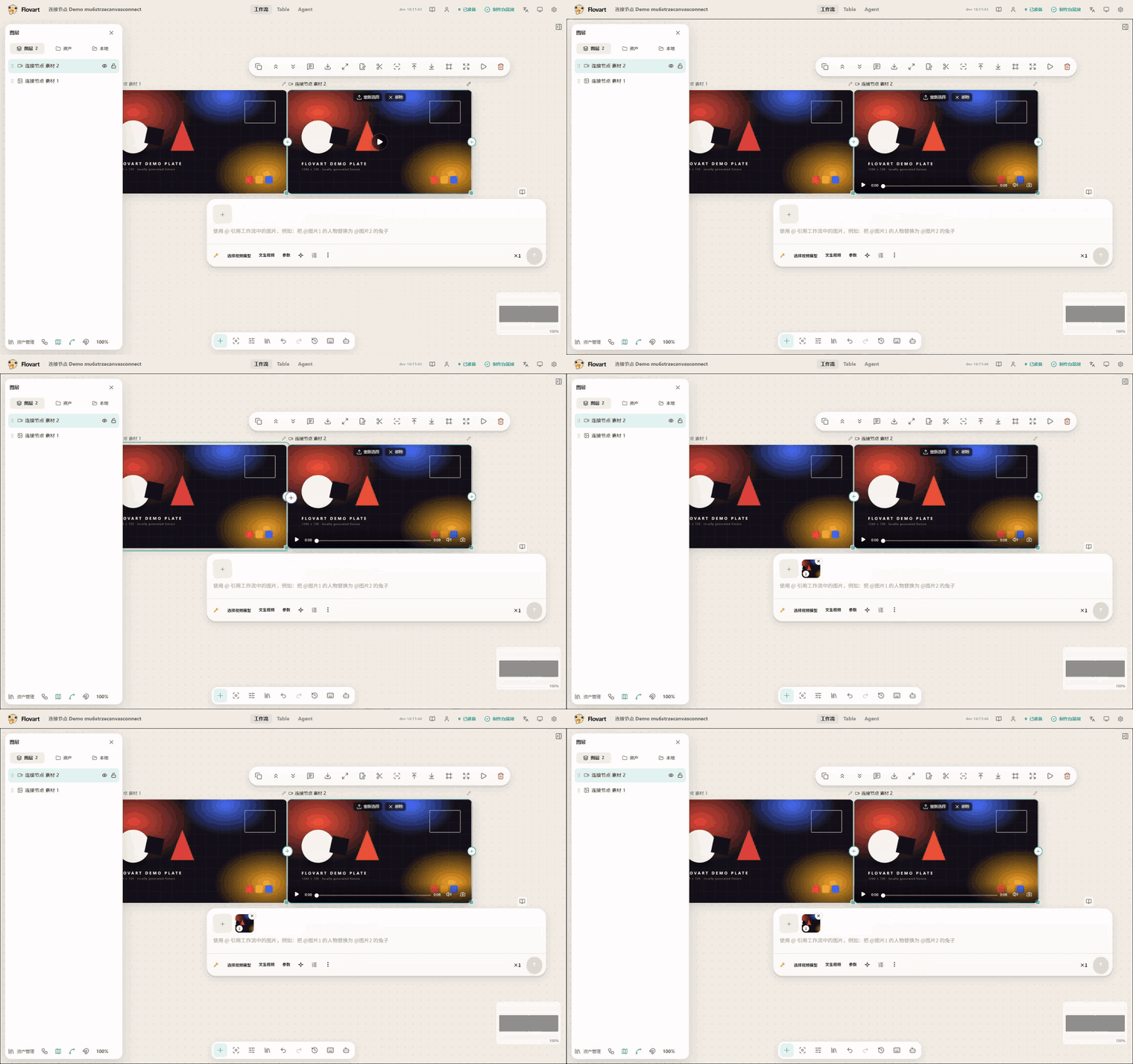
Connect. Drag from a node's source handle onto another node to feed it in. |
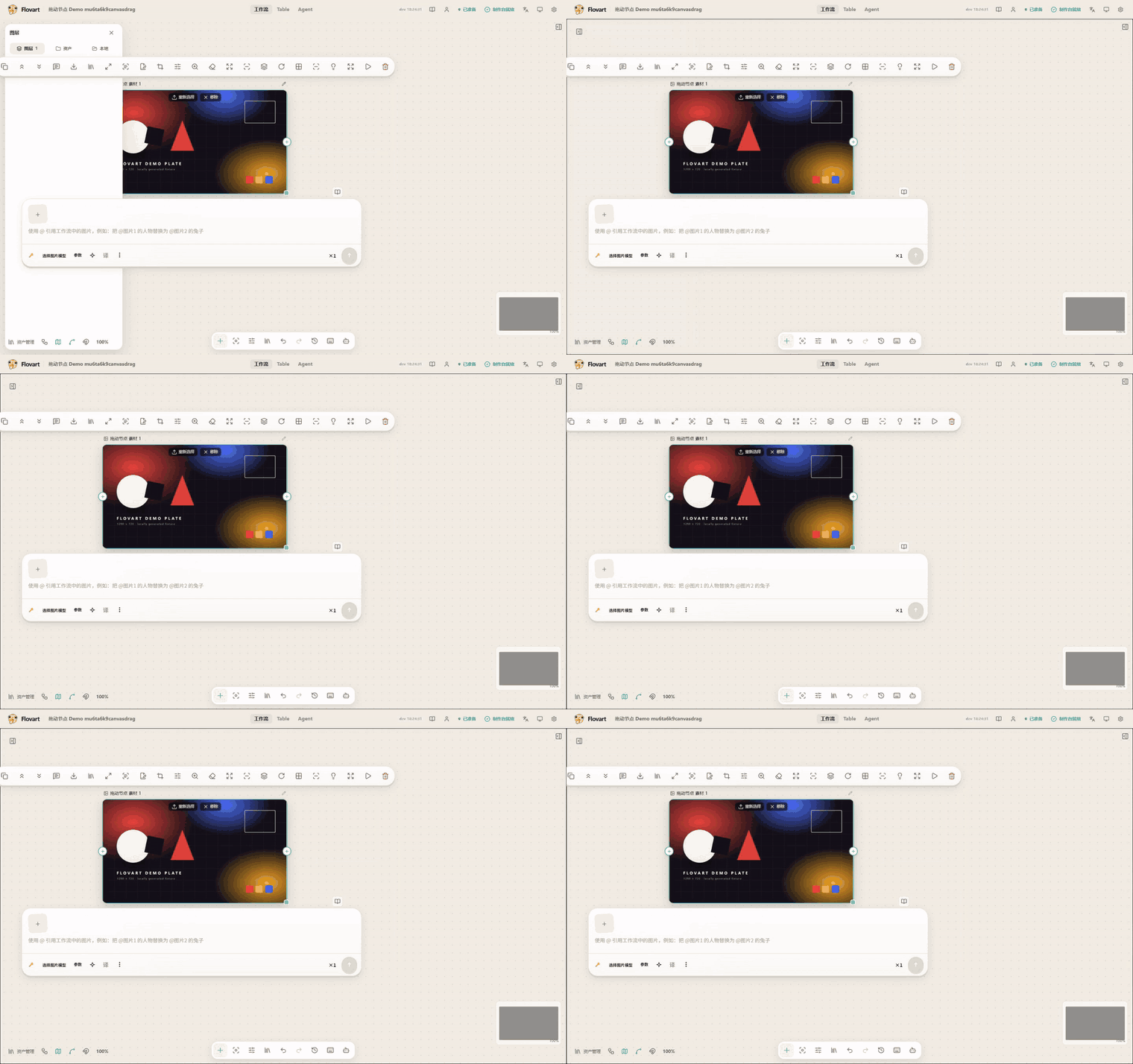
Arrange by hand. Nodes move freely; the graph itself is the state. |
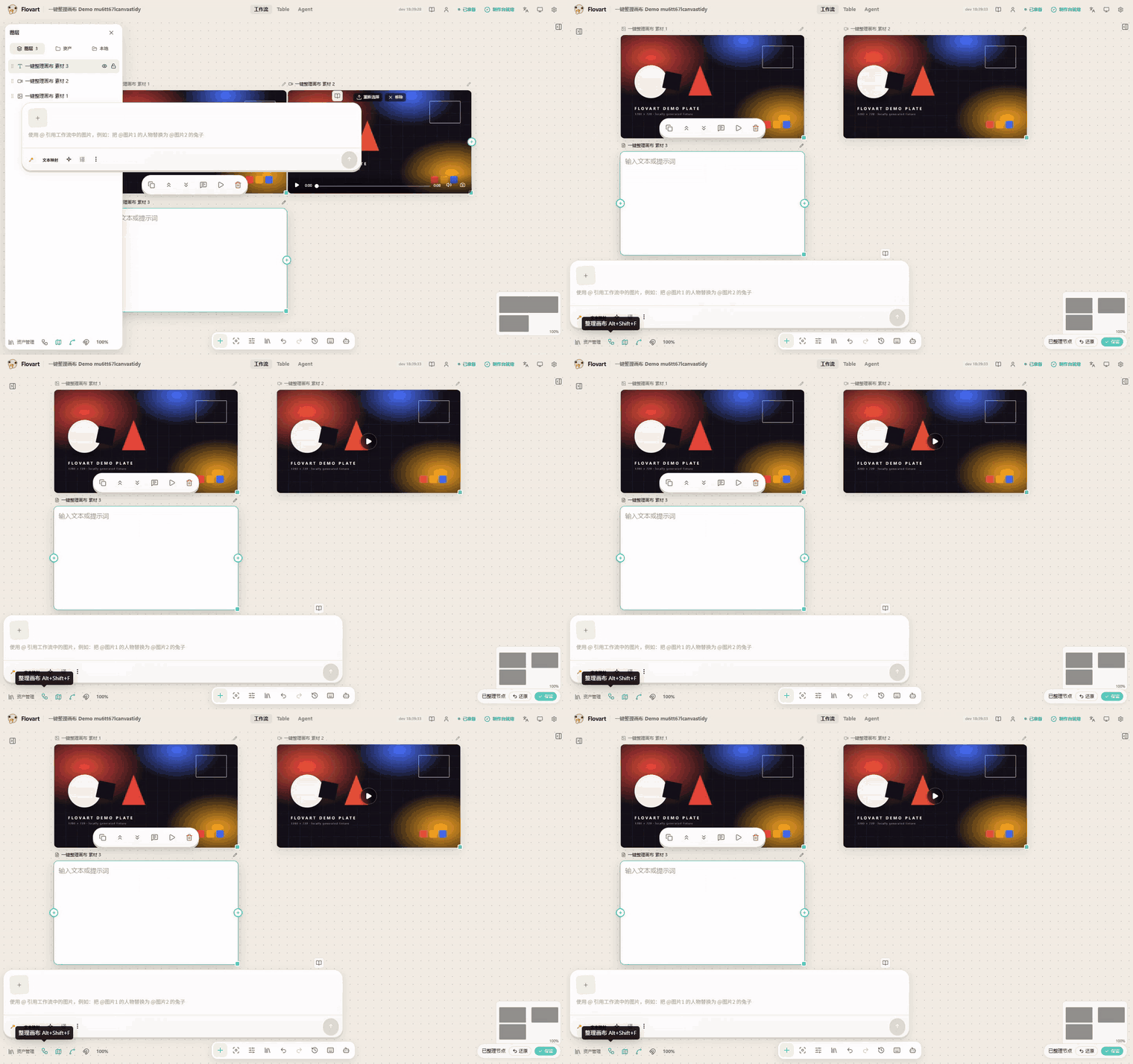
Tidy. One click re-lays out the whole graph. |
|
Prompt in place. Select a node and write the prompt on the node itself — no separate prompt dialog. |
Image nodes
Four local operations on the same generated fixture plate, each producing a real result node. None of them contacts a model service.
|
Crop. Set the crop rectangle, then apply. |
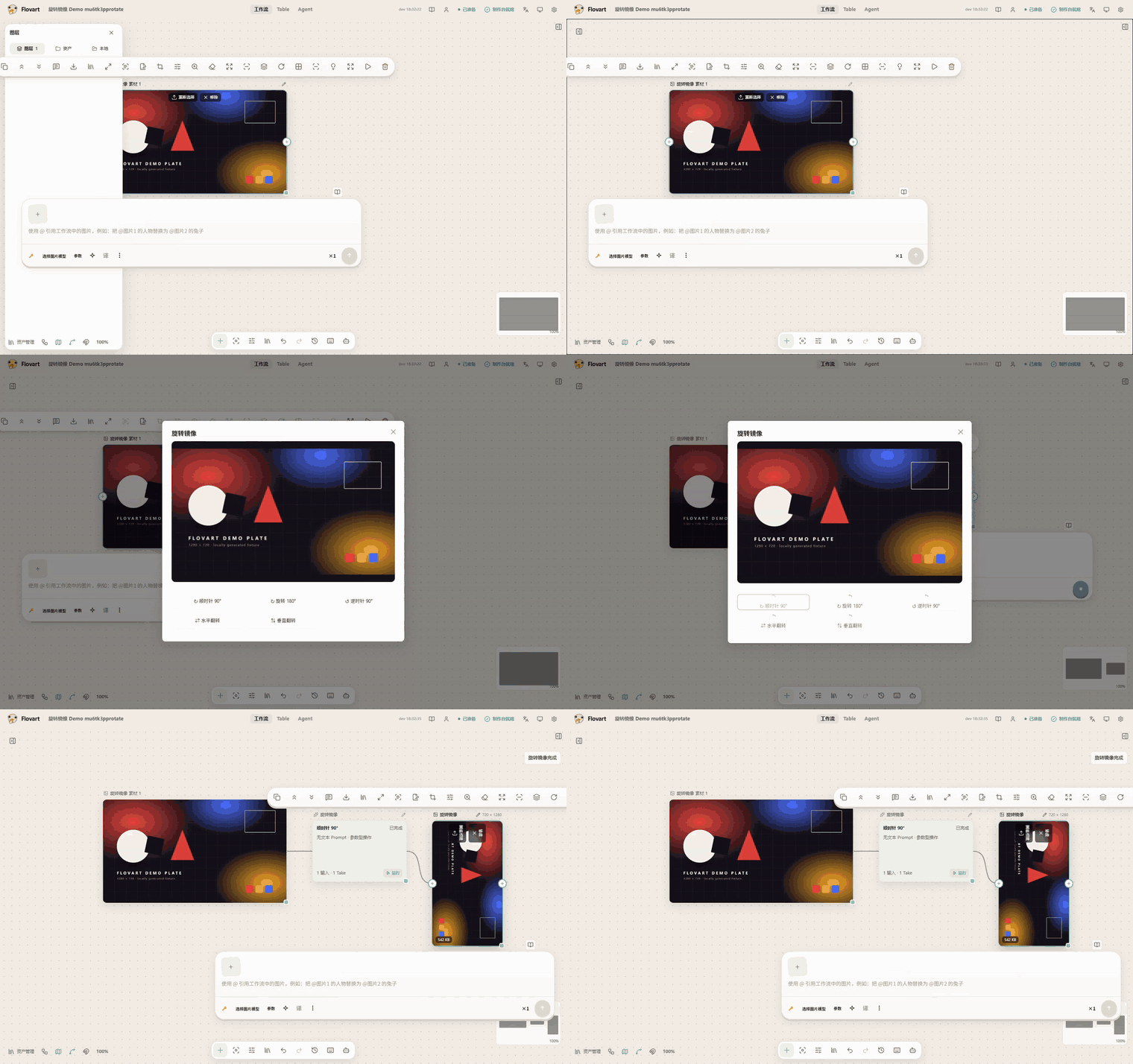
Rotate and flip. Quarter turns and mirrors. |
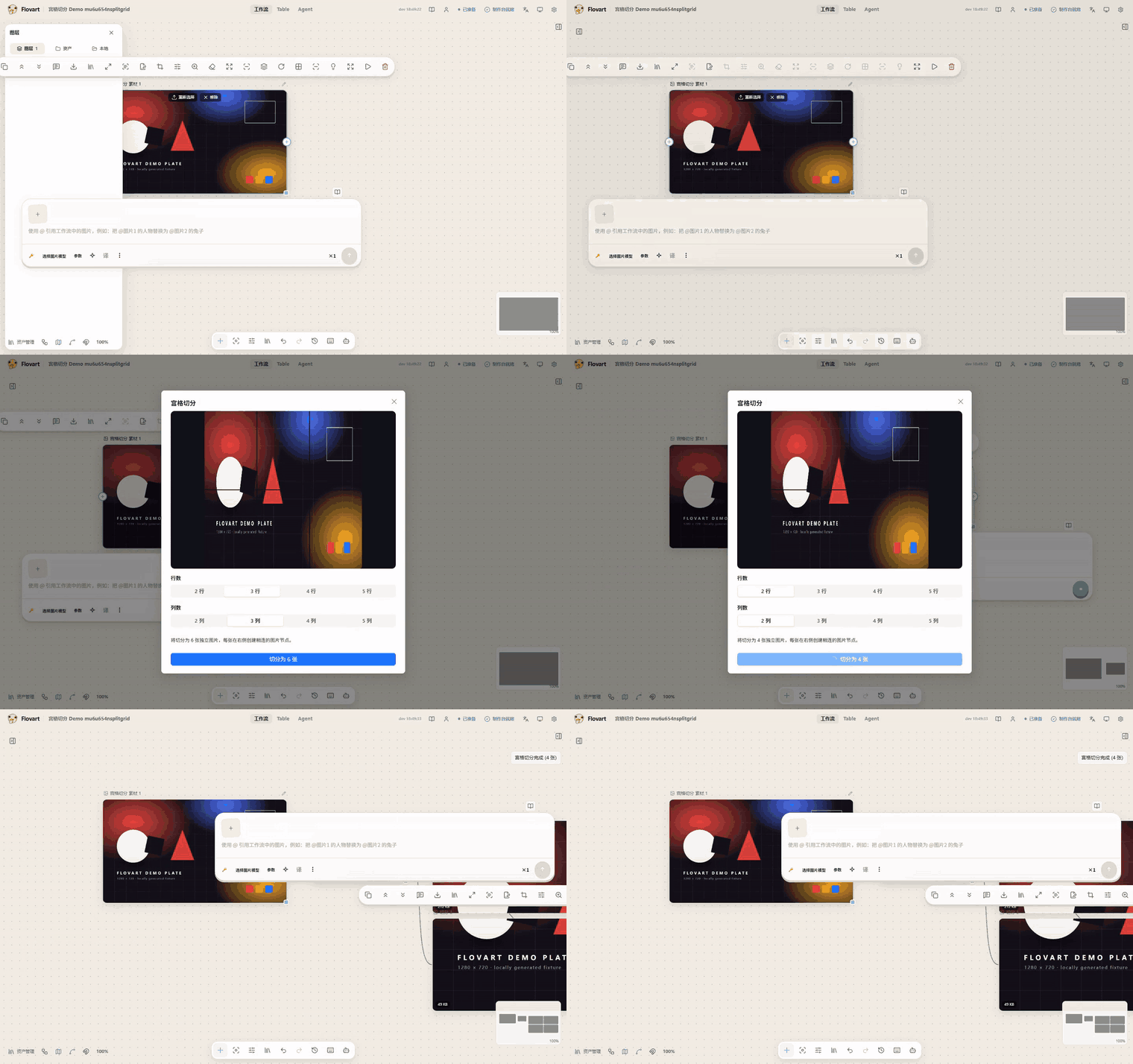
Split to grid. Each cell becomes its own connected image node. |
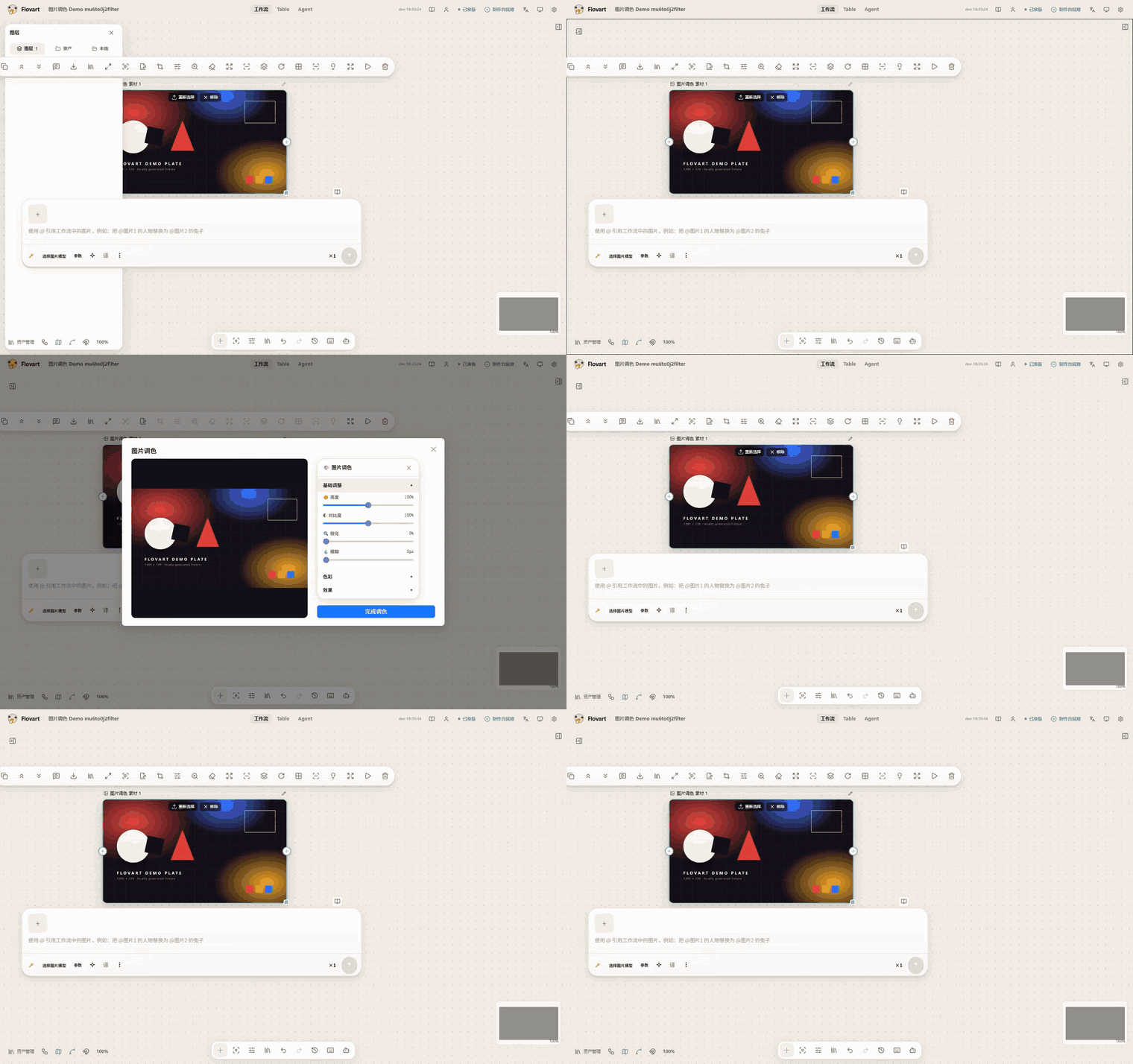
Grade. Colour adjustments preview live before they are applied. |
Video nodes
Also local, also without a model service: these run through the in-browser ffmpeg core, and each one creates its own result node (audio/video split creates two).
|
Trim. Set the in/out points; the cut uses stream copy, so nothing is re-encoded. |
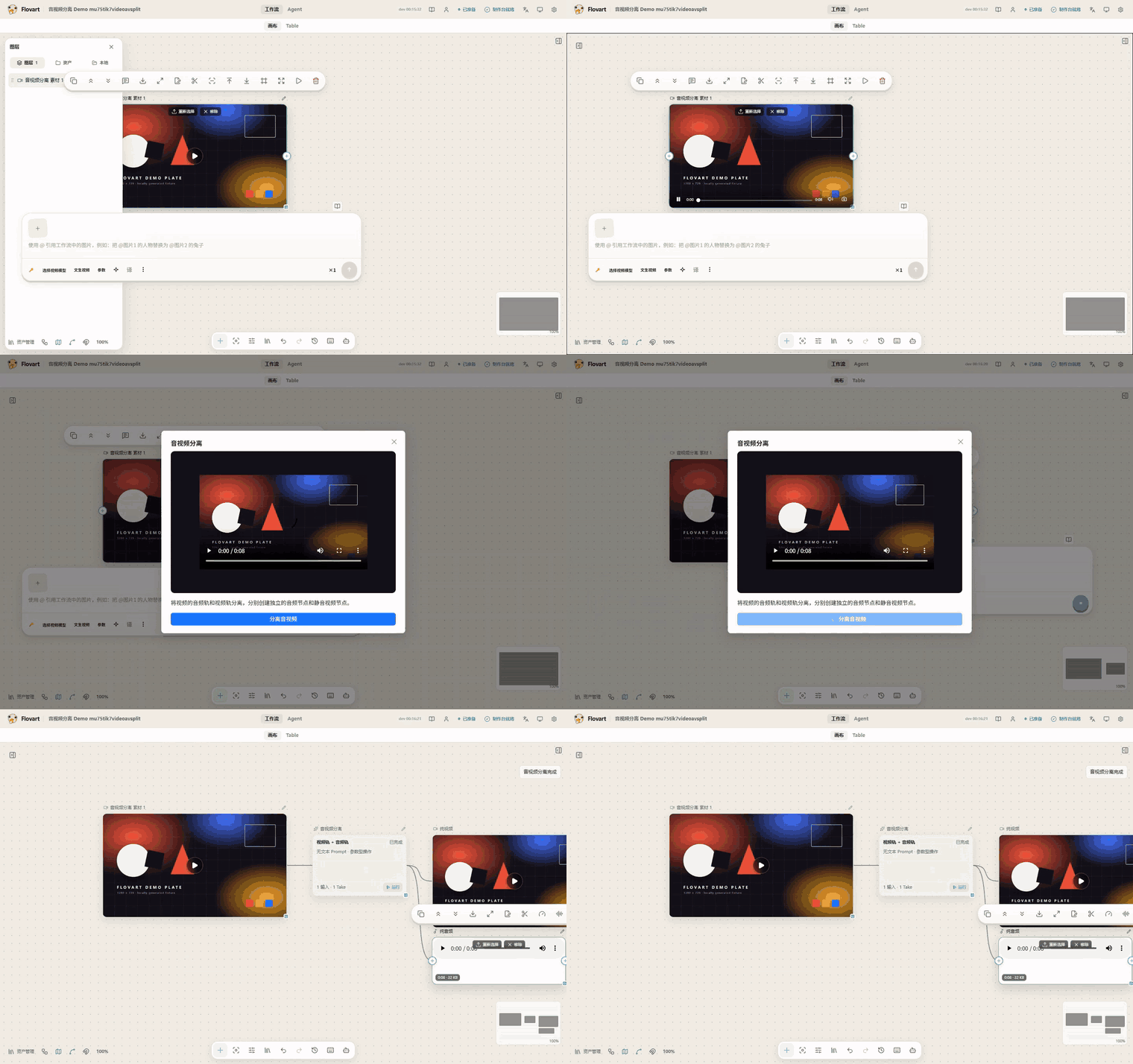
Split audio and video. One video becomes a silent video node plus an audio node. |
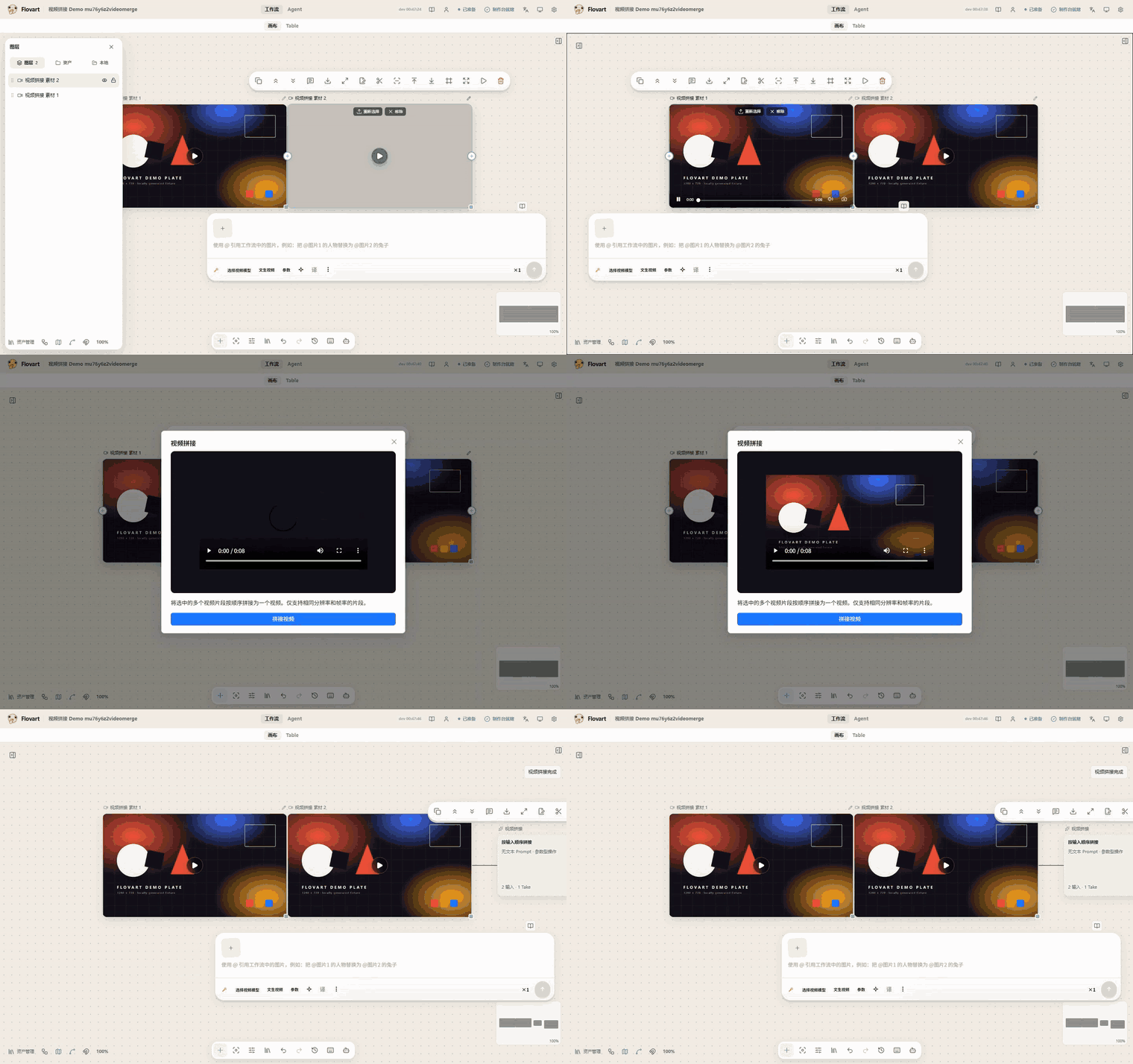
Merge. Select several video nodes and join them in order. |
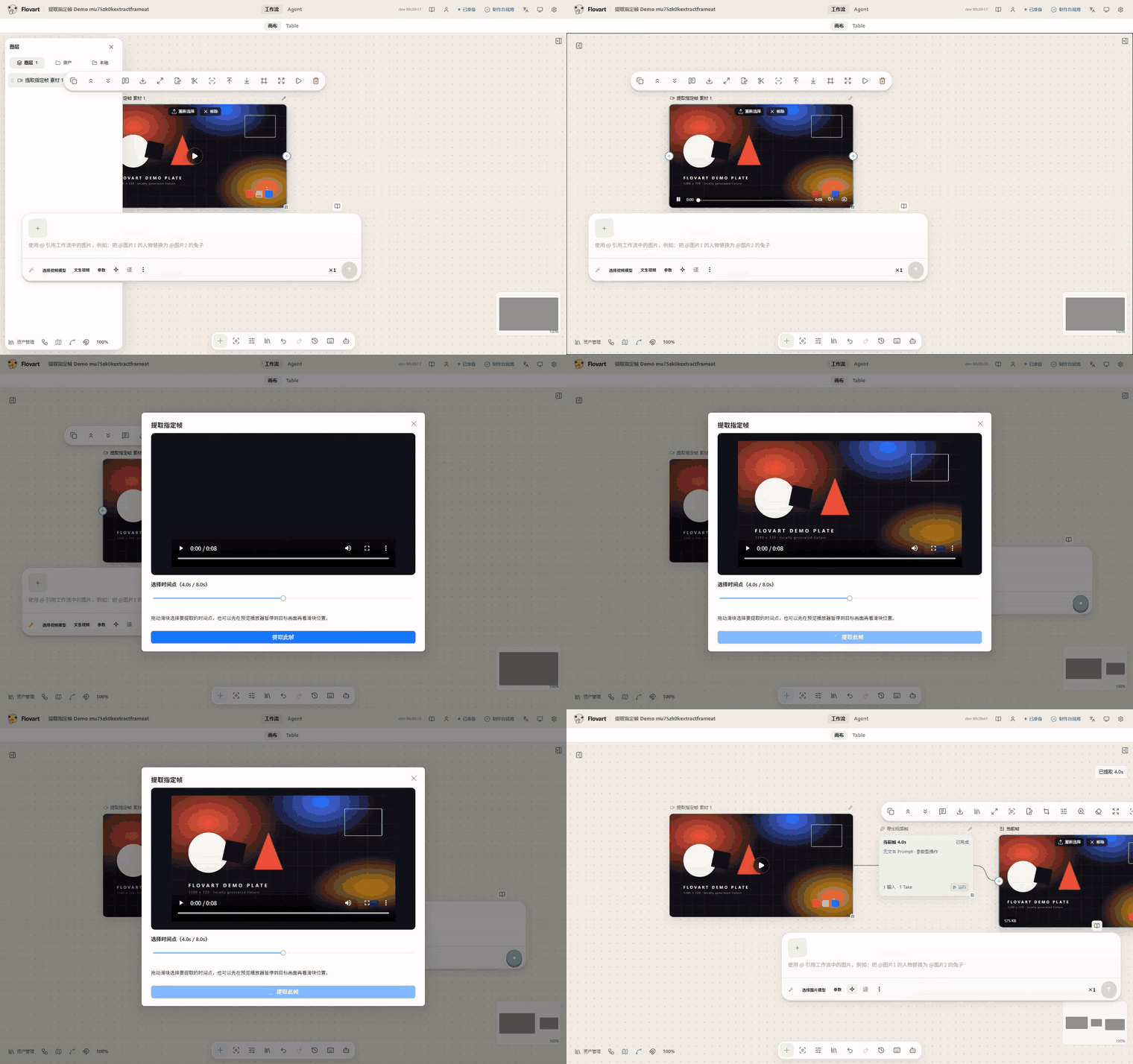
Extract a frame. Pick a timecode and get an image node out of the video. |
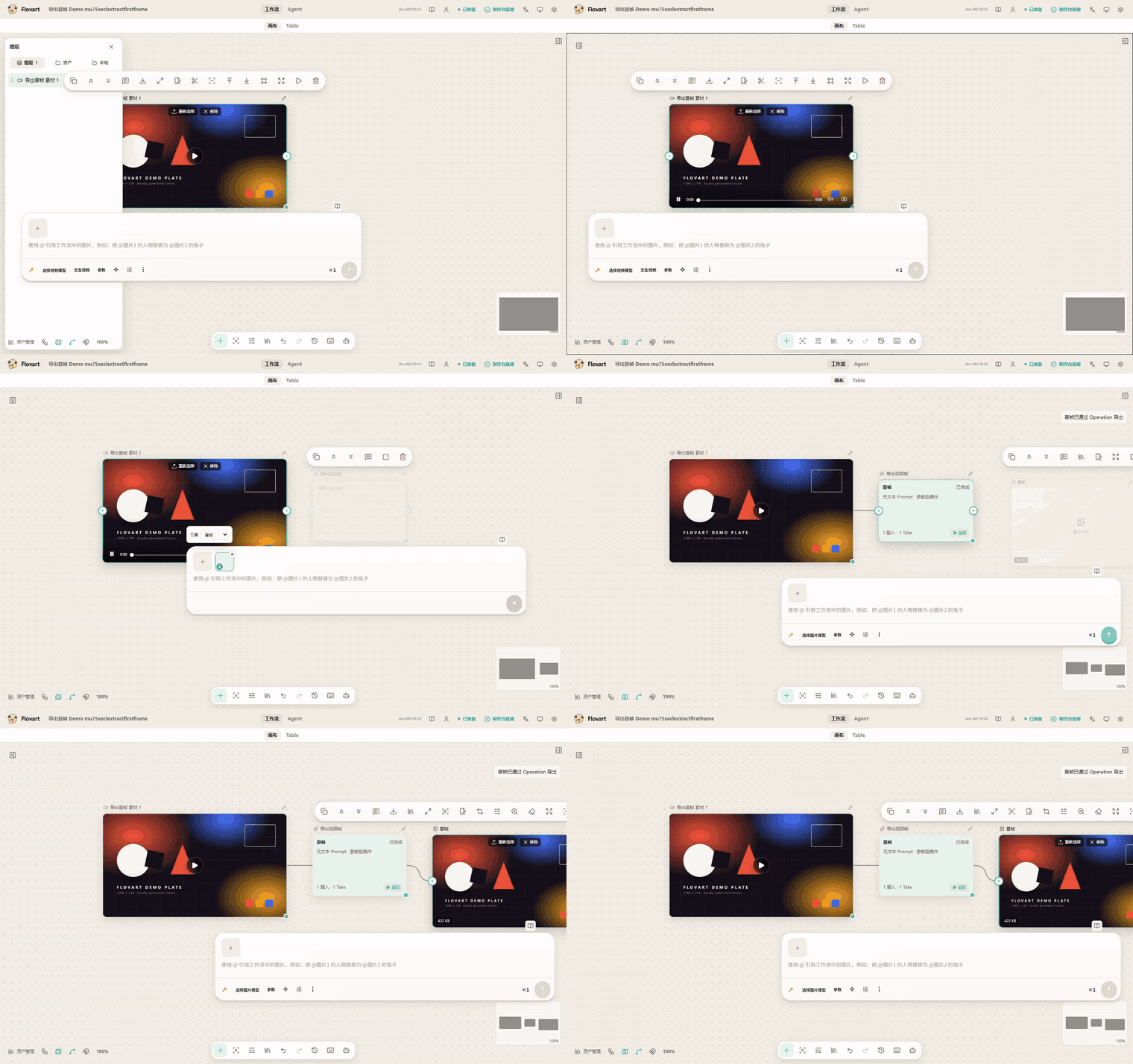
First frame. One click, straight to an image node. |
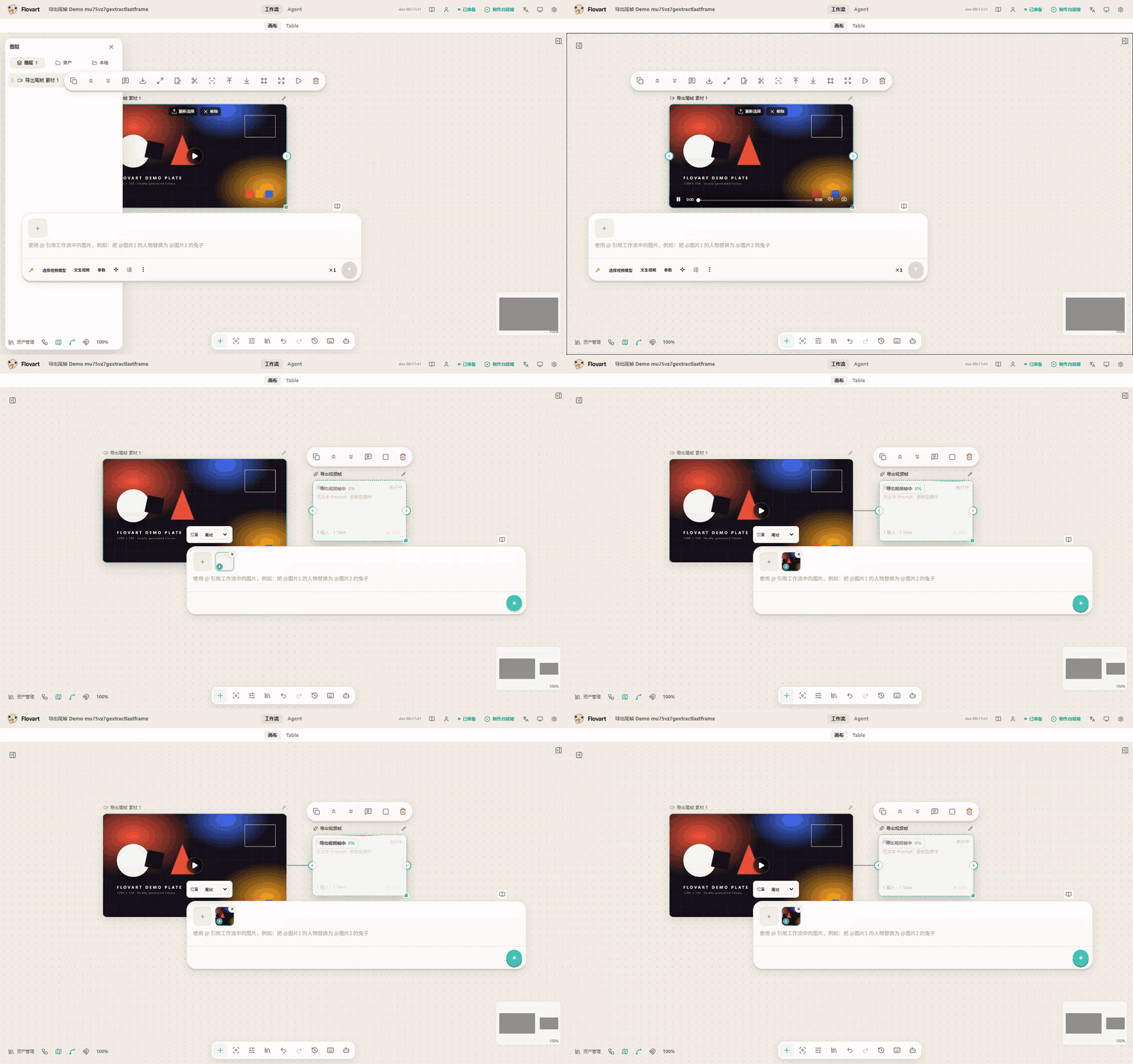
Last frame. Same, from the tail of the clip. |
Audio nodes
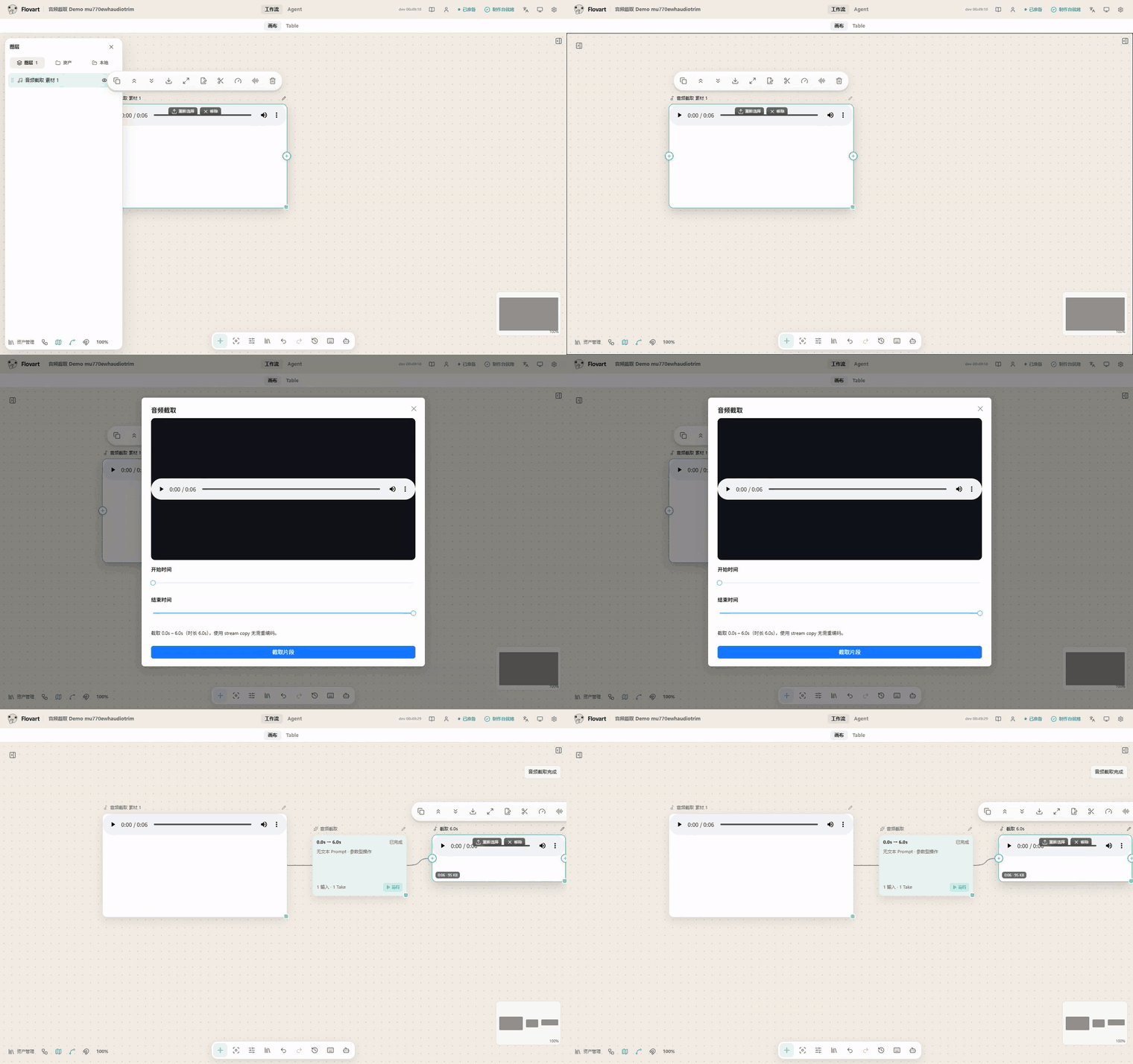
Trim. Same in/out controls, same stream-copy cut. |
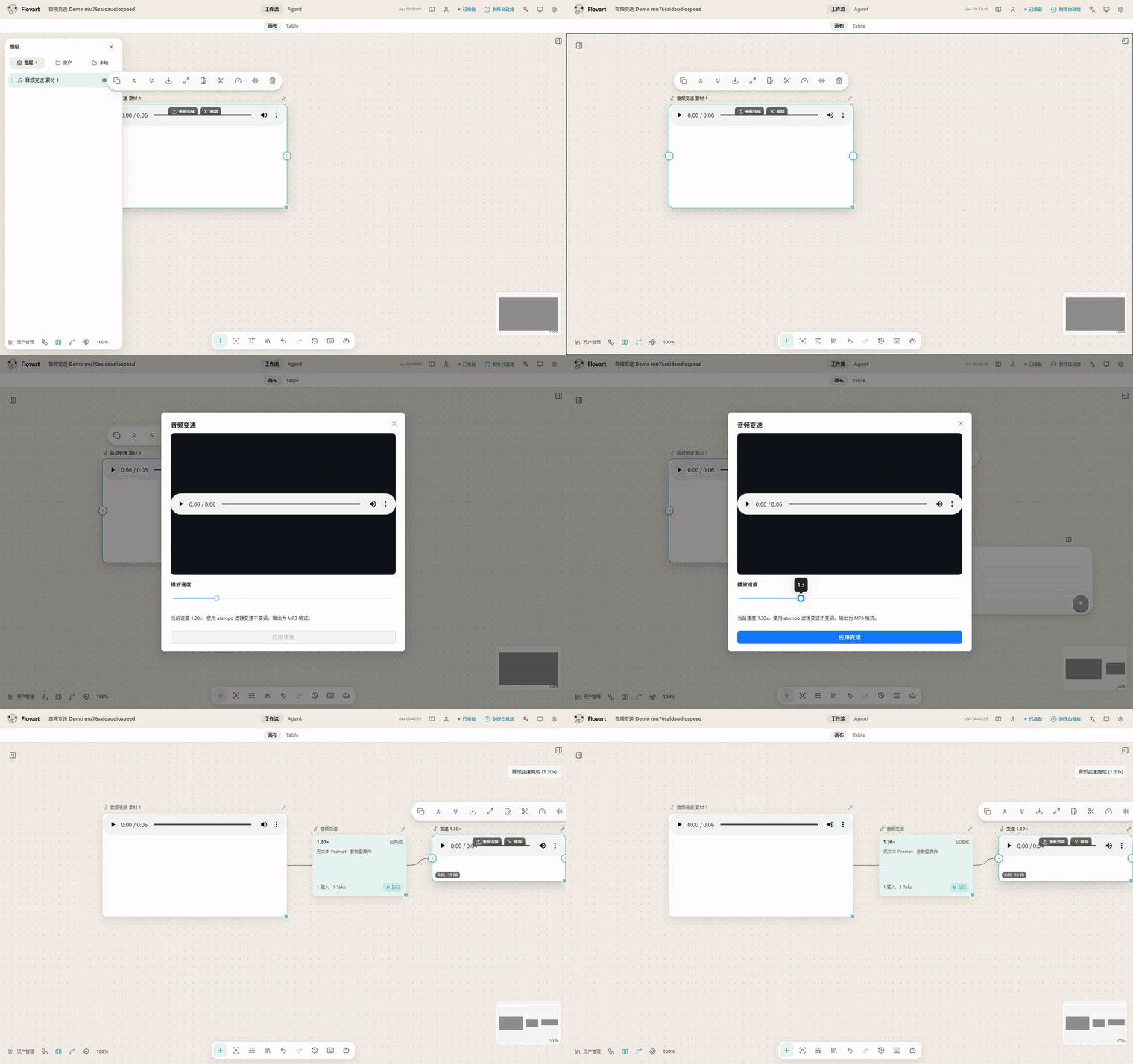
Speed. 0.25×–4× with pitch preserved. |
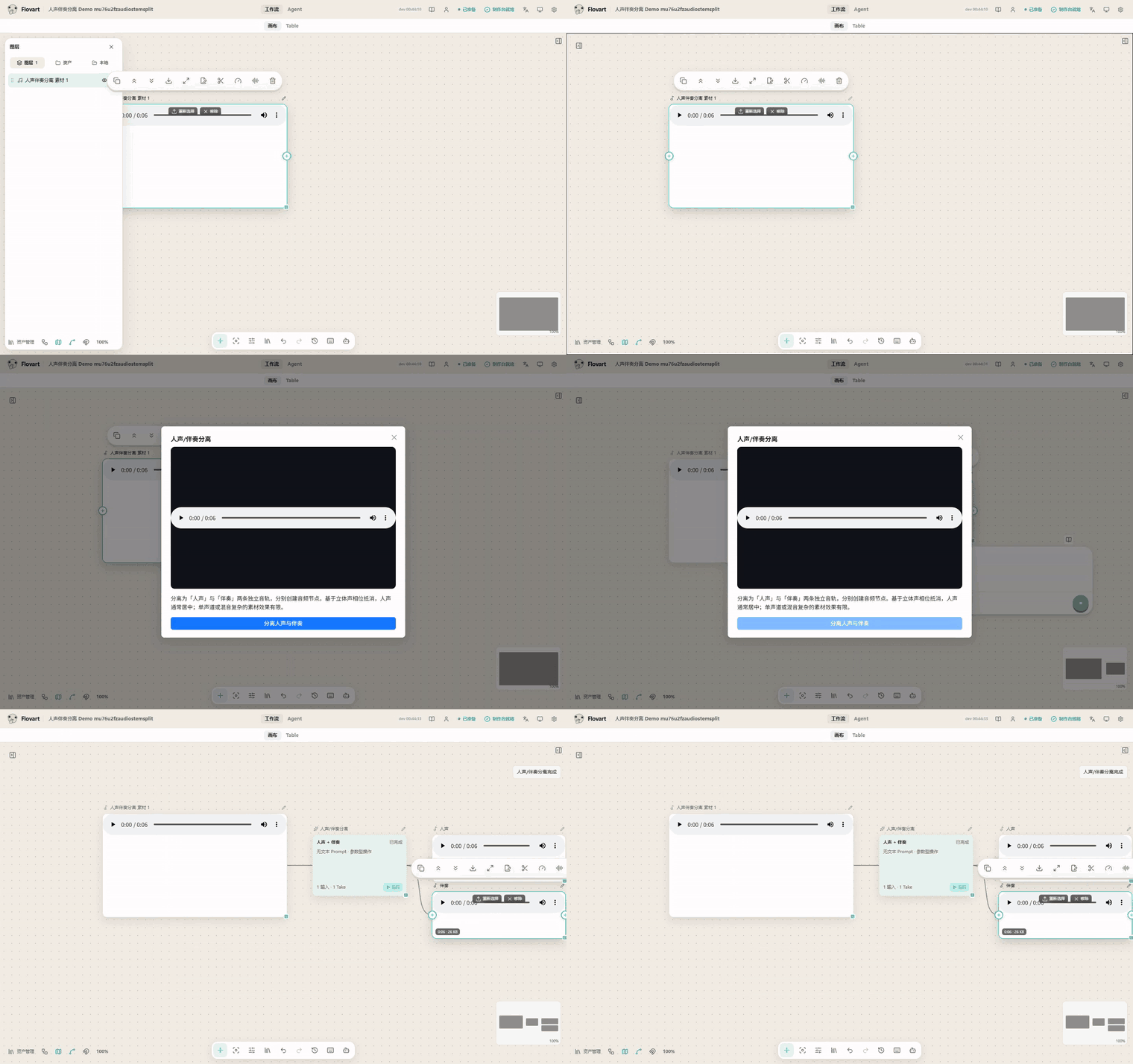
Separate vocals and backing. Two audio nodes come out; this is stereo phase cancellation, so mono or heavily mixed material separates less cleanly. |
The external-agent link
|
Operations land on the canvas. Driven entirely by the agent — no human input — workflow.node.create and workflow.connect run through the typed CLI while the visible Workflow updates in place: no screen scraping, no hidden copy of the project.
|
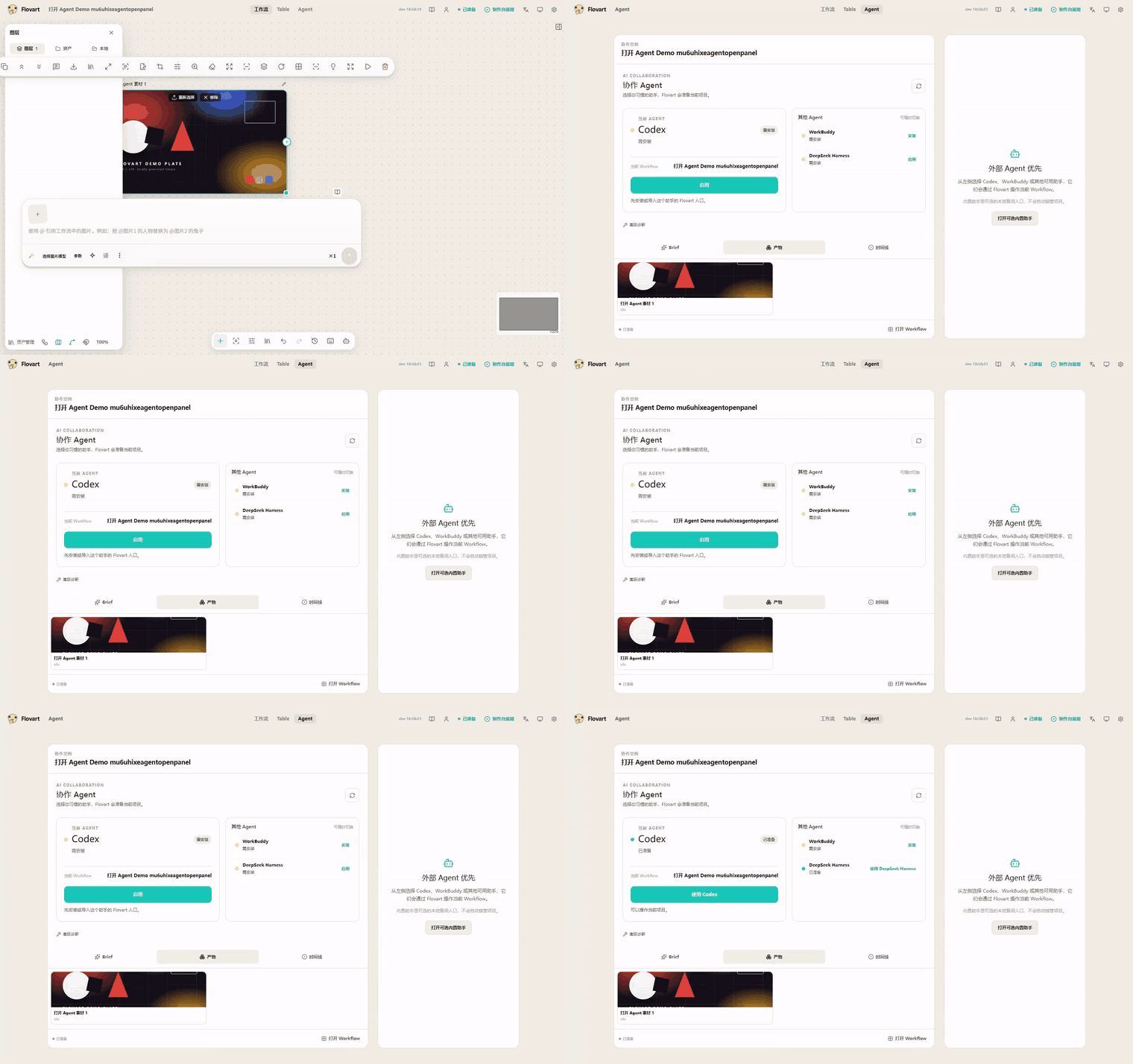
Open the Agent surface. Reachable from the same canvas toolbar. |
Not filmed yet, and deliberately not shown: model-backed generation and the model-backed image tools (image generation, upscale, background removal, layer split, edit/outpaint) — this checkout configures no provider, so there is no honest result to record. That gap is logged in the recording notes.
Why Iris?
Most AI creative tools ask you to move your work into another canvas. Iris goes the other way.
Your professional editor remains the source of truth. Your Agent reads the creative context. Iris manages generation, references, durable artifacts and reviewable candidates — and the full Iris workspace opens only when the job actually needs a visual Workflow.
- Inside the editor. The first host path targets DaVinci Resolve Studio 21.1; other creative hosts remain Experimental until real-host validation.
- Agent-native. Agents act through typed Iris capabilities and host-native control surfaces instead of mouse coordinates or screen scraping.
- Non-destructive by default. Generated work starts as a candidate. The Resolve-first P0 ends at Add to Media Pool before timeline replacement is considered.
- Bring your own models. Keep the providers, models and API keys you choose.
- Local-first. Project-adjacent state, references and generated artifacts stay close to the creative workspace wherever the current implementation supports it.
The canvas is still a power surface for multi-shot work, complex references and reusable workflows. It is no longer the product premise.
Core capabilities
| Capability | Iris |
|---|---|
| Agent control | Typed operations against the actual visible Workflow |
| Human editing | The same graph, assets and results stay directly editable |
| Models | BYOK and multi-provider adapters, with capability-specific status |
| References | Graph connections, mentions, local assets and artifacts resolve into generation inputs |
| Automation | Explicit inspect/apply/run operations with revision and approval boundaries |
| Data | Local-first storage with documented browser and runtime boundaries |
Compose image, text, video, audio and configuration nodes, keep projects and references close to your workspace, and extend providers, hosts and node operations through explicit contracts. The top-level product surfaces are Canvas (the spatial Workflow), Table (structured media processing), and Agent (the local/external coding-agent connection hub). The built-in Assistant / Context / History stays in a contextual drawer beside Canvas/Table and is not duplicated inside Agent — see Features.
One workflow, human + agent
Your Agent                  Codex · WorkBuddy · Claude Code
      │
      ▼
Iris Operations             inspect · select · apply · run
      │
      ▼
Live Workflow  ──────────── Human
      │
      └──────────────────── Models
With your agent, a brief becomes explicit operations: it reads the current project and revision, applies them, and can run a confirmed node. By hand, you add, move, resize and connect nodes, drop in local files, configure a model, run generation and iterate visually. Both paths converge on the same Workflow authority, so nothing the agent does is invisible to you.
Bring your own models
Your provider → your API key → your assets + Workflow → your generated result
Iris does not bundle model services. Configure a provider in the app, choose the capabilities and model you need, and keep the provider terms, cost and output rights in your own hands. OpenAI-compatible BYOK and remote-provider paths are Experimental: an adapter in the code is not a paid-provider certification.
Integrations and compatibility
| Host or package | Status |
|---|---|
| Codex CLI + Browser Workflow | Experimental |
| Claude Code CLI projection | Experimental |
| OpenCode CLI projection | Experimental |
| DeepSeek Harness RC8 bundle/profile | Experimental |
| WorkBuddy CLI Connector | Experimental |
| CodeBuddy Code | Planned |
| Pi | Planned |
| Photoshop UXP panel | Experimental |
| Premiere Pro UXP panel | Experimental |
| After Effects | Experimental |
| DaVinci Resolve Studio | Experimental |
Experimental, Planned and External Gate items are not Stable claims. Evidence, boundaries and release gates live in the Support Matrix, which is the single source of truth; this table is not a second compatibility policy.
Architecture
flowchart LR
  H["Human creator"] <--> W["Live Workflow"]
  A["Coding-agent harness"] --> L["Iris Link + flovart CLI"]
  L --> W
  W --> P["Provider adapters"]
  W --> R["Local assets + artifacts"]
  T["Table workspace"] -. separate surface .-> W
The existing flovart CLI name is a compatibility surface during the Iris rebrand. CLI and the experimental stdio MCP share operation semantics and the current Browser Workflow binding. Deterministic operations do not require a second AI to reinterpret them.
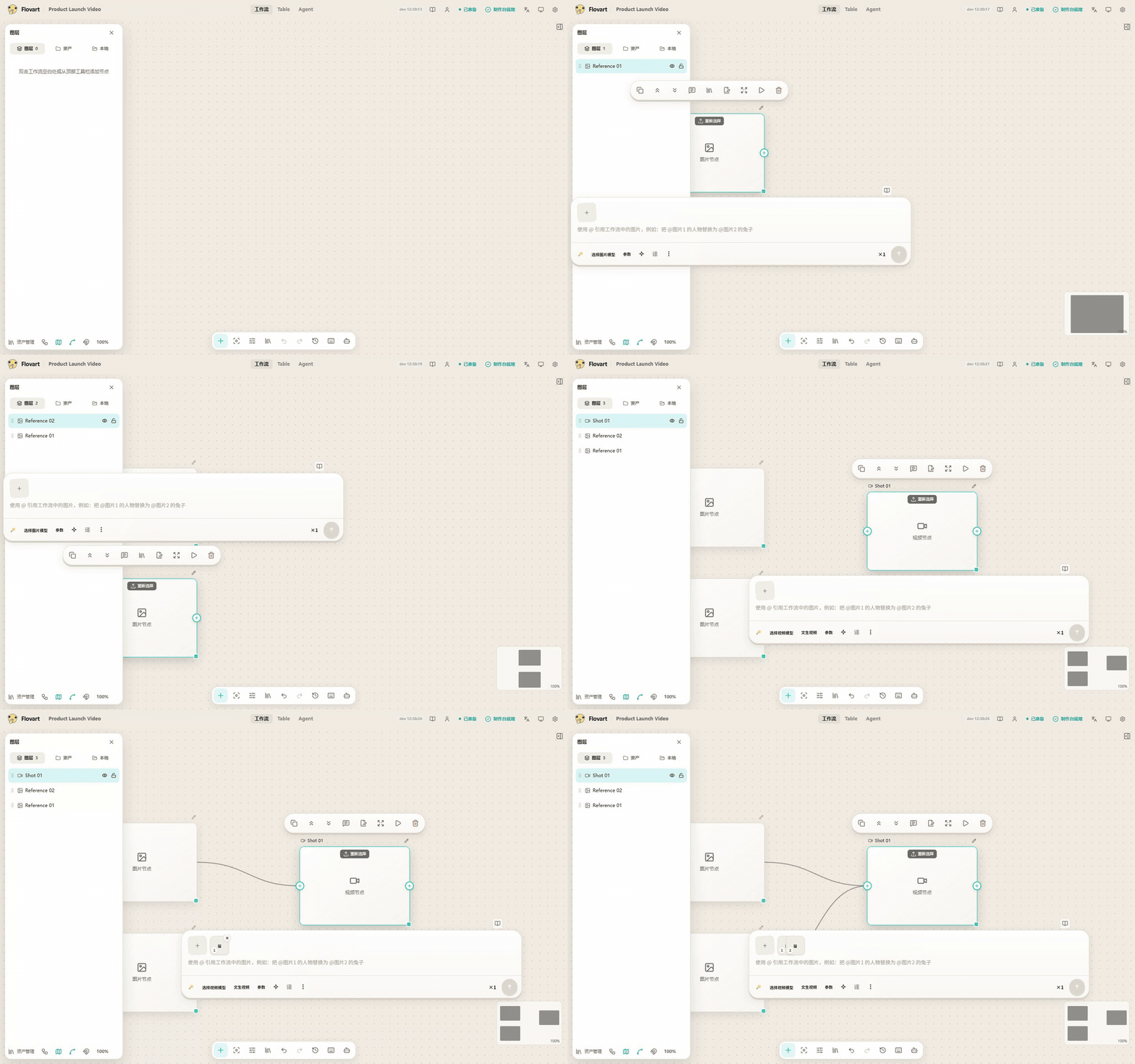
The operation-level view of the same claim. A project and three nodes are created through
workflow.project.create, workflow.node.create and workflow.connect (played at 1.5×) — the
typed operations the external-agent session above drives end-to-end. Capture record:
DEMO_RECORDING.md.
Native-effect work keeps two short paths: one shared generation function produces durable media versions, and the host effect reads a fixed version and renders locally — no director/Operator/crew chain. Product scope and system boundaries live in the main design; agent transport/authority details live in Agent Integration. Historical target/current architecture reports no longer participate in product decisions.
Local-first and security
- Projects, assets and generation history are stored primarily in the browser today; cloud sync is not promised.
- The current Web path stores API keys locally through the encrypted
localforagevault, while the frontend calls the configured model service directly. Treat the browser as part of the secret boundary. - Web, Desktop WebView and extension storage are normally isolated. Cross-entry synchronization through a restricted runtime bridge is still pending.
- Never put API keys in a prompt, log or repository. Agent and CLI paths receive redacted readiness and capability state, not raw credentials.
- Use only the repository, the live demo and desktop artifacts published by the repository's Actions as official project channels. Review each provider's terms and the rights for your inputs and outputs.
Found a vulnerability? Report it privately through the security policy.
Creative App Roadmap
The first creative-host direction is now DaVinci Resolve Studio 21.1 first.
The current product target is deliberately narrow:
Current Resolve selection
→ Agent understands the task
→ Iris creates a durable candidate
→ review
→ Add to Media Pool
The original timeline remains unchanged in P0. Adding a candidate to a new track is a later gate; Replace / Commit comes only after target revalidation and recovery behavior are proven. Resolve OFX is deferred until a real workflow demonstrates the need for host-persisted effect parameters, keyframes or offline effect rendering.
After Effects, Premiere Pro and Photoshop work remains Experimental and is not used to claim certified host support.
These are directions, not Stable support; follow the roadmap, pending verification and the Support Matrix for the evidence trail.
Contributing
Contributions are especially useful in three areas: provider adapters, host integrations and Workflow capabilities. Open an Issue, read the contribution conventions, and include verification evidence with UI changes.
Acknowledgements
Thanks to @labiaaaaaaaaa for driving third-party service compatibility and aggregation-endpoint fixes.
License and disclaimer
Iris is licensed under the MIT License. By using the project, you agree to the Terms of Service and Privacy Policy.
Iris does not bundle model services and makes no intellectual-property claim over generated content. You are responsible for the copyright, compliance and lawful use of your models, input assets and generated output. See project data and statistics.
Yorumlar (0)
Yorum birakmak icin giris yap.
Yorum birakSonuc bulunamadi