Loam.md
Health Pass
- License — License: MIT
- Description — Repository has a description
- Active repo — Last push 0 days ago
- Community trust — 23 GitHub stars
Code Fail
- exec() — Shell command execution in App/Sources/Plugins/ExcalidrawUI/Resources/excalidraw/chunks/blockDiagram-I7D4REHJ-C4DF4WB3.js
Permissions Pass
- Permissions — No dangerous permissions requested
No AI report is available for this listing yet.
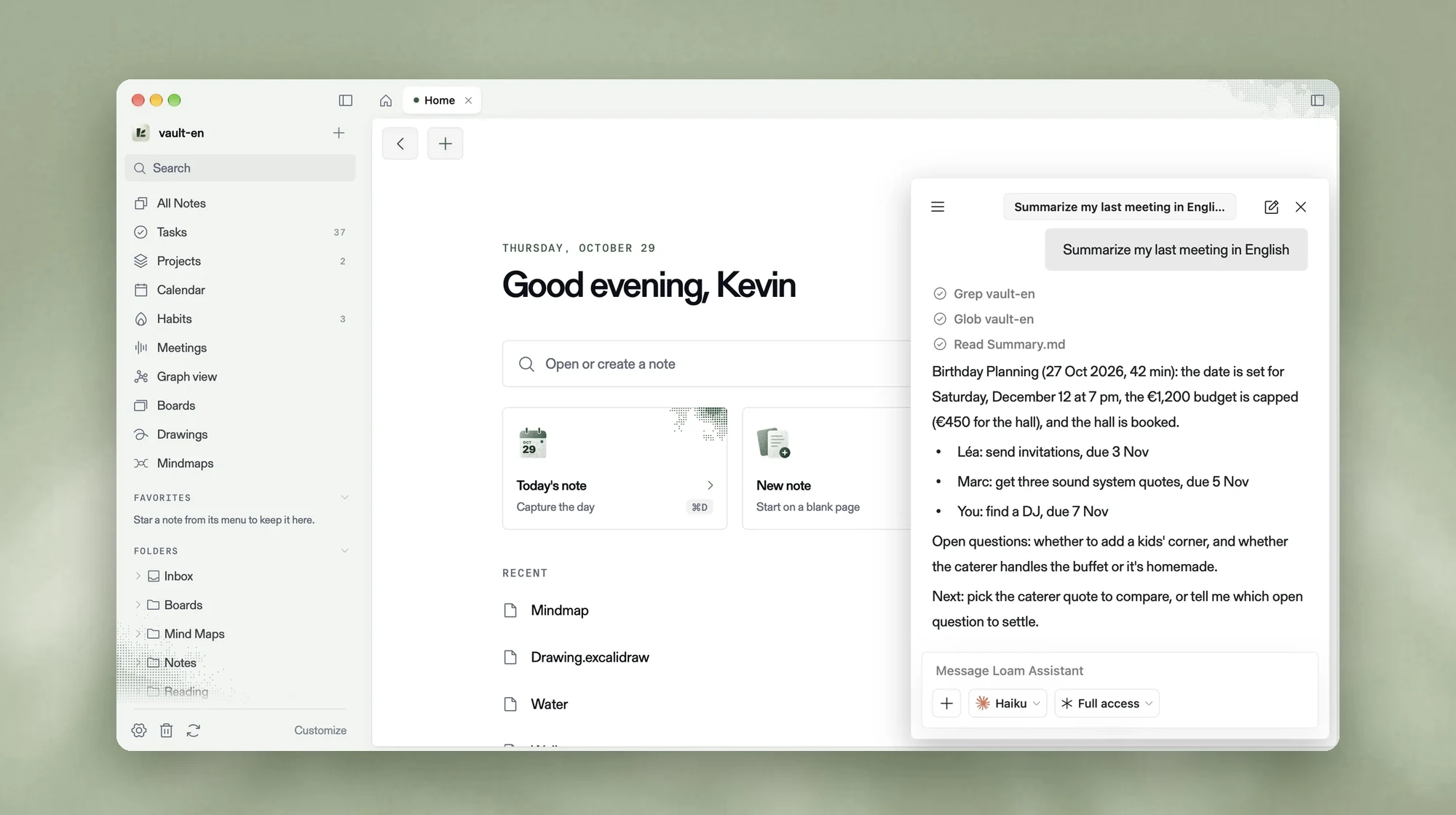
The second brain that becomes whatever you need. A native Markdown notebook for macOS where every feature is a plugin, built by the community or by your AI agent.

The second brain that becomes whatever you need.
A calm, native Markdown notebook for macOS.
Every feature is a plugin, written by the community or by your own AI agent.
Website · Download · Docs · Write a plugin · Roadmap


Why Loam
Simple note apps are a joy until the day you need a board, a mind map or a habit tracker. Powerful ones can do
anything, but they are heavy, and they keep your notes in their format or their cloud.
Loam keeps both promises:
- Simple by default. Open it and write. You never see a feature you did not ask for.
- Everything else is a plugin. Tasks, calendar, boards, mind maps, habits, meetings, graph: all bricks
you can add, change, remove or share. - Your agent builds what is missing. Describe the feature to Claude Code, Codex or any agent. It writes the
plugin, tests it and reloads the app. - Your notes stay yours. Plain Markdown files in a folder on your disk. Readable forever, by any tool, with
or without us. - Native and fast. Built in Swift for macOS. No Electron, no account, no cloud required.
One notebook, many tools
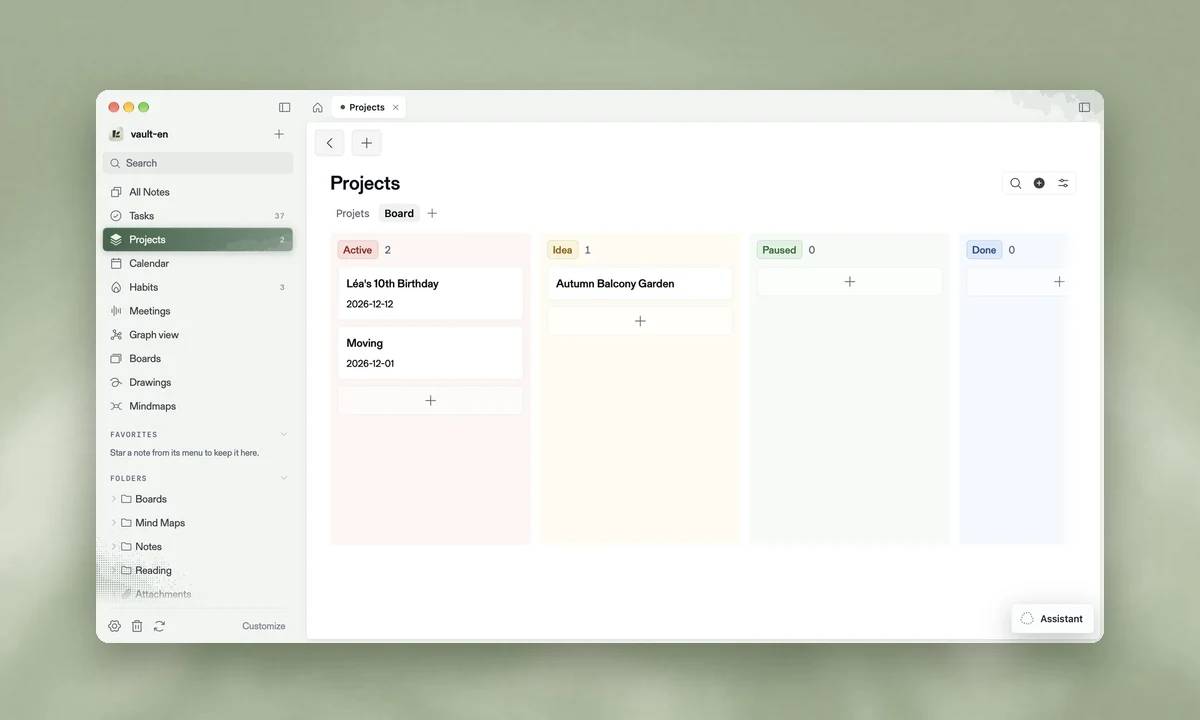
Projects |
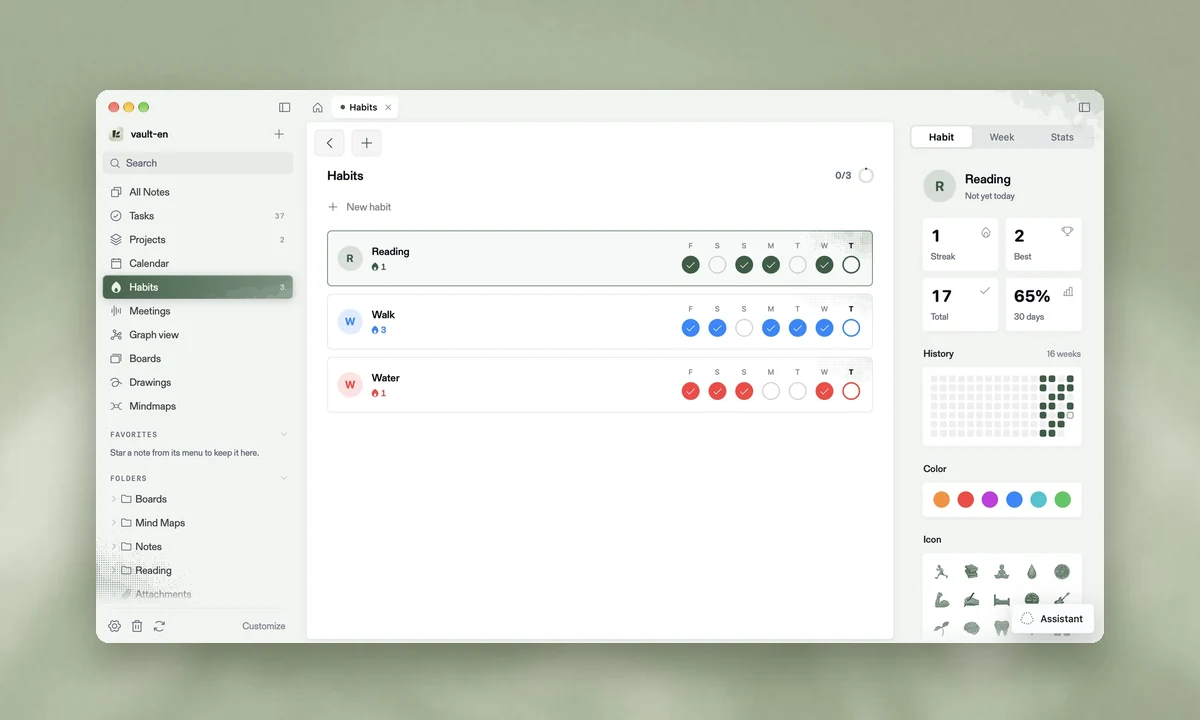
Habits |
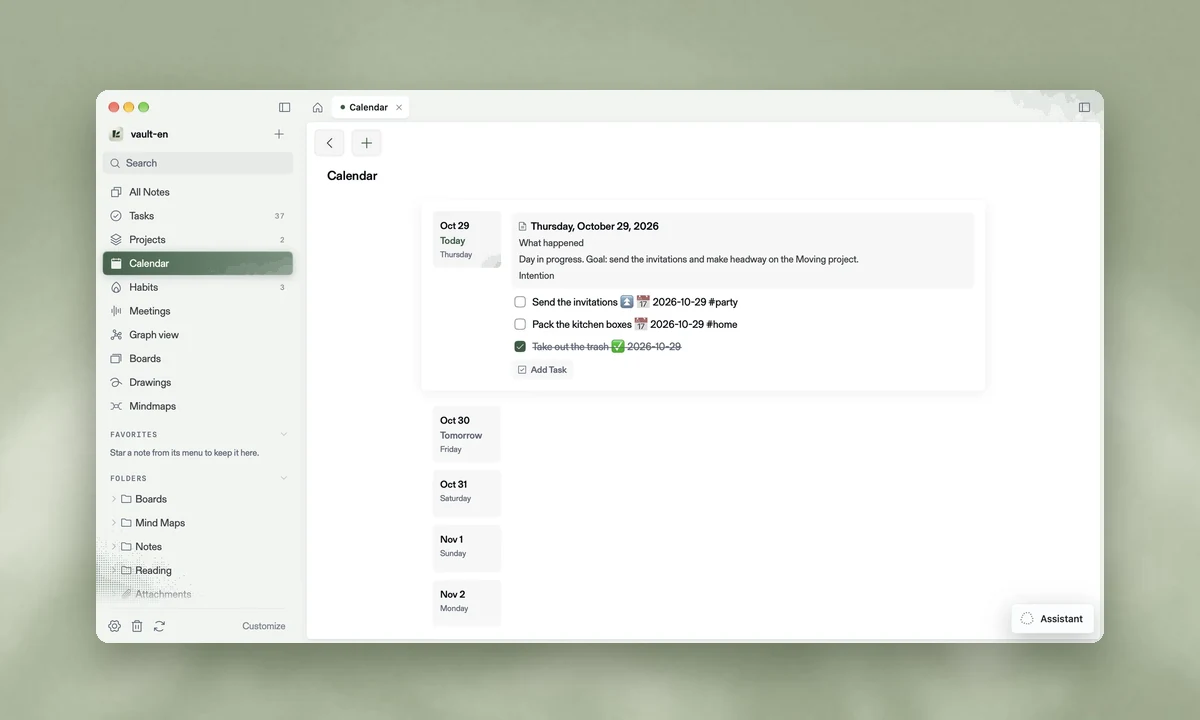
Calendar & daily notes |
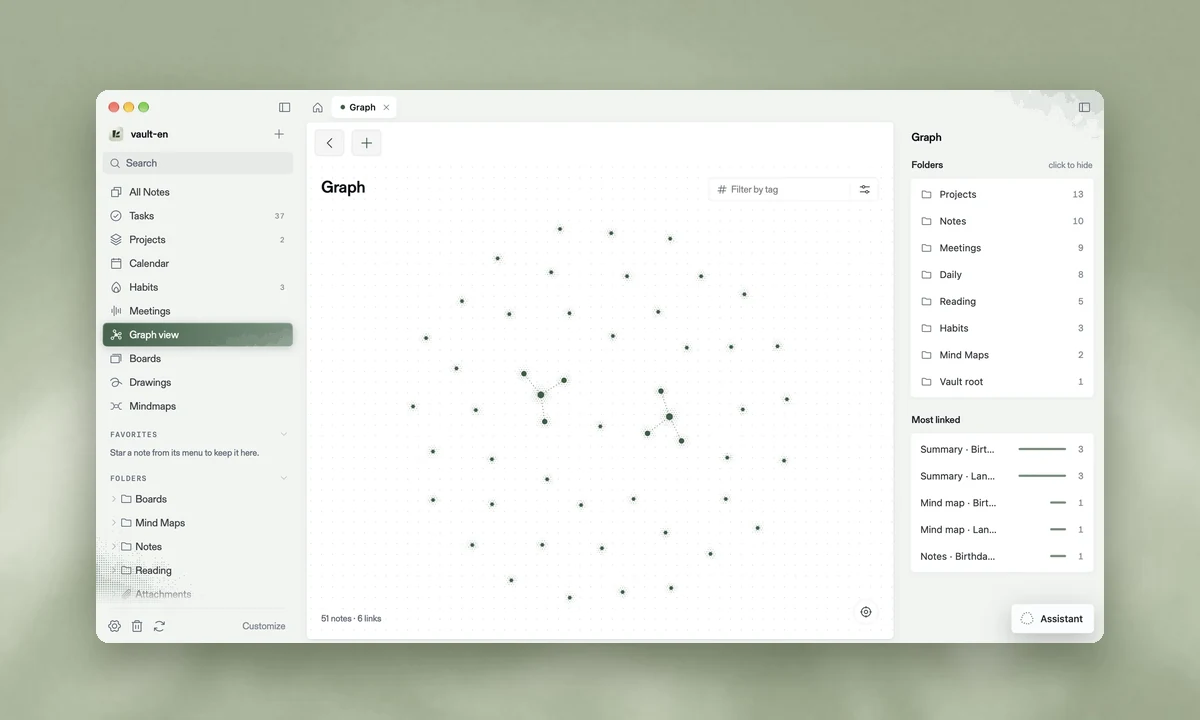
Graph |
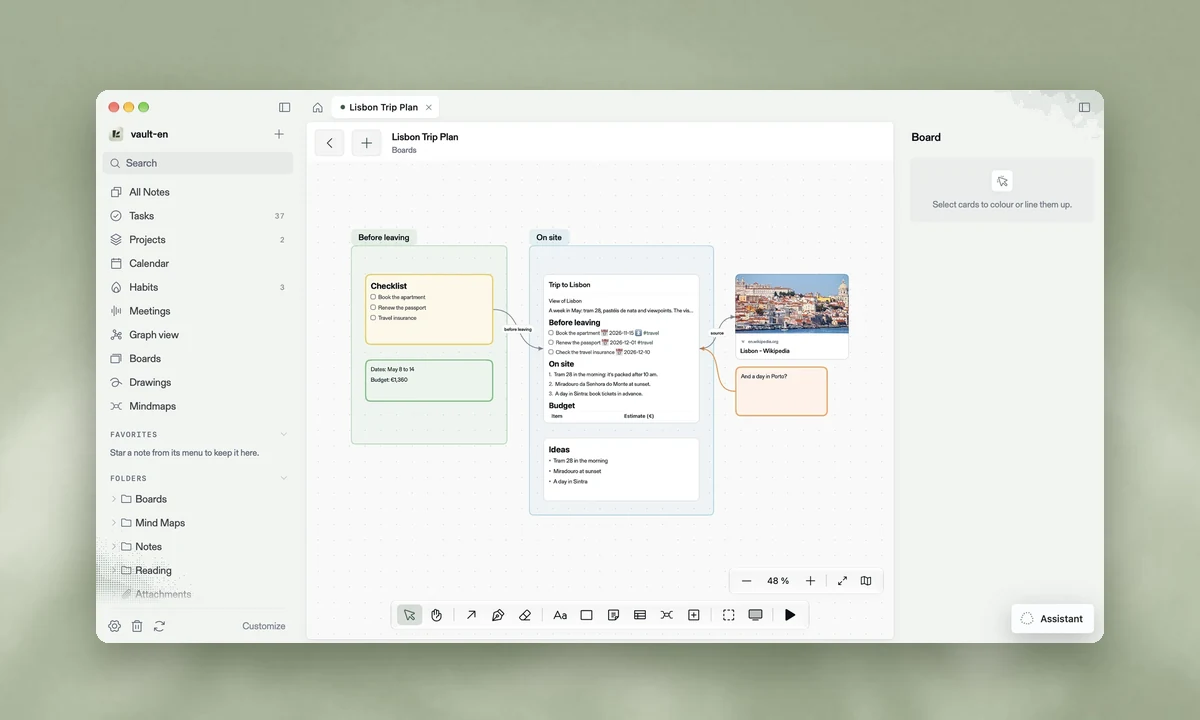
Boards |
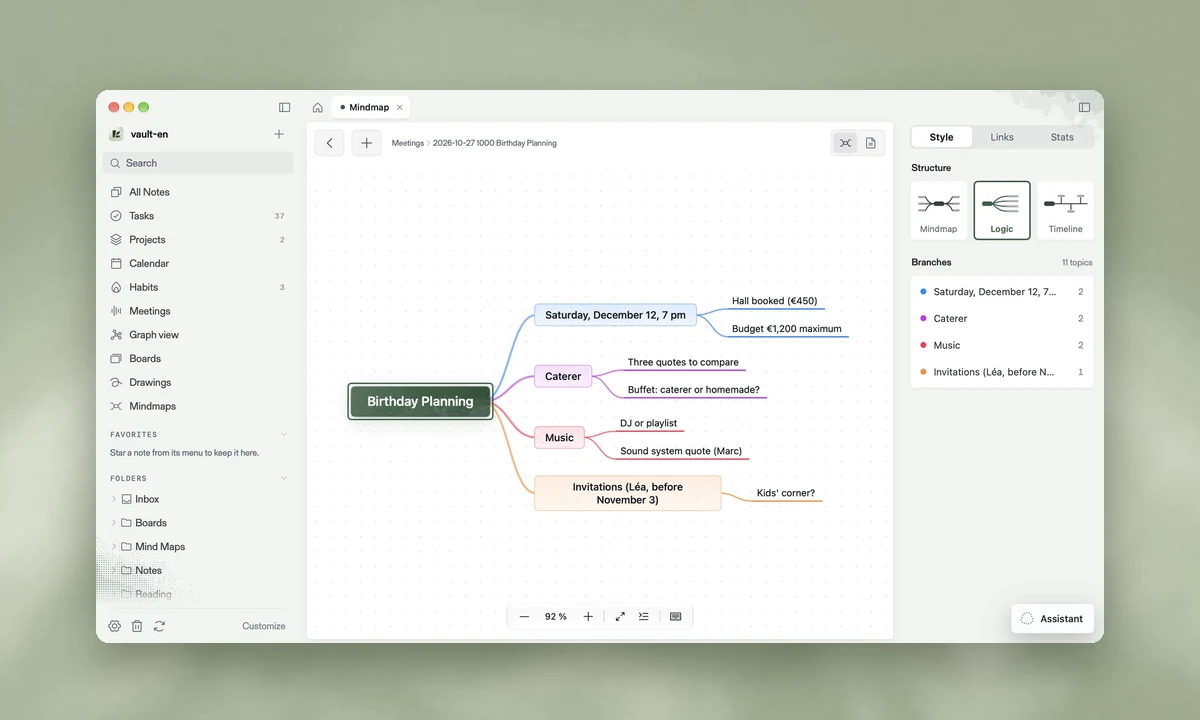
Mind maps |
Built for builders and their agents
Loam ships with a command line and an agent skill. Your agent can read and write your notes, drive the open app
and build new plugins on its own.
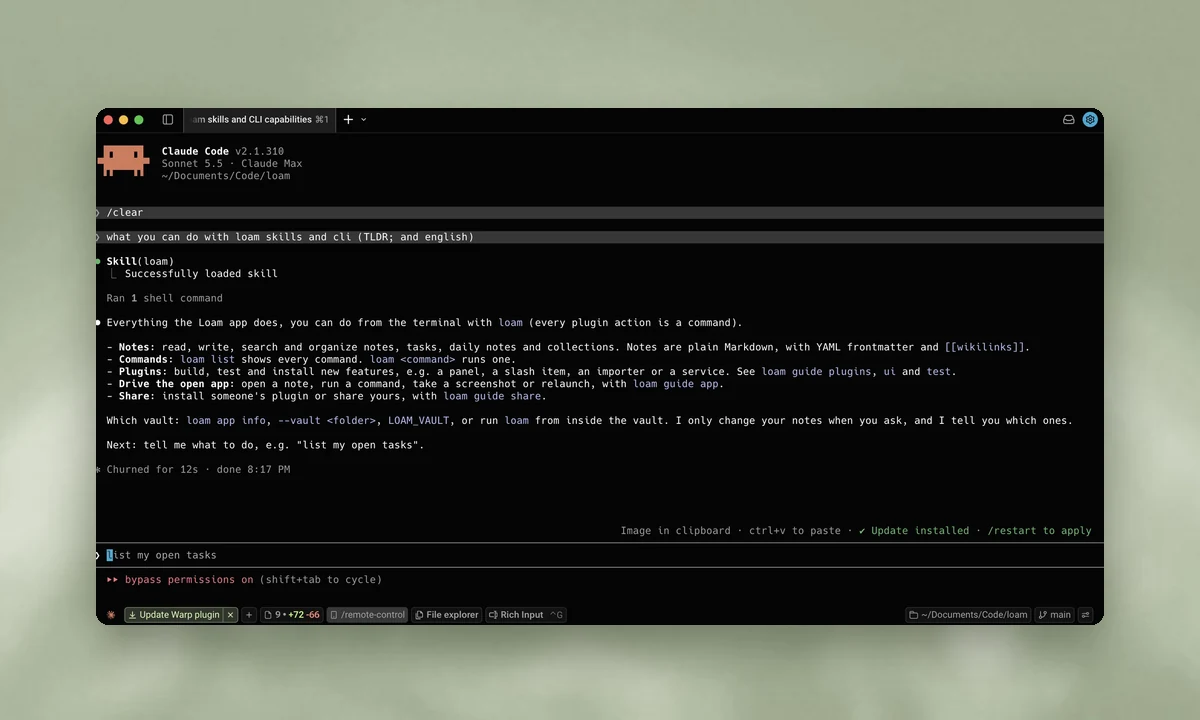
Agent skill |
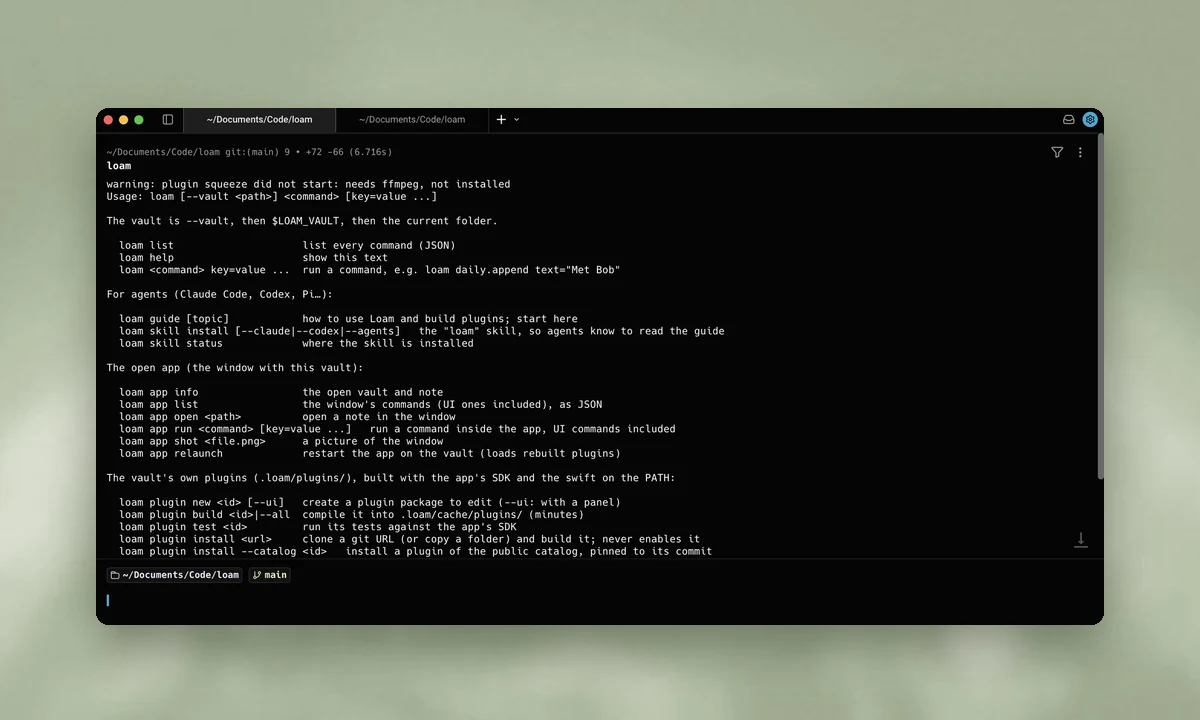
CLI |
loam daily.append text="Met Bob"       # write to today's note
loam app open "Projects/Moving.md"     # open a note in the app
loam plugin new habits-plus --ui       # start a plugin with a panel
loam plugin build habits-plus          # compile it into the vault
loam plugin test habits-plus           # run its tests against the SDK
Install
Loam runs on Macs with Apple silicon and macOS 26 or later.
curl -fsSL https://raw.githubusercontent.com/Azilone/loam-releases/main/install.sh | bash
The installer script is in the loam-releases repository, not in this one. Loam links the loam command into~/.local/bin and checks each update's SHA-256 and signature. After that, Loam updates itself.
Prefer your agent to do it? Paste this into Claude Code, Codex or any agent:
Use curl to read https://loam.md/agents.md and perform the setup to install Loam
Write a plugin
A plugin is a small Swift package that lives in your vault, in .loam/plugins/. It can add a panel, a slash
command, an importer or a background service.
loam plugin new my-plugin --ui
Then open docs/WRITING-PLUGINS.md, or simply ask your agent: "Build me a Loam plugin
that…".
Build from source
git clone https://github.com/Azilone/loam.git
cd loam
make test-vault   # a demo vault to try the app on, never your real notes
make run          # build and open Loam on it
make test-fast    # the tests your changes reach (~1 min)
Start with docs/VISION.md and docs/ARCHITECTURE.md.
Contributing
Bugs, ideas and plugins are welcome. Read CONTRIBUTING.md, then open an issue or a pull
request. Security reports follow SECURITY.md.
If Loam is useful to you, a star on GitHub helps other people find it.
License
MIT © 2026 The Loam authors. Third-party notices are in THIRD_PARTY_NOTICES.md.
Reviews (0)
Sign in to leave a review.
Leave a reviewNo results found