flowplan
Health Warn
- No license — Repository has no license file
- Description — Repository has a description
- Active repo — Last push 0 days ago
- Low visibility — Only 9 GitHub stars
Code Pass
- Code scan — Scanned 12 files during light audit, no dangerous patterns found
Permissions Pass
- Permissions — No dangerous permissions requested
This tool acts as a visual plan board for AI coding agents. It translates execution plans from models like Claude or Codex into interactive flow diagrams and allows developers to provide two-way feedback directly on the UI.
Security Assessment
Overall Risk: Low
The automated code scan checked 12 files and found no dangerous patterns, hardcoded secrets, or requests for dangerous permissions. The tool operates as a local server on your machine (`localhost:3100`) and requires standard system dependencies to build its desktop interface (Tauri/Rust). Because it processes and displays code execution plans from AI agents, it inherently handles your project's source code context. However, it does not execute shell commands independently or broadcast data externally.
Quality Assessment
The project is very new and currently has low community visibility with only 9 GitHub stars. Despite this, it is highly active, with its most recent code push occurring today. The README states the project uses the MIT license, though the automated scanner flagged that a formal license file might be missing from the repository root. The documentation is excellent, providing clear setup instructions, dependency lists, and integration guides.
Verdict
Use with caution — the codebase appears safe, clean, and active, but you should verify the inclusion of the MIT license file before adopting it in a professional environment.
Visual plan board for AI coding agents — turn Claude Code, Codex, and MCP agent plans into interactive flow diagrams with dependency tracking and two-way feedback.
FlowPlan
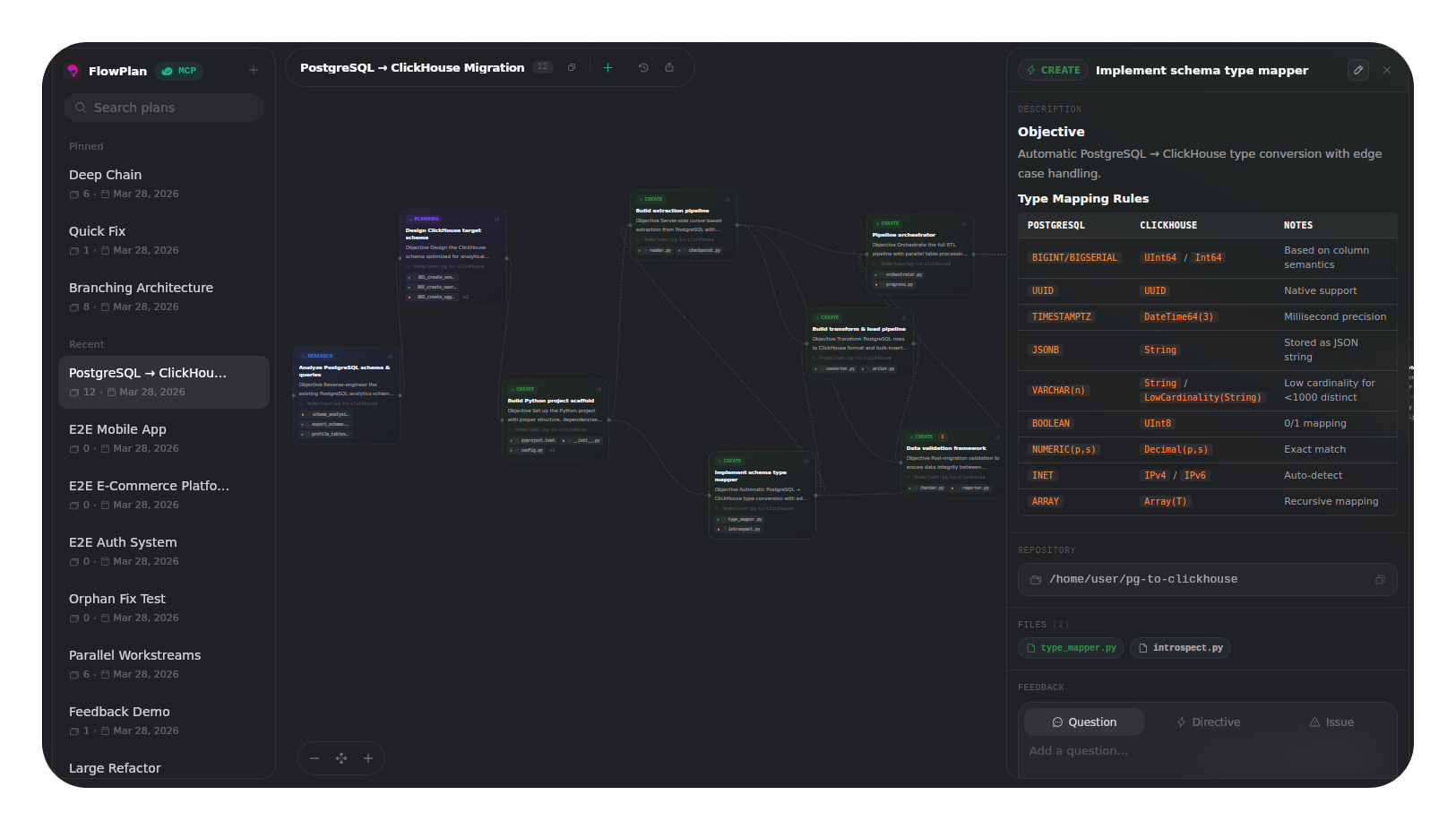
A visual plan board for AI coding agents. FlowPlan connects to Claude Code, Codex, Cursor, Gemini CLI, and other MCP-compatible agents via MCP (Model Context Protocol), turning their execution plans into interactive flow diagrams with dependency connections, file change previews, and a two-way feedback system.

Features
- Interactive flow diagrams — Cards lay out as a dependency graph. Drag, zoom, pan, connect cards by dragging handles.
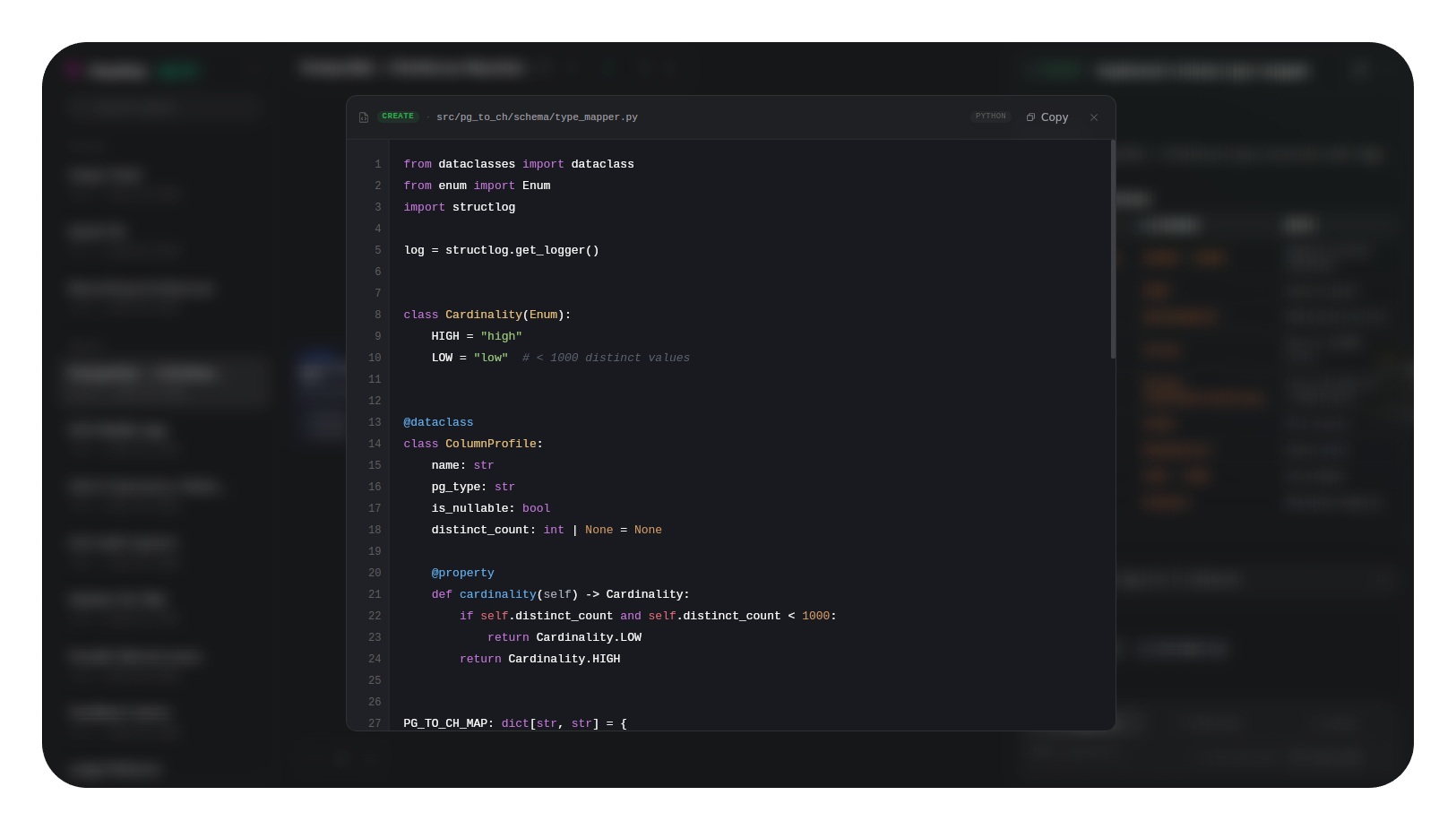
- File change previews — Each card lists affected files with proposed code changes. Click to open a syntax-highlighted code viewer.
- Two-way feedback — Right-click cards to leave Questions, Directives, or Issues. The agent responds through MCP.
- Copy references — Every card has a "Copy ref" button. Paste the reference into your agent's chat to target specific cards.
- History timeline — Every change is recorded. Scrub through history with visual diff highlights on the canvas.
- 5 card types — Research, Planning, Create, Edit, Test. Color-coded for instant readability.
- Export & Import — SVG for documentation, JSON for backup and sharing.
- 12 MCP tools —
create_plan,add_cards,update_card,remove_card,get_cards,get_plan,list_plans,clear_plan,reorder_cards,get_all_feedback,answer_feedback,acknowledge_feedback.
Quick Start
Prerequisites
- Node.js 18+
- Rust:
curl --proto '=https' --tlsv1.2 -sSf https://sh.rustup.rs | sh - Ubuntu:
sudo apt install libgtk-3-dev libwebkit2gtk-4.1-dev libjavascriptcoregtk-4.1-dev libsoup-3.0-dev libayatana-appindicator3-dev librsvg2-dev patchelf build-essential curl wget file libxdo-dev libssl-dev - macOS:
xcode-select --install
Build & Run
npm install
npm run tauri:dev
The MCP server starts automatically at http://localhost:3100/mcp (Streamable HTTP).
MCP Setup
Add FlowPlan to your agent's MCP config (.mcp.json):
{
  "mcpServers": {
    "flowplan": {
      "type": "http",
      "url": "http://localhost:3100/mcp"
    }
  }
}
Or via CLI:
claude mcp add flowplan --transport http http://localhost:3100/mcp
codex mcp add flowplan --url http://localhost:3100/mcp
Any client supporting Streamable HTTP transport can connect to http://localhost:3100/mcp.
License
MIT
Reviews (0)
Sign in to leave a review.
Leave a reviewNo results found