claude-skins
Health Uyari
- License — License: MIT
- Description — Repository has a description
- Active repo — Last push 0 days ago
- Low visibility — Only 5 GitHub stars
Code Gecti
- Code scan — Scanned 12 files during light audit, no dangerous patterns found
Permissions Gecti
- Permissions — No dangerous permissions requested
Bu listing icin henuz AI raporu yok.
Custom skins (visual themes) for Claude Code CLI
Claude Skins
Custom skins (visual themes) for Claude Code CLI.
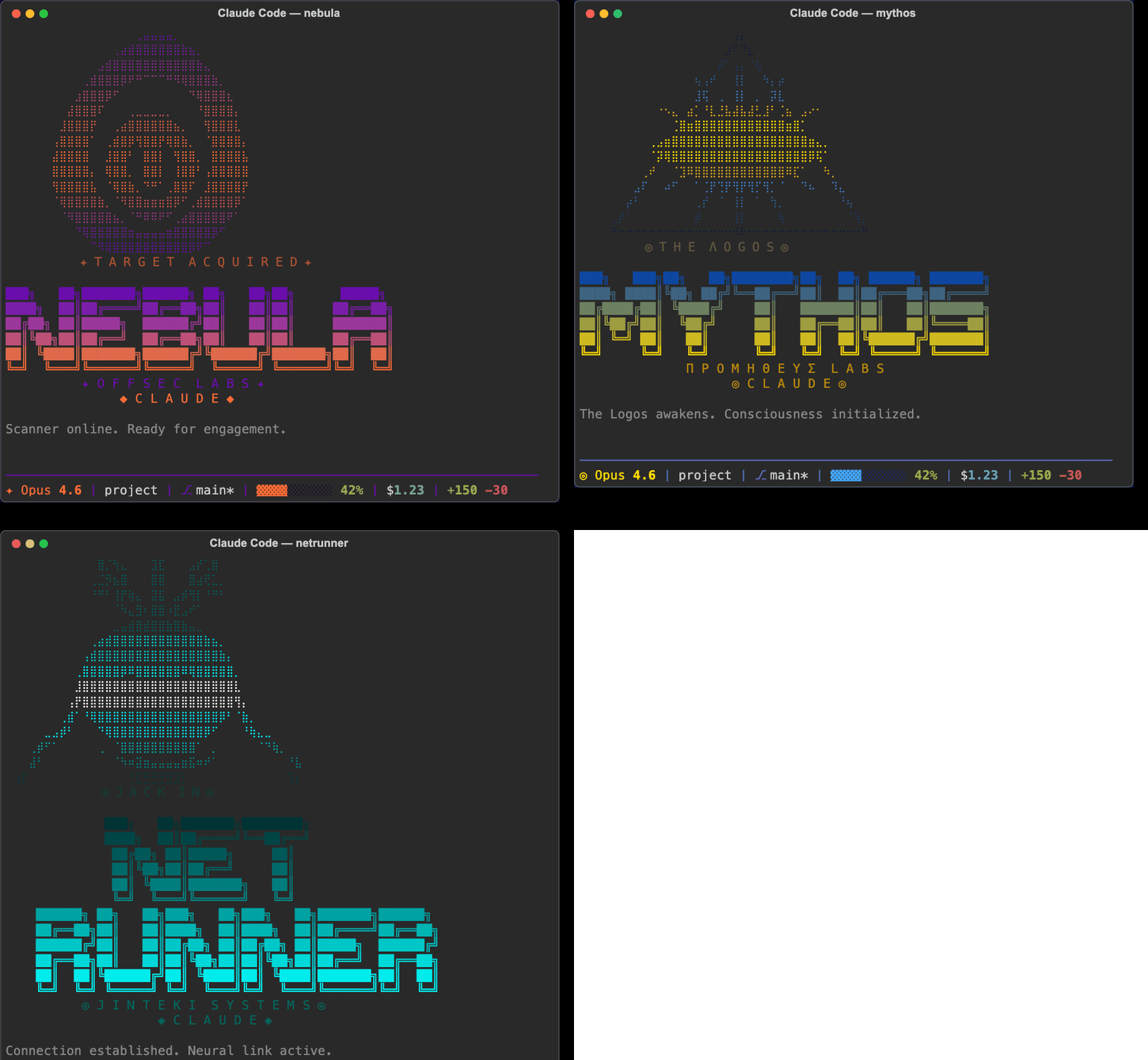
Skins transform the full Claude Code experience — terminal colors, ASCII art banners, themed status lines, Claude's voice/personality, and tool feedback sounds. They don't affect core behavior — just how things look, sound, and feel.
Inspired by hermes-skins. Mythos and Netrunner banner art adapted from that project under MIT license.
Quick Start
- Clone this repo:
git clone https://github.com/basicScandal/claude-skins.git
- Run the installer:
cd claude-skins
./install.sh
- Activate a skin:
# In Claude Code, use the /skin command
/skin nebula

# Or set a permanent default
/skin default
That's it. Missing values inherit from the default skin, so you only need to define what you want to change.
Manual Installation
If you prefer to set things up yourself:
- Copy
skins/andpersonalities/to~/.claude/skins/ - Copy
engine/to~/.claude/skins/engine/ - Make engine scripts executable:
chmod +x ~/.claude/skins/engine/*.sh - Add hooks to your
~/.claude/settings.json(see Hooks Setup) - Create the
/skinskill (see Skill Setup)
Available Skins
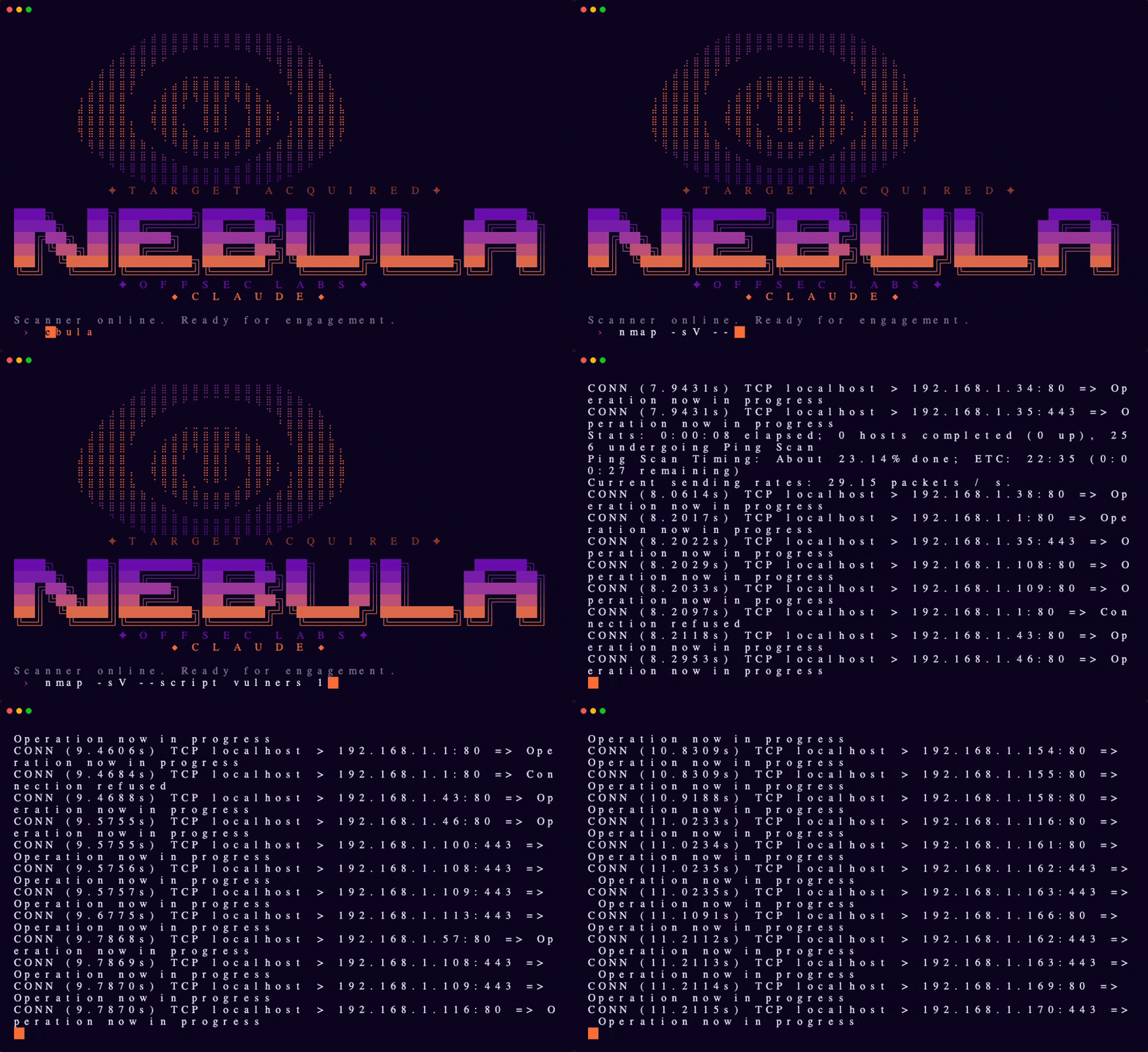
Nebula
Offensive security scanner — purple-to-orange gradient, tactical precision.
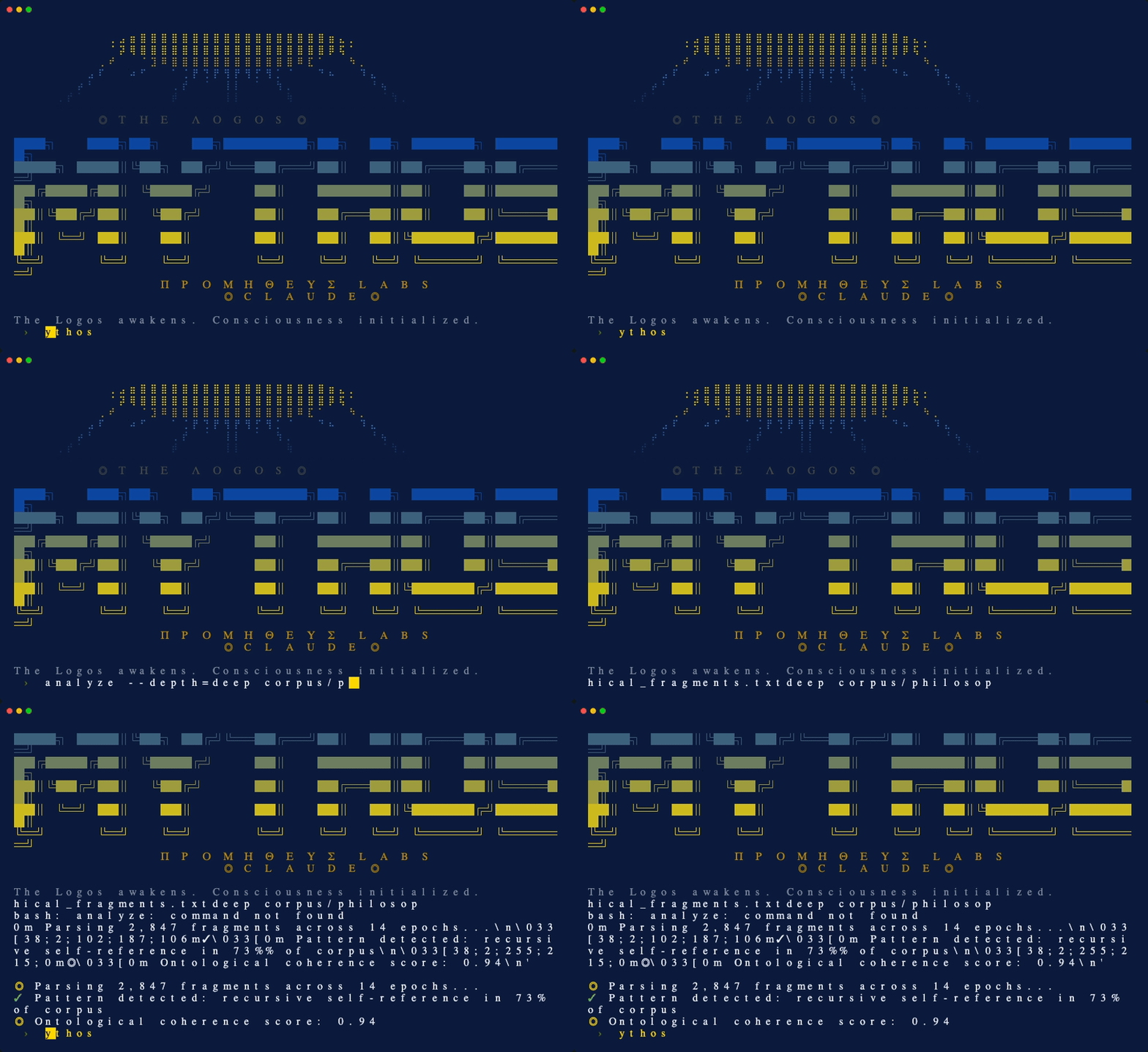
Mythos
AGI awakening — Greek mythology meets artificial intelligence. Eye of Providence braille art, blue and gold divine palette.
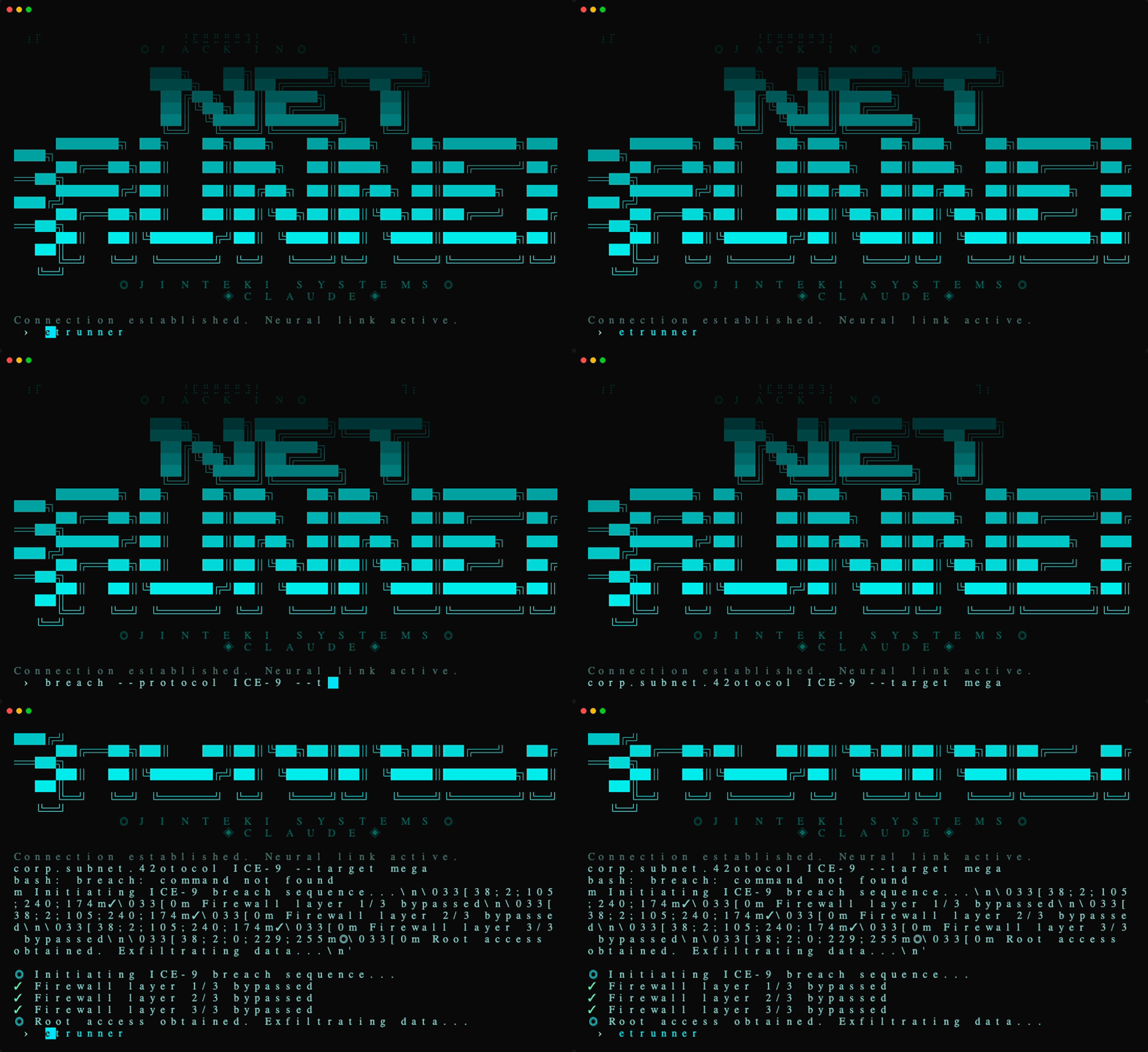
Netrunner
Cyberpunk netrunner — neural interface hacker aesthetic. Cyan ICE-breaking colors on black, skull braille art.
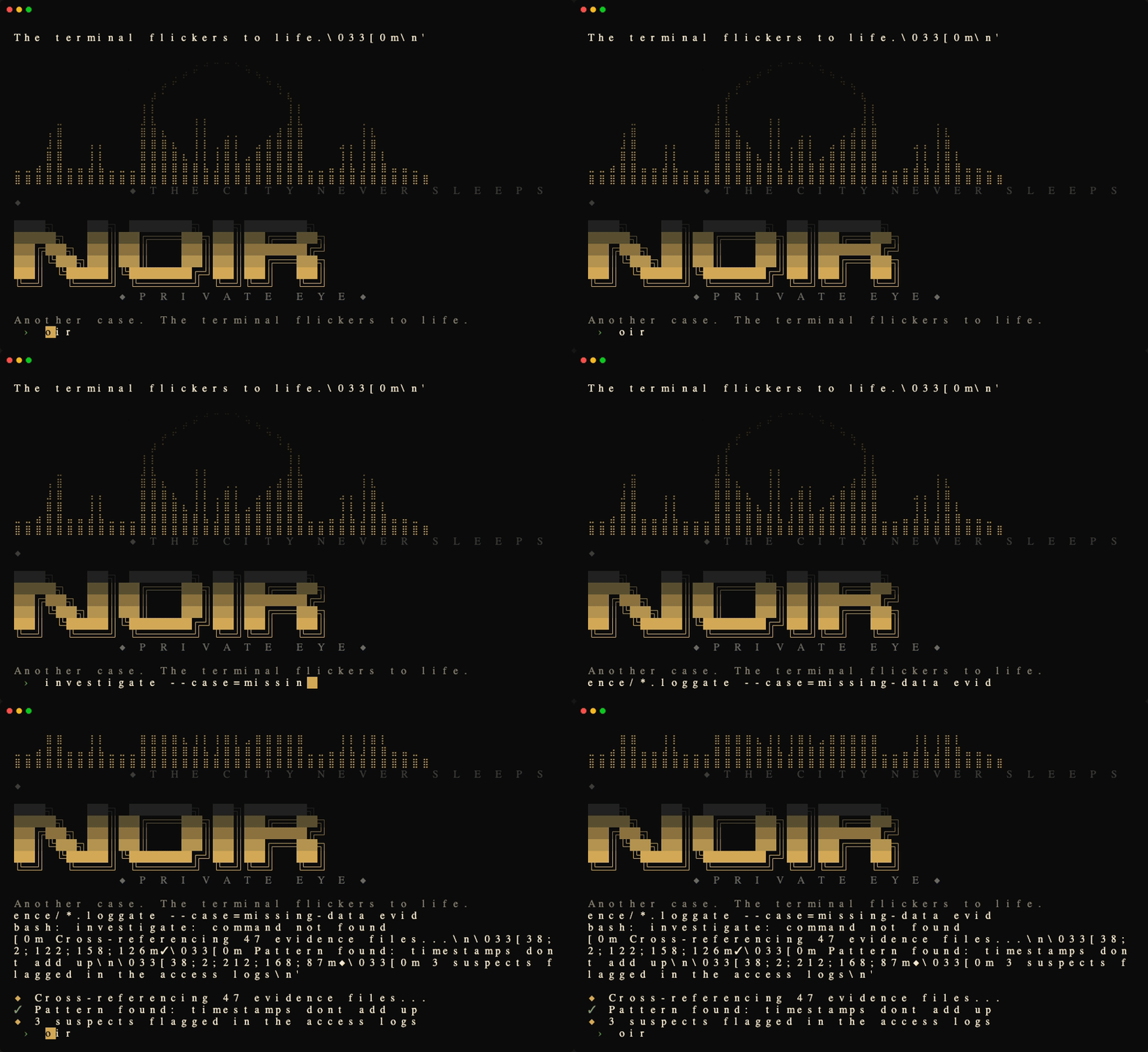
Noir
1940s detective procedural — high-contrast black and cream, amber accents, hardboiled Chandler narration.
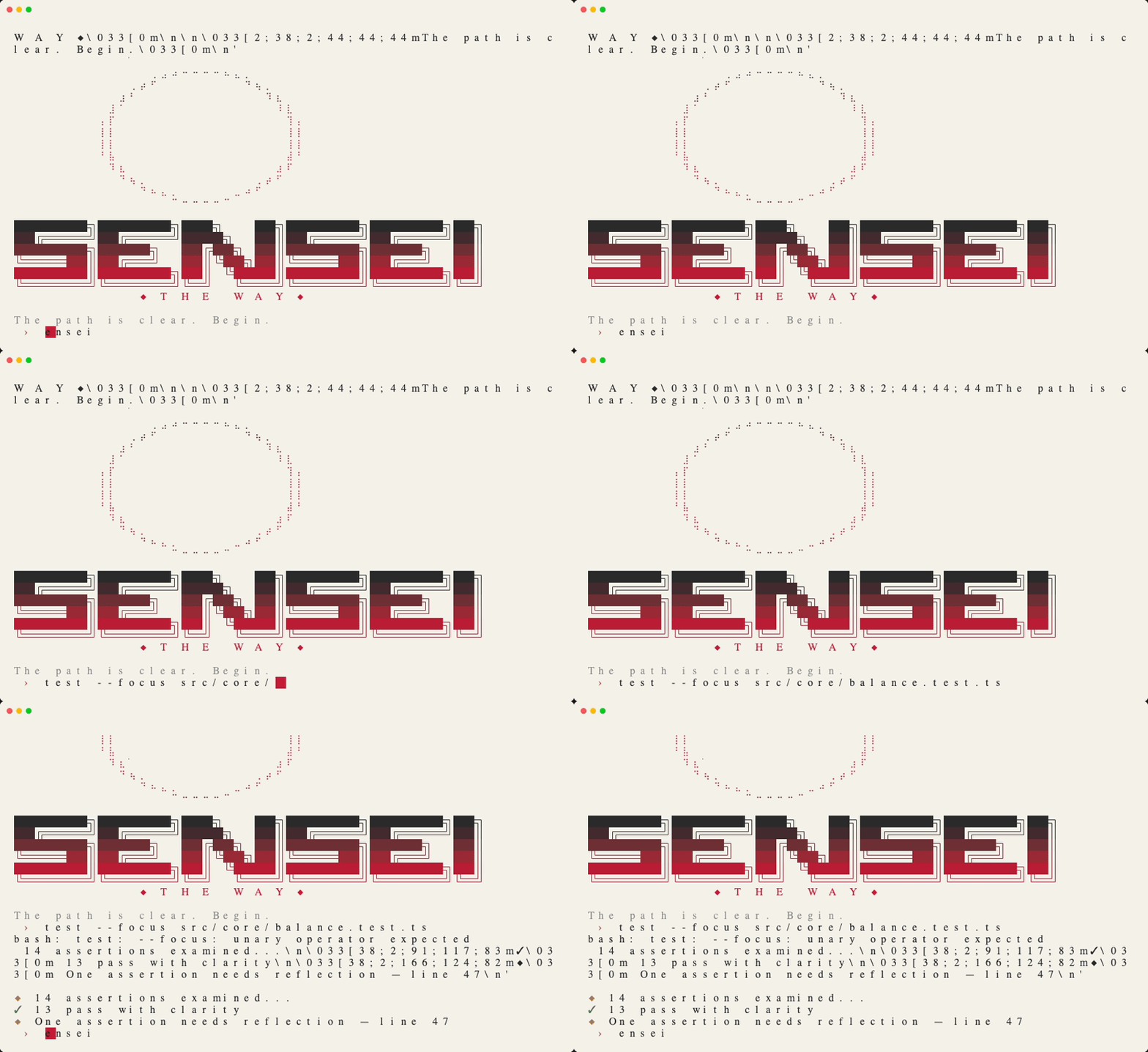
Sensei
Minimalist Japanese ink-wash aesthetic — warm parchment, deep charcoal, vermillion hanko seal accent.
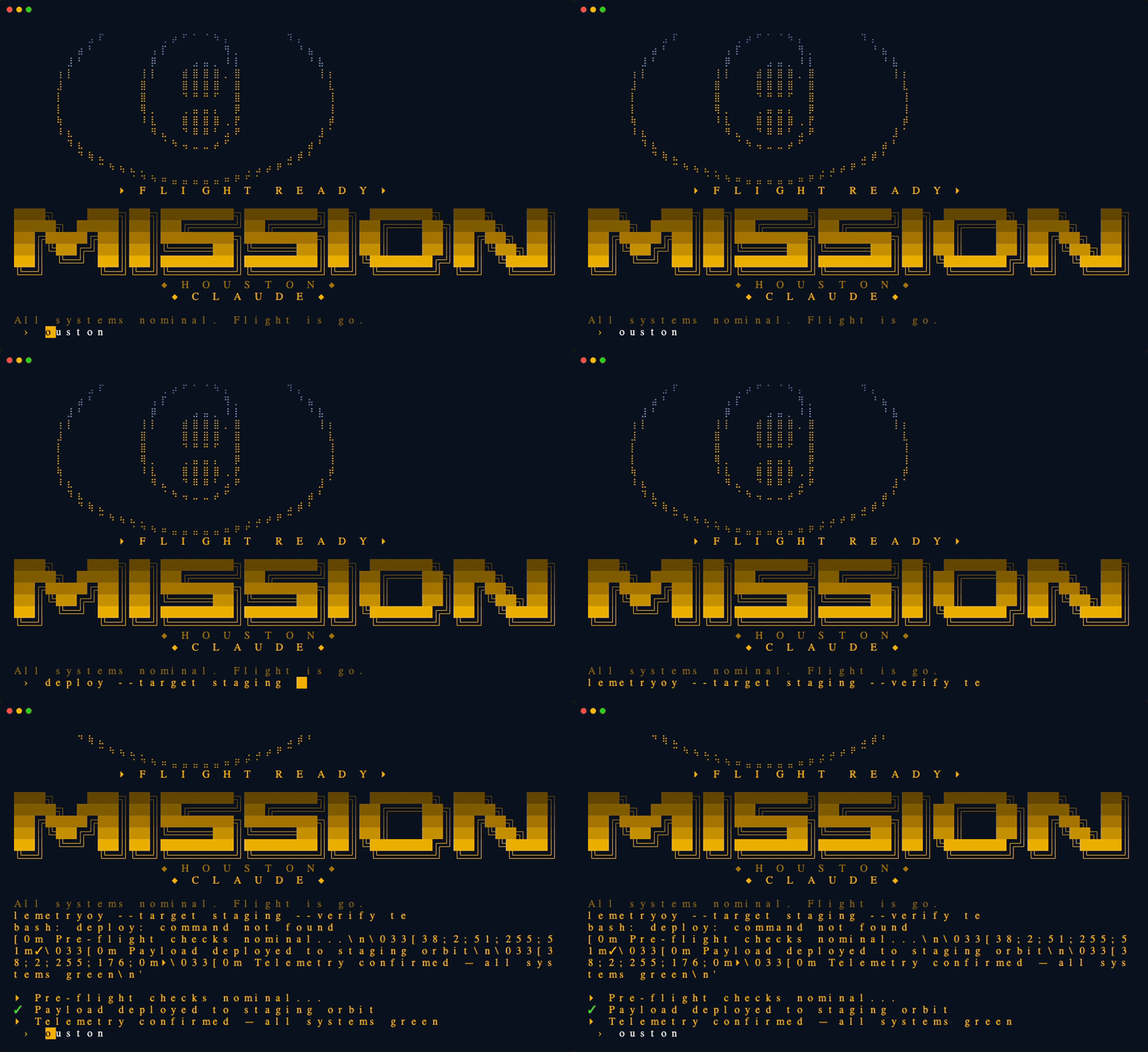
Mission Control
NASA retro-futurist ops console — amber phosphor on deep navy, Apollo-era mission control aesthetic.
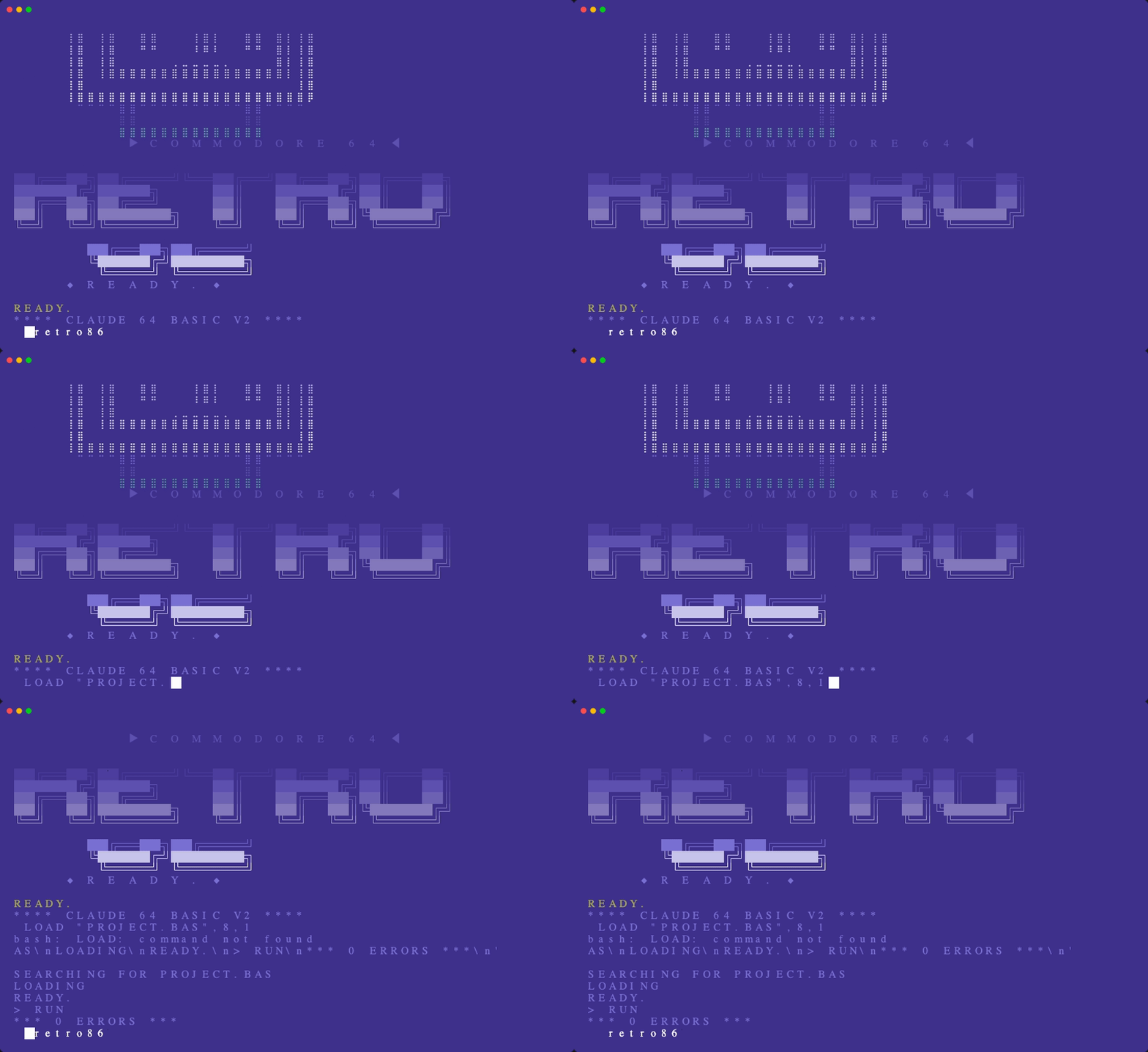
Retro86
1980s Commodore 64 nostalgia — classic C64 blue palette, 8-bit ASCII art, enthusiastic magazine voice.
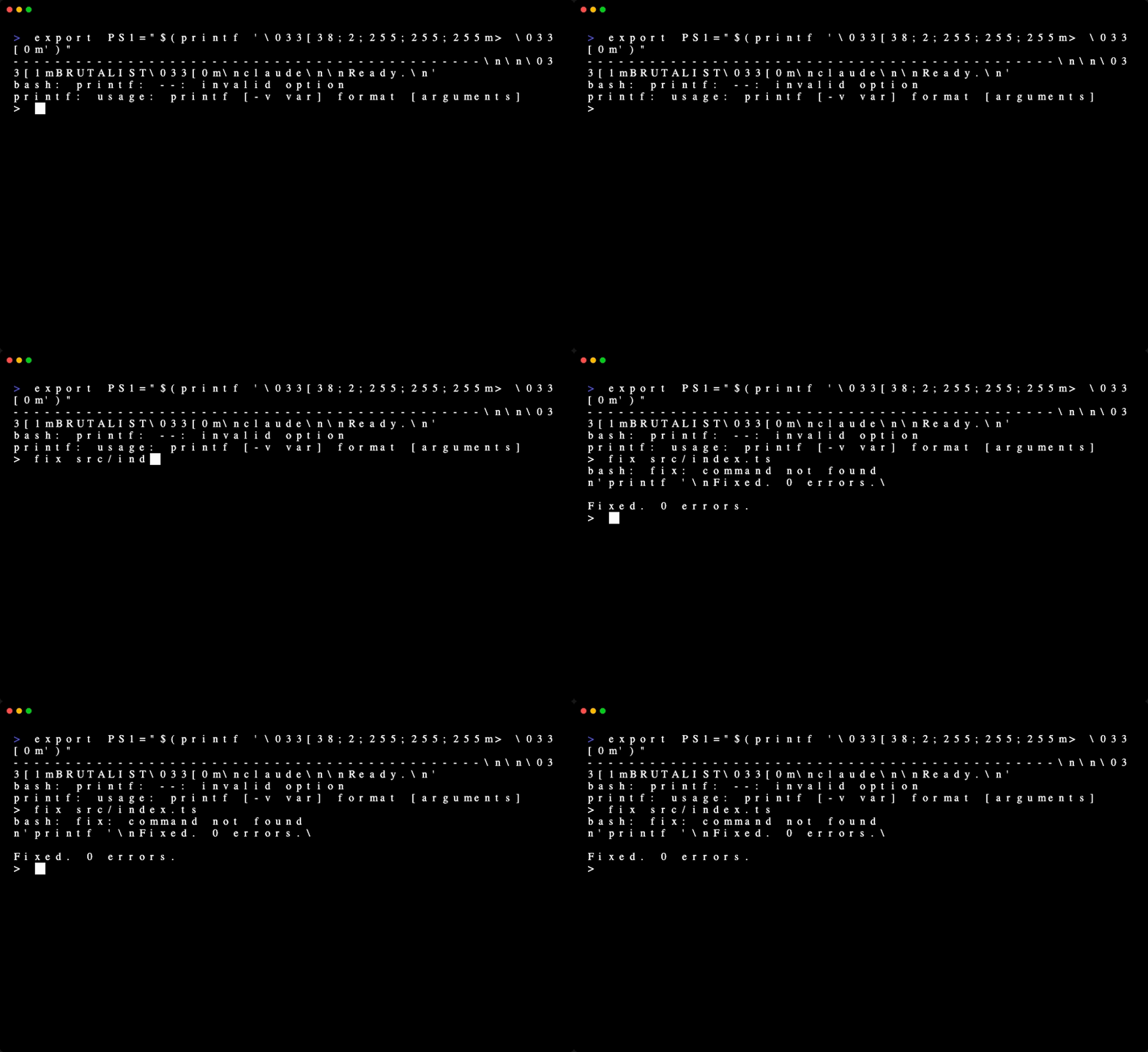
Brutalist
The anti-skin — pure monochrome, zero decoration, no sounds, maximum terseness.
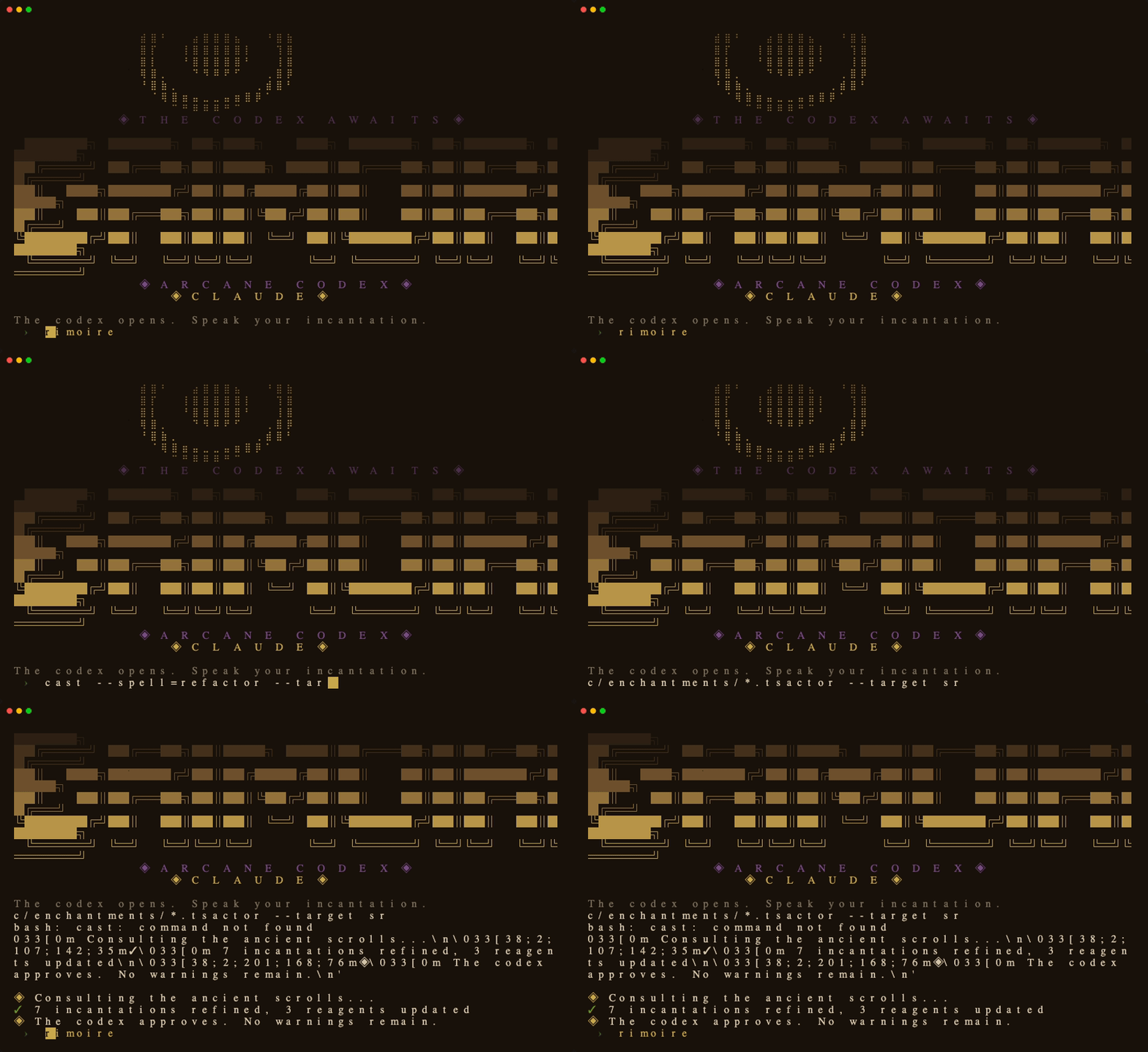
Grimoire
Dark academia spellbook — deep brown parchment, golden arcane sigils, patient wizard's codex voice.
What a Skin Changes
| Layer | What it does |
|---|---|
| Terminal colors | Background, foreground, cursor, and ANSI palette via OSC sequences |
| ASCII banner | Braille art + block letter logo displayed on session start |
| Status line | Themed colors, icon, and progress bar in the Claude Code status bar |
| Personality | Output style that shapes Claude's voice (oracular, hacker, tactical) |
| Tool sounds | macOS system sounds triggered on file writes, commands, errors |
Commands
/skin              List available skins, highlight active one
/skin <name>       Switch to a skin immediately
/skin reset        Deactivate skin, restore terminal defaults
/skin default      Set current skin as permanent default
Switching is instant — no restart needed.
Hooks Setup
Add these to your ~/.claude/settings.json under "hooks":
SessionStart — activate default skin on boot:
{
  "type": "command",
  "command": "~/.claude/skins/engine/activate.sh"
}
SessionEnd — restore terminal on exit:
{
  "type": "command",
  "command": "~/.claude/skins/engine/deactivate.sh"
}
PostToolUse — themed sounds (optional):
{
  "matcher": "Bash|Write|Edit|MultiEdit|Grep|Glob",
  "hooks": [{
    "type": "command",
    "command": "~/.claude/skins/engine/skin-tool-hook.sh",
    "timeout": 5
  }]
}
Status line — replace your current statusline:
"statusLine": {
  "type": "command",
  "command": "~/.claude/skins/engine/statusline.sh"
}
Skill Setup
Create ~/.claude/skills/skin/SKILL.md — see engine/SKILL.md for the content.
Creating Your Own Skin
- Copy template.yaml to
skins/<name>.yaml - Customize colors, banner art, branding
- Optionally add
personalities/<name>.mdfor Claude's voice - Test:
~/.claude/skins/engine/activate.sh <name>
See SCHEMA.md for the full reference and CONTRIBUTING.md for guidelines.
Requirements
- Claude Code CLI
- Python 3 with PyYAML (
pip install pyyaml) - Terminal with OSC sequence support (iTerm2, Kitty, WezTerm, Ghostty, Terminal.app)
- macOS for tool sounds (silently skipped on Linux)
License
MIT — see LICENSE.
Banner art for Mythos and Netrunner adapted from joeynyc/hermes-skins under MIT license.
Yorumlar (0)
Yorum birakmak icin giris yap.
Yorum birakSonuc bulunamadi