skiller
Health Pass
- License — License: MIT
- Description — Repository has a description
- Active repo — Last push 0 days ago
- Community trust — 37 GitHub stars
Code Pass
- Code scan — Scanned 12 files during light audit, no dangerous patterns found
Permissions Pass
- Permissions — No dangerous permissions requested
Skiller is a desktop application that serves as a centralized dashboard to install, edit, and synchronize instruction files (skills) across multiple AI coding agents like Claude Code, Cursor, and Codex.
Security Assessment
Overall Risk: Low. The light code audit scanned 12 TypeScript files and found no dangerous patterns, hardcoded secrets, or requests for dangerous permissions. Because the tool's core function is to manage and sync files across your local filesystem and various CLI configurations, it inherently requires local file access. It also makes standard network requests to pull skills from external sources like skills.sh. While the automated scan is clean, users should remain aware that syncing external skills means downloading third-party text instructions directly into their AI agents' contexts.
Quality Assessment
Overall Quality: Early stage. The project is actively maintained, with its most recent push happening today. It is properly licensed under the permissive MIT license. However, it currently suffers from extremely low visibility, boasting only 5 GitHub stars. Consequently, the community trust level is minimal; it has not yet been widely peer-reviewed or battle-tested by a large user base.
Verdict
Use with caution — the code is clean and open-source, but its extremely low community adoption means it lacks established trust and extensive peer review.
AI agent skills manager for Claude Code, Cursor, Codex and more — install, sync, and manage skills from one desktop app.
Skiller
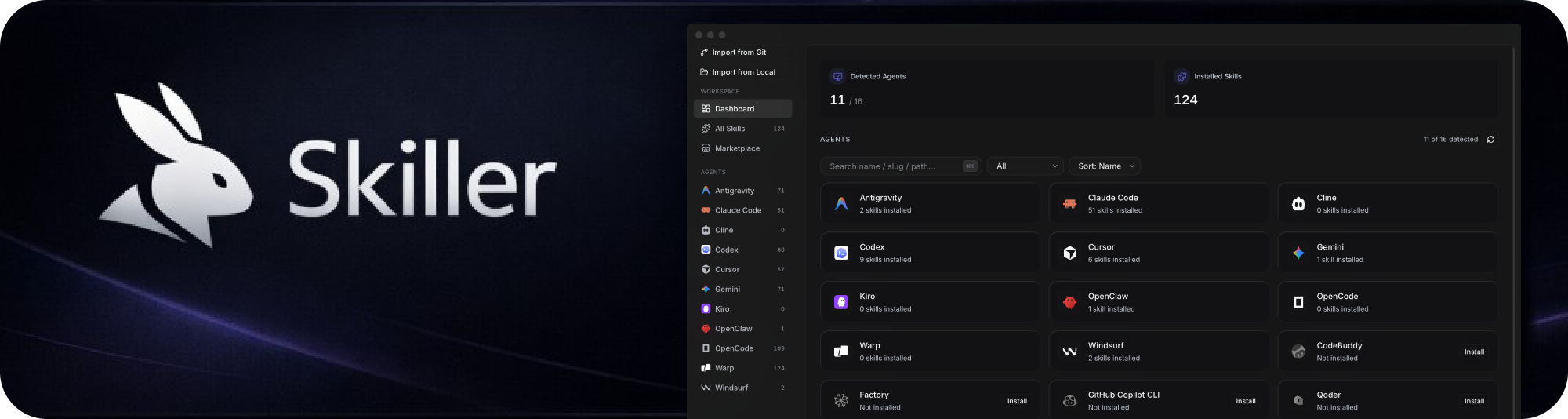
Install, sync, and manage skills with Skiller across your coding agents from one desktop app.
Why Skiller
Managing skills separately in every agent is repetitive and error-prone.
Skiller gives you one control center to:
- See everything at once — agents, installed skills, and status in one dashboard
- Install once, use everywhere — propagate skills across your agent stack with one click
- Clean house per-agent — right-click an agent to copy every skill from another or wipe them all
- Project-scoped skills — pin a skill to a specific repo without polluting your global setup
- Edit confidently — update
SKILL.mdcontent with immediate local visibility - Discover faster — browse marketplace sources like skills.sh and ClawHub
Supported agents
Skiller supports 44 agents natively — drop a skill into one place and it propagates to all of them.
 Claude Code CLI |
 Codex CLI |
 Gemini CLI CLI |
 Copilot CLI CLI |
 OpenCode CLI |
 OpenClaw CLI |
 CodeBuddy CLI |
 Qoder CLI |
 Cursor IDE |
 Windsurf IDE |
 Trae IDE |
 Antigravity IDE |
 Kiro IDE |
 Cline VS Code extension |
 Warp Terminal |
 Factory Cloud platform |
Adal · Amp · Augment · Bob · Command Code · Continue · Cortex · Crush · DeepAgents · Firebender · Goose · iFlow CLI · Junie · Kilo · Kimi CLI · Kode · MCPJam · Mistral Vibe · Mux · Neovate · OpenHands · Pi · Pochi · Qwen Code · Replit · Roo · Trae (CN) · Zencoder
Skiller auto-detects any of these the moment they're installed — no setup required.
Product Tour
Core experience
- Dashboard — system-wide visibility into your skill environment
- Skills Manager — inspect, edit, sync, and remove skills (per-agent or everywhere)
- Projects — group skills under specific repos so
.claude/skills/etc. stays scoped - Marketplace — search and install community skills quickly
- Settings — configure behavior, sources, and runtime preferences
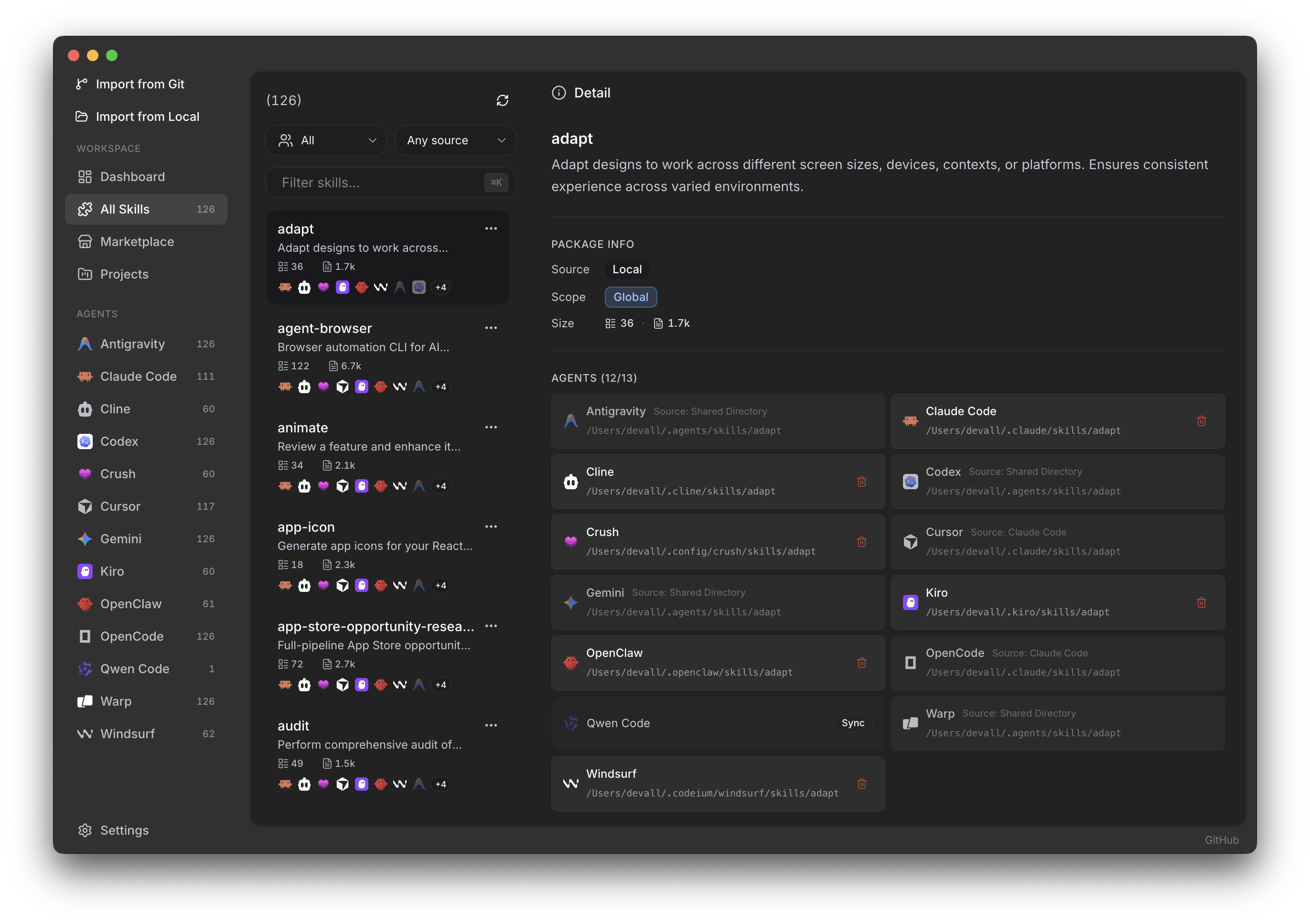
Skills Manager
Browse every installed skill, see which agents consume it, edit SKILL.md inline, and sync with one click.
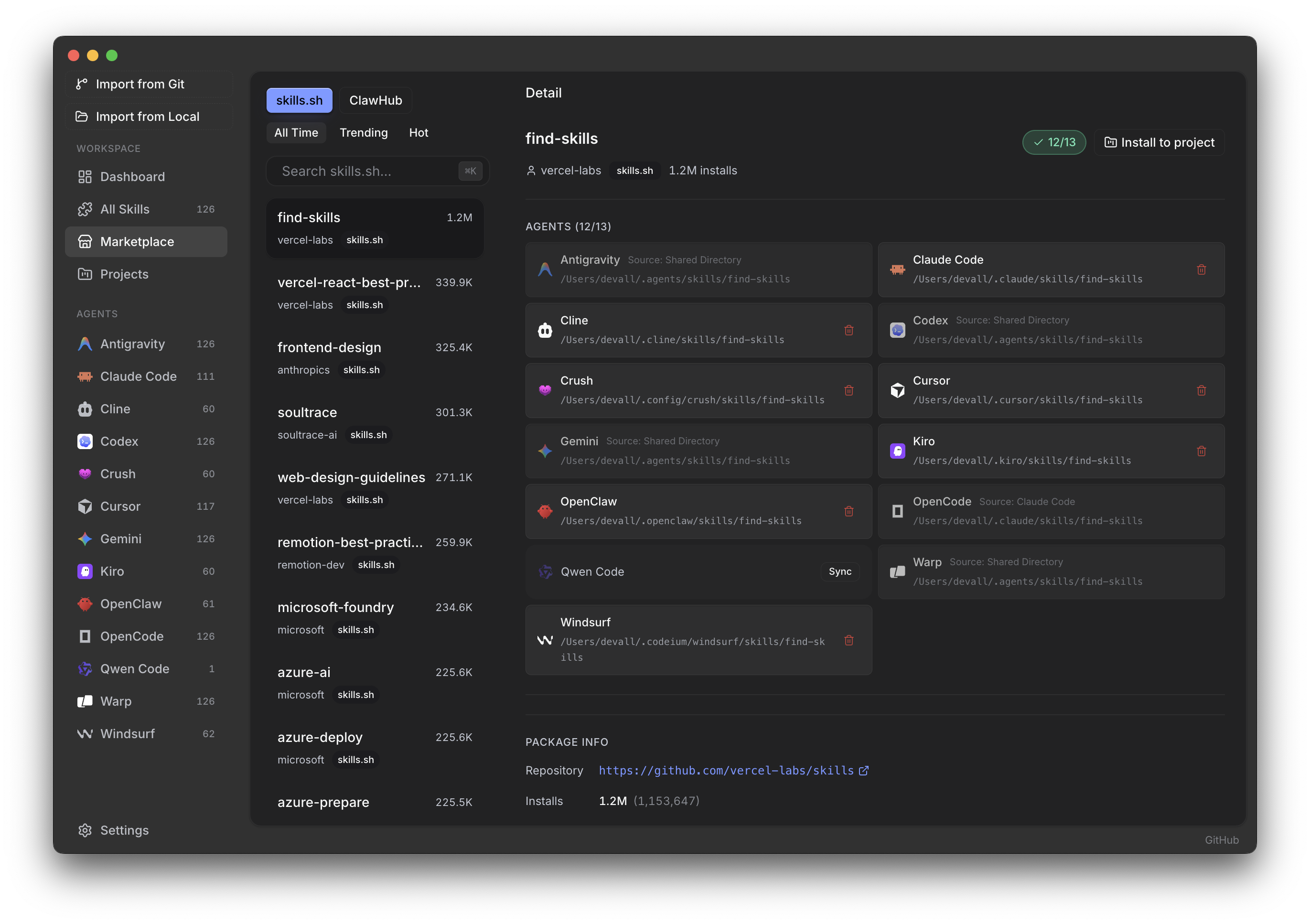
Marketplace
Search skills.sh and ClawHub in-app, preview a skill's target agents and repository, and install without touching the filesystem.
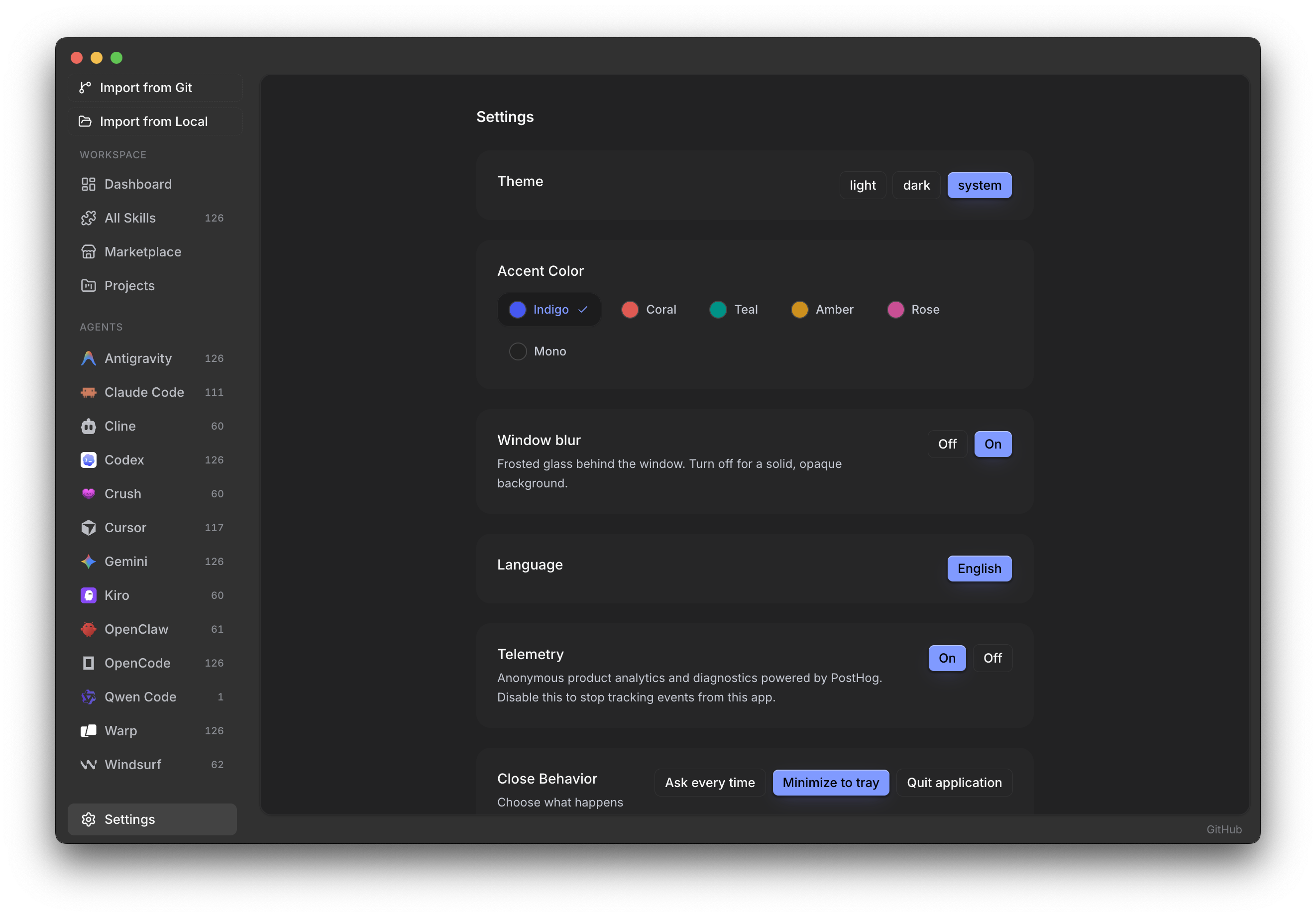
Settings
Theme, accent color, window blur, language, close behavior, and cache controls — all in one place.
Installation
Grab the installer for your OS from the latest release:
| OS | File | Notes |
|---|---|---|
| macOS (Apple Silicon) | Skiller-<version>-macos-arm64.dmg |
Signed + notarized. Open the DMG and drag Skiller to Applications. |
| macOS (Intel) | Skiller-<version>-macos-x64.dmg |
Signed + notarized. Same flow as the Apple Silicon build. |
| Windows (x64) | Skiller-<version>-win-x64.exe |
NSIS installer. SmartScreen may show a one-time warning — click "More info" → "Run anyway". |
| Linux (x64) | Skiller-<version>-linux-x86_64.AppImage, .deb, or .tar.xz |
AppImage: chmod +x, run — static squashfuse runtime, no libfuse2 required (works on CachyOS/Manjaro/EndeavourOS out of the box). .deb for Ubuntu/Debian. .tar.xz: extract, cd Skiller-*, run ./install.sh once (sets SUID on chrome-sandbox, registers a .desktop entry). Passing --uninstall to the same script removes the menu entry. |
Every release is built and published by the CI matrix in .github/workflows/release.yml — tagging vX.Y.Z produces all three platforms automatically.
If you had an older
stable-*-Skiller.*build: those were produced by a previous Electrobun-based packaging pipeline and can't auto-update to the current Electron-based builds. Grab the new installer above; your local data in~/Library/Application Support/com.beautyfree.skiller/(or the Windows/Linux equivalent) stays intact.
Auto-updates
Once installed, Skiller keeps itself current:
- Checks for new versions on launch, then every 6 hours in the background.
- Downloads the full updated bundle on demand (click Download update in Settings → App Updates).
- Shows status and a one-click Restart & install button once ready.
Powered by electron-updater reading from this repo's GitHub Releases.
For Developers
All development, build, and debugging details are in docs/DEVELOPMENT.md.
Contributing
Contributions are welcome.
Open an issue first if you want to discuss a feature or behavior change.
License
Reviews (0)
Sign in to leave a review.
Leave a reviewNo results found