wsp-wordpress-mcp
agent
Warn
Health Warn
- No license — Repository has no license file
- Description — Repository has a description
- Active repo — Last push 0 days ago
- Community trust — 14 GitHub stars
Code Pass
- Code scan — Scanned 2 files during light audit, no dangerous patterns found
Permissions Pass
- Permissions — No dangerous permissions requested
No AI report is available for this listing yet.
Free WordPress MCP For Connecting AI Coding Agents
README.md
WSP WordPress MCP — Connect AI Agents to WordPress
By WebSensePro — Official Shopify Partner & WordPress Agency



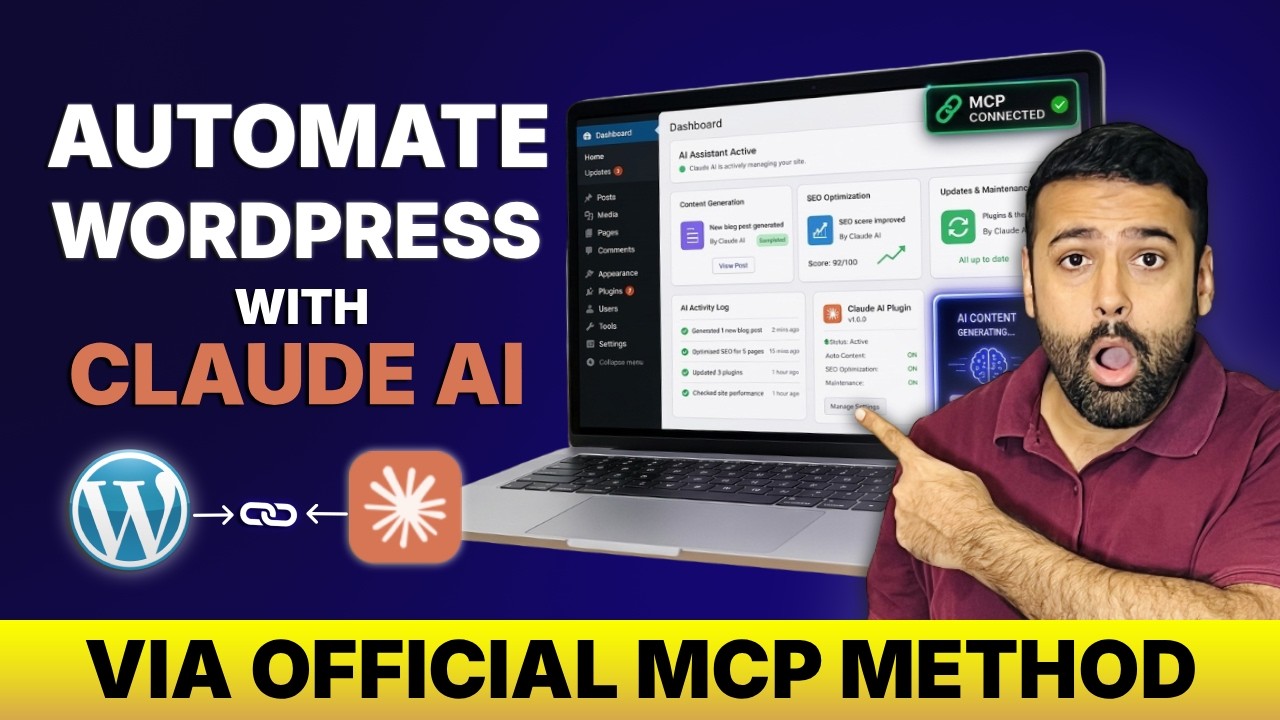
🎬 Watch the Tutorial
✨ What's New in v1.2.0
- ⚡ Elementor Abilities — list pages, get page structure, find/get/update elements, add widgets & containers, remove elements
- 🗂️ Modular Plugin Architecture — refactored into
includes/with separate files per feature group - 🔧 Auto Config Generator — generates ready-to-paste configs for Claude Desktop & Codex from wp-admin
- 🔒 Granular Ability Controls — enable/disable each ability individually; Elementor group only shown when Elementor is active
- 📦 WP.org Ready — proper headers, license,
uninstall.php, and PHP 7.2+ support
🛠️ Available Abilities
Core WordPress
| Ability | Access |
|---|---|
| Read / Create / Update / Delete Posts | read / write |
| Read / Create / Update / Delete Pages | read / write |
| Read Categories & Tags / Create | read / write |
| Read / Approve / Delete Comments | read / write |
| Read Media Library | read |
| Read Users | read |
| Search Content | read |
| Read Site Info & Active Plugins | read |
Elementor (requires Elementor plugin)
| Ability | Access |
|---|---|
| List Elementor Pages | read |
| Get Page Structure (element tree) | read |
| Get Element Settings | read |
| Find Element by type or content | read |
| List Templates | read |
| Update Element settings | write |
| Add Widget to page | write |
| Add Container / Section | write |
| Remove Element | write |
🚀 Quick Start
Prerequisites: WordPress 6.9+, WordPress MCP Adapter, Node.js 18+
- Install & activate this plugin
- Go to MCP > Settings in wp-admin and enable the abilities you need
- Go to MCP > Config Files and copy your auto-generated config
- Paste it into
claude_desktop_config.json(or~/.codex/config.tomlfor Codex) - Start prompting your AI agent
🏢 About WebSensePro
Built by WebSensePro — WordPress & Shopify agency from Queens, NY.
Reviews (0)
Sign in to leave a review.
Leave a reviewNo results found