horsie
Health Warn
- License — License: Apache-2.0
- Description — Repository has a description
- Active repo — Last push 0 days ago
- Low visibility — Only 5 GitHub stars
Code Pass
- Code scan — Scanned 12 files during light audit, no dangerous patterns found
Permissions Pass
- Permissions — No dangerous permissions requested
No AI report is available for this listing yet.
An open-source managed agent harness: bring your own key and runtime.
horsie
An open-source managed agent harness.
The project is under active development.
📖 docs.horsie.dev — guides, operations, CLI
reference, and how it works.
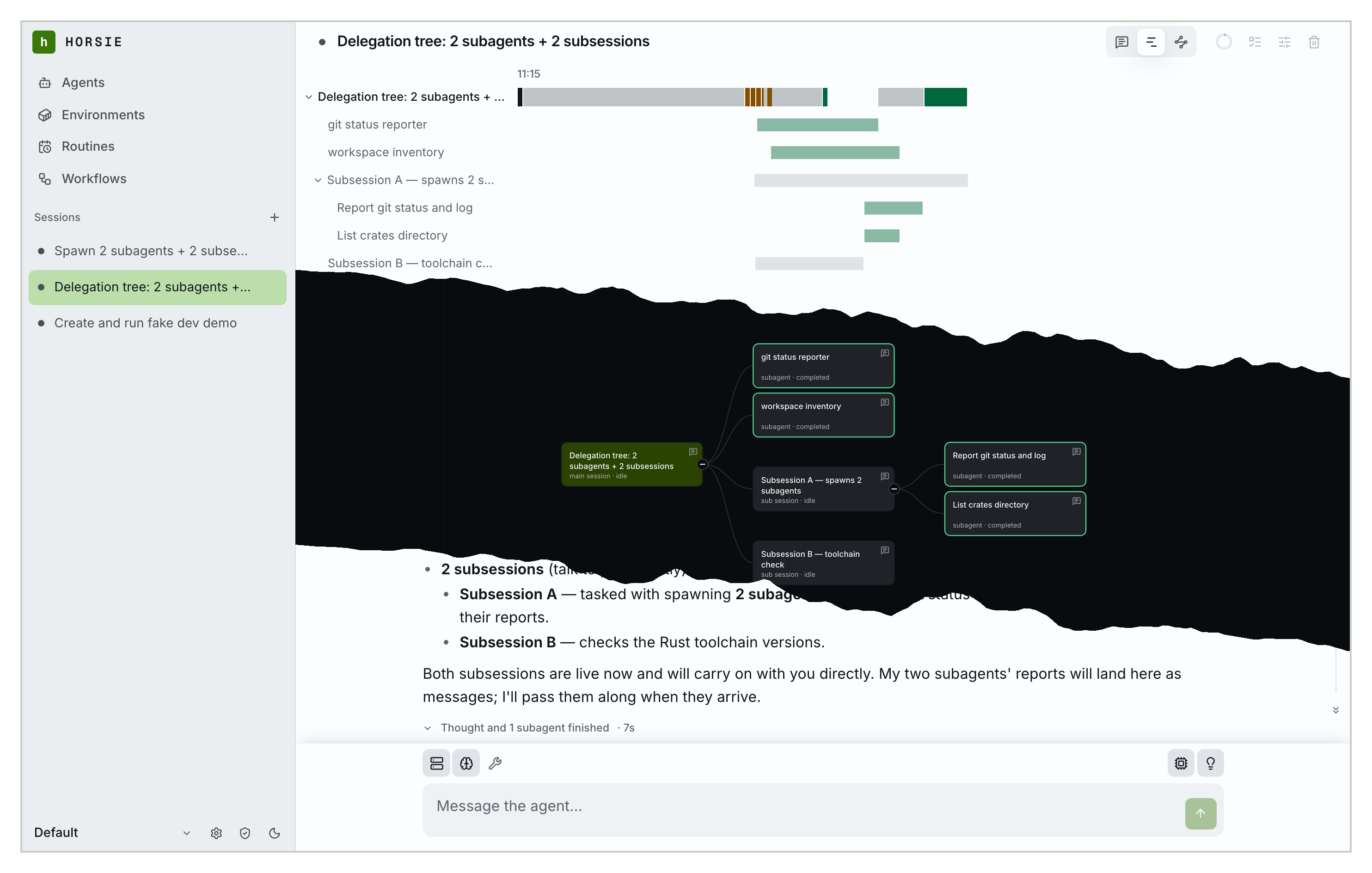
▶ Watch the two-minute walkthrough — a session
end to end, a sandbox on your own machine, and an agent building a workflow that
another agent then runs.
Quick start
docker compose -f docker/docker-compose.yml up -d
Server and web UI on port 3789, no external database and no config file; data
persists in a horsie-data Docker volume. Open http://localhost:3789, sign
in as admin with the password the first boot printed, and add a provider and
a model under Settings → Models — a fresh server has none, and sessions
cannot run a turn without one.
Then give it a sandbox. On the machine holding the code you want the agent to
work on:
curl -fsSL https://get.horsie.dev | sh

horsie auth login --server http://localhost:3789
horsie connect --server http://localhost:3789 --workspace .
That registers the current directory and holds a connection open, dialling
out, so there is no port to open. It spawns one sandbox per session. Keep it
running for as long as you want that machine reachable — or configure a cloud
vendor in Settings and skip it entirely.
Back in the UI: New → pick a model and a sandbox → send a message.
The full walkthrough is the quickstart.
Deploy it somewhere else

Runs the published image with a managed PostgreSQL database instead of a local
volume. Fly.io, an external PostgreSQL, and building the image yourself are all
covered in
Deploying the server.
Building from source
Requires a recent Rust toolchain, and bun for the web client.
make build-server     # ./target/release/horsie-server
make install-server   # install it into ~/.local/bin
make web-build        # build the web UI into clients/web/dist
make build-cli        # the `horsie` binary and its `horsie-runtime` child
make help             # every target
Run the binary directly with:
horsie-server --addr 0.0.0.0:3789 --web clients/web/dist
Contributing
Pull requests are welcome. The pre-PR gate is make check. Contributors sign a
CLA so the project
can keep offering horsie under both licences below and adjust its licensing
later if it needs to.
See CONTRIBUTING.md and
Developing horsie.
License
Licensed under either of Apache License, Version 2.0 or
MIT license at your option.
Unless you explicitly state otherwise, any contribution intentionally submitted
for inclusion in horsie by you, as defined in the Apache-2.0 license, shall be
dual licensed as above, without any additional terms or conditions.
Reviews (0)
Sign in to leave a review.
Leave a reviewNo results found