c2sagent
Health Pass
- License — License: MIT
- Description — Repository has a description
- Active repo — Last push 0 days ago
- Community trust — 256 GitHub stars
Code Pass
- Code scan — Scanned 12 files during light audit, no dangerous patterns found
Permissions Pass
- Permissions — No dangerous permissions requested
This project is a lightweight construction platform for building configurable AI Agents and MCP services. It allows developers to easily convert any HTTP request interface into an MCP tool and enables inter-agent communication.
Security Assessment
The overall risk is rated as Medium. While a light code scan of 12 files found no dangerous patterns, hardcoded secrets, or dangerous permissions, the core design of this tool inherently involves making outbound network requests to external HTTP endpoints. Additionally, the infrastructure requires a full database stack (PostgreSQL and MongoDB), meaning you must handle sensitive connection strings and API keys securely in your local environment. Deploying web-facing services also exposes the frontend and backend ports, requiring proper network security practices.
Quality Assessment
The project is actively maintained, with its most recent push occurring today. It enjoys a healthy level of community trust, evidenced by 256 GitHub stars, and provides a clear, descriptive README. The repository is properly licensed under the permissive and standard MIT license, making it highly accessible for open-source use and modification.
Verdict
Safe to use, provided you understand the standard security responsibilities of self-hosting a platform that connects to external APIs and manages database credentials.
C2S Agent is an lightweight AI Agent construction platform that provides configurable online Agents and MCP services, You can configure any HTTP request interface as an MCP tool. C2S Agent 是一个轻量级的AI Agent构建平台,提供在线可配置的Agent,MCP,您可以一个HTTP请求的接口配置成为一个MCP工具,Agent之间可以进行自交流。并提供了单端口多A2A服务,MCP服务的解决方案

C2S Agent
C2S Agent is an AI Agent construction platform that provides configurable online Agents and MCP services. This means that as long as you have an HTTP request interface, you can configure it into an MCP tool. Additionally, Agents can communicate with each other, working as a team to solve your problems.
English | 简体中文
🛸 Online Access
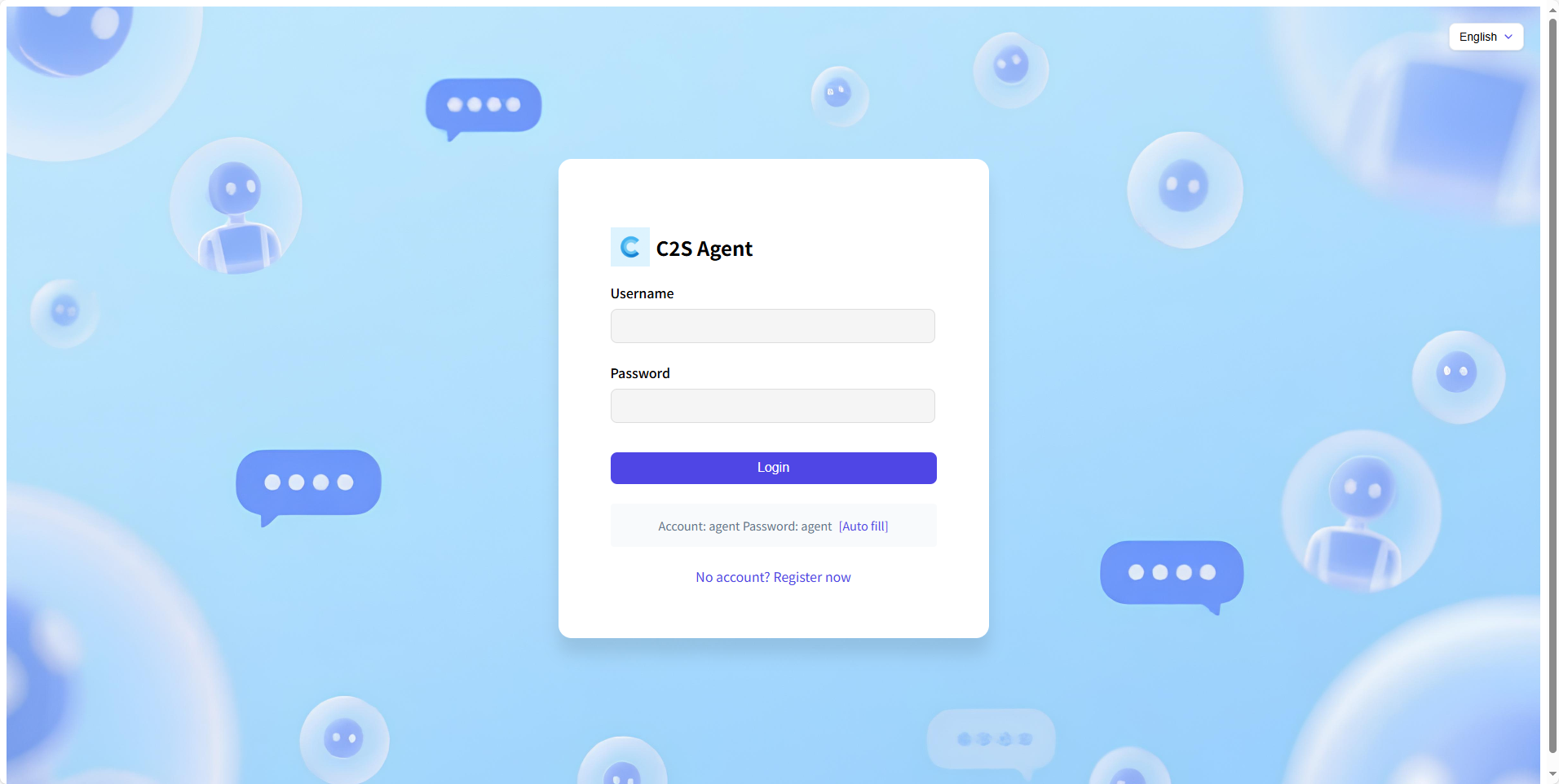 |
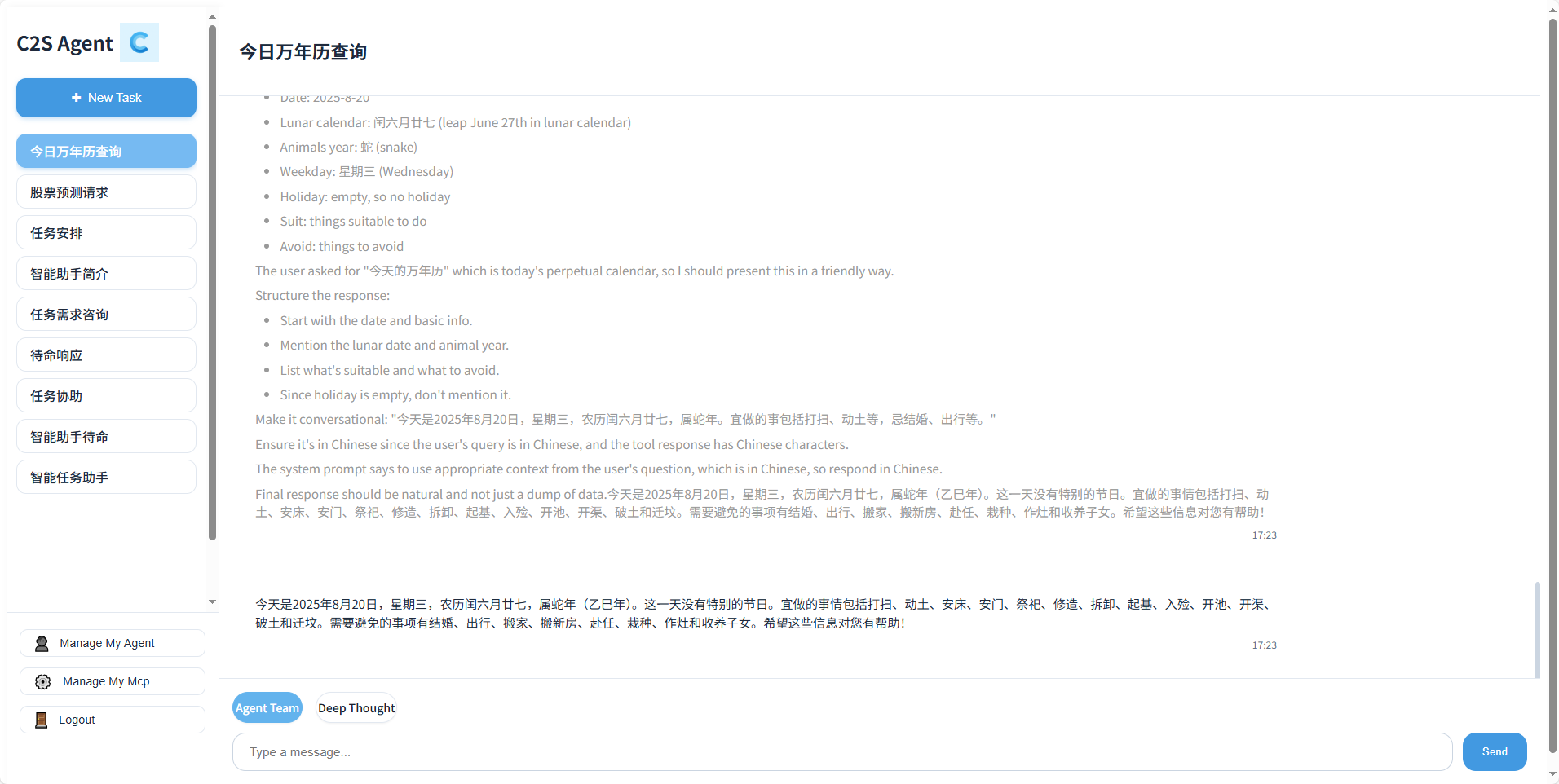 |
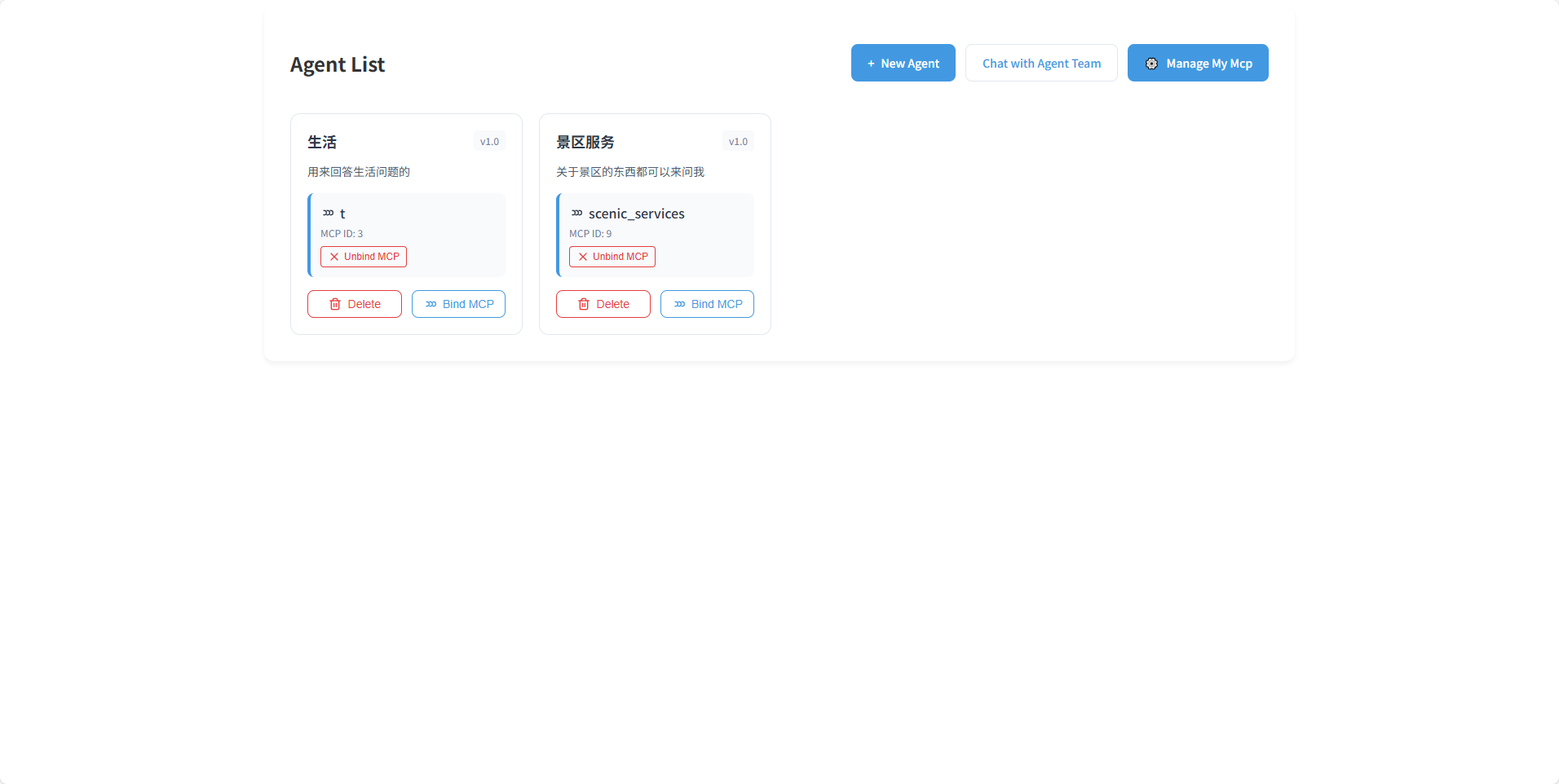 |
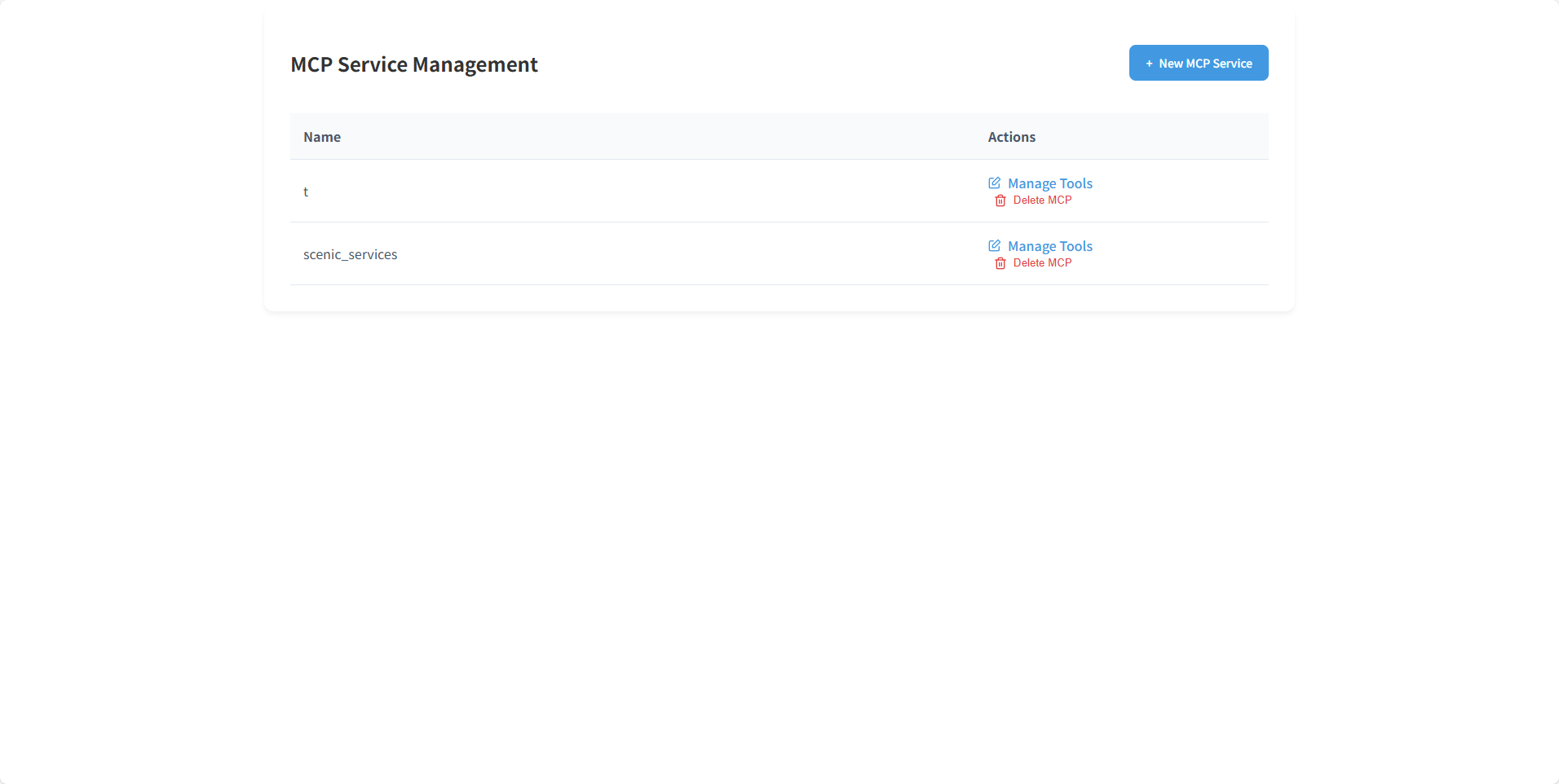 |
💡 Features
1 Configurable Agents
• You only need to configure an llm_url, api_key, and a detailed description for your Agent.
• You can bind an MCP service to your Agent.
2 Configurable MCP Services
• You just need to create a new MCP service and configure MCP tools in the form of HTTP request interfaces.
• Once created, you can bind the MCP service to your Agent.
💡 Some Solutions (Continuously Optimizing)
1 Single-Port Multi-Agent Service Based on A2A Protocol
• https://github.com/C2SAgent/c2sagent/blob/main/src_a2a/a2a_server/__init__.py extends the functionality of the A2A protocol. If needed, you can modify it for your project.
• You can use it to implement multiple A2A services on a single port by simply passing an agent_index.
2 Single-Port HTTP Multi-MCP Service Based on MCP Protocol
• https://github.com/C2SAgent/c2sagent/blob/main/src_mcp/mcp_server/server/mcp_server.py extends the functionality of the MCP protocol. If needed, you can modify it for your project.
• You can use it to implement multiple MCP services on a single port by simply passing an mcp_server_id to access the service.
👨💻 Development
Core Tech Stack: Python + MongoDB + PostgreSQL
AI Tech Stack: A2A + MCP
⚡ Quick Deployment
Use Docker-compose to quickly launch the backend project:
git clone https://github.com/C2SAgent/c2sagent.git
cd c2sagent/docker
docker-compose up --build -d
Use Docker-compose to quickly launch the frontend project:
cd vue-frontend
docker-compose up -d
When launching the frontend project, you need to add your domain or local address to the nginx.conf file.
🚀 Quick Development
Install PostgreSQL
Install MongoDB
Configure your .env
Launch the backend project:
sudo apt update
sudo apt-get install python3-dev python3-pip gcc libpq-dev
git clone https://github.com/C2SAgent/c2sagent.git
uv venv .venv
uv sync
./start_service.sh start
Launch the frontend project:
cd vue-frontend
npm install
npm run dev
🏘️ Join Us
We are looking for like-minded collaborators to accelerate the development of C2S Agent.
Contact email: [email protected]
🤝 Contribute
We welcome contributions in all forms. If you're interested in contributing code, check out our GitHub https://github.com/C2SAgent/c2sagent/issues.
Reviews (0)
Sign in to leave a review.
Leave a reviewNo results found