poke-pc
Health Gecti
- License — License: MIT
- Description — Repository has a description
- Active repo — Last push 0 days ago
- Community trust — 18 GitHub stars
Code Basarisiz
- rm -rf — Recursive force deletion command in macos-app/scripts/build-dmg.sh
- rm -rf — Recursive force deletion command in macos-app/scripts/build-macos-app.sh
Permissions Gecti
- Permissions — No dangerous permissions requested
Bu listing icin henuz AI raporu yok.
safely extend poke's capabilities to your machine with an isolated docker environment. poke pc is a secure mcp worker that lets your ai agent run terminal commands and manage sessions within a sandboxed container
Poke PC
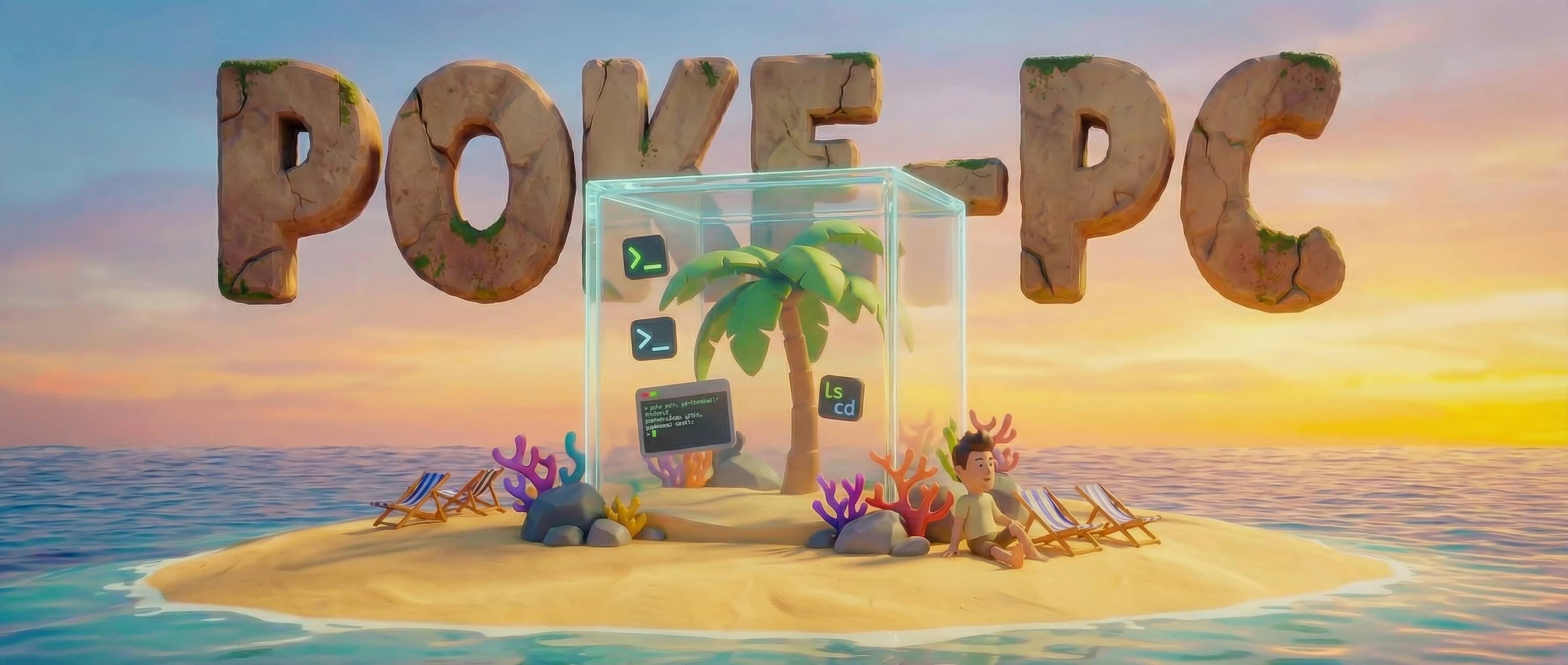
safely extend poke's capabilities to your machine with an isolated docker environment
Let your Poke AI assistant to work on a isolated fully containerized environment.
A community project — not affiliated with Poke or The Interaction Company.




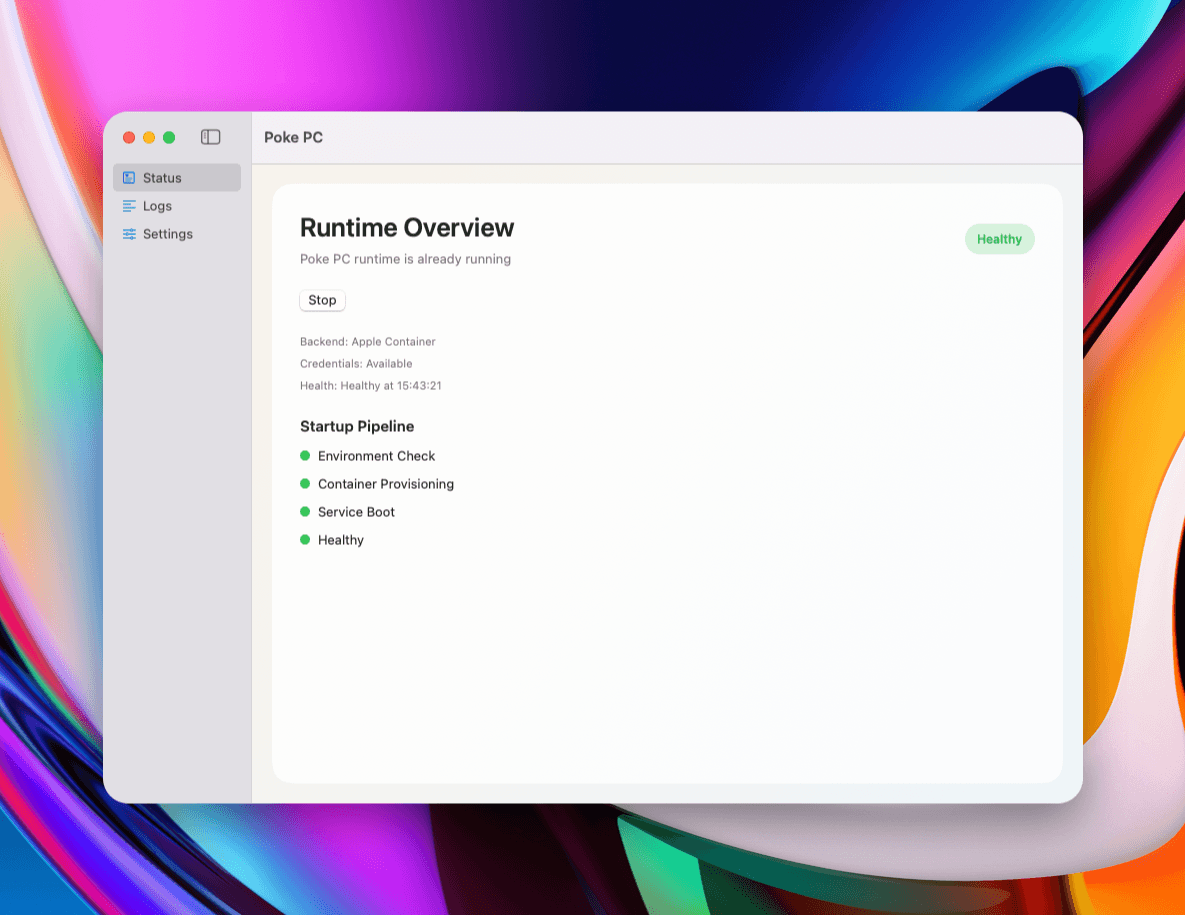
macOS App
The macOS app is downloadable from GitHub Releases.
You can download latest DMG file from here
CLI
npx poke-pc
A Dockerized MCP worker with persistent terminal control, automatic Poke tunnel connection, and optional command status notifications to Poke.
License: MIT
Introduce Poke PC to your Poke ⭐
Use this direct recipe link:
https://poke.com/r/kWWE0sbthIQ
You can also copy RECIPE.md into your Poke configuration.
Quick Start 🚀
The command runs an interactive setup that:
- checks Docker
- runs Poke SDK device login if credentials are missing
- stores OAuth token in
~/.config/poke/credentials.json - asks if command status notifications to Poke should be enabled (default: yes)
- creates persistent volume and starts container in detached mode (no
--rm)
Useful after setup:
docker logs -f poke-pc
docker exec -it poke-pc tail -f /root/poke-pc/terminal/history.ndjson
Authentication 🔐
- Tunnel and notifications use the same OAuth token credentials from
~/.config/poke/credentials.json. - Quickstart uses Poke SDK device login to generate credentials automatically.
- No separate manual key setup is required.
If credentials are missing on first run, the app shows a login URL and code in logs.
Manual Docker Run
docker run -d \
  --name poke-pc \
  -p 3000:3000 \
  -e POKE_TUNNEL_NAME="poke-pc" \
  -e MCP_PUBLIC_URL="http://127.0.0.1:3000/mcp" \
  -e POKE_PC_AUTOREGISTER_WEBHOOK="true" \
  -v poke_pc_state:/root/poke-pc \
  -v "$HOME/.config/poke:/root/.config/poke" \
  ghcr.io/calganaygun/poke-pc:latest
To run without command status notifications:
-e POKE_PC_AUTOREGISTER_WEBHOOK="false"
Configuration
Copy .env.example and adjust as needed.
Common defaults:
POKE_TUNNEL_NAME=poke-pcMCP_HOST=0.0.0.0MCP_PORT=3000MCP_PUBLIC_URL=http://127.0.0.1:3000/mcpPOKE_PC_AUTOREGISTER_WEBHOOK=true
Bootstrap config can be loaded from file with POKE_PC_BOOTSTRAP_CONFIG.
MCP Tools
terminal_create_sessionterminal_list_sessionsterminal_run_commandterminal_get_command_statusterminal_capture_outputterminal_kill_sessionterminal_list_commandsfilesystem_read_file(blocks access under~/.config)
Project docs
- CONTRIBUTING.md
- CODE_OF_CONDUCT.md
- SECURITY.md
- CHANGELOG.md
- RELEASE_CHECKLIST.md
Local Development
npm install
npm run dev
Build
npm run build
npm start
Runtime behavior
Startup order:
- Validate config and initialize state directories.
- Initialize tmux manager and restore known sessions.
- Run bootstrap commands.
- Initialize command notification channel (load persisted or auto-register).
- Start MCP server.
- Start Poke tunnel with reconnection loop.
- Start command monitor for adaptive heartbeat/completion notifications.
Observability and command history
- Runtime app logs are emitted via pino to container stdout/stderr.
- Command/bootstrap lifecycle events are persisted in append-only NDJSON:
/root/poke-pc/terminal/history.ndjson
- This history file is intentionally logging-only and not exposed as an MCP tool.
Example:
docker exec -it poke-pc tail -f /root/poke-pc/terminal/history.ndjson
CI/CD and release
- CI workflow:
.github/workflows/ci.yml - GHCR publish workflow:
.github/workflows/docker-publish.yml - GitHub release workflow:
.github/workflows/release.yml
Published image path:
ghcr.io/calganaygun/poke-pc
Security notes
- Container currently runs as root by design for bootstrap flexibility.
filesystem_read_fileresolves real paths and blocks~/.configaccess to protect credentials.- Persisted webhook token is stored in state path with mode
0600. - Logs redact common secret fields.
Acknowledgements and Credits
- Inspired by the need for a more robust and persistent Poke work environment.
- Built with Node.js, Docker, and the Poke SDK.
- Poke by The Interaction Company of California
- Official Poke SDK
Yorumlar (0)
Yorum birakmak icin giris yap.
Yorum birakSonuc bulunamadi