cat
Health Gecti
- License — License: NOASSERTION
- Description — Repository has a description
- Active repo — Last push 0 days ago
- Community trust — 100 GitHub stars
Code Basarisiz
- rm -rf — Recursive force deletion command in client/claude/lifecycle/src/main/resources/install/install-claude.sh
- rm -rf — Recursive force deletion command in client/claude/lifecycle/src/main/resources/install/uninstall-claude.sh
Permissions Gecti
- Permissions — No dangerous permissions requested
Bu listing icin henuz AI raporu yok.
An agentic workflow with a focus on reliability and developer experience
Reliable agentic coding for professional cat herders
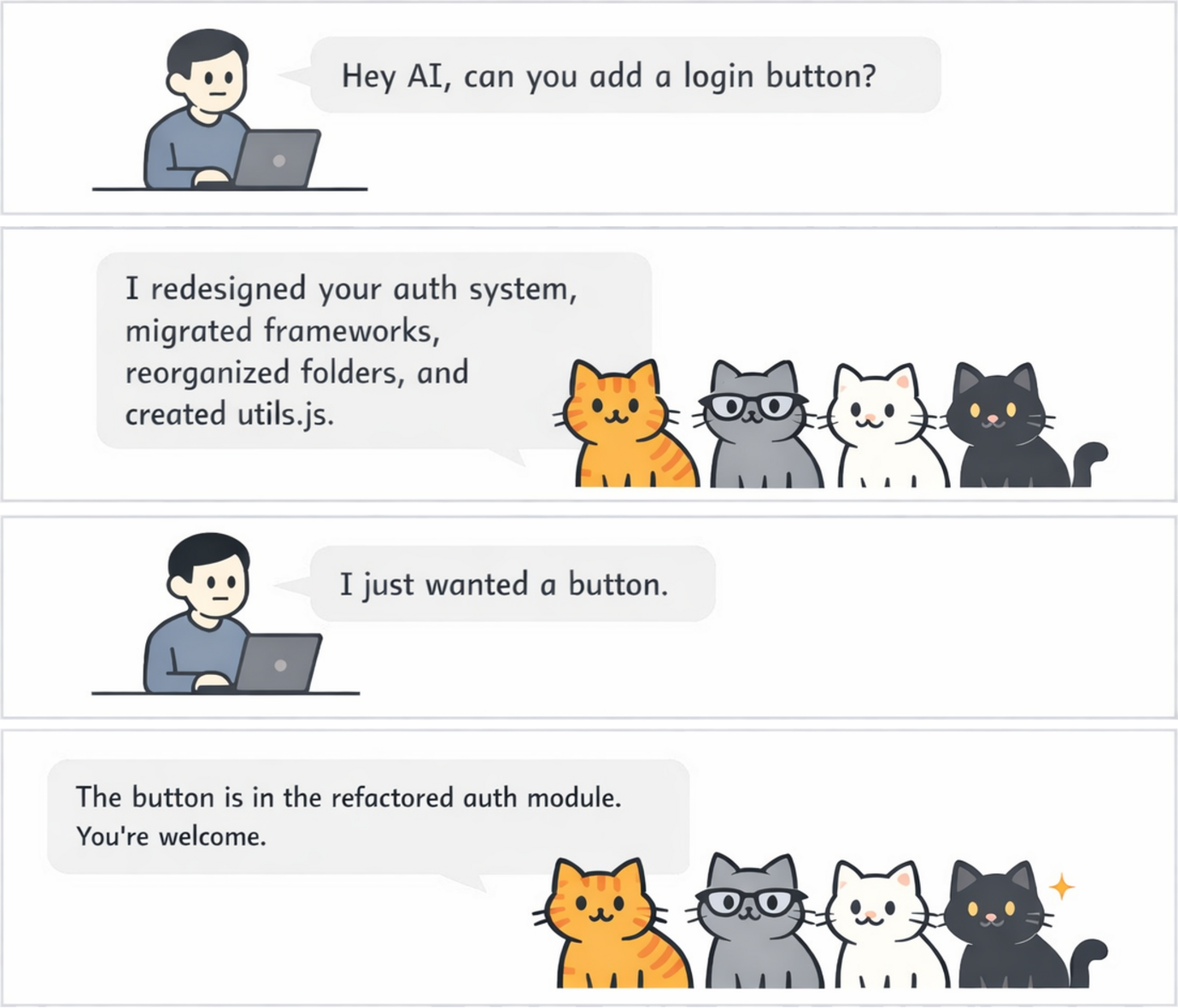
A coding agent can follow a rule in one file and miss it in the next. It can complete only part of a refactor, or apply
a project convention in one area and overlook it somewhere else.
Your rules will change as the team learns. When a review uncovers a gap, add the lesson to the project rules and CAT
brings it into later sessions. CAT also guides agents to explain their work clearly and avoid unnecessary jargon, making
their changes easier to understand in review.
Why CAT
- Proven compliance. CAT’s rules are certified to achieve at least 95% compliance, with 95% confidence.
- Apply rules more consistently across a task. Give the agent the same guidance as it moves between files and
sessions, so it is less likely to handle a convention in one place and miss it in another. - Use rules tested for reliability. CAT certifies an optimized rule only after repeated tests support, with 95%
confidence, that agents follow it at least 95% of the time in the cases tested. - Keep rules with the codebase. Store shared guidance in the repository, where the team can change it alongside the
code it affects. - Make agent changes easier to review. Clear, plain-language explanations help reviewers understand what changed
and spot gaps in the current rules. - Improve the rules as you work. Reviews uncover new cases. Add the lesson as a project rule, and CAT can supply it
in later sessions. - Use the coding harness you prefer. CAT supports both Claude Code and Codex while keeping project guidance in one
place. - Install with confidence. CAT provides native distributions for supported Linux and macOS platforms, including
checksum-verified installation and an uninstall path.
How CAT checks its rules
CAT tests and certifies its optimized rules against agent tasks. A rule is certified only when repeated tests support,
with 95% confidence, that agents follow it at least 95% of the time in the cases tested.
Your team’s own rules stay in the repository, where you can improve them through normal review.
Try it on one project
CAT is free for non-commercial use. Try it on the project you work on today. When the same workflow needs to support
a team, see Pricing (docs/PRICING.md) for commercial plans and features.
Get Started
1. Select a release
Each bootstrap command installs the latest CAT release by default, verifies the matching platform archive and checksum,
and safely upgrades an existing CAT installation. To install a particular release, append its tag (for example,v1.0). For example, append v1.0 after the pipe: | sh -s v1.0.
2. Choose a coding harness
Claude Codecurl -fsSL \
https://raw.githubusercontent.com/cowwoc/cat/main/client/claude/lifecycle/src/main/resources/install/bootstrap-claude.sh | sh
To install into a custom Claude Code configuration directory, set CLAUDE_CONFIG_DIR:
curl -fsSL \
  https://raw.githubusercontent.com/cowwoc/cat/main/client/claude/lifecycle/src/main/resources/install/bootstrap-claude.sh \
  | CLAUDE_CONFIG_DIR=/path/to/claude-home sh
curl -fsSL \
  https://raw.githubusercontent.com/cowwoc/cat/main/client/codex/lifecycle/src/main/resources/install/bootstrap-codex.sh | sh
To install into a custom Codex home directory, set CODEX_HOME:
curl -fsSL \
  https://raw.githubusercontent.com/cowwoc/cat/main/client/codex/lifecycle/src/main/resources/install/bootstrap-codex.sh \
  | CODEX_HOME=/path/to/codex-home sh
3. Start or resume a session
Start or resume a session. CAT then injects its default rules and your project's applicable rules.
Learn More
Yorumlar (0)
Yorum birakmak icin giris yap.
Yorum birakSonuc bulunamadi