TokenCats
Health Gecti
- License — License: GPL-3.0
- Description — Repository has a description
- Active repo — Last push 0 days ago
- Community trust — 11 GitHub stars
Code Gecti
- Code scan — Scanned 12 files during light audit, no dangerous patterns found
Permissions Gecti
- Permissions — No dangerous permissions requested
Bu listing icin henuz AI raporu yok.
🐱 More code. More cats. Collect pixel cats with Claude Code & Codex, give them a home in your MacBook notch, and show it off on GitHub.
TokenCats





English · 한국어
Raise cats with your AI agent tokens, and show them off on your GitHub profile.
Tokens you spend in Claude Code and Codex become churu, and the cats you adopt with churu live in a room inside your MacBook notch.
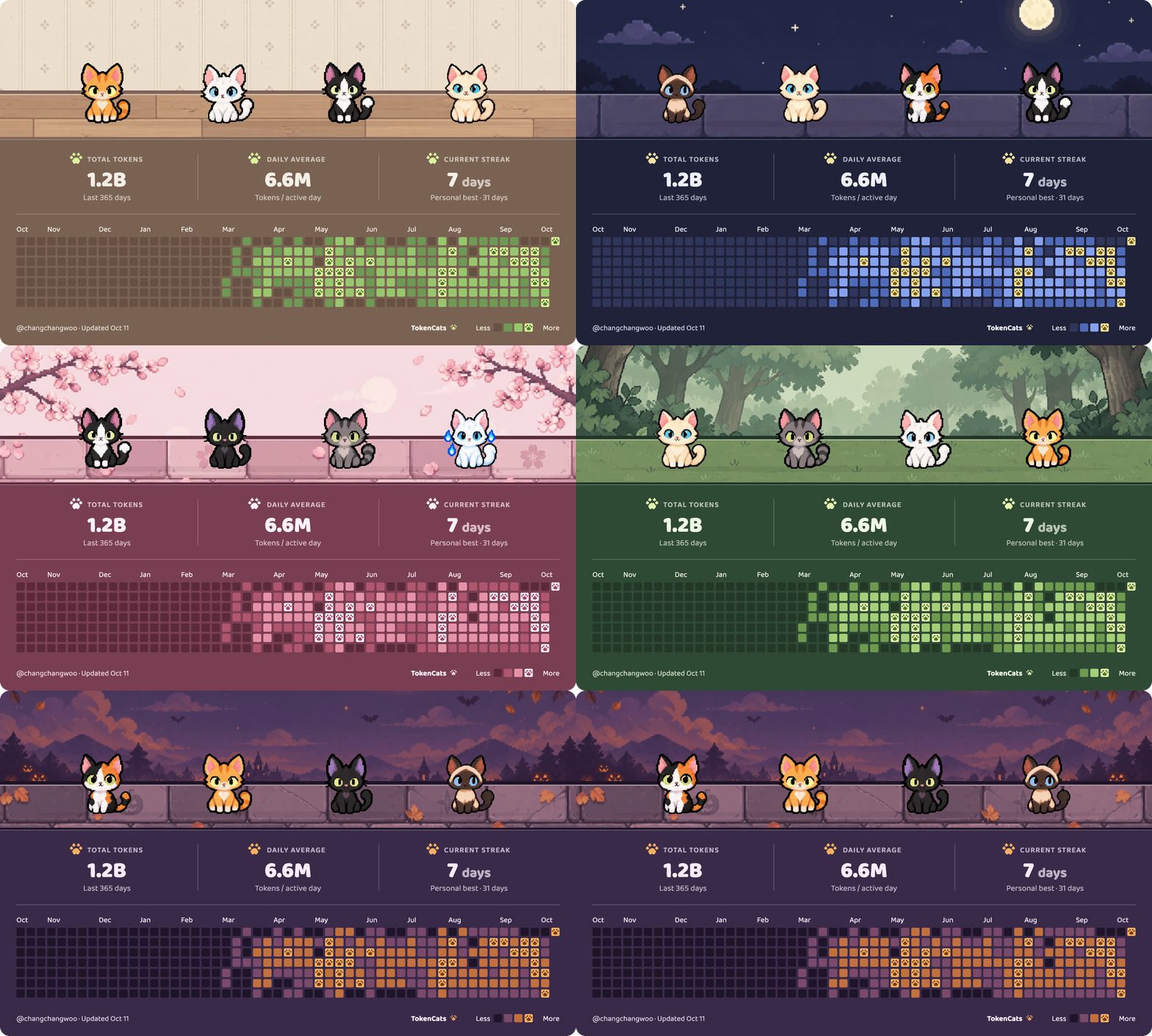
Once a day, and whenever your room changes, the app redraws a GitHub profile card that tracks your tokens.
TokenCats currently reads tokens from Claude Code and Codex.
Going forward, we plan to support more agents such as Gemini CLI and Kiro. Contributors are always welcome!
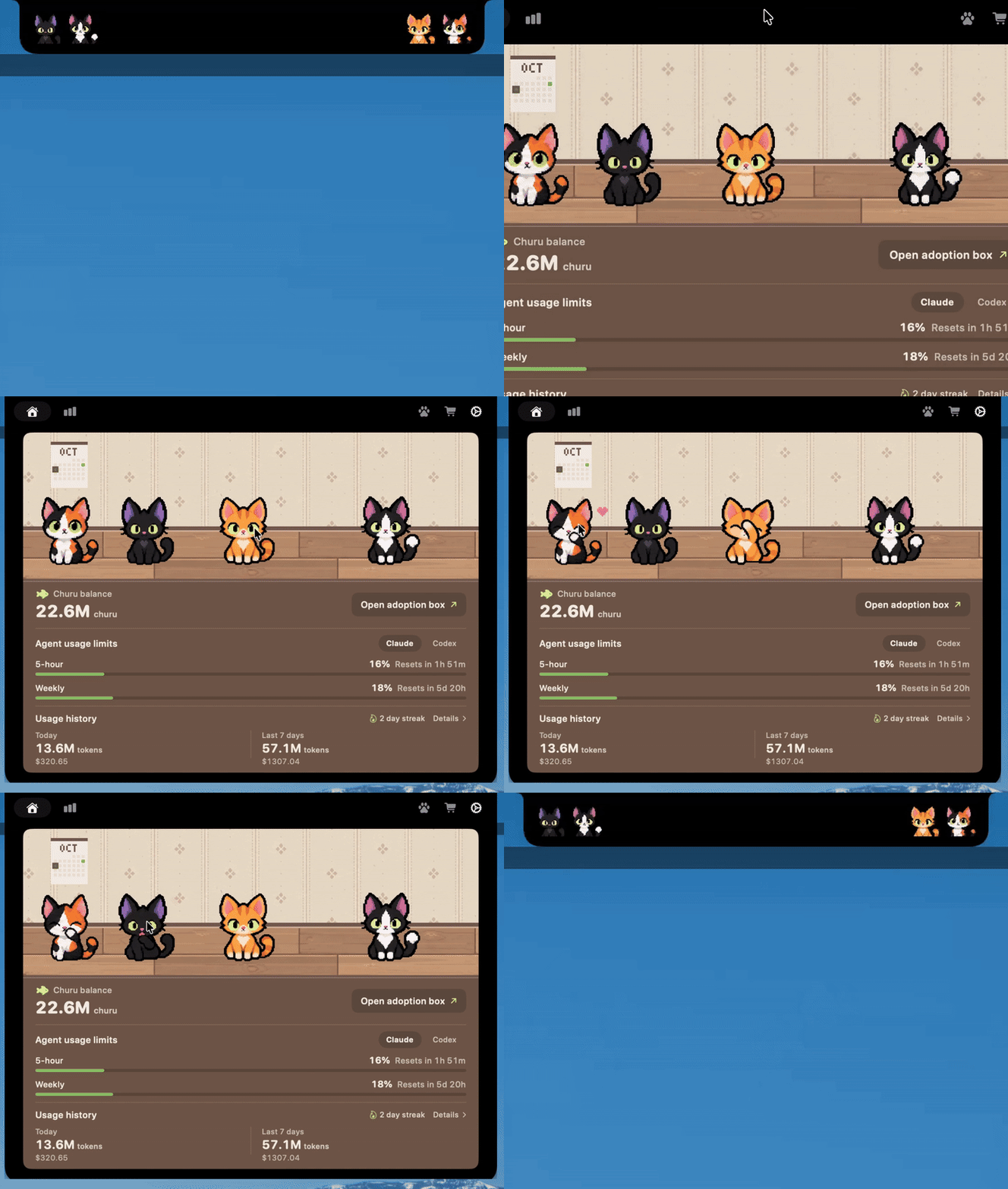
- With the notch closed, the cats sit on either side of it.
- Hover the notch and the room opens. Inside, the cats walk around, groom themselves, and float a heart when you pet them.
- Pet a cat, or right-click it to give churu, and its bond level climbs toward 99. Hover a cat to see the level, and switch on "Cat bond levels" in Settings › GitHub profile to show it on your card.
- Give a cat its own name by right-clicking it in the collection. Up to 16 characters, and a blank name brings back the coat name.
- Below the room you can see your churu, today's tokens, and your Claude and Codex usage limits.
How it works
 |
|
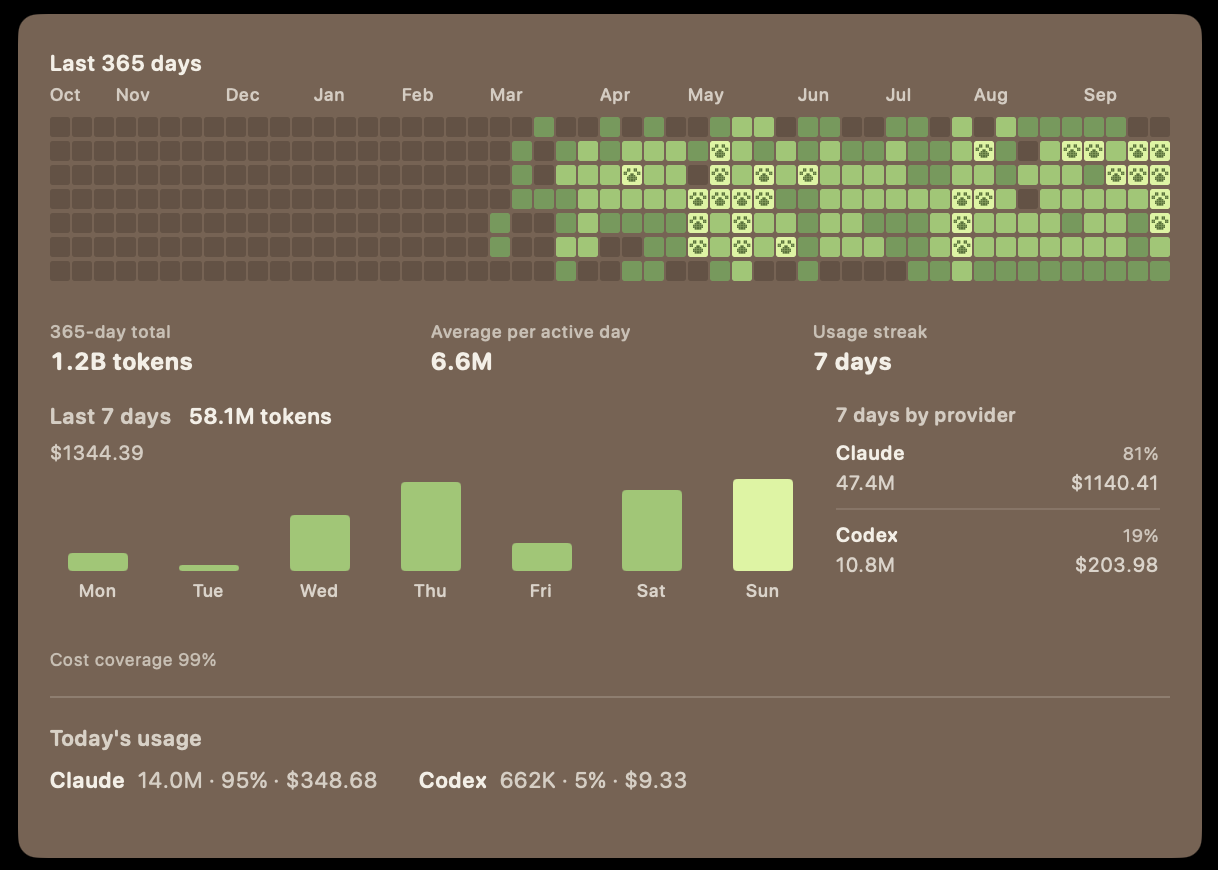
- Three kinds of tokens count as churu: uncached input, cache writes, and output.
- Tokens read back from the cache don't count. Counting every re-read of the same content would inflate the number far too much.
- Each past day's total is frozen once the day ends, so churu you've already earned never shrinks even if log files are deleted.
Your usage at a glance
 |
|
Make the room yours
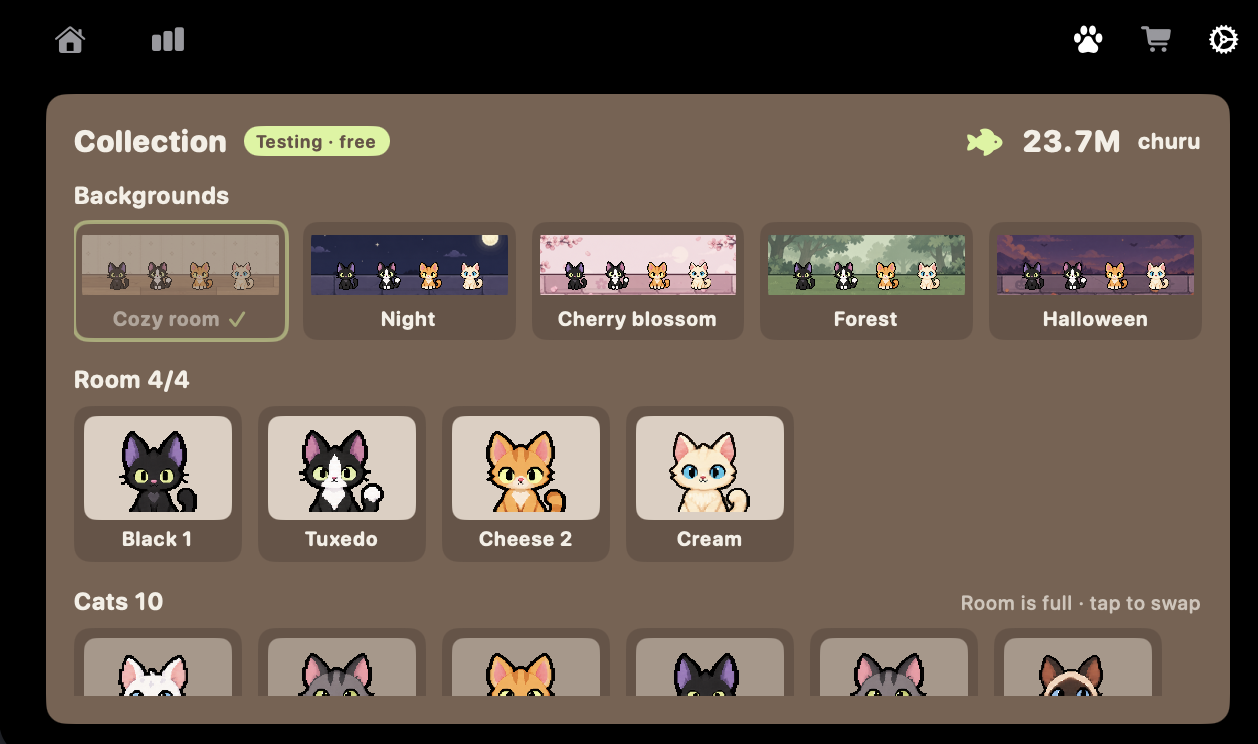 |
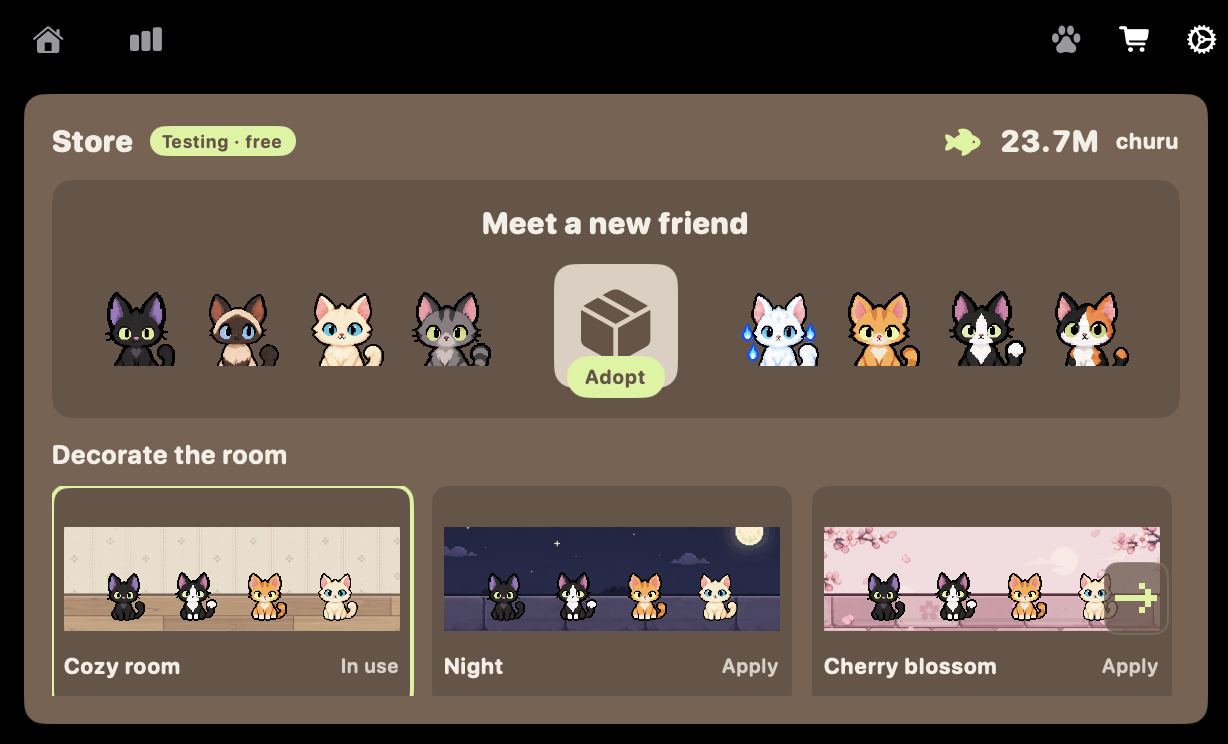
Choose from five backgrounds and props, and pick what goes on your card (token counts, the year of squares).
|
Put your cats on your GitHub profile
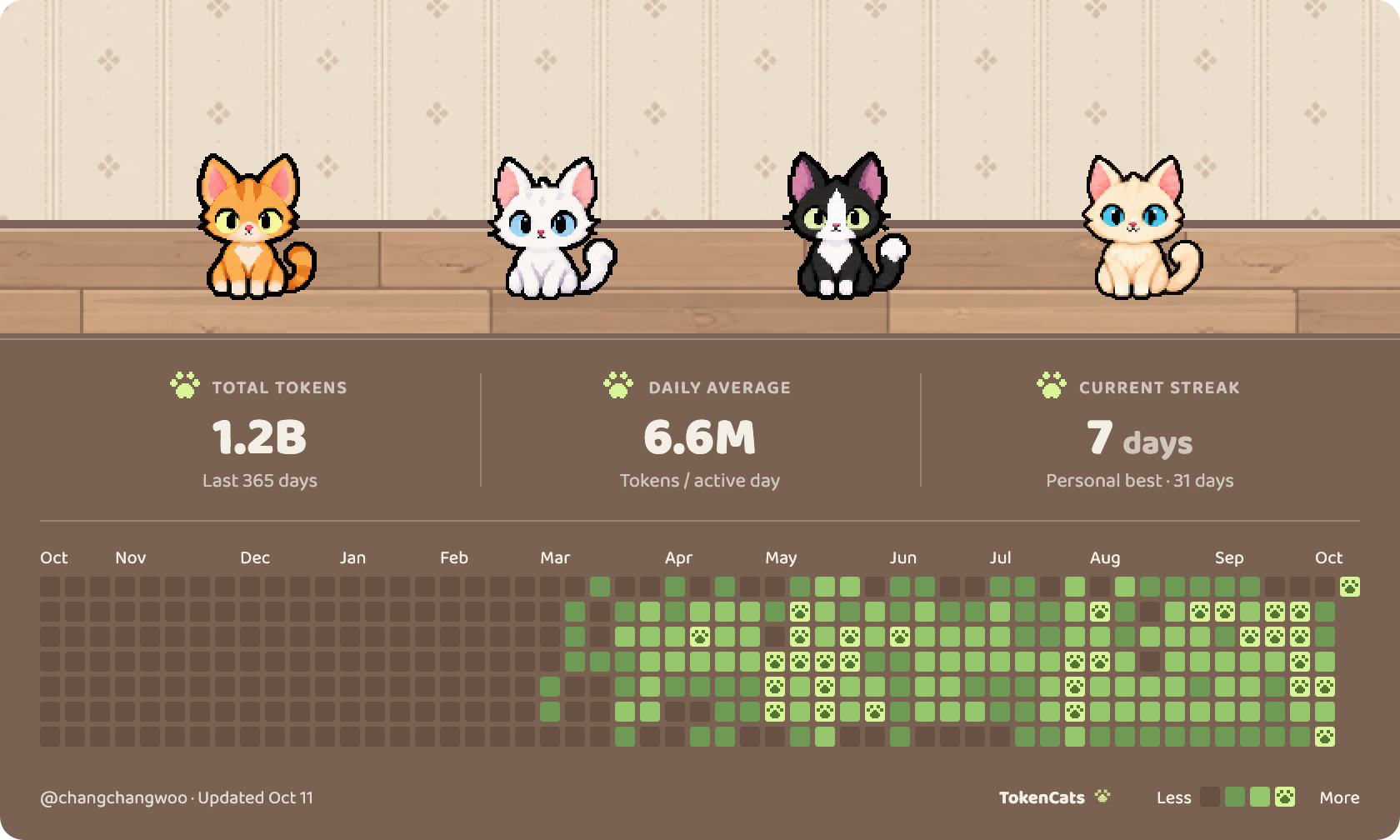 |
Your cat room goes at the very top of your GitHub profile README as a card.
|
Create a public repository on GitHub named after your username (for example changchangwoo/changchangwoo), and its README shows up at the top of your profile. If you don't have one yet, the app gives you a link that creates it.
The app inserts the block below into your README. You can paste the same thing yourself (replace username).
<!-- tokencats:start -->
<a href="https://github.com/changchangwoo/TokenCats"><img src="https://raw.githubusercontent.com/username/username/catroom/catroom.svg" width="100%" alt="My cat room and agent activity"></a>
<!-- tokencats:end -->
Cute cats waiting for you!
Open an adoption box and a cat comes out, depending on its rarity.
Who will you meet? Isn't that exciting?
| Rarity | Odds | Cats |
|---|---|---|
| Common | 50% | 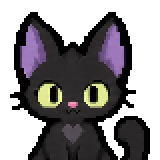 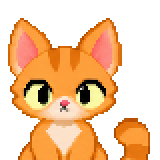 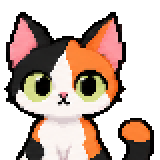 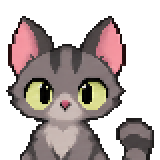 |
| Uncommon | 30% |  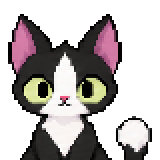  |
| Rare | 15% | 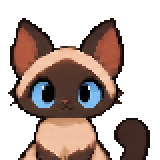 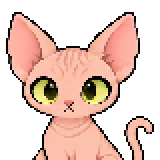 |
| Unique | 5% |  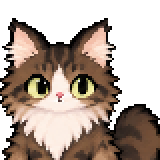 |
Install
brew install --cask changchangwoo/tap/tokencats
- Runs on macOS 14 or later. On a Mac without a notch, it sits at menu bar height.
- Type the full name as shown above. Homebrew refuses to install the short
tokencatson its own. - To update, run
brew upgrade --cask tokencats. - The app is ad-hoc signed and not notarized. During installation, the Homebrew cask removes macOS quarantine from
TokenCats.appso it can open. - If you download the zip from Releases instead, macOS will say the app cannot be opened the first time. Open System Settings › Privacy & Security, scroll down and click Open Anyway, or run
xattr -dr com.apple.quarantine /Applications/TokenCats.appin Terminal. - After that, the app updates itself: once a day it looks for a new version and asks before installing (Settings › About).
| Reads | Usage logs under ~/.claude and ~/.codex. Only token counts and model names are counted. Prompt contents are never stored or sent |
| Writes | Only when enabled: one hook line in the Claude Code and Codex settings files, and one status line entry for Claude Code. The original settings are backed up, and turning it off restores them |
| Sends | If you connect with the GitHub App, device authorization uses github.com. When you turn on the GitHub card, the app uploads the card SVG through api.github.com and reads and saves your profile README there, changing only the marked section. Once a day the app reads raw.githubusercontent.com to see if a newer version exists, and asks before installing one (Settings › About to turn off). Agent usage logs and prompts stay on your Mac |
| Analytics | None |
| Accounts | Connecting GitHub is optional. Use your gh login, or grant the TokenCats GitHub App access to your profile repository only |
- When editing settings files, existing settings and hooks from other tools are left alone.
- Hooks take effect in sessions opened or reopened after connecting.
- For Codex, approve the hook once with
/hooksinside Codex after connecting.
Contributing
- The structure is in ARCHITECTURE.md.
- Working rules are in CONTRIBUTING.md.
- To add cats or room art, see art-src/README.md.
This project is open source and always open.
New cats, new rooms, new items, and anything else new — we're always looking for contributors to build it with us!
Thanks to
- TokenCats started from boring.notch (GPL-3.0).
The notch window and its open/close motion come from there; the full list is in NOTICE.md. - The card font is Baloo 2.
License
GPL-3.0

If you like the cats, please ⭐ star the repo. It really helps development! 🐟
Yorumlar (0)
Yorum birakmak icin giris yap.
Yorum birakSonuc bulunamadi