forks
mcp
Uyari
Health Uyari
- License — License: MIT
- Description — Repository has a description
- Active repo — Last push 0 days ago
- Low visibility — Only 5 GitHub stars
Code Uyari
- network request — Outbound network request in scripts/screenshots.py
Permissions Gecti
- Permissions — No dangerous permissions requested
Purpose
This tool provides a local web-based UI for managing, browsing, and mirroring Git repositories (from GitHub/Gitee). It also acts as a local network accelerator for cloning repos and includes an MCP server interface for AI client integration.
Security Assessment
Overall Risk: Medium. The tool is designed to execute Git commands (clone, pull) and act as a proxy/mirror, which inherently requires shell execution and extensive network access. The audit flagged an outbound network request inside `scripts/screenshots.py`. While the core application uses standard OAuth tokens for repository management, users should be cautious about how access tokens are stored and passed via environment variables or CLI arguments. There are no hardcoded secrets in the current scan, and it does not request dangerous system-wide permissions.
Quality Assessment
The project is licensed under the permissive and standard MIT license. It appears to be actively maintained, with the most recent push occurring today. However, it currently has very low community visibility and adoption, sitting at only 5 GitHub stars. Because it is relatively new and niche, it has not yet been battle-tested by a wide audience. The documentation (bilingual Chinese/English) and CI/CD pipelines (Docker builds) are thorough and indicate good developer practices.
Verdict
Use with caution. The underlying code appears professionally structured and actively maintained, but the low community adoption means you should independently inspect the repository handling logic before exposing it to your network or handing it sensitive Git credentials.
This tool provides a local web-based UI for managing, browsing, and mirroring Git repositories (from GitHub/Gitee). It also acts as a local network accelerator for cloning repos and includes an MCP server interface for AI client integration.
Security Assessment
Overall Risk: Medium. The tool is designed to execute Git commands (clone, pull) and act as a proxy/mirror, which inherently requires shell execution and extensive network access. The audit flagged an outbound network request inside `scripts/screenshots.py`. While the core application uses standard OAuth tokens for repository management, users should be cautious about how access tokens are stored and passed via environment variables or CLI arguments. There are no hardcoded secrets in the current scan, and it does not request dangerous system-wide permissions.
Quality Assessment
The project is licensed under the permissive and standard MIT license. It appears to be actively maintained, with the most recent push occurring today. However, it currently has very low community visibility and adoption, sitting at only 5 GitHub stars. Because it is relatively new and niche, it has not yet been battle-tested by a wide audience. The documentation (bilingual Chinese/English) and CI/CD pipelines (Docker builds) are thorough and indicate good developer practices.
Verdict
Use with caution. The underlying code appears professionally structured and actively maintained, but the low community adoption means you should independently inspect the repository handling logic before exposing it to your network or handing it sensitive Git credentials.
Local Git repository manager & mirror acceleration tool with Web UI / 本地 Git 仓库管理与镜像加速工具,提供 Web 界面管理仓库的克隆、更新和浏览
README.md
Forks
本地 Git 仓库管理与镜像加速工具 — Web 界面管理 GitHub/Gitee 仓库,局域网内加速克隆。
English | 中文



目录
界面预览
首页仪表盘 — 仓库统计、快捷操作、今日热门趋势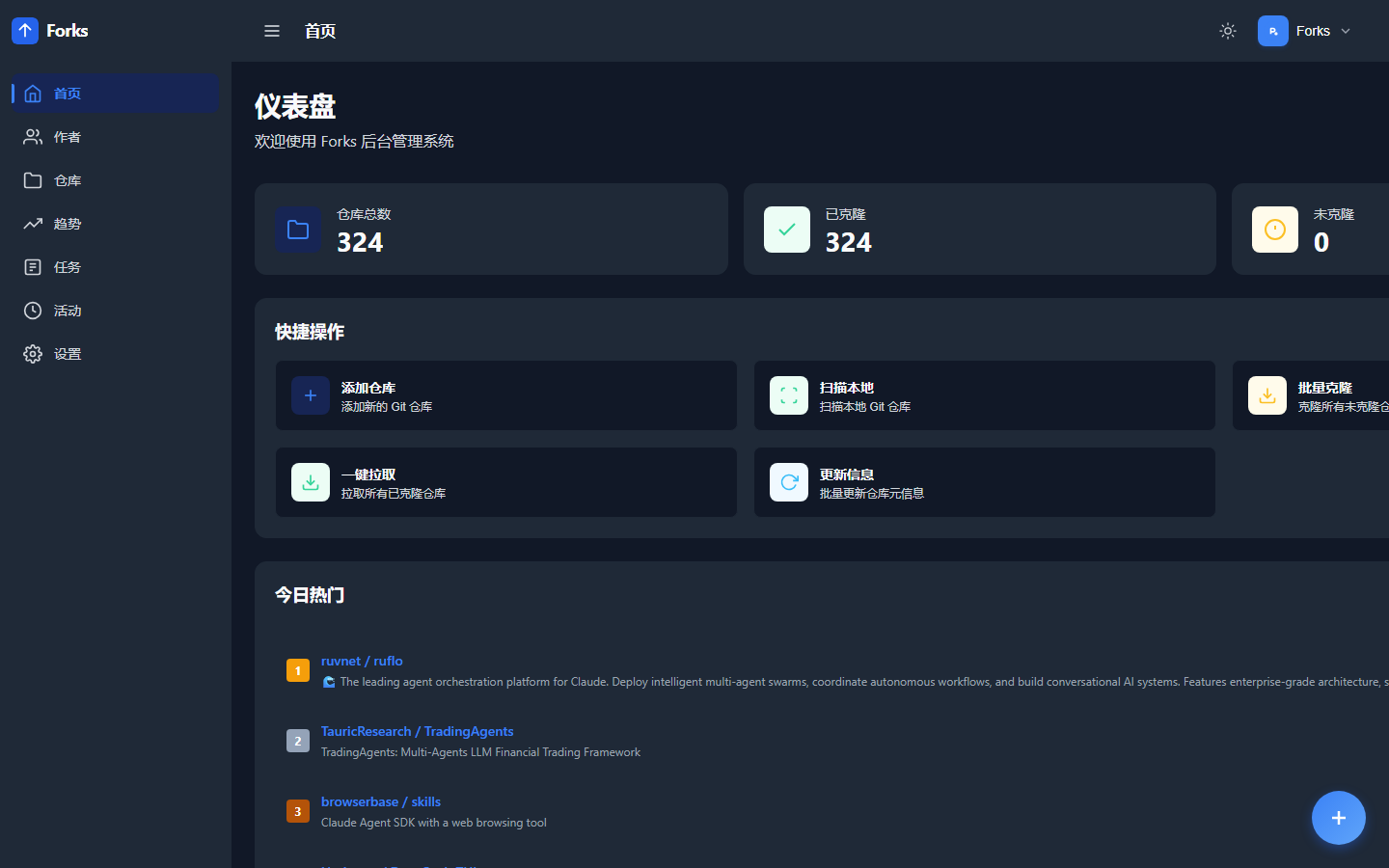
仓库列表 — 搜索、筛选、批量操作,卡片展示仓库描述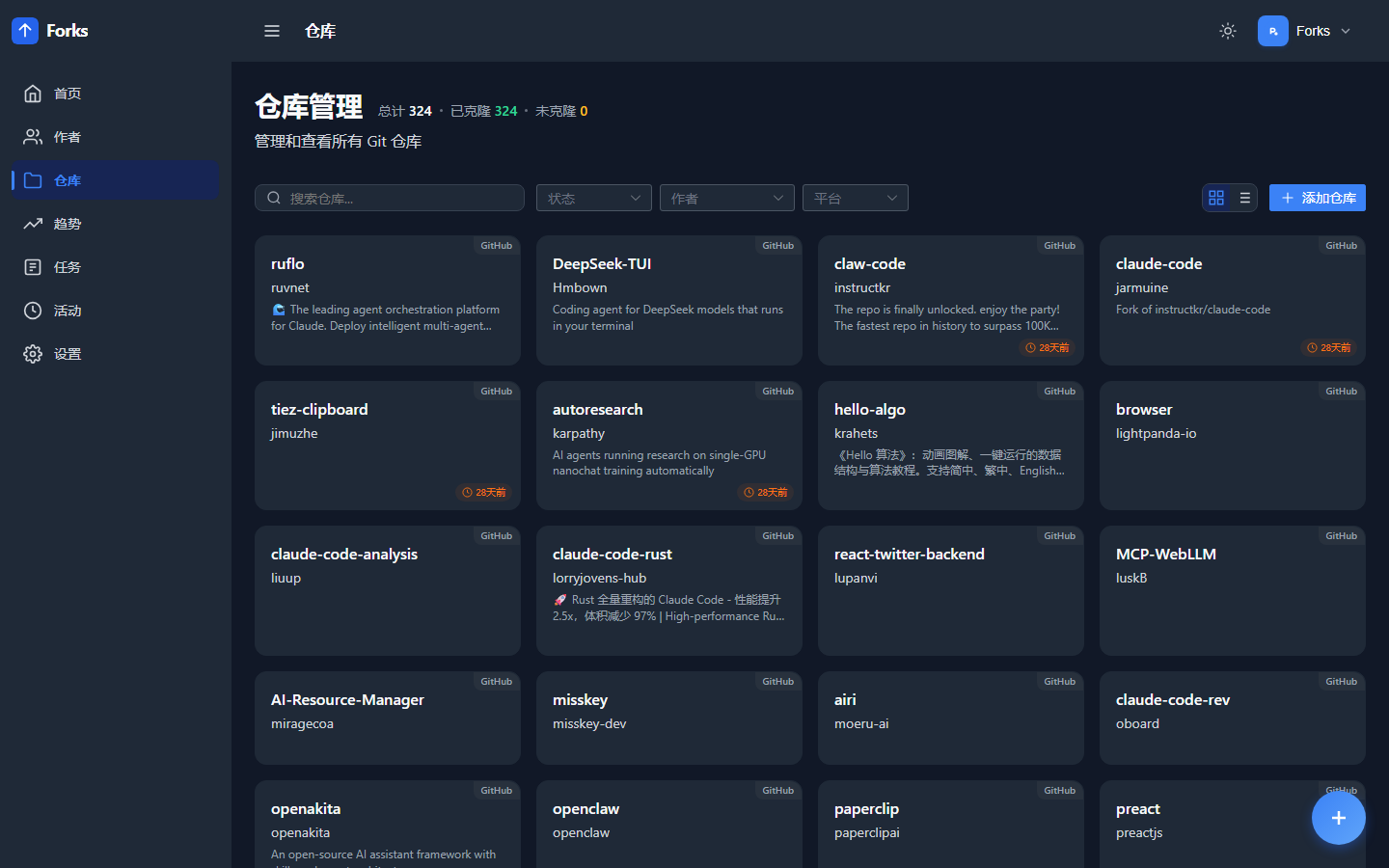
仓库详情 — 文件浏览、信息面板、DeepWiki/ZRead 快捷链接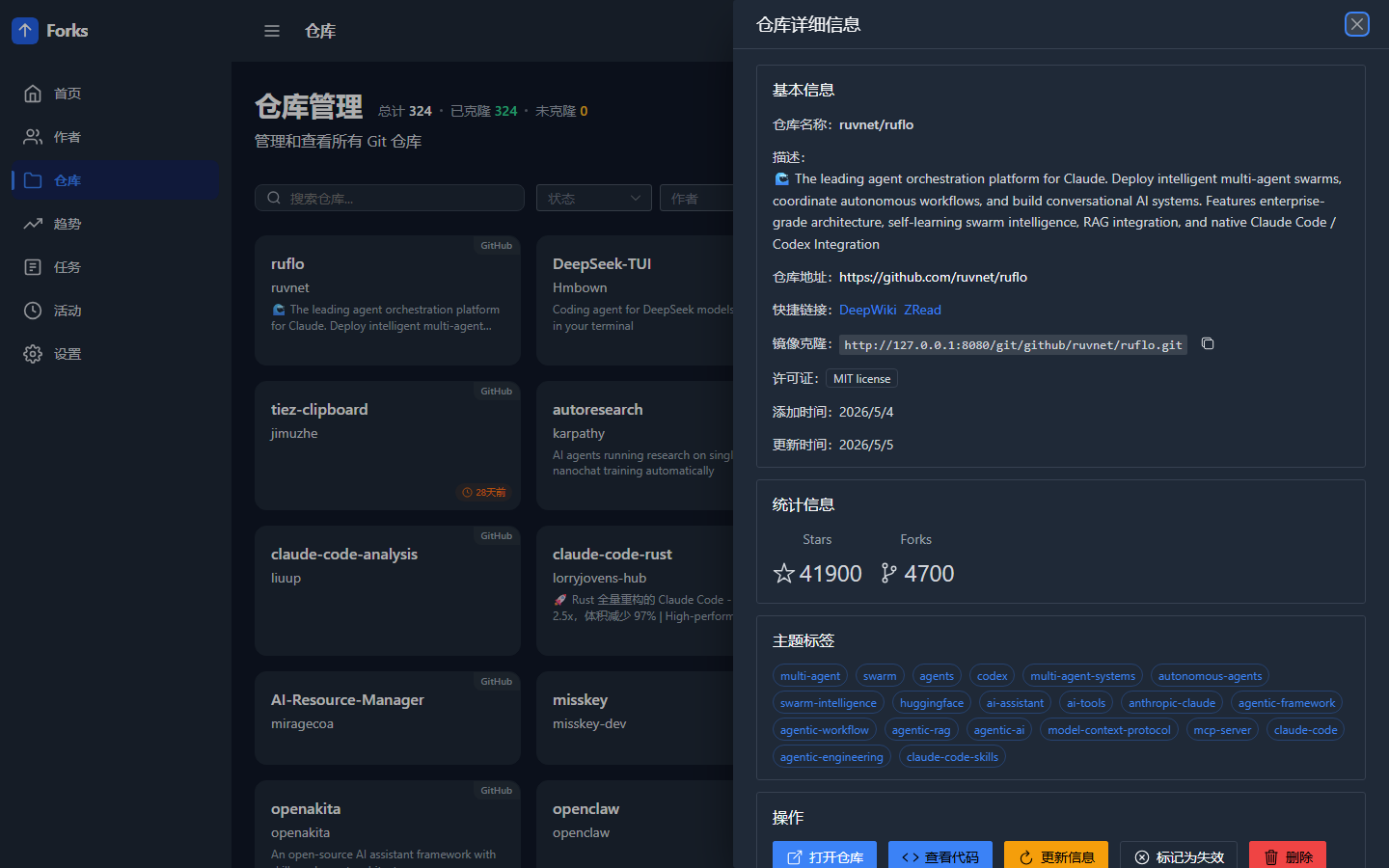
代码查看 — 多语言语法高亮、Markdown 渲染、文件树导航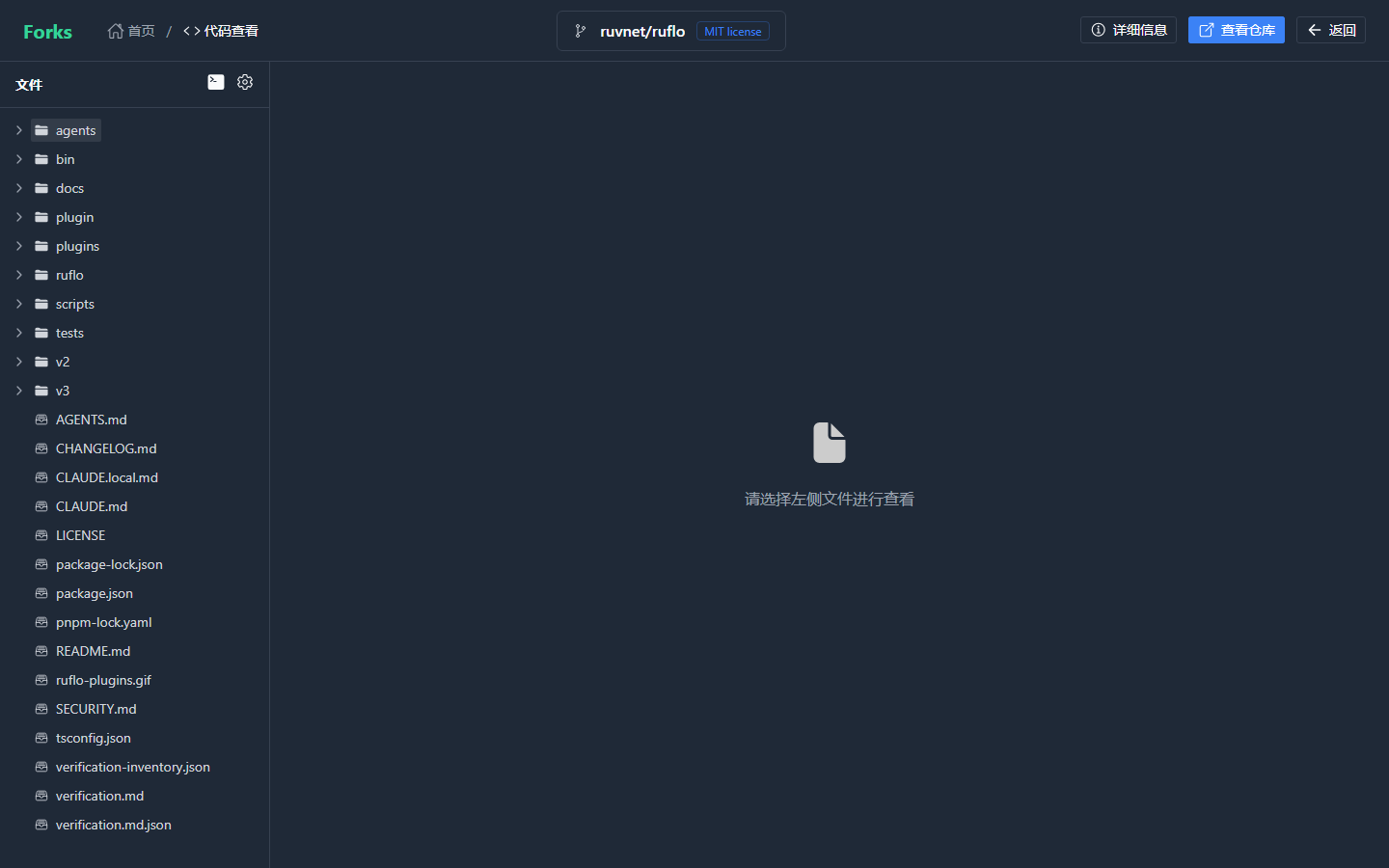
作者 — 按作者聚合查看仓库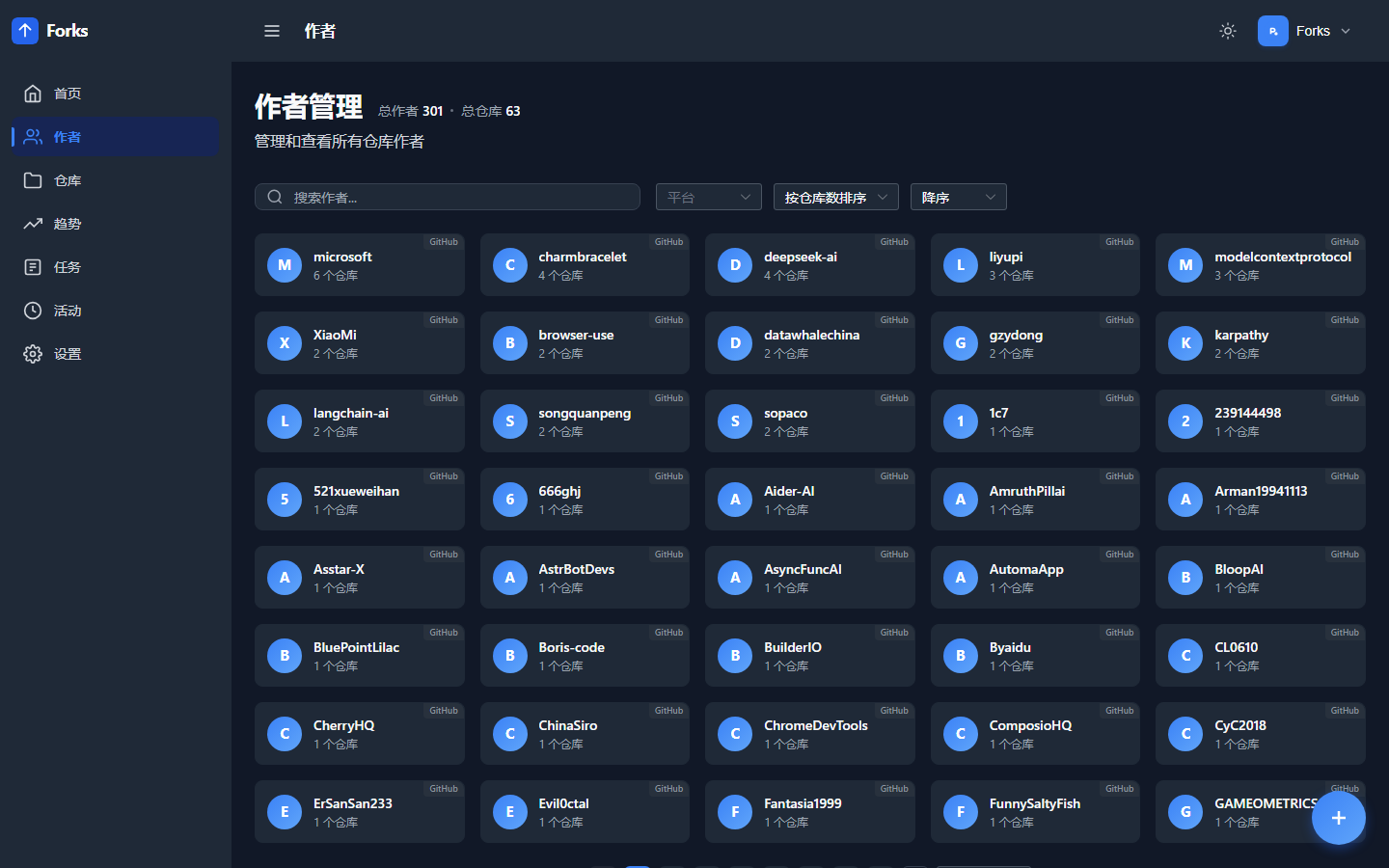
GitHub 趋势 — 按语言、时间范围筛选,已收藏仓库自动标注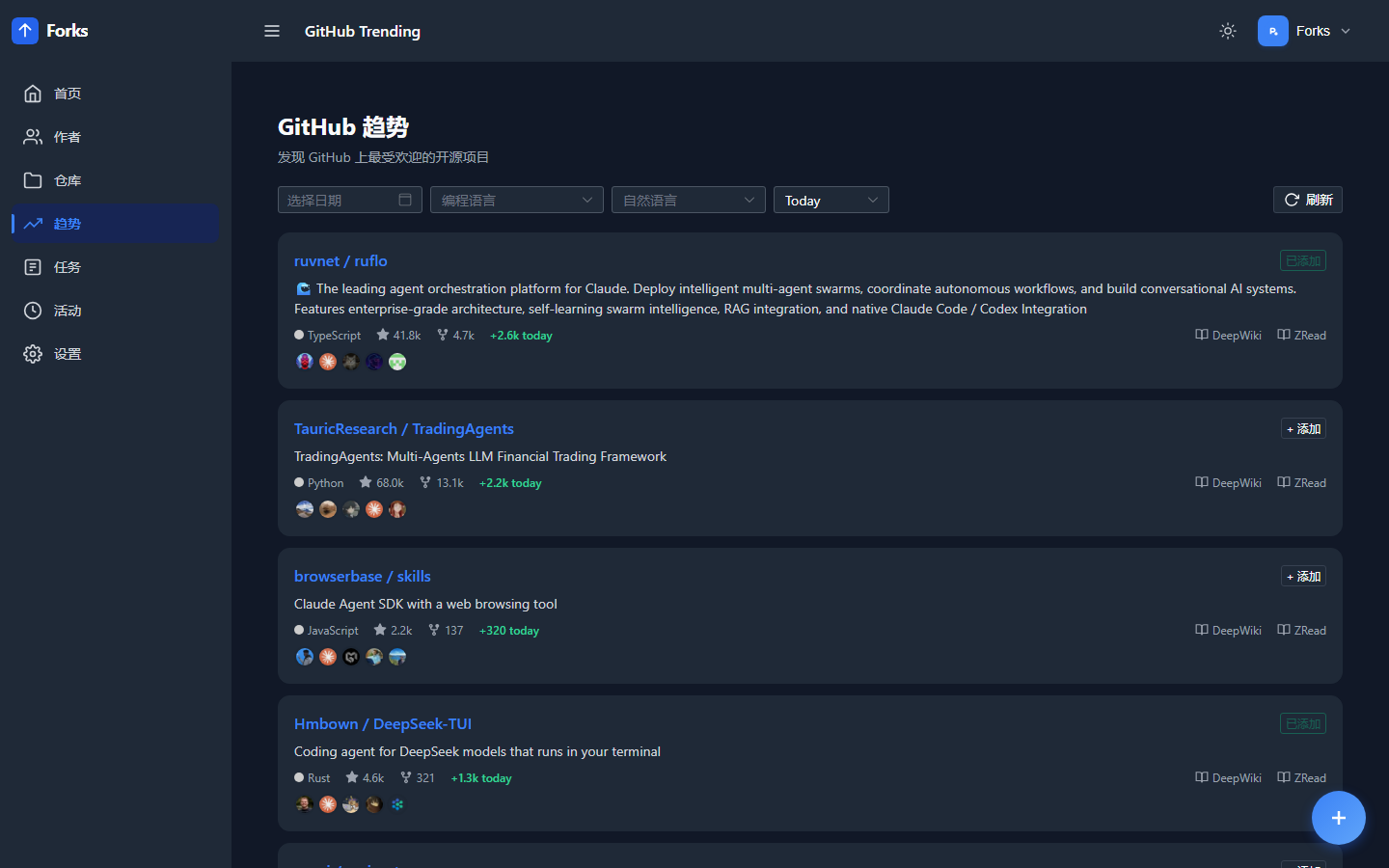
活动记录 — 操作日志追踪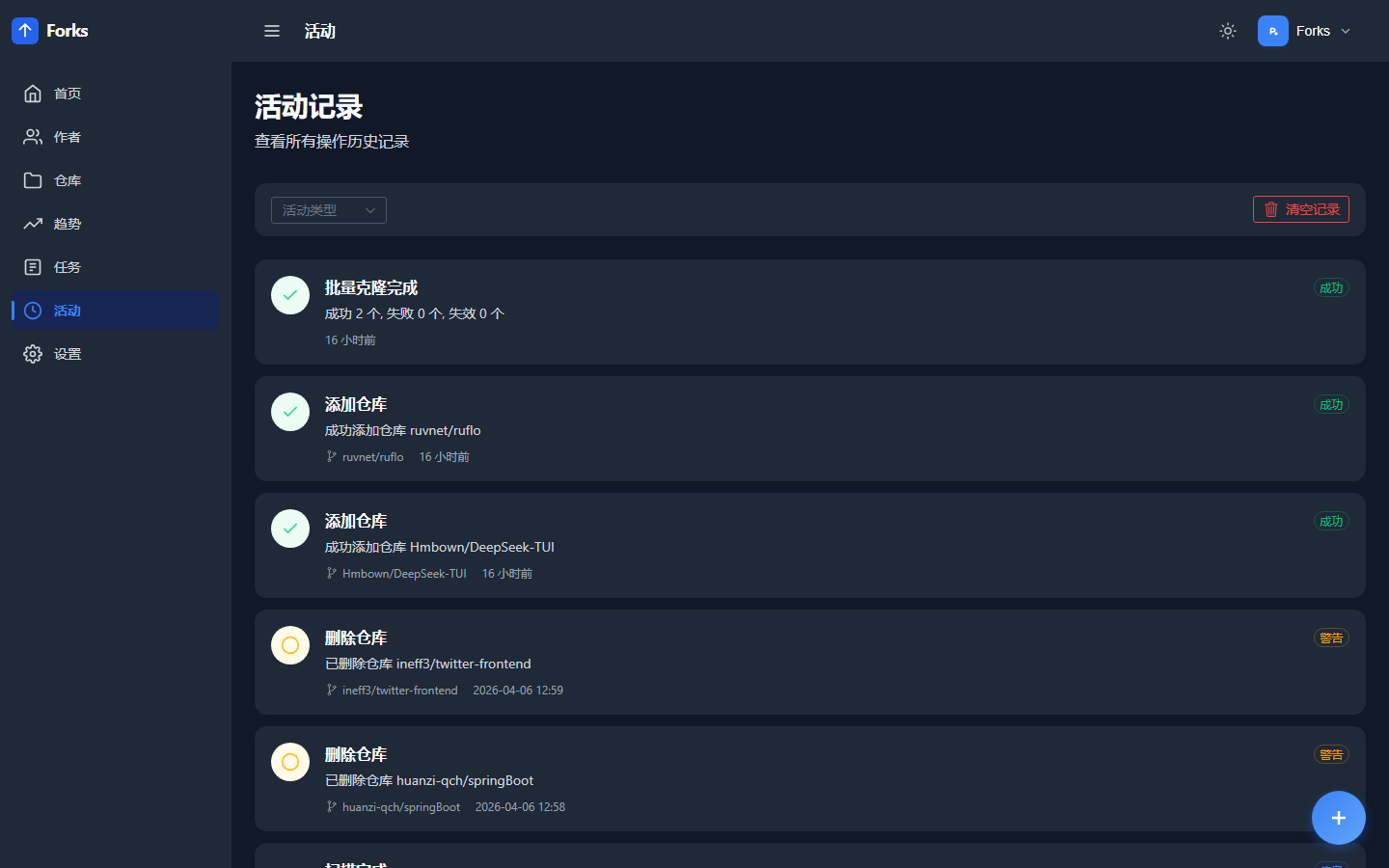
设置 — 代理、Token、MCP 工具列表、趋势同步配置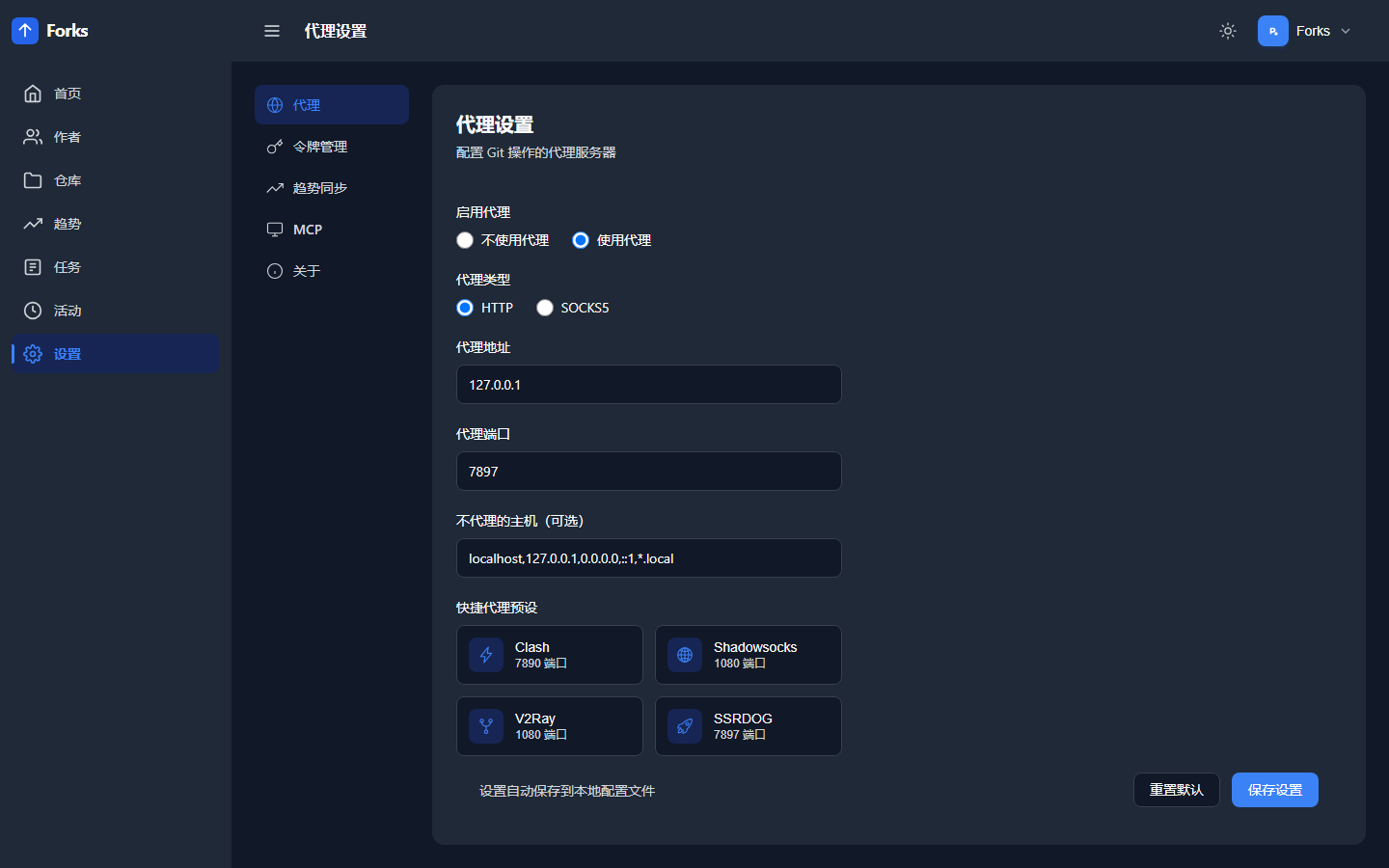
功能特性
- 仓库管理 — 添加、克隆、拉取、重置 GitHub/Gitee 仓库
- 批量操作 — 批量克隆未克隆的仓库,扫描本地目录自动导入
- 文件浏览 — 在线浏览仓库文件树和文件内容(多语言语法高亮、Markdown 渲染、图片/音视频预览)
- 状态监控 — 实时查看克隆进度、更新差异、提交历史
- 镜像加速 — 内置 Git Smart HTTP 服务,局域网内可从本服务加速克隆
- MCP 集成 — 暴露 MCP 工具接口,支持 Claude Code、Cursor 等 AI 客户端直接操作仓库
- 代理支持 — HTTP/SOCKS5 代理,支持按平台独立配置
- 数据统计 — 仓库和作者的统计仪表盘,操作日志追踪
技术栈
| 层 | 技术 |
|---|---|
| 后端 | Go 1.25、Gin、SQLite (modernc)、Cobra |
| 前端 | Vue 3、Naive UI、CodeMirror、Pinia、ECharts |
| 构建 | Vite 7、go:embed |
| 部署 | Docker、GitHub Actions |
快速开始
环境要求
- Go 1.25+
- Node.js
^20.19.0或>=22.12.0(仅前端开发需要)
构建
# 构建前端
cd web && npm install && npm run build && cd ..

# 构建后端(会将前端嵌入二进制)
go build -o forks
运行
./forks serve                # 默认监听 :8080
./forks serve -p 9090        # 指定端口
./forks serve --token xxx    # 启用 Token 认证
环境变量:
| 变量 | 说明 | 默认值 |
|---|---|---|
FORKS_PORT |
服务端口 | 8080 |
FORKS_ADDRESS |
监听地址 | 0.0.0.0 |
FORKS_HOME |
数据目录 | ~/.cicbyte/forks/ |
FORKS_REPO_PATH |
仓库存储路径 | 交互式输入 |
TZ |
时区 | UTC |
优先级:命令行参数 > 环境变量 > 默认值。首次运行会提示输入仓库存储路径。
前端开发
cd web && npm install && npm run dev
# 开发服务器 http://localhost:3000,自动代理 API 到 :8080
镜像加速克隆
Forks 内置 Git Smart HTTP 协议服务,部署后局域网内其他机器可直接从本服务克隆已缓存的仓库,无需访问外网。
# 直接 git clone(克隆后 origin 会指向镜像地址)
git clone http://<server-ip>:8080/git/github/author/repo.git

# 推荐使用 forks-cli 工具(自动修正 remote 地址)
forks clone http://<server-ip>:8080/git/github/author/repo.git
Docker 部署
使用预构建镜像(推荐)
docker run -d \
  -p 8080:8080 \
  -e TZ=Asia/Shanghai \
  -v ./data:/data \
  ghcr.io/cicbyte/forks:latest
使用 docker-compose.yml:
docker compose up -d
自行构建
docker build -t forks .
docker run -d -p 8080:8080 -v ./data:/data forks
MCP 集成
通过 MCP (Model Context Protocol) Streamable HTTP 暴露工具接口,AI 客户端可直接操作仓库。
端点: http://<server>:8080/mcp
可用工具:
| 工具 | 功能 |
|---|---|
list_repos |
列出仓库(支持搜索/筛选/分页) |
add_repo |
添加仓库 |
get_repo |
获取单个仓库详情 |
update_repo_info |
更新仓库远程信息 |
get_stats |
获取仓库统计信息 |
list_repo_files |
列出仓库文件结构 |
read_repo_file |
读取仓库文件内容 |
get_trending |
获取 GitHub 趋势仓库列表 |
认证方式与 API 相同,使用 Bearer Token。
配套工具
forks-cli
独立 CLI 工具,提供镜像加速克隆、批量备份等功能。详见 cicbyte/forks-cli。
# 镜像加速克隆(自动修正 remote 地址)
forks clone http://<server-ip>:8080/git/github/torvalds/linux.git

# 批量备份
forks backup --server http://<server-ip>:8080 --dir /data/backup
项目结构
├── main.go              # 入口,嵌入 web/dist
├── cmd/
│   ├── root.go          # CLI 根命令,数据库和日志初始化
│   └── serve.go         # HTTP 路由和业务逻辑
├── common/              # 全局变量(DB、日志文件)
├── models/              # 数据结构定义
├── utils/               # 配置、GitHub API、MCP 服务、工具函数
├── assets/              # 嵌入资源桥接
└── web/                 # Vue 3 前端
    └── src/
        ├── api/         # API 调用封装
        ├── views/       # 页面组件
        ├── components/  # 通用组件
        ├── stores/      # Pinia 状态管理
        └── router/      # 路由配置
License
Yorumlar (0)
Yorum birakmak icin giris yap.
Yorum birakSonuc bulunamadi