RadioCLI
Health Uyari
- License — License: MIT
- Description — Repository has a description
- Active repo — Last push 0 days ago
- Low visibility — Only 8 GitHub stars
Code Uyari
- process.env — Environment variable access in .github/workflows/ci.yml
- process.env — Environment variable access in apps/docs/app/layout.tsx
Permissions Gecti
- Permissions — No dangerous permissions requested
Bu listing icin henuz AI raporu yok.
Internet radio for your terminal—with global discovery, live visualizers, AirPlay, alarms, listening stats, and MCP tools.
RadioCLI
Discover and stream stations from around the world without leaving your
terminal. No account. No cloud library.


Features
RadioCLI pairs a keyboard-first interface with the open
Radio Browser directory and dependable
playback through mpv.
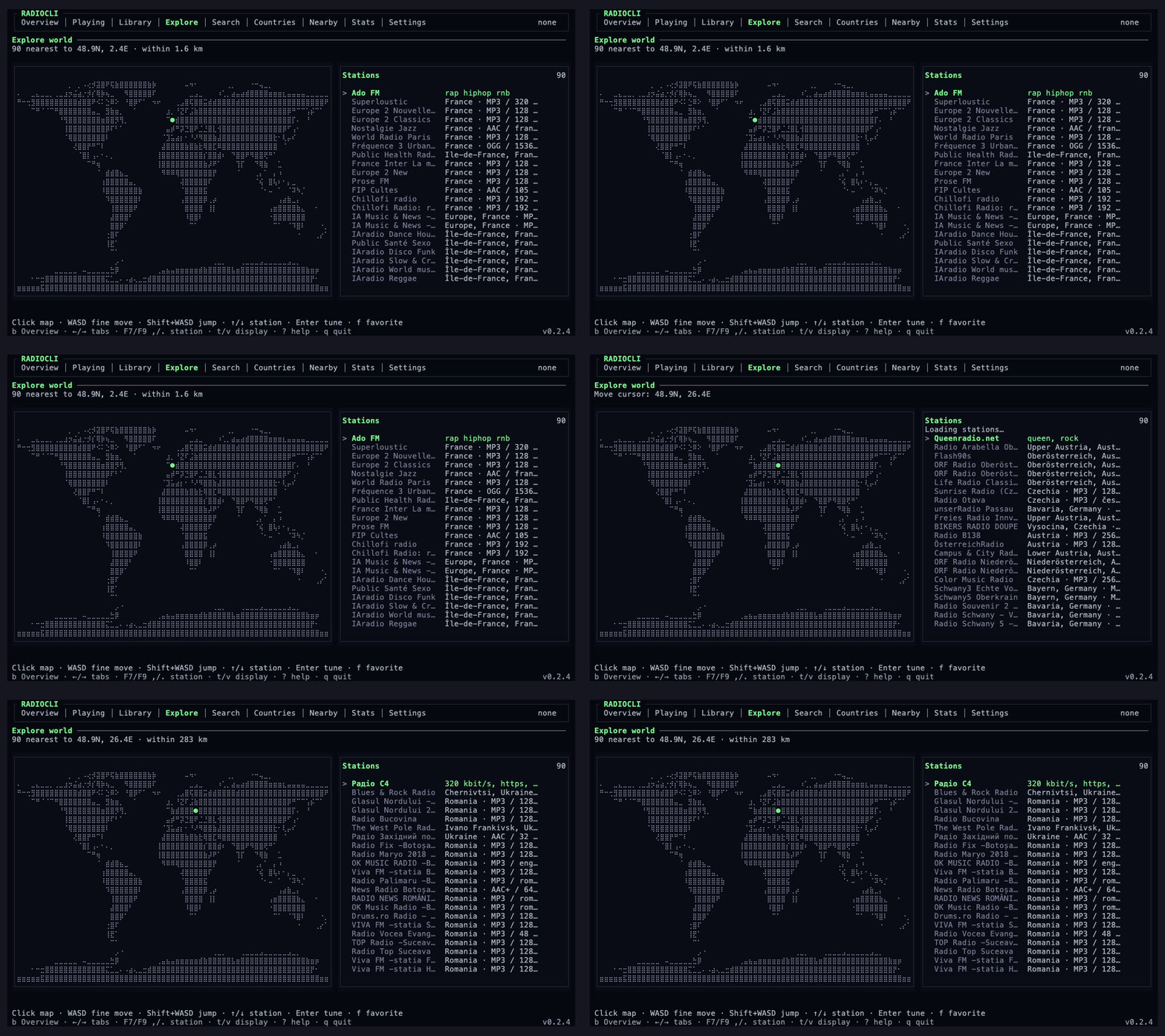
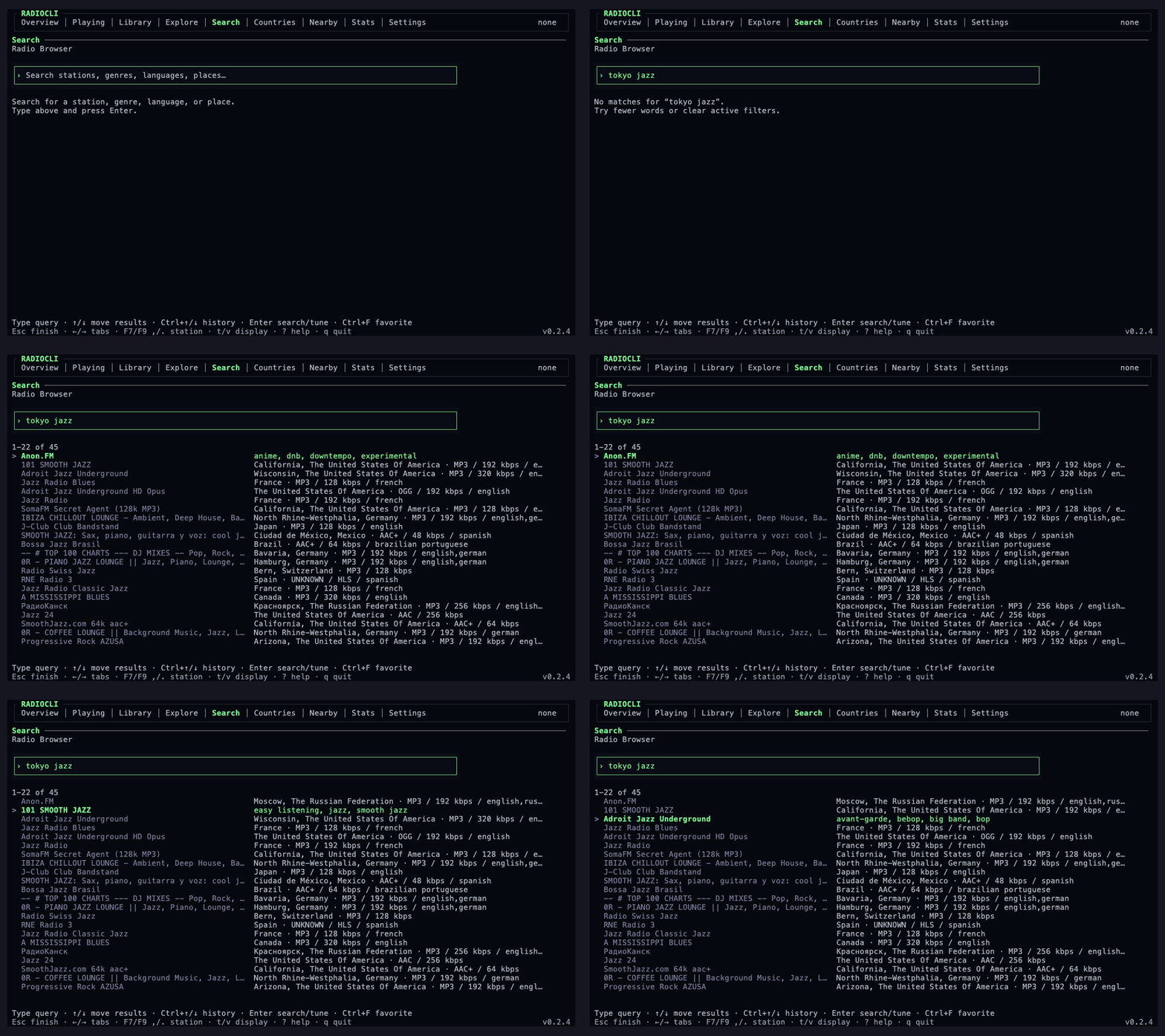
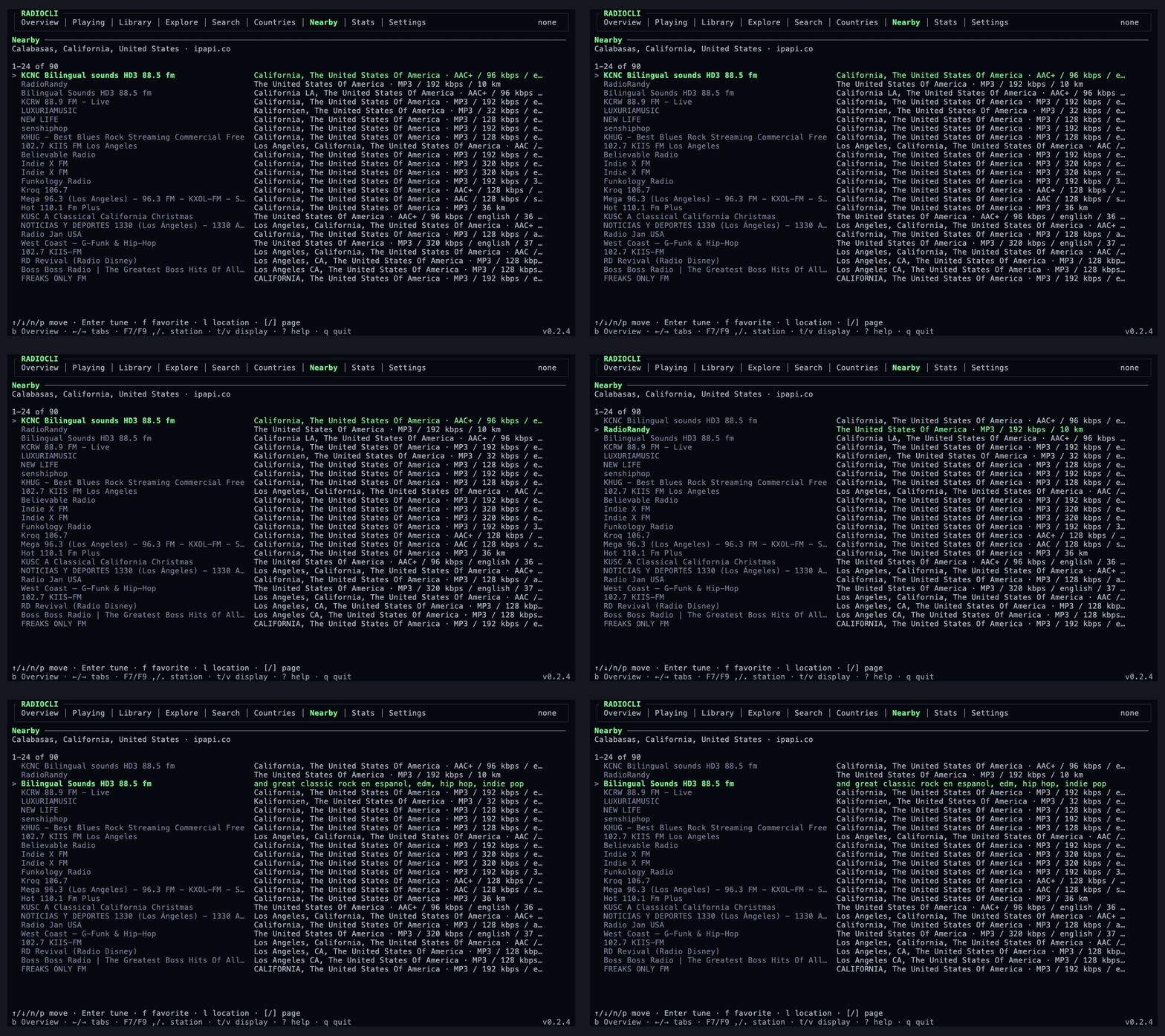
- Discovery: Global search and filters, country browsing, a station-density
map, an interactive world map, nearby stations, and an optional experimental
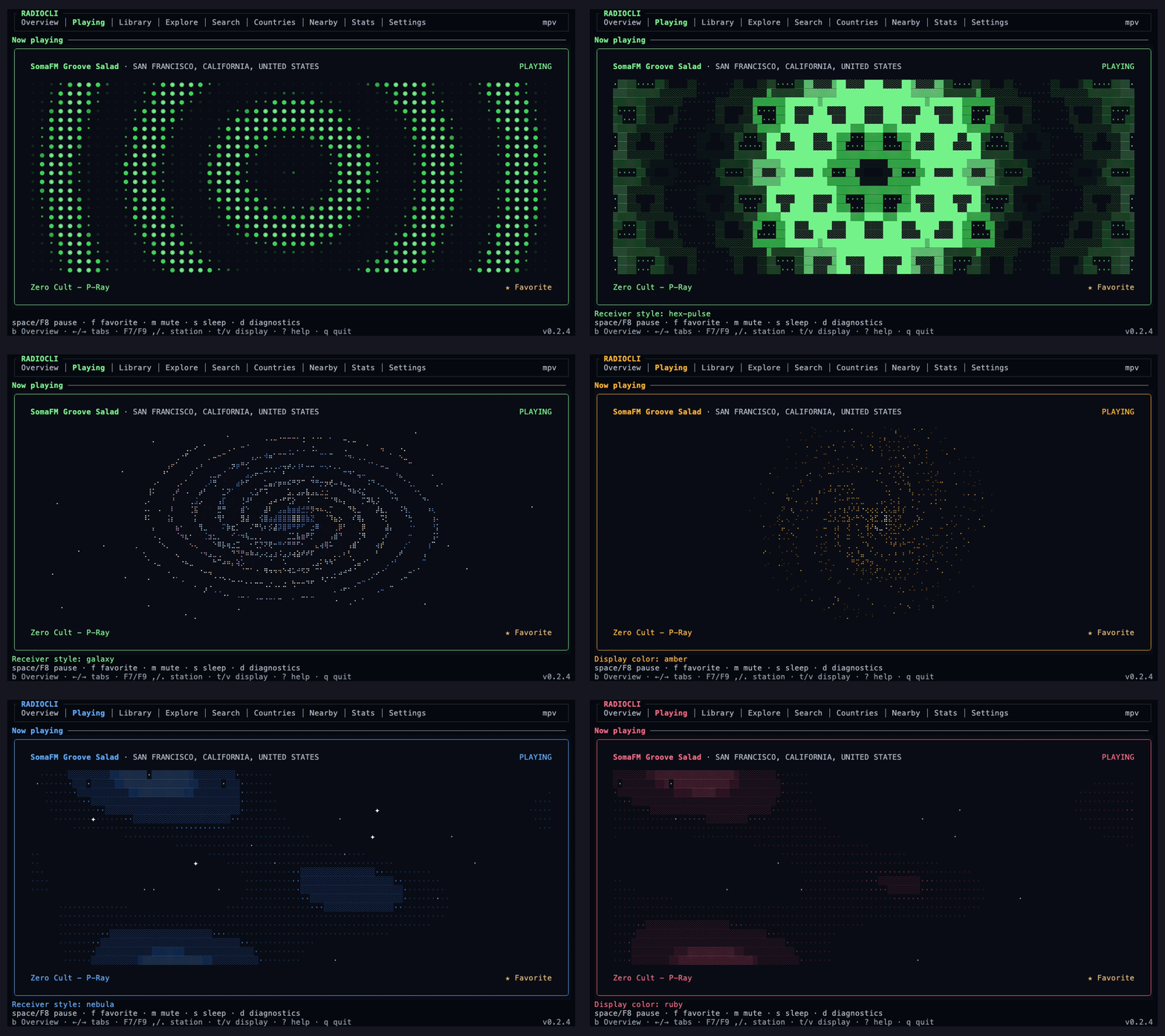
Radio Garden provider. - Playback: Live metadata, track history, 60+ terminal visualizers, receiver
styles, color themes, sleep timers, diagnostics, learned media keys, and
previous/next queues based on the station list you opened. - AirPlay: Select and switch to discovered receivers through the experimental
macOS output, including passcode entry when a receiver requires it. - Custom stations: Add direct HTTP(S) streams with automatic ICY metadata,
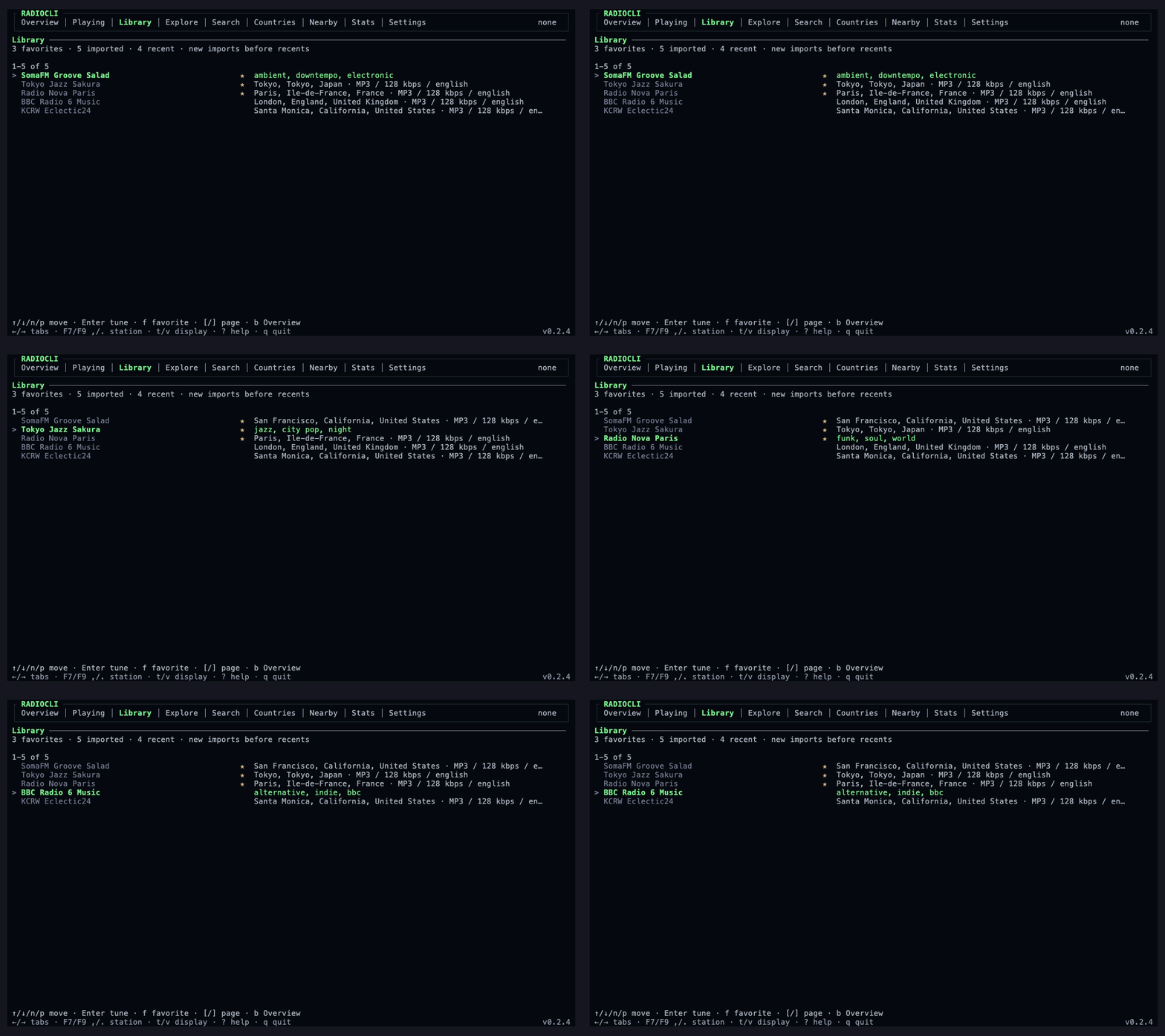
import.m3u,.pls, and.xspfplaylists, and export an.m3ulibrary. - Local library: Favorites, recents, imports, track history, settings, and
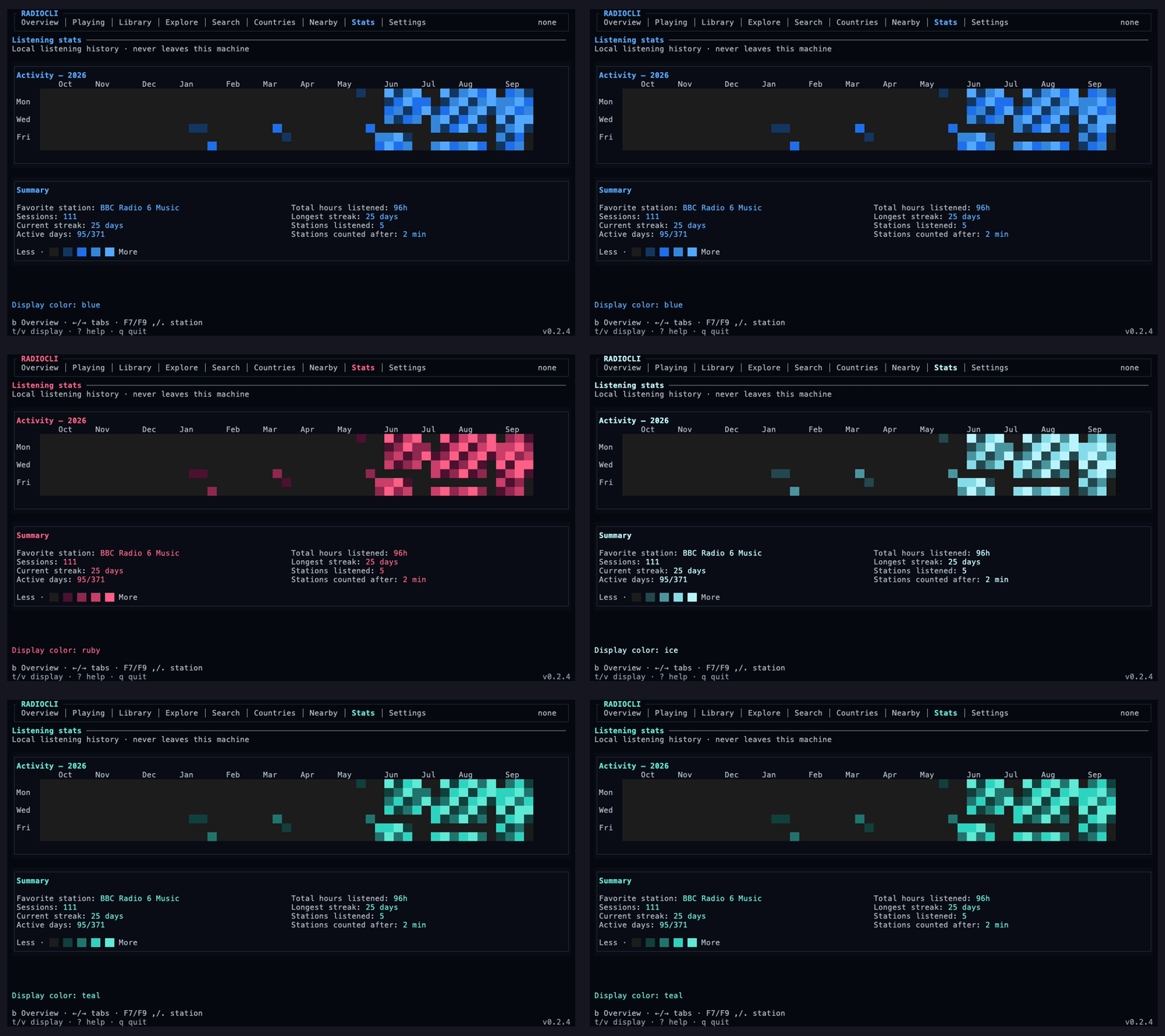
JSON backup and restore stay on your machine. - Listening stats: Sessions, streaks, active days, total listening time, and
a 52-week activity graph. - Alarms: One-time and recurring schedules with station fallback, independent
volume, fade-in, auto-stop, snooze, missed-run grace, native OS scheduling,
and optional Alarm Guard. - Agent control: An optional local Model Context Protocol (MCP) server gives
supported coding tools typed access to discovery, playback, favorites, stats,
alarms, AirPlay, and appearance.radiocli agentexposes the same controls to
other local tools. - Terminal support: Full, compact, and micro layouts; keyboard, mouse, and
trackpad input; Unicode and ASCII rendering; reduced motion; screen-reader,
limited-color, no-color, transparent-background, offline, and low-bandwidth
modes.
Install
Homebrew
brew install ciphore/tap/radiocli
radiocli
npm
npm install -g @ciphore/radiocli
radiocli setup
radiocli
RadioCLI requires Node.js 22 or newer. radiocli setup can install and verify
the native playback tools available on macOS, Linux, and Windows.
Need a different package route, AirPlay setup, or a fallback player? See the
installation guide and
platform matrix.
Screenshots
Explore
Search
Library
Nearby
Stats
Controls
| Key | Action |
|---|---|
← / → or Tab / Shift+Tab |
Switch screens |
↑ / ↓ or n / p |
Move the selection |
Enter |
Open or tune the selection |
space or F8 |
Pause or resume |
, / . or F7 / F9 |
Previous or next station |
+ / - |
Change volume |
f |
Save or remove a favorite |
: |
Open the command palette |
? |
Show every shortcut |
q |
Quit |
The footer always shows the controls that matter on the current screen. The
controls guide covers
playback, filters, media keys, AirPlay, and commands.
CLI and agent control
RadioCLI also works as a scriptable CLI, so the same library is available to
shell scripts and local development tools.
radiocli search "japan hits"
radiocli countries
radiocli import https://example.com/live.mp3
radiocli export favorites.m3u
radiocli alarm list
radiocli check
radiocli doctor --json
Run radiocli setup --mcp or enable Agent control & MCP in Settings to expose
typed local tools for discovery, playback, favorites, stats, alarms, AirPlay,
and receiver customization. See the
CLI guide for the complete
command and agent-control reference.
Alarms
Set one-time or recurring alarms that reopen RadioCLI through launchd on macOS,
systemd on Linux, or Task Scheduler on Windows. Station fallback, snooze,
missed-run grace, and Alarm Guard help make scheduled playback more resilient.
Alarms are experimental. A computer must be powered on with an active audio
session, and wake behavior depends on the operating system and hardware. Use a
separate primary alarm for anything safety-critical. Read the
alarm guide before relying on one.
Privacy
RadioCLI does not require an account, proxy your audio, or upload your listening
history. Favorites, recents, imports, settings, alarms, track history, and stats
stay in a local JSON library.
Nearby discovery requests an approximate location only when you open that
screen. Radio Browser favorite votes can be disabled in Settings. The full data
flow is documented in Privacy and security.
Development
git clone https://github.com/Ciphore/RadioCLI.git
cd RadioCLI
npm ci
npm run verify
npm run dev
npm run verify runs the type checks, lint, tests, production build, and live
provider validation. Contributions are welcome—start with
CONTRIBUTING.md.
Documentation
License
Yorumlar (0)
Yorum birakmak icin giris yap.
Yorum birakSonuc bulunamadi