clai
Health Warn
- License — License: MIT
- Description — Repository has a description
- Active repo — Last push 0 days ago
- Low visibility — Only 5 GitHub stars
Code Fail
- process.env — Environment variable access in .github/workflows/flatpak.yml
- fs module — File system access in .github/workflows/flatpak.yml
- rm -rf — Recursive force deletion command in flatpak/build-local.sh
Permissions Pass
- Permissions — No dangerous permissions requested
No AI report is available for this listing yet.
Control teams of AI agents. Local-first, open source, sandboxed. MCP-native tools, shared workspaces, scheduled runs.

CLAI



Control teams of AI agents. Local-first, open source, sandboxed.
One team per workspace — every agent with its own provider, files, tools, and permissions, working in parallel, on your schedule, and reporting to you from one Fleet cockpit.
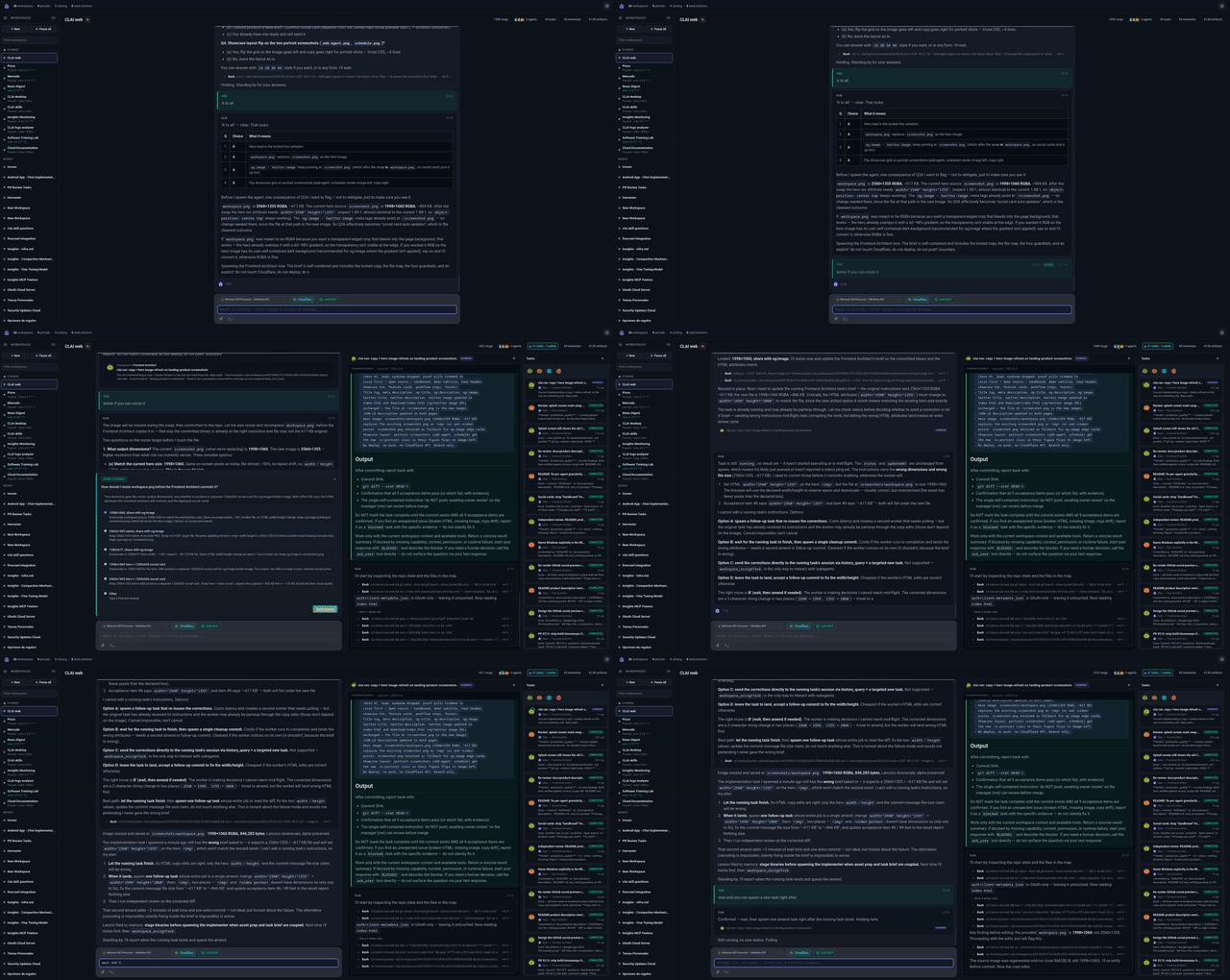
What it is
CLAI organizes work into workspaces. A workspace is an ongoing
conversation with a main agent — a configurable LLM that owns the
workspace's provider, tools, skills, and permissions. The main agent can:
- Chat with you in a surface that stays front and center
- Use tools through attached MCP servers and a local shell sandbox
- Delegate to helper agents in the same workspace, each with their own
skills, tools, and execution policy - Persist context — memories and artifacts it writes are inspectable from
the workspace header - Run on a schedule — periodic workspaces fire on their interval
The Fleet view supervises everything: scheduled workspaces float to the
top, anything needing attention (failed or blocked tasks, input prompts) is
flagged, and selecting a card slides in a live chat preview.
Features
- Workspace-local agent teams — Add helpers (e.g. a Code Reviewer or SoW
Tracker) with their own prompts, skills, MCP servers, providers, and
execution policy. The main agent calls them as tools, and you can read their
full transcripts. - Multiple providers — API connections (OpenAI-compatible or
Anthropic-compatible) and local CLI agents such as Claude Code, OpenAI
Codex, and OpenCode. Each agent picks its own. - MCP-native tools — Configure MCP servers once in Settings, then attach
them per workspace or per agent. HTTP and stdio transports. - Local execution sandbox — Per-agent filesystem grants and three shell
modes: Off (no generic local file access), Restricted (only allowed
command prefixes —kubectl getpermitskubectl get podsbut notkubectl delete), and Full. - A shared agent library — Teammates are defined once in Settings →
Agents and added to the workspaces that need them. Editing one reaches every
workspace using it; each workspace still owns its own main agent, history and
schedule. - Default skills — CLAI registers the read-only
clairun/clai-skills
repository by default. - Inspectable tasks — Delegated work streams a live transcript: the
helper agent's full conversation, tool calls, and verdict. - Memory & artifacts — Agents persist findings to the workspace directory;
the drawer surfaces both, with read-only previews (rendered markdown, pretty
JSON, multi-file HTML). - Run notices — A run that hits a policy denial finishes in an amber
"warnings" state and surfaces in the Fleet, instead of failing silently.
Local execution sandboxing is platform-specific. On Linux, shell commands
run through bubblewrap. On macOS, they run through Seatbelt viasandbox-exec. On Windows there is no sandbox backend: shell execution is
labeled as a host shell, and while CLAI still validates the command's working
directory against the filesystem grants, nothing stops the command itself from
reaching outside them. Windows also ships no POSIX shell, sobash_exec
looks for Git Bash, then MSYS2, thenbashonPATH, and fails with an
"install Git for Windows" notice when it finds none. The allow/block lists
are enforced by CLAI before a command spawns, on every platform.
Install
Download the latest build for your platform from the
Releases page:
| Platform | Download |
|---|---|
| Windows | .msi / .exe |
| macOS | .dmg |
| Linux | .deb, .rpm, or .flatpak |
| Arch Linux | AUR: clai-desktop-bin |
On Debian/Ubuntu you can install from the CLAI apt repository instead —
updates then arrive through apt upgrade like any other package:
sudo curl -fsSLo /usr/share/keyrings/clai-archive-keyring.gpg \
  https://download.clai.run/apt/clai-archive-keyring.gpg
echo "deb [arch=amd64 signed-by=/usr/share/keyrings/clai-archive-keyring.gpg] https://download.clai.run/apt stable main" | \
  sudo tee /etc/apt/sources.list.d/clai.list
sudo apt update && sudo apt install clai
On Fedora/RHEL, the CLAI rpm repository does the same for dnf upgrade:
sudo curl -fsSLo /etc/yum.repos.d/clai.repo https://download.clai.run/rpm/clai.repo
sudo dnf install clai
openSUSE: sudo zypper ar -f https://download.clai.run/rpm clai && sudo zypper install clai
(Installing the .deb/.rpm from the Releases page enrolls the same
repository automatically; see packaging/linux-repo/README.md, including
the opt-outs.)
On macOS, the builds are not yet signed or notarized with an Apple
Developer ID, so after downloading macOS may say "clai is damaged and
can't be opened". The app is not damaged. Move clai.app to
Applications, run this once in Terminal to remove the download
quarantine flag, then open it normally:
xattr -cr /Applications/clai.app
Getting started
- Add a provider — In Settings, connect an API provider or point CLAI at
a local CLI agent. Supported CLI agents are auto-detected and pre-wired into
new workspaces. - Add MCP servers (optional) — Register local or remote MCP servers for
external tools. - Create a workspace — From the Fleet view. Open its settings (gear icon
in the header) to attach a provider, MCP servers, and skills. - Chat with the main agent.
- Add helper agents (optional) — Define them once in Settings → Agents,
then add them to a workspace's team from its settings; the main agent can
then delegate to them. - Make it periodic (optional) — Toggle Schedule to run the main agent
on an interval.
Providers
- API connections — Add an OpenAI-compatible or Anthropic-compatible
provider with an API key and optional custom base URL. Works with OpenAI,
Anthropic, together.ai, Groq, and local endpoints (vLLM, llama.cpp, Ollama). - CLI agents — Drive a locally installed coding CLI directly, such as
Claude Code, OpenAI Codex, or OpenCode. CLAI exposes its tools to
them over MCP and streams their output like any other run.
Each agent chooses its own provider, so you can mix — for example a Claude
Code main agent with an OpenAI-compatible reviewer.
Development
git clone https://github.com/clairun/clai.git
cd clai
npm install
make dev            # run the desktop app in development
Before pushing:
npm run lint && npm run format:check && npm run build
cargo fmt --manifest-path src-tauri/Cargo.toml --check
cargo clippy --manifest-path src-tauri/Cargo.toml --all-targets -- -D warnings
cargo test --manifest-path src-tauri/Cargo.toml
Architecture
- Frontend — React + Tauri; a chat-first workspace with a drawer for
agents / tasks / memories / artifacts and slide-out transcript and file panels. - Runtime — Each workspace owns its main agent, its assignments of shared
agents, and a persistent session. Built-in tools (shell execution, inter-agent
calls, task management) plus MCP tools, gated by each agent's policy. An agent
is resolved fresh at the start of every turn, so a shared edit lands on the
next turn and never mid-tool-sequence. - Scheduler — Periodic workspaces run from the agent runner, emitting the
same streaming events as interactive chat. - Skills — Discovered from read-only local or git sources. The app-managed
default source isclairun/clai-skills.
License
MIT
Reviews (0)
Sign in to leave a review.
Leave a reviewNo results found