clawterm
agent
Fail
Health Warn
- License — License: MIT
- Description — Repository has a description
- Active repo — Last push 0 days ago
- Low visibility — Only 5 GitHub stars
Code Fail
- rm -rf — Recursive force deletion command in install.sh
- execSync — Synchronous shell command execution in scripts/release.mjs
Permissions Pass
- Permissions — No dangerous permissions requested
Purpose
This tool is a terminal emulator designed to run and manage multiple AI coding agents simultaneously. It provides features like split panes, desktop notifications, and live status tracking for each agent.
Security Assessment
The overall risk is rated as Medium. The application executes shell commands natively, which is expected for a terminal, but automated scripts introduce additional concerns. The install script uses recursive force deletion (`rm -rf`), which is a standard cleanup method but can be dangerous if the script malfunctions. Additionally, synchronous shell execution (`execSync`) is used in release scripts. The tool does not request explicitly dangerous base permissions, and no hardcoded secrets were detected. However, users must run a curl-to-bash pipeline to install it and manually bypass macOS Gatekeeper (`xattr -cr`), which significantly lowers the default security posture of the host machine.
Quality Assessment
The project is active, with its last push occurring today. It uses an industry-standard MIT license and is built on a solid technological stack using Tauri 2 and xterm.js. However, community trust and visibility are currently very low. With only 5 GitHub stars, the tool has not yet undergone widespread peer review or testing by the broader developer community.
Verdict
Use with caution: the tool is active and licensed properly, but its low community adoption, reliance on curl-to-bash installation, and requirement to bypass OS security gates mean you should review the install scripts thoroughly before deploying.
This tool is a terminal emulator designed to run and manage multiple AI coding agents simultaneously. It provides features like split panes, desktop notifications, and live status tracking for each agent.
Security Assessment
The overall risk is rated as Medium. The application executes shell commands natively, which is expected for a terminal, but automated scripts introduce additional concerns. The install script uses recursive force deletion (`rm -rf`), which is a standard cleanup method but can be dangerous if the script malfunctions. Additionally, synchronous shell execution (`execSync`) is used in release scripts. The tool does not request explicitly dangerous base permissions, and no hardcoded secrets were detected. However, users must run a curl-to-bash pipeline to install it and manually bypass macOS Gatekeeper (`xattr -cr`), which significantly lowers the default security posture of the host machine.
Quality Assessment
The project is active, with its last push occurring today. It uses an industry-standard MIT license and is built on a solid technological stack using Tauri 2 and xterm.js. However, community trust and visibility are currently very low. With only 5 GitHub stars, the tool has not yet undergone widespread peer review or testing by the broader developer community.
Verdict
Use with caution: the tool is active and licensed properly, but its low community adoption, reliance on curl-to-bash installation, and requirement to bypass OS security gates mean you should review the install scripts thoroughly before deploying.
A terminal good for running many code agents at once.
README.md
Clawterm


A terminal for running many AI agents at once and keeping track of them.
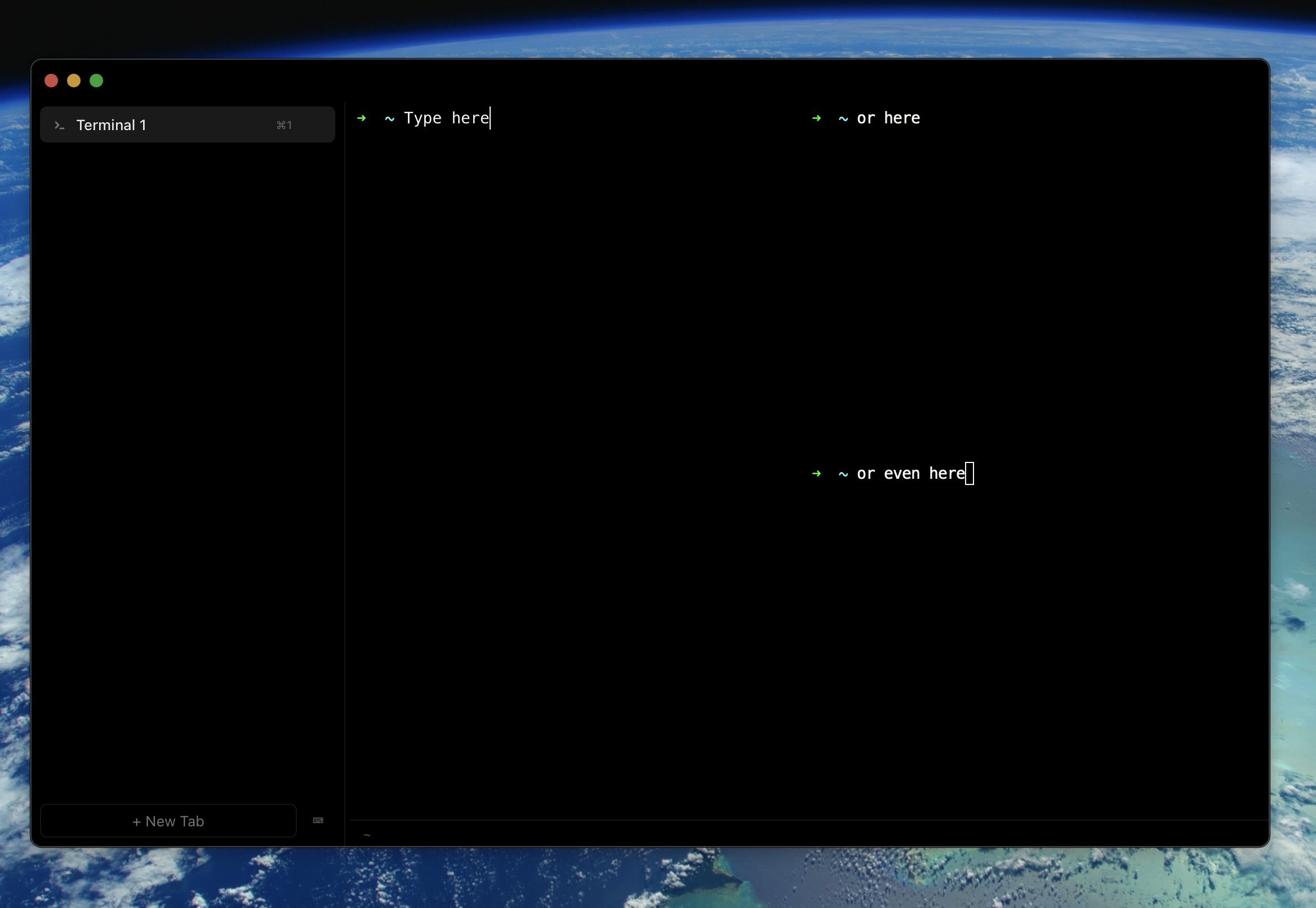
Vertical tabs with live agent status, split panes, per-pane context tracking, desktop notifications, and auto-updates. Built with Tauri 2 + xterm.js.
Install
macOS:
curl -fsSL https://raw.githubusercontent.com/clawterm/clawterm/main/install.sh | bash
Windows:
irm https://raw.githubusercontent.com/clawterm/clawterm/main/install.ps1 | iex
Or grab the DMG / EXE from the latest release. Updates are automatic.
macOS note: You may need
xattr -cr /Applications/Clawterm.appto clear the quarantine flag until Apple notarization is set up.
Highlights
- Live tab status — see which agents are idle, running, waiting for input, or errored without clicking through tabs
- Desktop notifications — get notified when agents need input or long commands finish
- Split panes —
Cmd+D/Cmd+Shift+Dto split horizontally or vertically - Command palette —
Cmd+Shift+Pfor quick access to all actions - Git worktrees — run agents on isolated branches from a single project
- Auto-updates — built-in update checker with release notes and silent install option
- Settings page — shortcuts reference, version info, and update controls
- Fully configurable — config at
~/.config/clawterm/config.json, all keybindings remappable
Build from Source
git clone https://github.com/clawterm/clawterm.git && cd clawterm
npm install && npm run tauri dev
Requires Rust and Node.js 18+.
Contributing
See CONTRIBUTING.md. Bug reports: open an issue.
License
Reviews (0)
Sign in to leave a review.
Leave a reviewNo results found