labloop
Health Uyari
- License — License: Apache-2.0
- Description — Repository has a description
- Active repo — Last push 0 days ago
- Low visibility — Only 6 GitHub stars
Code Basarisiz
- rm -rf — Recursive force deletion command in ml-labloop/01-prepare-template-for-cloning.sh
- rm -rf — Recursive force deletion command in ml-labloop/02-create-vm-from-template.sh
- rm -rf — Recursive force deletion command in ml-labloop/11-release-template.sh
- rm -rf — Recursive force deletion command in ml-labloop/30-ensure-lab-tools.sh
- rm -rf — Recursive force deletion command in ml-labloop/80-ingest-lab-data.sh
- rm -rf — Recursive force deletion command in ml-labloop/90-extract-lab-data.sh
Permissions Gecti
- Permissions — No dangerous permissions requested
Bu listing icin henuz AI raporu yok.
Secure, reproducible KVM lab for agent-driven ML research: per-user VMs with driver / trusted / hostile zone isolation, plus five standalone scientific-state MCP servers
LabLoop™: a research automation environment for empirical work


Hypotheses, designed experiments, evidence and conclusions as
durable state — built for researchers, applications and AI agents
across any empirical domain.
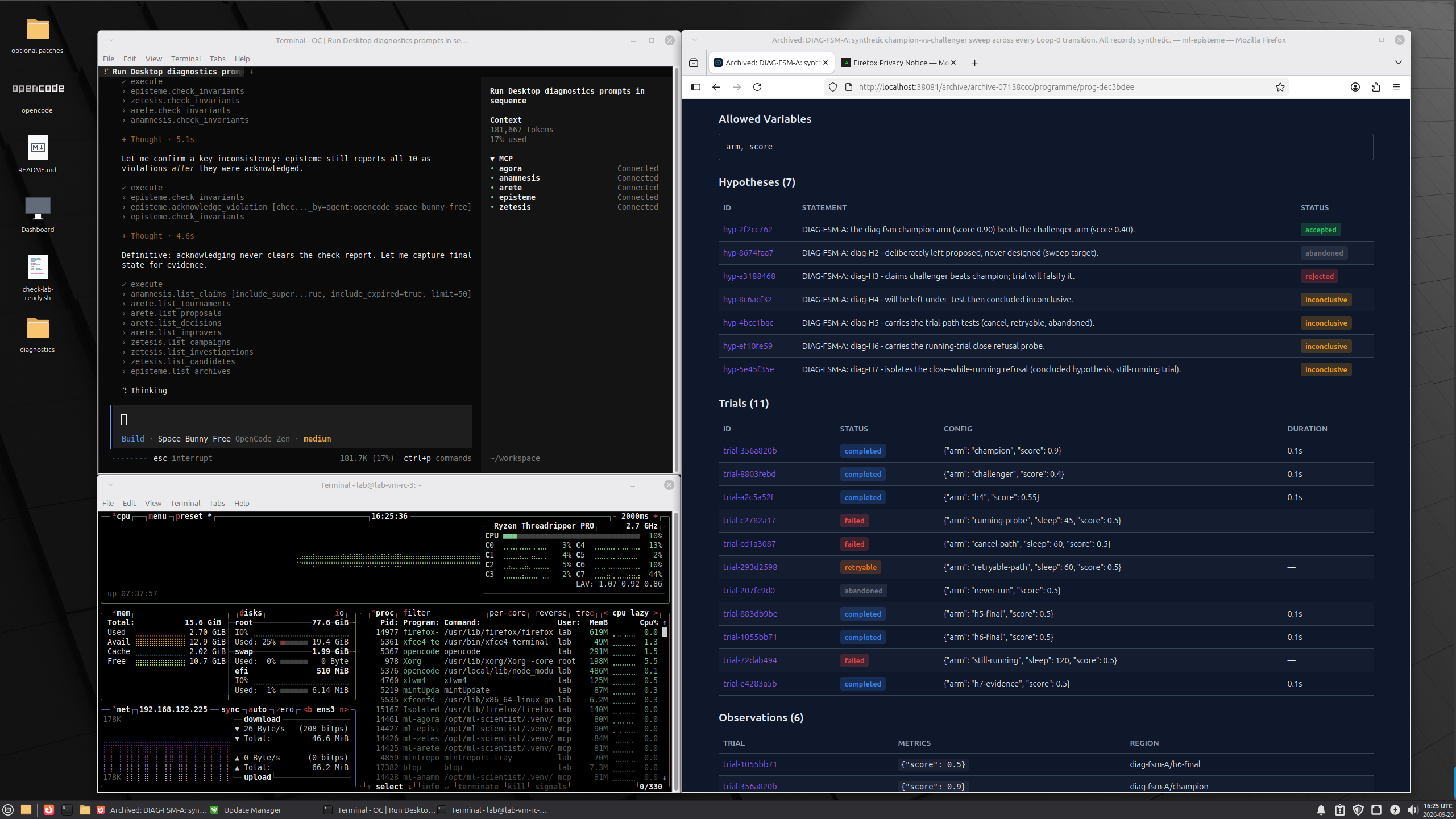
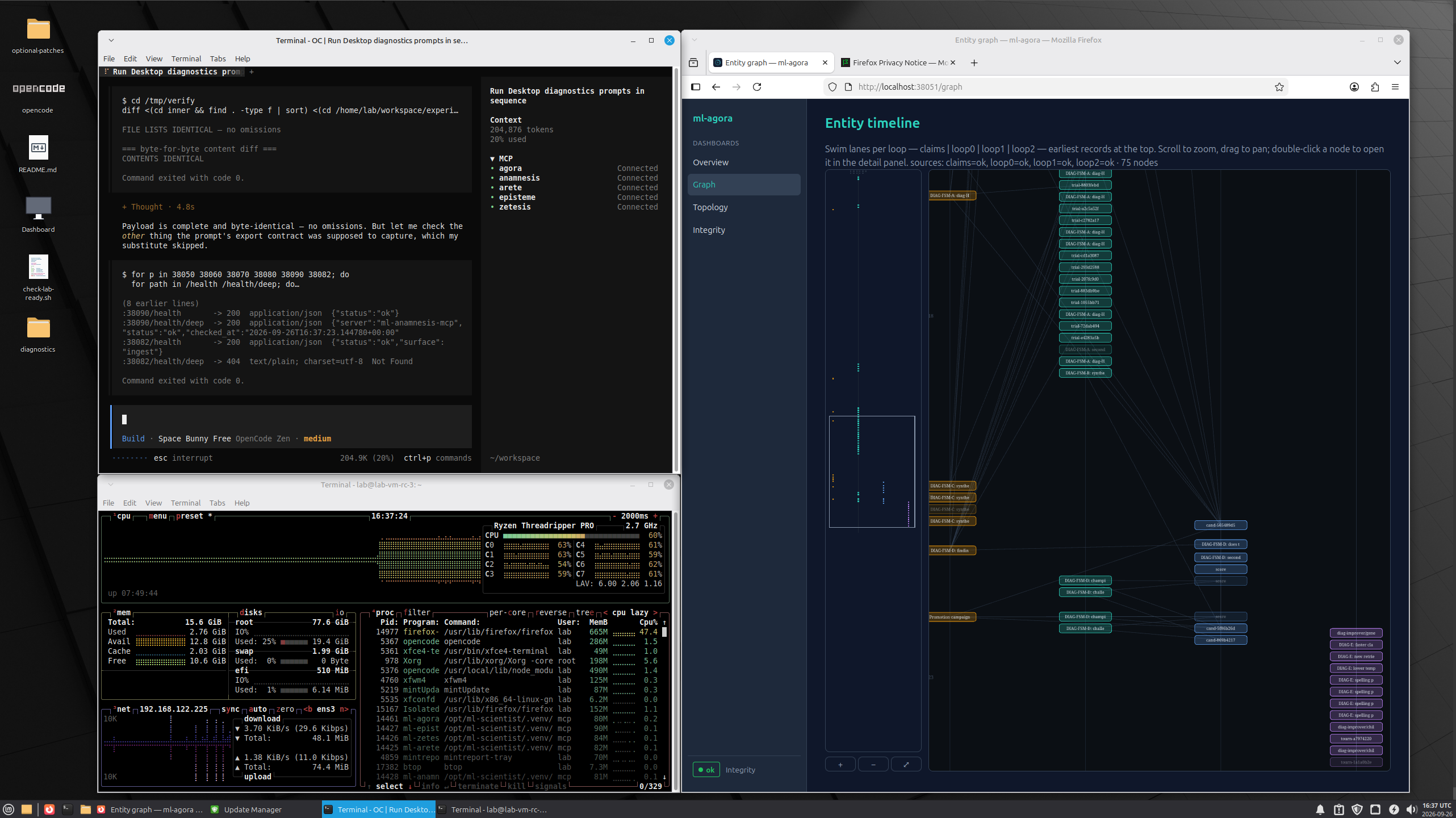
Two projects, side by side. Each folder is self-contained and usable
on its own.
ml-scientist/   the five ml-* MCP servers (agora, arete, zetesis,
                episteme, anamnesis) — run them anywhere, no VM needed
ml-labloop/     the KVM isolation harness — builds a per-user VM where
                those services run in a trusted zone, sealed off from
                a hostile experiment zone
ml-scientist (standalone)
No VM required. From ml-scientist/:
uv sync --frozen
./labloop start all        # or ./run-ml-episteme.sh for a single server
./labloop status
Ports are defined in ports.env (38050/38060/38070/38080/38090).
ml-labloop (the lab VM)
Requires KVM/libvirt on a Linux host. From ml-labloop/:
./00-build-lab-template.sh              # Mint ISO -> unattended build
./01-prepare-template-for-cloning.sh    # seal
./02-create-vm-from-template.sh <user>  # clone -> lab-vm-<user>
A locally built VM boots with login lab / password lab — change it
after first login.
create-lab-template finds the sibling ../ml-scientist checkout
automatically (override with ML_SCIENTIST=). See ml-labloop/README.md
for the full workflow including publishing VM images.
VM sizing lives in ml-labloop/labloop.conf: LABLOOP_VCPUS
(default 16) and LABLOOP_MEMORY_MIB (default 16384). Edit the
file or export the same variables before building. The vCPU count is
clamped at build time to 75% of the host's CPU cores —min(LABLOOP_VCPUS, host_cores*3/4) — so a lab can never be sized to
starve the host it runs on. Inside the guest, the hostile-zone
container is capped at ~5/8 of the guest's vCPUs and ~3/4 of its RAM,
so the desktop and MCP services keep headroom even under a hostile
CPU/memory storm.
Display is configured there too: LABLOOP_RES_X/LABLOOP_RES_Y
(default 2560×1440) and LABLOOP_REFRESH (default 75, any value
30–75 Hz including non-integer rates like 59.94). Rates the virtual
EDID doesn't offer natively are injected as a modeline at login —
lower rates are perfectly fine for a lab display.
Download a prebuilt image
Released VM images live in the public Hugging Face bucket:
https://huggingface.co/buckets/cloudcell/LabLoop
Download an image plus its checksum, verify it, then import it with
the script in ml-labloop/release-package/:
hf buckets cp hf://buckets/cloudcell/LabLoop/<image>.qcow2 .
hf buckets cp hf://buckets/cloudcell/LabLoop/<image>.qcow2.sha256 .
sha256sum -c <image>.qcow2.sha256
./import-lab-vm.sh <image>.qcow2 <vm-name>
Published images are sealed — unlike a local build, the lab/exp
passwords are locked and the import generates a one-time password for
first login. See ml-labloop/release-package/import-lab-vm.sh for
details.
Appendix A — operations manual
Beyond the build/clone pipeline (00/01/02), the numbered
scripts cover the day-to-day operations on a running lab VM. All
data movement is host-initiated over the qemu guest agent — no
SSH, no virtiofs, no guest→host sockets.
10-upload-template-to-hf.sh [template]
Seals a template for publication (locks lab/exp passwords,
sysprep, snapshot), flattens + compresses the qcow2, checksums it,
and uploads the pair to the private trials bucket
(hf://buckets/LabLoopCommunity/lab-trials). Asks before publishing.
11-release-template.sh [image] [--keep]
Promotes a qcow2 + .sha256 from the trials bucket to the public
release bucket (hf://buckets/cloudcell/LabLoop). Shows a numbered
menu when no name is given; verifies both objects landed before
removing them from the source (--keep copies instead of moving).
30-ensure-lab-tools.sh <vm>|all
Idempotent in-place upgrade for VMs built before a tooling change.
Pushes the current deploy/ payload into the guest — wrappers
(labloop-exec, labloop-export, labloop-build,labloop-update-opencode), sudoers, quadlets, opencode config,
readiness check, agent guides — and restarts quadlets only when
their definition changed. New templates bake all of this in; this
script is the upgrade path for clones that already exist.
80-ingest-lab-data.sh <vm> <src-path> [batch-name]
The sanctioned push channel. Lands a file or directory on the
guest at /srv/lab/incoming/<batch>-<UTC-ts>/, mounted read-only
into the hostile zone at /incoming. Batches are immutable —
re-ingesting creates a new timestamped batch, never overwrites.
Convention: stage inputs under ./incoming/ on the host first.
90-extract-lab-data.sh <vm> [dest-dir]
The sanctioned pull channel. Reads the manifest + tarball produced
in-guest by labloop-export (run sudo labloop-export --all, or a
path-scoped export, inside the VM first), verifies the tarball's
sha256 against the manifest, and lands<vm>-extraction-<UTC-ts>.tar.gz (mode 0600) plus its checksum in./extracted/. The tarball is never opened on the host — it is
untrusted, sensitive content; extract it deliberately yourself.
Inside the VM
| Command | Role |
|---|---|
labloop-exec <cmd> … |
Run code in the hostile zone (as exp, confined) |
labloop-export <path> / --all |
Stage lab artifacts into /var/lib/labloop-export/ for 90-* to pull (--all quiesces the lab; operator action) |
labloop-build |
Rebuild the hostile-zone image after editing its Containerfile |
sudo labloop-update-opencode <semver> |
Update opencode to a pinned version (password-gated) |
~/Desktop/check-lab-ready.sh |
Readiness + security battery; warns on drift, fails on real defects |
Appendix B — build provenance
Templates and tooling were developed and tested on:
| Component | Version |
|---|---|
| Host OS | Linux Mint 22.3 (Zena) |
| Host kernel | 6.14.0-37-generic |
| QEMU / qemu-img | 8.2.2 (Debian 1:8.2.2+ds-0ubuntu1.18) |
| libvirt / libvirtd | 10.0.0 (qemu:///system) |
| Guest OS | Linux Mint 22.3 Xfce (unattended ISO, selfbuild/mk-auto-iso.sh) |
| Guest container runtime | rootless Podman (quadlets) |
Appendix C — first boot and the warmup run
Starting the machine
virsh -c qemu:///system start lab-vm-<name> # or: virt-manager GUI
The desktop autologin opens with a password prompt (local clones:lab/lab → forced change at first login; published images: the OTP
the importer printed). MCP services and containers start themselves
via quadlets — nothing to launch by hand. The desktop carries
launchers for the dashboard (:38051), VSCodium and opencode, pluscheck-lab-ready.sh for a full readiness + security pass.
Why a warmup run
Every LLM driver has its own peculiarities — how it sequences tool
calls, whether it reaches for a shell before an MCP tool, which
assumptions it makes about paths and zones. The warmup exists to
surface those quirks on a small, safe problem before they can
contaminate real work — and to produce a reusable note about them.
GENESIS-RESEARCH-PROMPT.md is that warmup — it ships in~/workspace/, so the driver agent should discover and follow it on
its own: just prompt "do a warmup run". (Only if it doesn't pick
it up, paste the file contents directly — the file lives at~/GENESIS-RESEARCH-PROMPT.md.) It runs one complete scientific
cycle end-to-end — a smoke test of the entire apparatus, not just
connectivity — on an A/B question that finishes in minutes:
programme → falsifiable hypothesis → ≥2 recorded trials →
observations → belief update → tournament → verdict → claim →
staged artifacts.
Two outputs matter beyond the verdict:
- It proves every stage works — execution, recording, memory,
tournament — before you trust the lab with a real programme. - It ends by having the agent write
<name>-ONBOARDING.mdinto~/workspace/— agent-authored notes on how to drive this
system: the call order that mattered, what bit it, the gotchas.
Later sessions (of the same model or another) read it first, so
each model's quirks get learned once, not re-discovered per run.
If the model changes, run the warmup again — a new driver means new
peculiarities and a new note.
Guiding agents that drift away from the MCPs
The common failure mode: the agent falls back to writing files and
running python directly — iterating in a shell instead of
recording through the tools. Runs done that way are telemetry, not
science: nothing is registered, nothing is reproducible, nothing
moves a belief. Course corrections that work:
- Start every session with state rather than intent. Ask it to call
lab://status(or the server'sstatus_reportprompt) first.
An agent that has read the live state knows the tools exist; one
that hasn't improvises. - Name the two planes explicitly.
design_experiment→capture_bundle→run_trialis recorded evidence;labloop-execis for iteration and debugging only. If it wants a
quick syntax check,labloop-exec— if it wants a result that
counts, the episteme executor. - Point at the workspace
AGENTS.md. It links toAGENT-LAB-GUIDE.md— the zone map and the sanctioned lanes —
plus the agent's own*-ONBOARDING.mdif a previous run left one. - Cite the hard rules. "Never run experiment code as
lab" and
"code_refmust be staged under/exchangebeforecapture_bundle" resolve most drift — the agent usually wanders
because a path or permission surprised it, not because it prefers
the shell. - Re-anchor on the record. If it produces results outside the
tools, ask: "which trial id is that under?" — the absence of an id
is the cue that it left the loop.
Yorumlar (0)
Yorum birakmak icin giris yap.
Yorum birakSonuc bulunamadi