apexo-code
Health Gecti
- License — License: MIT
- Description — Repository has a description
- Active repo — Last push 0 days ago
- Community trust — 42 GitHub stars
Code Gecti
- Code scan — Scanned 12 files during light audit, no dangerous patterns found
Permissions Gecti
- Permissions — No dangerous permissions requested
Bu listing icin henuz AI raporu yok.
Apexo: An open-source, general-purpose coding agent for terminal (TUI), web, and desktop with autonomous goals, workflows, persistent memory, command sandboxing, and first-class support for Gemini, Grok, and OpenAI-compatible models.

An open-source, general-purpose coding agent for the terminal, the browser, and the desktop.
What is Apexo?
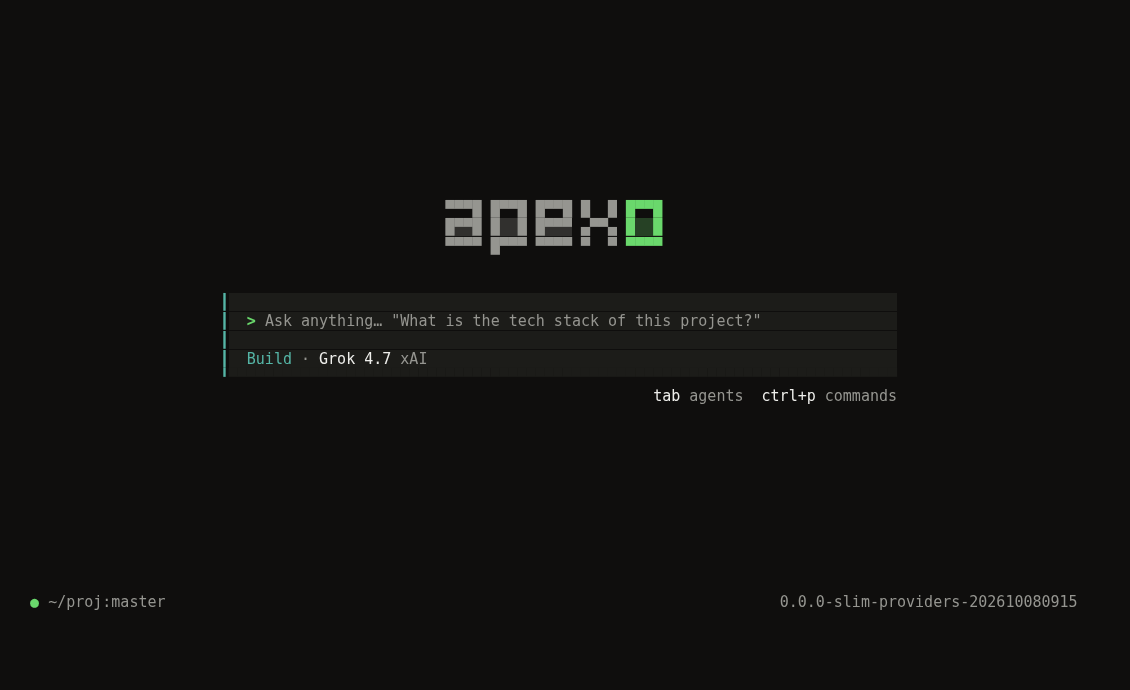
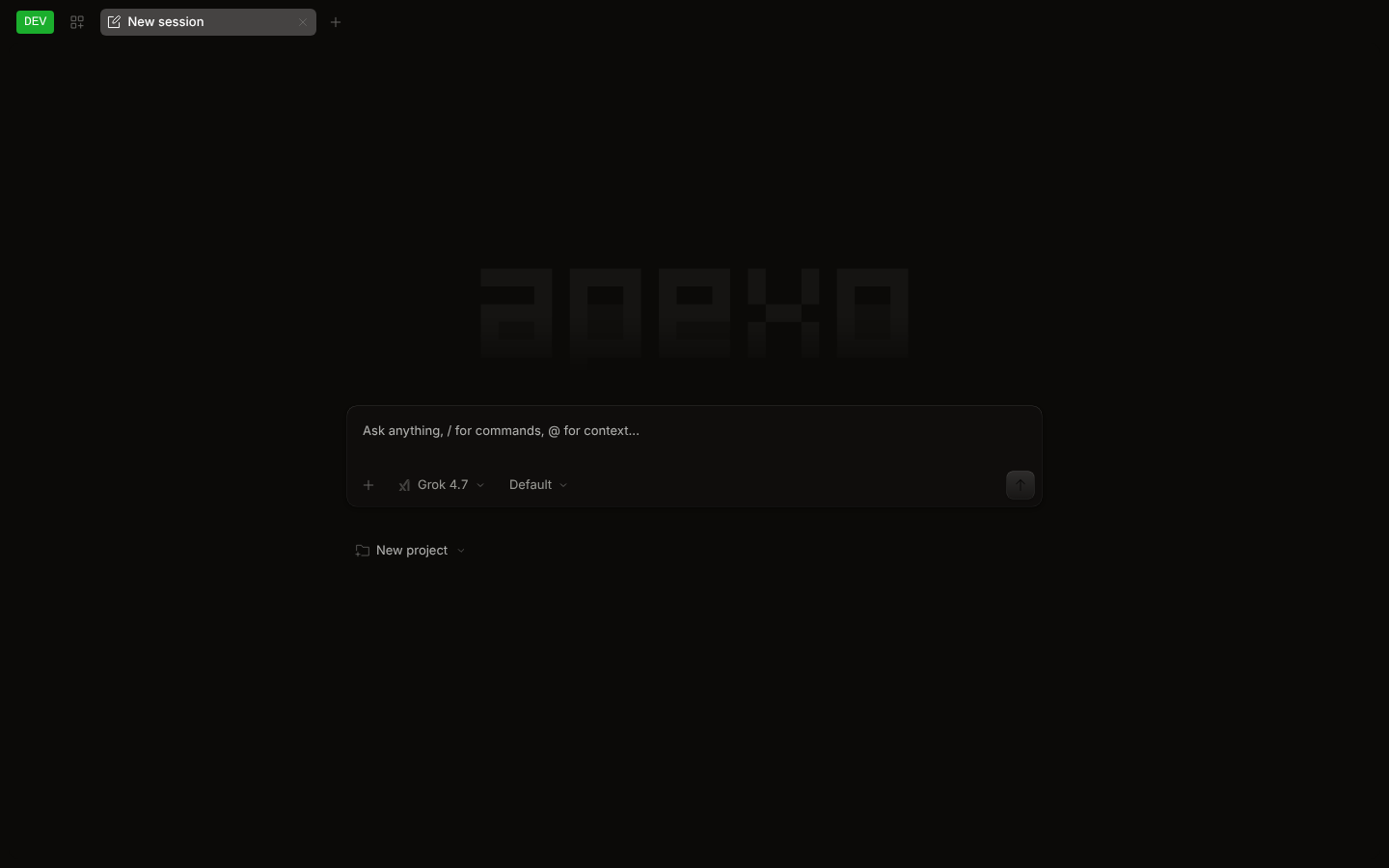
Apexo is a general-purpose coding agent with a unified terminal UI (TUI), web UI, and Electron desktop app powered by a single local agent runtime.
Rather than being tied to a single model vendor or acting as a thin wrapper, Apexo provides its own deeply engineered agent architecture — including a durable session runtime, autonomous goals (/goal), multi-session workflows (/workflow), background task & subagent orchestration (/tasks), persistent project memory (/memory), native command sandboxing (/sandbox), lifecycle hooks (/hooks), and side-channel queries (/btw) — while offering first-class support across major model ecosystems:
- Google Gemini & Antigravity first-class support. Reuse your local Antigravity CLI (
agy) Google login directly without re-authorizing, or connect viaGOOGLE_GENERATIVE_AI_API_KEY. Full support for Gemini models, thinking/reasoning summaries, multimodal attachments, and large-context coding workflows. See the Antigravity setup guide. - xAI Grok & Grok Build workflows. Sign in with your xAI account (SuperGrok or X Premium) using xAI's OAuth device-code flow, or use
XAI_API_KEY. All current Grok models (grok-4.7,grok-4.6,grok-4.20,grok-build-0.1) and Grok Build-style agent capabilities work natively. - Universal multi-provider & OpenAI-compatible runtime. Connect OpenAI, Anthropic (Claude), MiniMax, DeepSeek, Qwen, or any self-hosted endpoint (vLLM, Ollama, LM Studio) with automatic
<think>reasoning extraction, incremental streaming, and tool execution. - 100% local, no middleman subscription, no ads. There is no hosted model gateway, mandatory account console, telemetry relay, or upsell. Everything runs on your machine and communicates directly with the providers you configure.
- One server, three interfaces. Terminal UI, Web UI, and Desktop App share the same local server, live event stream, and durable session history.
- Grove theme: a warm-dark/green default theme across TUI, Web, and Desktop, alongside classic built-in and custom themes.
Authentication & OAuth Philosophy
Apexo supports local OAuth / native CLI login for Google Antigravity (agy) and xAI Grok, plus direct API-key and custom endpoint connections for all providers (Google Gemini, xAI, OpenAI, Anthropic, MiniMax, and any OpenAI-compatible service). Authentication is handled entirely on your machine; model requests go straight to the provider you choose.
Key Capabilities
- Autonomous Goals (
/goal): Define a target objective and verification criteria; the agent iterates until the goal is verified, paused, blocked, or out of budget. - Multi-Session Workflows (
/workflow): Run structured multi-step workflows in dedicated child sessions while keeping your main conversation responsive. - Background Tasks & Subagents (
/tasks): Manage background shell commands, scheduled recurring jobs (/loop), subagents, and coordinator sessions in one place. - Persistent Memory (
/memory,/remember,/flush,/dream): Review, curate, and consolidate durable project and user memory across sessions. - Command Sandbox (
/sandbox): Enforce OS-level sandboxing (seatbelton macOS,bubblewrapon Linux) for native shell commands (workspaceorread-onlyprofiles). - Lifecycle Hooks (
/hooks): Inspect and govern repository and user hooks with explicit per-repository trust controls. - Side Questions (
/btw): Ask a quick side question (even mid-prompt) in a modal without polluting or interrupting the active session turn.
Install
npm install -g apexo-code
apexo --version
The npm package installs a prebuilt CLI for macOS, Linux (glibc or musl), or Windows
on x64 and arm64. Desktop installers and standalone CLI archives are available from
GitHub Releases.
See the detailed installation guide for platform and CPU
selection, npm-free installation, Windows PowerShell commands, checksums, PATH,
Desktop installation, updates, and removal.
Build from source
To build Apexo from source, install Bun 1.4.4 (the repo pins [email protected]) and git.
git clone https://github.com/cluster1900/apexo-code.git apexo && cd apexo
bun install

# Build a single native binary for this machine (the web UI is embedded)
bun run --cwd packages/apexo build --single

# The binary lands in packages/apexo/dist/apexo-<os>-<arch>/bin/apexo
mkdir -p ~/.local/bin
install -m755 packages/apexo/dist/apexo-*/bin/apexo ~/.local/bin/apexo
install -m755 packages/apexo/dist/apexo-*/bin/apexo-workflow-script ~/.local/bin/apexo-workflow-script
export PATH="$HOME/.local/bin:$PATH"
apexo --version
Pushing a vX.Y.Z tag runs .github/workflows/release.yml, which builds and smoke-tests the CLI npm packages, packages Desktop for macOS, Linux, and Windows,
and attaches the archives to a GitHub Release.
See Releasing Apexo for publishing setup and the release checklist.
Once a release exists, the install script can fetch it instead (--version X.Y.Z pins a release):
curl -fsSL https://raw.githubusercontent.com/cluster1900/apexo-code/main/install | bash
To run from source without building:
bun dev            # same as: bun run --cwd packages/apexo src/index.ts
bun dev --help
Usage
apexo                           # start the terminal UI in the current directory
apexo auth login                # sign in to Google Antigravity, xAI Grok (OAuth), or configure an API key
apexo auth list                 # show configured credentials
apexo models                    # list available models across all configured providers
apexo run "explain this repo"   # one-shot, non-interactive CLI execution
apexo web                       # start the local server and open the web UI
apexo serve                     # headless local server (for desktop app, editors, scripts)
apexo acp                       # run Apexo as an Agent Client Protocol (ACP) server for editors like Zed
In the TUI and Desktop composer, /connect opens the provider dialog, /models switches models, /themes switches
themes, and ctrl+p (cmd+k / cmd+p on macOS) opens the command palette. Start a prompt with ! to run a shell command.
Providers
| Provider | How to connect | Environment variable |
|---|---|---|
| Google Gemini | API key (AI Studio / Vertex-compatible) | GOOGLE_GENERATIVE_AI_API_KEY |
| Antigravity (Google / Gemini) | Select Antigravity; reuse local agy login or complete agy's Google sign-in once |
— |
| xAI Grok | apexo auth login -> xAI -> SuperGrok Subscription (device-code OAuth), or an API key |
XAI_API_KEY |
| OpenAI | API key | OPENAI_API_KEY |
| Anthropic (Claude) | API key | ANTHROPIC_API_KEY |
| Custom / OpenAI-Compatible | Configure baseURL + apiKey in apexo.jsonc (MiniMax, DeepSeek, Ollama, vLLM, etc.) |
Custom {env:...} |
Desktop app
The Electron desktop app lives in packages/desktop:
bun run --cwd packages/desktop dev        # development build
bun run --cwd packages/desktop build      # production bundle (packaging uses electron-builder)
The desktop app has no auto-updater; rebuild it (or install a newer release) to update.
Configuration
Apexo reads JSON/JSONC config files:
| What | Location |
|---|---|
| Global config | ~/.config/apexo/apexo.jsonc (apexo.json also works) |
| Data / state / cache | ~/.local/share/apexo, ~/.local/state/apexo, ~/.cache/apexo |
| Project config | apexo.json / apexo.jsonc in the project (searched up to the git root) |
| Project directory | .apexo/ (agents, commands, plugins, themes, tools) |
| Environment variables | APEXO_* (for example APEXO_CONFIG, APEXO_CONFIG_CONTENT) |
Example apexo.json:
{
  "$schema": "https://raw.githubusercontent.com/cluster1900/apexo-code/main/schemas/config.json",
  "model": "google/gemini-2.5-pro",
  "theme": "grove",
}
Custom OpenAI-Compatible Providers
You can configure any self-hosted or third-party OpenAI-compatible endpoint (such as MiniMax, DeepSeek, Qwen, vLLM, Ollama, or LM Studio) in ~/.config/apexo/apexo.jsonc or your project's apexo.jsonc:
{
  "$schema": "https://raw.githubusercontent.com/cluster1900/apexo-code/main/schemas/config.json",
  "model": "custom/MiniMax-M2.7",
  "provider": {
    "custom": {
      "npm": "@ai-sdk/openai-compatible",
      "name": "Custom OpenAI-Compatible",
      "options": {
        "baseURL": "https://api.minimax.cn/v1",
        "apiKey": "{env:CUSTOM_API_KEY}",
      },
      "models": {
        "MiniMax-M2.7": {
          "name": "MiniMax M2.7",
        },
      },
    },
  },
}
Verify that your custom provider and models are registered by running apexo models.
JSON schemas for editor completion live in schemas/: config.json (apexo.json),tui.json, theme.json (TUI themes), and desktop-theme.json (app themes). Regenerate them withbun script/schemas.ts.
Themes
- TUI:
groveis the default. Switch with/themes, or set"theme"intui.json
(~/.config/apexo/tui.json). Custom themes go in.apexo/themes/*.jsonor~/.config/apexo/themes/. - Web and desktop app: Grove is the default in Settings -> Appearance. The classic theme is
also available.
Development
bun install
bun turbo typecheck --concurrency=2
(cd packages/core && bun test)
(cd packages/apexo && bun test)
(cd packages/tui && bun test)
Workspace packages use the @apexo/* scope; the CLI and server live inpackages/apexo.
Feedback
Report bugs and ideas at github.com/cluster1900/apexo-code/issues.
License
MIT. See LICENSE.
Yorumlar (0)
Yorum birakmak icin giris yap.
Yorum birakSonuc bulunamadi