web-components
Health Uyari
- License — License: MIT
- Description — Repository has a description
- Active repo — Last push 0 days ago
- Low visibility — Only 5 GitHub stars
Code Gecti
- Code scan — Scanned 12 files during light audit, no dangerous patterns found
Permissions Gecti
- Permissions — No dangerous permissions requested
Bu listing icin henuz AI raporu yok.
Lit web components for any framework, themed with CSS variables, with an MCP server and agent skill so AI coding agents use the exact APIs.
c2n/web-components




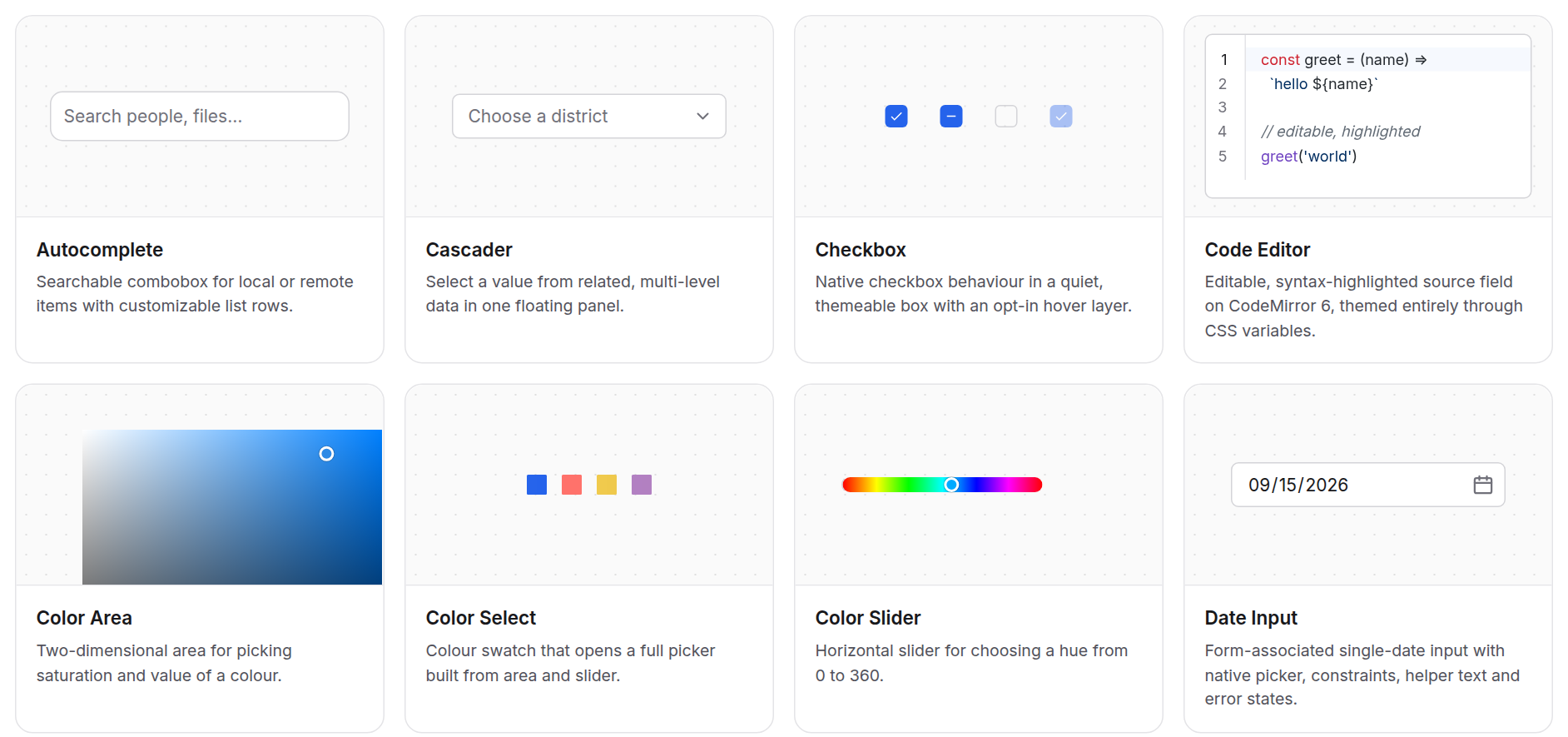
Every building block your AI needs to ship a web app. 100+ components and 700+ ready-made variants, built with AI and for AI. Your coding agent reads the exact API of every element over MCP and composes it into real apps, in plain HTML, React, Vue, Angular, Astro or anything that speaks the DOM.
Docs & live demos · Components · Examples · Theming
Highlights
- Built for AI agents: an MCP server (
@c2n/mcp) and a Claude Code / Codex / Copilot skill (@c2n/skill) hand your agent exact APIs, examples and themes, so it builds instead of guessing. - 100+ components, 700+ variants: inputs, tables, charts, maps, overlays, navigation, chat, dashboards, plus icon sets and illustrations.
- One package, ship only what you use:
npm install @c2n/components, import@c2n/components/table; bundlers drop the rest. - Themed with CSS variables: ~35
--c2-theme--*tokens restyle the whole app, light and dark built in. - Any framework: generated React/Vue types, an Angular forms adapter, SSR-safe elements.
Quick start
npm install @c2n/components
import '@c2n/components/theme.css'
import '@c2n/components/button'
import '@c2n/components/text-field'
<form class="newsletter">
  <c2-text-field placeholder="Your email"></c2-text-field>
  <c2-button type="submit">Subscribe</c2-button>
</form>
Make it yours by setting a few tokens, or style one component through its own variables:
:root {
  --c2-theme--color-primary: #7c3aed;
  --c2-theme--radius-md: 10px;
}

.newsletter c2-button {
  --c2-button__container--height: 44px;
}
React, Vue and Angular setup: Frameworks guide.
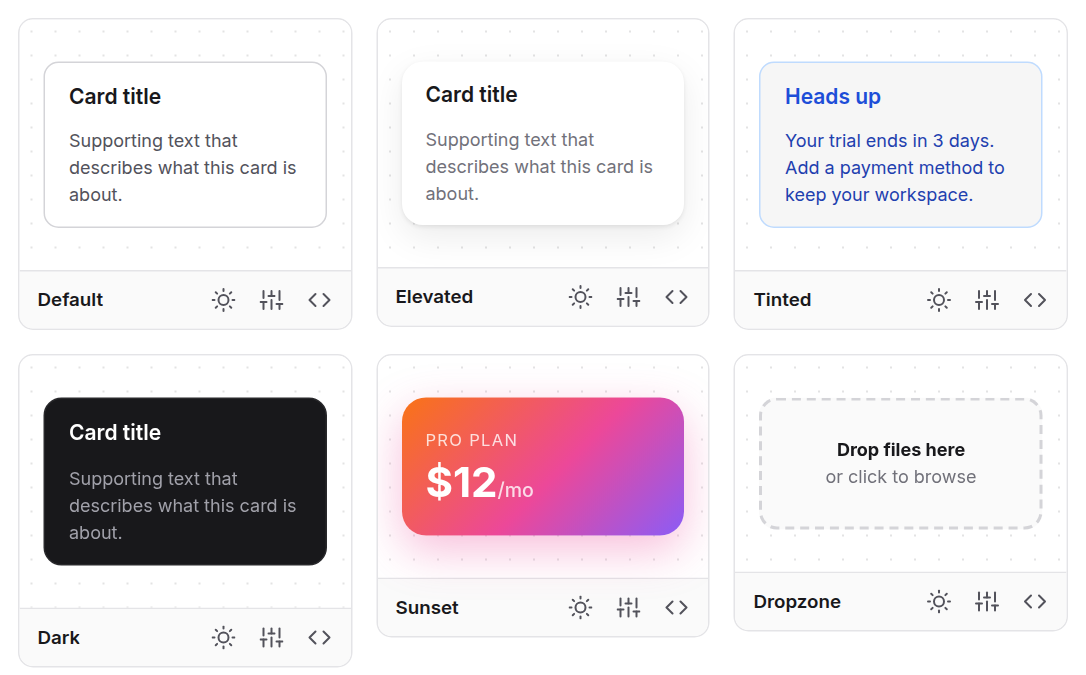
A gallery for every component
Each component ships styled variants you can copy, or open in the live studio to tweak and export.
Real apps
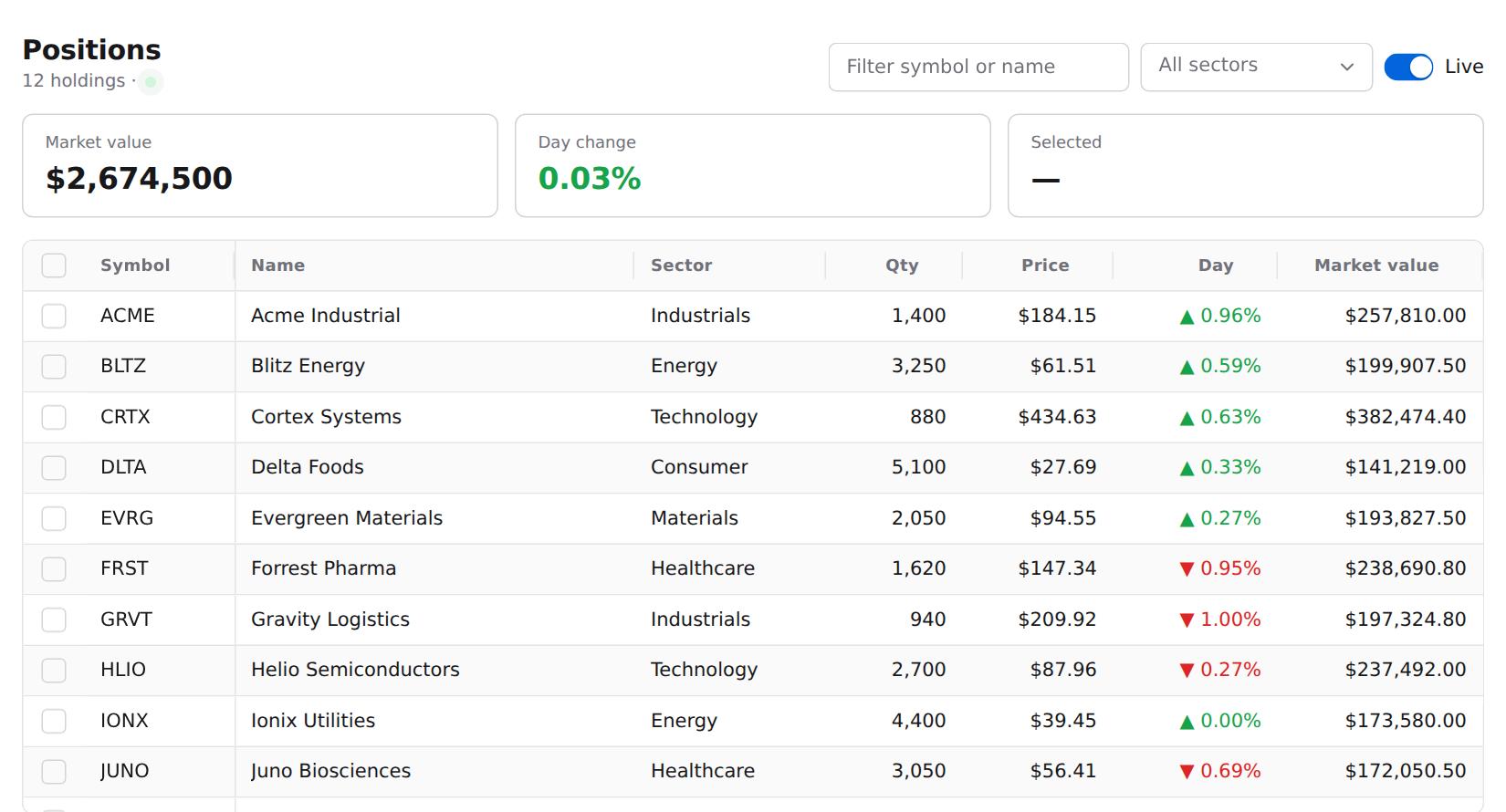
Complete example apps in React, Vue, Angular, Next.js and plain HTML live in apps/examples.
Use with AI agents
claude mcp add --transport stdio c2n -- npx -y @c2n/mcp
Or install the Claude Code plugin: /plugin marketplace add code2nguyen/web-components then /plugin install c2n@c2n.
Contributing
npm install
npm run ui                                    # build everything, start the docs site
npm run dev -w packages/components/button     # work on one component
npm test                                      # browser tests for changed components
npm run generate                              # scaffold a new component
More in tests/README.md and CLAUDE.md.
License
Yorumlar (0)
Yorum birakmak icin giris yap.
Yorum birakSonuc bulunamadi