mercury-agent
Health Gecti
- License — License: MIT
- Description — Repository has a description
- Active repo — Last push 0 days ago
- Community trust — 14 GitHub stars
Code Gecti
- Code scan — Scanned 12 files during light audit, no dangerous patterns found
Permissions Gecti
- Permissions — No dangerous permissions requested
This is a soul-driven AI agent framework designed to run continuously via a CLI or Telegram. It interacts with the local filesystem, executes shell commands, and connects to external APIs to provide automated, extensible task management.
Security Assessment
Overall risk: Medium. The agent has extensive system access, featuring 21 built-in tools that allow it to execute shell commands, read and write local files, and make web requests. While this poses an inherent security risk, the tool implements strong safety guardrails. It utilizes a permission-hardened architecture where it explicitly asks for user approval before taking action and maintains a shell command blocklist (preventing dangerous commands like `sudo` or forced deletions). The automated code scan passed cleanly across 12 files, finding no hardcoded secrets or dangerous malicious patterns. No excessive or inherently dangerous permissions are requested at the package level.
Quality Assessment
The project is actively maintained, with its most recent code push occurring just today. It uses the highly permissive and standard MIT license. Community trust is currently in its early stages, represented by a modest count of 14 GitHub stars. The repository includes a well-documented README with clear setup instructions and transparent explanations of its capabilities.
Verdict
Use with caution. While the automated security scan is completely clean and the tool features excellent built-in permission guardrails, users should be aware that any AI agent capable of executing shell commands and modifying files always carries a baseline level of operational risk.
Soul-driven AI agent with permission-hardened tools, token budgets, and multi-channel access. Runs 24/7 from CLI or Telegram.
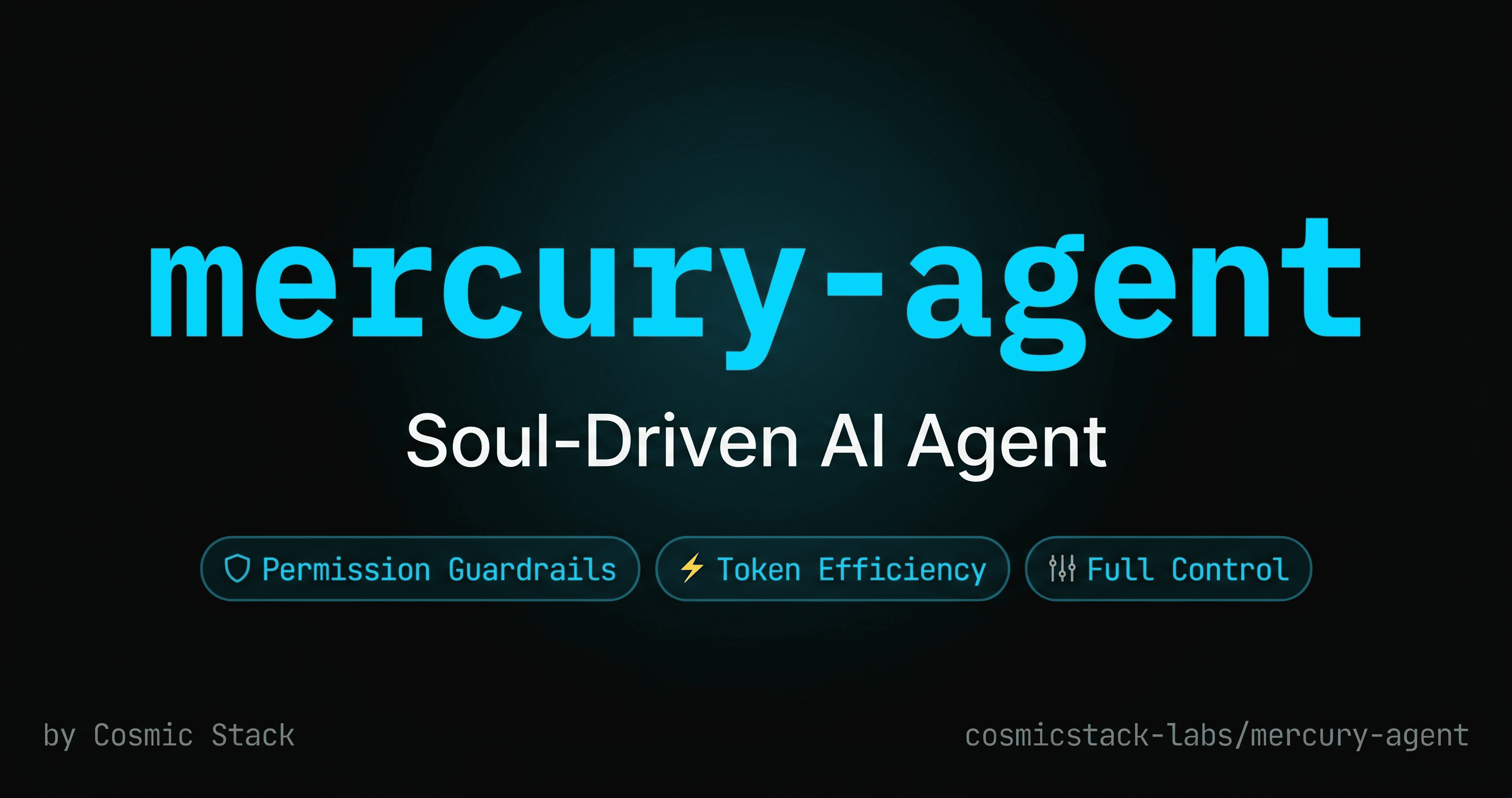
Soul-driven AI agent with permission-hardened tools, token budgets, and multi-channel access.
Runs 24/7 from CLI or Telegram. 21 built-in tools. Extensible skills. Asks before it acts.



Quick Start
npx @cosmicstack/mercury-agent
Or install globally:
npm i -g @cosmicstack/mercury-agent
mercury
First run triggers the setup wizard — enter your name, an API key, and optionally a Telegram bot token. Takes 30 seconds.
Why Mercury?
Every AI agent can read files, run commands, and fetch URLs. Most do it silently. Mercury asks first.
- Permission-hardened — Shell blocklist (
sudo,rm -rf /, etc. never execute). Folder-level read/write scoping. Pending approval flow. Skill elevation with granularallowed-tools. No surprises. - Soul-driven — Personality defined by markdown files you own (
soul.md,persona.md,taste.md,heartbeat.md). No corporate wrapper. - Token-aware — Daily budget enforcement. Auto-concise when over 70%.
/budgetcommand to check, reset, or override. - Multi-channel — CLI with real-time streaming. Telegram with HTML formatting, file uploads, and typing indicators.
- Always on — Cron scheduling, delayed reminders, heartbeat monitoring, and proactive notifications.
- Extensible — Install community skills with a single command. Schedule skills as recurring tasks. Based on the Agent Skills specification.
Built-in Tools
| Category | Tools |
|---|---|
| Filesystem | read_file, write_file, create_file, edit_file, list_dir, delete_file, send_file |
| Shell | run_command, approve_command |
| Git | git_status, git_diff, git_log, git_add, git_commit, git_push |
| Web | fetch_url |
| Skills | install_skill, list_skills, use_skill |
| Scheduler | schedule_task, list_scheduled_tasks, cancel_scheduled_task |
| System | budget_status |
Channels
| Channel | Features |
|---|---|
| CLI | Readline prompt, real-time text streaming, markdown rendering, file display |
| Telegram | HTML formatting, file uploads (photos, audio, video, documents), typing indicators, /budget commands |
Scheduler
- Recurring:
schedule_taskwith cron expressions (0 9 * * *for daily at 9am) - One-shot:
schedule_taskwithdelay_seconds(e.g. 15 seconds) - Tasks persist to
~/.mercury/schedules.yamland restore on restart - Responses route back to the channel where the task was created
Configuration
All runtime data lives in ~/.mercury/ — not in your project directory.
| Path | Purpose |
|---|---|
~/.mercury/mercury.yaml |
Main config (providers, channels, budget) |
~/.mercury/soul/*.md |
Agent personality (soul, persona, taste, heartbeat) |
~/.mercury/permissions.yaml |
Capabilities and approval rules |
~/.mercury/skills/ |
Installed skills |
~/.mercury/schedules.yaml |
Scheduled tasks |
~/.mercury/token-usage.json |
Daily token usage tracking |
~/.mercury/memory/ |
Short-term, long-term, episodic memory |
Provider Fallback
Configure multiple LLM providers. Mercury tries them in order and falls back automatically:
- DeepSeek — default, cost-effective
- OpenAI — GPT-4o-mini and others
- Anthropic — Claude and others
Architecture
- TypeScript + Node.js 20+ — ESM, tsup build, zero native dependencies
- Vercel AI SDK v4 —
generateText+streamText, 10-step agentic loop, provider fallback - grammY — Telegram bot with typing indicators and file uploads
- Flat-file persistence — No database. YAML + JSON in
~/.mercury/
License
MIT © Cosmic Stack
Yorumlar (0)
Yorum birakmak icin giris yap.
Yorum birakSonuc bulunamadi