cinematic-3d-video
Health Uyari
- License — License: MIT
- Description — Repository has a description
- Active repo — Last push 0 days ago
- Low visibility — Only 5 GitHub stars
Code Basarisiz
- exec() — Shell command execution in scripts/render.mjs
- spawnSync — Synchronous process spawning in scripts/render.mjs
- fs.rmSync — Destructive file system operation in scripts/render.mjs
- os.homedir — User home directory access in scripts/render.mjs
- process.env — Environment variable access in scripts/render.mjs
- exec() — Shell command execution in scripts/selftest.mjs
- spawnSync — Synchronous process spawning in scripts/selftest.mjs
- fs.rmSync — Destructive file system operation in scripts/selftest.mjs
- process.env — Environment variable access in scripts/selftest.mjs
- network request — Outbound network request in scripts/selftest.mjs
Permissions Gecti
- Permissions — No dangerous permissions requested
Bu listing icin henuz AI raporu yok.
Claude skill for making 3D-animation-style videos with Three.js, headless Chrome and ffmpeg
cinematic-3d-video
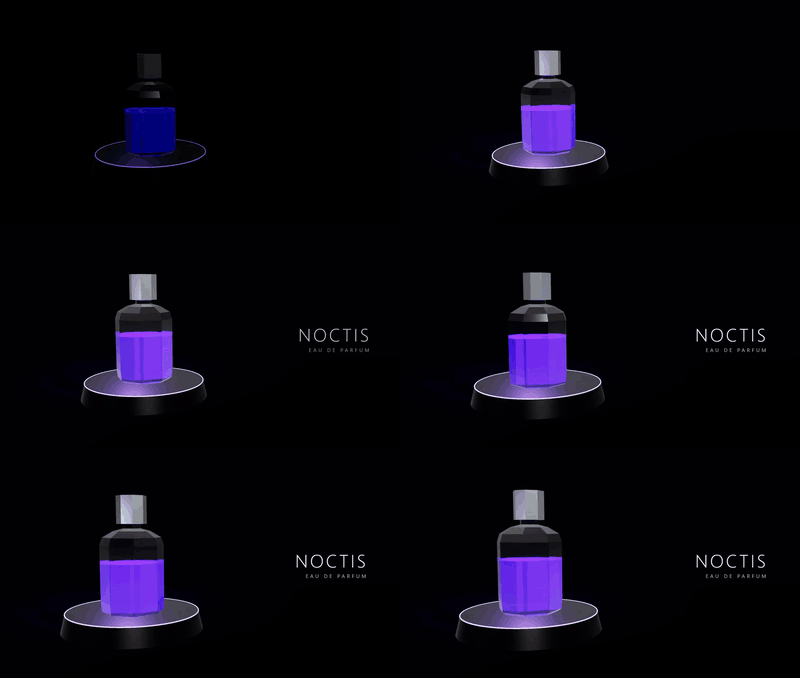
| Logo and title reveal | Product turntable | Camera fly-through |
|---|---|---|
 |
 |
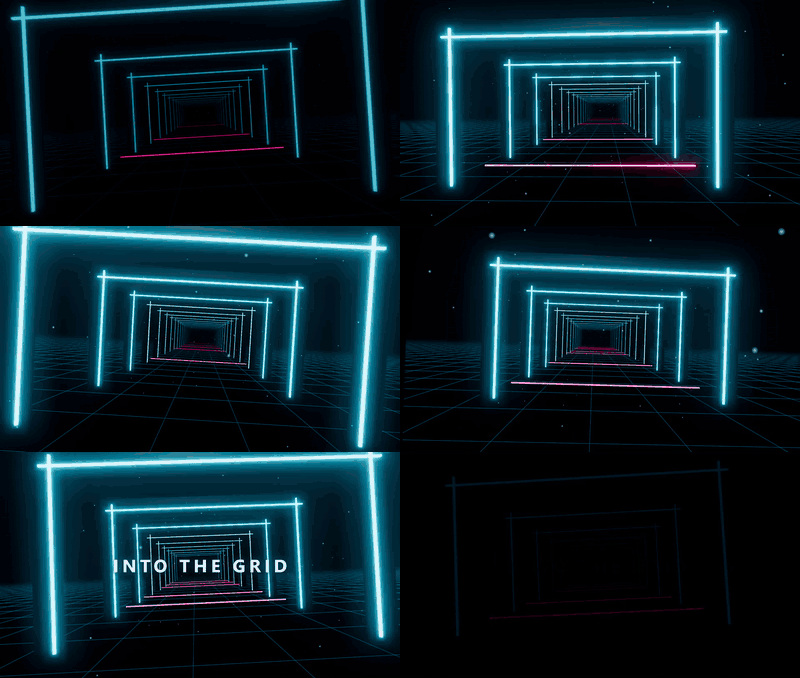 |
Rendered with this skill (examples/, 5 s each at 960x540 with --scale 2), shown here as small GIFs.
A Claude skill that teaches Claude to make 3D-animation-style videos (logo and title
reveals, product showcases, abstract motion graphics, camera fly-throughs) by writing a Three.js scene as code,
rendering it frame by frame in headless Chrome and encoding it with ffmpeg. A headless Blender path is included for
photoreal work.
Türkçe açıklama: README.tr.md
scene.html (Three.js) --window.seek(t)--> scripts/render.mjs --> headless Chrome --> ffmpeg --> video.mp4
The renderer steps a virtual clock rather than recording in real time, so output is deterministic and heavy scenes
never stutter. It has no npm dependencies: Node 22+, ffmpeg and Chrome/Edge are all it needs.
Install
Claude Code (skills live in a folder):
# macOS / Linux
git clone https://github.com/cumalibilgic/cinematic-3d-video ~/.claude/skills/cinematic-3d-video
# Windows (PowerShell)
git clone https://github.com/cumalibilgic/cinematic-3d-video "$env:USERPROFILE\.claude\skills\cinematic-3d-video"
Claude.ai / desktop app: zip the cinematic-3d-video folder (the zip must contain that folder with SKILL.md
inside) and upload it under Settings, Capabilities, Skills. The skill needs a session that can run Node, ffmpeg and
Chrome, so it works best in Claude Code or a desktop session with code execution.
Requirements
| Tool | Version | Windows | macOS |
|---|---|---|---|
| Node.js | 22+ | winget install OpenJS.NodeJS.LTS |
brew install node |
| ffmpeg | any recent | winget install Gyan.FFmpeg |
brew install ffmpeg |
| Chrome or Edge | any recent | Edge ships with Windows; Chrome from google.com/chrome | brew install --cask google-chrome |
| Blender (optional) | 4.x or 5.x | winget install BlenderFoundation.Blender |
blender.org |
A GPU is not required but makes rendering much faster. The log prints which WebGL renderer was used.
Three.js r170 is vendored in templates/starter/vendor/three, so the starter and the examples render without
internet. Anything else a scene downloads from another site (fonts, models, extra addons from a CDN) is cached in~/.cache/cinematic-3d-video on the first render, so later renders work offline. --no-cache turns this off.
Quick start
# 1. check that the required local tools are available
node scripts/render.mjs --doctor

# 2. prove WebGL and encoding work (2 seconds of video)
node scripts/render.mjs templates/smoke-test.html --out smoke.mp4 --duration 2 --width 640 --height 360

# 3. copy the starter scene and look at a few frames
cp -r templates/starter my-video
node scripts/render.mjs my-video/index.html --stills 0,3,5.6,7.5 --out my-video/stills

# 4. render the full video (2x supersampling for smooth edges)
node scripts/render.mjs my-video/index.html --out my-video/video.mp4 --scale 2

# live preview in a browser tab (real-time loop)
node scripts/render.mjs my-video/index.html --serve
More options (all in node scripts/render.mjs --help):
# check the scene contract (WebGL, __ready, seek, no page errors or failed loads) without rendering anything
node scripts/render.mjs my-video/index.html --check

# size presets: 720p, 1080p (default), 4k, vertical / reels / shorts (1080x1920), square, or WxH;
# --width/--height still override it
node scripts/render.mjs my-video/index.html --out reel.mp4 --size vertical

# all stills in one image, to review a scene with a single look
node scripts/render.mjs my-video/index.html --stills 0,2,4,6 --sheet --out my-video/stills

# cinematic motion blur: 8 sub-frames per frame, shutter open for half a frame
node scripts/render.mjs my-video/index.html --out video.mp4 --blur 8 --shutter 0.5

# use every core: 4 Chrome instances render different parts of the video, then they are joined
node scripts/render.mjs my-video/index.html --out video.mp4 --workers 4

# transparent background (WebM VP9, or .mov for ProRes 4444): for overlays and logo stings
node scripts/render.mjs my-video/index.html --out logo.webm --alpha --query alpha

# soundtrack: muxed in, and its loudness (rms/low/mid/high) is available to the scene as audio(t)
node scripts/render.mjs my-video/index.html --out video.mp4 --audio track.mp3
Or just ask Claude: "Make a 10-second cinematic 3D intro for 'AURORA' with glowing rings and a slow camera orbit,
vertical 1080x1920." The skill takes it from there.
Testing
node scripts/selftest.mjs # about 2 minutes; needs Node, ffmpeg and Chrome, no network
It renders real videos and checks frame counts, motion blur, parallel workers, the transparent WebM, audio
muxing and the analysed loudness, the contact sheet, the offline cache and the error paths. GitHub Actions runs it
on every push and also renders the starter scene, attaching its stills to the run so you can see the look.
To contribute, see CONTRIBUTING.md.
What is in the box
SKILL.md                    instructions Claude follows (workflow, scene rules, when to use Blender)
scripts/render.mjs          deterministic renderer: Chrome DevTools + ffmpeg, no dependencies
scripts/selftest.mjs        end-to-end tests (node scripts/selftest.mjs)
templates/smoke-test.html   dependency-free WebGL scene that checks the toolchain
templates/starter/          Three.js starter: glossy hero, rings, particles, bloom, camera path, HTML title
                            (vendor/three holds Three.js r170, so it renders offline)
templates/blender/          headless Blender template (Cycles, GPU if available)
references/                 page contract, cinematography guide, troubleshooting, Blender notes
examples/                   the three scenes shown at the top (each with its preview.gif), plus audio-reactive,
                            which pulses with the --audio track (and still animates without one)
The examples share the starter's lib/, so render them from the repository root with --root .:
node scripts/render.mjs examples/title-reveal/index.html --root . --out title.mp4
node scripts/render.mjs examples/audio-reactive/index.html --root . --audio track.mp3 --out pulse.mp4
The page contract in one paragraph
Any web page that defines window.seek(t) (draw the frame for time t in seconds, synchronously),window.__duration and sets window.__ready = true can be rendered, whether it uses Three.js, plain WebGL, Canvas,
SVG or a GSAP timeline. Everything animated must be a pure function of t. See references/contract.md.
Status and limitations
The render pipeline and the animation helpers are covered by
scripts/selftest.mjs(run in CI).The Three.js starter scene's look (exposure, bloom, materials, camera path, title legibility) was tuned by eye on
real renders (Chrome 158, NVIDIA GPU through ANGLE/D3D11). Other GPUs or software WebGL can differ slightly, so look
at a few stills first.Motion blur multiplies render time by the
--blurvalue (use it for the final render only); blur is averaged in
gamma space, which is fine for typical motion.--alphamakes the page background transparent; the scene must render without an opaque background too. The
starter does this with--query alpha(orcreateStage({ alpha: true })): no background, floor or fog, and no
bloom, because the bloom pass would make the background opaque again. The self-test checks a transparent corner and
an opaque hero on the starter, and the same for a plain WebGL page (the smoke test with?alpha).The viewport must be at least 160 px tall; shorter ones make headless Chrome hang, so the renderer refuses them.
The Blender template runs on Blender 5.3 (Cycles through OptiX on an NVIDIA GPU, about 4-5 s per 800x450 frame at
24 samples); below is its unchanged output. It is written for 4.x too, but has not been run there, and the CPU
fallback has not been exercised; render--frames 2first on a new machine.
License
MIT, see LICENSE.
Yorumlar (0)
Yorum birakmak icin giris yap.
Yorum birakSonuc bulunamadi